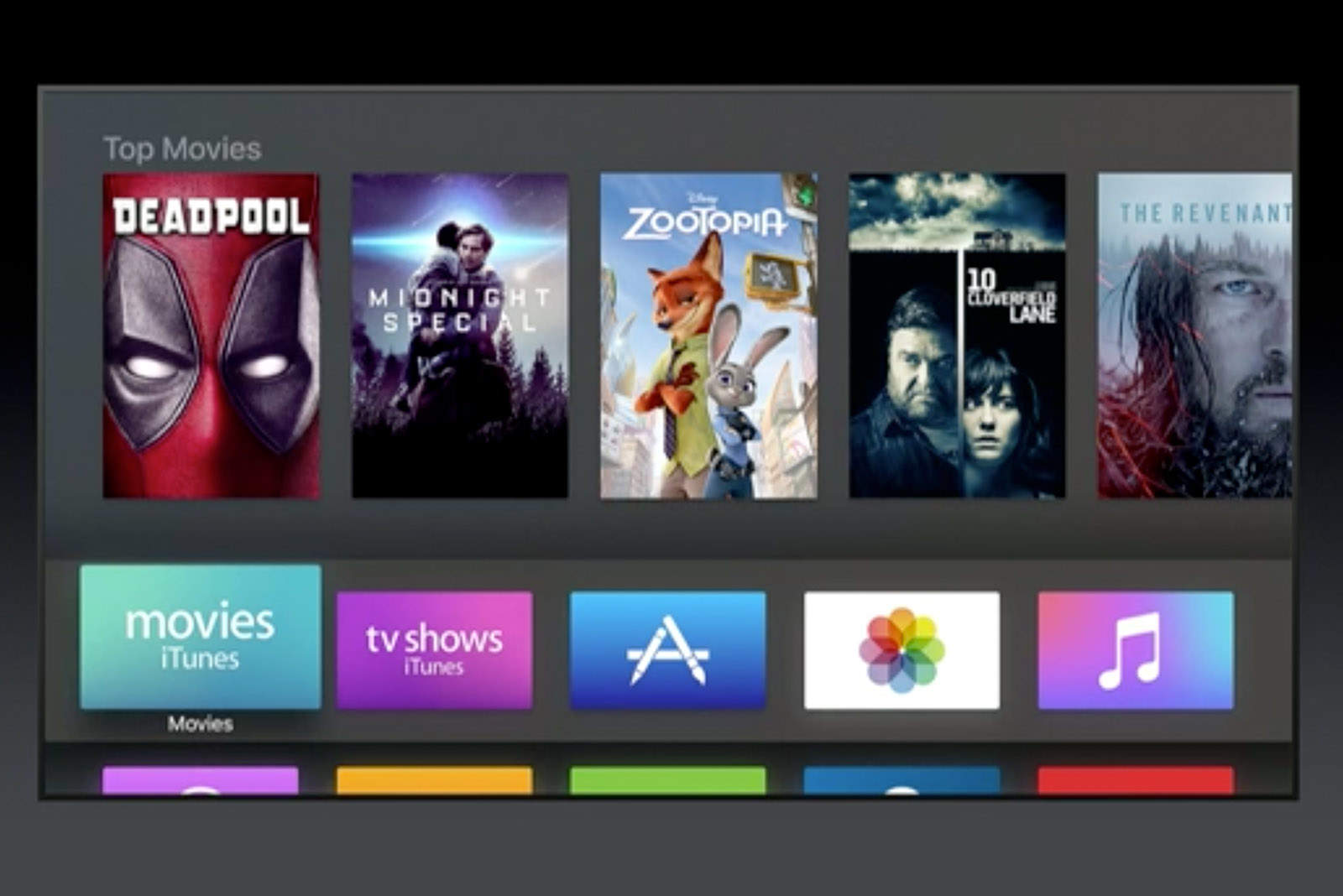
Installing the latest tvOS betas on Apple TV is usually a pain in the ass, even when you’re not using shady channels to get developer access.
Getting the betas often requires unplugging it from your TV and connecting it via USB to a Mac, but with tvOS 10 there’s finally a way to install using an iPhone.
The process isn’t that difficult thanks to iDownloadblog which discovered all the steps. It just requires hopping between apps on iPhone and Apple TV and a bit of copy and pasting thanks. We tested it out on our Apple TV here at Cult of Mac HQ and it is shockingly easy.
Here’s how to do it:
What you’ll need:: Apple Developer access, Dropbox for iOS and the Remote app.
1 – Download the tvOS 10 beta Configuration Profile from Apple’s developer website and save it to DropBox.
2 – On the Apple TV, go to Settings >> General >> Privacy. Then press the Play button on Siri.
3 – Click Add Profile >> OK
4 – Delete the URL displayed
5 – On your iPhone, open DropBox and open the folder with the Configuration Profile
6 – Tap down button next to the Configuration Profile, tap Send Link, then tap Copy Link in the Share Sheet
7 – Launch the Remote app on iPhone and connect to the Apple TV
8 – Tap the Keyboard button then paste the URL from Step 6
9 – Replace the 0 at the end of the URL with a 1 then press the return key
10 – Apple TV will request restart to complete the installation. Once it reboots Go to Settings >> System >> Software Update. The tvOS 10 beta should now be available to install.
As long as you follow all the steps you shouldn’t have any problems. If you’d prefer a visual walk through, there’s also a video detailing the process.
Source: iDownloadblog

Buster Hein is a freelance writer who lives in Phoenix, Arizona. Twitter: @bst3r.


4 responses to “How to install tvOS 10 beta without plugging into a Mac”
Could you please clarify what you mean by: “Press the play button on SirI”? I’m a little confused.
The play/pause button on the Siri remote he meant.
By the way, any way to revert to the original firmware?
I am earning close to 6000-8000 bucks /a month from freelancing at home. Anyone looking to work simple online work for 2-5 h every day from your home and get decent paycheck for doing it… Then this opportunity is for you… FAVE.CO/20SSeWe
fdgwqw
Step 2 is incomplete on two points. It should read:
Step 2: On the Apple TV, go to Settings → General → Privacy and highlight “Send to Apple” . Then press play on the Siri Remote.