
When iOS 10 lands on your iPhone this fall, Messages is going to feel it. Apple is introducing a long list of awesome new features that are going to make the most-used app on iOS even better. Here’s everything you have to look forward to.
Bubbles!

Photo: Apple
Message bubbles aren’t boring anymore. You can change how they appear when you want to say something loudly, or whisper it quietly.
Handwriting
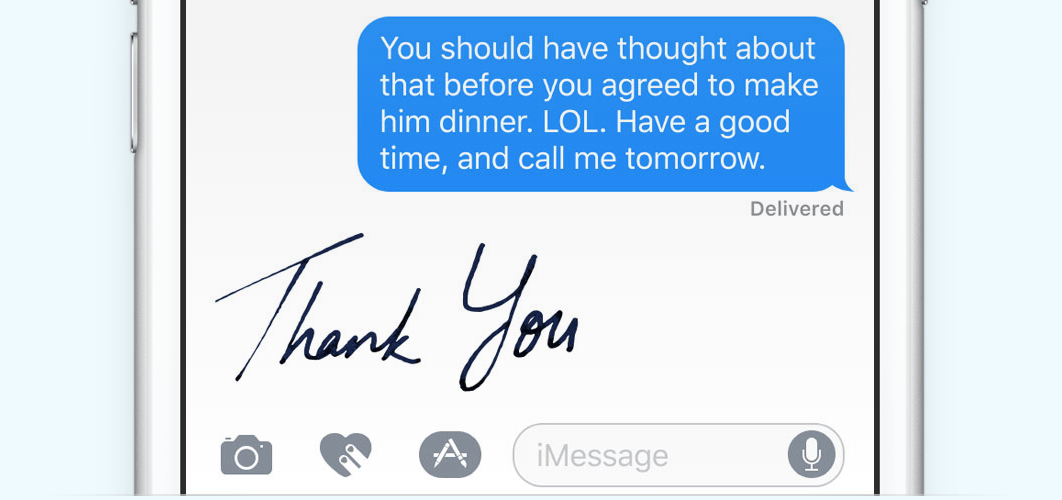
Photo: Apple
For a more personal touch, you can send handwritten messages in beautiful ink.
Celebrations
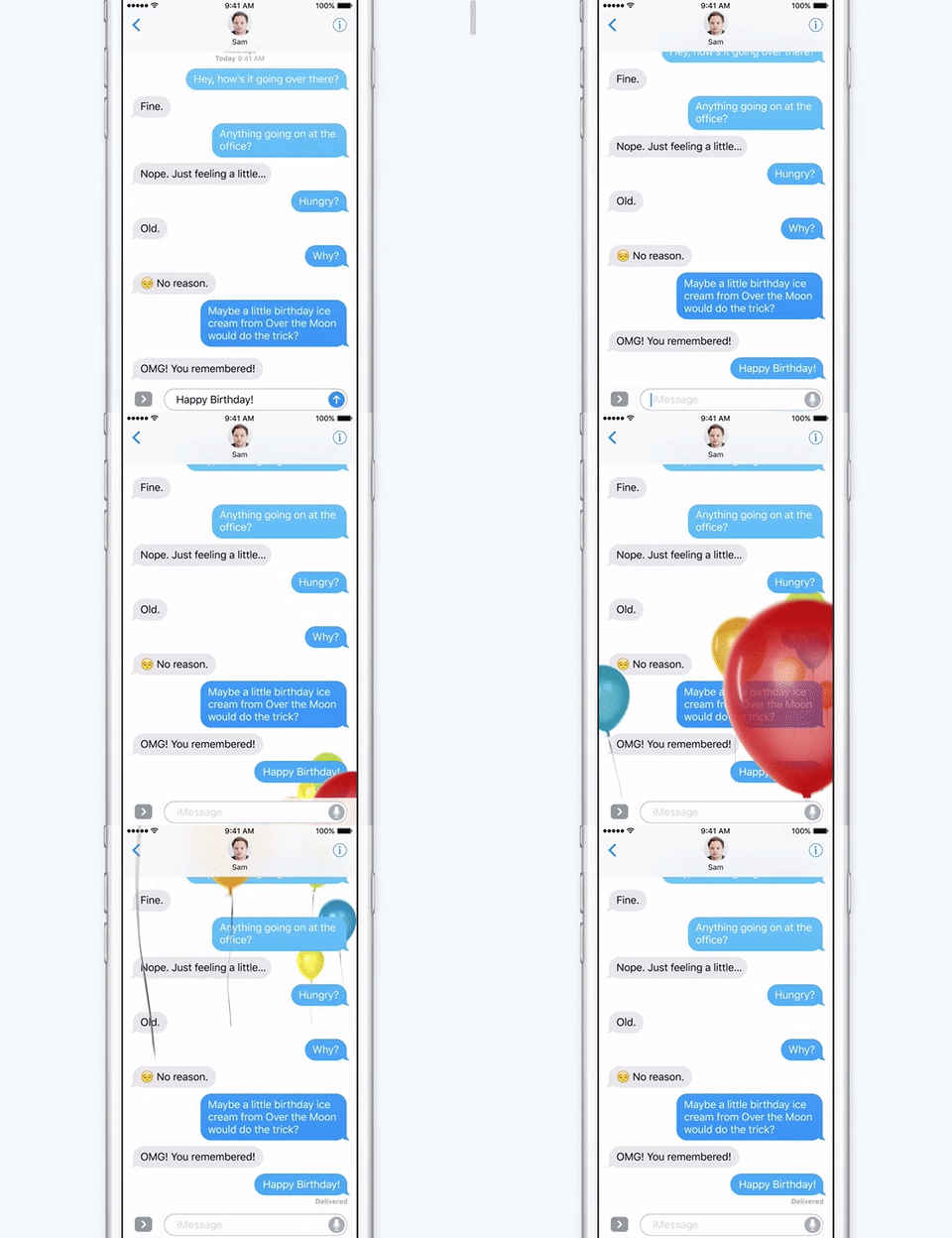
Photo: Apple
The next time you forget to get your bestie a birthday card, just send them an iMessage celebration. They’re perfect for big events, and you can’t miss them because they take up the entire screen.
Invisible ink
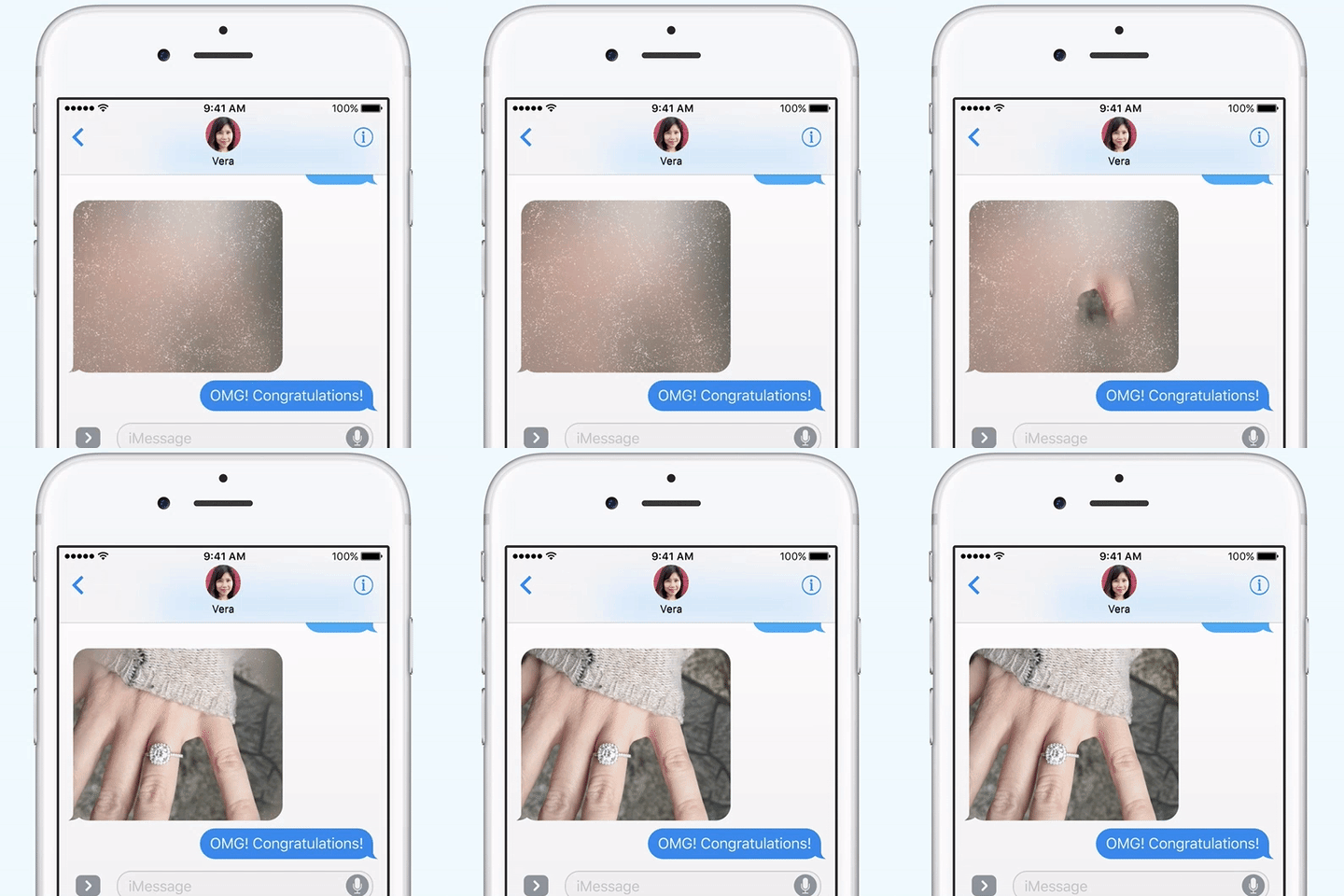
Photo: Apple
Don’t want to spoil the surprise? With Messages in iOS 10, you can sent text and media in “invisible ink,” which requires the receiver to swipe over the chat bubble to reveal the content.
Tapback

Photo: Apple
When words aren’t necessary, one of six quick responses will help you say how you’re feeling.
Markup

Photo: Apple
Add fireballs, heartbeats, sketches, and more to your images and videos when you really want them to make a big impact.
Emoji Replace
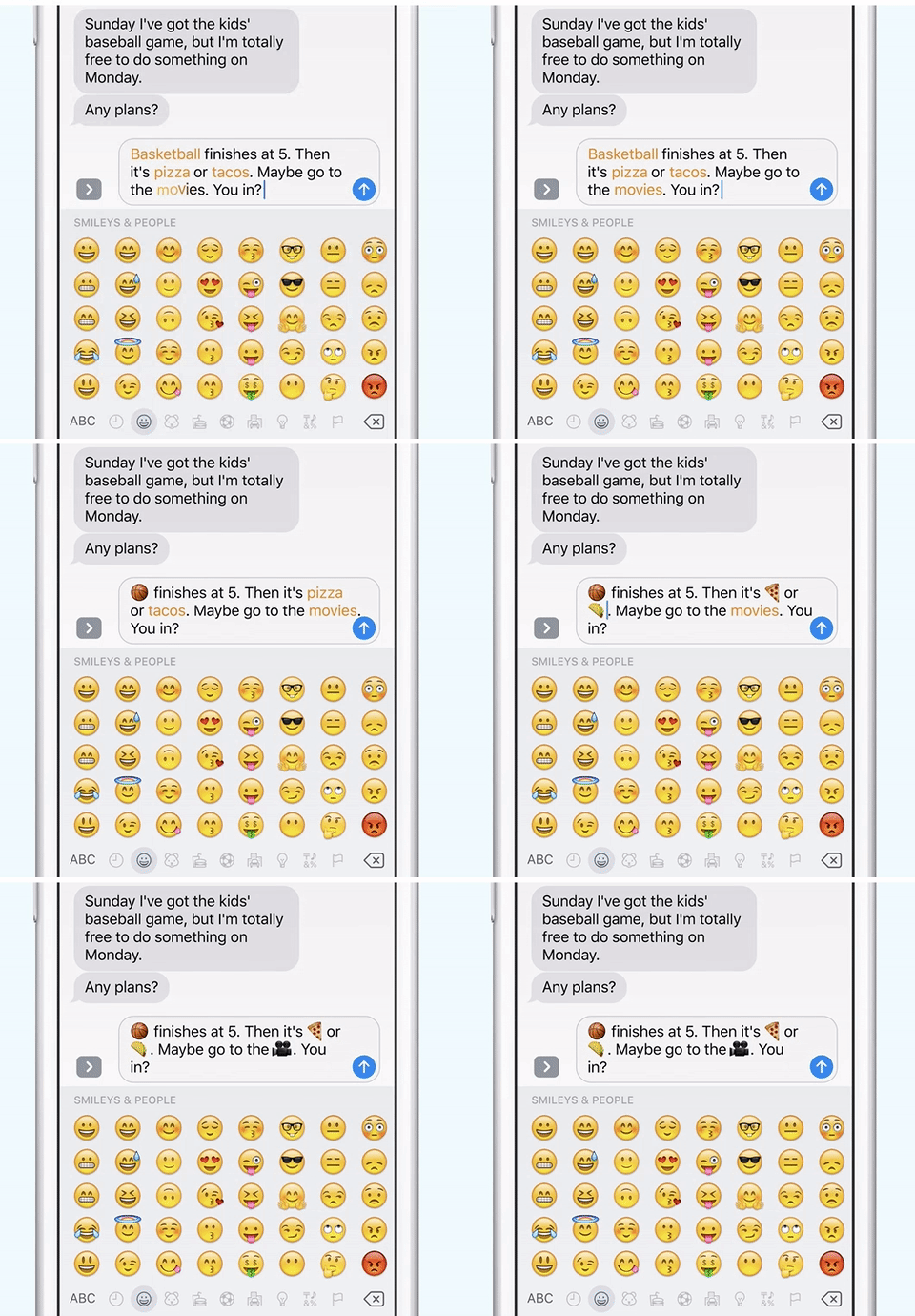
Photo: Apple
Not enough emoji in your life? With iOS 10, Messages can look at the text you type and replace suitable words with emoji characters, so you don’t have to go hunting for them yourself.
Stickers
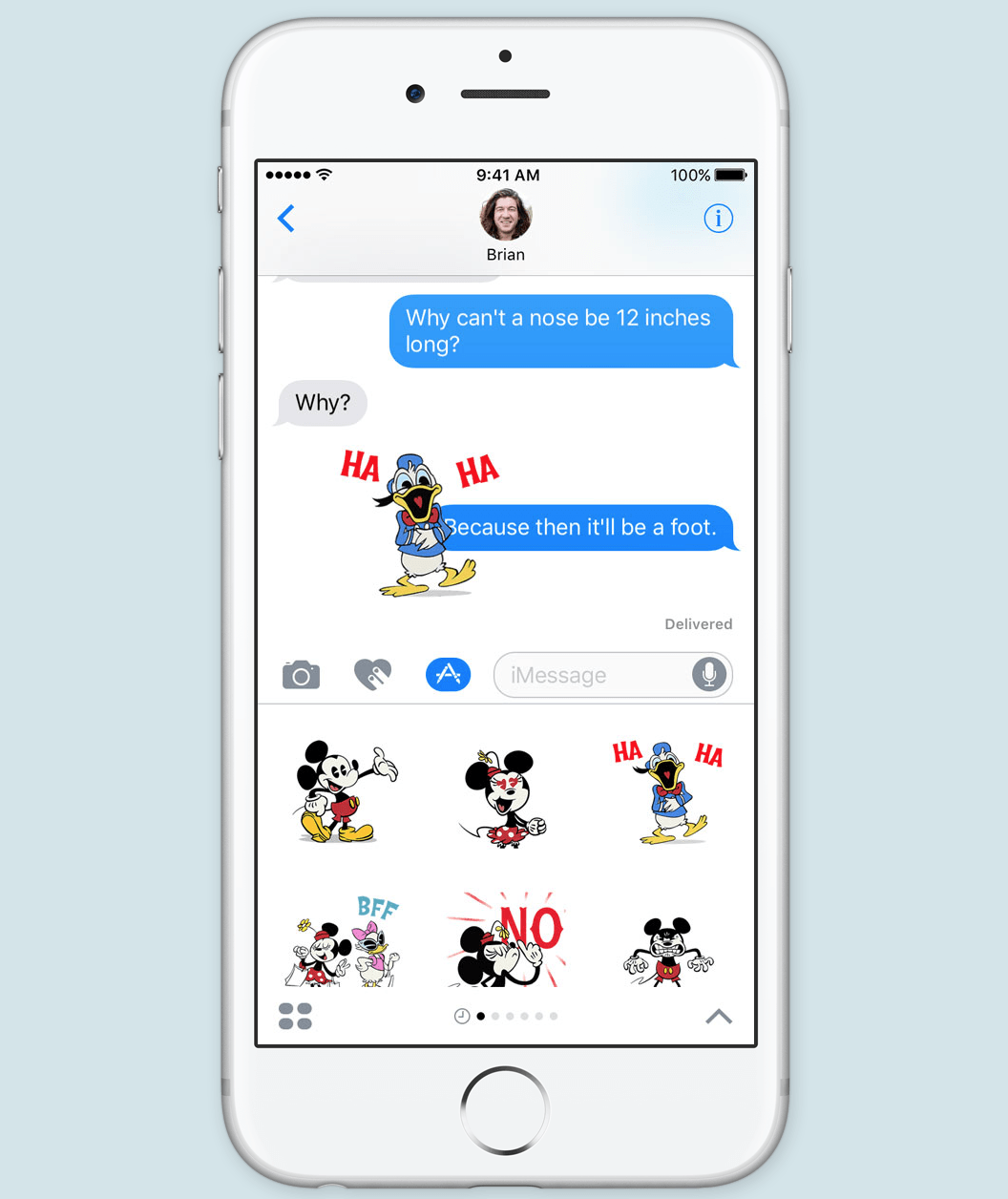
Photo: Apple
Emoji characters are great, but sometimes you need something bigger and bolder. That’s why Messages is getting support for stickers, just like rival messaging apps. You’ll be able to buy stickers packs from the App Store with all your favorite characters.
iMessage Apps

Photo: Apple
Apple is opening the Messages app up to developers, so you’ll be able to do a whole lot more inside it. You’ll be able to find great content to share with friends, edit images before sending them, and even send payments.
More!
There are other changes and improvements to iOS 10 that will also improve the messaging experience, like support for multilingual typing and contextual predictions. We’ll find out a lot more about all of these things over the next few months as we dive deeper into the betas.

Killian Bell is a freelance writer based in the U.K. He has an interest in all things tech and also covers Android over at CultofAndroid.com. You can follow him on Twitter via @killianbell.


4 responses to “All the new Messages features you’ll love in iOS 10”
Maybe the reasons the app is so popular is because it was simple texting, and didn’t have all this eye-candy nonsense. ughhhh
Well no one says you have to use it…
YES TO ALL!! I love the handwriting one the most.
Looks fine, all of it…but it’s really not all that practical. I mean what happens when you send some of this stuff to an android?? absolutely nothing..lol. But on the other hand knowing Samsung, they’ll probably have their own ripoff of this soon!!