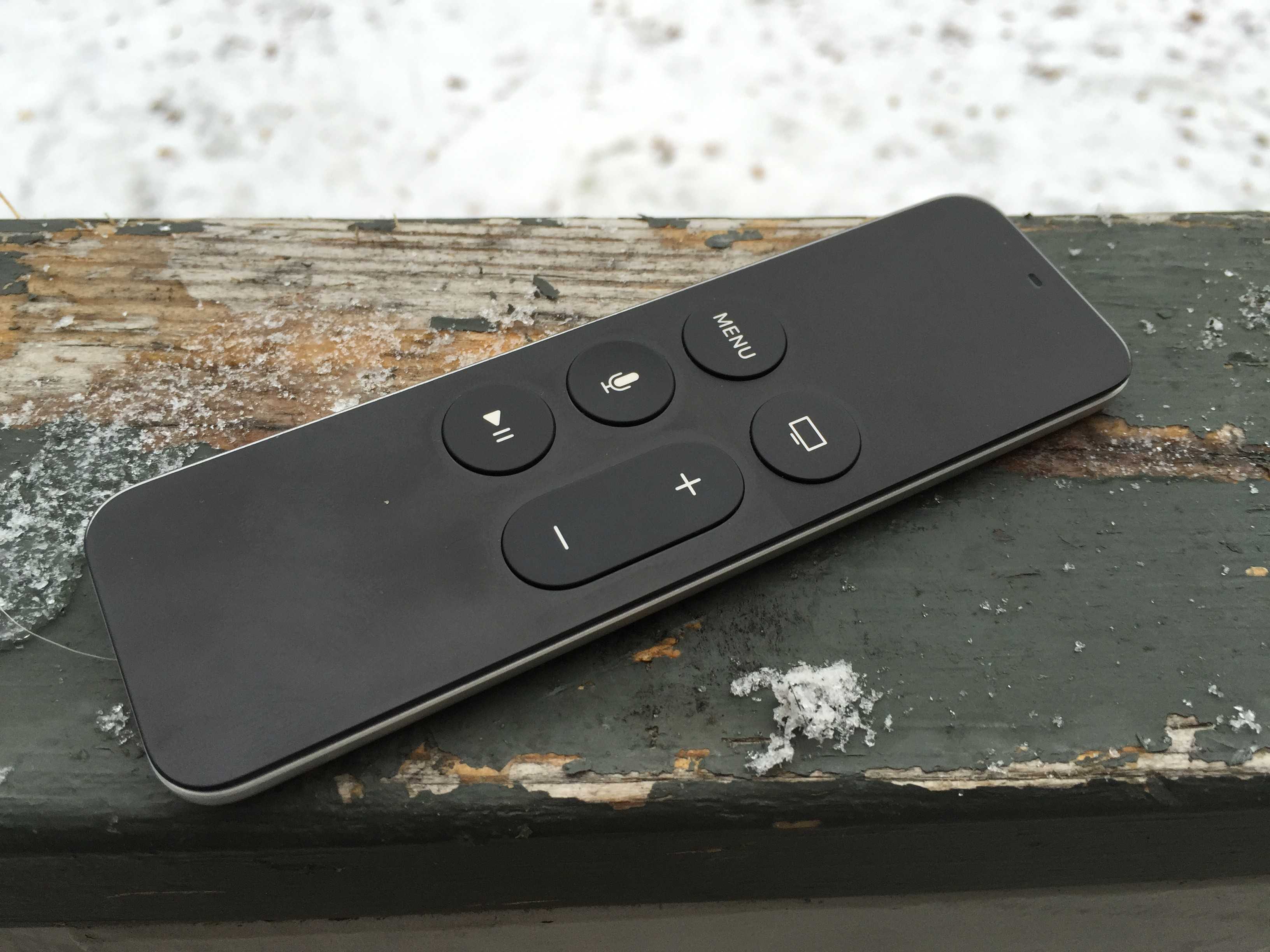
I’ve been suffering with this strange issue for about a week: my Apple TV’s Siri Remote’s Menu button stopped working.
All the other buttons–Home, Siri, Volume and Play–worked, so it didn’t seem like a huge deal at first. But then I was digging around in the Settings app and realized that the Menu button is indispensible for one thing: moving backward in an app. Without it, I was stuck in the Settings pane that I had clicked through to; there was no getting back to the main Settings page.
Here’s what I did to get the Siri Remote’s Menu button working again.
First, I did what we all would do: I got on the internet and searched terms like “Siri Remote not working” and “Apple TV Siri Remote Menu button” to no avail. I got tons of fixes for the old silver Apple TV remotes, and quite a few articles about the Siri Remote I’d written myself, but none on a single button gone broken.
I did find an iMore post on how to restart my Siri Remote, but that didn’t work as it relies on the–you guessed it–Menu button.
I plugged in my Siri Remote (even though it said it was charged on the Apple TV Settings screen), and that didn’t work; I was still unable to use the Menu button.
I loaded up Apple’s support pages and set up a call with Apple. They rang my phone back in 30 seconds, and as I tapped the “1” on the keypad to speak to a representative, I remembered something we used to do all the time when I was a Mac IT guy: I power cycled the thing.
Power cycling is just a fancy term for un-plugging the device in question (in this case, my Apple TV), waiting a few seconds, and then plugging it back in. I did that as the Apple representative came on the line to find out what my issue was.
As soon as the Apple TV booted up, I pressed the Menu button and it worked. I jumped into the Settings app a few layers deep and hit it again. It worked!
I had to tell the poor Apple rep that I’d solved my own problem. “Thanks so much for your help,” I said, brightly, “I’ll give you a 5 out of 5 rating!”
So if your Siri Remote Menu button has gone wonky, be sure to power cycle your Apple TV and see if it helps. Chances are a complete power cycle will help other wonkiness, as well, with both your Siri Remote and Apple TV itself.

Rob LeFebvre is an Anchorage, Alaska-based writer and editor who has contributed to various tech, gaming and iOS sites, including 148Apps, Creative Screenwriting, Shelf-Awareness, VentureBeat, and Paste Magazine. Feel free to find Rob on Twitter @roblef, and send him a cookie once in a while; he’ll really appreciate it.


7 responses to “How I quickly fixed a weird Siri Remote problem”
I have had similar problems. I wake the AppleTV, and menu button , the touch surface stops working. I can use the home button to sleep thats it. I did not want to pull the plug on the box. And then I tried the Siri button. That worked so I asked Siri to open an App. This worked and netflix flashed it had a connection problem. I was then able to use all the buttons as normal. It seems that the problem lays with if when the ATV goes to sleep and wakes an open app may have an issue with internet connection. I.e Netflix. Which locks up the UI. I have had this three or four times now and using Siri always solves it.
That’s excellent – I don’t think I tried using Siri as a fix. Next time!
If only Siri was in our country.
Were you able to use the menu button in the Remote iOS app?
The Remote iOS app, as far as I know, doesn’t work with the new Apple TV. Now I should go check.
It does. They updated it a while ago.
I’m just amazed it took you that long to try rebooting the ATV first.