With WWDC 2017 right around the corner, it’s that time of the year when Apple can fix all the annoyances of iOS 10 and unveil something truly revolutionary for the next generation of iPhones and iPads.
Apple is expected to show off all the major features of iOS 11 at the WWDC in a couple of weeks. Surprisingly, the rumor mill has been quiet on what to expect, but that hasn’t stopped a flurry of speculation. We’ve got some ideas of our own too that we really want to see come to iOS 11.
This is what we want in Apple’s next big update:
A redesigned Home screen
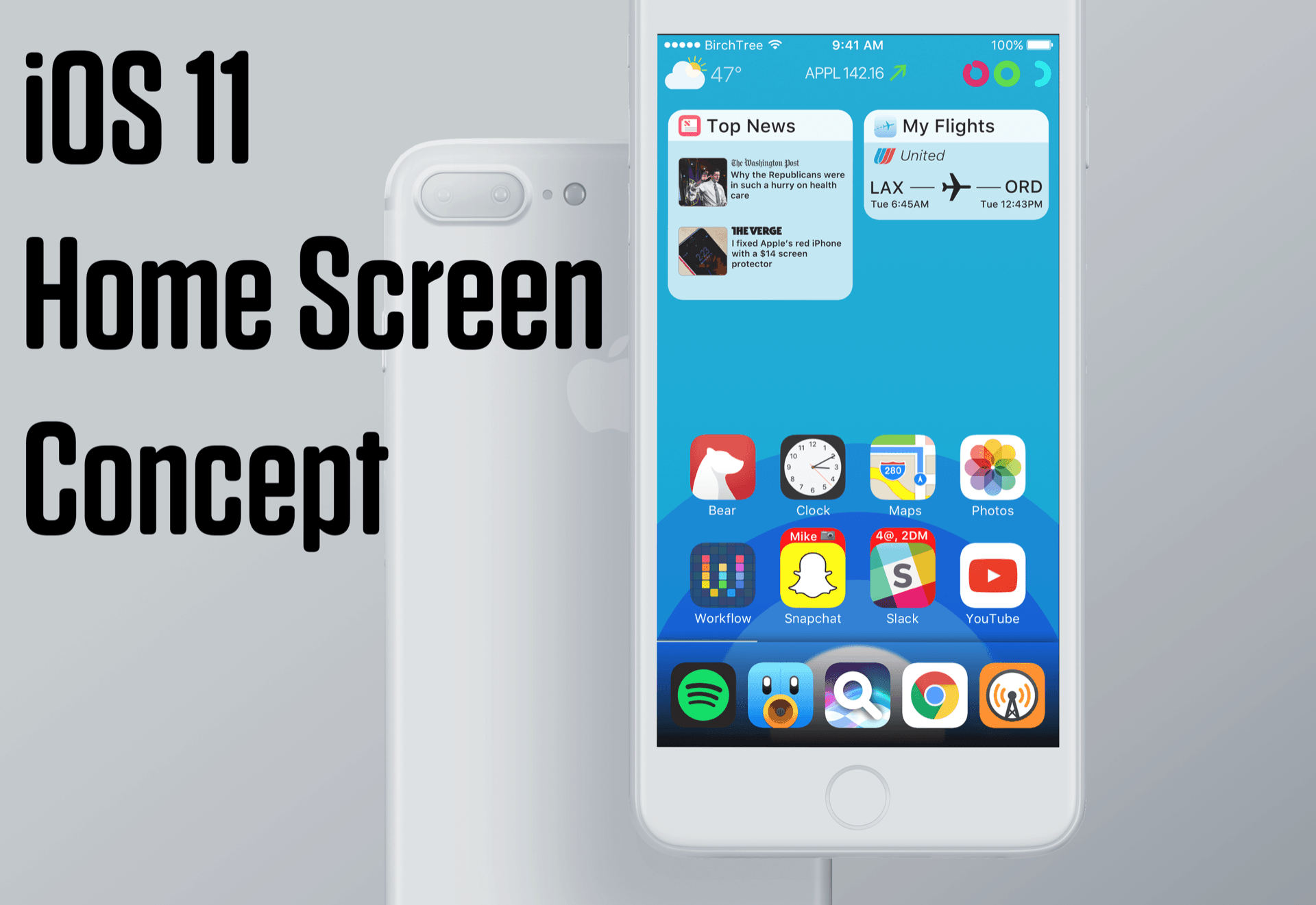
Photo: Matt Birchler
Apart from a few changes, the iOS home screen has remained visually the same since the first version of iOS. The rows-and-columns app layout feels stale. Apple should look for some fresh ideas from the jailbreak community.
The Anemone jailbreak tweak features hundreds of themes that lets you change your iDevice to your liking. While the idea of a theming engine is far-fetched, Apple could borrow other tweaks like the Apex 2, which lets you hide apps neatly behind a specific app and reveal them with a gesture.
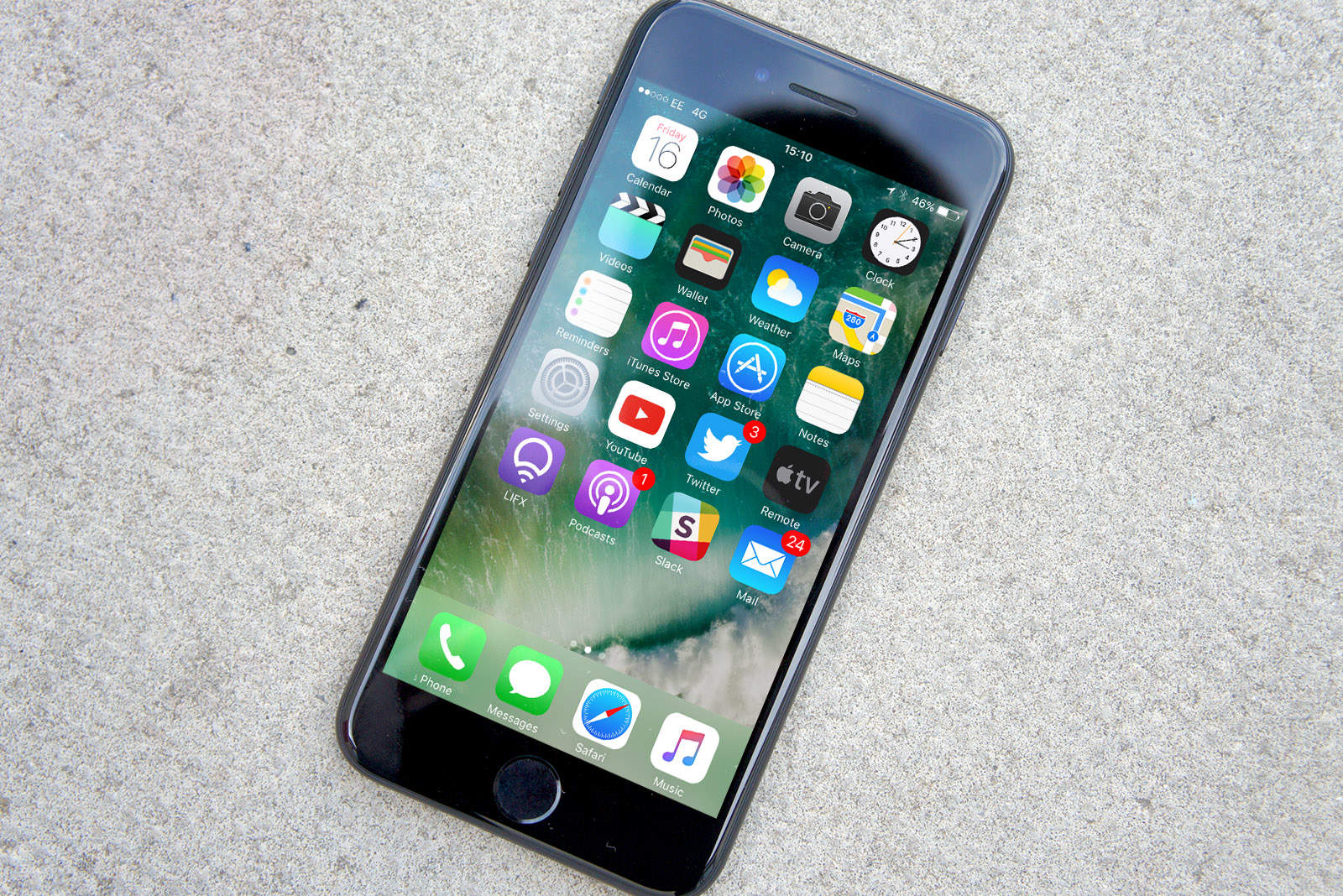
Live icons should be standard for all apps. We absolutely love the way the calendar app dynamically updates with today’s date and day. The same goes for the Clock icon that displays an analog clock showing the current time. Hopefully Apple will finally extends this functionality so that third-party apps can use it too.
Clean up Control Center
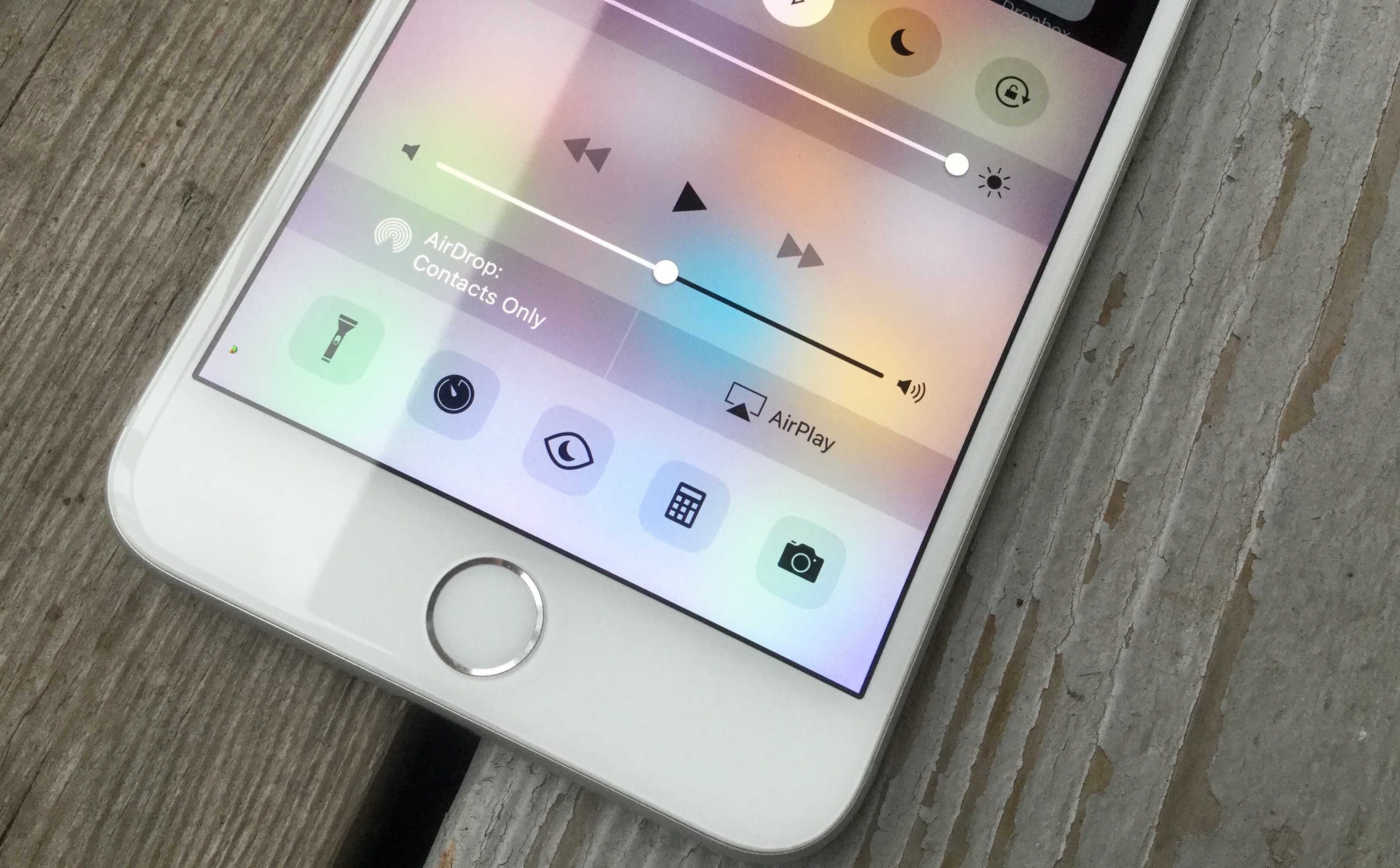
Photo: Rob LeFebvre/Cult of Mac
Apple split the iOS Control Center into multiple pages with iOS 10 but the layout is and navigation leaves a lot to be desire. No one likes having to swipe over to the music panel to just to skip a song. It should show up first automatically when you’re playing songs.
What we really want to see is a customizable Control Center. Even if Apple only allows users to customize one row of buttons it would be a huge upgrade if users could add, remove, and rearrange toggles. More switches like cellular data and personal hotspot would be nice, too.
Improvements to stock iOS keyboard
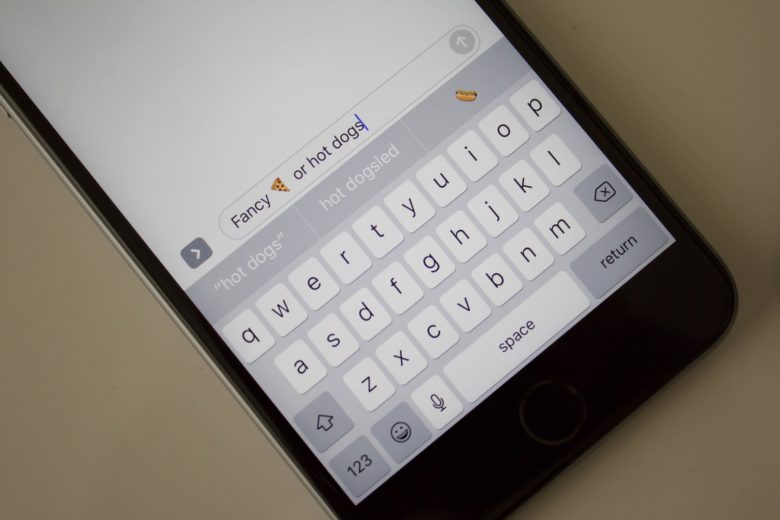
Third-party keyboards finally saw the light of day on iOS 8 and third-party keyboards like Swiftkey and Gboard gained popularity quickly. In contrast, Apple’s stock keyboard feels pretty lackluster.
Why am I ranting about Apple’s keyboard when there are plenty of great third-party options? Because iOS restricts third-party keyboards when typing in secure text entry fields, like your password. This means that you’ll have to deal with the stock iOS keyboard at some point, no matter what third-party keyboard you use.
For starters, the iOS keyboard should offer an option to enable a number row on the top of the keyboard. This could be a boon, especially on the Plus-size iPhones. Almost every other keyboard has some sort of swipe/glide typing. It’s time for Apple’s keyboard to get it.
iPhone 6s and newer models have a really great Taptic Engine that vibrates subtly when interacting with certain UI elements. Wouldn’t it be awesome to receive subtle haptic feedback when typing on the keyboard, too?
Streamline Notification Center
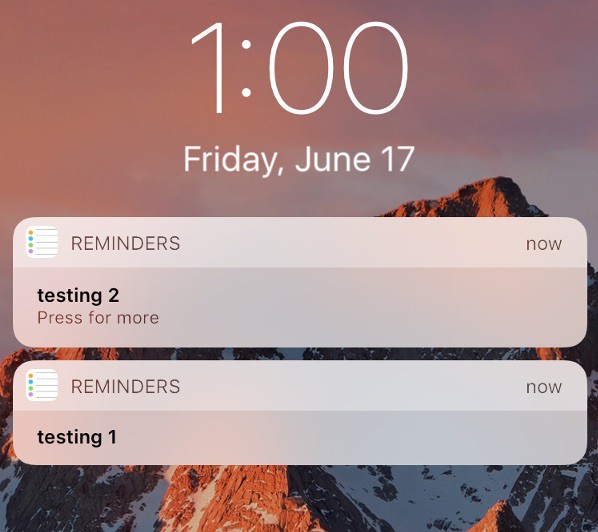
Apple made some big changes to how the notifications work in iOS 10, and I’ve lost count of the number of times users have complained about it. In the current implementation, every notification received spawns a new entry. This can easily translate to a cluttered Notification Center and make it really difficult to find a relevant notification. A better approach would be to group notifications by app, à la iOS 9.
If you’ve jailbroken your iPhone, you can use a jailbreak tweak called Unify X to bundle notifications together. It’s not perfect, but it’s a viable workaround until Apple decides to do something about it.
Super-powered Siri
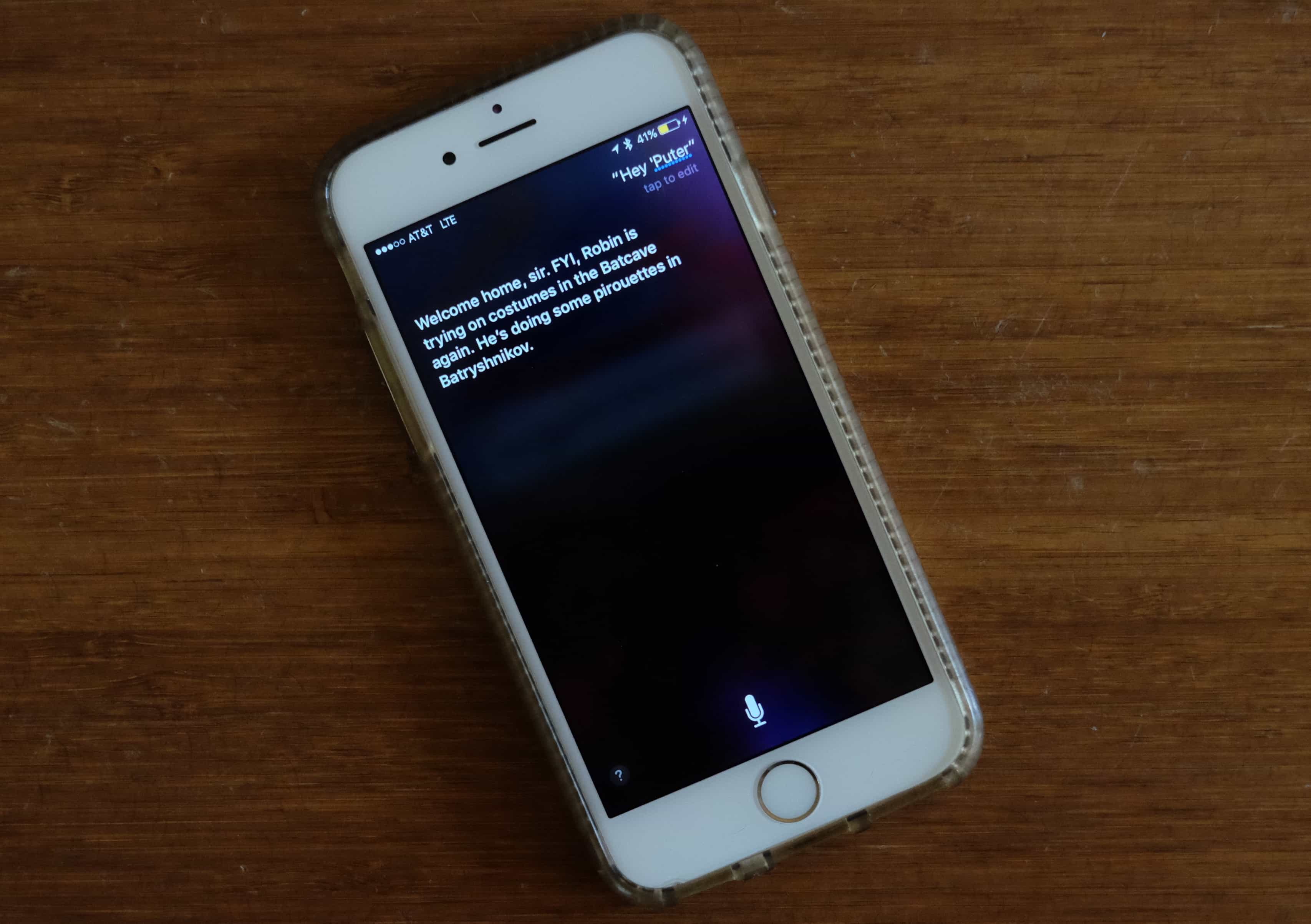
Photo: Buster Hein/Cult of Mac
It goes without saying that Siri will learn some new tricks when it ships with iOS 11. However, with Google Assistant landing on iOS, Siri faces fierce competition on its home turf. Making a great standalone assistant isn’t easy, and Siri definitely needs substantial improvements if it wants to compete in that segment.
One of my major pet peeves with Siri is the lack of offline support. This basically renders Siri useless if you live in an area with a spotty connection. It needs to be connected to the internet for the best possible voice recognition, but offline support for some queries would be great. For instance, you should be able to ask Siri to call or text someone even when you’re offline. Directly typing in the queries would also be a great addition for times when Siri has trouble understanding your accent.
iPad Productivity features
https://www.youtube.com/watch?v=UyFUDQ5LLZw
If Apple wants the iPad to be a true PC replacement, it needs to be more than just a big iPhone. The iOS interface on iPad wastes so much screen real estate it’s a crime. Apple should tweak the UI so that app icons are closer together and we need widgets for the home screen.
The UI of iOS was built with vertical screens in mind, but the iPad is used horizontally most of the time. We hope 2017 is finally the year Apple comes out with huge iPad-specific UI changes and features. System-wide drag and drop would be great. Finder and a way to organize and view files should’ve been added like three years ago. I’d also like to see multiple audio channel support so I can finally podcast from my iPad Pro.
Other tiny fixes
It’s time that Apple adds new features to the otherwise barebones Photos and Camera app. Animated GIF support and the ability to view EXIF data right in the Camera Roll would be great for a start. Also, it’s not convenient to fiddle through the Settings app every time you need to change the Camera’s setting. So, maybe add the settings in the camera interface itself?
The ability to shoot RAW was a welcome addition in iOS 10, but right now you need to use third-party apps to be actually able to shoot in RAW. Hopefully, iOS 11 will bake in support for RAW into the default Camera app.
Other much-sought features include the ability to set default apps, lock apps with TouchID, system-wide dark mode, option to clear app cache, Apple Music redesign and well, FaceTime group calls.
What’s on your iOS 11 wish list?
So this was the list of things we expect from Apple’s next generation of the mobile operating system. Some of the above features have a high probability of making their way to iOS 11, while others like the ability to set default apps seem far from reality. We’ll know for sure only when Apple unwraps the next version of iOS at WWDC in a couple of weeks. June 5 can’t come soon enough.

Abhishek Kurve is a tech blogger and a digital marketer. He embraces any new tech with inhuman enthusiasm. He also runs KeepKop, a tech media company that reviews and recommends best tech gadgets.
Connect with him on Twitter @Abhishek_kurve.


17 responses to “iOS 11 wish list: Features we’d love to see”
The huge obstructing volume change screen needs to be changed. So annoying I have to restart videos all the time because it blocks the most important part of the screen
it’s translucent……
No it’s actually not. Maybe 10-15% transparent which is still very opaque. https://uploads.disquscdn.com/images/aeaa0e5044d0dfeeaa13d5becd7675894ee6d0f641c87405ccb421fd472731fd.png
and then disappears after 2 seconds? big inconvenience….
Yes, it is. Or if I need to change it a few times. Oh and glad I proved you wrong!
I mean I would consider that to be translucent. You can see the colors behind it.
System wide picture in picture would be great on iPhone, although ideally they’d find a way to make it work with YouTube and other apps with a 3rd party player as well
A feature I’d love to see is the dual lens on the standard model iPhone because the plus size is just too big for my hands. I want that awesome camera and portrait mode. I won’t be upgrading to the new iPhone this year unless the dual lens is on the standard model. It will be so disappointing if they don’t add it to the standard model.
you’ll get that in the iPhone X
Why do we need to go to separate apps for SMS, email, Whatsapp etc. Years ago Blackberry integrated all such apps into a customisable “Hub” — wonderful.
Similarly, again from BB a customisable “Quick settings” screen and a decent keyboard where the predicted word appeared above the next letter rather than having to look 4 lines higher.
Etc etc.
RIP BB10
My wish If I’m in an app don’t show me notifications for that app. I’m going to click on an email to open but an email notification pops us and I’m taking to another mailbox.
I would just turn off notifications for the app altogether.
Weekend schedule for “Do not disturb”
I’d like the ‘Home’ app to be spruced up. When you make automations you have the option of making things happen at sunrise or sunset, however often I’ve found it’s a bit too dark before ‘sunset’ so to be able to offset the time from sunset would be good
“The UI of iOS was built with vertical screens in mind, but the iPad is used horizontally most of the time.”
Oh, really?! LOL! Care to cite some data, a study or two, or some actual evidence to back that up?! Our own use is 90% portrait; in the wild, I see the same.
Still, agree that customization of the home screen is needed.
Give us the chance to organize things a la Z Launcher from the old Palm days. A tabbed interface — left hand tabs with labels: News, Games, ebooks, Camera, Astronomy, Utilities, etc. There would then be 1-tap access to each “home” screen without anynscrolling and with labels!
One other observation. Everyone (well, everyone in the tech press and techies) for years keeps calling out for a folder-finder system! Yet, I’ll wager that if it were implemented, few would use it. It’s much like multi-tasking. The four finger swipe is good enough for nearly all users, and even most probably do not use it anyway. Split screen for apps still seems silly to us– thats’ not how we work on the Mac either!
While I’m a Finder guru on the Mac, it’s wonderfully liberating to not even have to think about folders on the iPad. Go to an app and there are the docs that it uses. I suppose that if I were working on a project that required documents from multiple apps that I might like a place to see all those docs (i.e., a folder), but it’s no big deal to go to the app I need.
Would like colored highlight feature in Notes app.