All items in the category "iPhone Apps"

Full category list for displayed posts: iPhone Apps

Favs Favorite-Collecting App Comes To The iPhone

Favs iphone

Favs: Now on the iPhone, too.

Remember Favs, the Mac app which collects your favorite items from pretty much any service on the internet and puts them all together in one place? Well, now you can use it on the iPhone, too: Favs for iOS just launched and it looks like a great way to keep track of your starred items when on the go.

Read the rest of this post »

Every Camera App Should Have Frameographer’s New ‘Smart Zoom’ Feature

Frameographer

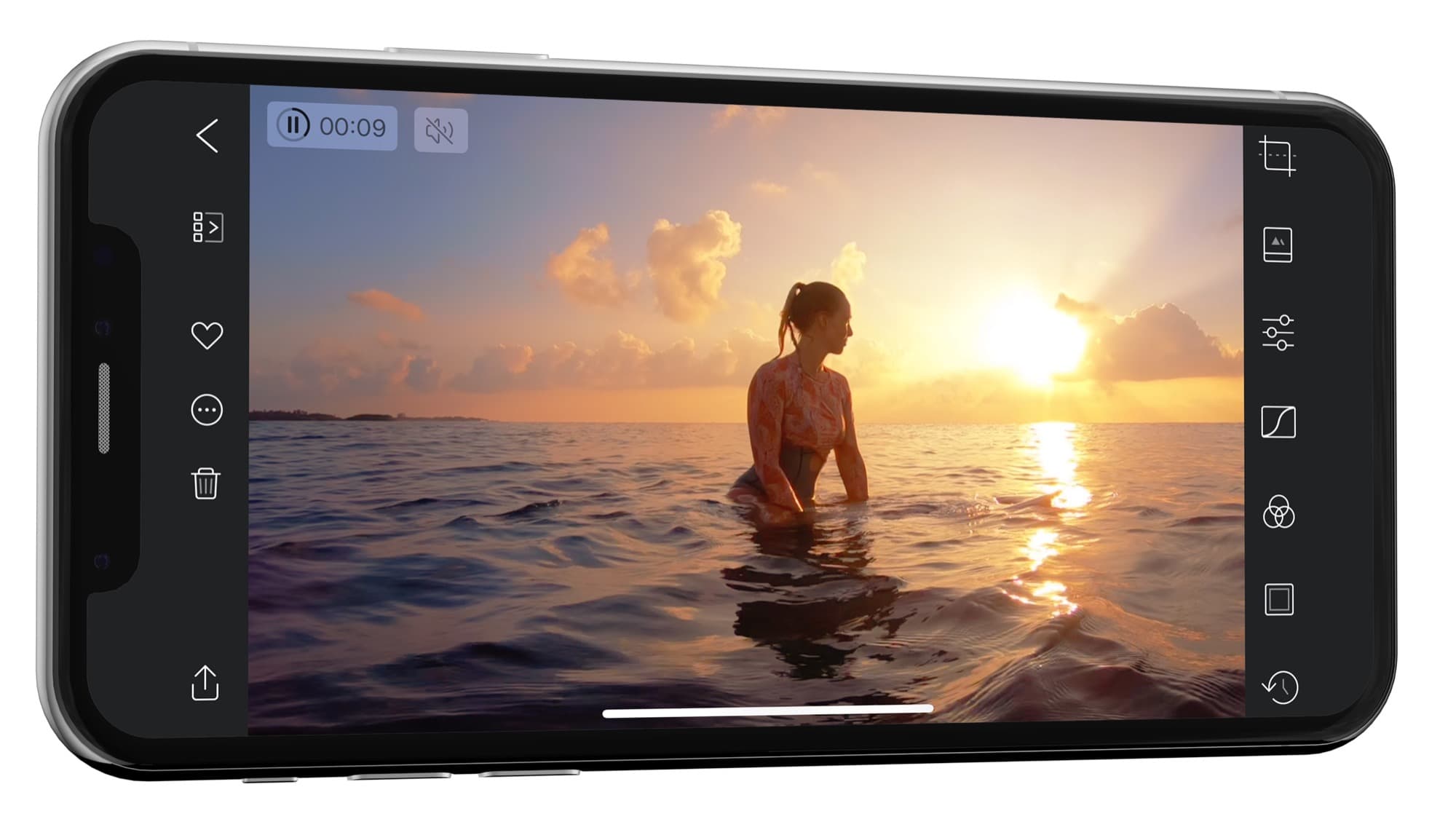
Frameographer's Smart Zoom really is smart

The new 1.3 update to the stop-motion-animation app Frameographer has a new feature called Smart Zoom, and it is so obviously good that every video-shooting app for iOS should be using it already.

Read the rest of this post »

Comic Zeal Gets Retina Update And Better Organization

Comic zeal retina

Comic Zeal is now much easier on the eyes.

Along with Instapaper, the iPad gets another big app update today. Comic Zeal — long my favorite comic-book reader — has gotten Retina support for the new iPad, along with a few interface tweaks which makes organizing your comics easier and sometimes a little less confusing.

Read the rest of this post »

Instapaper Update Brings Automatic, Location-Based Downloads

Instapaper Update Brings Automatic, Location-Based Downloads

Instapaper will now fetch your news when you arrive at, home, work, anywhere.

Instapaper just got yet another update (developer Marco Arment seems to be on roll these last couple of months) and it brings a very neat new feature – when you arrive at any chosen location, Instapaper will automatically update your articles in the background. This should mean that never again will you be without your latest saved articles when you rush of to catch a bus.

Read the rest of this post »

Osmo Leaker Adds Light Leaks To Perfectly Good Digital Photos

Osmo leaker

Ruin photos at the touch of a button.

Photography is one place where older is definitely better — for now at least. We take amazingly high quality photos with our digital cameras and then add filters, grain, vignetting and all manner of other imperfections to make those pictures look like they were shot on film cameras. And not even good film cameras: pretty much all of the effects we use mimic defects in the photo processes of old.

Now, with Osmo Leaker, we have an app whose sole purpose is to add simulated light leaks to our photos. Tap the film-cartridge icon and random orangey strips will be added to your photograph, just as if you had accidentally opened the back of the camera before you rewound the film. Don’t like the result? Tap again. Decided you actually did like the previous leak better? No problem, you can go back (in the Pro version).

When you’re done, you can export to the usual places — Facebook and Twitter — and also save to the camera roll or open the image in Instagram. And that’s it: Osmo Leaker is a one trick pony, but it performs that trick very well. There are two versions available, a free version and a $1 pro version. The Pro app has more effects, full-res export and no ads, as well as the back button for fickle mind-changers.

All this has me wondering how ridiculous this retro-fication might be if applied to other technology. Low-res movies with barrel distortion to replicate the crappy picture of an NTSC CRT TV? Crackles and pops applied to lossless music to simulate vinyl? Wait, that last one actually exists!

Subscribe to the Cultcast

App Copies Photos To iPhone Without iTunes

Dccopy

DC Copy is a universal app which lets you avoid iTunes.

DC Copy is a new app that does one thing. It lets you copy your photos and videos to your iPhone’s camera roll via iTunes? "What?!" I hear you shout. "We can do that already!"

Well, yes, you kinda can, but it’s a testament to the true horror of using iTunes that this app exists at all, and that — furthermore — you’ll probably be downloading it by the end of this short post.

Read the rest of this post »

Show Your iPhone Photos On Any Screen In The World With Scalado PhotoBeam

Mza 2369186116558773268 320x480 75

Finally, a non-sucky use for QR codes

One of the hallmarks of great Apple software is that it makes you smile like a kid when it does something unexpected and undeniably cool. The first time you pinch-to-zoom, for example, or when you swipe over a picture in iPhoto for iOS and it automatically applies a correction depending on what’s under your finger.

The other hallmark of Apple’s apps is that they look great.

Scalado’s PhotoBeamer manages the first of these things, appearing to work as if by magic. On the second, though, it fails somewhat.

Read the rest of this post »

Drafts For iOS Updated With Facebook & Evernote Posting

Drafts For iOS Updated With Facebook & Evernote Posting

Check your App store updates people because Drafts was just updated to version 1.2 and includes new actions to post to Facebook, Evernote, create a calendar item, and add to OmniFocus.

Read the rest of this post »

Russians Use iPhone App To Publicly Shame ‘Douche’ Parkers

Russian news website The Village got sick of douche parking (apparently a big problem there) and decided to do something about it. How? By using an iPhone app tied into social media sites.

The app lets users snap photos of badly parked cars and upload them, but what happens next is pure genius.

Read the rest of this post »

FreezePaint: Create Collages And Paintings Using Your iPhone’s Camera

FreezePaint is a very neat iPhone app that lets you “remix” the world around you. Or rather, it allows you to make a scrapbook of anything you see, just by pointing your iPhone camera at it and painting in the parts you want to keep. And don’t be put off by the photos on the site — they’re a little cheesy, but when you actually start playing with the app, you’ll be surprised by its potential.

Read the rest of this post »