Mobile menu toggle

tvOS - page 9

How to use a Bluetooth keyboard with Apple TV

By •

Apple TV with the wireless keyboard
With tvOS, your newer Apple TV can work with Bluetooth keyboards.
Photo: Ste Smith/Cult of Mac

With this week’s release of tvOS 9.2 for Apple TV, the fourth-generation set-top box now works with Bluetooth keyboards. While the splash screen specifically calls out Apple wireless keyboards, the truth is that you might be able pair pretty much any Bluetooth external keyboard with your new Apple TV.

Here’s how. (And here’s how to upgrade to tvOS 9.2 if you haven’t already.)

Your guide to all the latest iOS, tvOS and watchOS features

By •

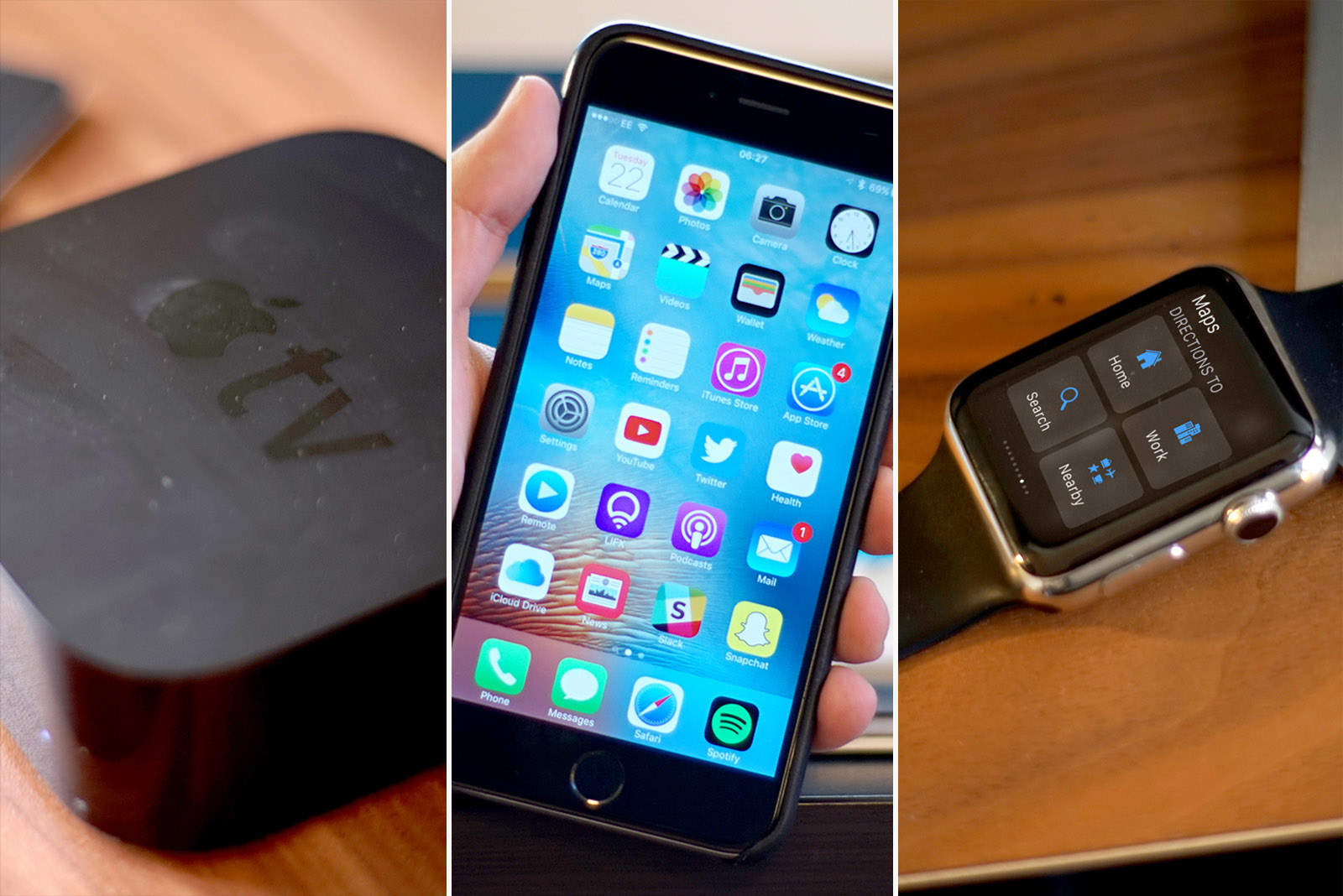
Apple tv, iPhone and Apple Watch
See all of Apple's latest software in action
Photo: Ste Smith/Cult of Mac

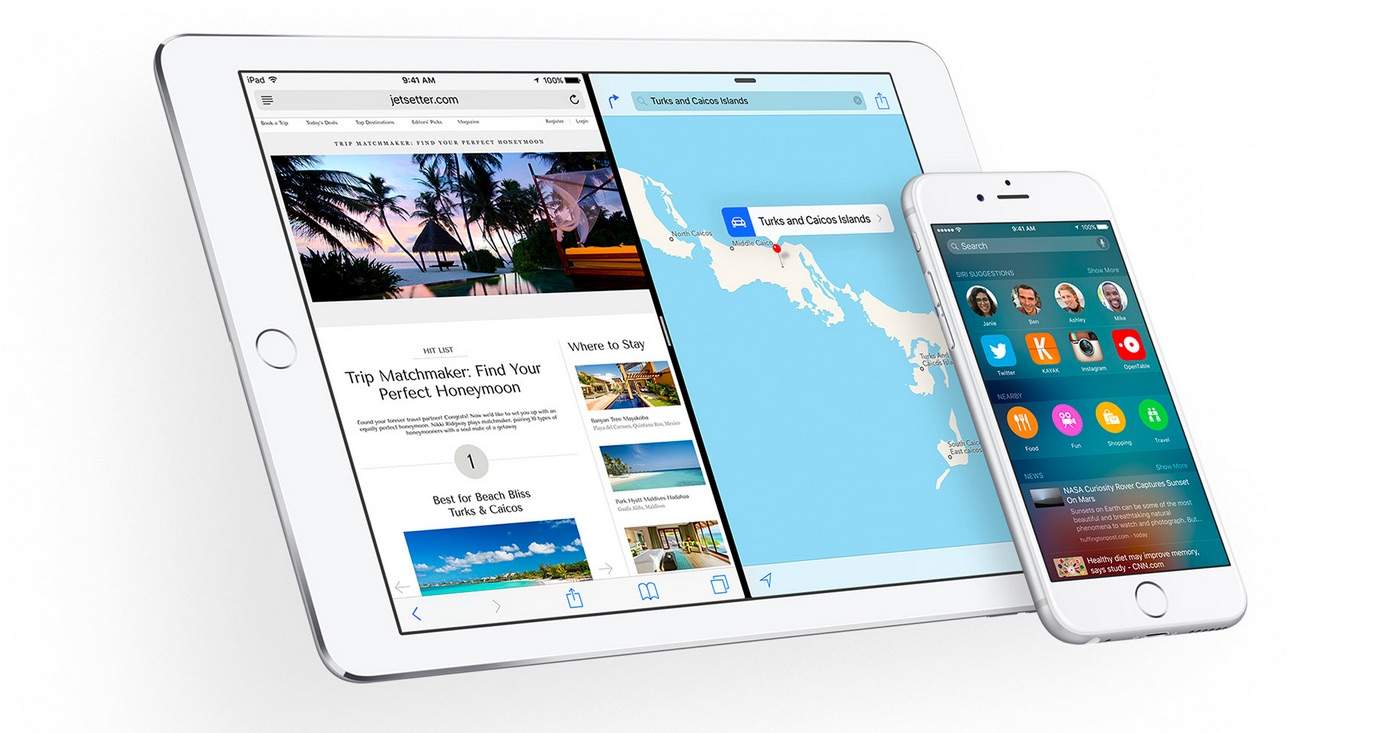
Along with the iPhone SE and new 9.7-inch iPad Pro, Apple unleashed a slew of new software updates this week, bringing all-new features to your iPhone, iPad, Apple Watch and Apple TV.

Find out what’s awaiting you in the new Apple updates, as well as how to update all your Apple devices, in a series of Cult of Mac videos you can watch below.

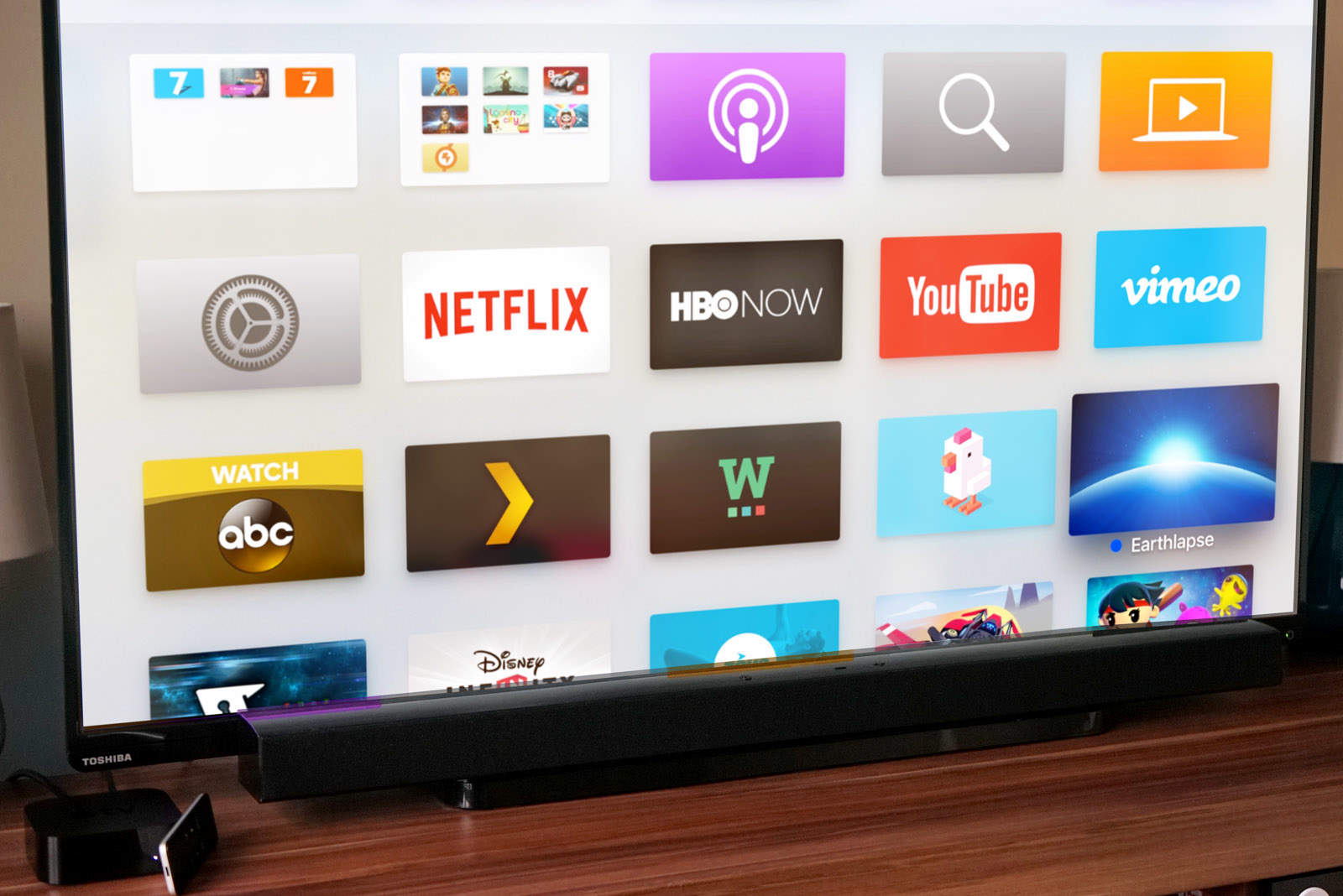
How to organize your Apple TV with folders

By •

Get your OCD on with folders on Apple TV.
Photo: Stephen Smith/Cult of Mac

The latest Apple TV has 5,000 apps and every one I’ve installed on my Home screen is a pain in the ass to find.

That is, until now. Apple just introduced tvOS 9.2, which brings the organizing power of folders to your 4th Generation Apple TV, and boy are we excited.

Here’s how to organize all those media and gaming apps on your Apple TV with folders.

How to update the software on your Apple TV

By •

appletv
Apple TV's new app could give us the interface we've dreamed of.
Photo: Jim Merithew/Cult of Mac

The fourth-generation Apple TV is ready for a new update to tvOS (9.2), bringing Siri dictation to the whole system, including search, user names and passwords. It’s also got a new Folder system like iOS does, which will let you organize your Home screen to your heart’s content, and it will support Apple wireless keyboards and your iCloud Photo Library on the big screen.

If you want to update your Apple TV right now and get all these great new features, just follow the directions below.

Apple Events app brings March 21 keynote to Apple TV

By •

Apple March 21 event invite
The iPhone SE is nearly here.
Photo: Apple

The new Apple Events apps for tvOS has finally arrived, giving Apple TV owners a way to watch the iPhone SE keynote from the comfort of their living room.

Apple’s ‘Loop you in’ event will be the company’s first keynote to stream on the new Apple TV, only unlike previous event channels, you’ll have to download it from the App Store to tune in.

Apple seeds new betas for iOS, tvOS, watchOS, and OS X

By •

iOS 9.3 beta 6 is here!
Photo: Apple

Less than a week after dropping a big batch of new software on developers and public testers, Apple is back with a sixth beta build of iOS 9.3 as well as new betas for watchOS, tvOS, and OS X El Capitan.

The software updates bring a host of new features to developers and public testers the iPhone like NightShift mode, folders on Apple TV, multiple Apple Watch pairings on one iPhone, improved Apple News and Apple Music apps, and some great education features for iPad.

Here’s a preview of some of the new goodies:

Developers, get started coding for tvOS [Deals]

By •

Learn to develop for Apple TV with dozens of hours of lessons.
Photo: Cult of Mac Deals

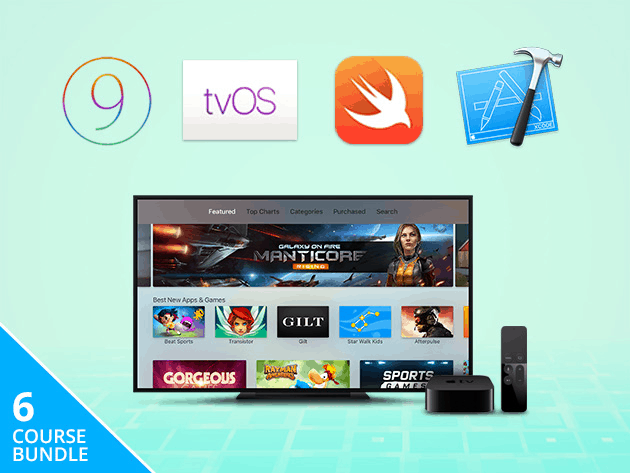
With millions of people using tvOS, it’s earned its bona fides as a major platform. Whether you’re an experienced developer looking for new territory or you’re just interested in learning, this bundle of courses clocking in at 35 hours is a great primer for coding in tvOS. It covers everything from the basics to creating multiplayer games, turning iPhone apps into tvOS apps and more, and right now you can get access for just $29.

Here’s some of what’s included:

Apple drops new betas for iOS, watchOS and tvOS

By •

There are tons of great iOS 9 benefits that your older iPhone or iPad will use just fine.
Photo: Apple

Apple is serving up a buffet of new software updates with new beta releases of iOS 9.3, watchOS 2.2, and tvOS 9.2 that are being made available to developers and public testers today.

The new betas come more than a week after Apple seeded the last updates for the new software that could be made available to the public sometime later this month, bringing a host of new features to the iPhone, Apple Watch, and Apple TV.

Your old Apple TV is ready for its update

By •

AppleTV_TV-Movies-PRINT
Third-gen owners deserve some love too.
Photo: Apple

Apple released a very small update for third-generation Apple TV owners today. The update still shows up as iOS 8.4.1 but has a new build number, so it’s probably just a bug fix update. If you plan to stick by your third-gen Apple TV for a while, it’s probably worth downloading.

Apple drops new betas for iOS, tvOS, and watchOS

By •

iOS 9.3 beta 6 is here!
Photo: Apple

A big batch of new beta software has landed on Apple’s Developer Center today.

The fourth beta builds of iOS 9.3, tvOS 9.2 and watchOS 2.2 are now available for developers to test bringing a host of new features to the iPhone like NightShift mode, improved Apple News and Apple Music apps, and some great education features for iPad.

Apple TV’s App Store now has video previews

By •

apple-tv
Apple has been hard at work refining and updating Apple TV's App Store.
Photo: Apple

Apple just granted the Apple TV App Store another small update today. It now supports developers adding video previews to their app description pages. These videos can be up to 30 seconds and showcase how the app works or aspects of the gameplay.

Hackathon may finally create great Apple TV apps

By •

Apple TV
The next big app might be yours.
Photo: Jim Merithew/Cult of Mac

Just a few months after release, the Apple TV has just about 3,600 apps in its App store. That’s a ton of entertainment, games, and media apps waiting to be discovered on the big screen.

Unfortunately, there isn’t a single killer app among them.

AppLovin, a mobile adverting and analysis firm, is hoping to change all that with the first ever Apple TV contest and hackathon, to be held in San Francisco this coming April.

Why would anyone game on an Apple TV?

By •

fnf
Which one would you choose?
Photo: Ste Smith/Cult of Mac

The new Apple TV has been on sale for just over three months now, and the growing catalog of tvOS apps and games looks incredibly promising. It’s what Apple TV fans have been calling out for for years, and it doesn’t disappoint.

Friday-Night-Fights-bug-2But does tvOS and a strong backing from iOS developers make Apple TV a good game console? Is it an ideal buy for casual gamers, and can it mount a real threat against the latest and greatest consoles from Sony and Microsoft? Do we even need another console?

Join us in this week’s Friday Night Fight between Cult of Android and Cult of Mac as we battle it out over those questions and more for your entertainment!

Apple busts out new betas for OS X, tvOS and Apple Watch

By •

A new beta is out for OS X El Capitan.
Photo: Apple

Apple has dished out a brand new batch of beta software updates today for developers, bringing new software to OS X, Apple TV and Apple Watch.

The new software updates come exactly two weeks after Apple served up the first beta versions of iOS 9.3, watchOS 2.2, tvOS 9.2, and OS X 10.11.4, all of which bring a host of new features to your favorite Apple products.

Cult of Mac Magazine: New betas, fixing Apple fitness apps, and more

By •

So many new betas!
So many new betas!
Cover Design: Ste Smith/Cult of Mac

We’re back from CES and rounding up everything from the show, checking out the new operating system betas for your iPhone, Mac, Apple Watch and Apple TV, proposing ways to fix Apple’s fitness apps, and taking a little time to mourn David Bowie and play some retro-tastic games on Apple TV.

All this, and a lot more, coming your way in this week’s Cult of Mac Magazine.

How to use VLC to watch any video on Apple TV

By •

appletv
Apple TV's new app could give us the interface we've dreamed of.
Photo: Jim Merithew/Cult of Mac

So you’ve got a fourth-generation Apple TV (the one with Siri Remote and all the apps) and you’ve just downloaded VLC, the “play everything” video app that was just ported to tvOS.

The last few versions of Apple TV haven’t included any storage for video files, and the same is true of the latest model: All the device’s storage is for apps and associated media files. Getting your own videos up on the big screen using VLC takes a little finesse.

Here’s how to watch any video (with a few caveats) on your Apple TV via VLC.

Apple TV devs just stopped being second-class citizens

By •

tvOS devs can now use App Analytics.
Photo: Apple

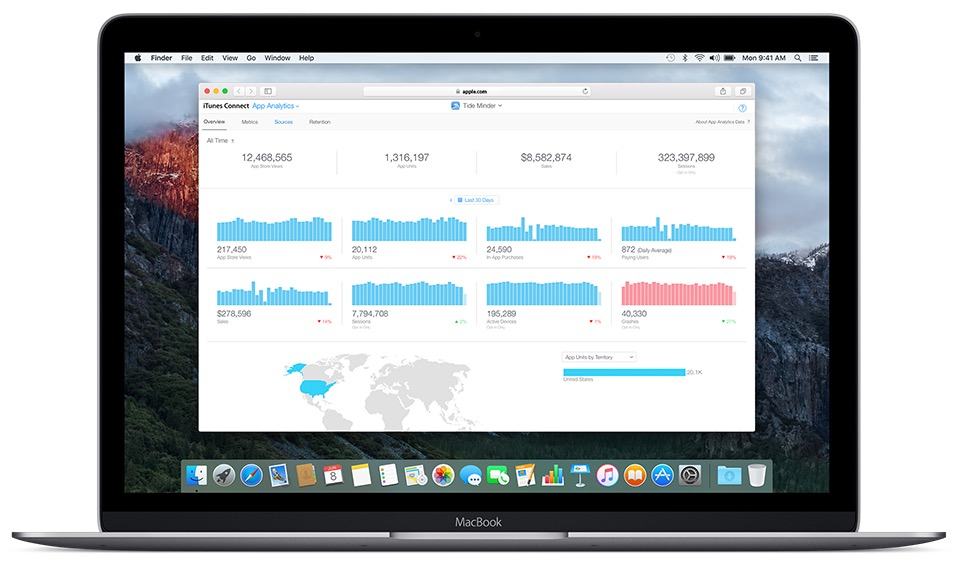
Apple’s analytics tools are invaluable to developers who want to gain better insight into who is downloading their apps and how well they’ll be monetized. They’ve previously been available to iOS and Mac developers, but tvOS devs were second-class citizens, with no analytics tools to draw on.

Now Apple is finally making its App Analytics dashboard available to Apple TV devs as well.

The great features tvOS 9.2 will bring to Apple TV

By •

20151023_Apple_TV_4_gen_ - 2
It sounds like tvOS 9.2 is going to make Apple's streaming box even cooler.
Photo: Leander Kahney/Cult of Mac

We know it isn’t a contest, but if we had to put the features revealed in Apple’s massive beta dump today up against each other, tvOS 9.2 would be the definite winner.

Don’t get us wrong; it’s cool to see the future of our favorite iStuff all laid out in front of us like a gleaming future-buffet. But Apple TV’s list of updates has us the most excited about what we’ll get to do with that device when the update comes to the rest of us.

Here’s what we have to look forward to in tvOS 9.2.

Apple drops new betas for iOS 9, tvOS, watchOS and OS X El Capitan

By •

iOS 9.3 beta 6 is here!
Photo: Apple

Apple is ready to kick off the new year with a batch of beta software for testing. The company just made new builds of iOS 9.3, watchOS 2.2, tvOS 9.2 and OS X 10.11.4 available to developers.

The new pre-release versions of iOS, tvOS and OS X can be downloaded from the Apple Developer Center. Testers won’t be able to install watchOS 2.2 on their timepieces until their iPhone, iPad or iPad touch has been updated with the new Apple Watch app in iOS 9.3 beta 1.

Mobile developers: Here’s your chance to learn Swift, and fast

By •

These four lessons are a surefire and affordable way to learn Swift, one of the most relevant iOS languages.
Photo: Cult of Mac Deals

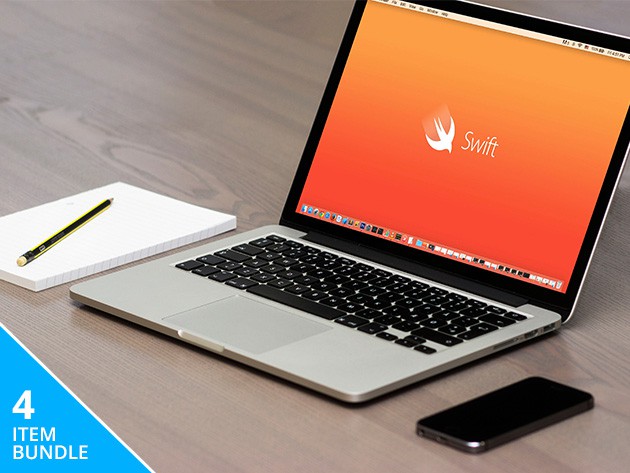
For any mobile developer, learning Swift is a must. It’s an intuitive and fast language that’s key to iOS, OS X, tvOS, and watchOS. This bundle of four lessons — in the form of 3 apps and an E-book — will get you up to speed in practicing coding, testing scripts, and more. And the best part: the whole shebang is just $9.99.

Apple TV’s first big update adds Siri search for Apple Music

By •

tvOS just got another new update.
Photo: Jim Merithew/Cult of Mac

The latest iteration of Apple TV’s operating system, tvOS 9.1, is out of beta and ready for the big screen.

The new update includes support for searching Apple Music with your voice, via the fantastic Siri Remote, so you no longer have to type in long artist names with the weird keyboard line that Apple offers you.

Twitter promises an easier way to login to your Apple TV

By •

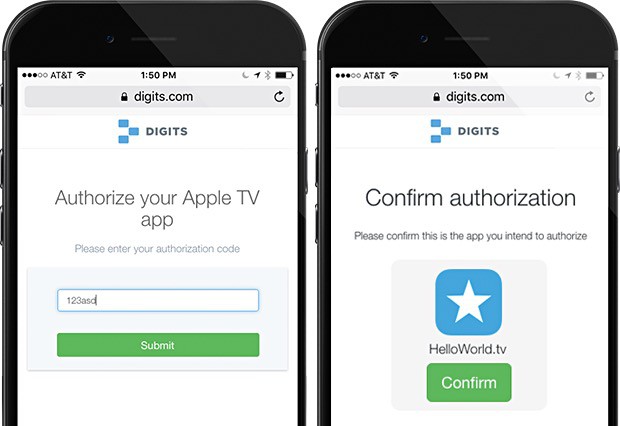
Apple TV needs a better way to login to stuff.
Photo: Twitter/Digits

Logging into any service on Apple TV is a pain. The text-entry field is one long line, and if you’ve got a particularly lengthy username or password for apps on the Apple TV, entering them can take much longer than it should.

Twitter-owned Digits is offering its own take on a solution with an SDK that tvOS developers can implement in their apps and let users type in a short string of numbers and letters that they get from their iPhone, rather than the full-on username and password combination.

This could solve the problem altogether, and it’s not much more tricky than using an app for Two-Step Authentication, which we all do now, anyway (or should).