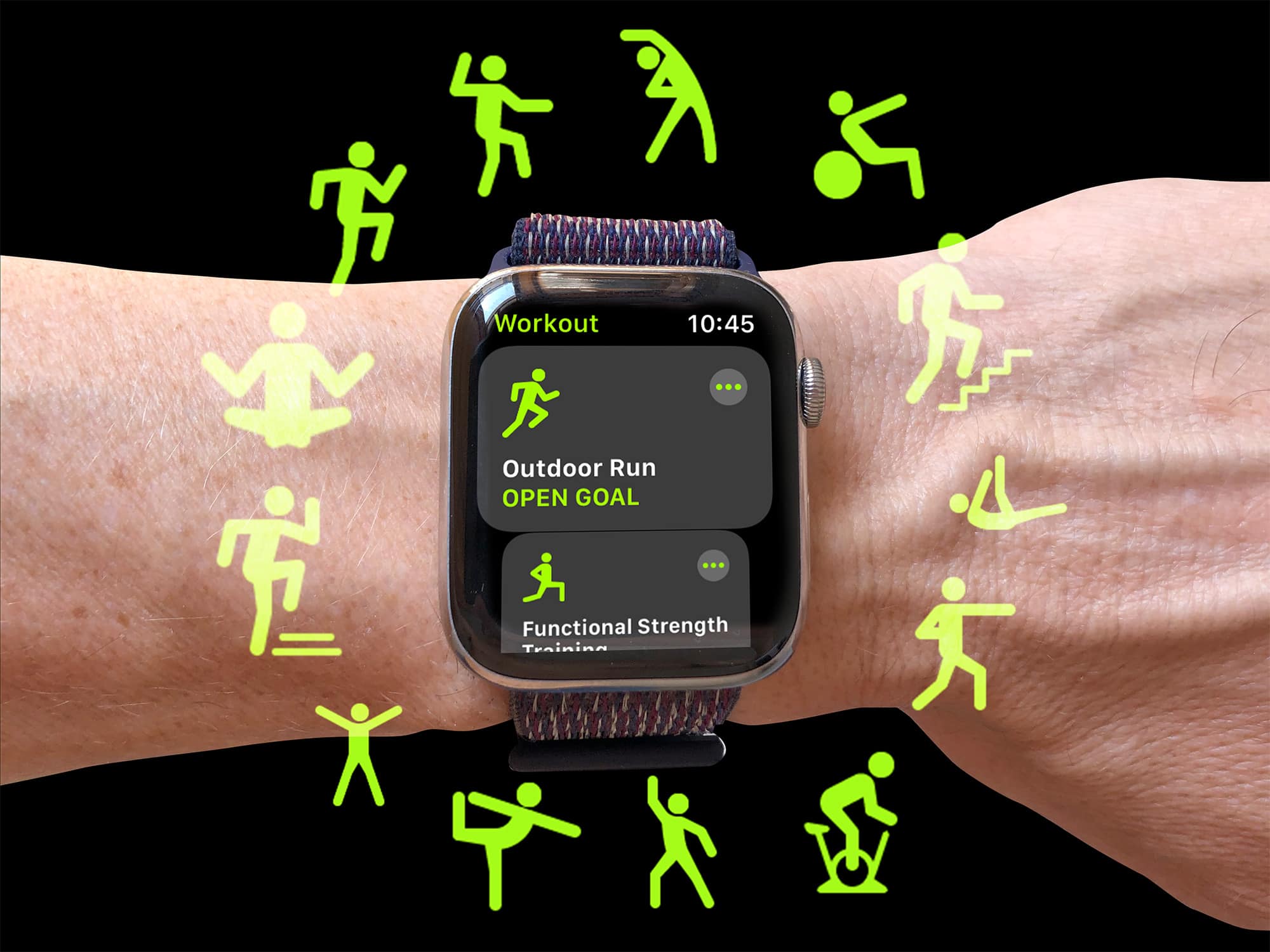
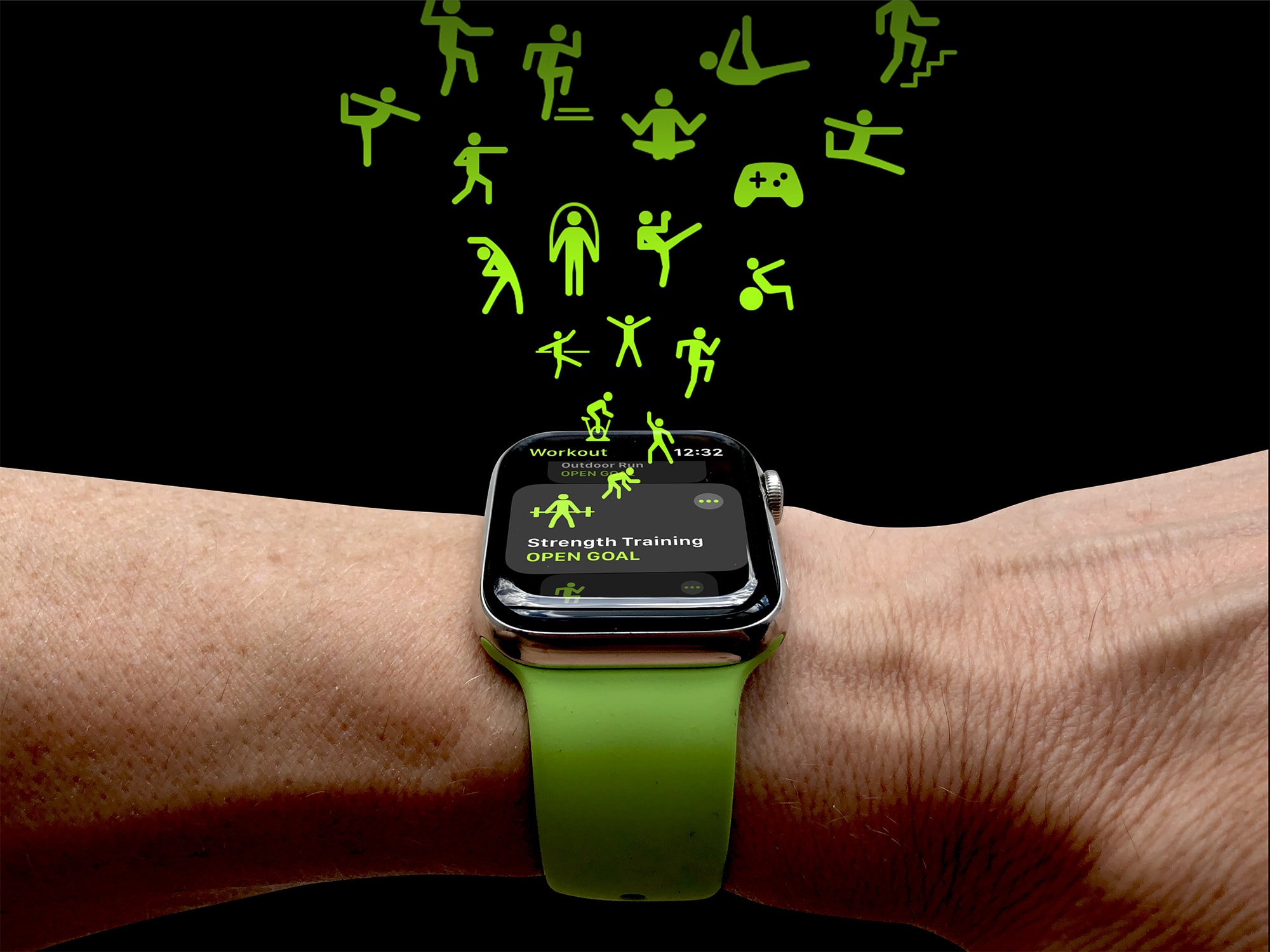
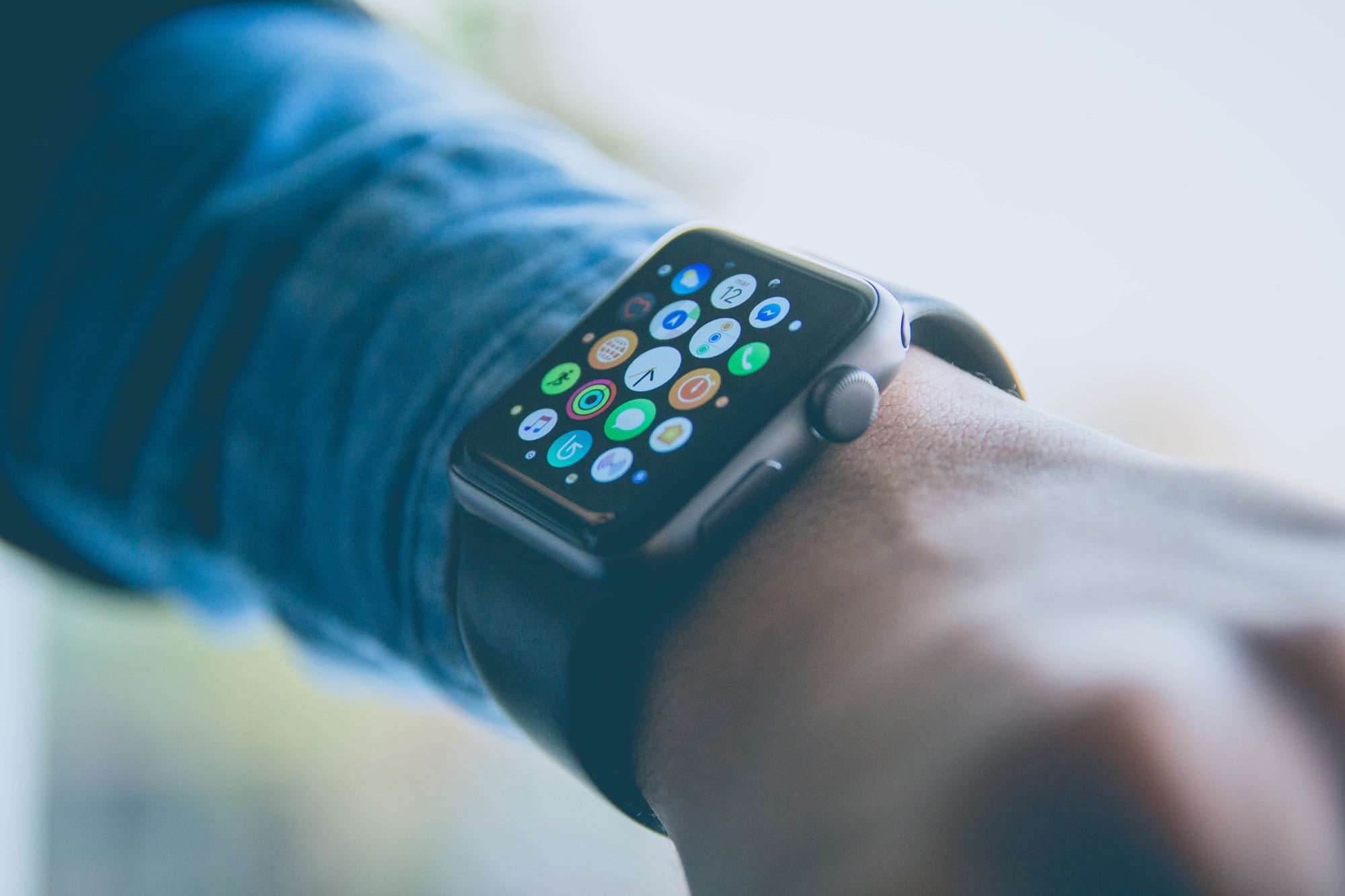
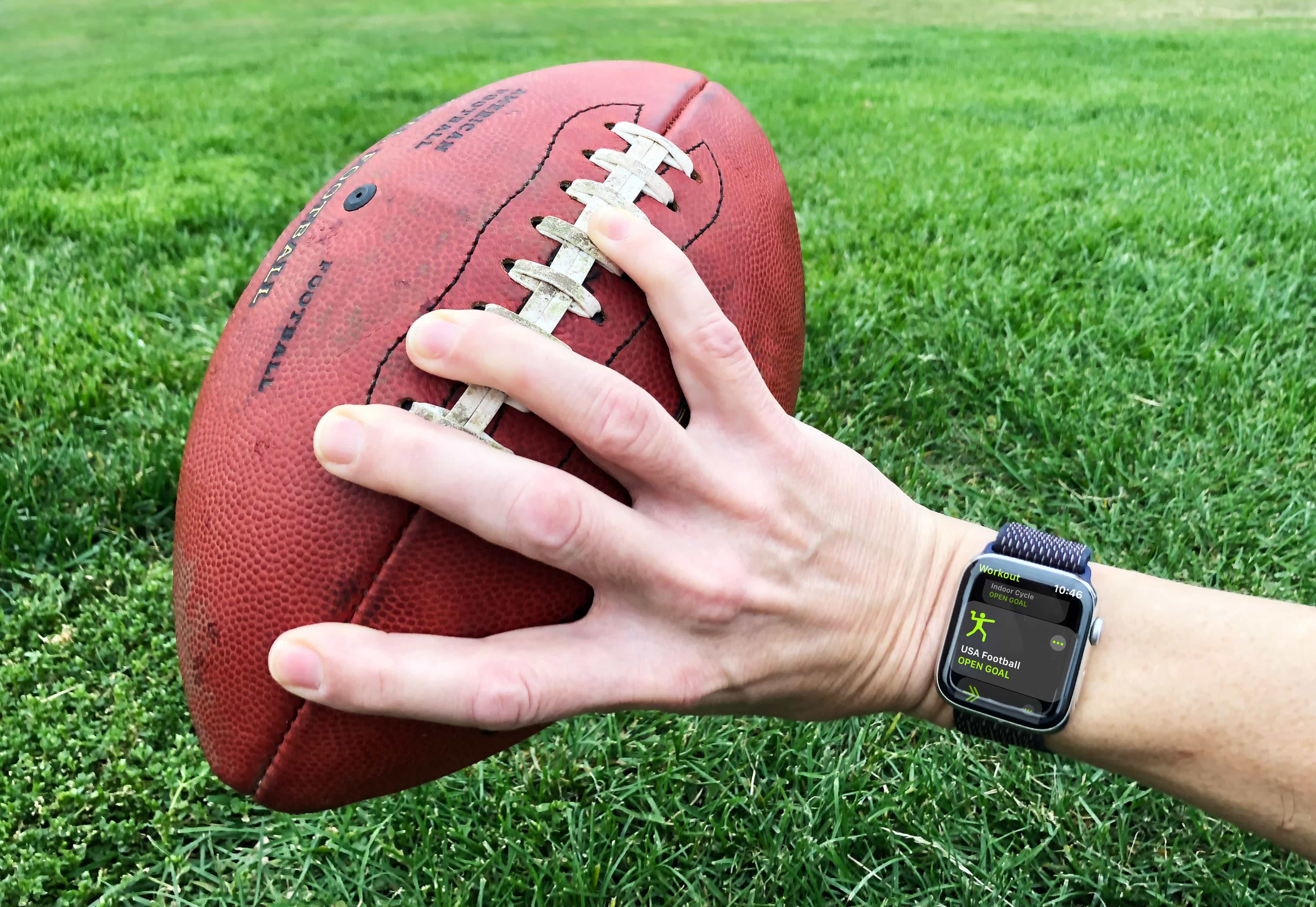
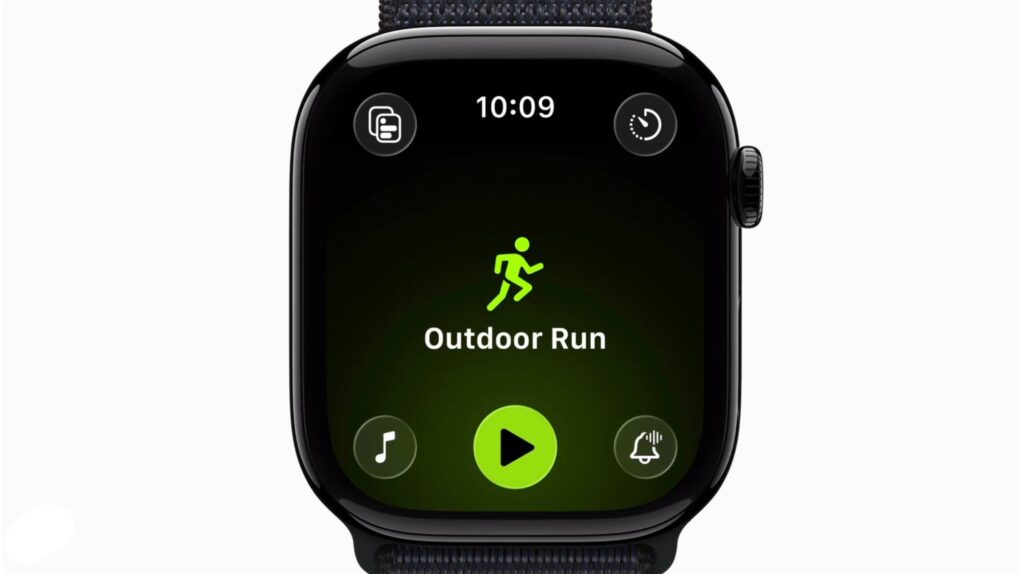
Now you can tap the big workout type icon to start a workout, like god intended. Photo: Apple
When it released watchOS 26.4 on Tuesday, Apple fixed an annoying recent addition to the Workout app. After you update, you can tap on the big fat workout type icon to start recording a workout quickly and easily.
It’s a small thing, but when you’re dealing with a screen the size of the Apple Watch — and especially when you’re outside in the bright sun, getting ready to jump into a workout — the bigger the tap target, the better.
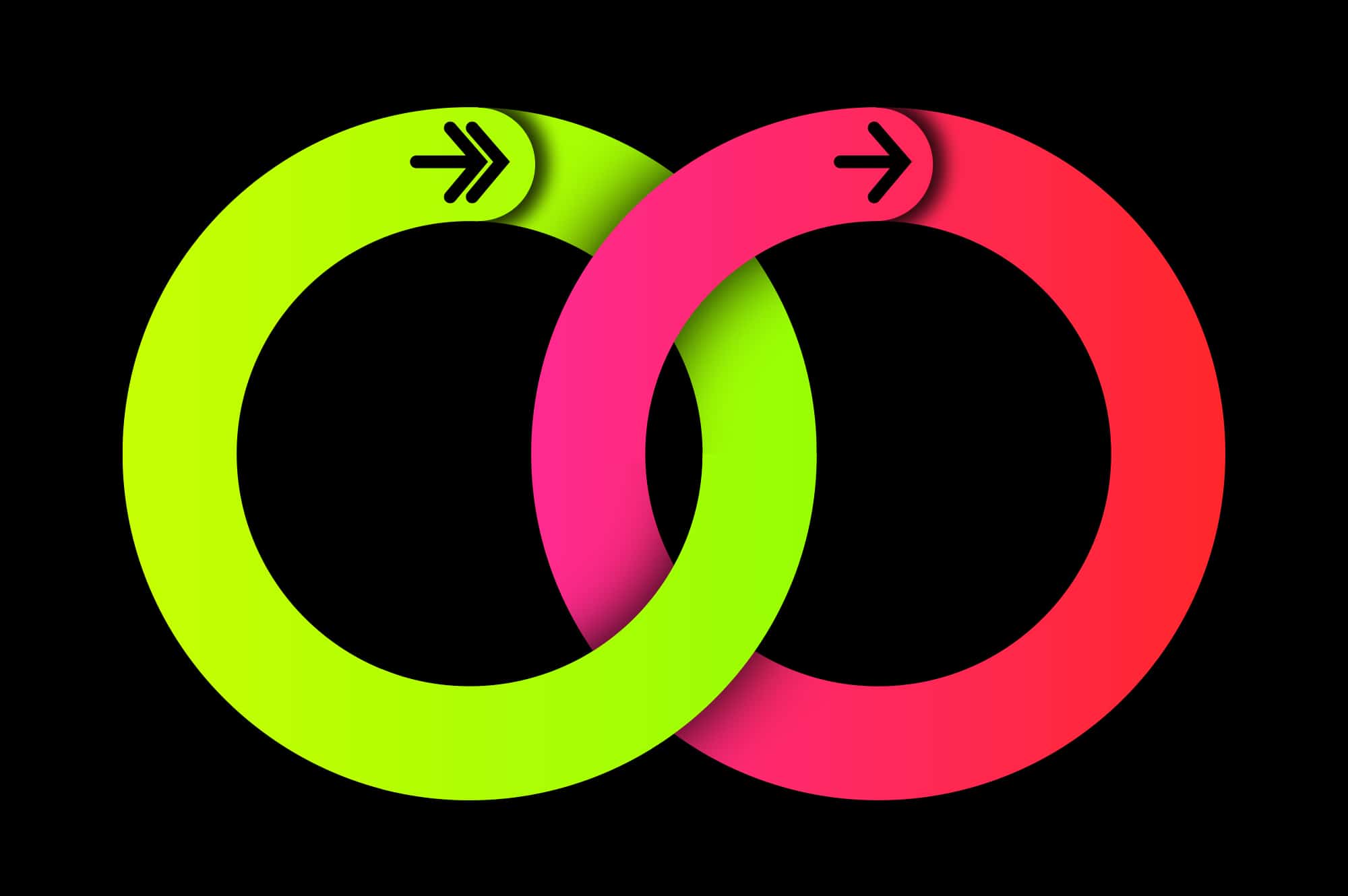
Apple Watch users who close their Activity rings on April 24 can earn a special Global Close Your Rings Day limited-edition award. Photo: Apple
With Global Close Your Rings Day upon us, Apple Watch owners around the world showed off the pins they earned Thursday by participating in Apple’s fitness-oriented special event. The day marks a decade of Apple Watch Activity rings helping keep users active for their health.
“Apple Watch has changed the way people think about, monitor and engage with their fitness and health,” said Jeff Williams, Apple’s chief operating officer, in a press release Monday announcing the event. “A decade ago, we introduced Activity rings — and since then, Apple Watch has grown to offer an extensive set of features designed to empower every user. People write to us almost every day sharing how Apple Watch has made a difference in their life, from motivating them to move more throughout the day, to changing the trajectory of their health.”
Don't get your Move and Exercise rings mixed up Image: Graham Bower/Cult of Mac
Closing your three Apple Watch Activity rings can become such an obsession that it’s easy to forget why you’re doing it. But what does it really mean to close an Apple Watch ring? The Stand ring seems obvious. We all know we shouldn’t sit around on our asses all day. But how about the Move and Exercise rings, which sound so similar?
Actually, no. The Apple Watch’s Move and Exercise rings are very different, and understanding that difference is massively important if you want to achieve your fitness goals.
Apple's Fitness app is now customizable and adds a host of powerful new features. Photo:
watchOS 11 will monitor your Training Load, enable you to pause your Activity Rings when you’re sick, and track your pregnancy, Apple said Monday. These features, together with a new Vitals app, represent another major step forward for Apple’s health and fitness wearable.
Your Apple Watch face gets some love, too, with improvements to the photo face and widget stack.
Runners get some much-needed love in watchOS 9. Photo: Apple
Apple revealed what it has up its sleeve for Apple Watch during its WWDC22 keynote Monday. watchOS 9 includes some fun new watch faces and various other minor additions. But the Workout app really stole the show with a host of welcome new features.
Apple is taking on fitness specialists like Garmin with prosumer experiences such as Heart Rate Zone training, Running Form Metrics, Custom Workouts and Kickboard Detection for swimmers. Could this newfound interest in elite fitness suggest a rugged Explorer Edition Apple Watch will debut in the fall?
Apple Watch won't get blood pressure and blood sugar monitoring soon, but other new health updates are coming. Photo: Lewis Wallace/Cult of Mac
Cupertino is likely to add body temperature readings and other new health features to Apple Watch and the Health app in 2022, but it looks like blood pressure and blood glucose monitoring will have to wait, according to a new report.
For a look at those delays to blood pressure and blood sugar monitoring, as well as the expected new features for women’s health and sleep-, fitness- and medication management, read on.
Why choose one activity type when you can do loads? Photo: Graham Bower/Cult of Mac
Which workout type do you fancy today? Running, swimming, cycling, yoga…? There are so many different Apple Watch workouts, it can be hard to choose. The good news is, you don’t have to.
Thanks to a hidden feature in the Workout app, you can log multiple activity types in a single session. Want to log a triathlon? No problem. Like to do a cooldown at the end of an intense HIIT session? It supports that too.
Here’s everything you need to know about how to use this little-known Apple Watch feature — and why you definitely should.
Get ready to make your Workout app work for you. Cover: Leander Kahney/Cult of Mac
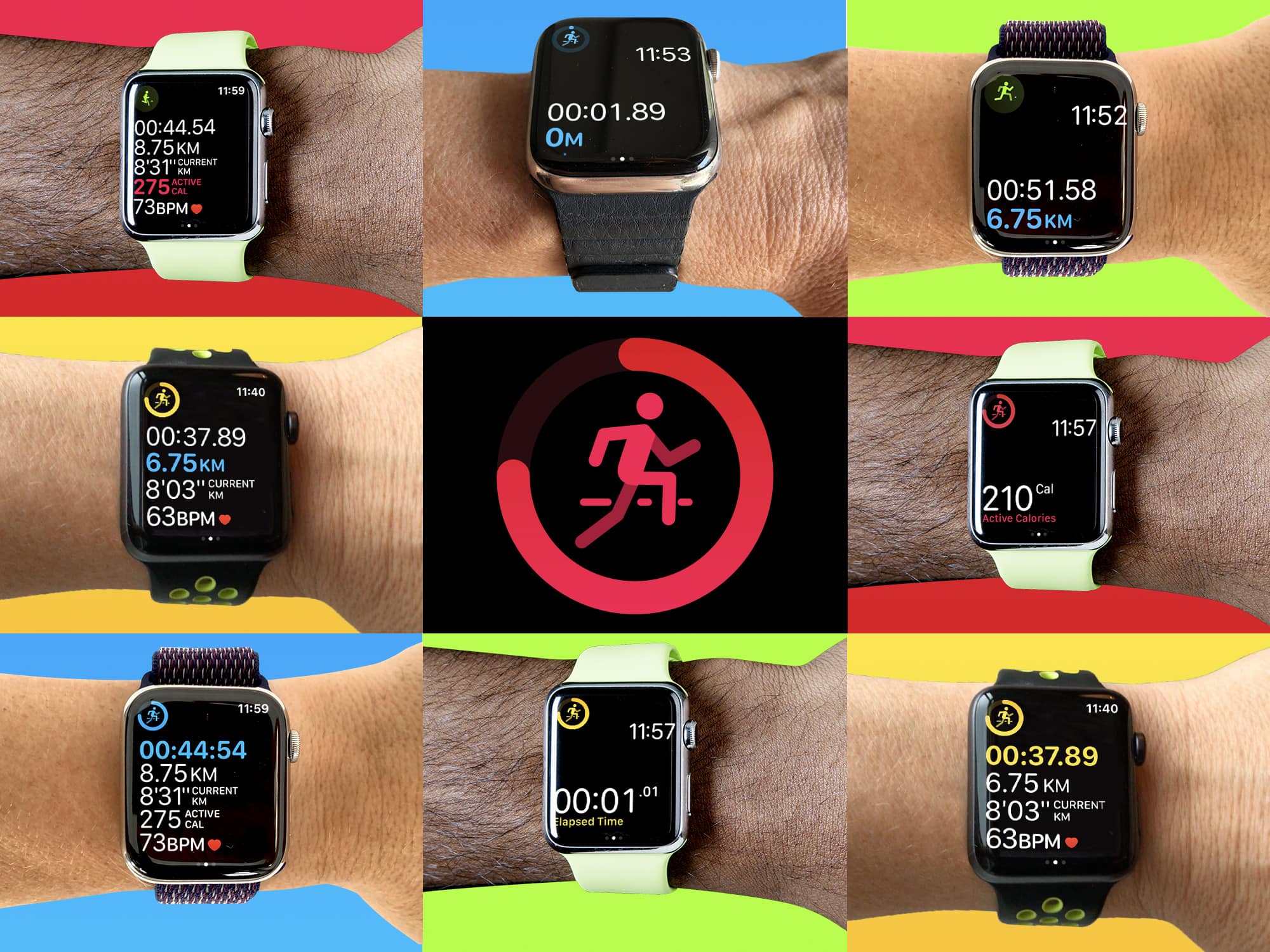
If you’re an Apple Watch fitness freak and you’ve never tweaked the Workout app’s settings, you’re in for a treat. You can heavily customize the way it displays data, so you can make the most of your workouts.
We’ll show you how in Cult of Mac Magazine. Also in this week’s free issue, find out everything you need to know about Apple’s big Sept. 15 event.
Download the iOS mag to read it on your iPad or iPhone. Or head below to get the headlines in your browser.
Have you found the right Workout app layout for you? Photo: Graham Bower/Cult of Mac
At first glance, the Apple Watch Workout app seems pretty simple. You just tap the start button and get all sweaty. But there’s more to it than meets the eye. A lot more.
You can customize its layout in hundreds of different ways, changing the text size, position, metrics and even adding a chart of your progress. Even if you use the app every day, chances are you still haven’t discovered all its secrets.
So check out our top 10 Workout app tips and get set for a more effective workout.
Time to dust off your Apple Watch and start closing those rings again. Photo: Graham Bower/Cult of Mac
If you’ve let your fitness slide during the lockdown, you’re not alone. The Activity app’s constant nagging to close your rings is not very helpful when all the gyms are closed and you’re stuck at home.
Skipping workouts for a few months is understandable under the circumstances, but you don’t want to become a permanent couch potato. So now that we’re all adjusting to the “new normal,” it’s the ideal time to dust off your Apple Watch and get back in shape.
No excuses! You could be doing one of these workouts right now. Photo: Graham Bower/Cult of Mac
Apple Watch supports a huge selection of workout types, but most of the popular ones, like running and swimming, you probably can’t do right now thanks to the coronavirus lockdown. Fortunately, if you delve a little deeper, you’ll find plenty of Apple Watch home workouts you can choose from that require little or no special equipment.
So why not take the opportunity to master a whole new kind of exercise? Here are 20 Apple Watch indoor workout options you can do at home right now.
Our essential guide to building rock-hard abs (with a little help from Apple Watch). Photo: Graham Bower/Cult of Mac
Your fitness doesn’t need to suffer just because you’re stuck indoors during the coronavirus quarantine. In fact, now is the ideal time to start working on your six-pack. The lockdown won’t last forever. If you put in the work now, you’ll be looking like a ripped ex-con by the time we’re all allowed out again.
This post covers everything you need to know to build rock-hard abs. We’ll dispel a couple of myths that stop you from blasting your belly fat. And, in the video, I’ll show you the two essential types of core exercise you need to know.
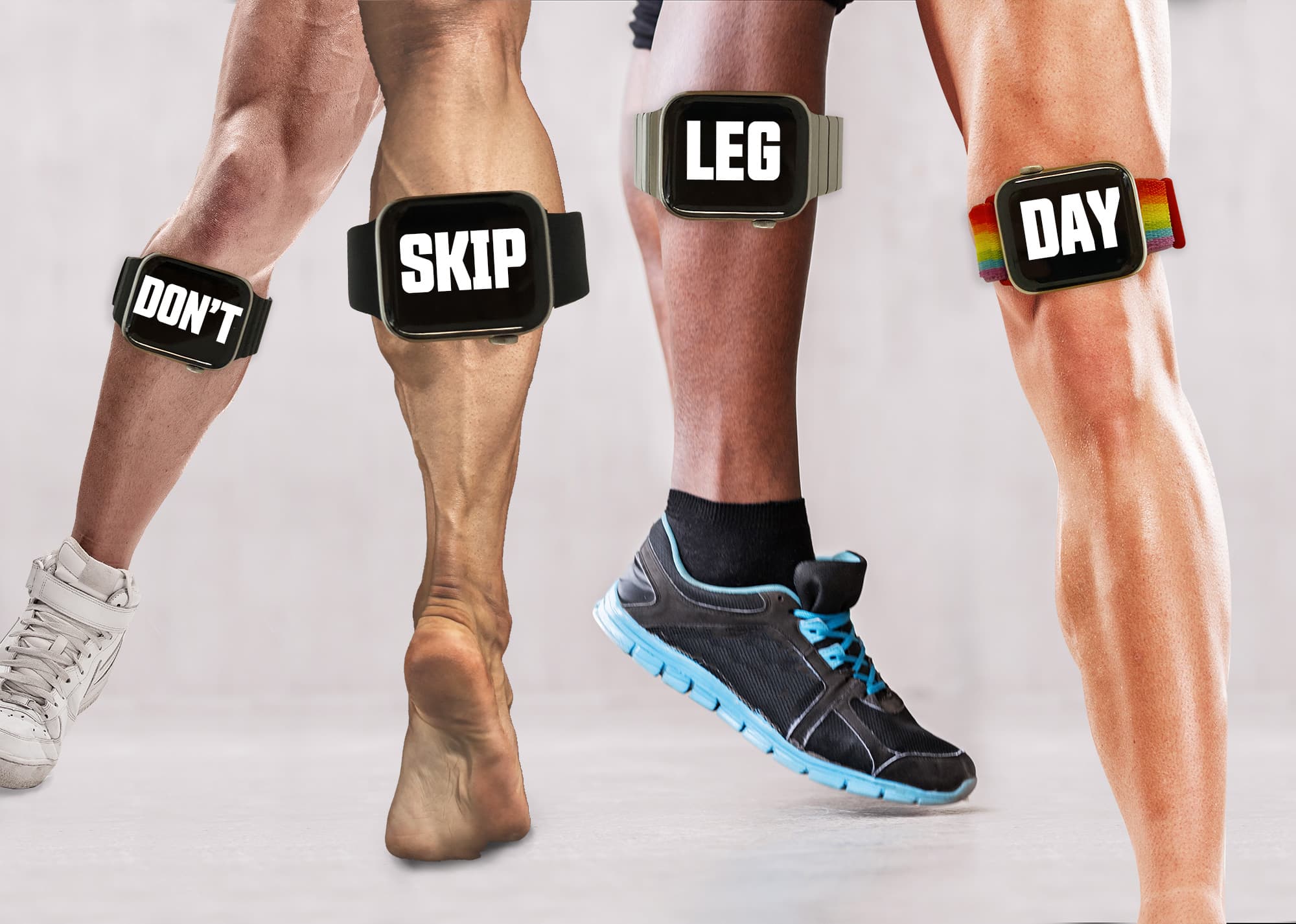
Don't skip leg day or you'll regret it. Photo: Graham Bower/Cult of Mac
Bodybuilders have given us more than their fair share of memes. Who can forget “sun’s out guns out” or “do you even lift, bro?” and one of the all-time weightlifting classics, “Don’t skip leg day.” But unless you’re a dedicated gym rat, you might be wondering what exactly “leg day” is and why you shouldn’t skip it.
Let’s take a closer look at leg day — and how Apple Watch and various apps can help you build great “wheels” (bodybuilder talk for “legs”).
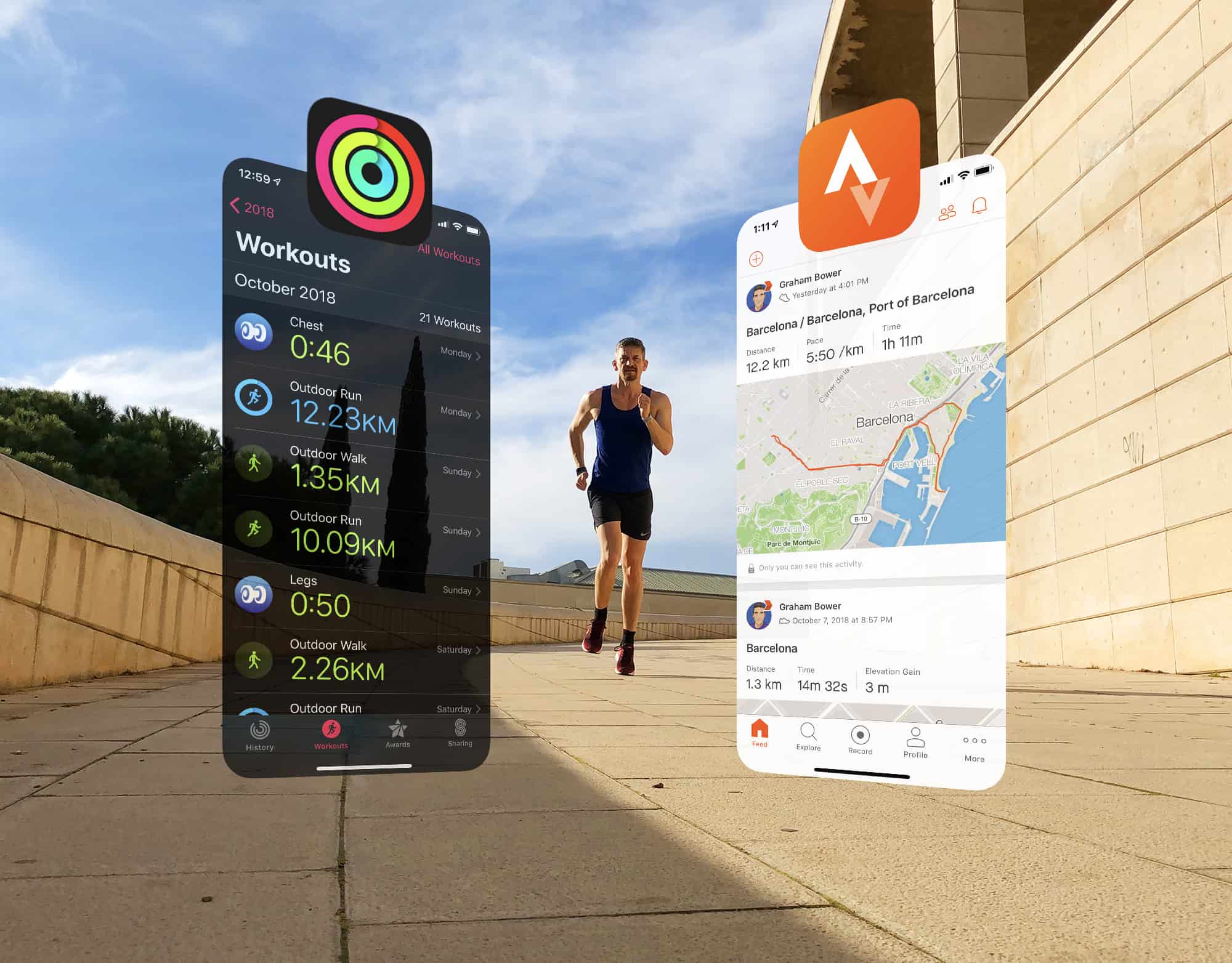
Strava is ready to play nice with Apple Photo: Graham Bower/Cult of Mac
Strava is a brilliant app for sharing your workouts and analyzing your fitness activity. But its Apple Watch app is not so great. That’s why I prefer to use Apple’s built-in Workout app and then view my data afterward on the Strava website.
The trouble is, up until now, the only way to do that was by relying on third-party apps such as HealthFit, which provide the missing link that syncs Apple’s workouts with Strava.
Strava has been promising to come up with a solution for years. And this week, the company finally delivered. It’s a huge step in the right direction, but I won’t be deleting HealthFit just yet. Here’s why.
Strava is ready to play nice with Apple Photo: Graham Bower/Cult of Mac
Before iOS 13, if you wanted to sync Apple Watch workout data with Strava, you had an excellent option: a brilliant third-party fitness app called HealthFit. Unfortunately, Apple’s strict new rules in iOS 13 broke the app’s syncing functionality, leaving Apple Watch-wearing members of the fitness social network in the cold.
Luckily, today’s HealthFit update brings the welcome return of this Strava-syncing capability. Cult of Mac has been testing a beta version of HealthFit 5.2.6 and can confirm that it works really well again. Strava sync is back and better than ever. Here’s what the new-and-improved fitness app can do for you.
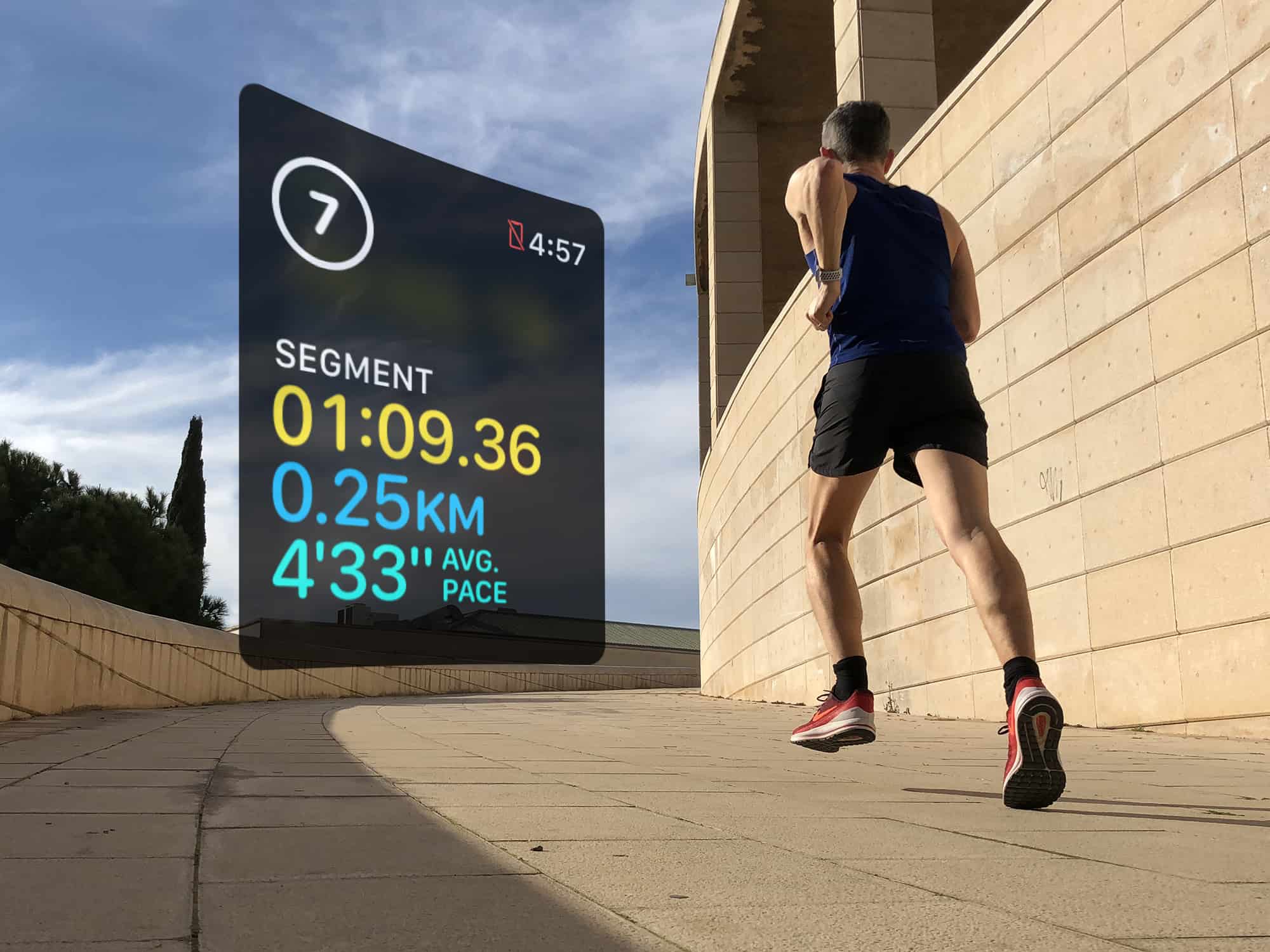
Use segments to log your rest intervals doing HIIT workouts Photo: Graham Bower/Cult of Mac
Interval training has become very popular these days, thanks to high-intensity interval training, or HIIT. Proponents of this type of exercise say it delivers many of the benefits of a much longer workout in a short, sharp burst.
The great thing about intervals is that you can do them with pretty much any type of exercise, including running, swimming and cycling. Interval training is also ideal for indoor workouts, like the cardio machines at your local gym. Or you can get creative and mix things up with a jump rope or weights.
Want to give it a go? If so, Apple Watch is the perfect workout companion for interval training.
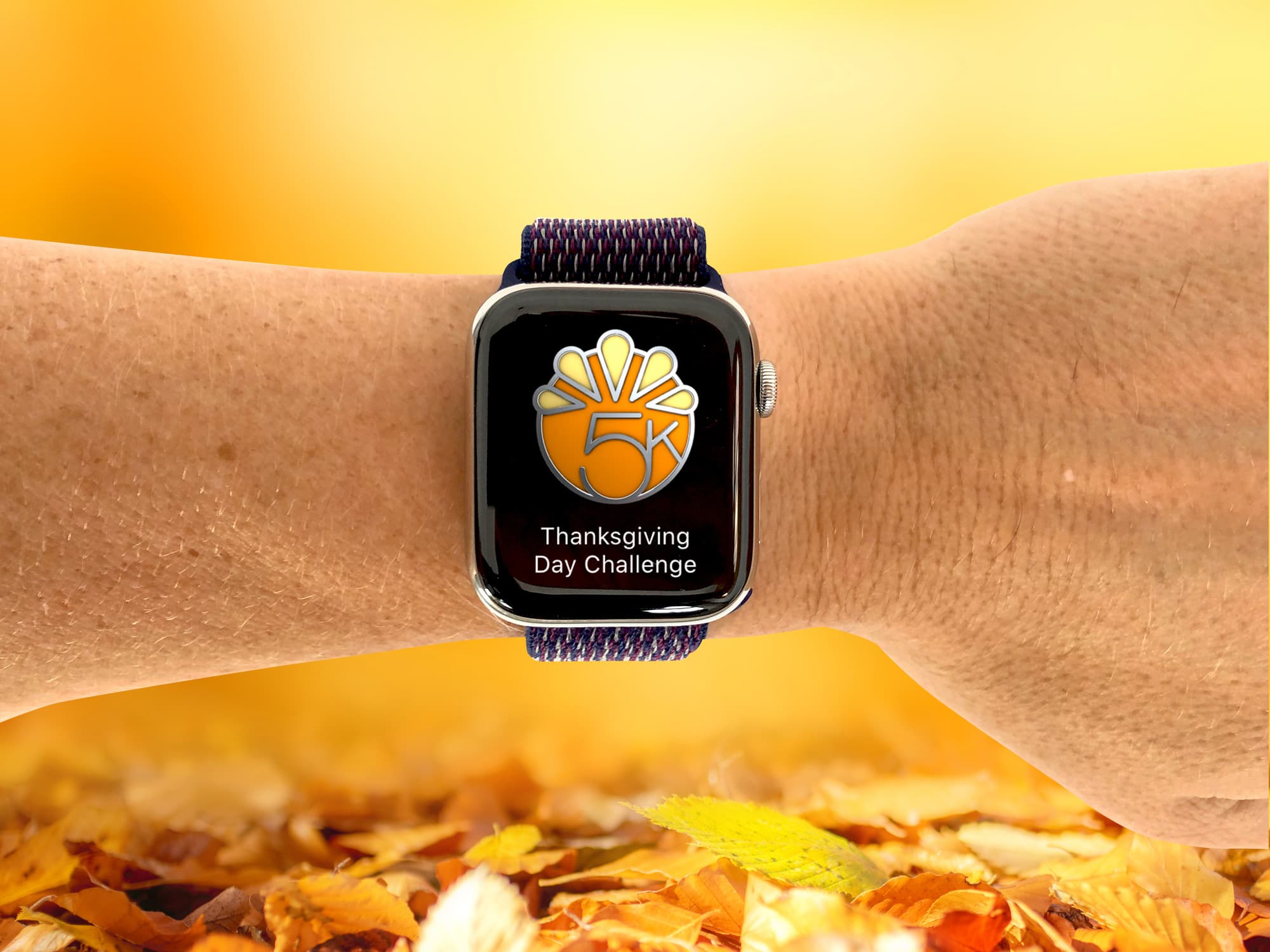
Are you up to the challenge this Thanksgiving? Photo: Graham Bower/Cult of Mac
Apple is sending us mixed messages this Thanksgiving. On the one hand, it’s encouraging Apple Watch owners to get active with the Thanksgiving Day Challenge 2019. But on the other hand, it’s serving up new episodes of Apple TV+ shows a day early, so we can collapse onto the couch with full stomachs and do nothing all day.
If the couch sounds more tempting than a chilly November workout, you should think again. If you accept Apple’s Thanksgiving Day Challenge, it could be the most important workout you do all year.
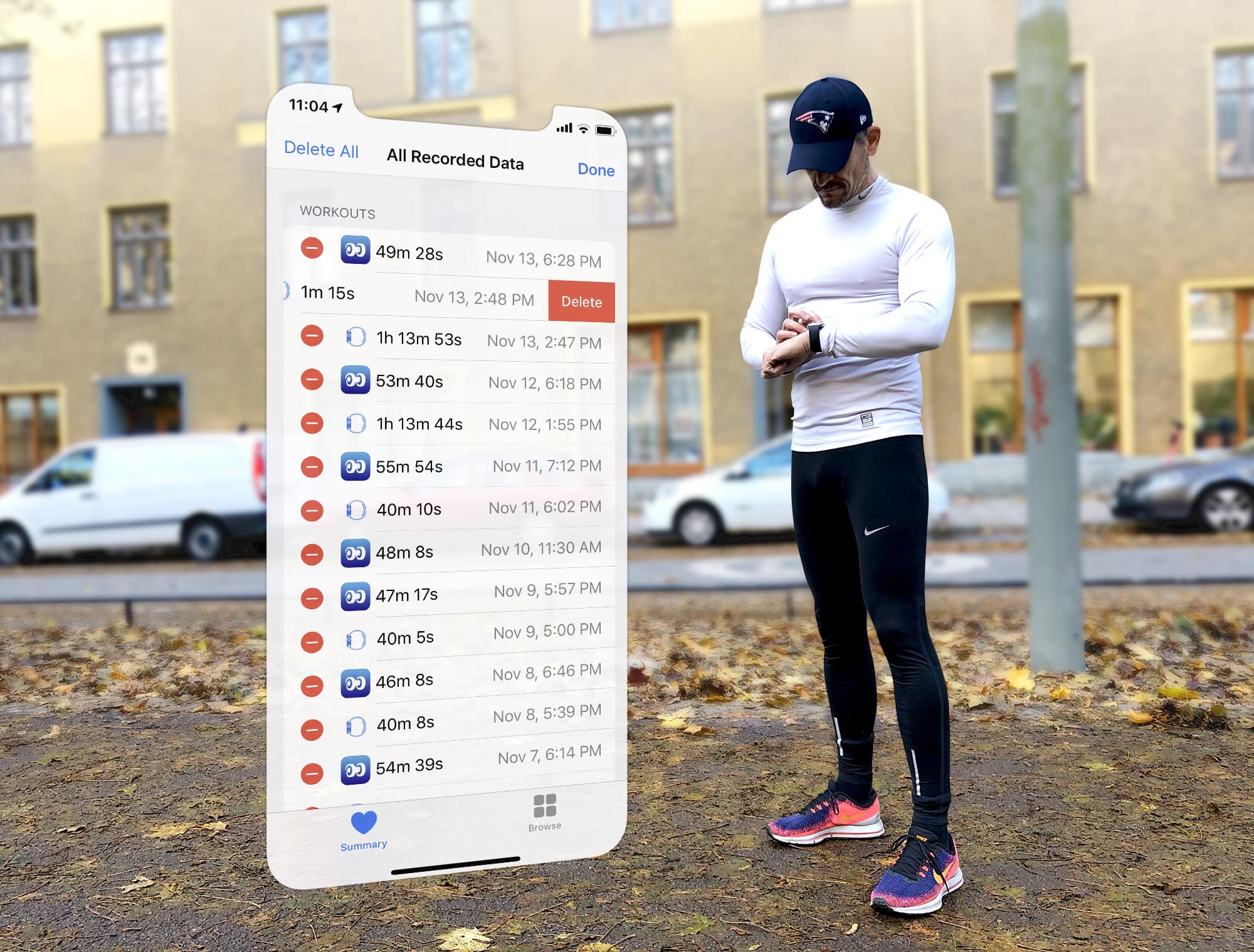
Apple Watch logged your workout wrong? You can still set the record straight. Photo: Graham Bower/Cult of Mac
When you finish logging a workout with Apple Watch, you can gloat over all your hard work in the Activity app on your iPhone. This provides all kinds of useful charts, maps and trends to show you how you’re doing.
But what if you logged that workout by accident? Or if you forgot to log a workout? You can’t edit Apple Watch workouts on your watch, nor in the Activity app on your iPhone. But fortunately, there is still a way to set the record straight. Here’s how to edit Apple Watch workouts.
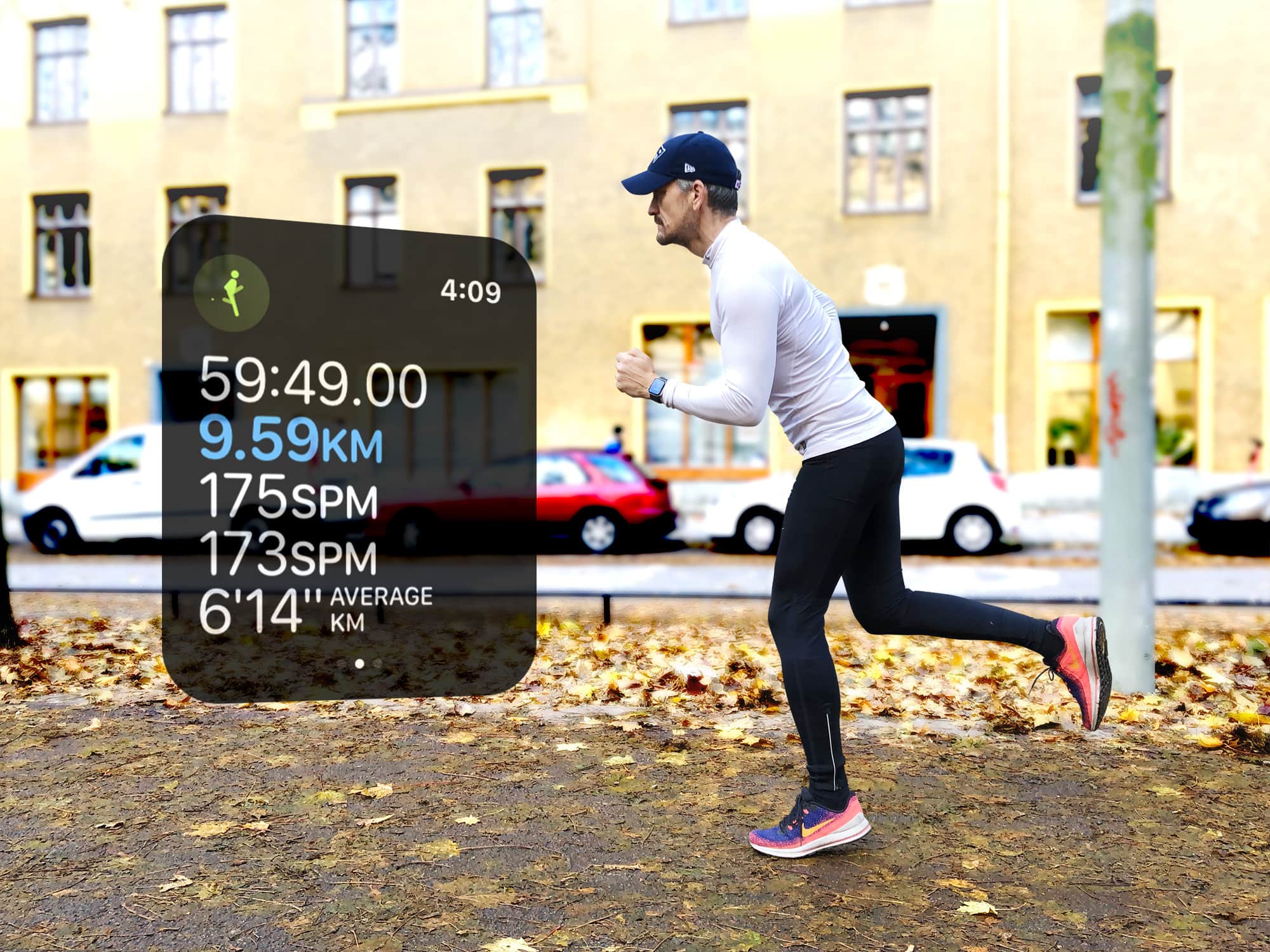
What does cadence tell you about your running? Photo: Graham Bower/Cult of Mac
The Apple Watch running cadence setting arrived in watchOS 5, but if you didn’t notice, you’re not alone. It tends to get buried in the myriad stats Cupertino provides for runners. Plus, there’s a lot of confusion about what it actually means and whether it’s useful.
But when you understand what your running cadence is telling you, it can help make you run faster and reduce your risk of injury. So it’s definitely worth taking the time to get your head around it. Here’s our handy guide.
My Apple Watch Series 5 gets seriously good battery life. I can easily get 24 hours out of it, but I don’t really stress it by doing multiple daily workouts or by streaming audio directly to Bluetooth headphones. But what if your watch has trouble lasting the whole day? Or if you’re traveling, and not able to just stop and charge the watch whenever it needs a quick boost?
Today, we’ll check three settings that can prolong your Apple Watch battery life.
Apple Watch’s Other Workouts are a whole other ballgame Photo: Graham Bower/Cult of Mac
Everyone knows you can do running, cycling and swimming workouts with your Apple Watch. But did you know you also can log sports like football, golf and boxing? There’s even support for pastimes as diverse as fishing, horse riding and fencing.
These workout types are not easy to find, however. Apple hides them in the “Other” workouts menu. With a bit of hunting around you’ll discover 60 additional options there to choose from.
So, if you’re bored with your regular workout and fancy trying something more exotic, why not give these Other workouts a try? Here’s how to find and use them.
Want a more defined core? Your Apple Watch can help. Photo: Graham Bower/Cult of Mac
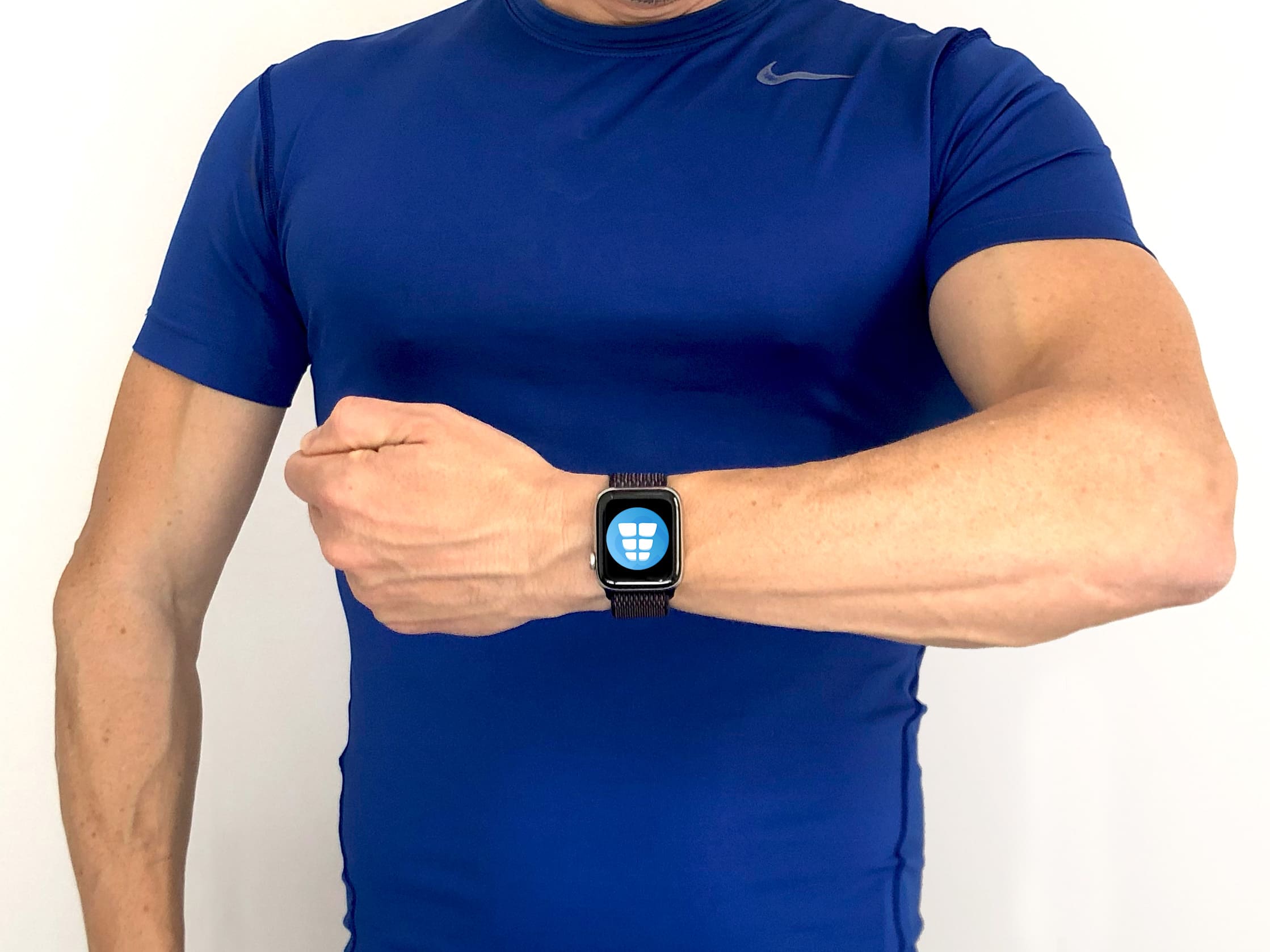
For many guys wanting to get in shape, a chiseled six-pack is the ultimate goal. But achieving that iconic washboard look is not easy. Especially as you get older.
Fortunately, your Apple Watch can help you along the way to achieving a tighter core. Apple’s Health app, Activity app and even the Breathe app have a role to play. Here’s how to get a six-pack with a little help from your iPhone and Apple Watch.
Max out your aerobic fitness with Apple Watch. Photo: Graham Bower/Cult of Mac
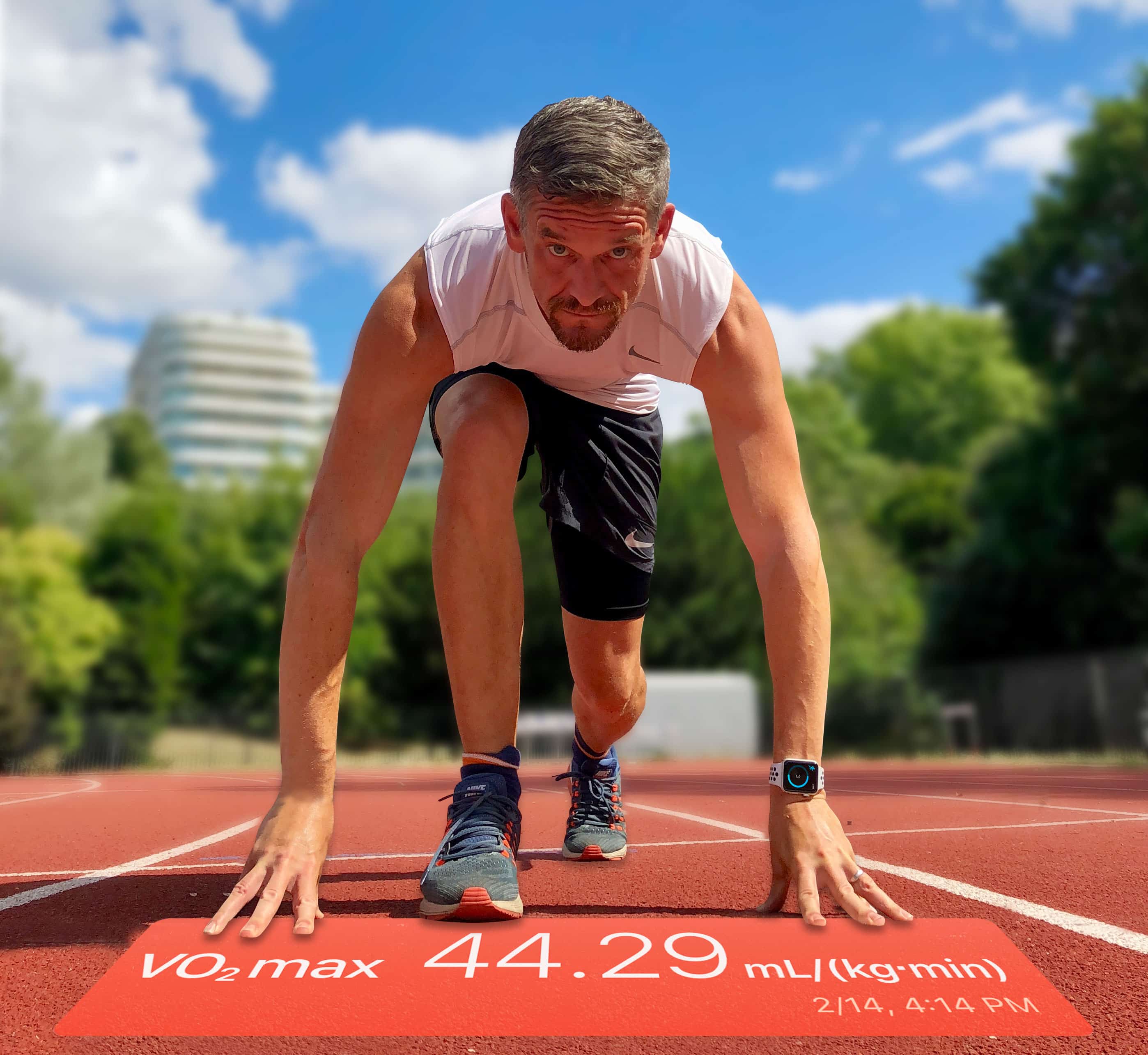
Want to know how fit you really are? Apple Watch provides loads of insightful metrics you could check. So many, in fact, that there is not enough space for them all in the Workout app. Instead, you’ll find much of this crucial data buried away in the Health app on your iPhone.
One of the most interesting is VO2 max, which is basically the ultimate test of your aerobic fitness. If you’re into endurance sports, VO2 max is a metric you’ll want to check out.
Here’s a quick guide to everything you need to know about VO2 max on Apple Watch: What it is, how to use it, and how to improve yours.
Aaptiv offers more than 2,500 audio-guided workouts to keep you motivated and moving. Photo: Ian Fuchs/Cult of Mac
Getting in shape takes time and motivation. Whether you’re trying to get fit, lose weight, or train for your next race, having the right tool can help you get the most out of each workout.
For some people, hitting the gym a couple times each week is all they need. For others, they need something to offer that extra push. Aaptiv is the trainer you need, right where it matters most.
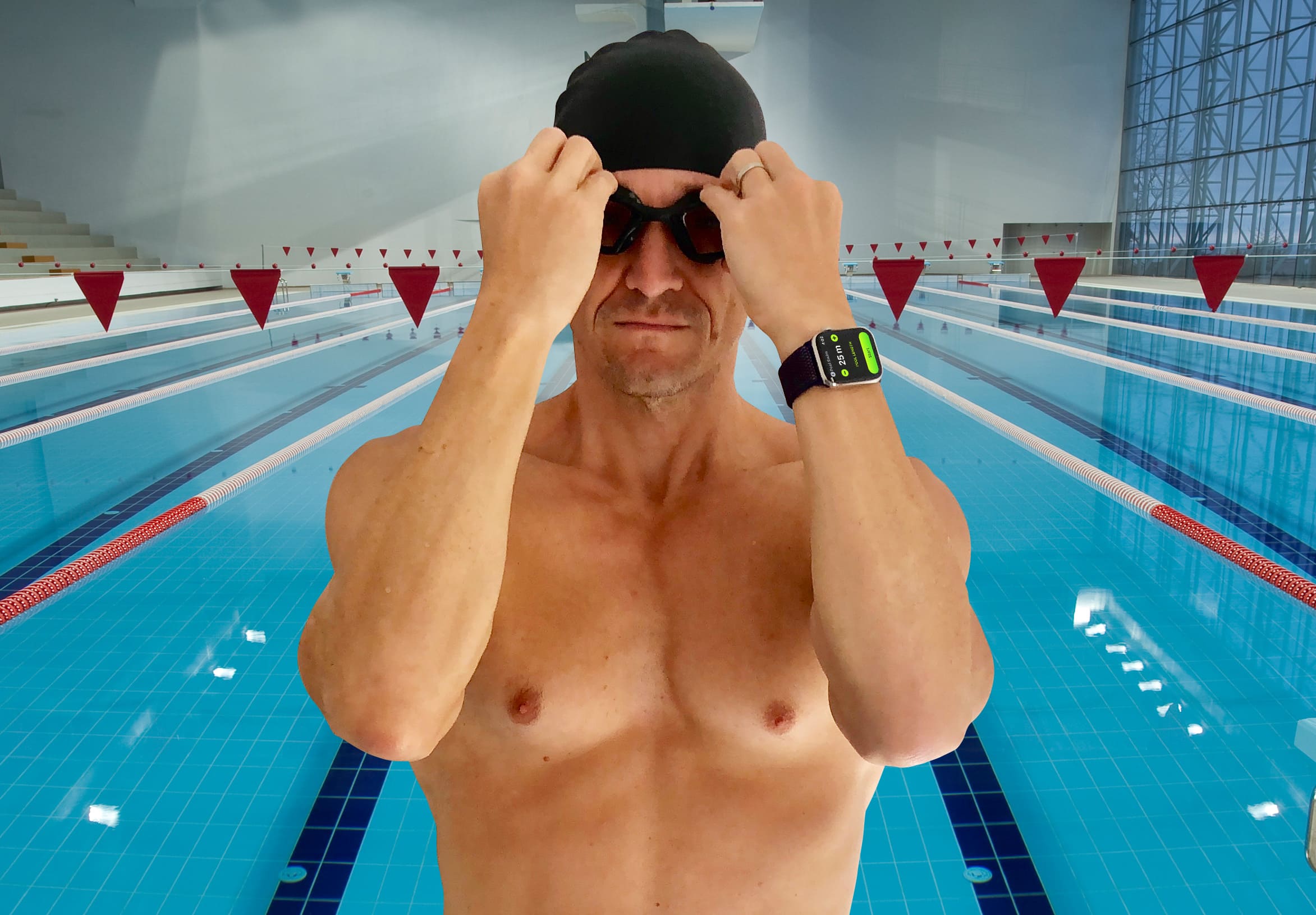
Apple Watch Series 4 loves getting wet. Photo: Graham Bower/Cult of Mac
While many of us learn to swim at school, plenty of people never return to the pool as an adult. If that sounds familiar, but your shiny new Apple Watch Series 4 is tempting you to dip your toe in the water again, this guide to swimming with Apple Watch is for you.
We’ll take a look at what equipment you’ll need, how to use your watch for swimming, how to structure your workouts for maximum fitness gains, and how to track your progress in Apple’s Activity app.
Let’s dive in and start swimming with Apple Watch.



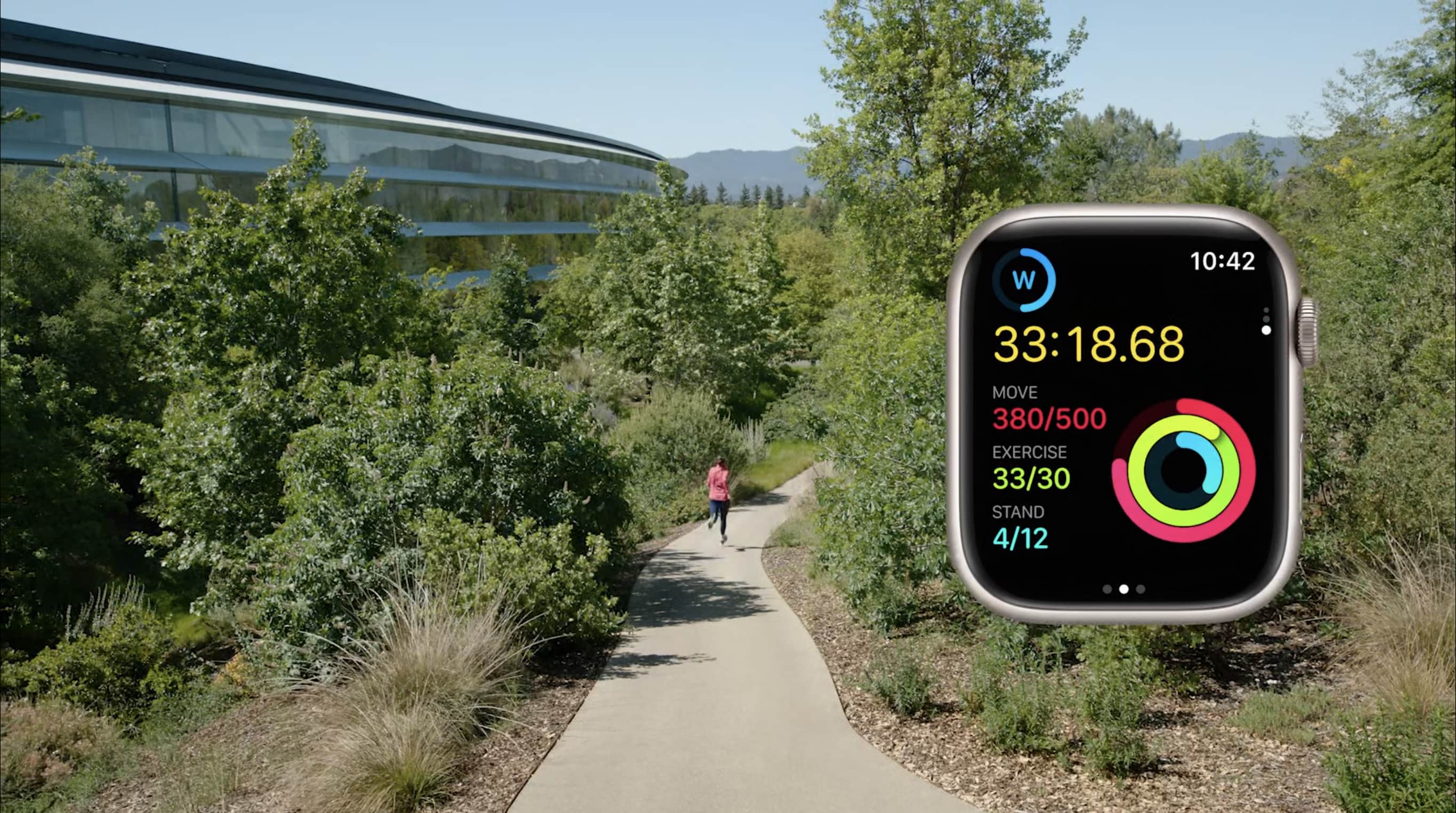
 Apple revealed what it has up its sleeve for Apple Watch during its WWDC22 keynote Monday. watchOS 9 includes some fun new watch faces and various other minor additions. But the Workout app really stole the show with a host of welcome new features.