CEO Tim Cook says short-term investors aren't needed at Apple. Photo: Apple
Apple stock price has dropped steadily throughout June. That likely bothers short-term investors, but not Tim Cook. Apple’s CEO thinks long-term, and says planning no farther than the next quarterly earnings report is a recipe for disaster.
“If you’re making a decision based on the short term investors, you’re going to be guaranteed to be making terrible decisions,” Cook said yesterday.
The iOS 12 public beta could render your iPhone almost useless. Photo: Charlie Sorrel/Cult of Mac
The iOS 12 public beta is available to download and install on any of your compatible devices. The public beta is essentially the same as the developer beta, only each build is released around a week after the developer version. So far, the develoer beta has been surprisingly stable, but its definitely not ready for regular day-to-day use (more on that in a moment). But if you’re feeling brave, or if you have a spare device you’d like to use to see what all the fuss is about, then installing the beta is easy.
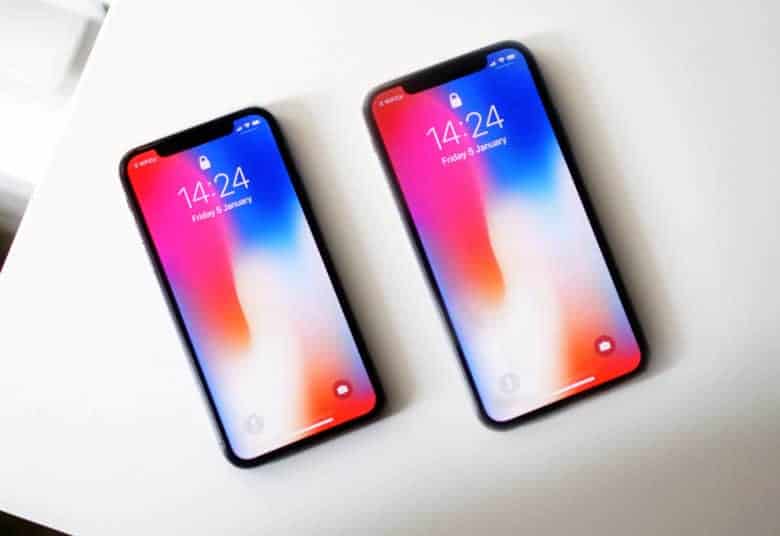
The iPhone X Plus is set to launch in September. Photo: Ste Smith/Cult of Mac
The best Apple analyst in the game just dropped a huge report on all the new products coming out soon and there’s a lot for Apple fans to be excited about.
If you’ve been desperately waiting for Apple to come out with a new MacBook Air the wait might be over real soon. Apple analyst Ming-Chi Kuo says a cheaper MacBook Air is set to launch later this year, and he’s got some info on the 2019 iPhone too.
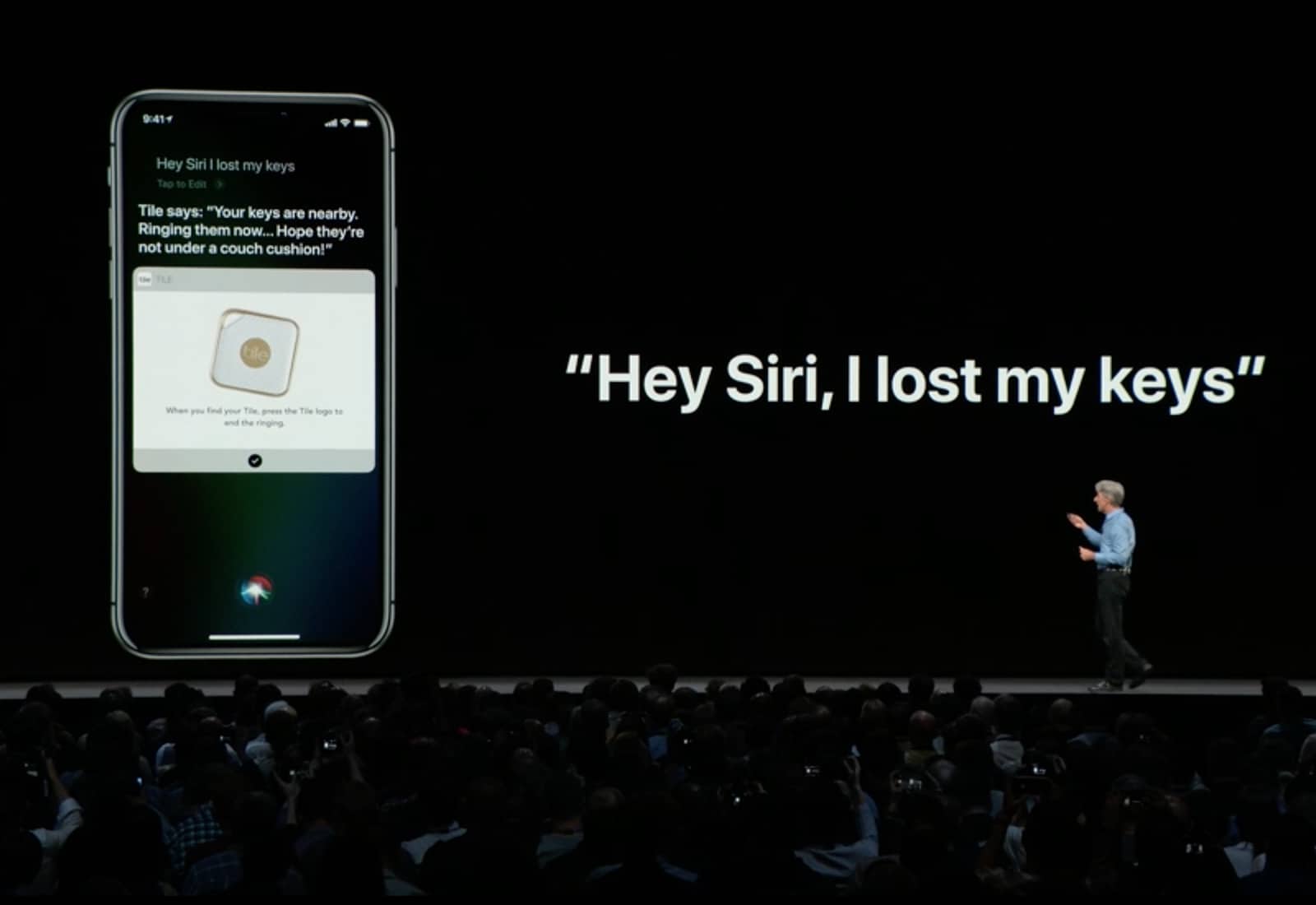
Siri Shortcuts could become super powerful. Photo: Apple
Siri Shortcuts are the iOS way to automate actions you do over and over. The WWDC 2018 keynote gave an examples of chaining together a bunch of these actions into one shortcut — order your favorite “coffee,” and give you directions to work, or switch on the lights at home one whole hour before you get there in order to, I don’t know, waste electricity? To trigger these little automations, you just tell Siri, using a pre-chosen keyword/name.
However, you don’t alway want to put together lots of steps. Sometimes you just want Siri to carry out a single action with a Shortcut. For instance, opening up your favorite news site in Safari, or sending a message to your spouse, or viewing your most recent photos. The good news is, you can do all of these right now, even without the fancy new Siri Shortcuts app.
They’re still running! Photo: Killian Bell/Cult of Mac
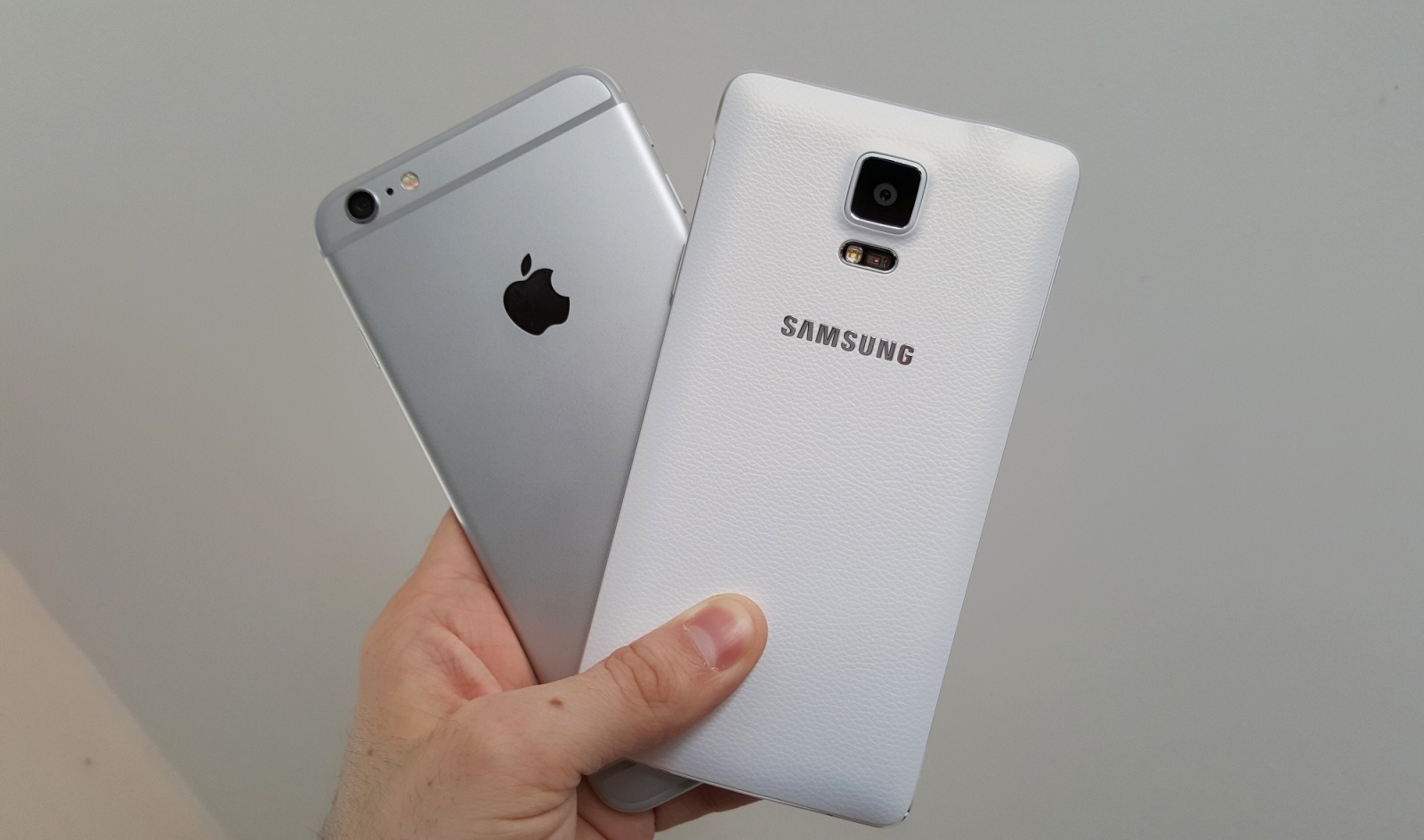
Android owners are still ditching their handsets for an iPhone at an impressive rate.
New research reveals that up to 20 percent of iPhone buyers each quarter are switching from Google devices. The iPhone SE is one of the most popular models among former Android fans, but there’s a lot of love for larger Apple devices, too.
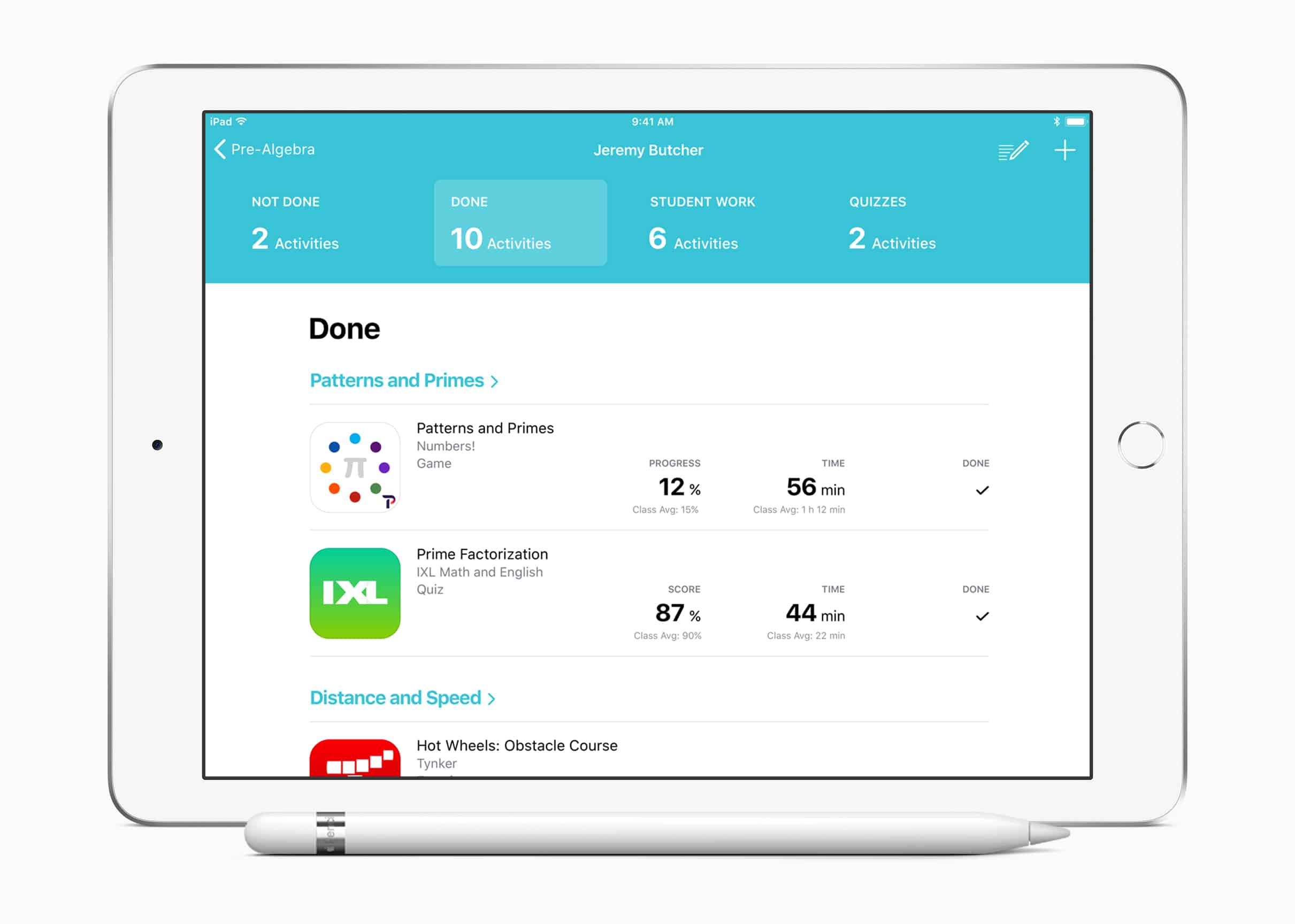
Students and teachers can start using Schoolwork today. Photo: Apple
Apple’s free Schoolwork app, which lets students and teachers collaborate on school assignments, is available now.
Schoolwork makes it easy to create assignments, take advantage of third-party apps for learning, and view student progress. It will work alongside the Classroom app to provide teachers around the world with the tools they need to “enhance the learning experience.”
Save $300 on an ultralight Apple laptop that's perfect for students. Photo: Apple
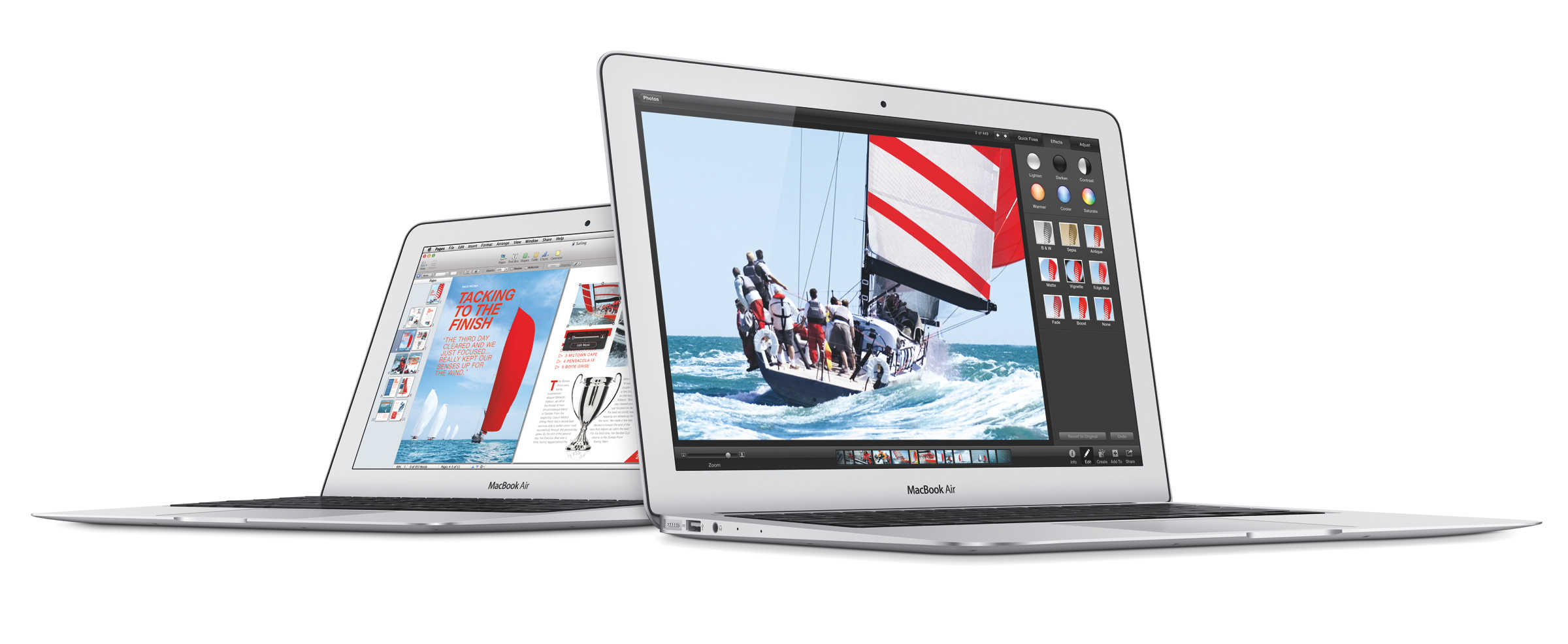
In today’s edition of Deals & Steals, we have select models on the latest MacBook Air for a phenomenal deal. Plus, you can get an (ugh) Galaxy S9, FIFA 18 and a pair of Bose wireless earphones — all at neat discounts.
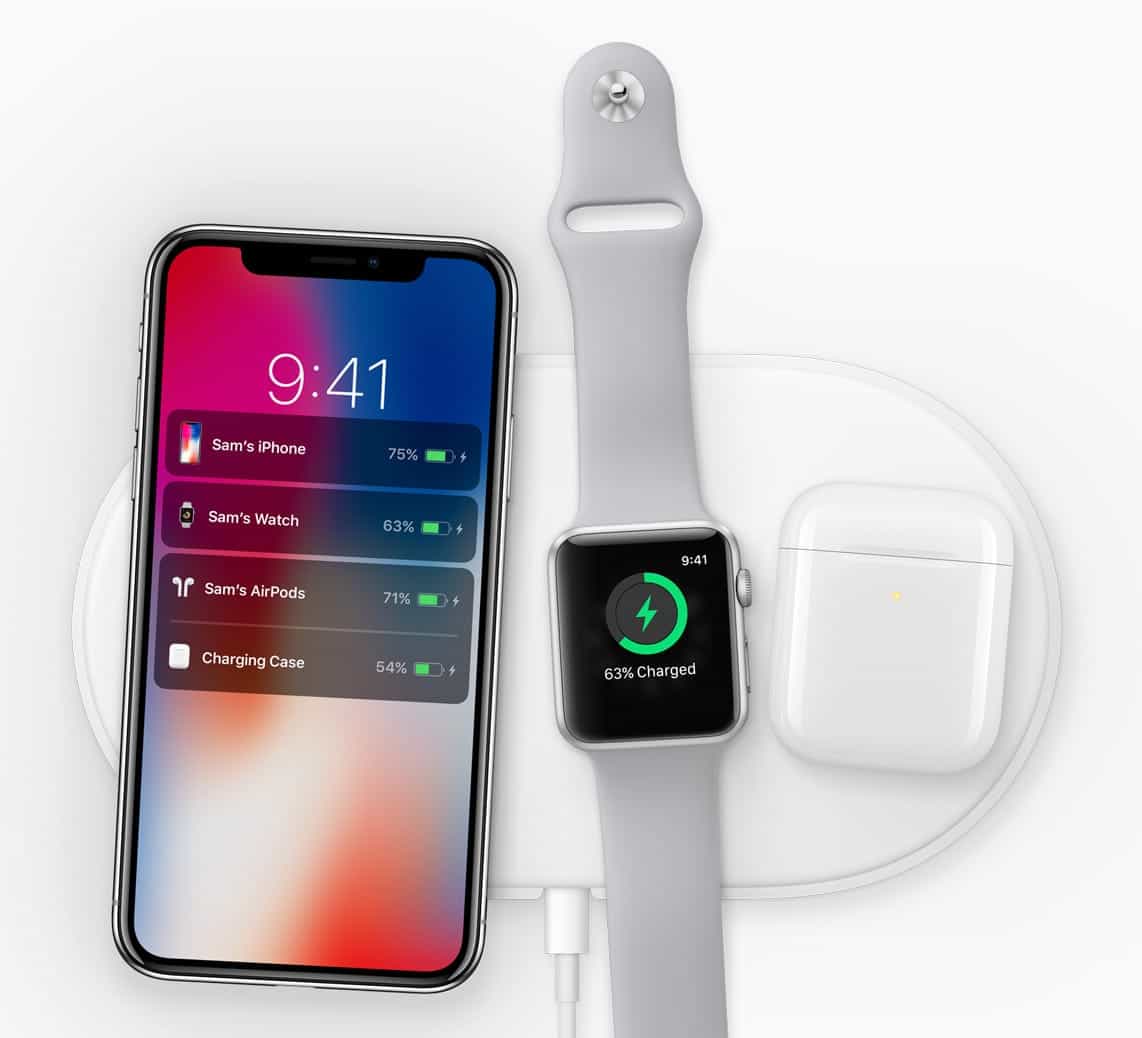
Will we finally get a release date for AirPower? Photo: Apple
Apple’s upcoming AirPods case will offer more than just wireless charging for your headphones, according to a sketchy new report.
A source familiar with Apple’s plans claims the case will double as an iPhone charger that will give you a boost in battery life when you’re in a pinch. The device could be available before the end of this year.
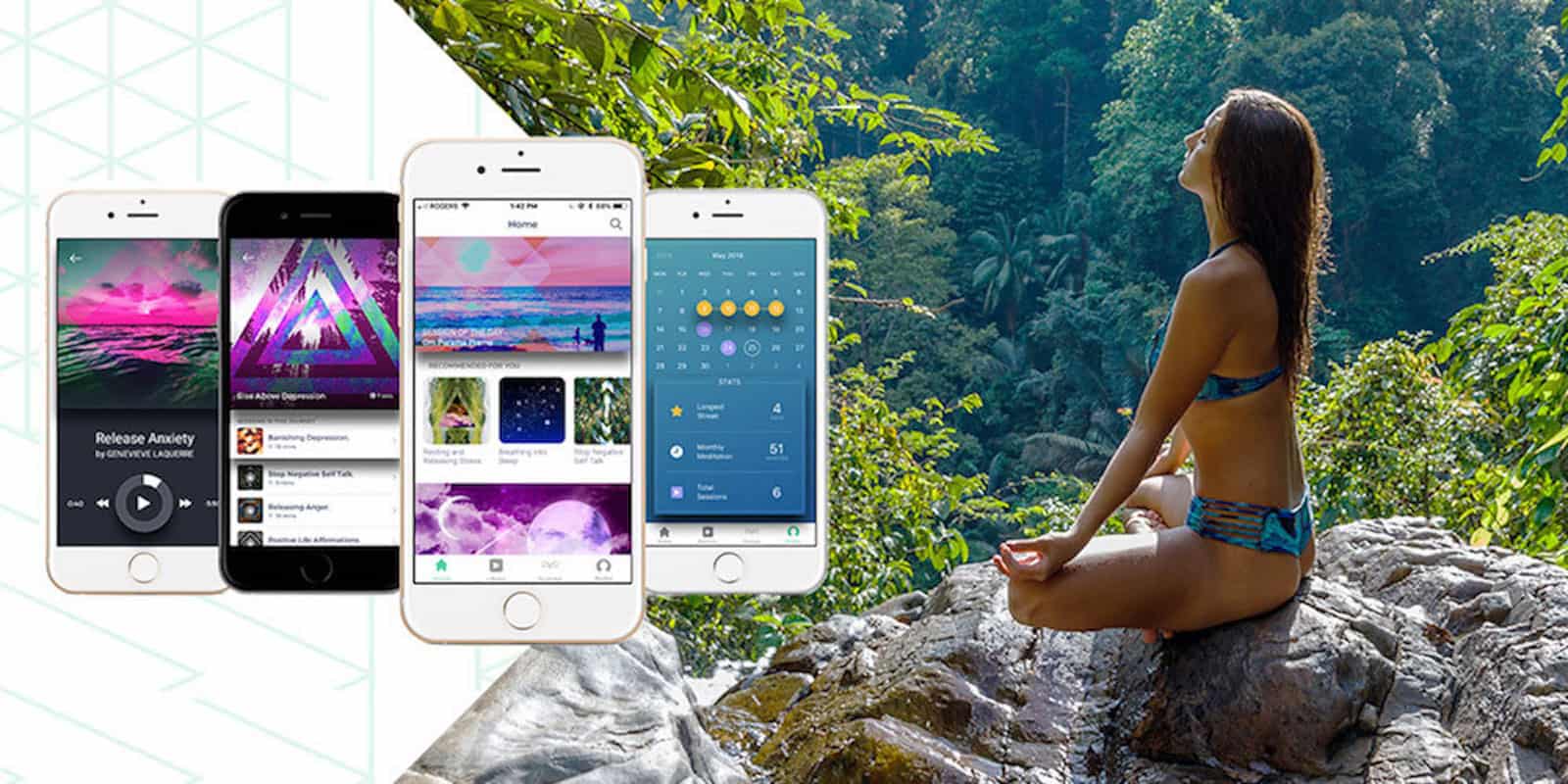
Mediate and decompress with this well reviewed iPhone app Photo: Cult of Mac Deals
Keeping a clear mind takes discipline and practice. And in the age of smartphones and constant distractions, mindfulness is more of a challenge than ever. So it makes sense that your phone might also offer a solution.
CEO Tim Cook apparently laid out Apple's three policy priorities. Photo: Apple
Whenever Apple CEO Tim Cook weighs in on a social issue, like his recent disparaging comments about U.S. immigration policy, there are always voices urging him to be quiet and concentrate on making great products.
Speaking at a forum in San Francisco this evening, Cook said that changing the world is in his job description.
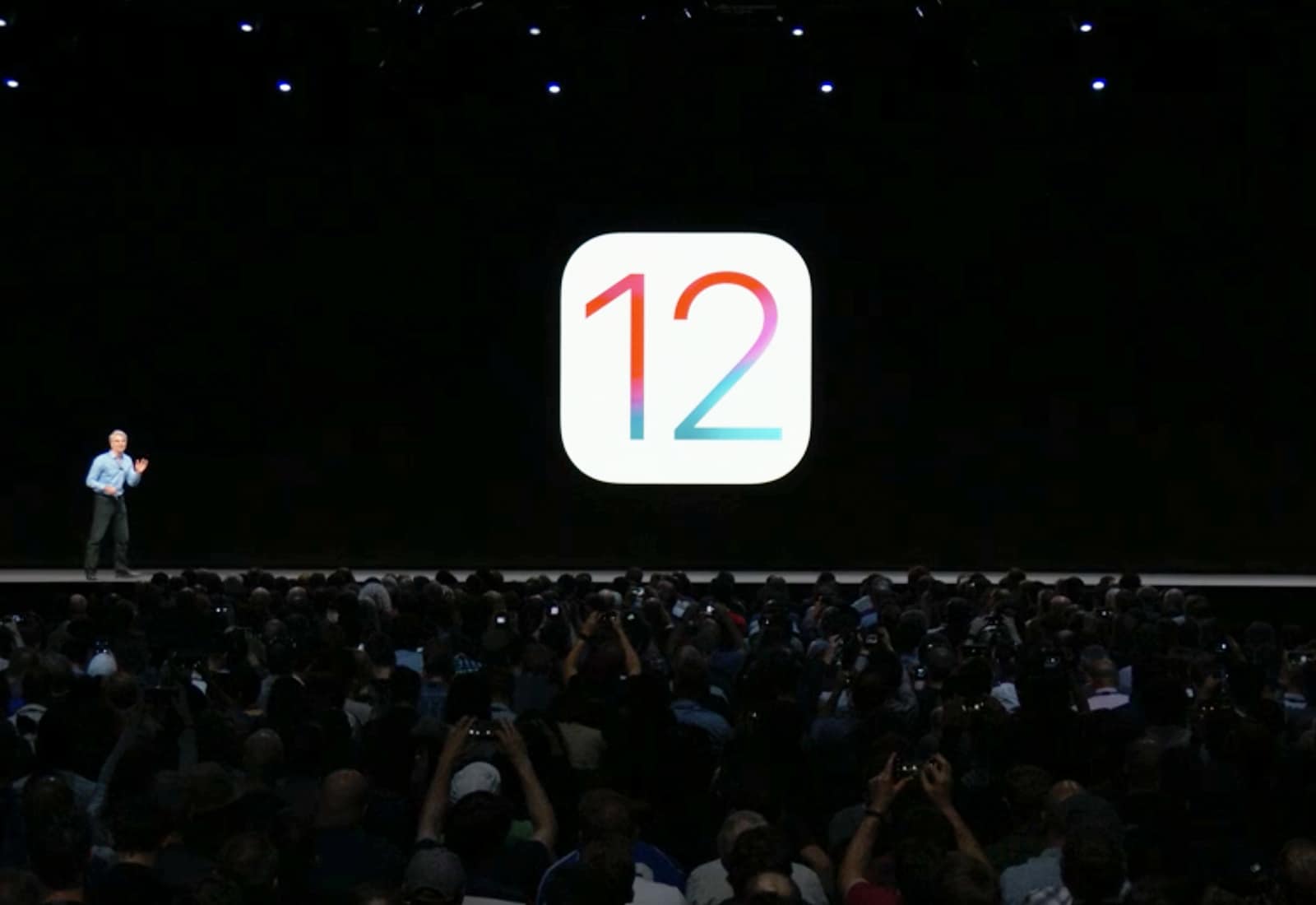
You no longer need to be a developer to try Apple’s biggest software updates of 2018.
Public testers can now get their hands on the first public beta builds of iOS 12 and tvOS 12 that bring tons of UI changes and feature improvements to the iPhone, iPad and Apple TV.
A metaphorical view of my badly-organized PDFs Photo: Charlie Sorrel/Cult of Mac
With the demise of Instapaper — in Europe at least — you may be looking for a good way to save web pages for offline reading. The obvious built-in tool for this is Safari’s Reading list, but it’s very limited. Instead, consider turning the web page into a PDF. This lets you read the page anywhere, as well as mark it up with highlights, and search its entire content using Spotlight.
The thing is, there are three different way to save a webpage as a PDF, all of them built-in to iOS. Let’s take a look at how to use them, what the differences are, and which one is best for you.
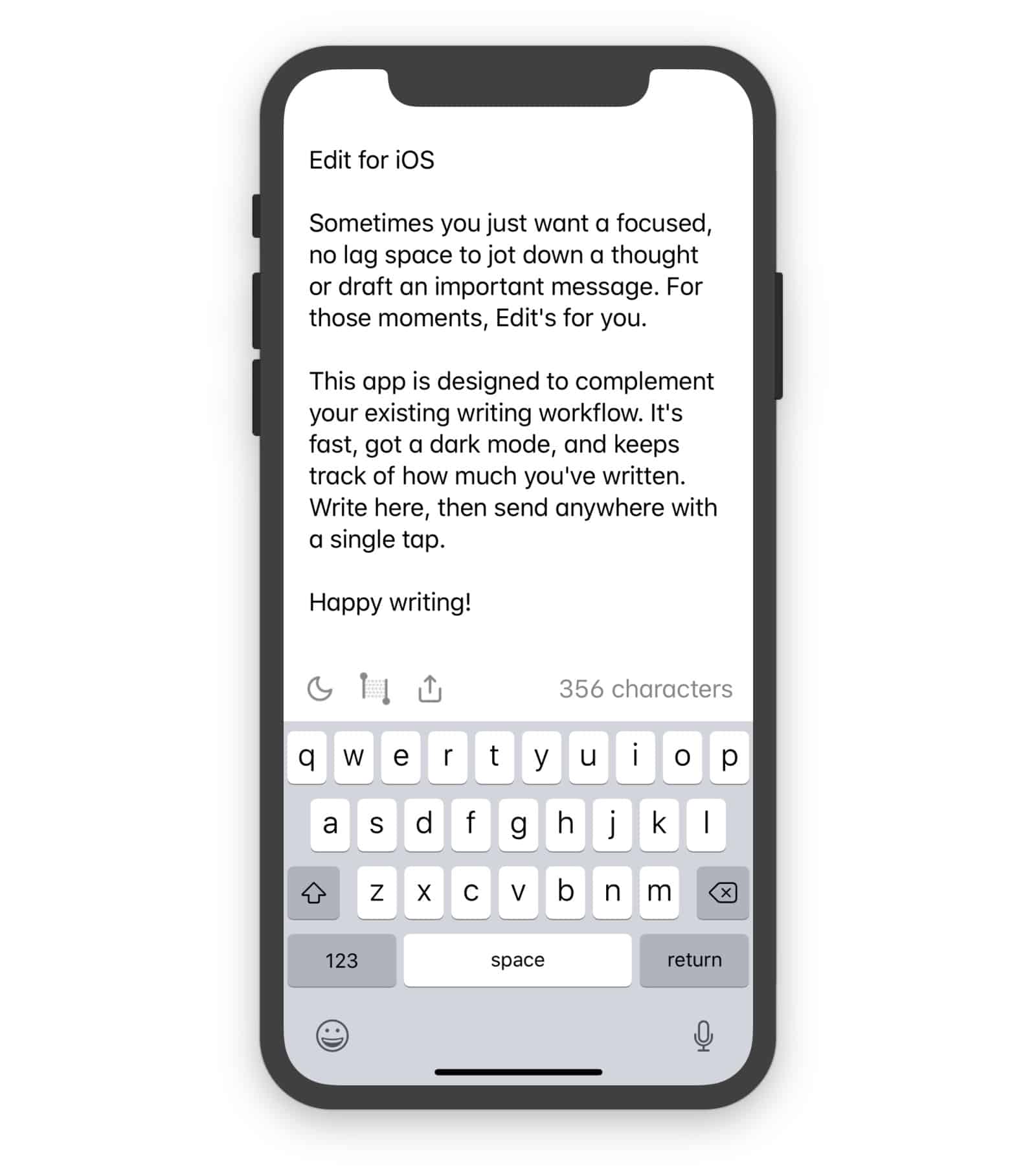
Edit is just about the simplest notes app possible. It doesn’t have search, it doesn’t even have multiple notes. It’s just a single page onto which you can write or paste text, and almost nothing more.
Understanding your calendar, reminders, and events is fast and easy with Fantastical Photo: Ian Fuchs/Cult of Mac
Managing a busy schedule is something we all deal with from time to time. Relying on a calendar app makes it easier, but entering every meeting, project, or appointment can be a hassle. Fantastical is the best calendar app for adding events to your calendar and managing your schedule.
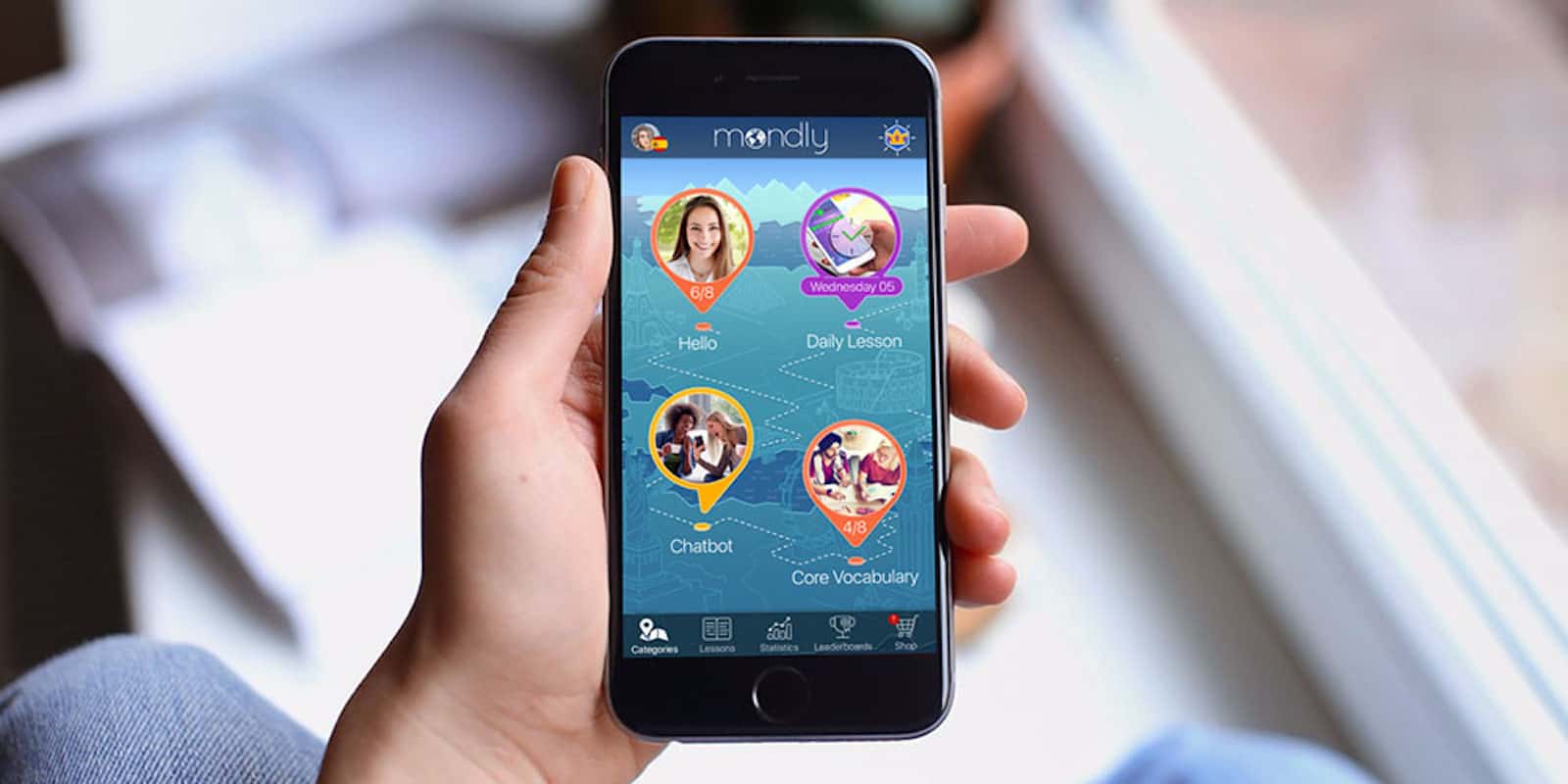
Learn and become fluent in a second language with Mondly
There are many reasons to learn a new language: the freedom to talk to locals while abroad, keeping your brain sharp, or become more competitive in the job market. With all of the technology today, becoming fluent in a language is easier.
This week we take a look at automatic calendar scheduling in WhenWorks, free music lessons in GarageBand for Mac, an annoying new video app from Instagram, and more.
Get a career boost with the help of You Exec Plus Photo: Cult of Mac Deals
Trying to climb up the career ladder is harder today with the amplification of office of politics and excessive corporate red tape. You need more than just courage to make the commitment to look for new career opportunities.
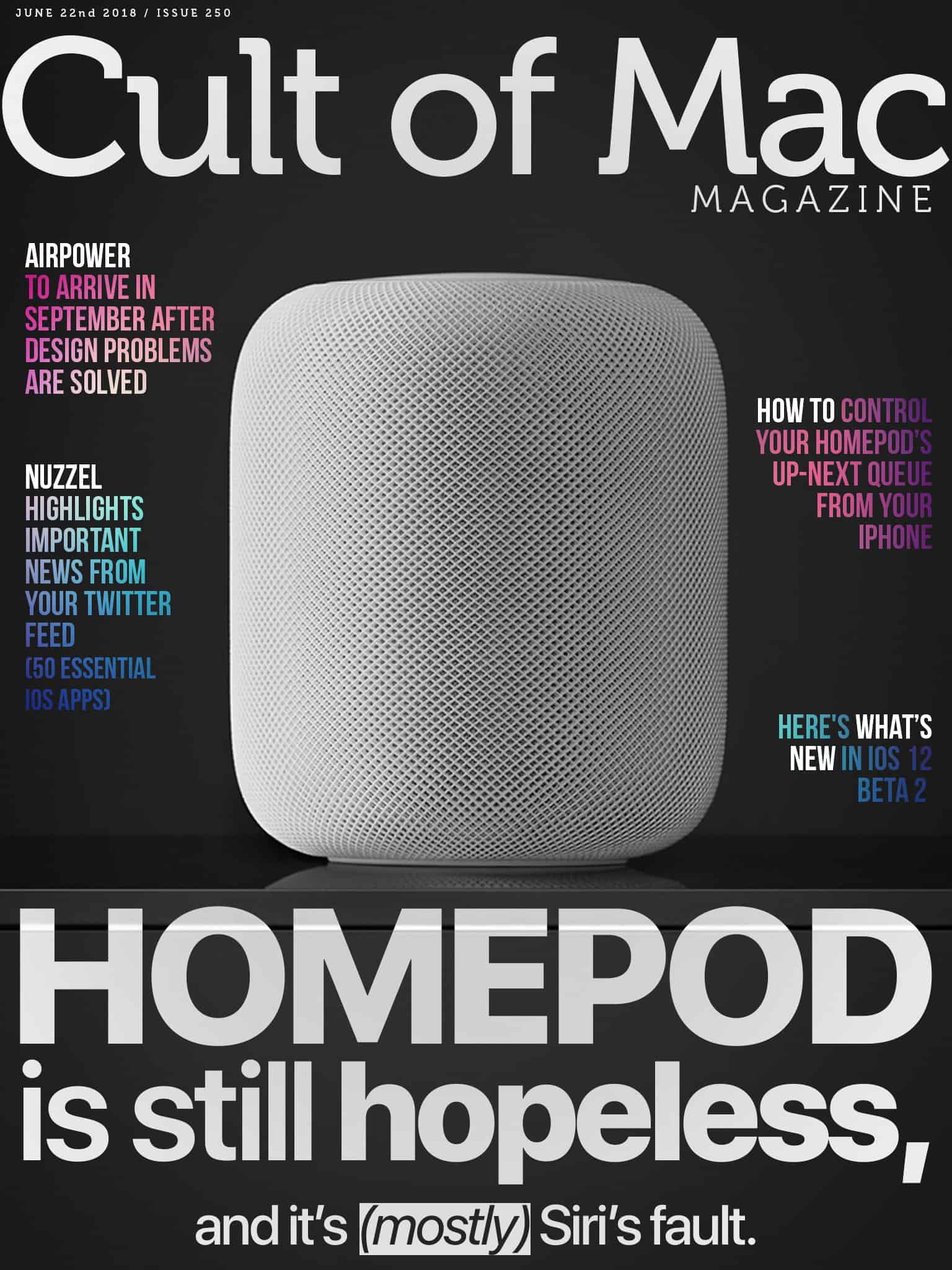
In this week’s Cult of Mac Magazine: HomePods went on sale in Europe this week, and I ordered one. It arrived the very next day. I tried it out, and then sent it back to Apple the day after that. Why? Because it’s a half-finished product. Siri is just as glitchy and annoying on HomePod as elsewhere. It doesn’t work properly with a Mac.
This app makes it easy to schedule your Instagram posts for maximum effect and engagement. Photo: Cult of Mac Deals
Instagram is a great way to share quick snapshots of your life. But it can also be an incredibly powerful storytelling platform. Unfortunately, the Instagram interface doesn’t make it easy to think big, so where do the power users turn?
The Love is Love Pride band from Nyloon closely resembles Apple's own rainbow Apple Watch band that was released last year. Photo: Lyle Kahney/Cult of Mac
June is Pride Month and Nyloon has issued a woven nylon rainbow Apple Watch band for its wearers to celebrate and show support for the LGBT community. Plus, who doesn’t love rainbows?
The band, which comes in both 38 and 42 mm, is part of a Nyloon’s growing collection of popular nylon bands for Apple Watch. The Love is Love Pride band is a limited-release, so grab one now.
iCloud backups are just about the best thing ever. Not only is all your data safe if your iPhone is lost, or dies, but you can also use it to setup a new iPhone with minimal fuss. But iCloud is in the cloud, and local backups also have their uses. For instance, maybe you don’t like the idea of all your data on someone else’s computer? Or perhaps you just want double-protection in case you can’t access iCloud some time.
Or maybe you just have slow internet, or you’re on a long trip away and there’s no Wi-Fi, only data-capped cellular?
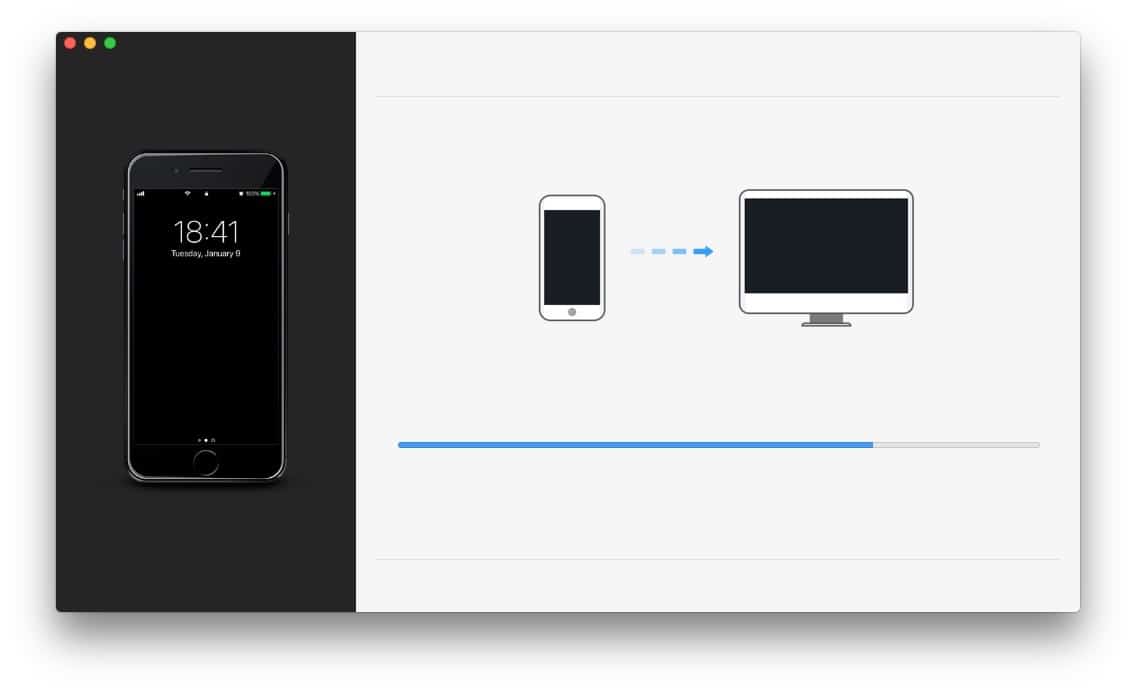
For the Mac there’s Time Machine, which automatically makes incremental backups. For iOS, you can use iMazing, a multi-purpose Mac app which can backup your iPhone or iPad to your Mac, and do it automatically, and wirelessly, so it should be as seamless as Time Machine or iCloud Backups. Let’s see it in action.
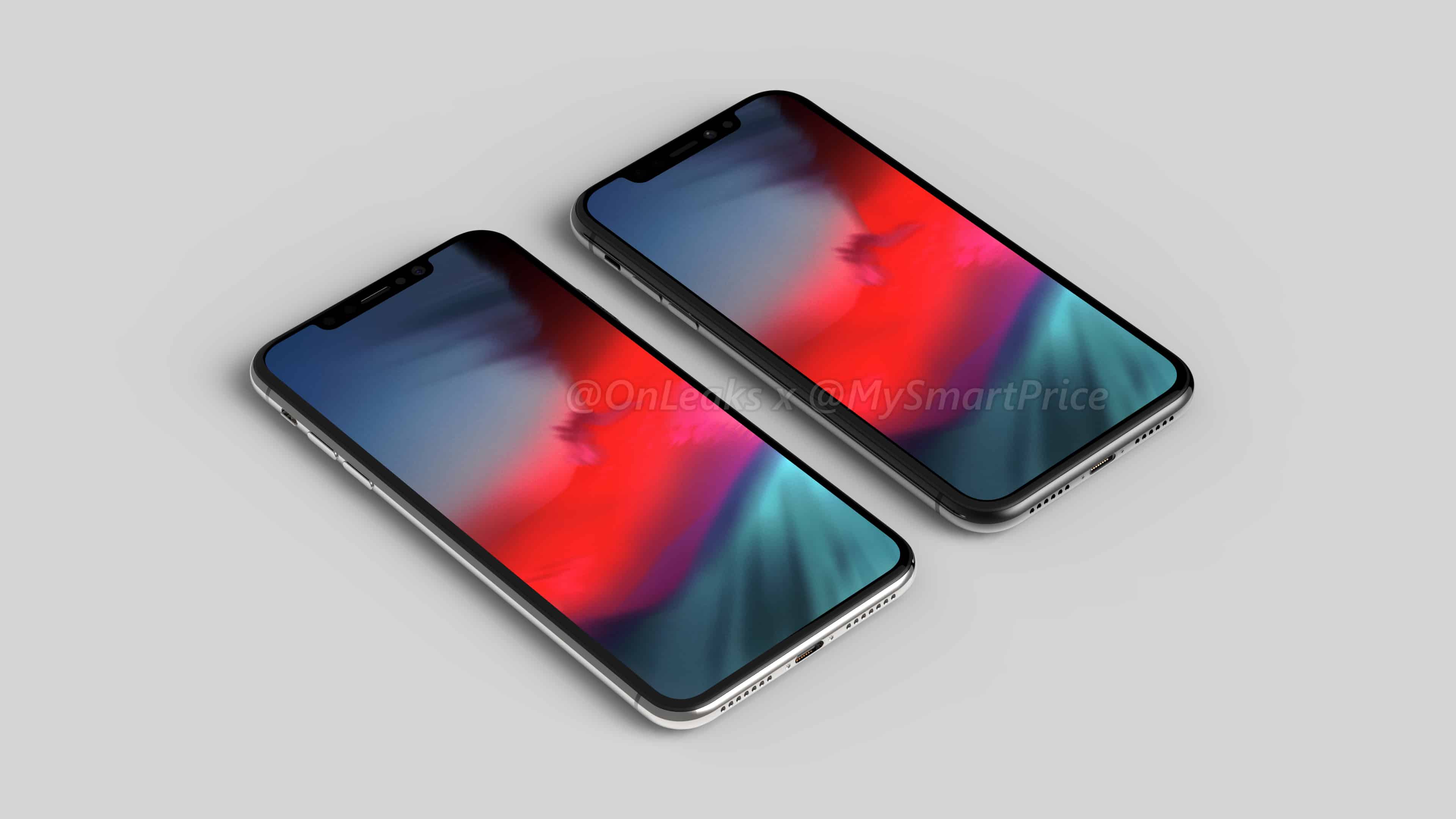
We’ve all been wondering what that handset will look like. The render below offers an early sneak peek — and makes us incredibly excited for this September’s big iPhone refresh.
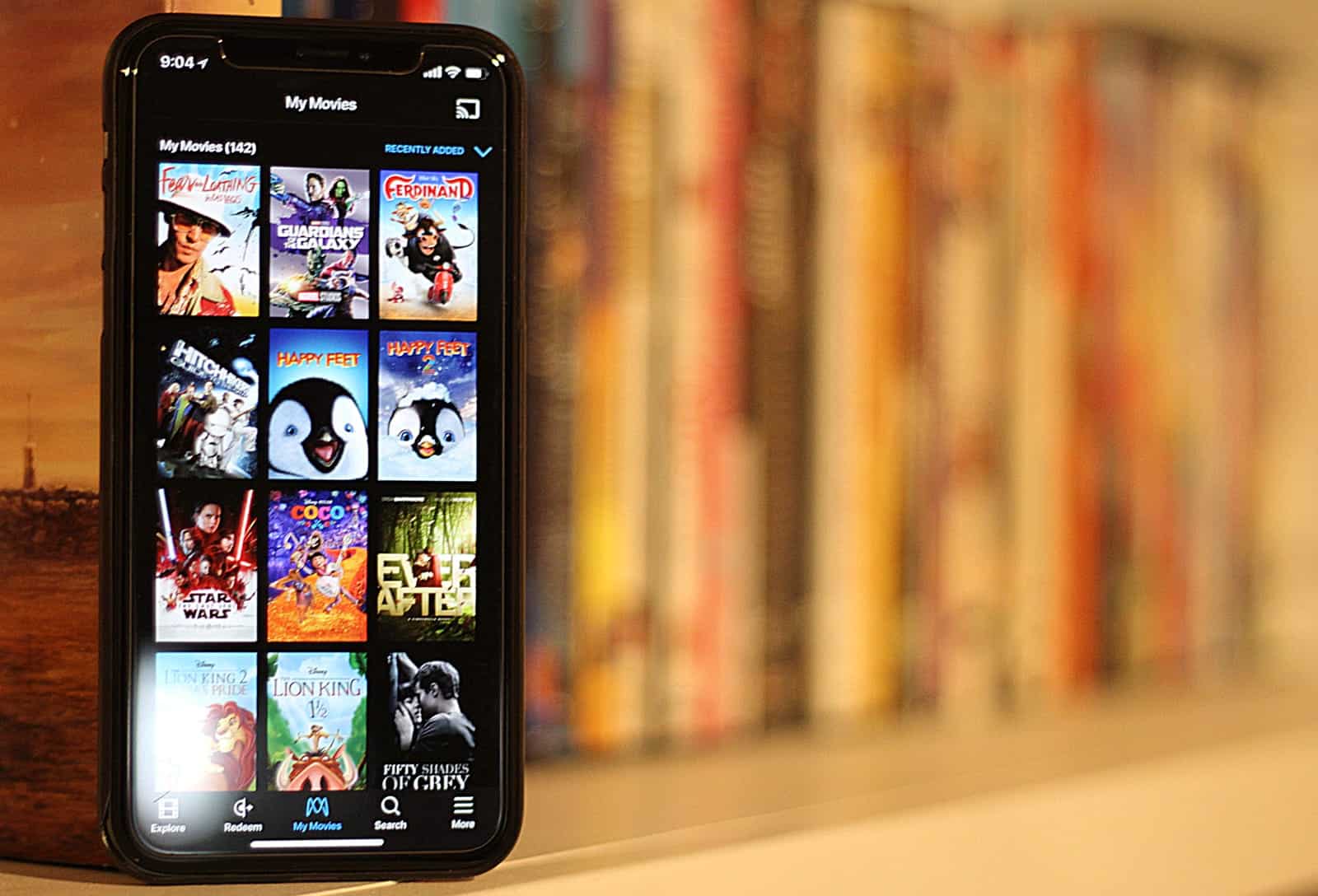
Movies Anywhere syncs your movies across online services. Photo: Ian Fuchs/Cult of Mac
Owning digital movies used to be a pain in the neck. Movies bought on iTunes were trapped on Apple devices, Google Play movies on Google’s service, and Amazon purchases in Prime Video. At the same time digital copies included with DVD and Blu-rays were often stuck in services like Vudu, Flixter, or UltraViolet. With Movies Anywhere, you can finally sync most of your movies across various services, putting your movies everywhere you want to watch.
Just in time for summer, we've rounded up the best deals on ultra portable earbuds. Photo: Cult of Mac Deals
There are lots of ways to listen to your music on the go. In fact, there might be too many. So we’ve rounded up a trio of awesome earbud options for personal audio, just in time for summer, and at some insanely discounted prices. Everything is discounted by half off or more, read on for more details: