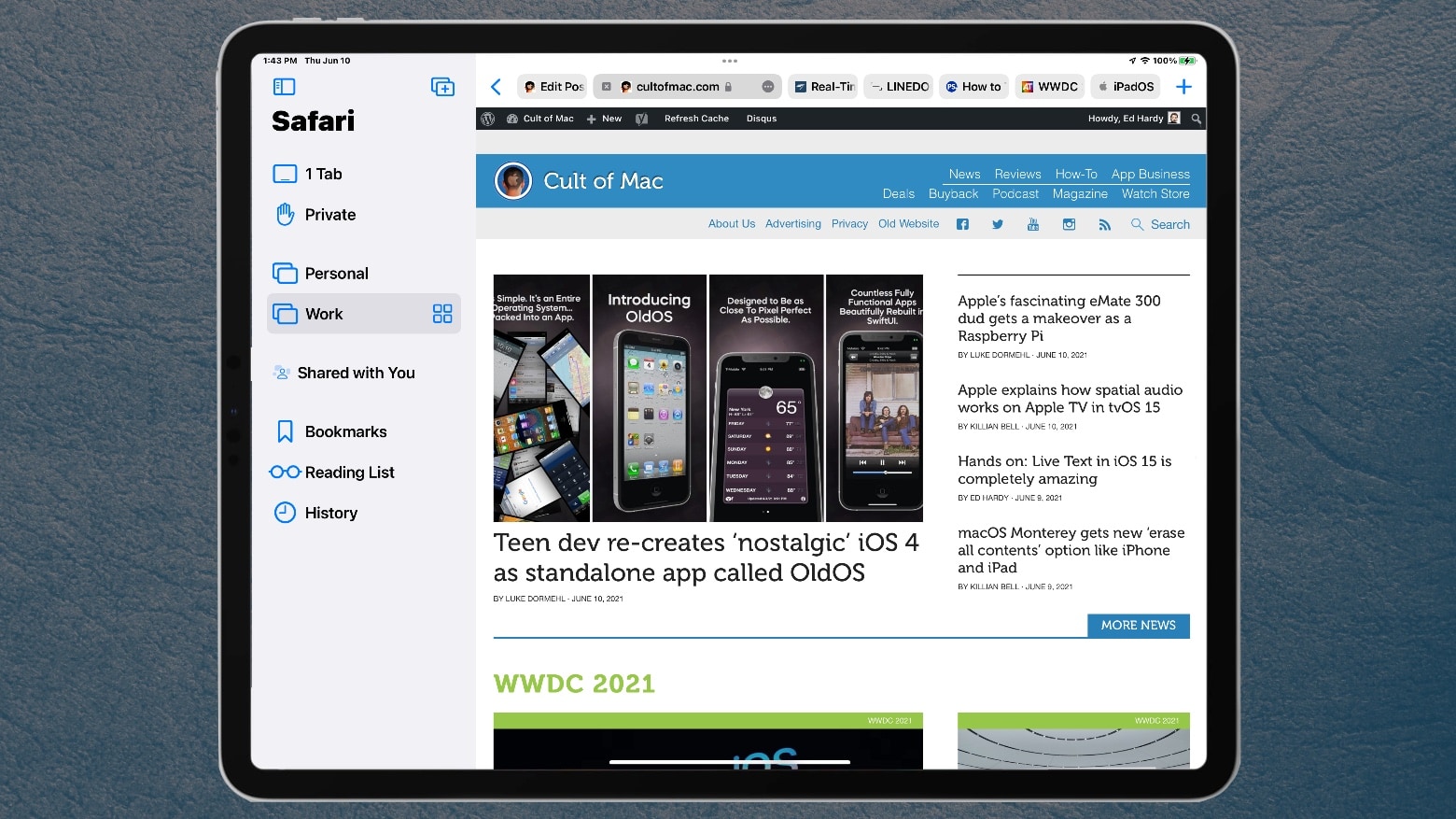
iPad users will find browser tabs unavoidable in the version of Safari in iPadOS 15. Photo: Ed Hardy/Cult of Mac
The redesigned Safari web browser in iPadOS 15 makes tabs an inescapable part of browsing. The new system is more space efficient, but forces many people to change the way they use their iPad.
I work in Safari on iPad all day every day, so I used the first iPadOS 15 beta to test the modifications that are coming. Here’s what I like. And what I don’t.
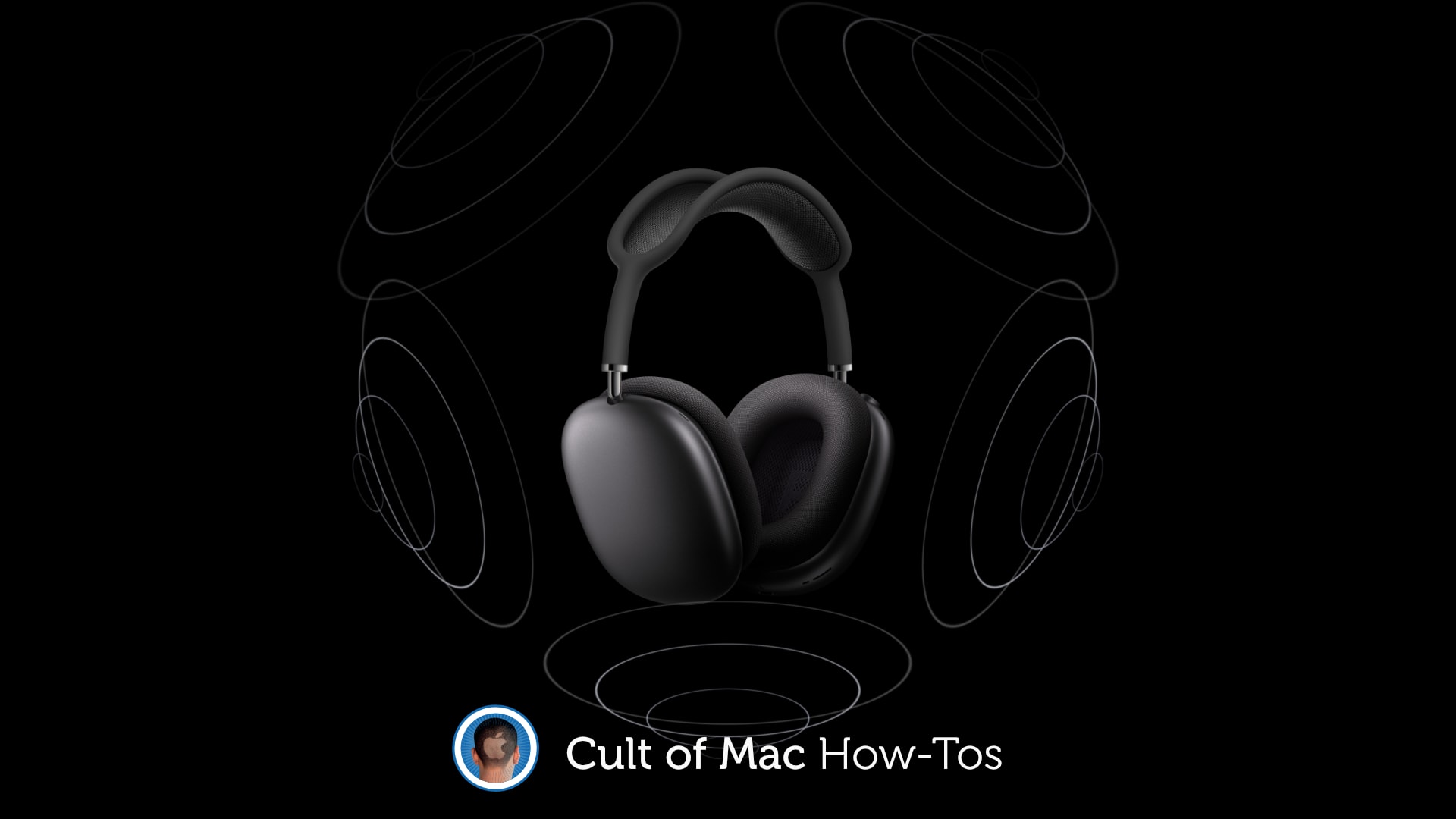
Any old headphones will do. Photo: Apple/Cult of Mac
You’ll need some special equipment to enjoy high-resolution lossless audio tracks inside Apple Music. But spatial audio with Dolby Atmos is available to everyone who has a set of decent headphones.
Here’s how to enable it on your iPhone, iPad, Mac and Apple TV.
The days of iOS 14 are numbered. Here in June 2021, it’s all about … err, iOS 4?
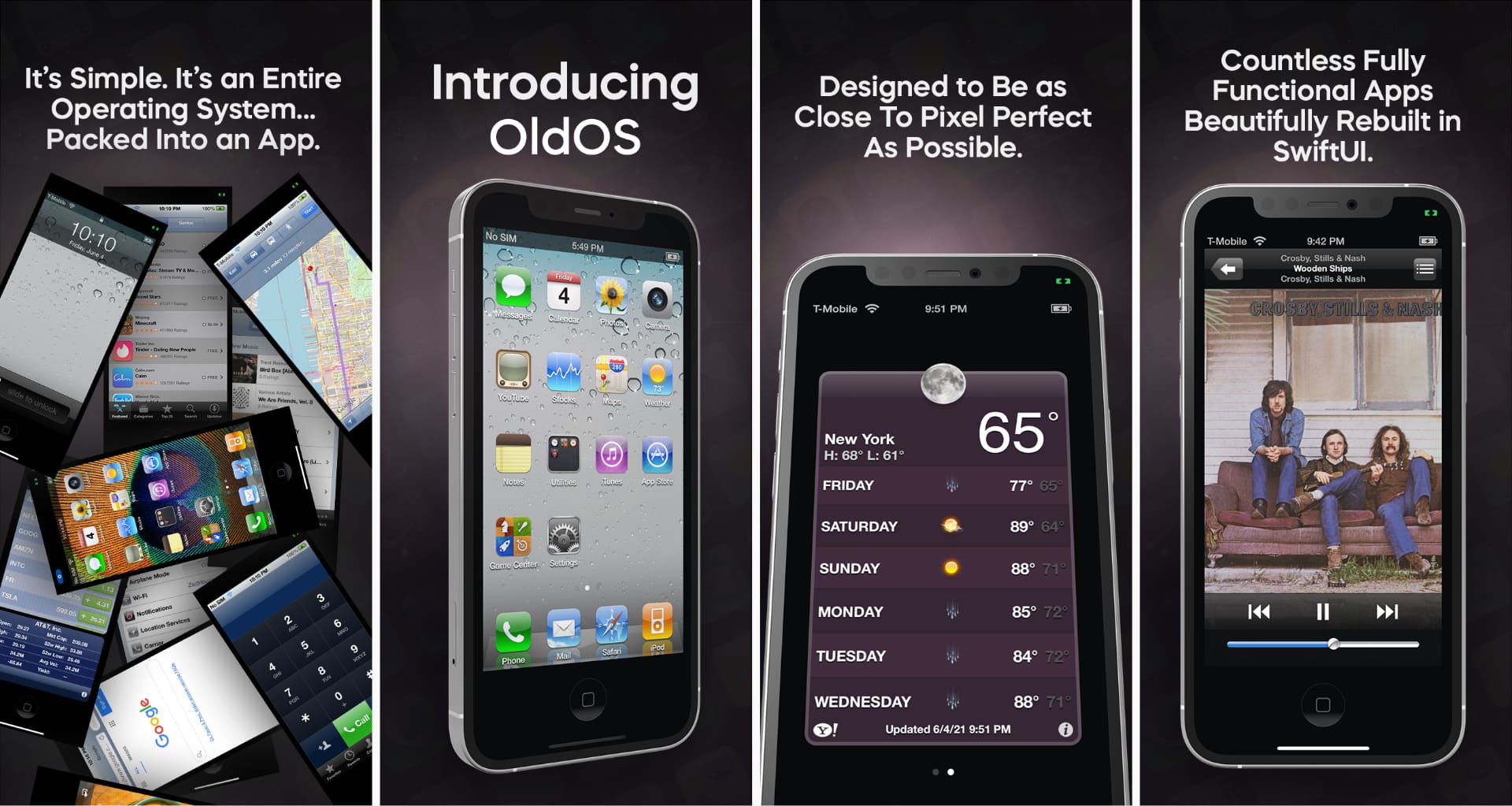
At least, that’s the case for Zane Kleinberg. While most of the Apple fanbase is focused on the newly announced iOS 15, teen developer Kleinberg painstakingly remade iOS 4 — which Apple released in 2010 — from the ground up as a standalone app. He calls it OldOS, and you can try it out for yourself today.
“What I’ve created [with] OldOS is iOS 4 beautifully rebuilt in SwiftUI,” the up-and-coming developer told Cult of Mac. “In essence, the app is something of an emulator, or perhaps, a second operating system that lives inside an app on your phone. It’s really designed to be a near-functioning, near-pixel-perfect re-creation of iOS 4.”
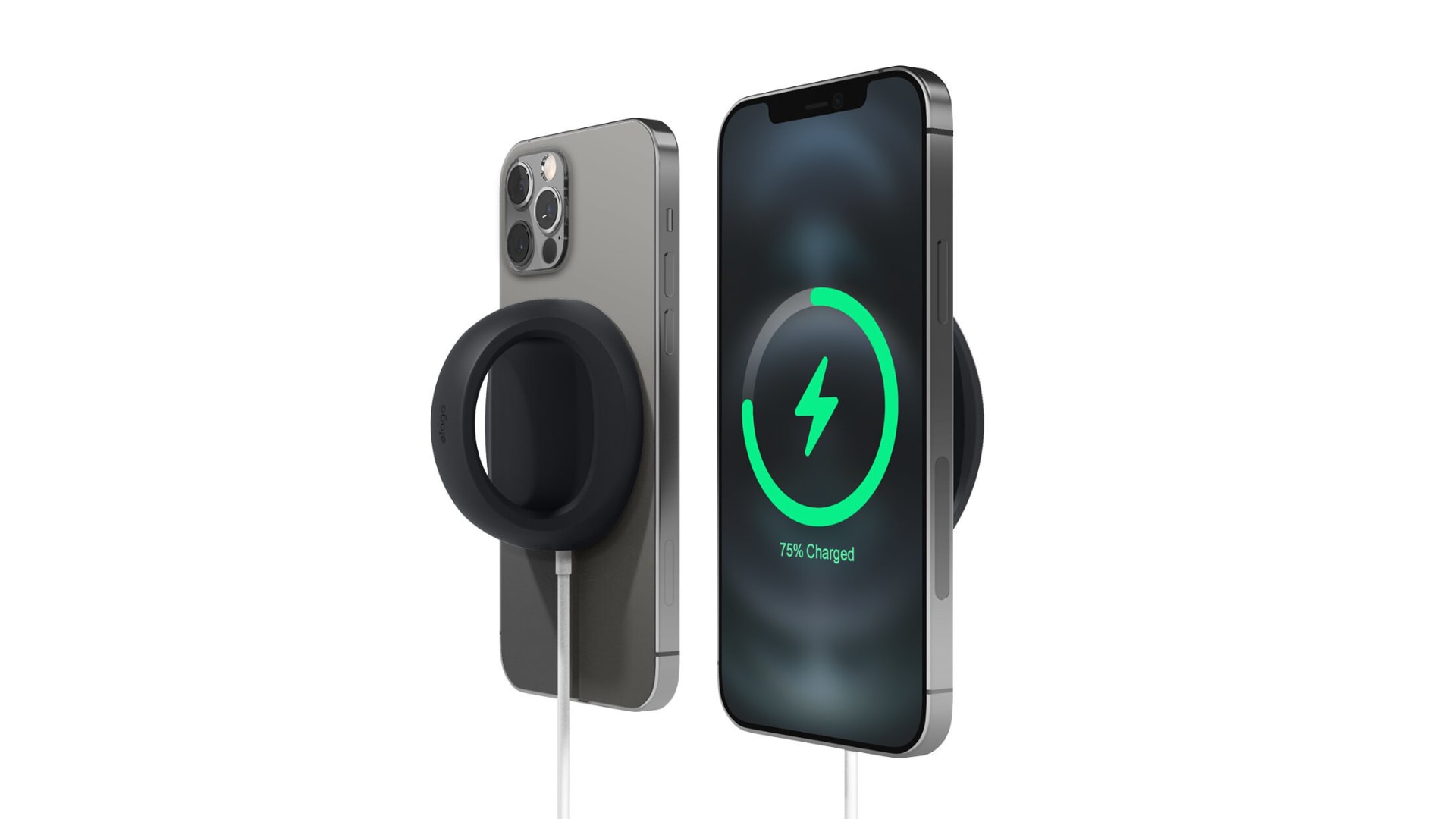
Make your MagSafe Charger even more useful by turning it into a stand and grip for your iPhone 12. Elago’s aptly named Grip Stand accessory, priced at just $12.99, makes your iPhone easier to hold onto and easier to see while it’s charging. Bag yours today from the Cult of Mac Store.
Also check out Elago’s new Charging Pad, which keeps your MagSafe Charger tidy and prevents it from moving around on your nightstand.
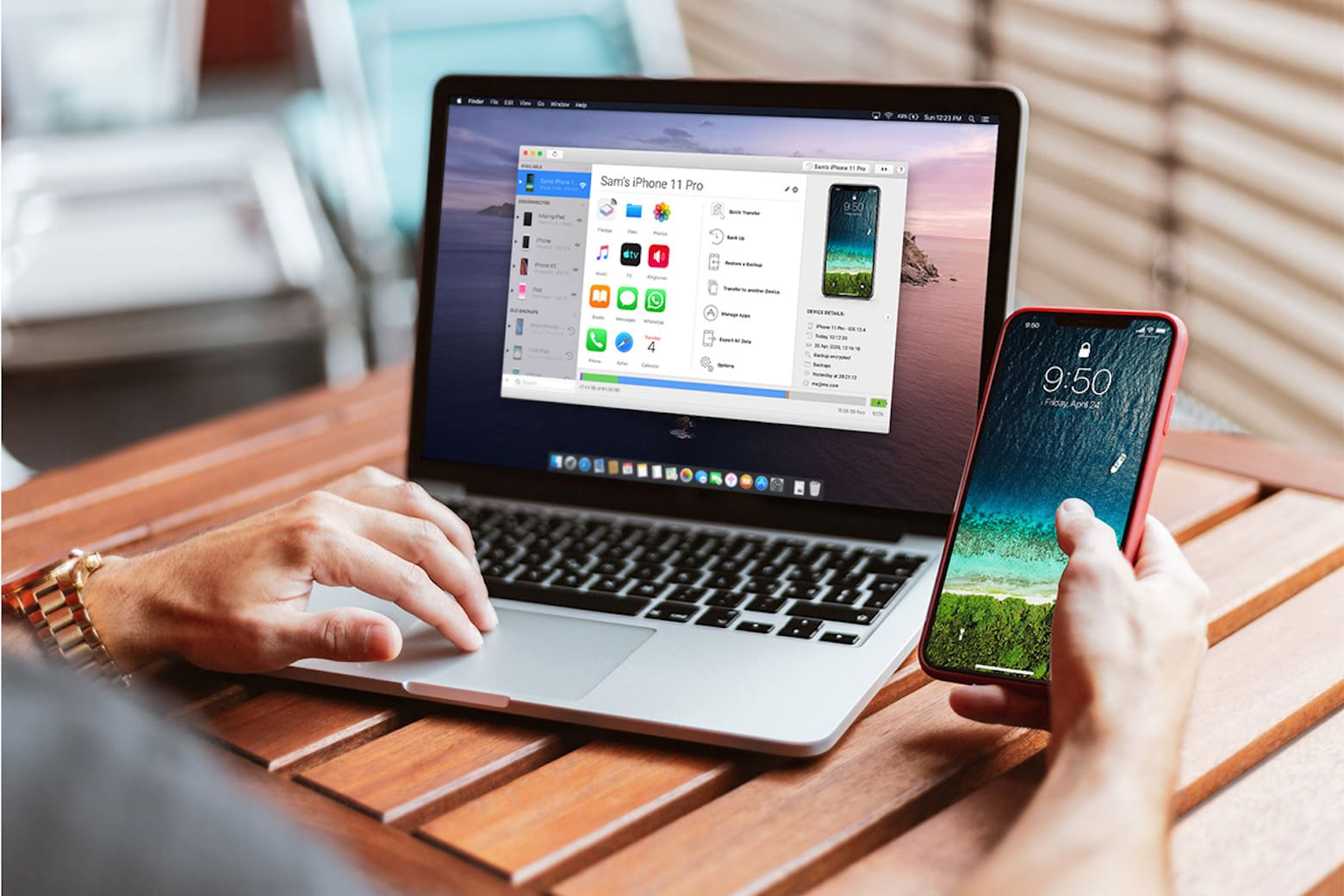
This software is a necessity for iPhone owners. Photo: iMazing
Ever try (and fail) to AirDrop content between your favorite Apple devices? It’s not always easy. Sometimes one, or both, devices refuse to connect, making it impossible to transfer content seamlessly between them. Otherwise, you’ll have to text, email or transfer content to yourself with a storage drive, which is a nuisance that should be avoided altogether.
If you’ve been daydreaming about building your own iOS app to solve this problem, not to worry: iMazing can do it for you.
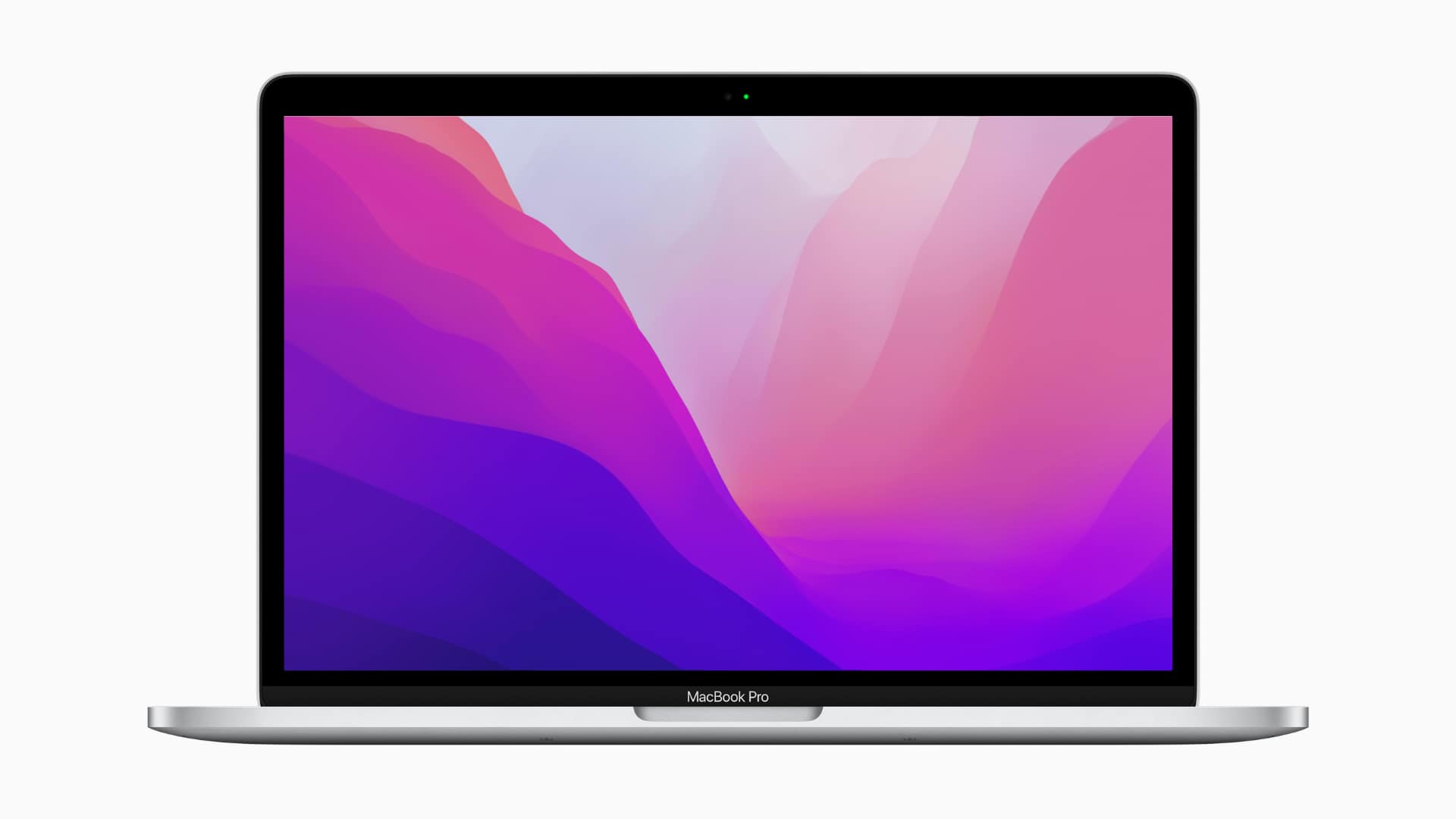
There's only one for macOS, but it's a stunner. Photo: Apple
We’re all itching to get our hands on Apple’s newest software updates. But due to many, many bugs, it’s a bad idea to install the developer betas right now. There is another way to freshen up your devices today.
The new wallpapers from iOS and iPadOS 15 and macOS Monterey are available to download today, so you can already start using them on your iPhone, iPad and Mac in glorious high-resolution.
Spatial audio is coming to Apple TV this fall in tvOS 15. It got a brief mention during Apple’s WWDC 2021 keynote on Monday, and now the company has shared more details on how exactly it will work.
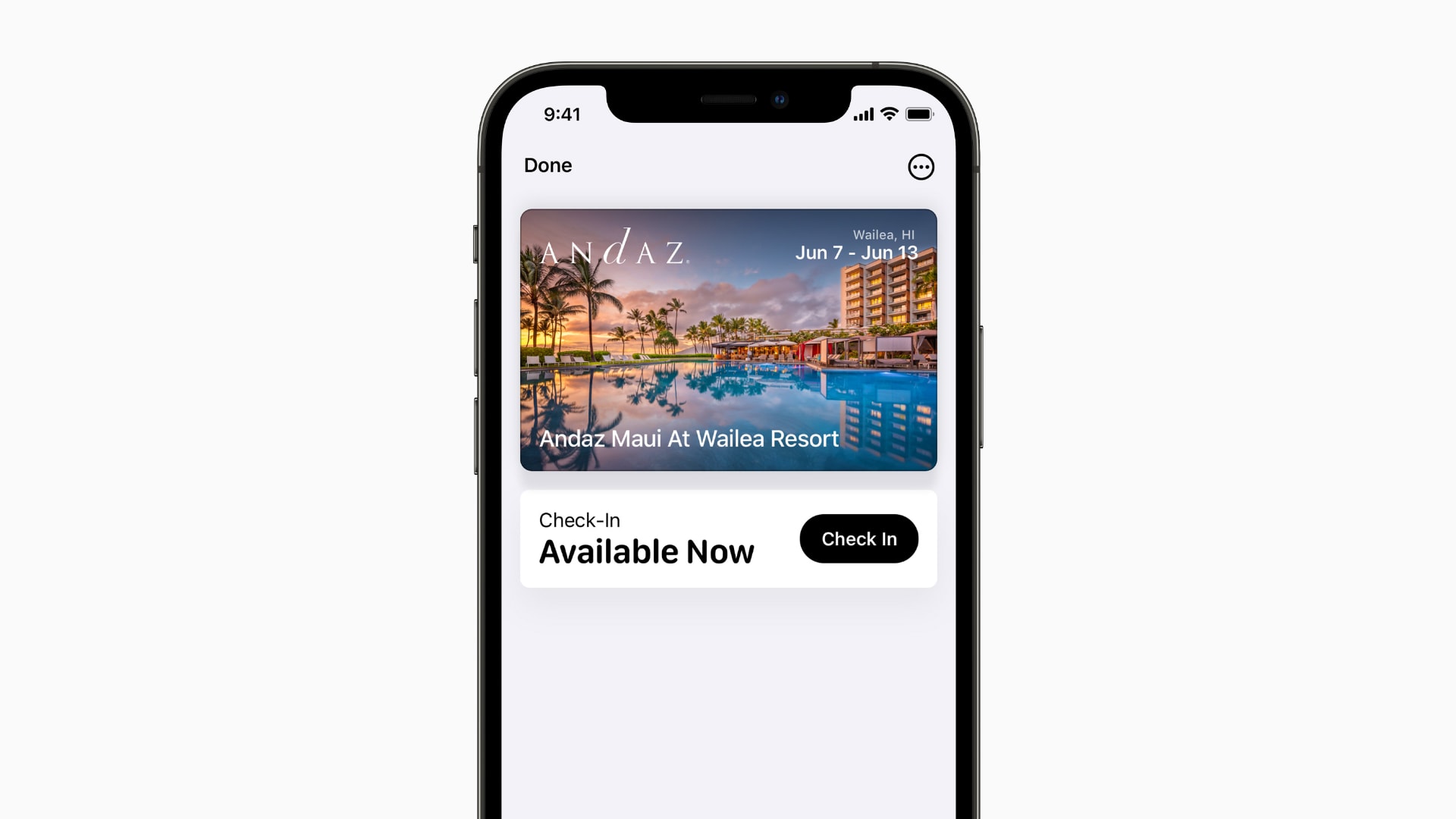
iPhone’s Wallet app keeps itself tidy by automatically archiving expired event tickets and boarding passes in iOS 15.
They won’t be removed from the app altogether, so you’ll still be able to access them. But expired items will be bundled into a separate list so that you don’t have to trawl through them to find a pass you need.
Keeping your data alive long after you. Screenshot: Cult of Mac
Apple is finally introducing a Digital Legacy feature that will allow a friend or family member to access your data after you die.
Users will be able to assign an administrator who gets access to things like photos, contacts and other things uploaded to iCloud. However, some data, such as saved credit cards and passwords, will be off limits.
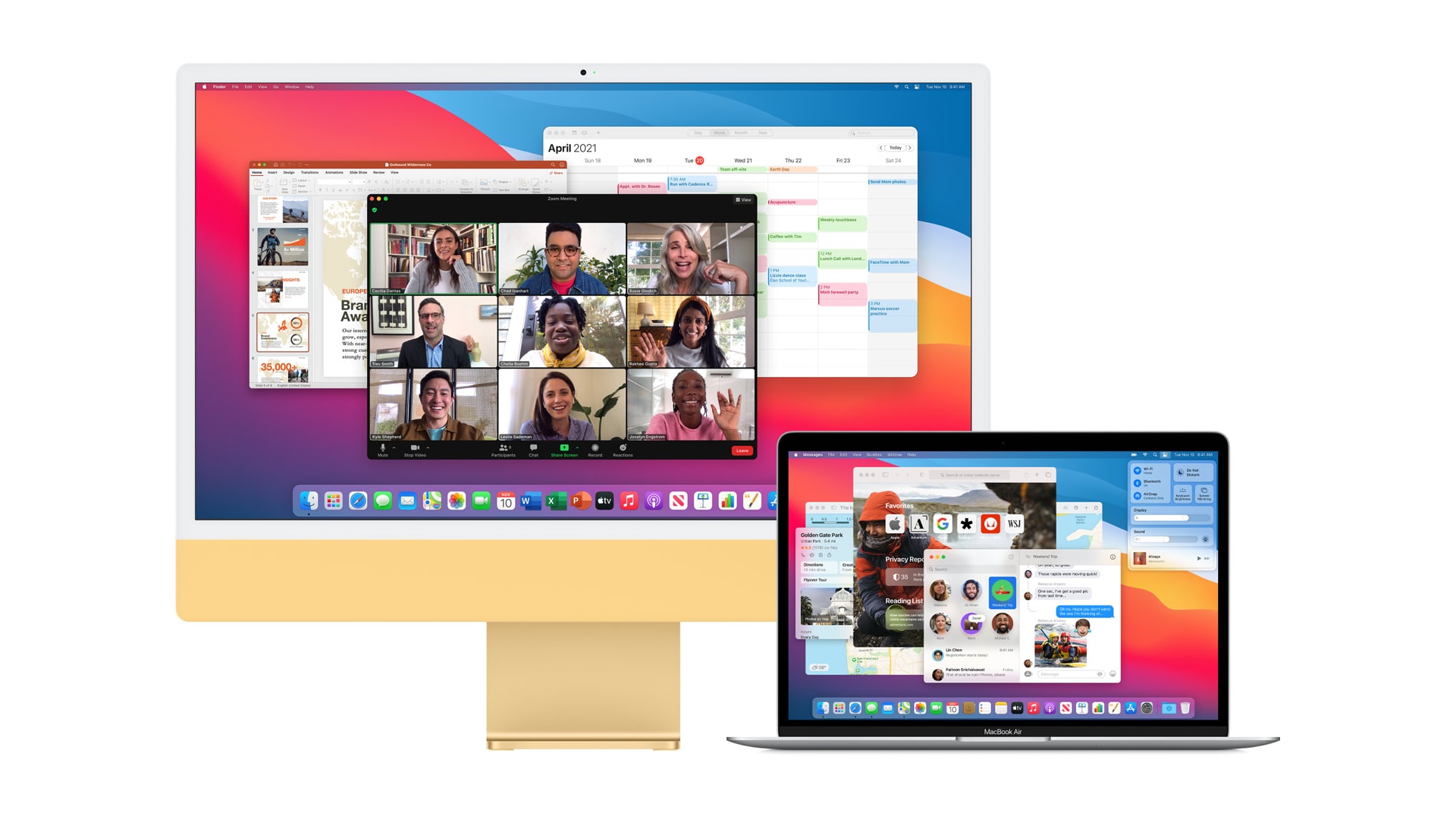
macOS Monterey gives newer Apple computers the ability to send content to a second Mac over AirPlay. You can also use the feature for screen mirroring, turning a spare machine into an external display.
What’s more, unlike on your TV, AirPlay in Monterey lets you connect two macOS devices with a USB cable, greatly reducing latency and removing the requirement for a wireless network.
This software and educational bundle offers everything you need to become a better writer. Photo: ProWritingAid
“Trust the process.” That popular mantra encourages us to keep grinding through hard times because good will eventually come of putting in the effort. Whether you’re studying a new language or learning to play the piano, your practice will eventually pay off.
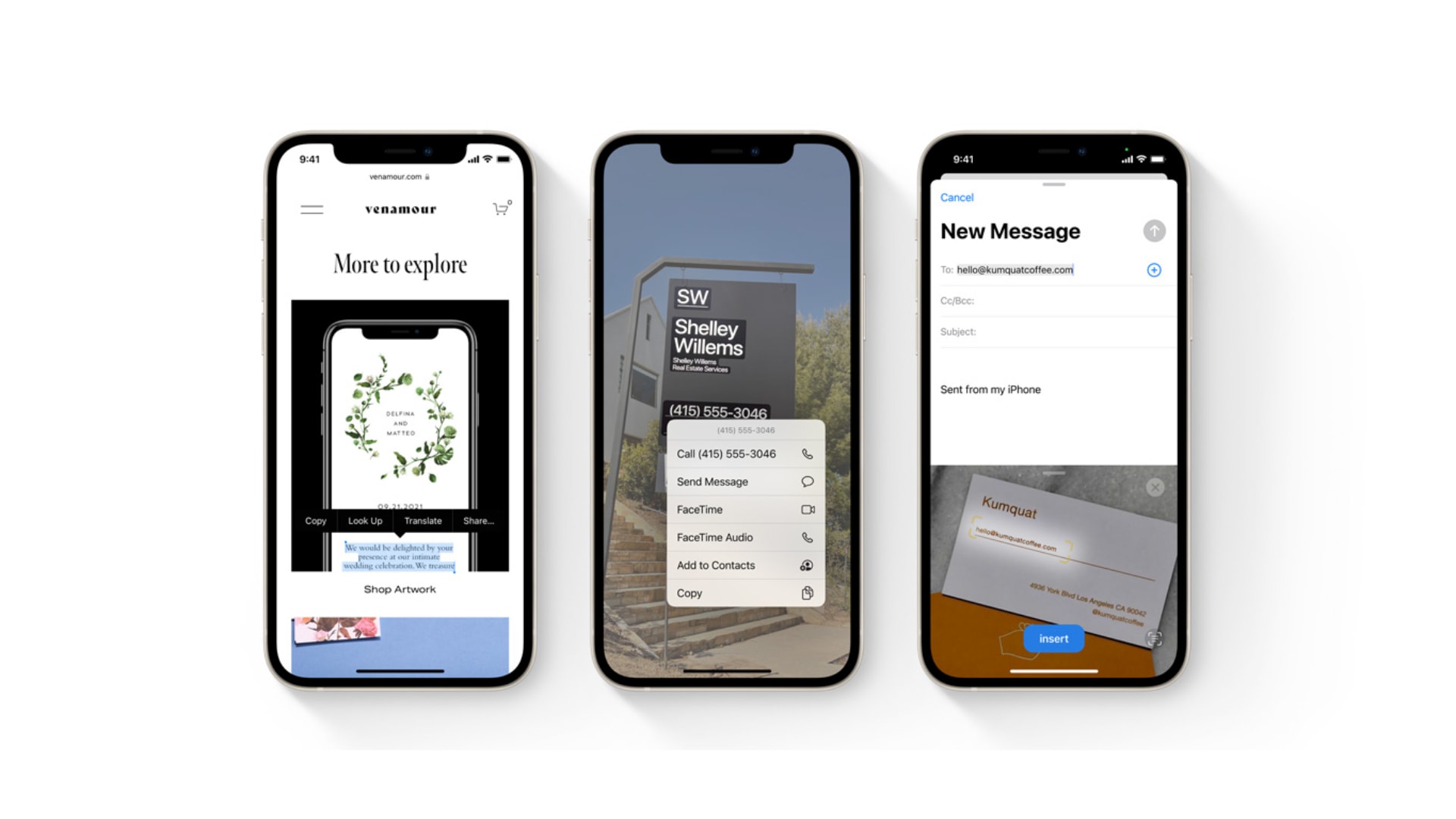
Live Text is OCRiffic! Grab the text off anything then paste it into a note, email, etc. Screenshot: Apple
Live Text is perhaps the coolest feature in iOS 15, macOS Monterey and iPadOS 15. It pulls the words out of images and lets you paste them into notes, emails, etc.
I’ve tested this on both iPhone and iPad. Here’s why I find it so amazing.
Remember this? It’s back! Photo: Ed Hardy/Cult of Mac
The iPhone text magnifier makes a comeback in iOS 15. It disappeared two years ago, but returns in the next version of iOS and iPadOS. The magnifier makes it easier to place the cursor exactly where the user wants, without it being hidden behind their fingertip.
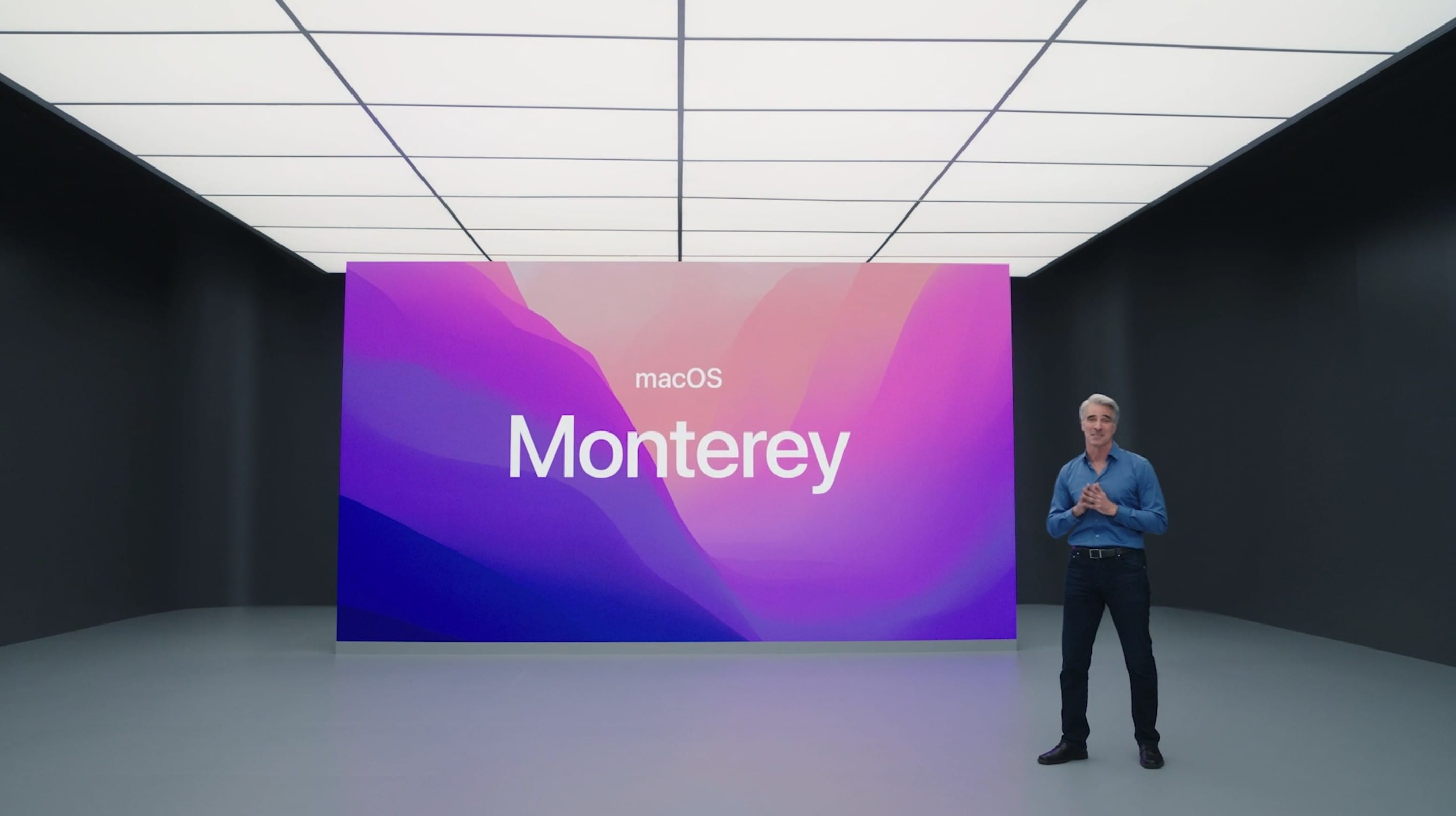
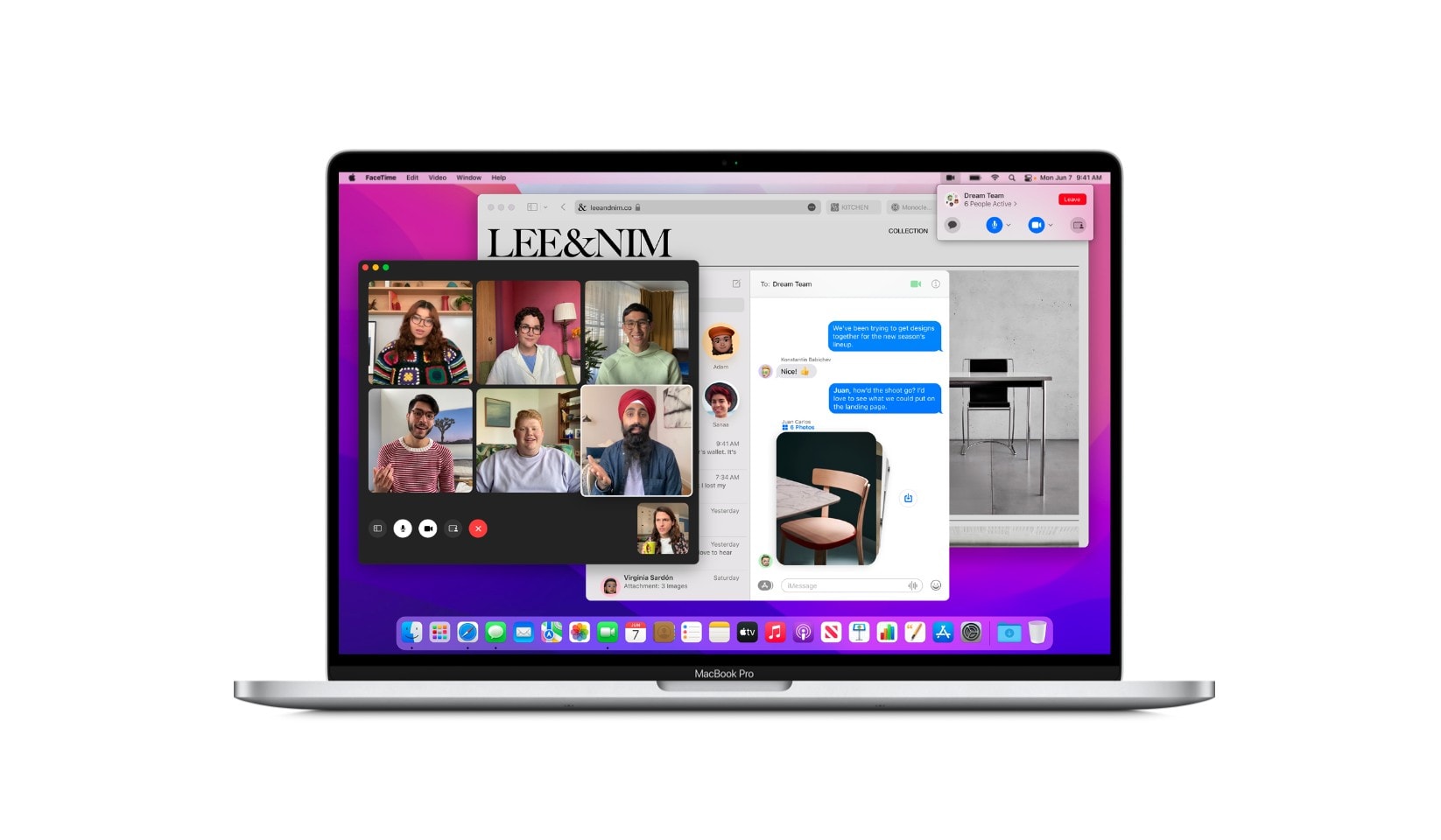
Many of macOS Monterey’s most exciting new features will not be available on Mac models powered by Intel processors. Live Text, Portrait mode for FaceTime video calls and more all require Apple’s own M1 chip.
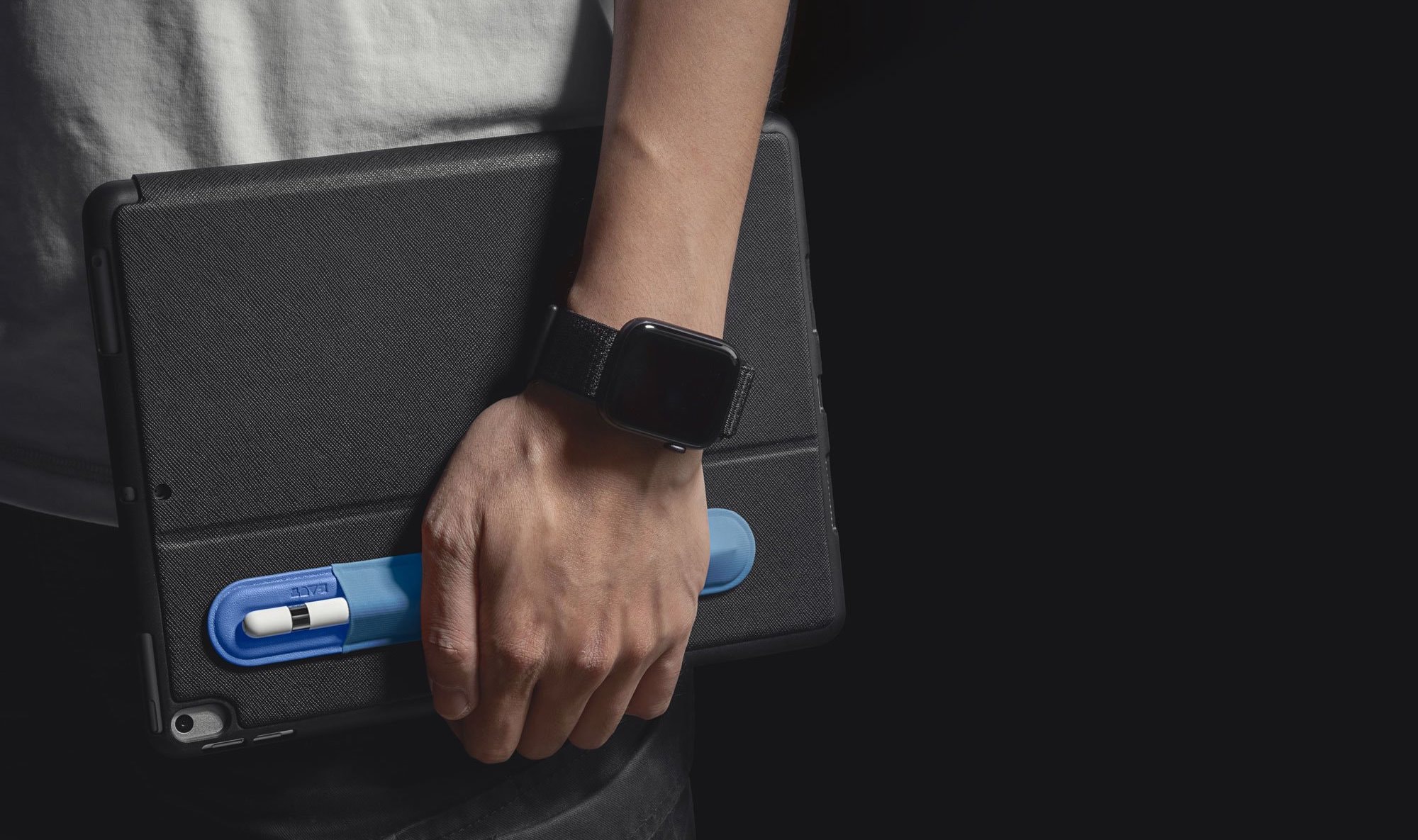
It’s soft, protective, and can be easily attached to your iPad’s case (or something else) so that you never lose it. Bag yours today from the Cult of Mac Store for under $15.
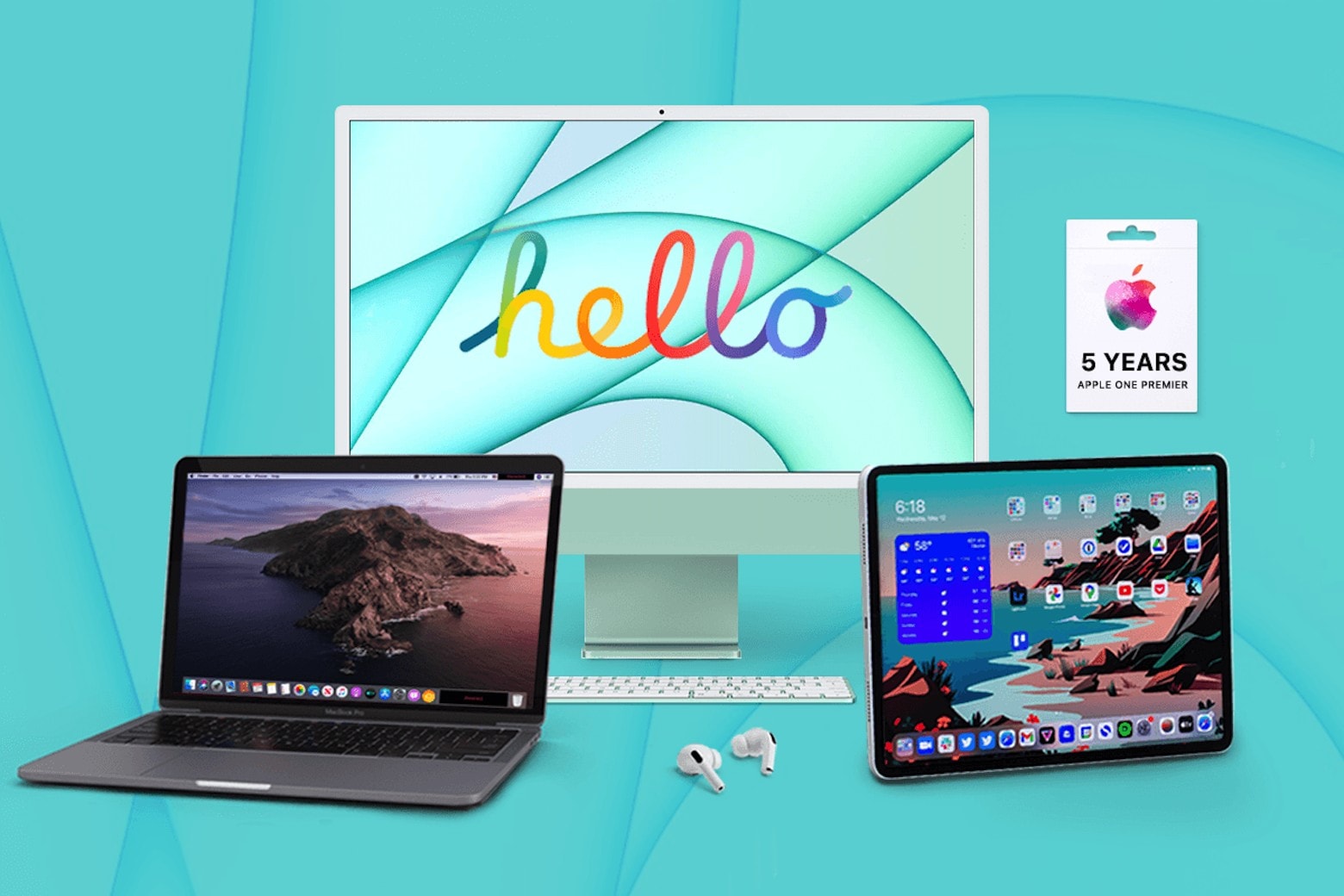
Enter to win a dream setup that will thrill any Apple fan. Photo: Cult of Mac Deals
Want another bite out of Apple? Of course you do. While Apple alternatives come in at better price points, there’s a reason why the brand has so many steadfast loyalists. There’s simply nothing quite like Apple products.
That’s why this Apple bundle giveaway is as awesome as it claims to be. For a limited time, you can purchase entries to win an iMac, iPad Pro, MacBook Pro, AirPods Pro and a bevy of Apple subscriptions, all while donating to a benevolent charity. With products valued at a grand total of $5,743, this is a bundle giveaway that you definitely don’t want to miss.
You'll need an A12 Bionic chip (or better). Photo: Apple
Apple’s brilliant new Live Text feature for iOS and iPadOS 15 only works on some iPhone and iPad models. If your isn’t powered by an A12 Bionic processor (introduced in 2018) or better, you’re out of luck.
A quicker, easier way to wipe your Mac. Photo: Apple
Apple’s upcoming macOS Monterey update will make it easier for users to wipe all data from a Mac. A new “erase all contents and settings” option allows a system to be wiped without removing macOS.
Apple says the process — similar to that available on iPhone and iPad — is instant and secure, destroying all encryption keys.
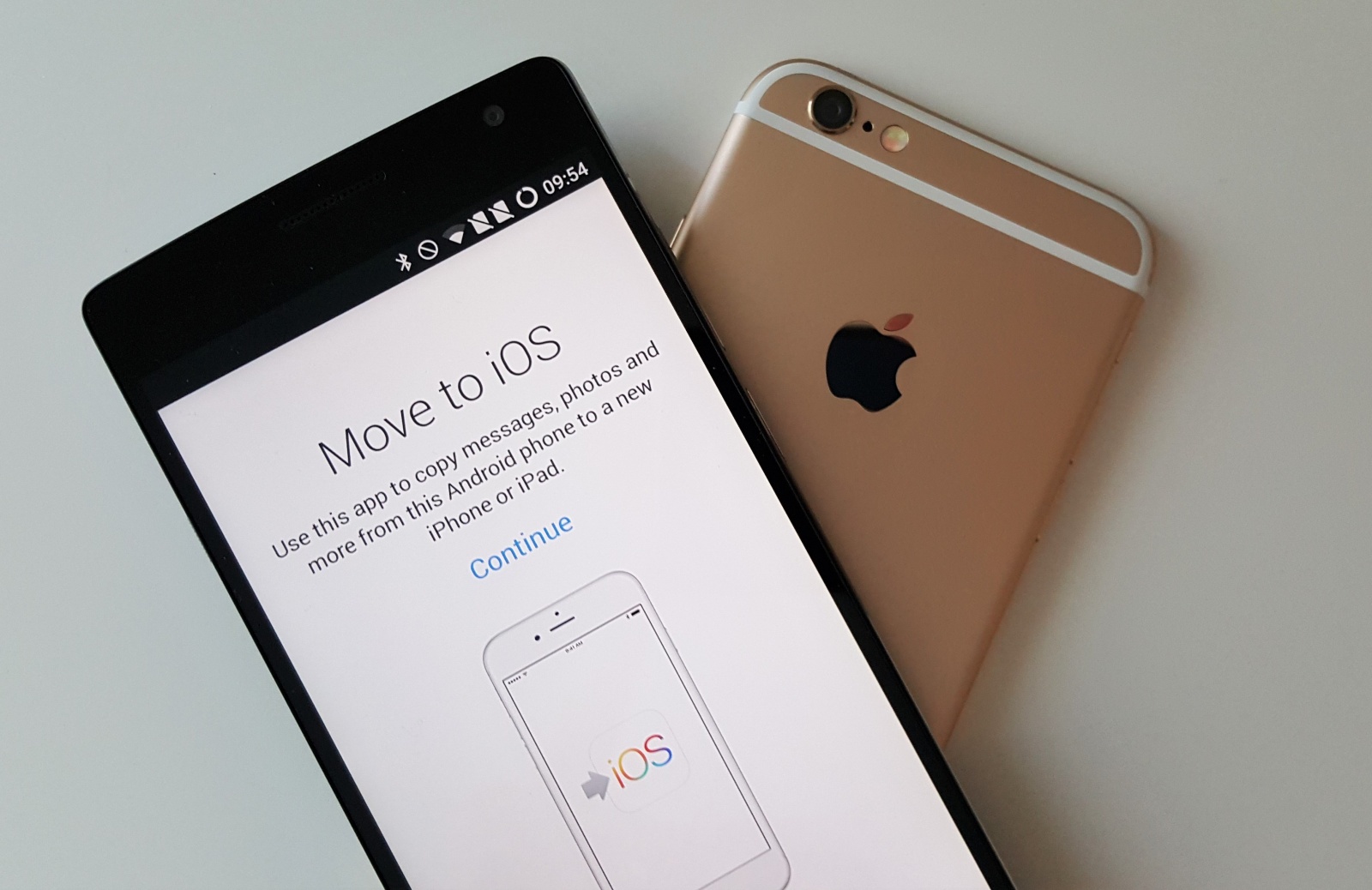
You can now transfer even more data. Photo: Killian Bell/Cult of Mac
Android users will enjoy a more seamless experience when switching to iPhone this fall with the improved “Move to iOS” feature in iOS 15.
After several years of no significant changes, the switching tool is finally getting the ability to copy over photo albums, files, folders, and even more from Android devices.
No need to struggle with the Siri Remote. Image: Apple
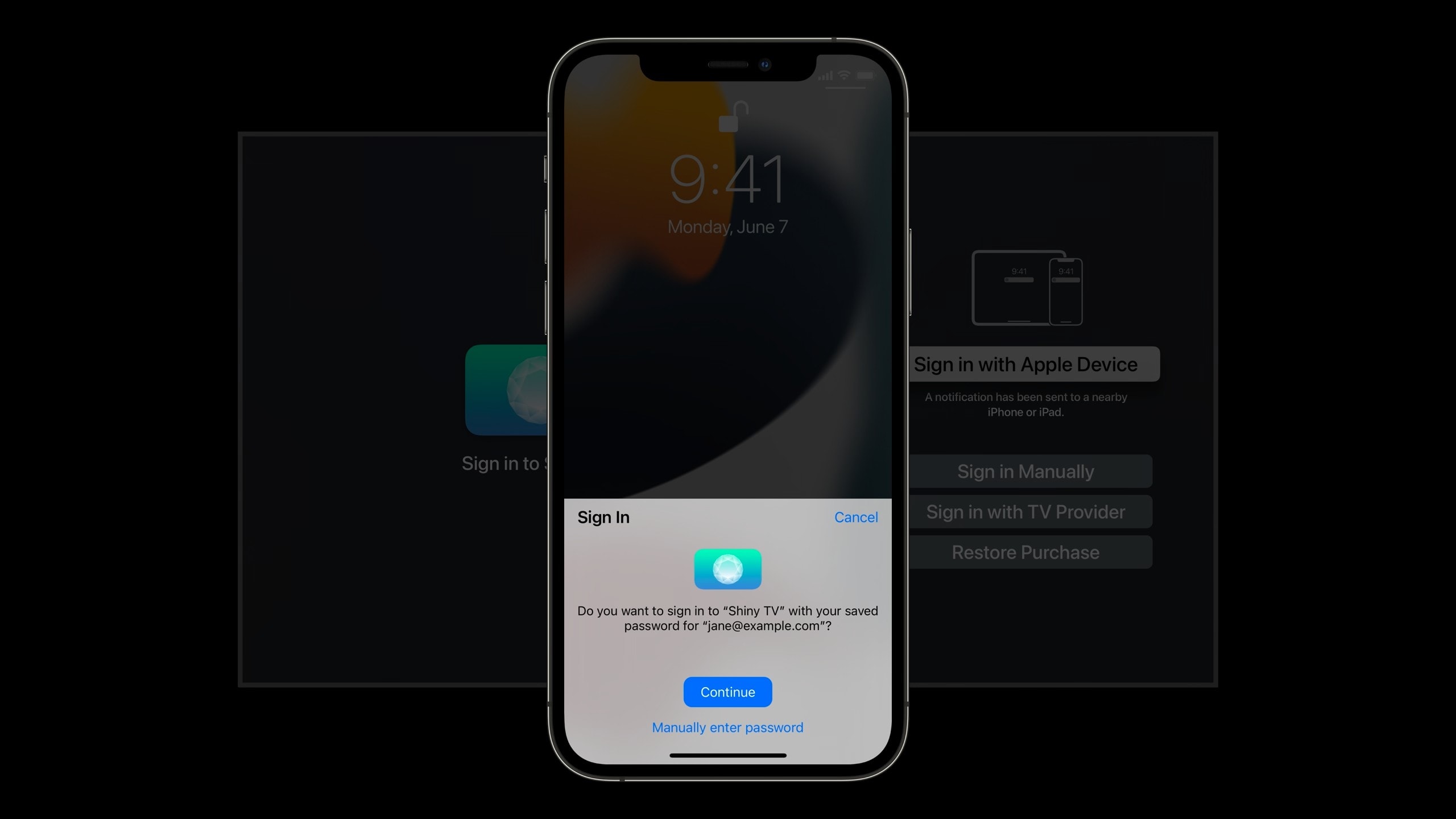
Signing into Apple TV apps will soon be easier than ever, thanks to the ability to use Face ID or Touch ID on your iPhone or iPad with tvOS 15.
The new “Sign in with Apple Device” feature will negate the need to enter usernames and passwords with Apple TV’s Siri Remote, significantly speeding up the sign in process. But there is a small catch.
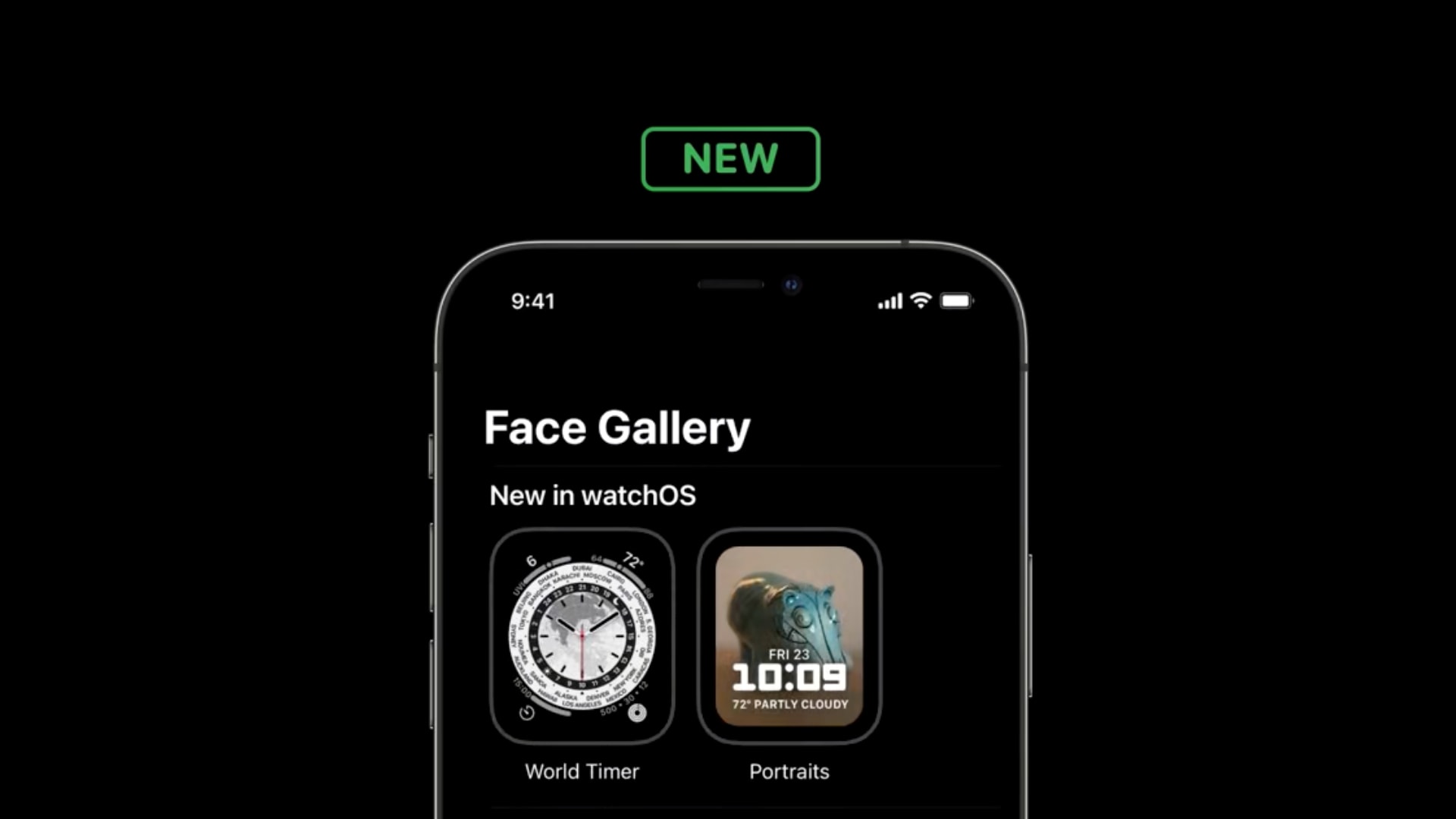
Will World Timer come with watchOS 8 this fall? Image: Apple
A new “World Timer” face for Apple Watch has been spilled ahead of its release in a WWDC 2021 developer session.
The face didn’t get a mention during Apple’s watchOS 8 announcement on Monday, and isn’t yet available inside the first developer beta. Fans will be hoping it does appear before watchOS 8 makes its public debut.
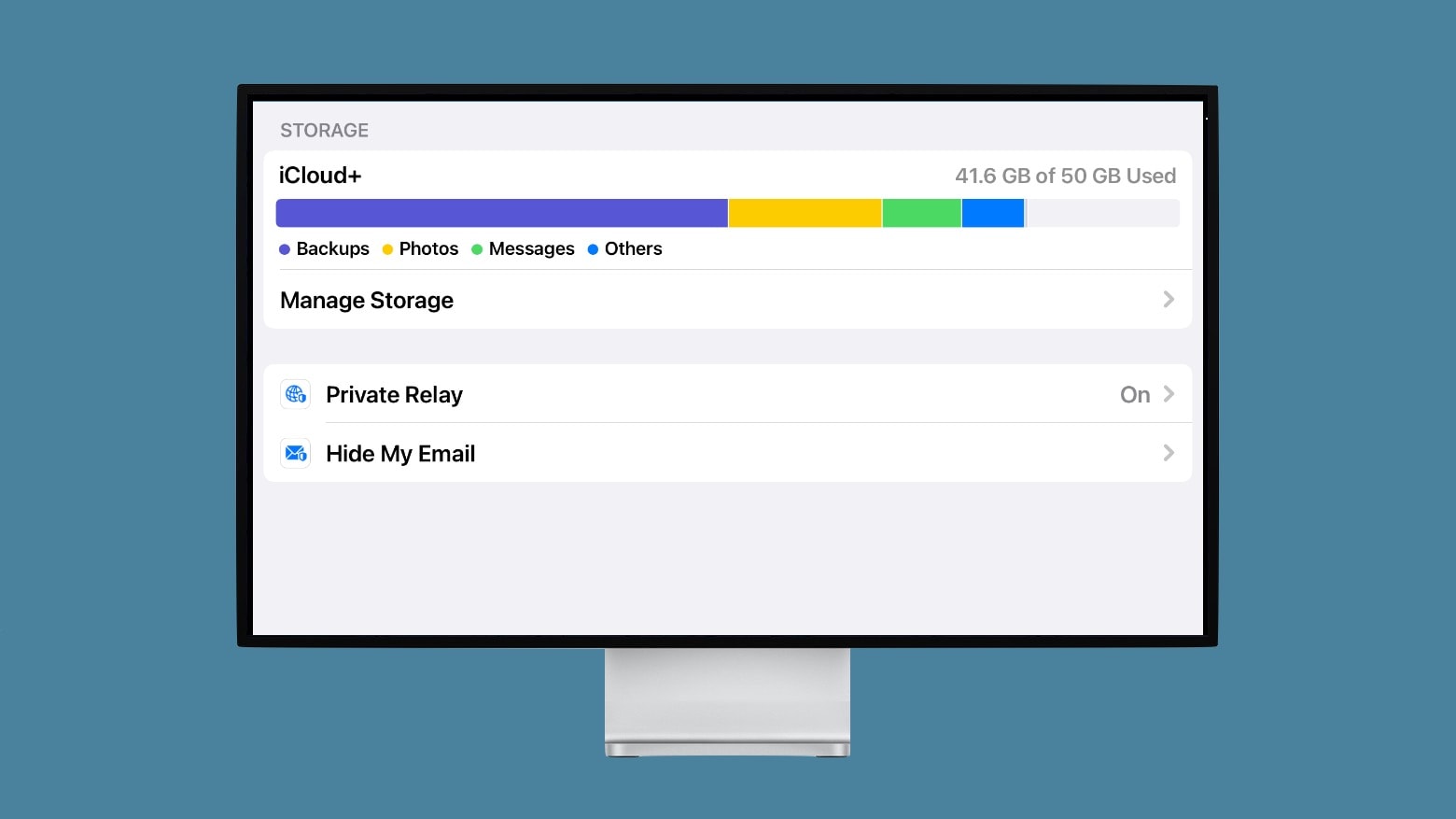
Private Relay protects your online privacy. It’s the best part of Apple’s new iCloud+. Photo: Ed Hardy/Cult of Mac
Private Relay is the latest way Apple devices can protect your privacy. The service, a part of iCloud+, makes it much harder for the websites you visit to track you.
Unlike many of Apple’s privacy services, it’s not free. But the new iCloud+ service costs very little and comes bundled with iCloud storage at no additional cost. And it comes with some other privacy benefits, too.
These courses will help you launch your Amazon side hustle. Photo: Cult of Mac Deals
Jeff Bezos may be the richest person in the world at nearly $190 billion, but there’s still plenty of money to be made using his ubiquitous web marketplace, Amazon.
But like anything else on the internet, it’s not enough to post your items and patiently wait for customers. There are tried-and-true methods that will connect your product with desired customers. If you’re ready to take your Amazon business to the next level, the 2021 Complete Amazon Dropshipping & Private Label Master Class Bundle is the best way to go from just another Amazon seller to an Amazonian millionaire.
Whether you’re computer-savvy and stay up to date on the latest software or not, this is a bundle that every Amazon seller needs in their cart. Available now at 98% off for just $34.99, this bundle will change the way you handle and thrive in your online business.
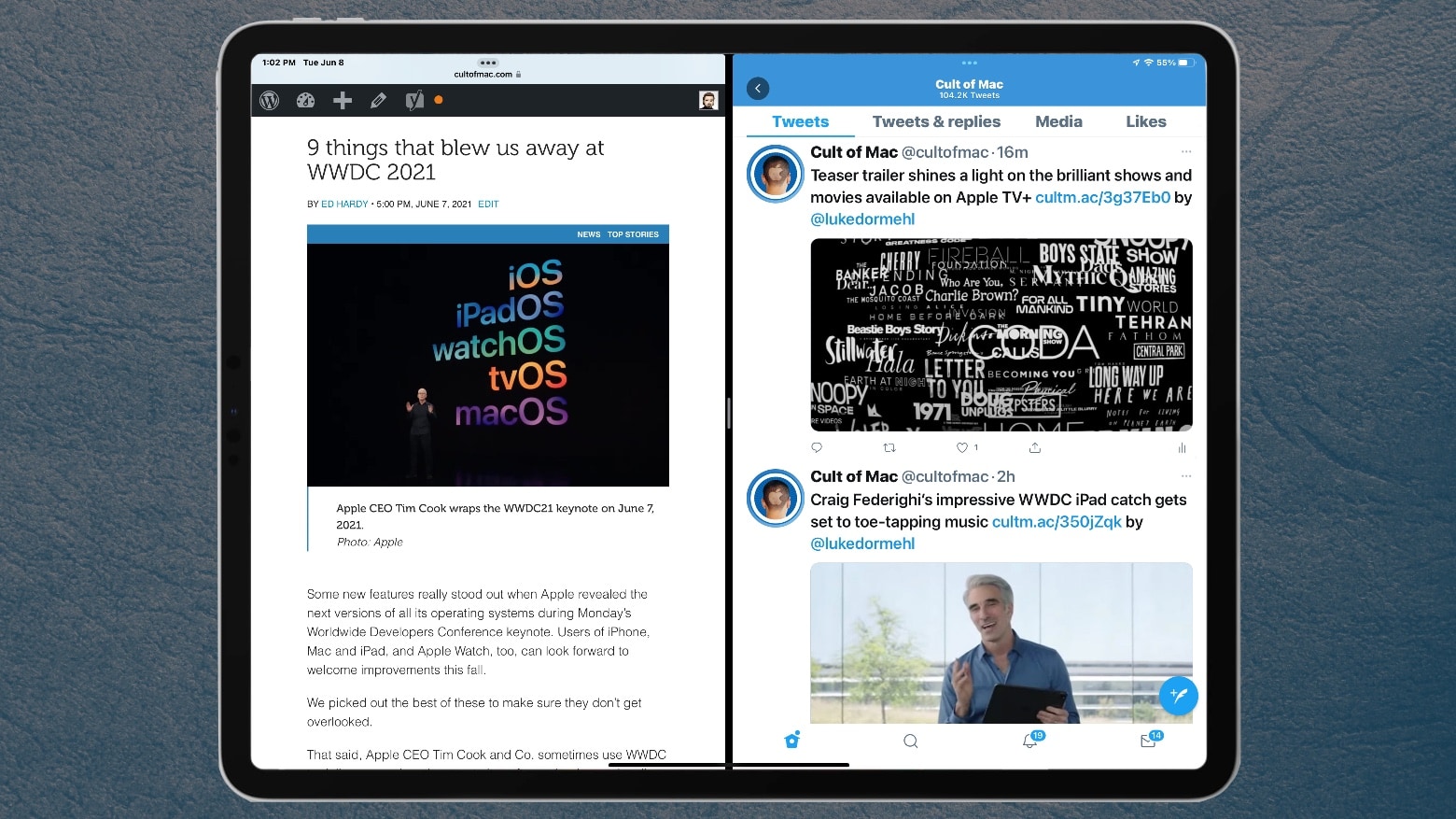
The tiny multitasking menu at the top of each application is a significant improvement in iPadOS 15. Photo: Ed Hardy/Cult of Mac
With iPadOS 15, Apple makes the iPad’s multitasking system much more intuitive. I’ve been testing it with the first beta of this OS update, and I’m quite pleased with the changes.
Here’s how the new iPad side-by-side multitasking system works in real life. And why I think it’ll bring this feature to more users.