Make posters and invitations with more eye-catching designs by setting color, gradients, or images as your document background in Pages. It’s a super-simple trick that can make a big difference. Find out how in this pro tip.
Set color, gradients or images as document backgrounds in Pages [Pro tip]
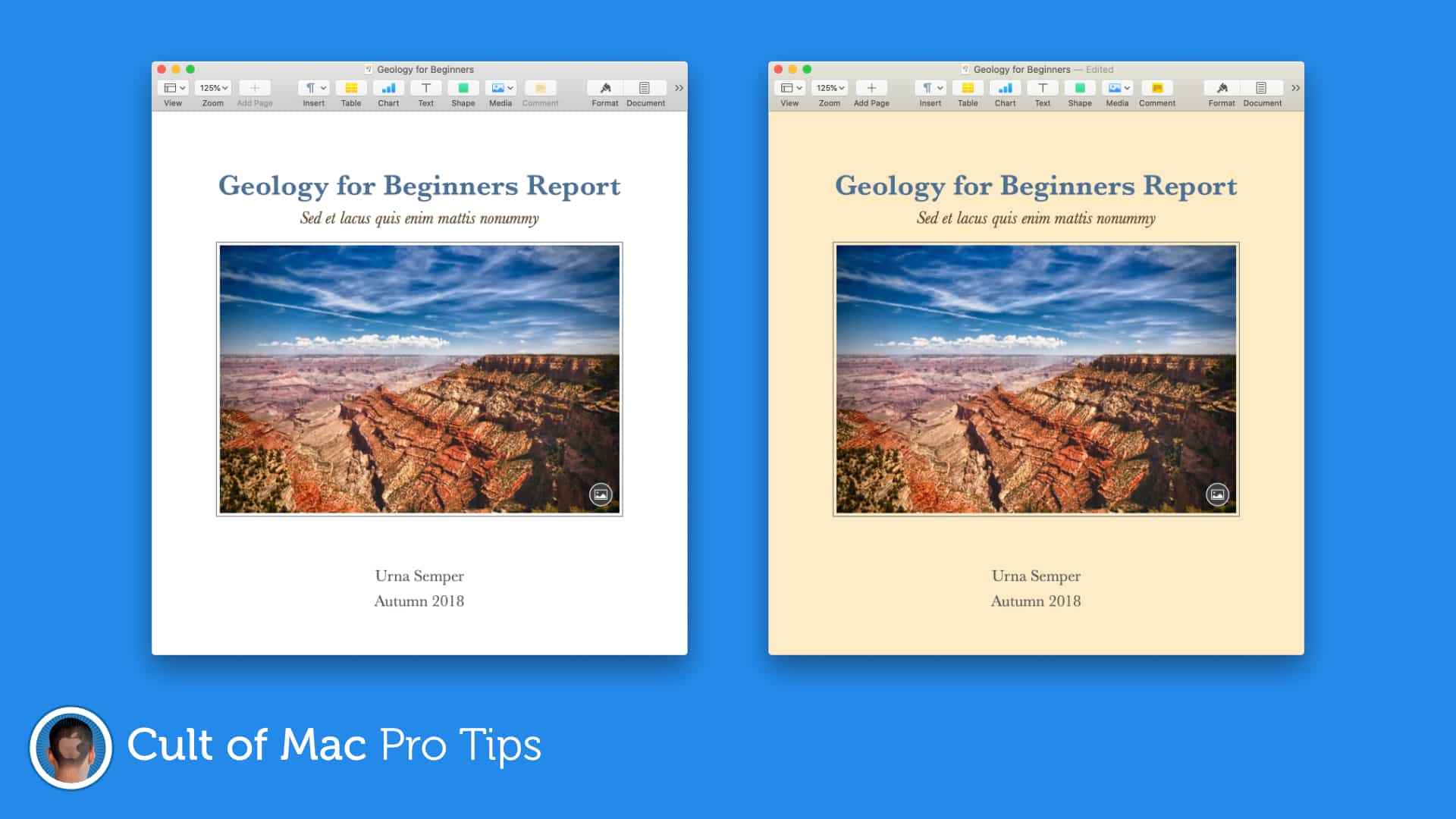
Image: Killian Bell/Cult of Mac