You can edit, convert and sign PDFs directly in your web browser — no downloads, no uploads — with PDFToolKit. It makes dealing with PDFs easy and secure.
And right now, you can gain lifetime access to PDFToolKit for just $79 (MSRP $619).
You can edit, convert and sign PDFs directly in your web browser — no downloads, no uploads — with PDFToolKit. It makes dealing with PDFs easy and secure.
And right now, you can gain lifetime access to PDFToolKit for just $79 (MSRP $619).

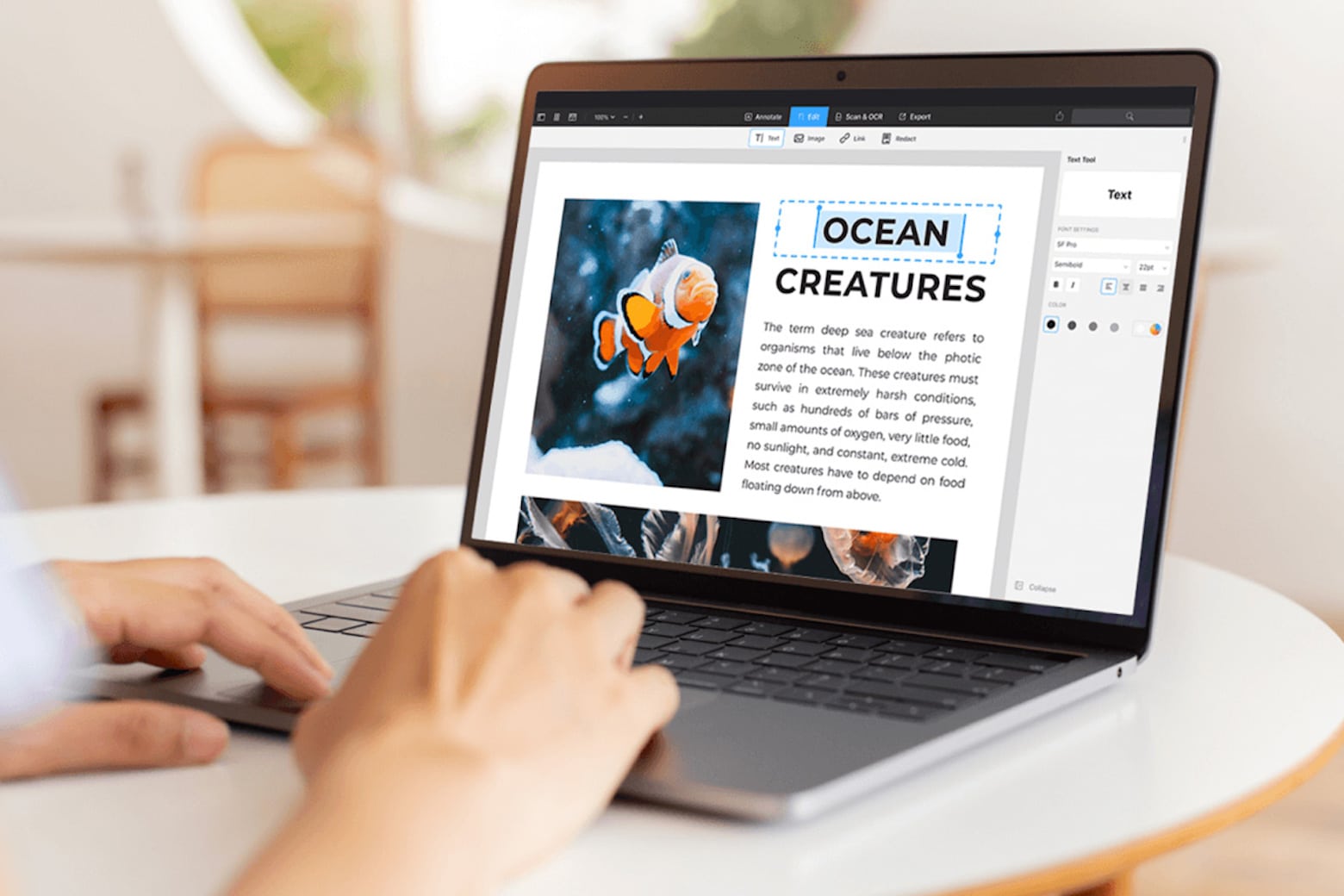
PDFs are arguably one of the most-used document formats by professionals, students and casual users alike. However, while they might be the best way to transmit documents, they’re not entirely easy to work with unless you own a capable PDF editor for Mac like PDF Expert.
Fortunately, this app makes handling, organizing, annotating, merging and editing PDFs effortless. And you can get a lifetime license to this award-winning Mac app for just $79.99 (regularly $139.99).
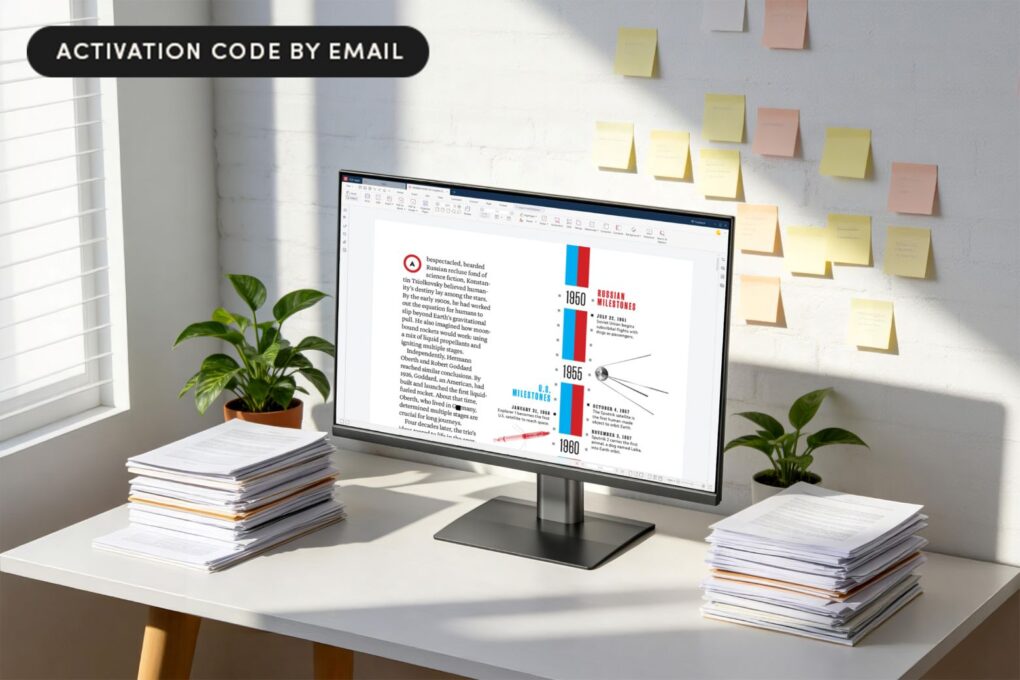
PDF Agile Premium is an all-in-one PDF editor that lets you edit, convert, annotate and secure PDFs — and a lifetime license costs just $39.99 right now.

You might only use the Mac’s built-in Preview app when you need to read a PDF or zoom in on a picture, but there’s much more to the software than meets the eye. It’s a pretty handy image editor for Mac, too.
In this how-to, I’ll go over six features that will let you make the most of Preview, a handy tool that’s an overlooked benefit to using a Mac. I have three tips for working with documents and three for editing pictures.
Struggling trying to figure out the best way to edit PDFs? Thanks to the PDF Editor ,PDF Book Reader ® app for Mac, iPhone and other Apple devices, editing and managing PDF documents doesn’t need to break the bank — or frazzle your mind.
It’s a great all-in-one PDF app — and Cult of Mac readers can get a free one-year subscription.

PDF files are everywhere online. Working with them shouldn’t be a headache. But common pain points include difficulties editing documents, trouble handling large file sizes, compatibility problems across platforms, security worries over data leaks, ineffective search capabilities, and poor annotation and collaboration tools. Plus, many users also balk at Adobe Acrobat’s expensive subscription fees. These frustrations highlight the need for a robust solution — and UPDF 2.0 emerges as the perfect answer.
After launching in 2022, the UPDF brand quickly won over 3 million users worldwide. Thursday’s launch of UPDF 2.0 takes PDF editing to the next level with enhanced AI capabilities, streamlined workflows and powerful new features. They make document management effortless across all your Apple devices.

Whether you use a Mac or any other operating system, there is a universal truth we all know: Editing PDFs can be one of the most frustrating tasks on earth. The top-rated UPDF Pro app can make working with the file format easier, and lifetime subscriptions are on sale for just $47.97 (regularly $149.99).
That’s the best price on the web — and more than two-thirds off the regular price of this excellent PDF editor.

Looking for an Adobe Acrobat alternative? LightPDF is a great, feature-rich PDF editor that costs less than half of an annual Adobe subscription. And it works on iPhones, Androids and Windows PCs.
LightPDF not only comes with countless PDF-editing features and OCR tech, but it’s also integrated with AI to summarize lengthy text for you. You can grab it for life for only $79.99 (regularly $109.99) while supplies last.

For anyone who works with PDFs regularly, AI-powered PDF editor Afirstsoft PDF might be the secret weapon you need. This tool brings AI right into your PDF management, and you can score lifetime access at a one-time price.
If you’re tired of digging through pages of dense content just to find the info you need, Afirstsoft PDF can save you serious time. Get lifetime access for just $49.99 (regularly $179).
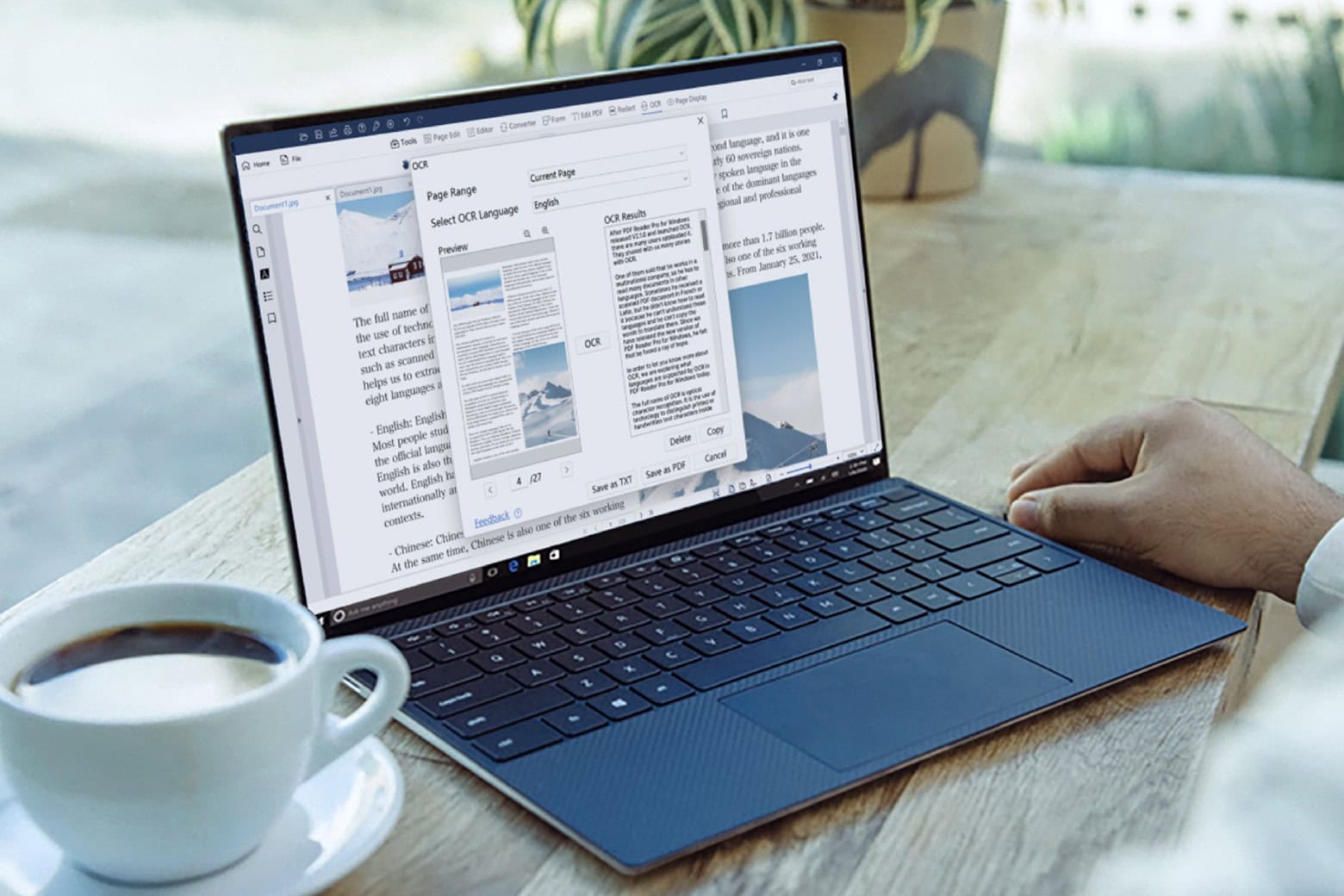
If you find yourself working with PDFs day in and day out, a PDF Reader Pro Permanent License could become your new best friend. This lifetime subscription to the excellent PDF editor for Mac costs just $60 (regularly $79) and lets you convert PDFs to Microsoft Office file formats.
This powerful tool is the solution you need to streamline your workflow and make working with PDFs much less of a hassle.

Apple fans are just like everybody else. In a world filled with digital documents, job applications and more, we often need to deal with PDF files. But instead of spending a ton of money on big-name software, or hunting around for severely limited free apps, wouldn’t you rather try the efficient and effective Afirstsoft PDF app for Apple users?
At a quarter the annual cost of Adobe Acrobat, Afirstsoft PDF helps you view, annotate, edit, convert, scan and organize PDF files. And its artificial intelligence feature analyzes and summarizes PDF files for you in seconds. Even better, you can use it across Mac, iPhone and iPad with ease (Windows and Android, too). And you can save even more money with special discounts for new users (see below).

PDFs have become the standard for document sharing and archiving, but the file format is notoriously difficult to work with and manipulate. However, there is a way around that problem, thanks to purpose-built PDF editors like PDF Reader Pro for Mac.
For a limited time, this highly rated PDF editor for Mac is on sale for just $29.97 (regularly $59).

Working with PDFs on your Mac can really suck. Even just adding your signature to a PDF document can be an ordeal. Luckily, there’s a great Mac app that can simplify the experience of PDF signing, editing, merging, annotating and much more.
And now it’s on sale for a very limited time. Now through November 9, you can grab the popular and award-winning PDF Expert app for only $69.99 (regularly $139).

Who doesn’t love working with PDFs? The obvious answer is everyone. PDFs can be a pain. But these days, PDF editing tools are getting smarter and easier to deal with. For instance, Superace Software’s UPDF, an easy-to-use PDF editor that’s now enhanced by artificial intelligence.
UPDF‘s AI boost makes it easy to summarize, translate and explain the contents of PDFs. It can also boost your writing capabilities, greatly speeding up the task of creating PDFs.

When it comes to quickly saving, sharing and editing documents, PDFs are a daily staple for many. Routinely necessary for professional and educational purposes, they’re also a crucial way to streamline the tax preparation process each year.
PDF Expert is a smart resource for Mac users who want to eliminate unnecessary frustrations caused by file compatibility problems. And a lifetime license is currently available for only $69.99 (regularly $139).
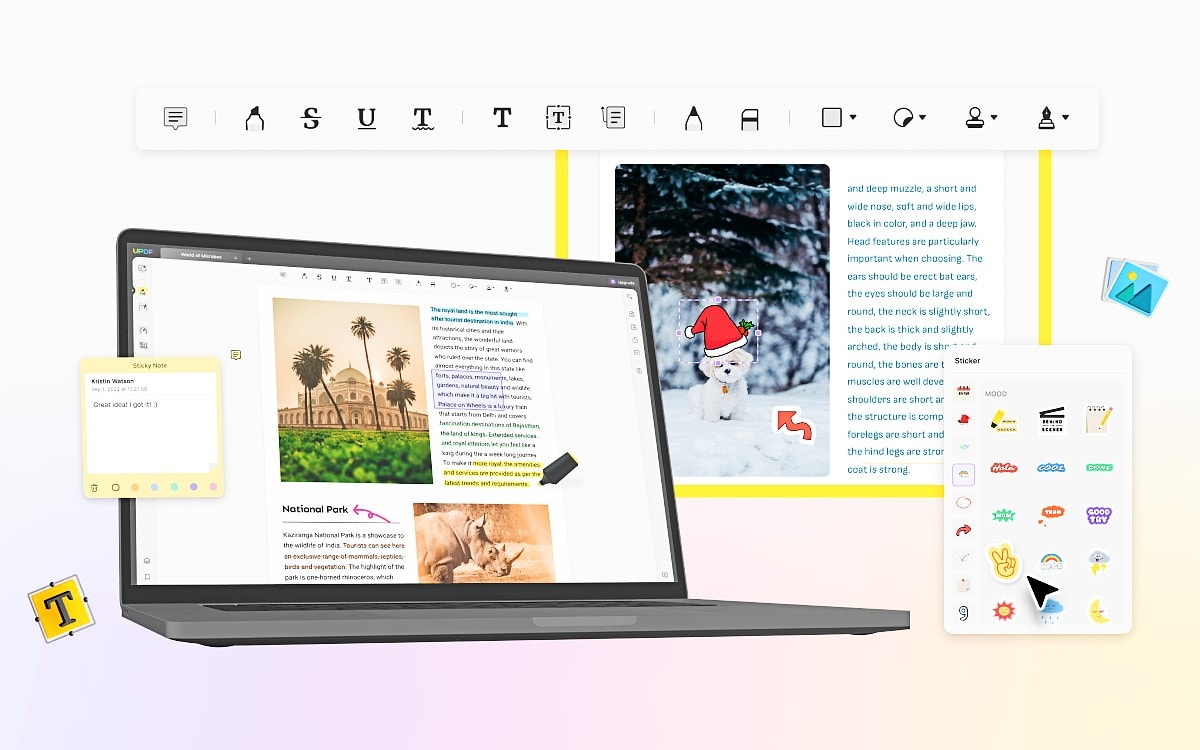
Most people must deal with PDF files online at some point, like when they fill out forms, sign documents or save files they don’t want others to easily modify. But if you think your only choices for easy-to-use, feature-rich PDF editing software are big, expensive products, you haven’t met UPDF yet.
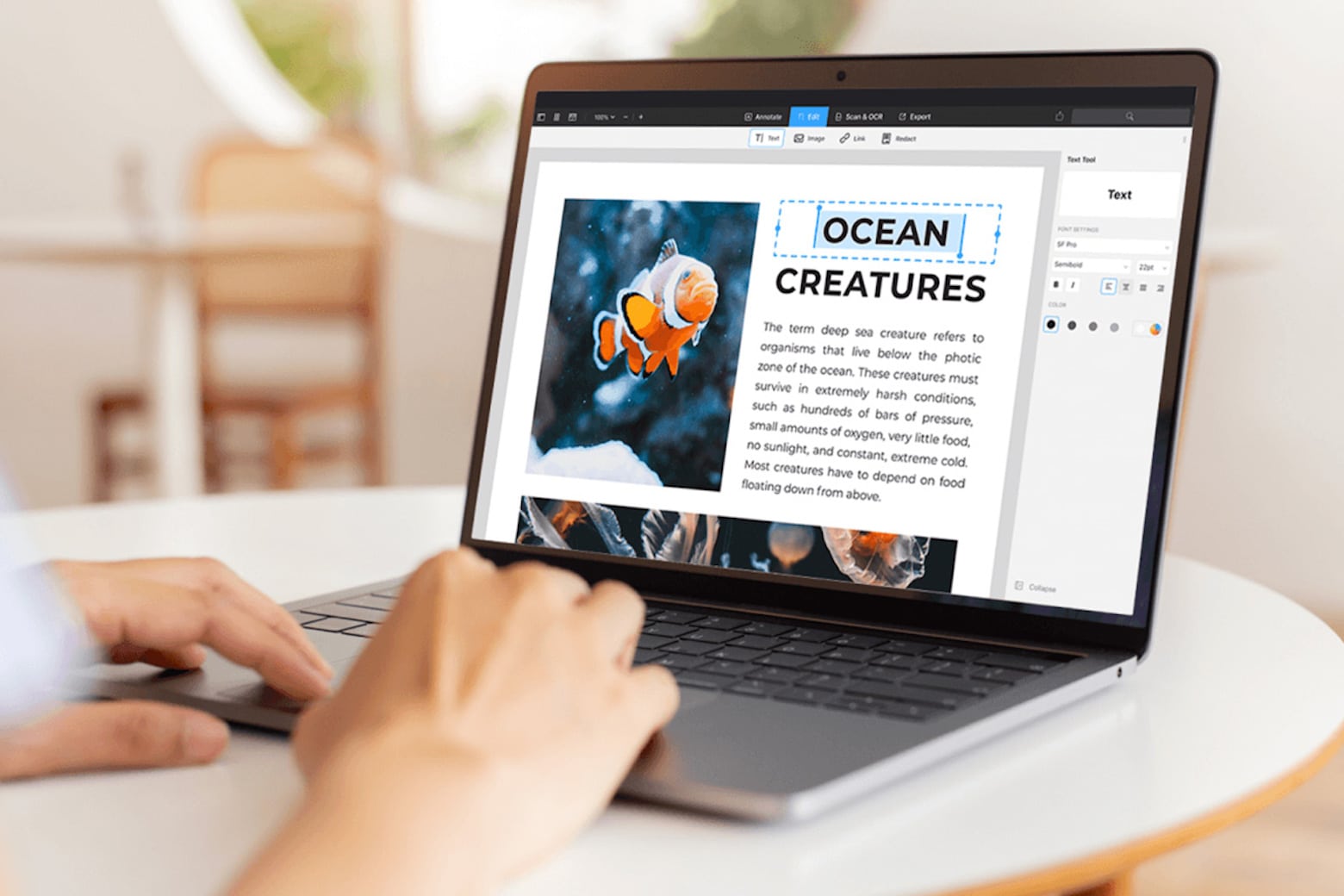
PDFs remain one of the best ways to transmit documents and data. However, handling these files can be tricky if you don’t have the right tools. A lifetime license to PDF Expert immediately empowers you to manage, secure and share PDFs with ease, speeding up daily tasks and increasing your ability to seamlessly collaborate on projects.
Typically $139.99, you can now pick up this license now for just $69.99 (a 50% discount).
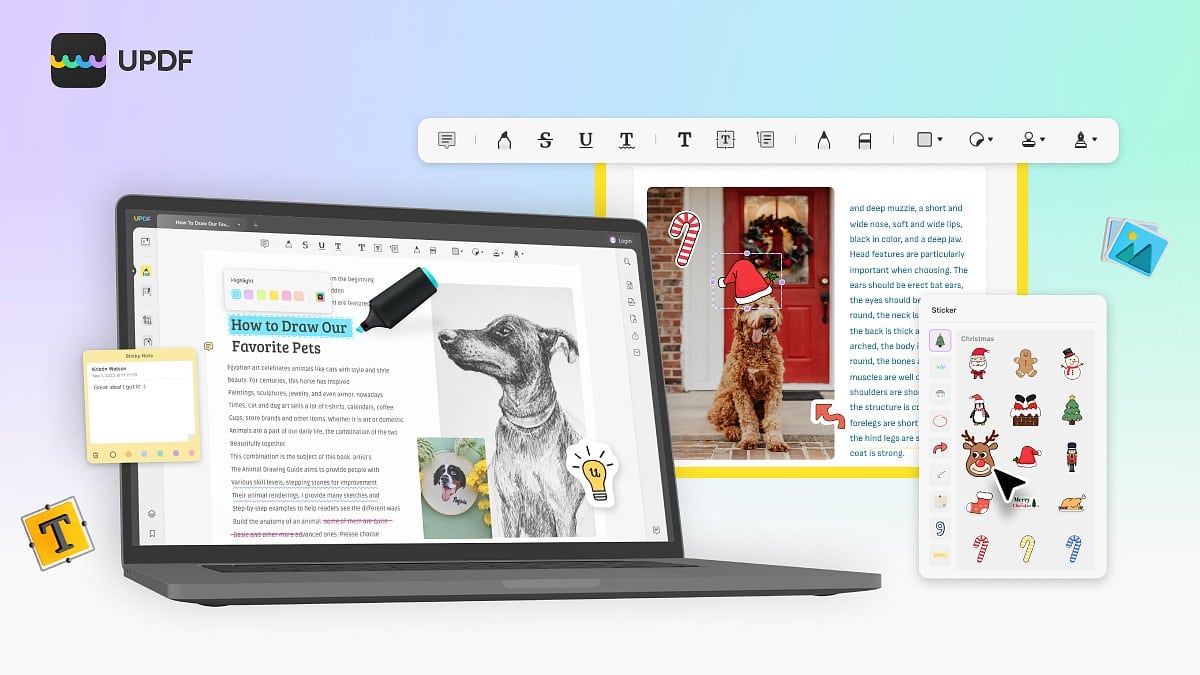
PDF files are a fact of life online. All sorts of information, forms, contracts, applications and more come in the format, which is fixed to preserve formatting and resist having just anyone make changes. So you need special software to fill in, edit and sign a PDF, which can be a hassle.
That’s where UPDF comes in. It’s a versatile and easy-to-use PDF editor that’ll have you filling in and signing PDF files in no time, or even making more substantial changes, like reordering pages and converting files to other formats.
Even better, you can use UPDF on any platform for no additional cost. Cult of Mac readers can get UPDF at 53% off. Grab this deal (at the end of the article) and you will have an all-in-one PDF editor that works onMac, iOS, Windows and Android.
Adobe Acrobat is great for editing PDF files, but the software costs between $13 and $20 a month for a subscription. If you work with PDFs only occasionally, paying out monthly is massive overkill.
Luckily, there are practical and feature-rich apps out there that cost very little to use. One of them is PDF Editor PDF Book Reader, which has been around for years but has been updated to work with iOS 16 and iPadOS 16 on iPhones and iPads.
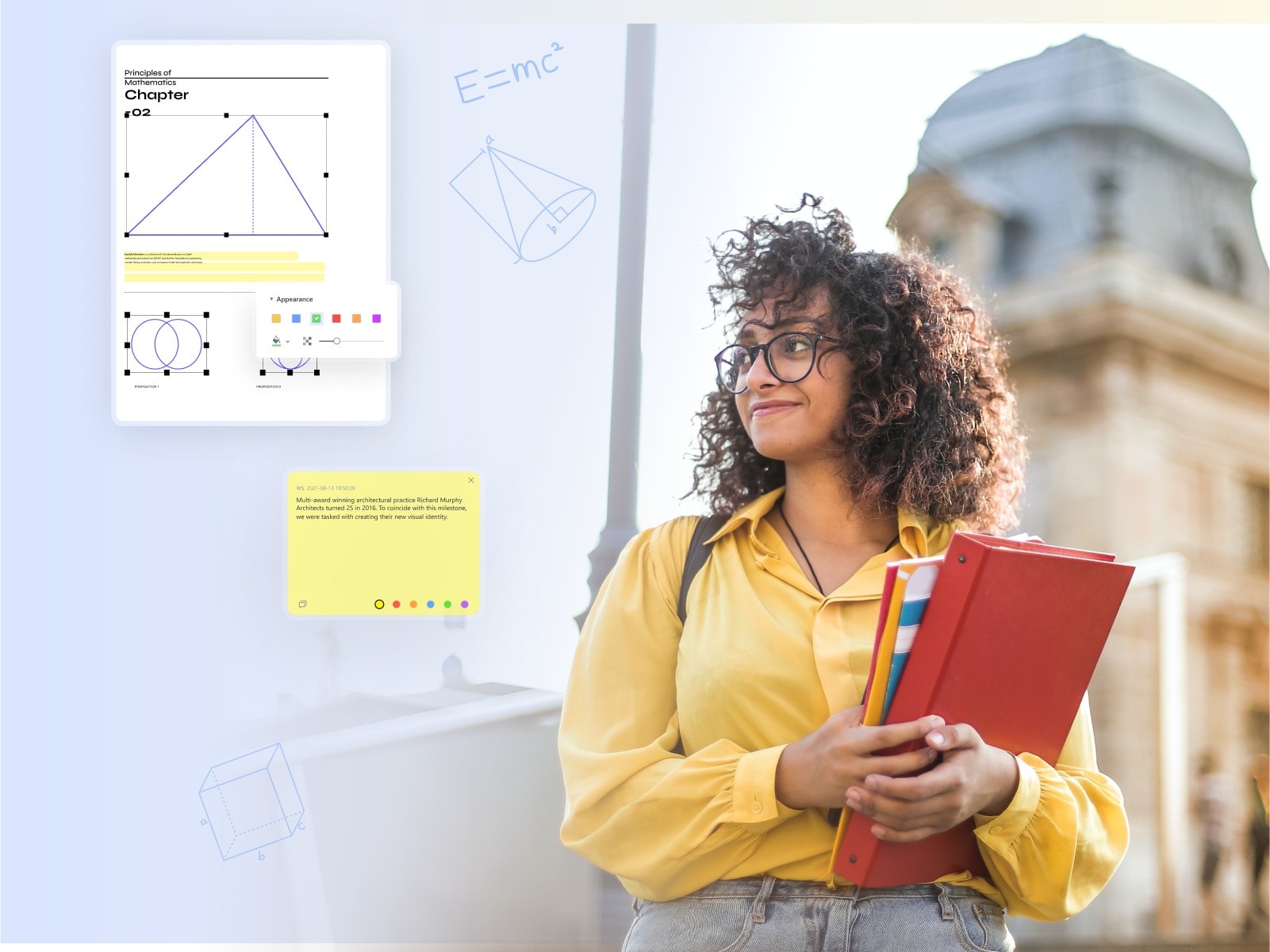
This post on PDF apps is brought to you by Wondershare.
The popularity of the PDF file format increases day by day. PDFs make it simple and reliable to share documents. However, despite the file format’s many amazing features and capabilities, many users show remain reluctant to use PDF files.
The reason behind this is the rigidity of PDF files. If you don’t have a dedicated app, it can prove maddeningly difficult to make changes. Here, we are going to introduce you to what might be the best PDF editor app: Wondershare PDFelement. This app will let you make all desired changes to a PDF file. Let’s get to know more about this app.
This post is brought to you by Kdan.
If you want to work smoothly with PDF files, you need a capable tool like Kdan’s PDF Reader. The name may leave you thinking it just helps you read PDFs, but it actually does much more for your workflow. If you’re wondering how to convert to PDF on iPad, take a look at this step-by-step guide.
With PDF Reader, you can create, read, edit, sign, scan, secure and convert PDFs on your iPhone, iPad or Mac. Learn more and download it below.
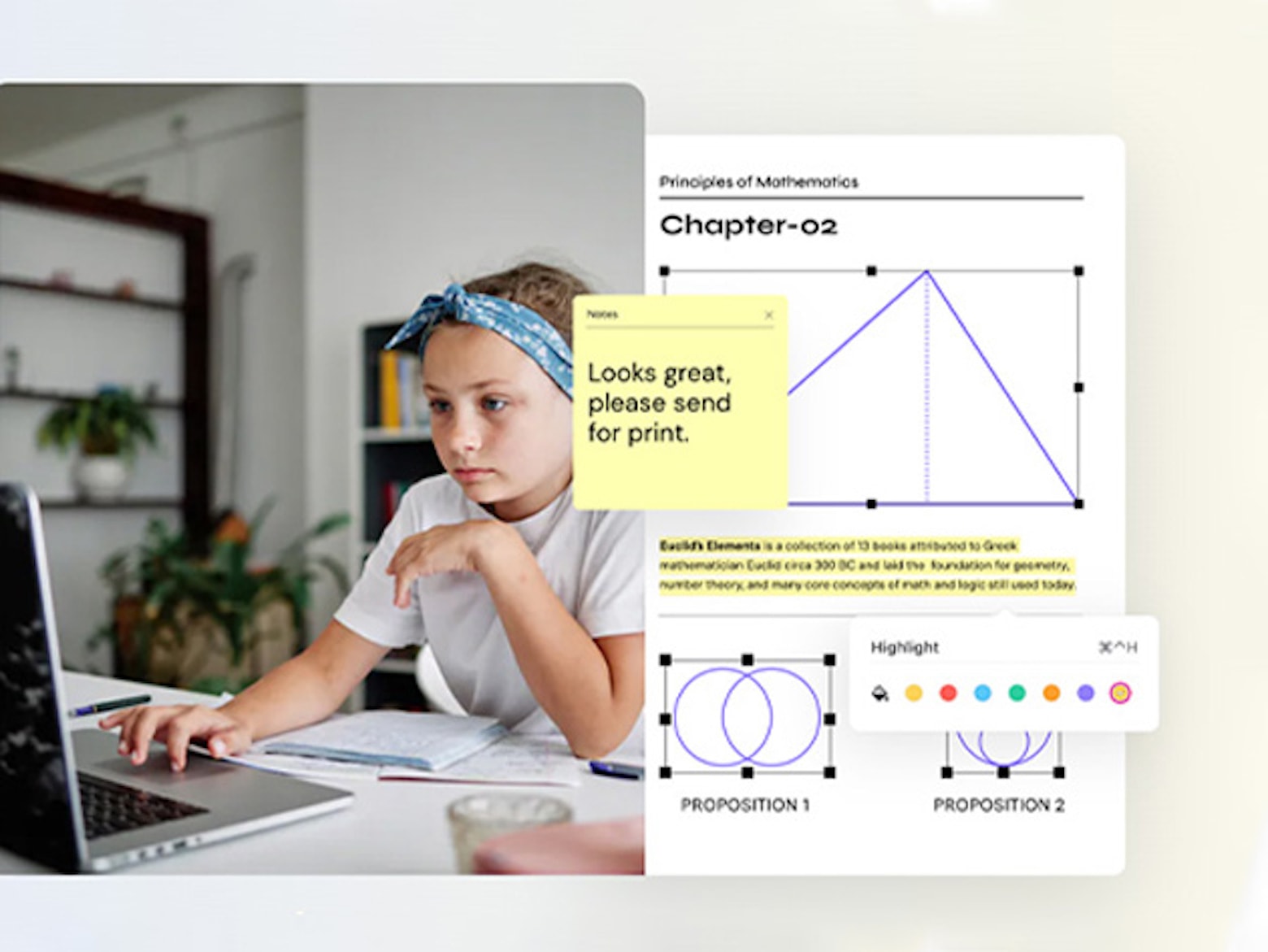
The PDF is one of the most popular file formats in the world. Yet somehow, a good PDF editor is still hard to find.
Wondershare PDFelement Professional is a simple PDF editor loaded with features. It caters to everyday users as well as professionals who need advanced tools. And you can get a perpetual license on sale for $119 (regularly $159) for a limited time.
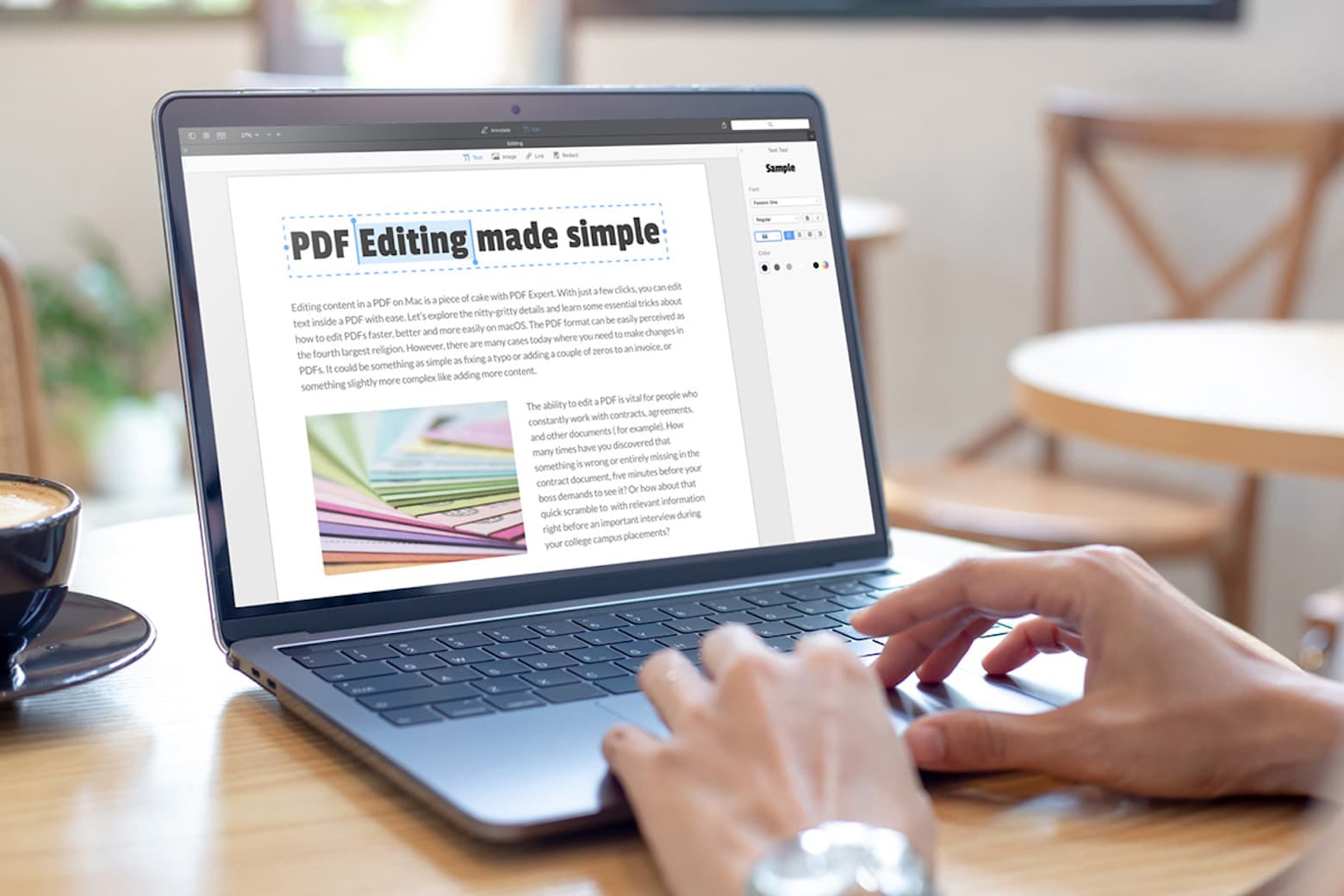
A good PDF editor is a tool you need whether you’re in school, at work or just trying to tweak something you downloaded. PDF Expert is an award-winning Mac app that lets you use PDFs as easily as if they were Pages docs.
Sound promising? If so, you should jump on this deal. It’s your last chance to get this highly rated PDF editor for Mac on sale for just $29.99. (It normally goes for $79.)
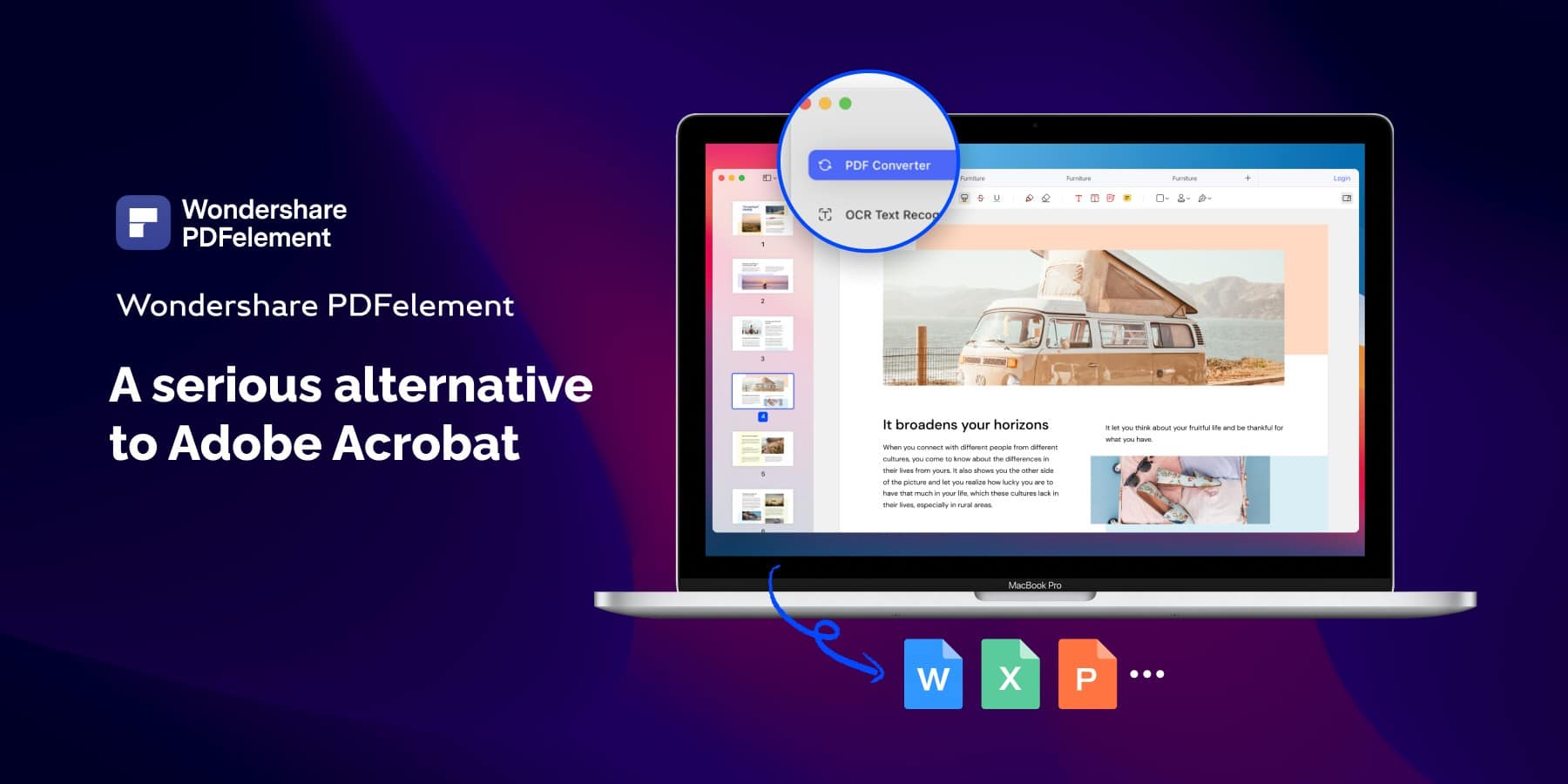
This post is brought to you by Wondershare, maker of PDFelement.
Wondershare’s PDFelement, now available in version 8.0, vies for the title of best Adobe Acrobat alternative and prides itself on being a PDF editor “built on simplicity,” whether you use it with macOS or Windows. We’ve seen nothing in our use of the Mac version of the utility to quibble with any of that. It’s powerful and easy to use.
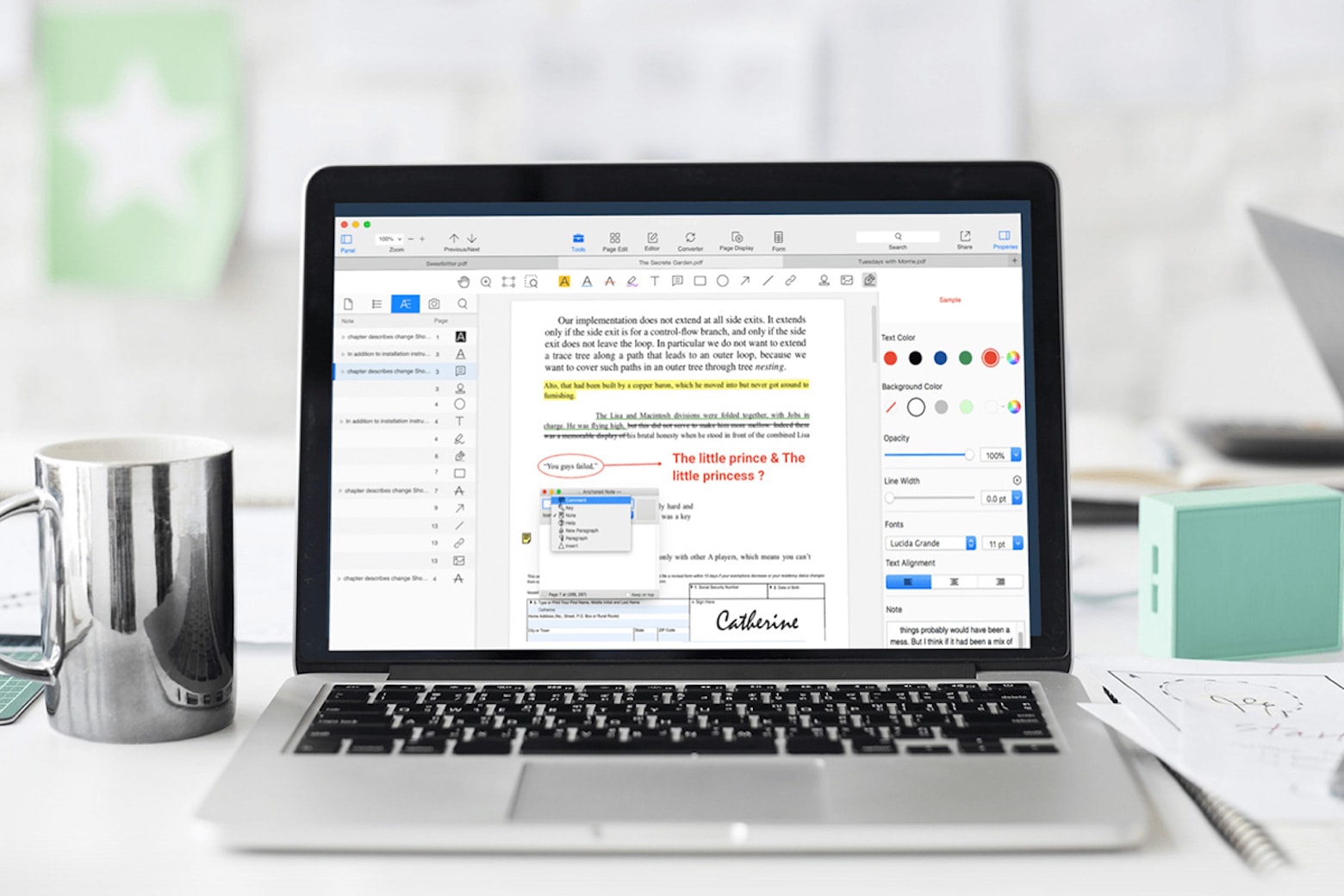
Raise your hand if you’ve received an important PDF and needed to edit it, but couldn’t. Most of us have. Whether it’s filing your taxes online, editing a document for work, or filling out necessary health forms, there are a variety of reasons why you may need to edit a PDF as soon as possible — and find yourself unable to.
That’s precisely what PDF Reader Pro was made for. This Mac app allows you to edit PDFs to tweak text, replace images or annotate a few lines. Available at an additional 20% off for Mother’s Day with code WELOVEMOM, PDF Reader Pro is just $31.99 for a limited time.