Get a Keychron wireless mechanical keyboard while it's 21% off and ships free! Photo: Cult of Mac Deals
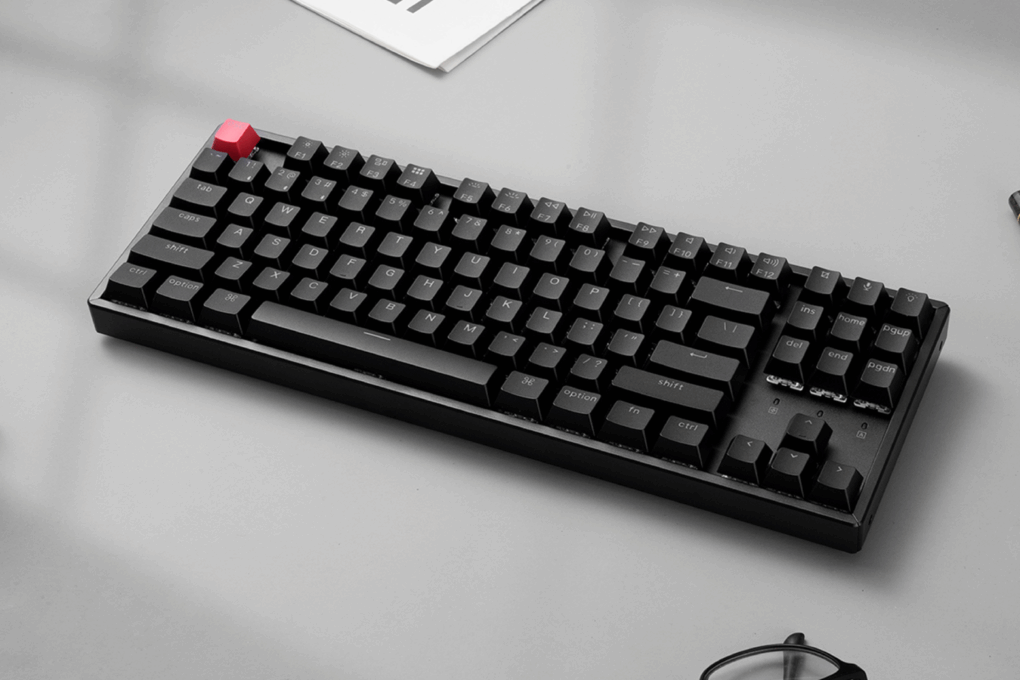
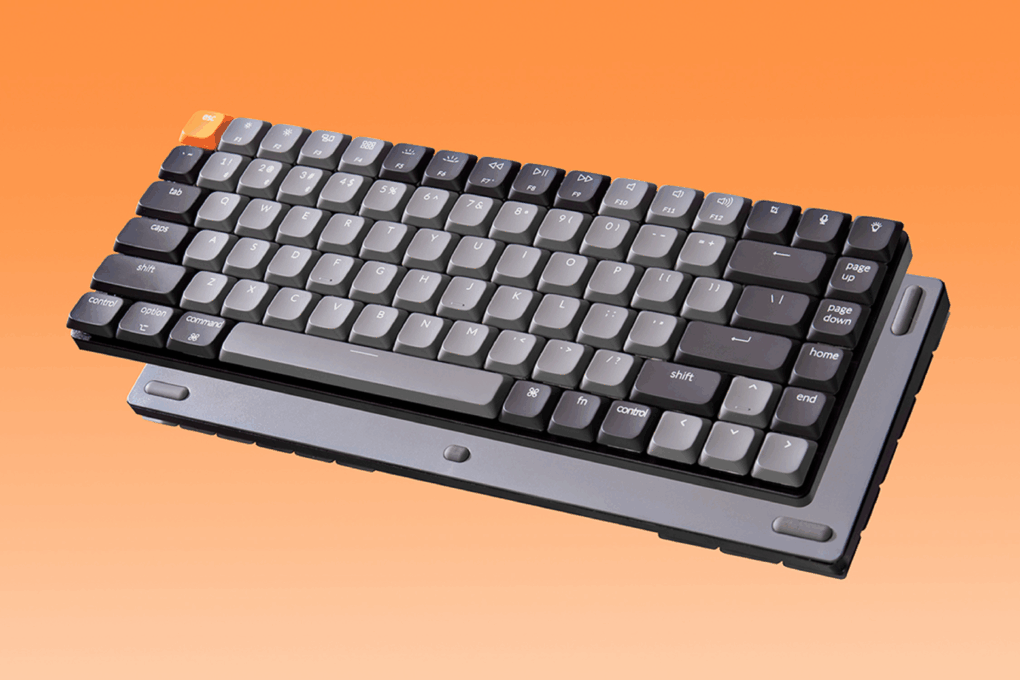
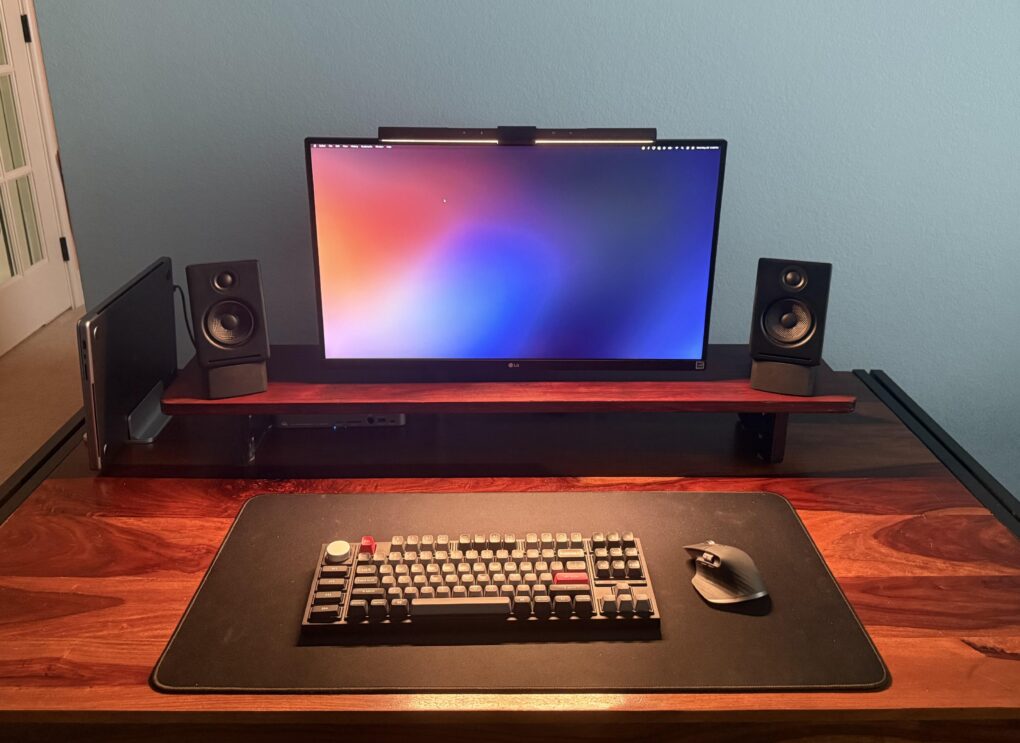
The Keychron K3 keyboard delivers real mechanical typing in a slim, wireless, Apple-friendly design. The low-profile design gives you that satisfying mechanical feel, without taking over your desk. It’s also pretty quiet, which is great if you (or the people around you) get annoyed by the clickity-clack of typical mechanical keyboards.
Compact keyboards are so popular now that seeing a full-sized one -- or even a nearly full-size, tenkeyless layout like this one -- is almost a rarity. Photo: [email protected]
More than ever these days, computer setups flaunted on social media tend to show off compact keyboards with as low as 60% layouts. So it’s almost a surprise to come across today’s featured MacBook Pro setup, which relies on a tenkeyless keyboard. It’s almost, but not quite, full sized. And the excellent Keychron mechanical keeb is customizable, too.
Shown here in white, the M5 is fairly light, but it features a stable base. Photo: Keychron
In an unusual move from Keychron blending ergonomic comfort with high-performance gaming specs, the keyboard specialist released its new M5 Wireless Ergonomic Mouse earlier this month. The device makes for an interesting peripheral launch because you don’t see a mouse mashing up professional ergonomic features and technical gaming capabilities every day.
The fanciest version has wood trim in both colors (white or black). Photo: Keychron
The new premium Keychron K4 HE mechanical keyboard combines a 96% layout with customizable actuation for Mac power users. The new keyboard integrates Hall effect technology into the popular K4 design. That creates a versatile option for users who demand precision and customizability for both productivity and gaming.
“The K4 HE is a game-changer for professionals and gamers who demand precision and flexibility in their keyboard setup,” Paul Tan, COO of Keychron, said Tuesday in a press release. “With Hall effect technology, users can now customize their typing experience like never before, ensuring every keystroke meets their exact needs.”
A powerful and well-equipped M4 Pro Mac mini and iVanky Thunderbolt 4 dock power this great setup. Photo: [email protected]
These days, a well-equipped new Mac mini and a good docking station buy you loads of computing power and connectivity to plenty of peripherals for years to come. Today’s M4 Pro Mac mini workstation features a fine dock for Mac mini in the iVanky FusionDock Max 1 (even though the Thunderbolt 4 dock with a whopping 20 connection options was designed for MacBooks).
A wired version of the customizable Keychron Q3 mechanical keyboard is on sale. Photo: Keychron
Amazon bargain site Woot! currently offers incredible deals where you can get huge discounts on Keychron mechanical keyboards — up to 63% off normal prices. Plus, you can nab an extra $10 off if you’re a new Woot! shopper. While quite a few of the keebs have sold out, you still have six excellent choices, listed with details and direct links below, and a bit more than a week to grab yours. The sale end January 31 at 10 p.m. PT.
The Pro version of Keychron's Q2 mechanical keyboard is 20% for Black Friday, among many other deals. Photo: Keychron
Keychron is pretty much synonymous with mechanical keyboards, having flooded the market with solid and affordable models for years. And when it comes to Black Friday mechanical keyboard deals, the maker is discounting keebs from its Keychron and Lemokey lines on Amazon, with 15% to 25% off deals on more than 100 keyboards. Below you’ll find a sampling of cool options.
And you can nab even better deals on Keychron mechanical keyboards at Amazon bargain site Woot! — up to 63% off — and more will be added Thanksgiving week, the company said.
Reading from a teleprompter helps this user maintain eye contact on Zoom calls. Photo: [email protected]
Many computer setups feature advanced camera and lighting arrangements for tasks like video streaming, but not every day do we see home rigs with teleprompters in them. Today’s MacBook Pro is an exception. The user runs a teleprompter setup with a specialized monitor and key lights. So is the user a remote correspondent on some news show? Nope, he uses the teleprompter outfit just for Zoom meetings, actually.
The Keychron K10 wireless mechanical keyboard in this product shot is full-size and ready for gaming. Photo: Keychron
Today’s M1 Mac mini user highly recommends a killer keyboard we rarely see in setups, from a brand we see everywhere in setups — Keychron. The maker’s popular K line of affordable keebs features a full-size mode that doesn’t show up all that often, perhaps because many folks favor smaller ones these days, eschewing the number pad.
You can get hundreds off that ultra-wide curved gaming monitor right now. Photo: [email protected]
In the never-ending arms race for more and bigger external displays in computer setups, one distinct subset is the ultra-wide, curved gaming monitor. Samsung is big in that game, and today’s M1 Mac mini user likes his 49-inch Samsung Odyssey G9 monitor, which he pairs with a couple of 32-inch 4K flat displays. And by the way, the big curved gaming monitor is deeply discounted right now on Amazon.
The user also asked for feedback on his new setup. You can see that below, too.
An M3 MacBook Air and an 11-inch iPad Pro are all this doctor needs. Photo: [email protected]
Is there a doctor in the house? There is with today’s M3 MacBook Air setup. The good doctor finds the slender laptop covers all needs, especially with an assist from an 11-inch iPad Pro, an external monitor and an unusual choice for a desktop speaker.
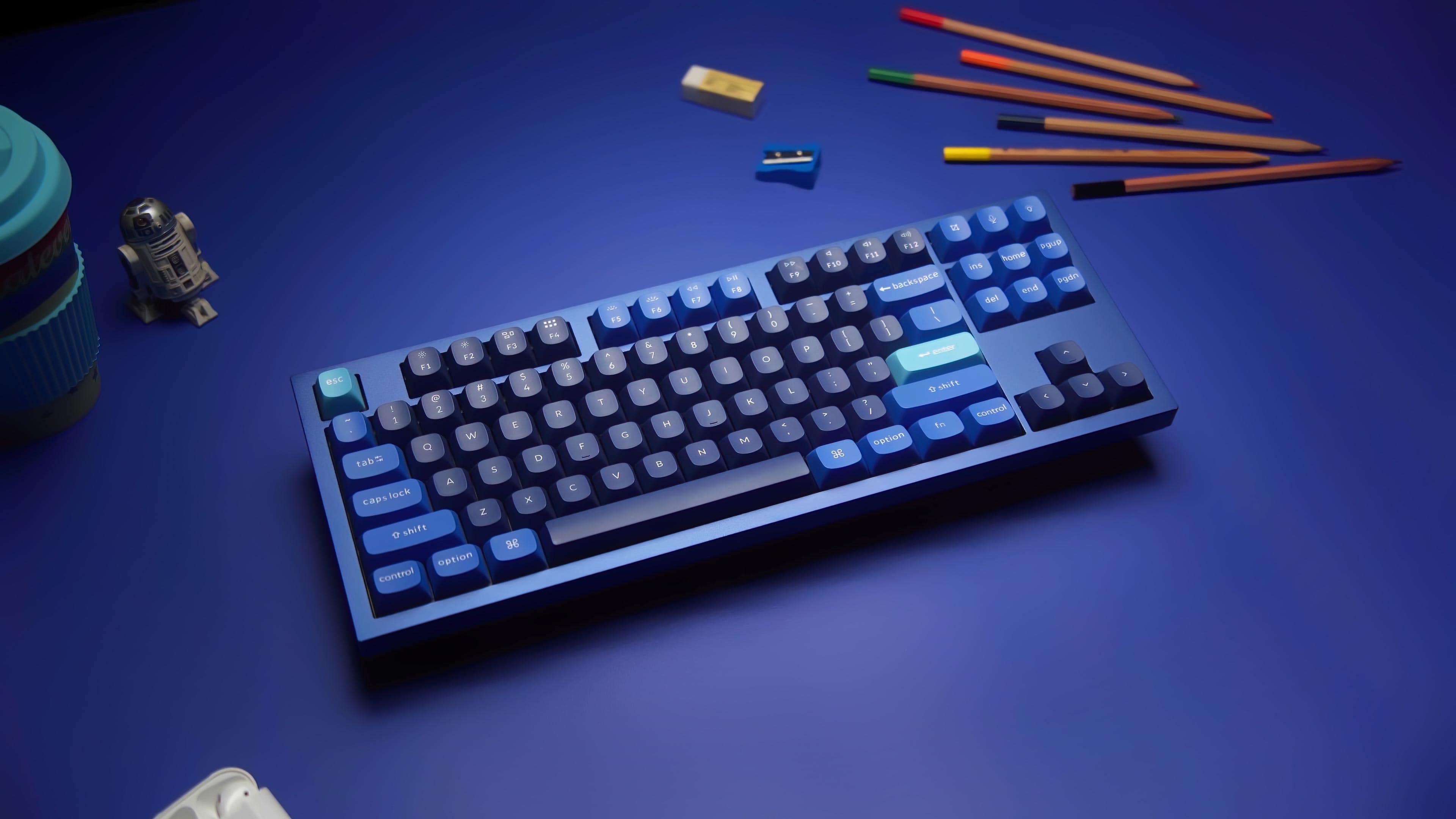
Keychron's customizable, tenkyeless Q3 followed release of the popular Q1 and Q2 custom keebs. Photo: Keychron
Amazon bargain site Woot! celebrates summer with a big blowout sale on an unusual item — mechanical keyboards. The site offers up to 61% off an array of Keychron mechanical keebs, plus a couple of other can’t-miss mechanical keyboard deals.
A dozen keebs are on sale. Most items are discounted to at least half off regular prices. The sale runs through Friday, July 12, at 10 p.m. Pacific.
This shot from Keychron shows the Q2 QMK Custom Mechanical Keyboard. Photo: Keychron
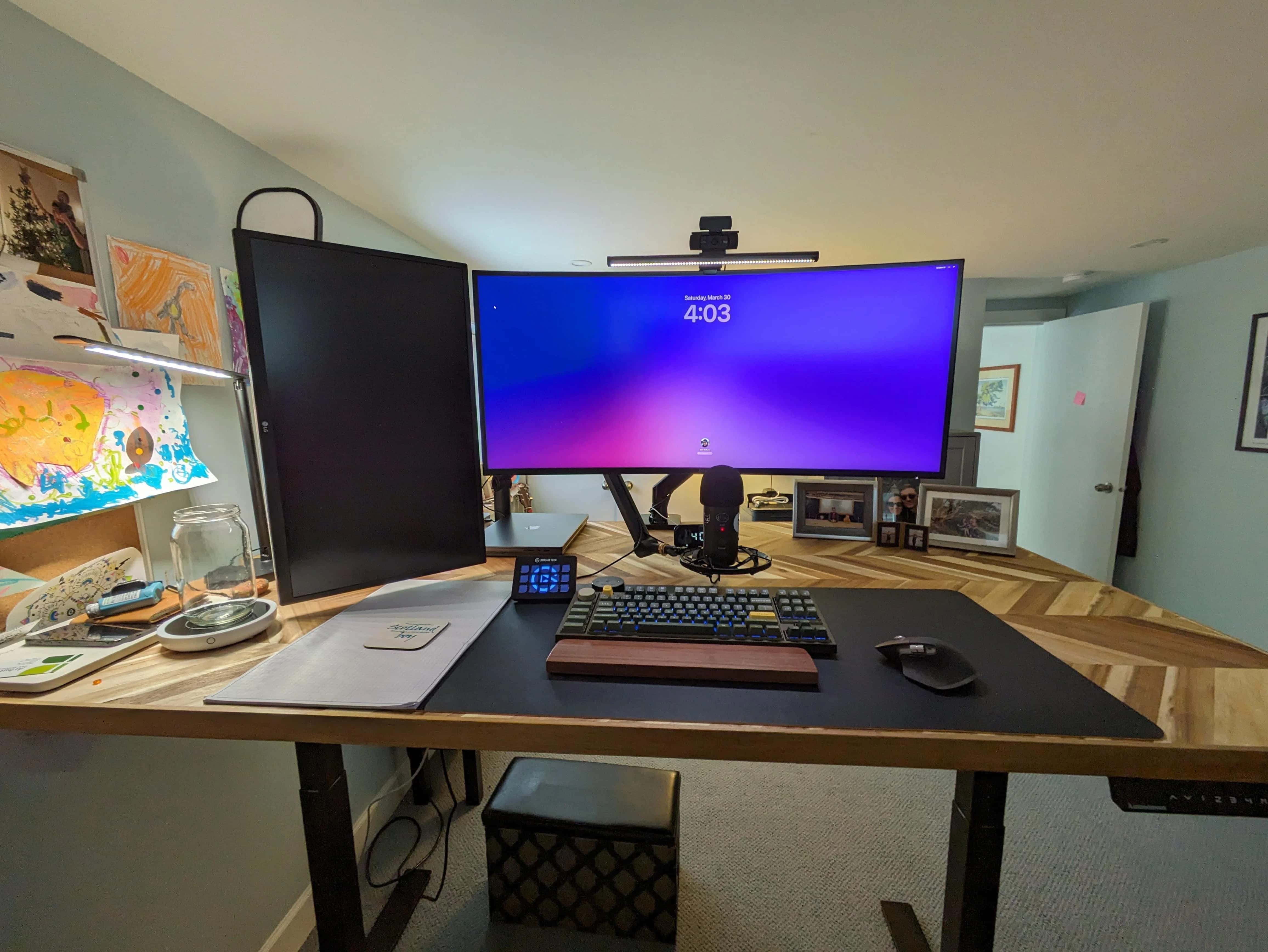
Some people are happy typing away on quiet membrane keyboards like Apple’s Magic Keyboard. Others are obsessed with pimping out their clickity-clackety mechanical keebs with the exact key caps, switches and design flourishes they prefer. Today’s M3 Pro MacBook Pro setup goes for the latter style with a Keychron Q2 custom mechanical keyboard.
It’s an excellent, moderately affordable option in a crowded market.
This full-sized wireless keyboard goes for $45. Photo: Keychron
For years Keychron made its bones on good mechanical keyboards. Now it’s jumping into the scissor-switch game with a pair of Keychron ultra-slim keyboards that are direct Magic Keyboard competitors.
They looks the part, include solid features and beat Apple on price by a mile.
This setups has two MacBooks, but the external keyboard is a Keychron Q3 Pro custom mechanical keeb. Photo: [email protected]
Today’s featured computer setup runs on two powerful MacBooks, which of course have their own keyboards. But the user doesn’t settle for those, except maybe when he’s away. Instead, he chooses to use a mechanical external keyboard with his dual laptops and dual displays. It’s a Keychron Q3 Pro custom keyboard, and it’s a beauty.
With an M2 MacBook Air and an M3 Max MacBook Pro from work, this setup is highly productive. Photo: [email protected]
Who doesn’t love a good MacBook? Or maybe two MacBooks, like in today’s setup. The guy has his own M2 MacBook Air, a formidable machine. But he’s lucky enough to add to it an absolutely screaming M3 Max MacBook Pro courtesy of his employer. Nice perk, that.
He can also thank work for his second 4K display. But it doesn’t top his own.
This photographer said the 42-inch LG C2 smart TV is better than other displays he's tried. Photo: [email protected]
Today’s Mac Pro and smart TV setup is a rare find for two reasons. First, Mac Pro costs so much that we rarely see it in the wild. Second, while big smart TVs used as computer displays continue to gain popularity, we don’t often hear users saying they’re one of the best they’ve ever had. But that’s the case with this LG C2 smart TV setup, used by a photographer and musician.
In it, a powerful cheese-grater Mac Pro drives a gargantuan 42-inch smart TV as an external display.
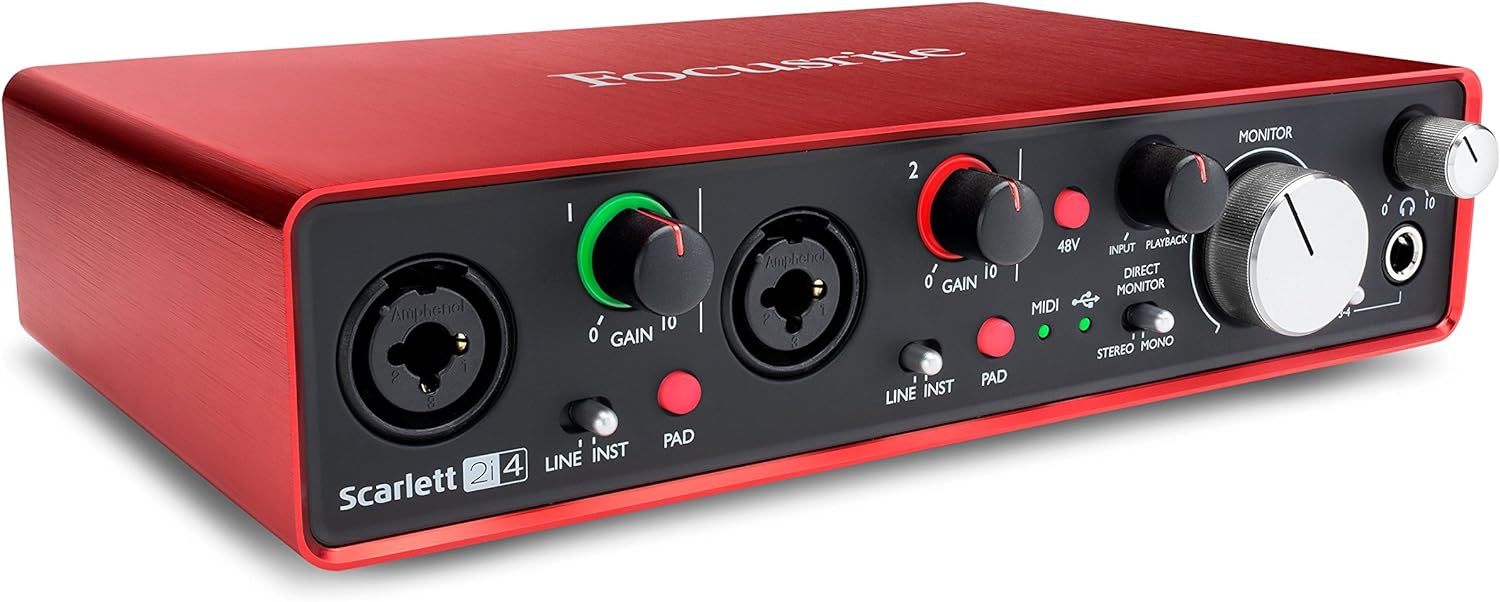
This audio interface turns your Mac into a music studio for two microphones and two instruments. Photo: Focusrite
If you’re going to make and manipulate music or other sound with your Mac setup, odds are you need a good audio interface. Today’s Mac Studio workstation relies on a Focusrite Scarlett 2i4 USB audio interface when the user makes YouTube videos, for example.
Check it out below, along with the rest of the setup’s gear.
This Keychron mechanical keyboard beat out a couple of Razer keyboards to be here. Photo: [email protected]
Some people love peace and quiet. Others love mechanical keyboards. That clackety-clacking noise is the very sound of productivity, isn’t it? The feel of the keys. The way you can practically make a lifelong hobby out of customizing a “hot swappable” model with different keycaps, switches and more. Today’s Mac Studio and Studio Display setup relies on a Keychron K8 mechanical keyboard.
The user swears by it, having chosen it over a couple of well-regarded Razer keebs. He’s still got the Razer wrist rest, though.
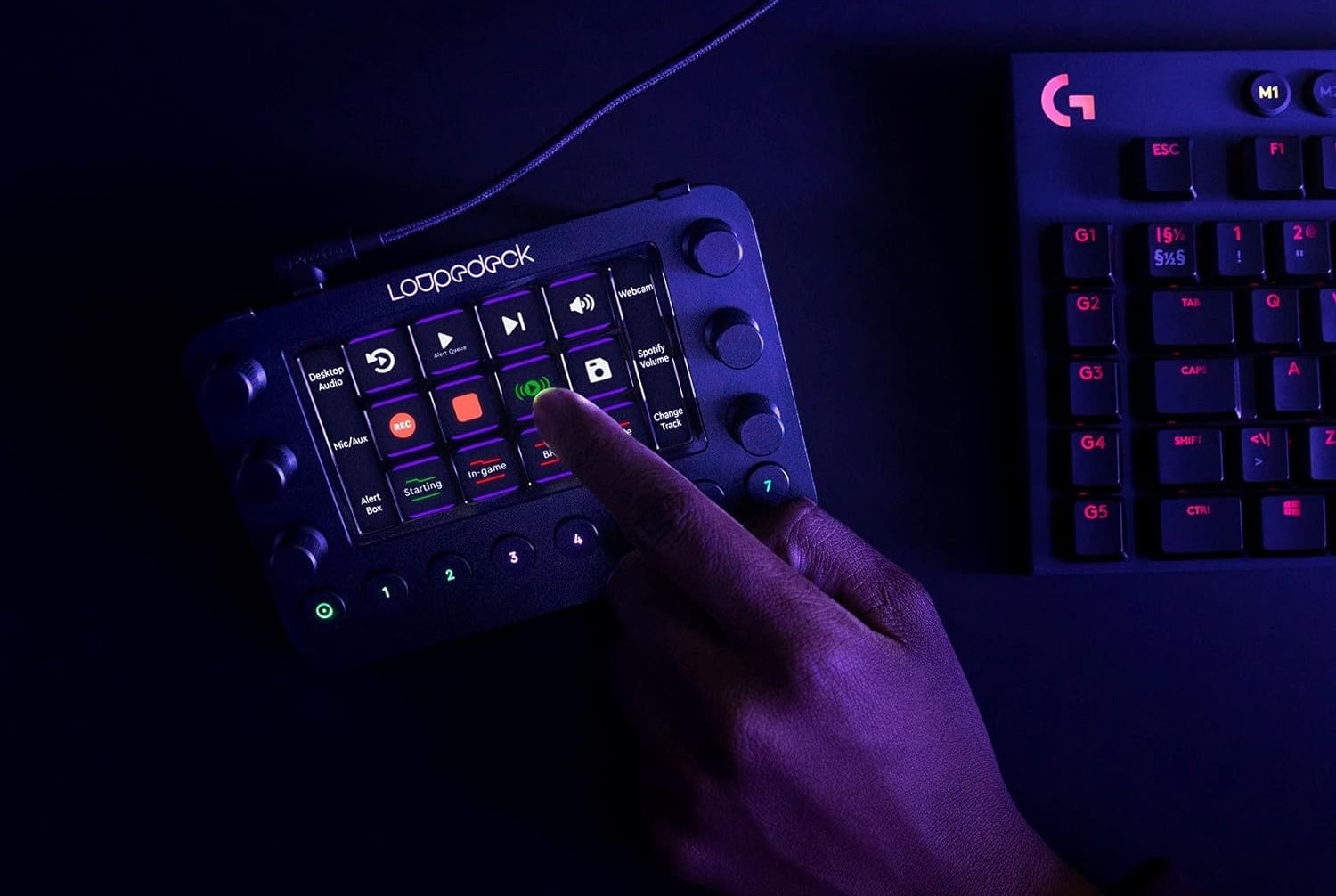
Today's user relies on Loupedeck Live for photo and video editing tasks. Photo: Loupedeck
The other day we featured an M1 Ultra Mac Studio setup. We wanted to loop back to call out a couple of cool components in it — namely, a Loupedeck streaming media console and a Keychron Q1 Pro Mechanical Keyboard. It turns out Loupedeck Live is great for video editing (photos, too!).
Mac Studio has one of the nicest accessories of its kind a user has ever seen. Photo: [email protected]
The M1 Ultra Mac Studio set a new benchmark for computing power in a package smaller than Mac Pro when it came out in spring 2022. Today’s setup sparked discussion about the relative merits of the powerful desktop machine, with one user citing a surprising point of praise — the Mac Pro braided power cord!
You'll find plenty of options in our guide to the best keyboards for Apple's pint-size Mac.
Photo: Teddy GR/Unsplash License/Cult of Mac
Apple’s smallest desktop computer is a powerhouse in a small package, but it doesn’t come with peripheral devices — so what are the best keyboards for Mac mini?
Whether you use a Mac mini for work or gaming, adding the right keyboard is crucial for maximizing your productivity and comfort.
I’ve always been fascinated with keyboards and have several. I’ll show you 10 of my favorite choices for great keyboards to use with Mac mini below.
Would you add displays alongside or above this ultra-wide monitor, or replace it? Photo: [email protected]
If you had a gigantic 49-inch curved ultra-wide display, would you dream of adding more external monitors to it? If so, would you stack them, or add one or two displays in portrait mode (vertical) on either side of the big screen?
A MacBook Pro user with a giant Samsung display is pondering those very questions.
Special switches make the new keyboard super responsive and customizable. Photo: Keychron
Keychron launched a crowdfunding campaign December 5 for its new Q1 HE, calling it the first 75% layout wireless QMK custom keyboard with Hall Effect Gateron 2.0 magnetic switches, the company said.
The company noted the switch provides advantages to gamers with its extreme responsiveness and expanded customizability.