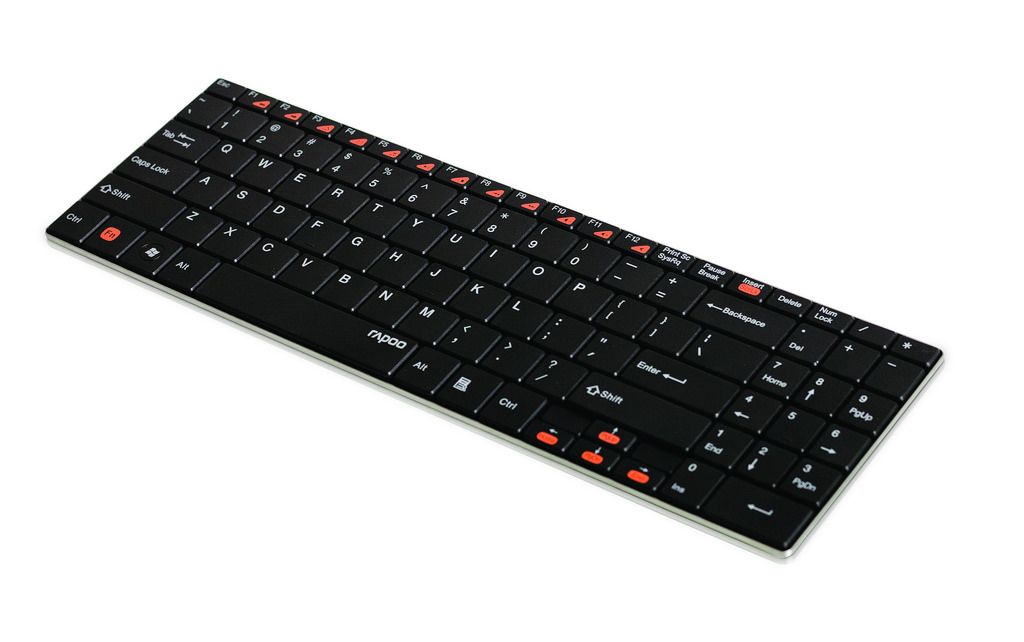
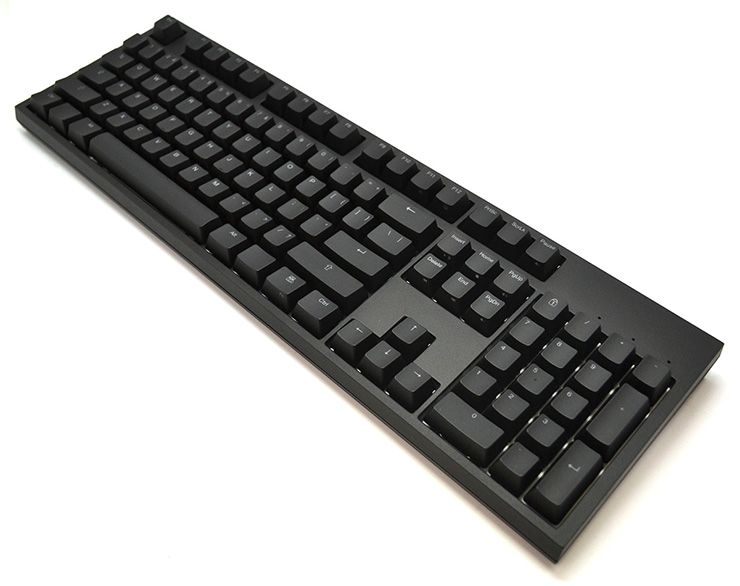
Just his week I took delivery of the amazing Filco Majestouch Tenkeyless keyboard, a clickety-clackety racket-maker which lets people know that I’m WORKING dammit. So I’m happy right now, keyboard-wise, but that doesn’t stop me appreciating the looks of skinny Rapoo’s E9070 Bluetooth number.
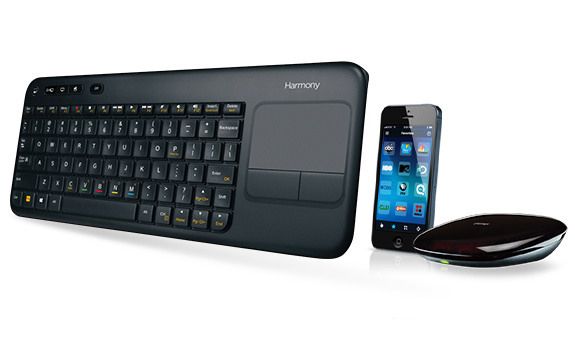
If non-clicky keyboards are what you’re after, and you don’t like the free one that came with your Mac, then Logitech offers some of the best options around. I own two, that I’ve bought with my own cash money, and if I had an Apple TV or Media Center setup, I’d be seriously considering the new Harmony keyboard and hub, which doesn’t work quite how you think.
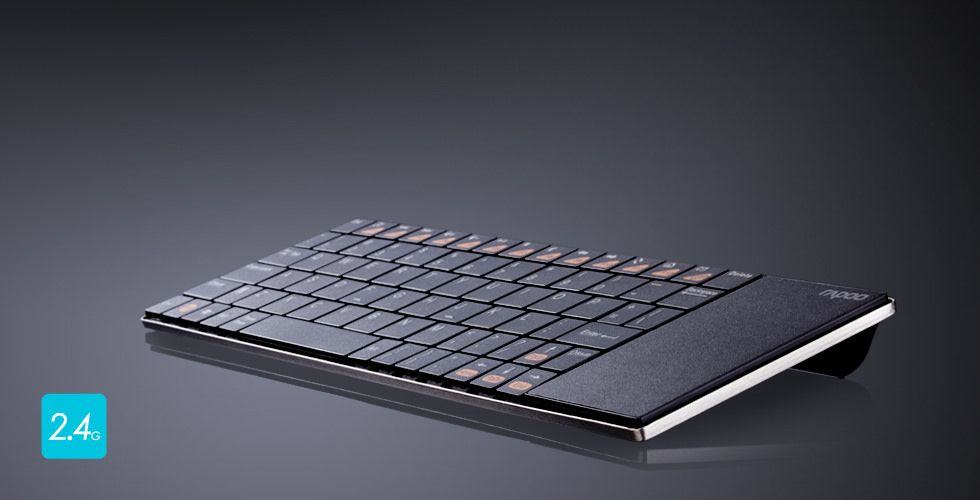
Rapoo’s new E2700 looks to be the perfect companion for my iMac, which is sat on a desk at a suspiciously convenient distance from the sofa in my office, letting me kick back and be amazed by episodes of True Detective and, uh, The Mentalist. Aside from being a regular keyboard with all the usual media keys, it also packs a trackpad on the rightmost end, so you can play/pause those annoying browser video players that don’t respond to the spacebar.
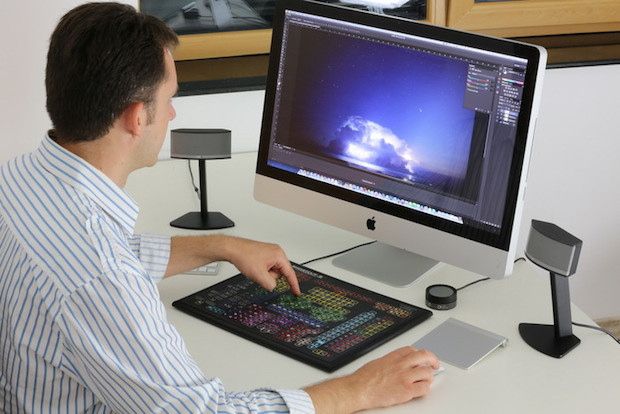
Shortcut-S is the kind of devices that is born when engineers get to make whatever they want. It’s a huge monster of a keyboard, with 319 keys all dedicated to separate Photoshop functions. It’s as if somebody took the piano and added a key to play every chord and note of Beethoven’s Eighth Symphony. Would that actually make it easier to play?
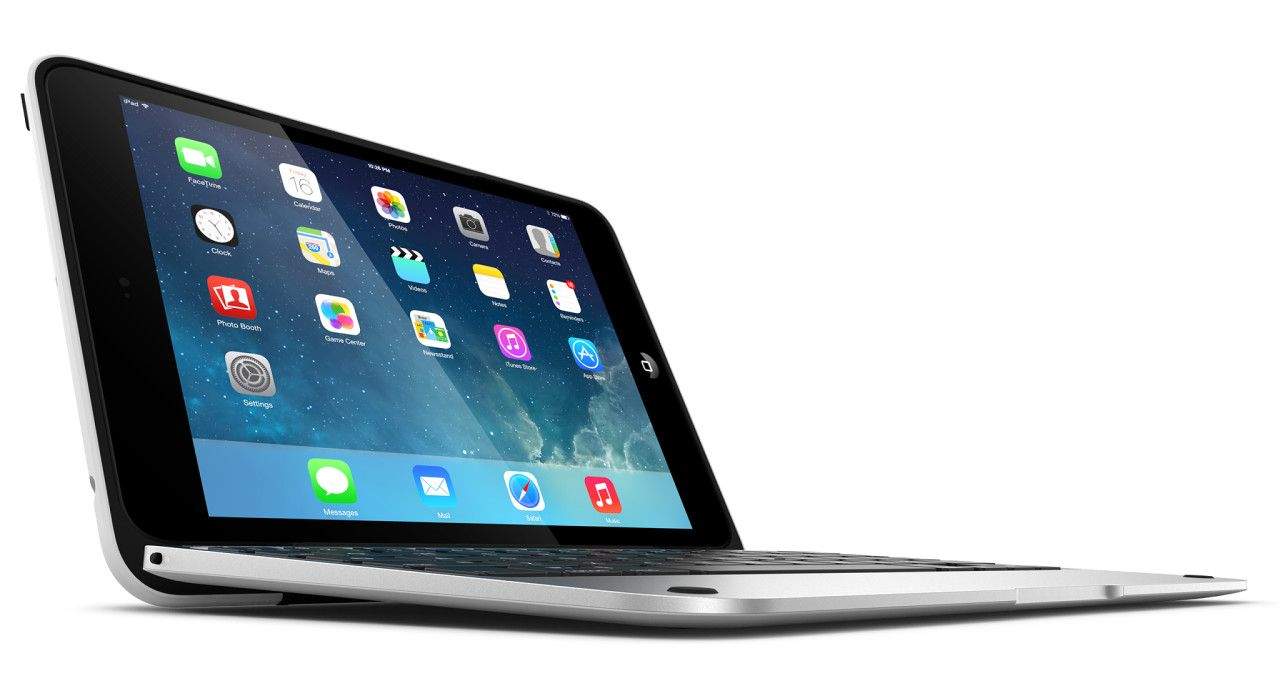
If you thought that turning the iPad into a laptop by putting it in a case with a hinged keyboard on the bottom was ridiculous, then you’re going to love/hate the ClamCase Pro mini, which turns Apple’s littlest iPad into a tiny MacBook Air. Because why not right?
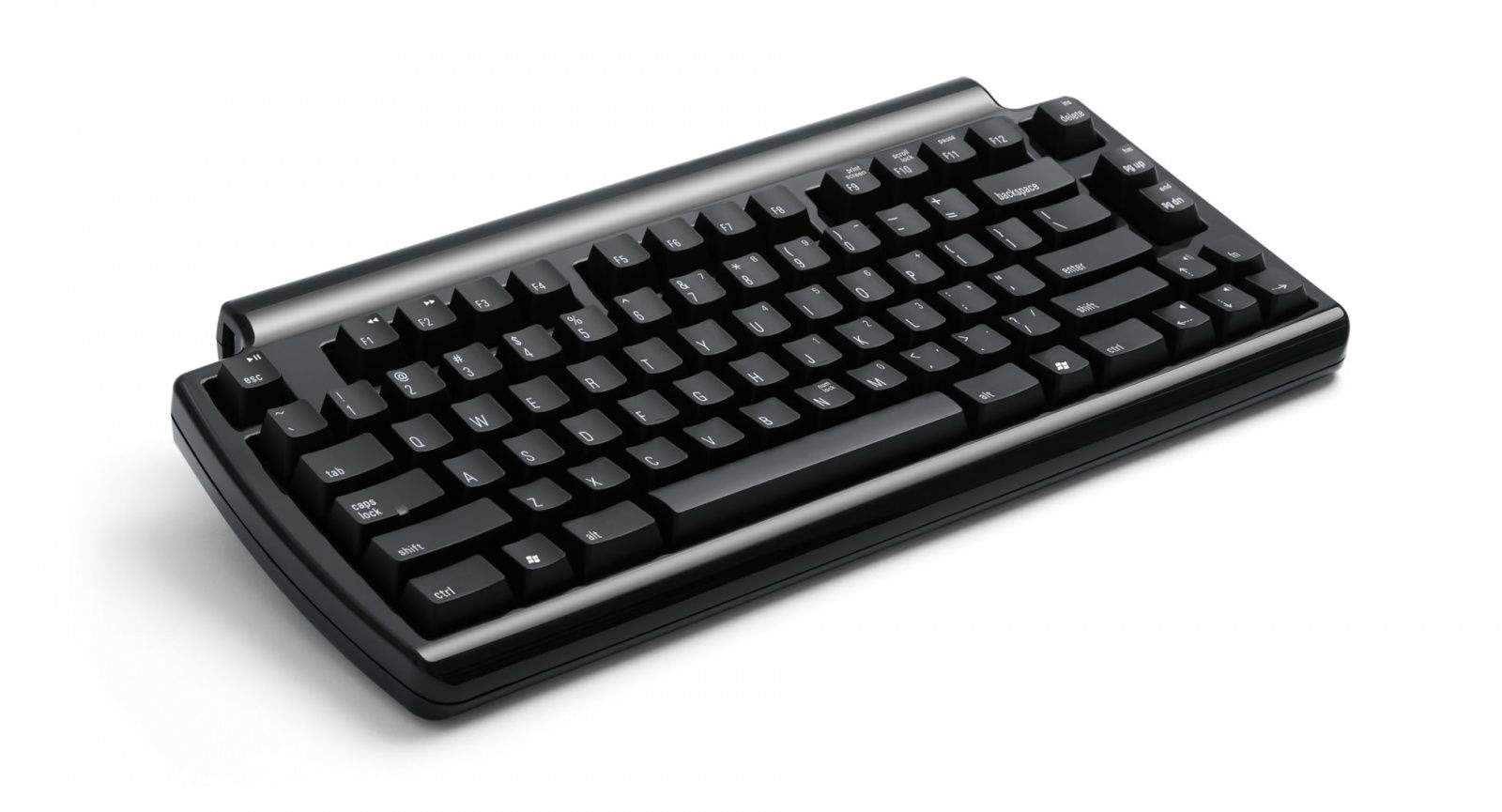
Here’s another keyboard from Matias to get you through this post-CES Friday. This one is called the SecurePro, and it’s target market might be the smallest intersection of any Venn diagram ever: Users who want a stylish Bluetooth keyboard AND who require 128-bit AES encryption of its wireless connection.
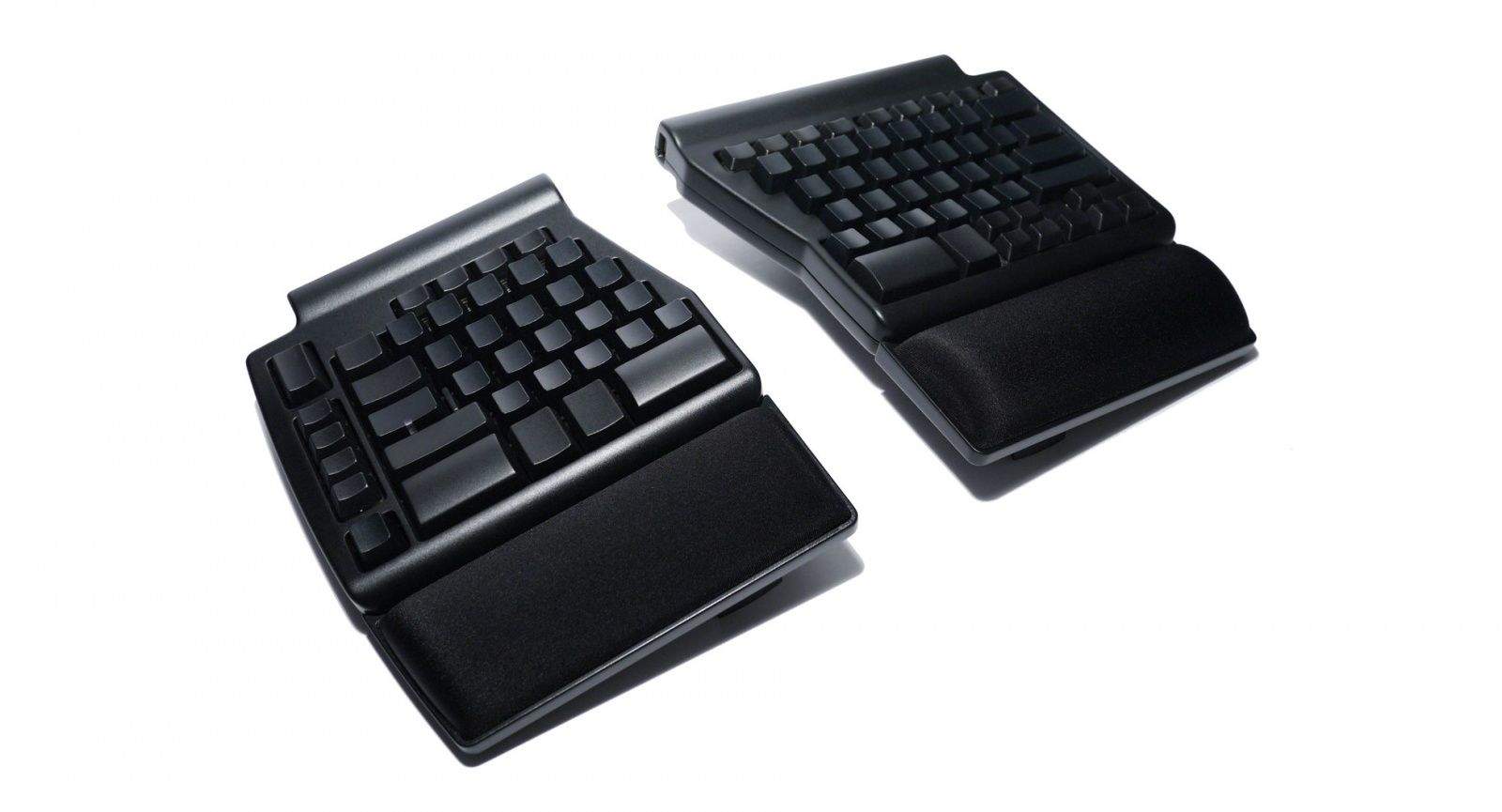
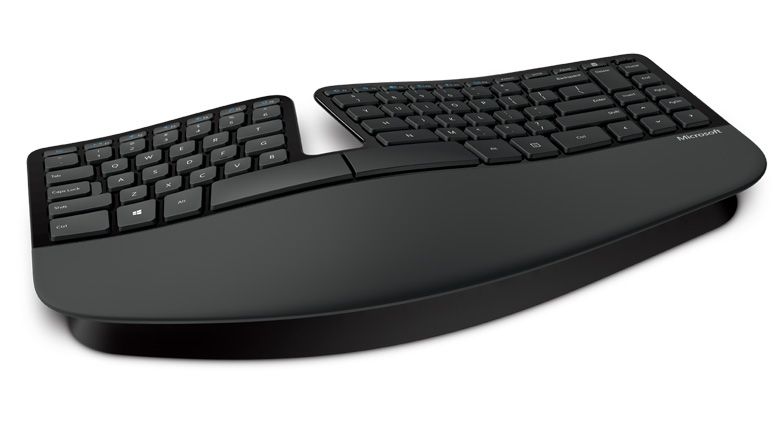
I tried to use Microsoft’s Natural Ergonomic Keyboard 4000 for a while, and it was indeed comfortable. However, the keys were squishy, and the unit itself made it seem like I had a black-painted Bantha-II cargo skiff on my desk.
The brand-new Matias Ergo Pro will fix both of those problems.
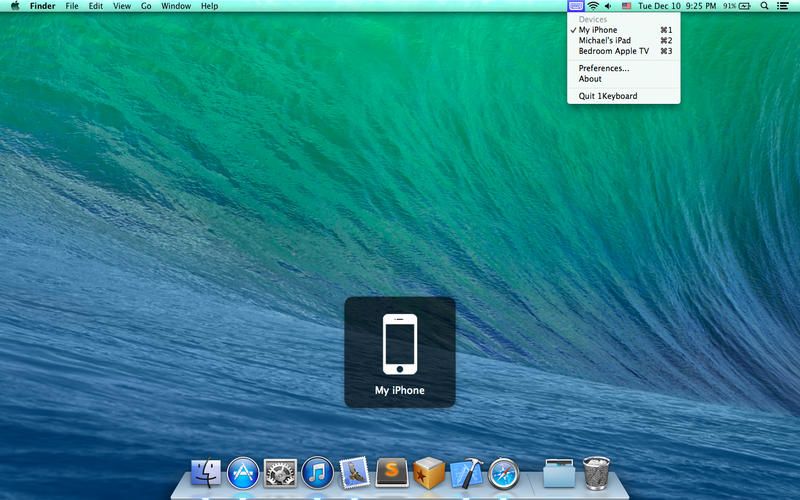
1Keyboard looks like a great way to avoid having to spend $100 on Logitech’s K811 Easy Switch keyboard. It’s an app that takes the input from your Mac’s keyboard and sends it to the iDevice of you choice, and it costs exactly $0.
I wonder just what effect the new iPad Air will have on keyboard covers? The iPads one to four were all big enough that you could pretty much squeeze a full-sized keyboard into a matching cover, but all the keyboard cases I have so far tried for the iPad mini have been unusable, like a netbook keyboard.
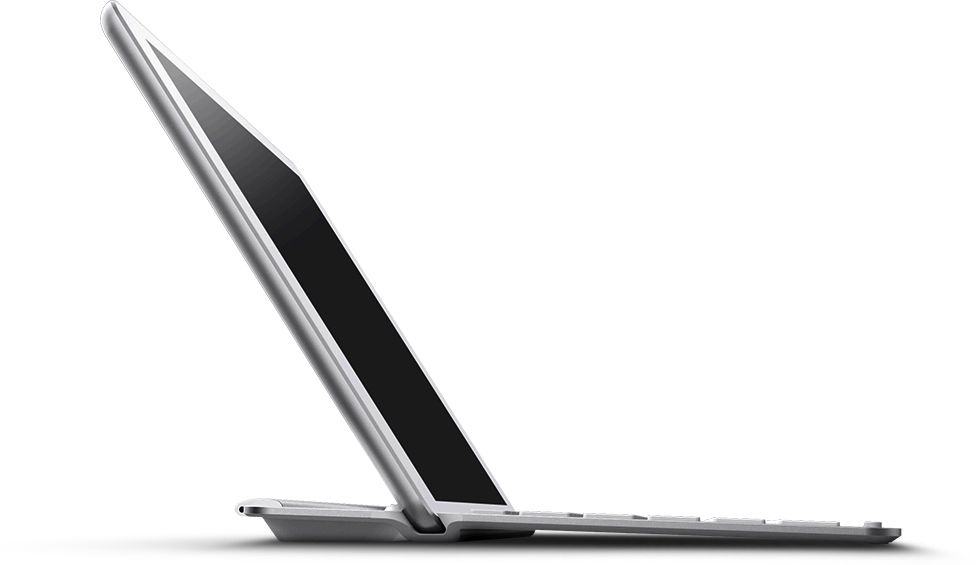
Belkin’s new keyboards for the iPad Air hope that physics will continue to favor the former situation.
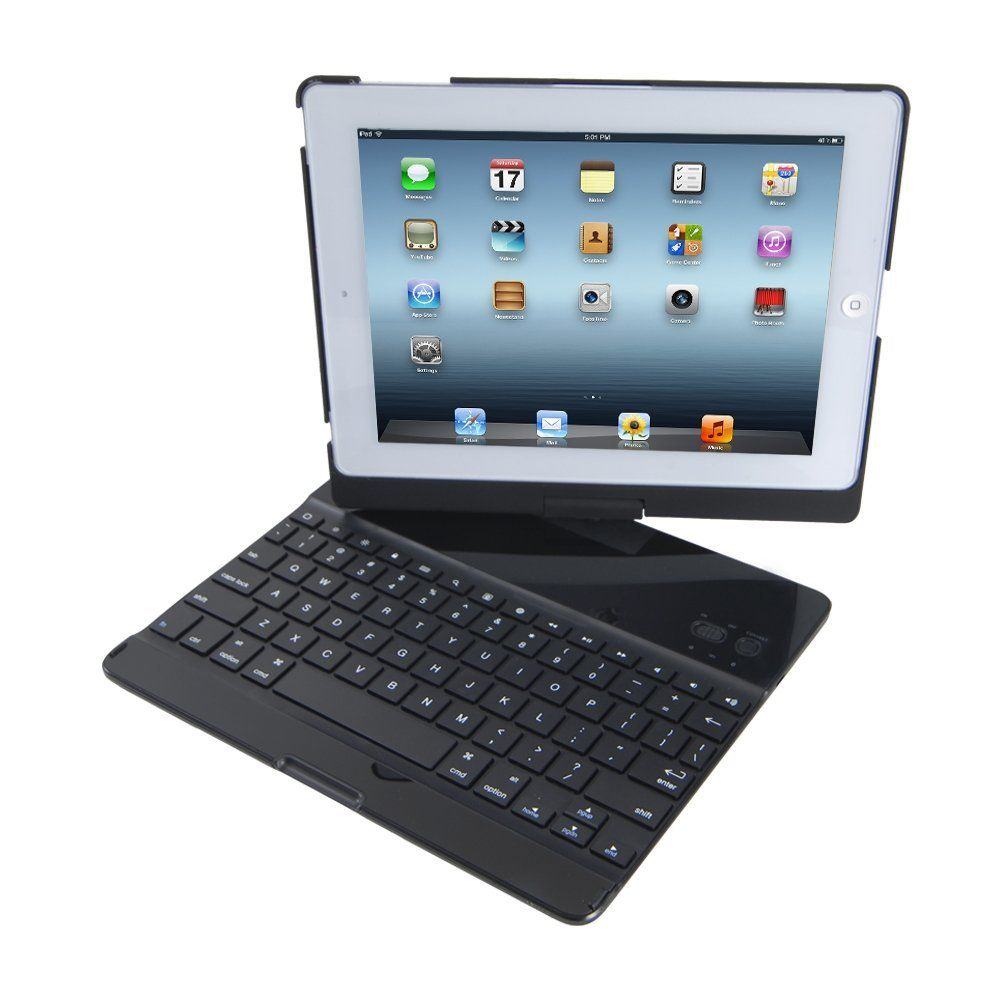
Remember those swivel-screen ultrabooks? The MacBook Air knockoffs with a screen and keyboard that could be twisted and refolded to make the device into either a slimline notebook or a really fat iPad copy? Well, now you can do the same thing to your actual iPad with the iHome Type Pro Bluetooth Keyboard Case.
Jeff Atwood (of Stack Overflow fame) decided that he needed a new keyboard for his coding adventures. So instead of just firing up the Amazon app and starting from there, he decided to make his own. And now you can buy it, too. It’s the CODE mechanical keyboard, and you can use it to clack away to yourself, silently and in the dark.
“The Executive.” The very name brings to mind leather cellphone accessories, oversized black onyx desks and “business class” seats on a 737, which consist of a curtain between you and the oiks, an inch of extra legroom and a terrible, plastic-wrapped breakfast to shove into your gullet during the 25 minutes of non-restricted flight time.
And “The Executive” is also the name of a Bluetooth keyboard designed — presumably — for using in those cramped “business class” seats.
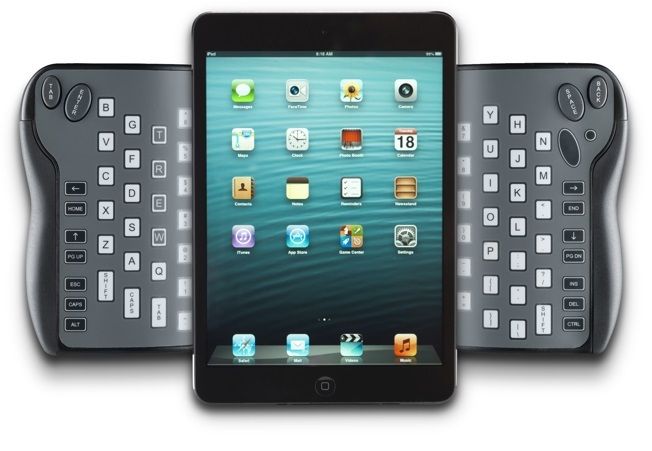
Put your hands down on your keyboard. Now pick them up and rotate them as if you’re about to hold an iPad in landscape mode. Now imagine that you’re gripping a keyboard, and that the keys of that keyboard are around the back of the slab in your hand, running vertically under your fingers.
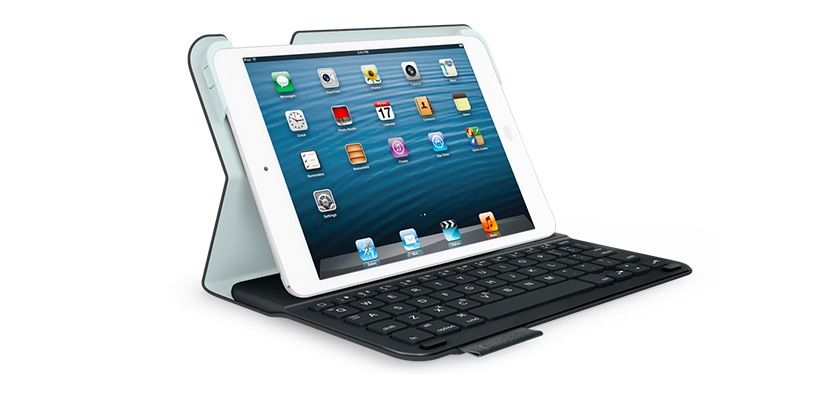
Logitech is taking another stab at making a good keyboard case for the iPad mini, and it certainly looks hot. It’s called the Ultrathin Keyboard Folio for iPad mini, and it’s a tiny and lightweight book-style case with built-in Bluetooth keyboard. But can any iPad-mini-sized keyboard actually be good enough to type on?
Before I recently discovered that the typing-related wrist pain I was experiencing was caused almost solely by the wrong chair/table height ratio (most tables are too high to be used for typing, even for a tall feller like me), I picked up one of Microsoft’s ergonomic keyboards, the Ergonomic Keyboard 4000. It has two standout features:
It is extremely comfortable (once you get used to touch typing).
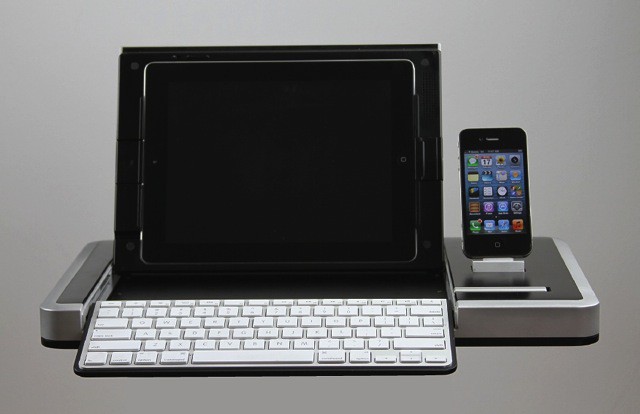
You’re going to love this one. What if I told you there was an iPad accessory that combined a full-sized keyboard, a case, a desktop tray and an iPhone dock, plus a compartment for storing a whole mess of charging and connection accessories. And what if I told you this behemoth was styled into a package that would make a 1990s-era traveling businessman proud to use it?
Well, as you may have suspected, this absurdity does exist. It’s called the Modus III, and it’s all kinds of awesome.
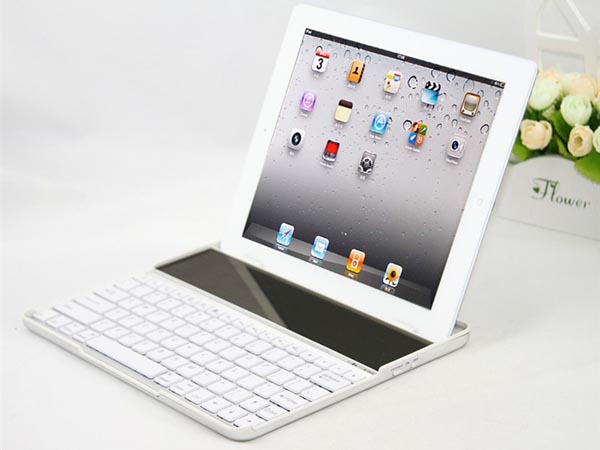
You might – as I did – laugh at the idea of a solar-powered keyboard for the iPad. And then you will remember that independence from power supplies is one of the iPad’s main features. And then you will take a closer look at this aluminum and plastic slab and see that it looks a lot like my favorite iPad keyboard from Zagg.
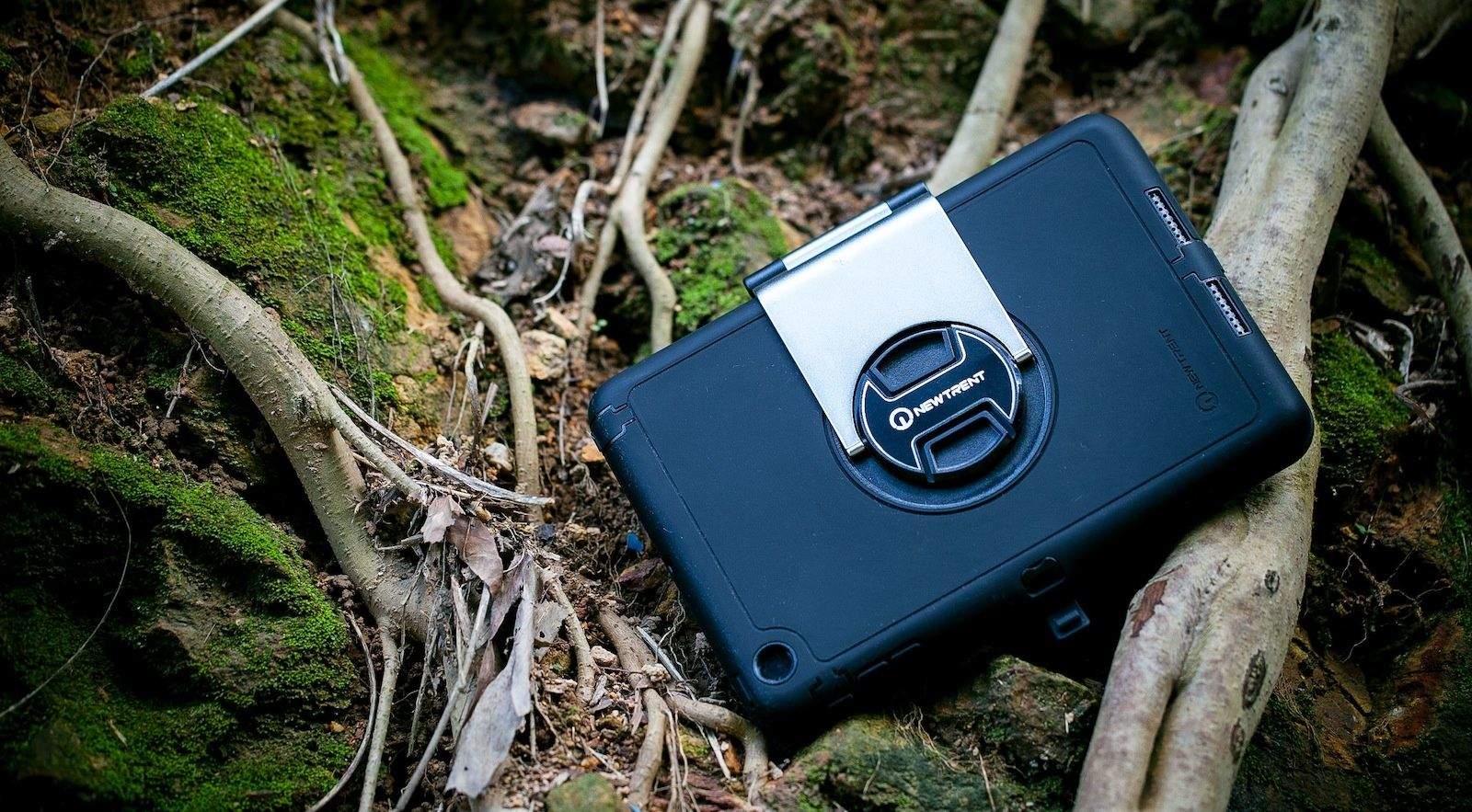
Reaction to this ruggedized, clamshell Bluetooth keyboard case for the iPad mini must surely qualify as a “what the…?!” moment. Not because the New Trent Airbender Mini is ruggedized, and a keyboard, and a case, and a stand; but because it combines each of those sought-after elements for $40.
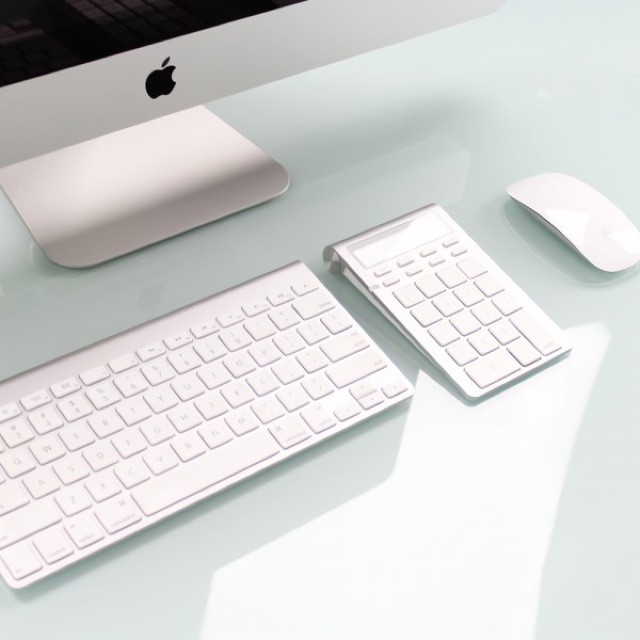
Here’s a great idea: It’s the Satechi Bluetooth Wireless Smart Keypad and it combines a number pad for your Mac with an actual old-school calculator. It even matches your Apple Wireless Keyboard.
Recently on Twitter, our deputy editor John “pipe and slippers” Brownlee posted a picture of his Mac keyboard, with wooden tiles stuck to the keycaps. It was utterly hideous, and yet completely in keeping with John’s fetish for anything made of wood. It was the real-world equivalent green felt or rich Corinthian leather.
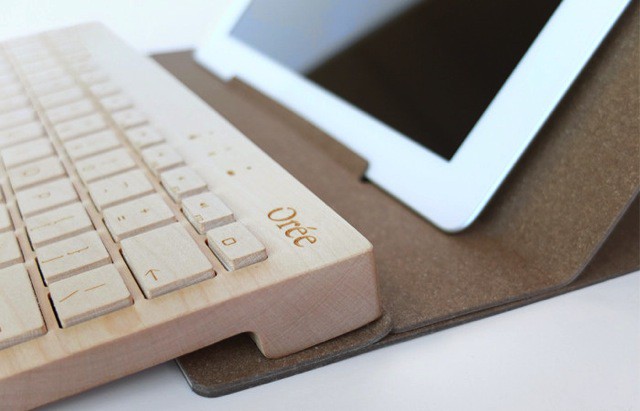
This all-wood keyboard, on the other hand, is pretty gorgeous. It comes from French company Orée, it’s called the Orée Board and it costs a steep-ish €150 ($193).
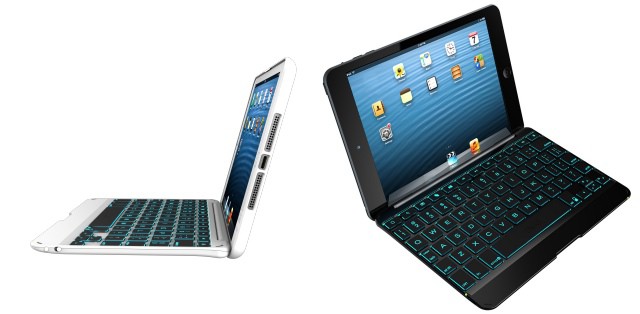
Two new iPad mini keyboard cases from Zagg today: A super-thin magnetic cover and a thicker stick-on “folio” case, similar to the Pro Plus case for the regular-sized iPad only with a top cover too. And both, amazingly, are backlit.
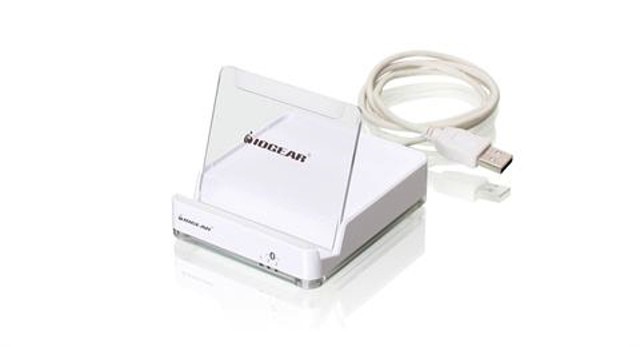
Do you wish you could get in on this whole one-keyboard-switching-between-multiple-devices game, only you’re wedded to some crazy old clackety keyboard that only connects via cable? Then I have good news! IOGear has a new widget that’ll hook everything up.
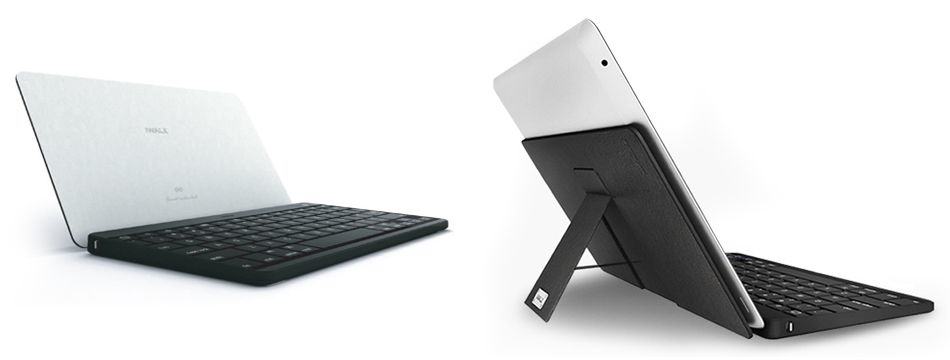
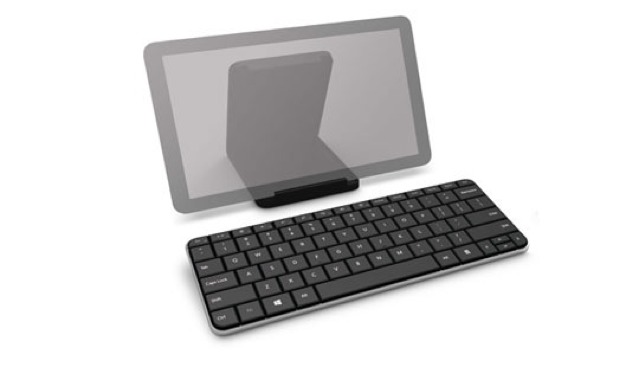
Your next iPad keyboard might come from… Microsoft! That’s right: this minimal, great-looking, tablet-specific keyboard comes from Microsoft. And while is is designed to be used with Windows 8, it "also works with iPad and most Android devices.
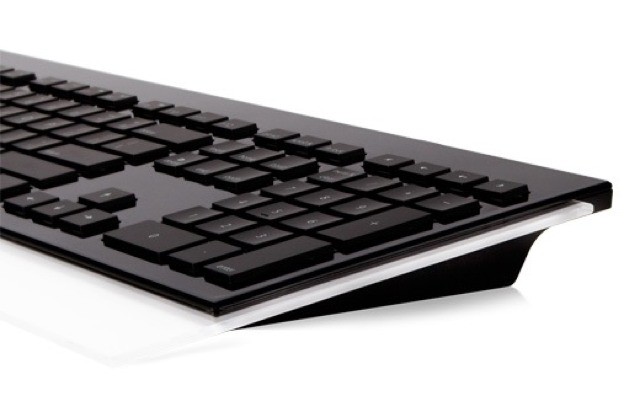
Moshi’s Luna backlit Mac keyboard is a weird device. It’s a desktop device through-and-through, connecting via USB, but doesn’t have any USB ports itself – one of the major advantage of using a wired keyboard.
It also uses scissor-switched chiclet-stlye keys instead of something more substantial like you’d find in the Matias or DAS keyboards.
It does, however, sport Mac-friendly media keys, and packs a numerical keypad, perfect for moving your mouse further to the right and causing extra RSI.
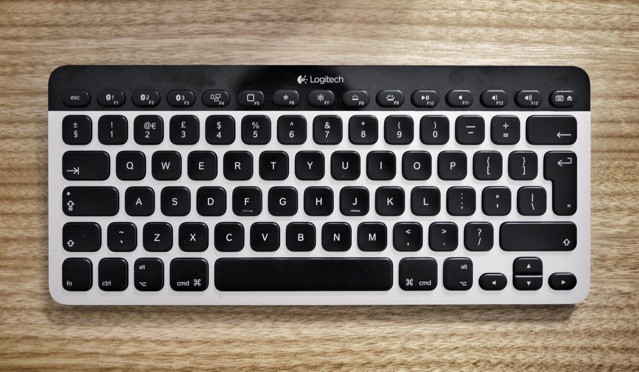
K811 Easy-Switch by Logitech Category: Keyboards Works With: Mac, iPad, iPhone Price: $99
This review is slightly unusual: We already published a review of the same device a couple of weeks ago: the Logitech Easy-Switch keyboard. I liked the look of it so much that — on Killian’s recommendation — I went out and bought one of my own. Or rather, I bought one, returned one and searched the internet high and low for another one.
So why the “duplicate” review? Because I use a keyboard in a different way than Killian. Where he sits at the dining room table surrounded by iDevices and Macs, I work not only in different rooms but in bars (cafes), on buses, wherever I might be. So I figured I’d write a very different review.