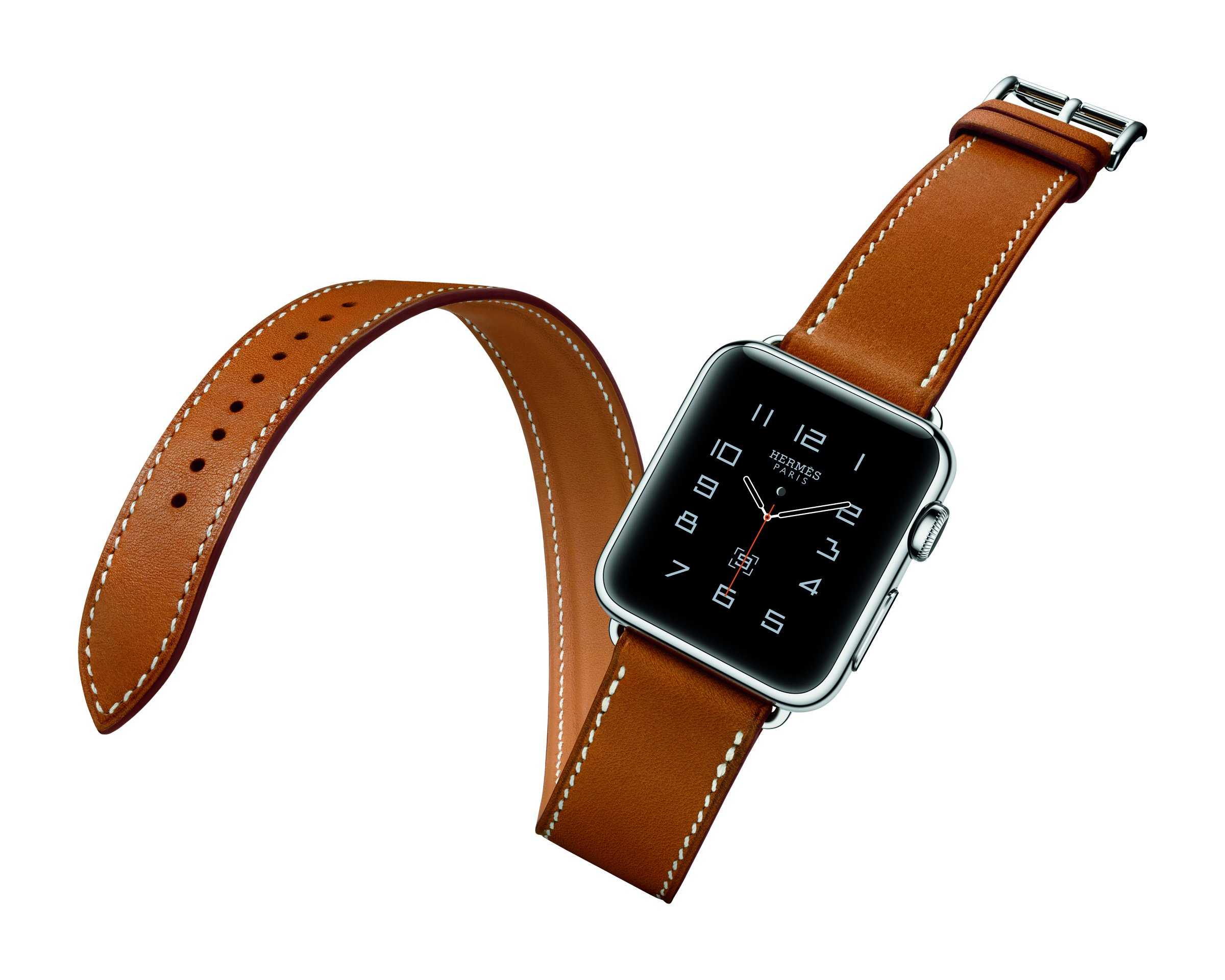
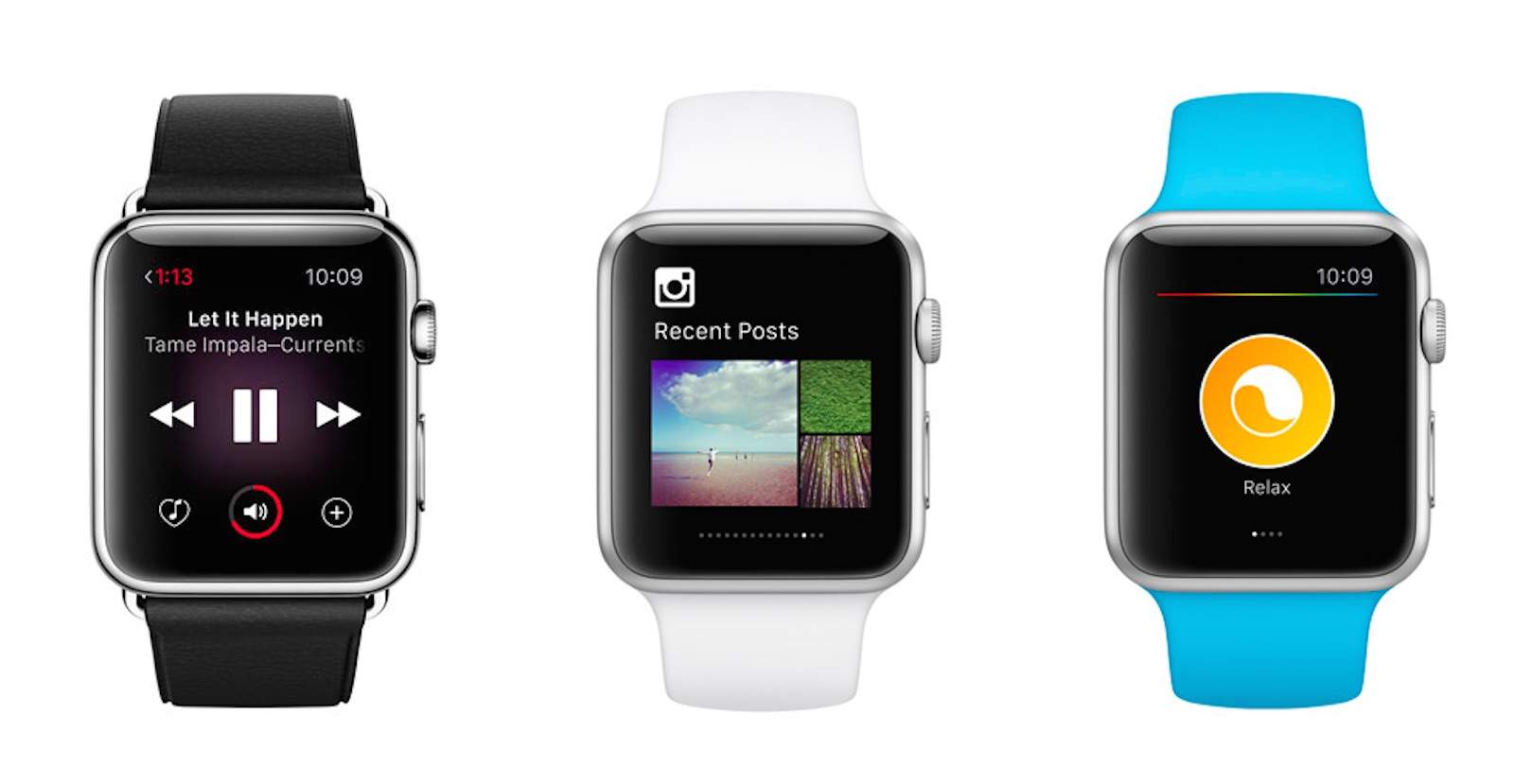
Combining the existing Apple Watch hardware (only with the addition of a Hermès logo) with luxury leather straps from the Parisian fashion brand, the result is quite possibly the most stunning range of Apple Watches yet. They even come with unique Hermès watch faces.
Your Mac—it just learned some new tricks. Photo: Library of Congress
This week: we’ve spent seven full days with iPhone 6s and we’re ready to report what we love and what we don’t. Plus: El Capitan just made your Mac a lot better! We’ll cover the cool tricks your Mac just learned. And then, how does $9 for an Apple Watch Sport band sound? How about $28 for a Leather Loop? Sure, the fake Apple Watch bands are 1/5 the price of genuine bands, but are they any good? We’ve been testing two fakes to find out, and the results might surprise you.
Our thanks to Lynda for supporting this episode. Lynda is like the Apple Music of online education, with over 3000 expert-taught video courses you can stream straight to computer or mobile device. Learn how to use Logic’s new super powerful Alchemy synth, or develop Mac apps for OS X—learn all you want for free for 10 days at lynda.com/cultcast.
What's wrong with thousands of great apps? Photo: Ste Smith/Cult of Mac
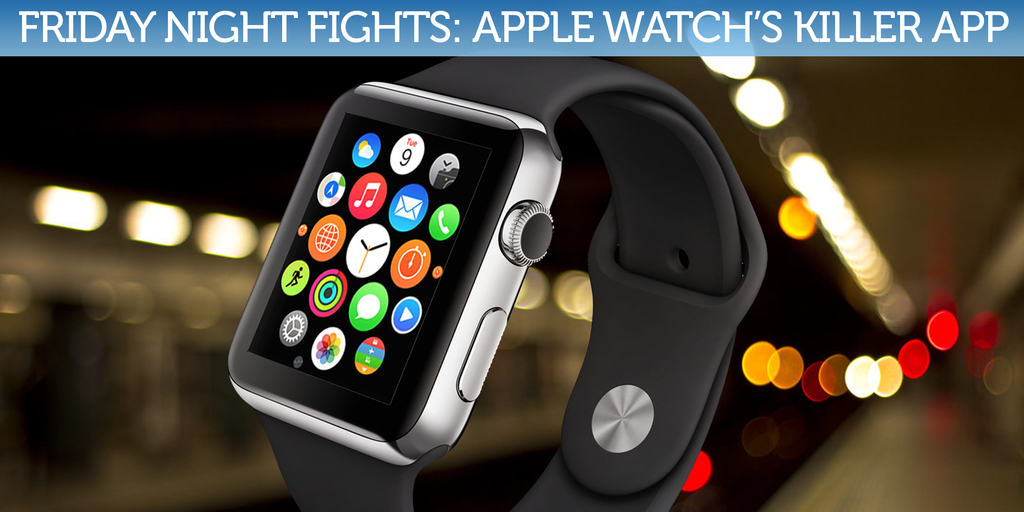
Apple Watch is missing a “killer app.”
At least that’s what some say. Apple’s first wearable has been selling well, but its inability to convince everyone they need a smartwatch since it went on sale in late April is being blamed on its lack of stellar software by some analysts. But are they right?
Does Apple Watch really need a killer app to become the next iPod (in sales terms), or will it do perfectly well with thousands of great apps?
MLB teams can now play with iPads in the dugout. Photo: Keith Allison/Flickr
Major Leaugue Baseball doesn’t have a great reputation of embracing Apple products on baseball diamond, but starting this week, teams will finally be allowed to replace their paper binders with iPads to look up everything from statistics, scouting reports, spray charts.
Teams were given the MLB’s blessing to start using iPads in the dugout during games, however there’s a catch: teams can’t connect iPads to WiFi during games, and all info must be downloaded before the first pitch.
Get ready to make custom Apple Watch faces like a champ. Photo: Jim Merithew/Cult of Mac
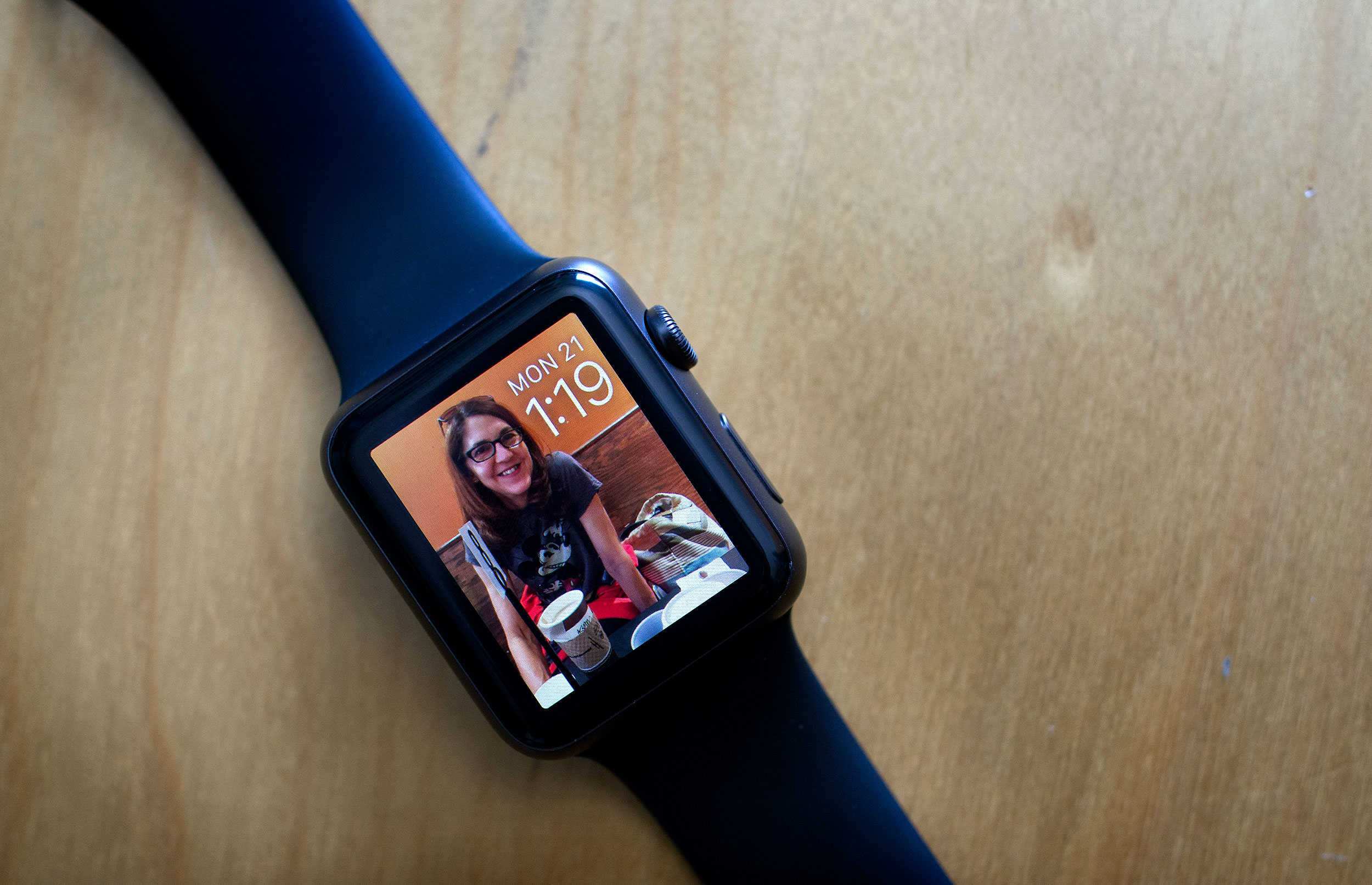
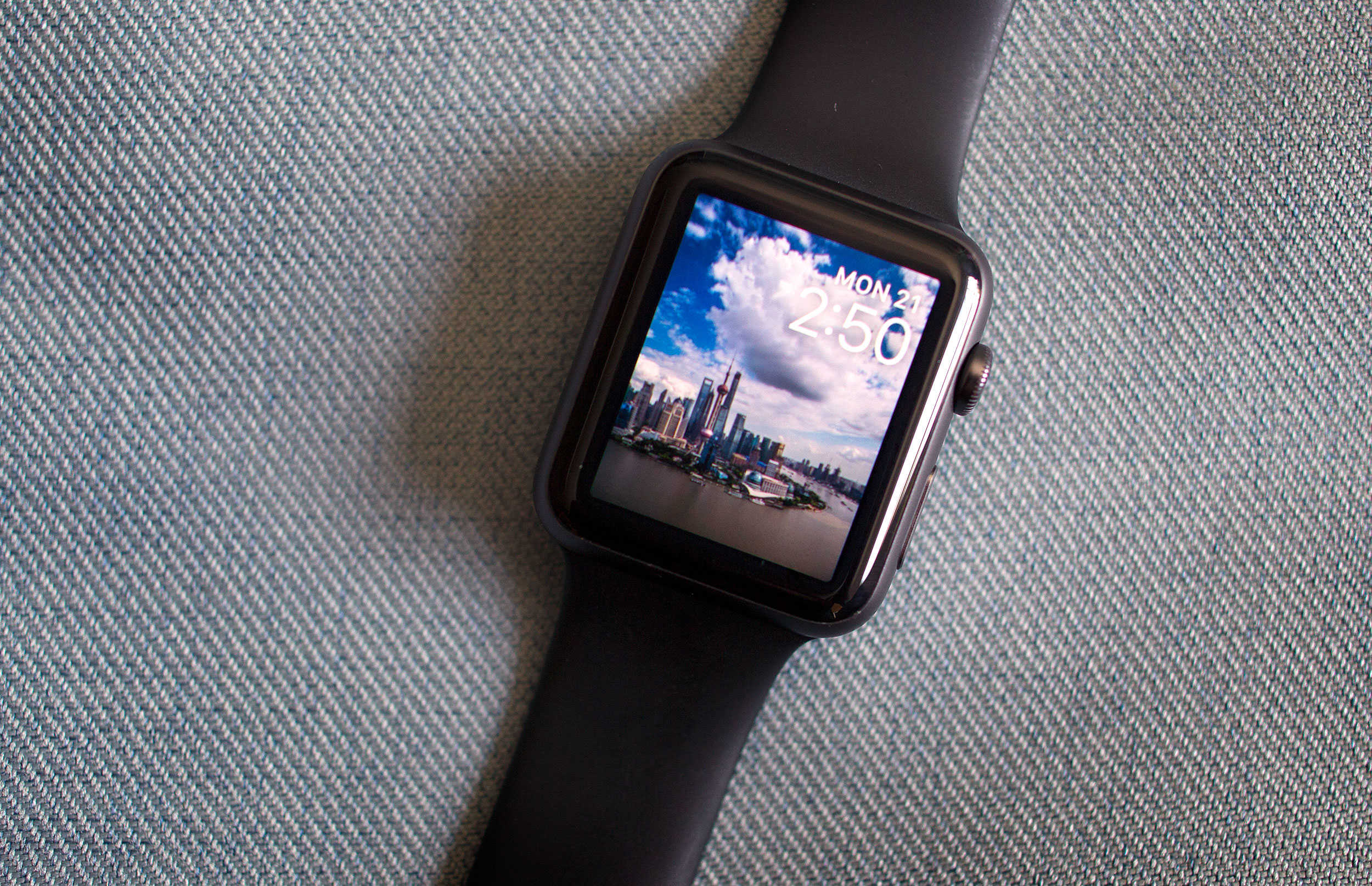
With watchOS 2, you can now use any photo in your library to make a custom Apple Watch face. And that gives you a lot of freedom to make the wearable your own, but sometimes, you and the watch might have different ideas for how to treat your pictures.
Here’s a quick and easy way to make sure that your Apple Watch looks exactly how you want it to.
Use your Apple Watch to wake up without all the hassle. Photo: Jim Merithew/Cult of Mac
Every day, it’s the same thing. Wake up to my iPhone blaring OK Go’s “I Won’t Let You Down” at me, then fumble the Tap to Snooze function (which never seems to work for me in the morning). It’s not as simple as an alarm clock, and the distraction of having your iPhone with you when you go to sleep at night is something I think we all can do without.
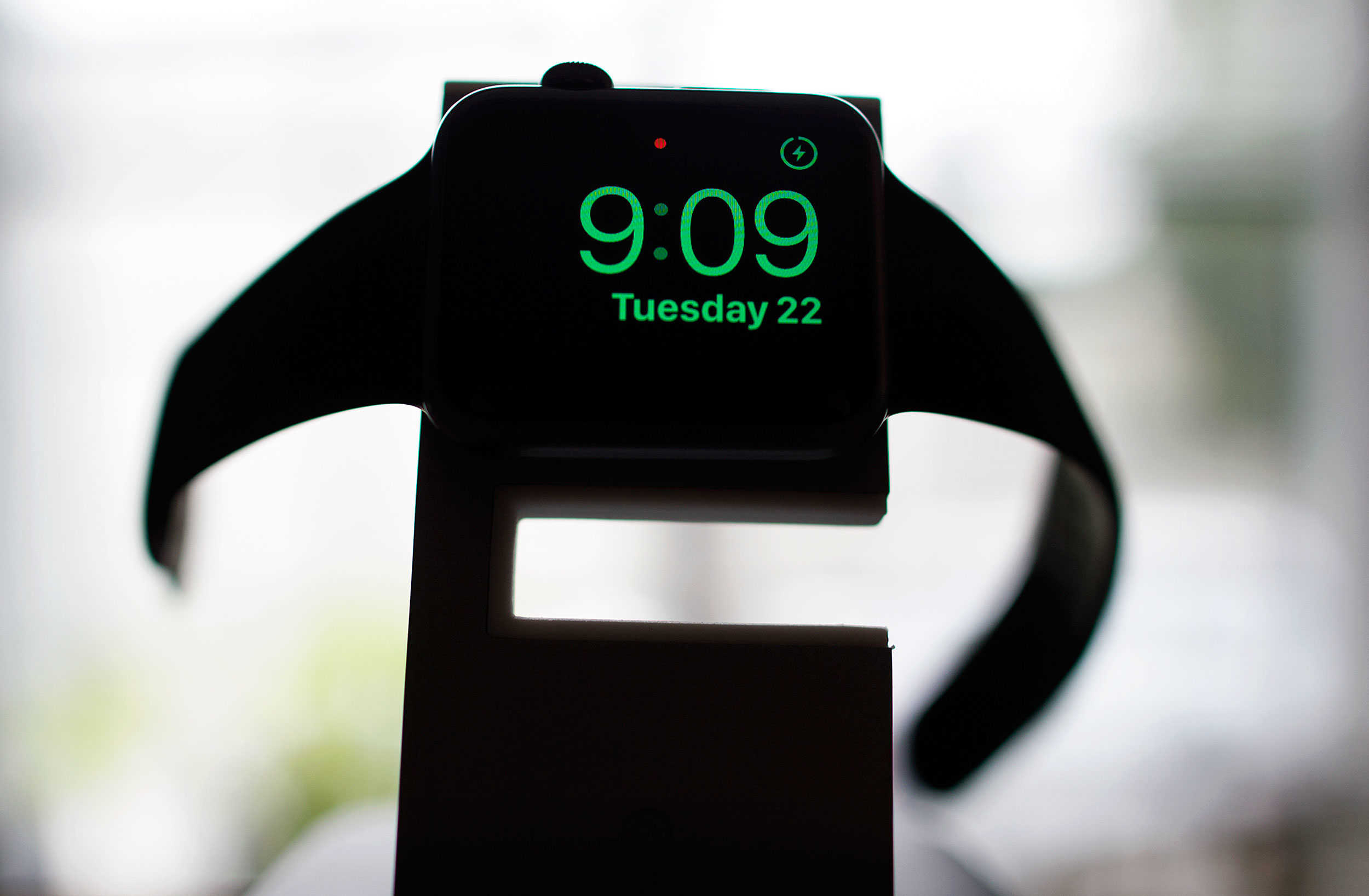
Apple Watch now has the answer, in the form of a new watchOS 2 feature, Nightstand mode.
Here’s how to use it to help you get your sorry butt out of bed in the morning.
The DataMan complication, as seen in the upper left of these Apple Watches, monitors your data usage. Photo: DataMan
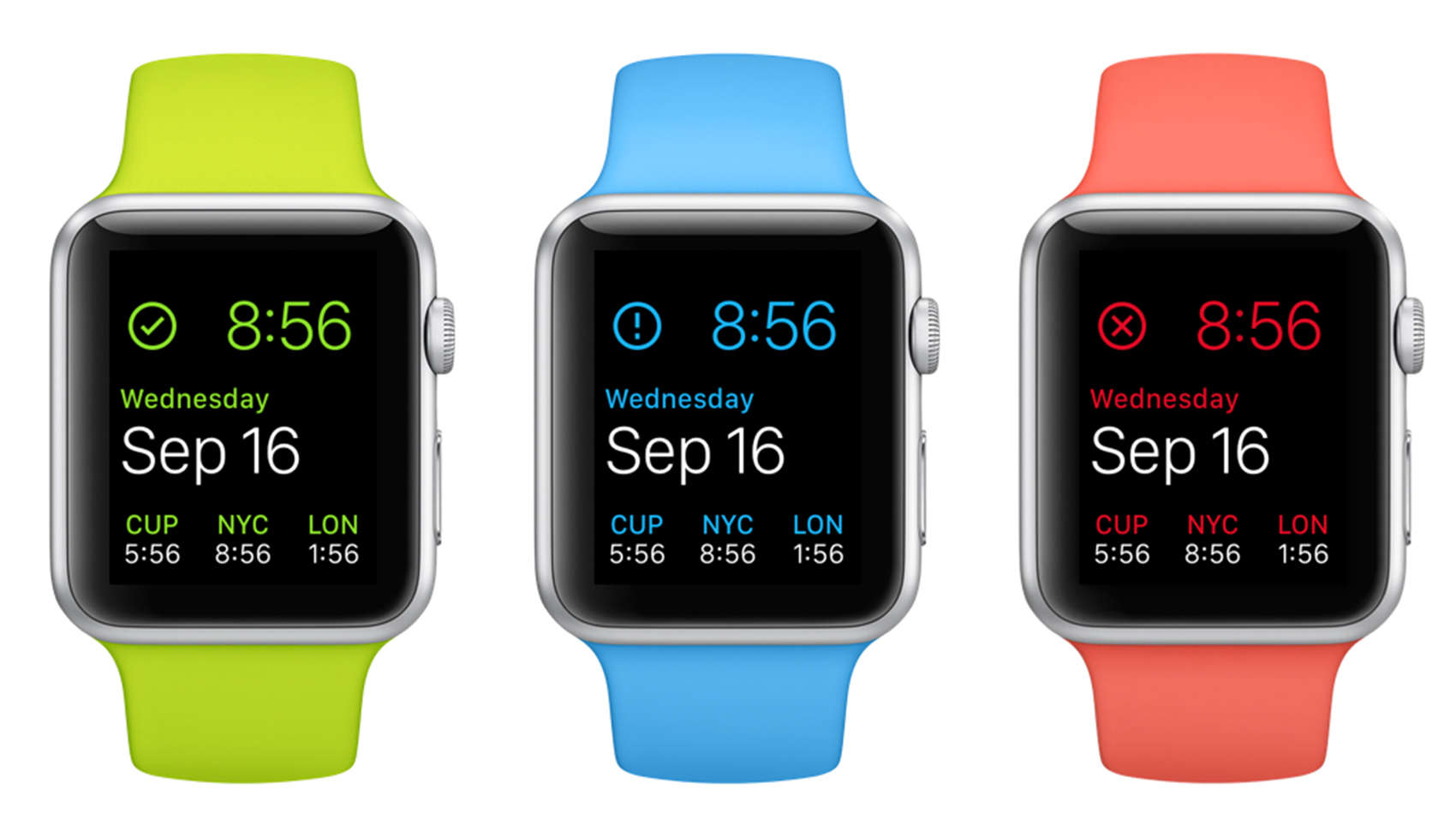
DataMan could be the name of a superhero, but it is instead an app that saves you from the dangers of going over your data limit. Now it has a sidekick for the Apple Watch that lets you be vigilant with a flick of the wrist.
The DataMan app for the watch lets you easily view your usage, but if you don’t need to know in detail, simply raise your wrist and an icon will appear in the upper left corner of your watch face that gives an idea. A green check means your safe, a blue exclamation point is for caution and a red X means you are in danger of going past your limit and paying nasty overage fees.
The teen who had his life saved thanks to his Apple Watch heart monitor has received a brand new iPhone 6s and — more importantly — an internship with Apple next summer.
17-year-old football player Paul Houle says he was recovering from his recent medical emergency when he received a very special call from Cupertino.
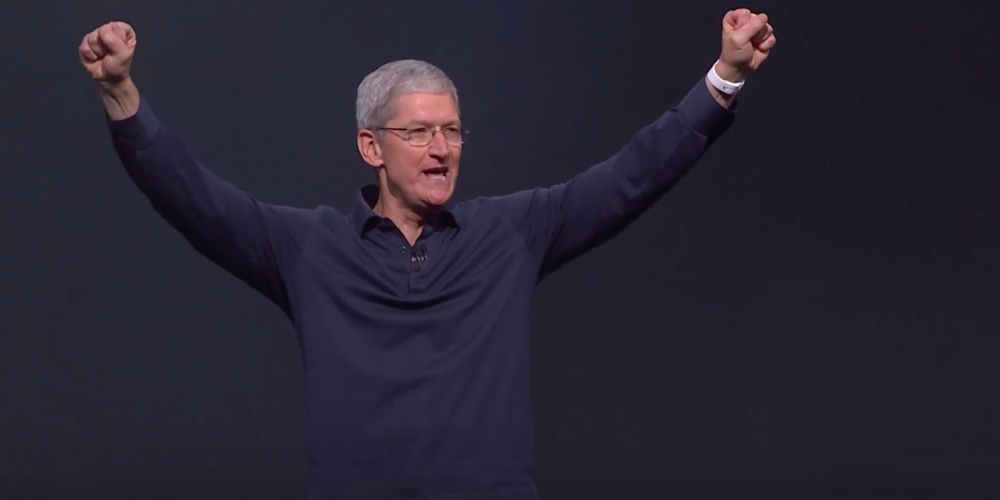
“I got a phone call from a California number, and [the person on the other end of the line] said ‘Hello, my name is Tim Cook, CEO of Apple,'” Houle says.
Don't go anywhere, Apple Watch -- we're not finished yet. Photo: Jim Merithew/Cult of Mac
Here’s another tip that’s snuck into watchOS 2: Did you know that you can keep your Apple Watch awake longer now while you’re using it?
Apple hasn’t mentioned this feature much, if at all; we couldn’t even find it on the details screen when we upgraded. But it’s a great addition to the firmware that will save you a little frustration and a lot of wrist-flipping.
Yes, Siri. It's already on. Photo: Jim Merithew/Cult of Mac
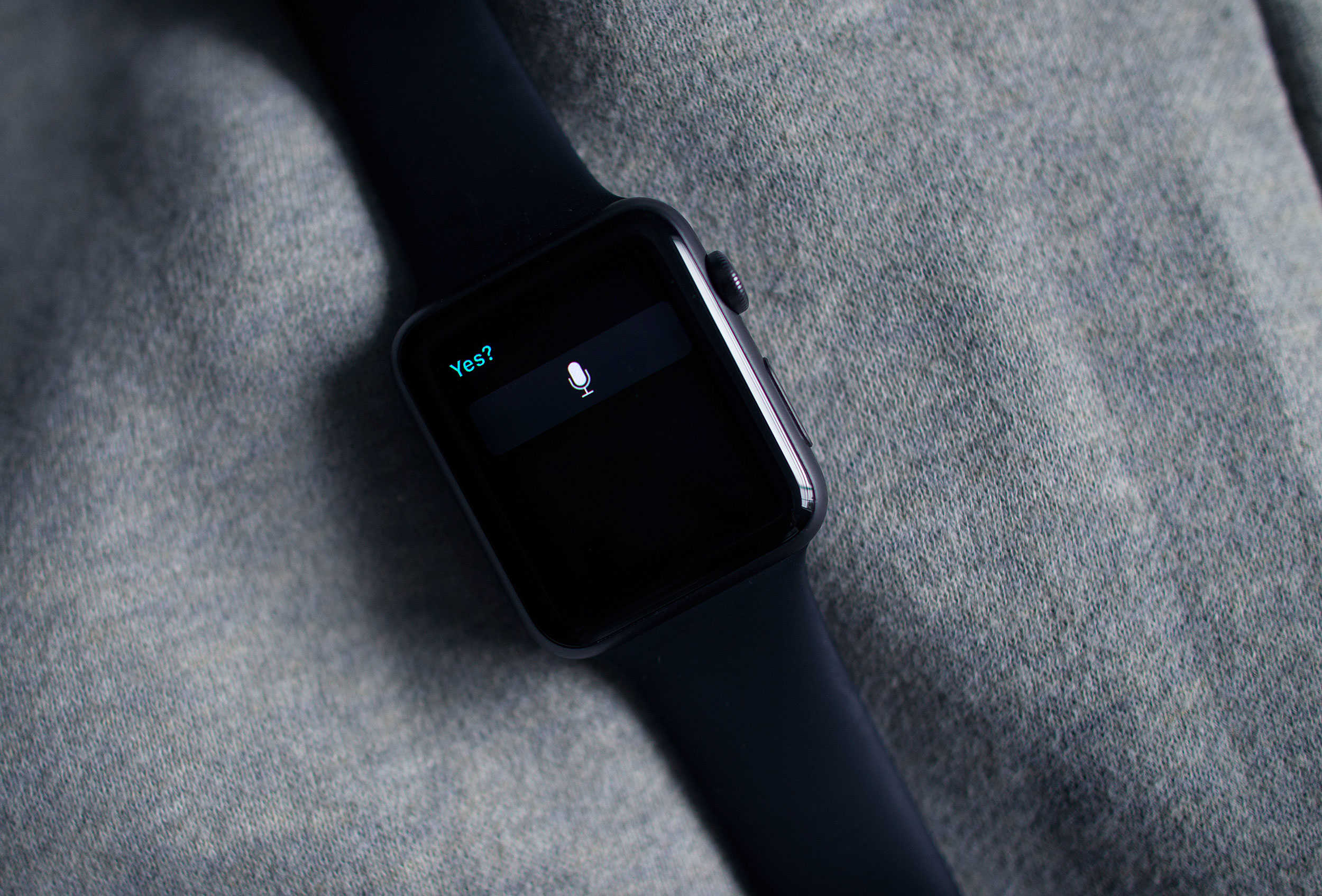
This week’s release of watchOS 2 brings a much-needed security update to Apple’s wearable by adding Activation Lock to the device, and the great news is that you may not even have to do anything to add it.
Activation Lock has been around for a while for other Apple devices, and its purpose is to keep thieves from using them even if they manage to get ahold of your preciouses. The first version of watchOS only included basic locking features and a passkey, which wouldn’t keep smart evildoers from gaining access to sensitive data like your Apple Pay data.
Here’s how the feature shows up on the Apple Watch.
Native apps, like Dark Sky, take advantage of the new OS for Apple Watch. Photo: Jim Merithew/Cult of Mac
The future of computing may be sitting on your wrist, but it’s still tethered to something a little old-fashioned. But as of Monday, the Apple Watch’s new operating system allows it to cut a few of the cords that connect it to the iPhone.
Apple’s watchOS 2 debuted, giving the watch new superpowers but also allowing native apps to run independently of the iPhone.
Third-party complications are here in watchOS 2. Photo: Evan Killham/Cult of Mac
Third-party complications have arrived to the Apple Watch in watchOS 2, and setting them up is far from complicated.
The new operating system for Apple’s wearable dropped this week, and this is one of the features the company has talked up the most. And rightly so, because it adds a ton of new functionality to the device.
Here’s how to put a wealth of new information on your watch face.
Help Arika avoid mortal danger while she wisecracks at you. Photo: Rob LeFebvre/Cult of Mac
Dave Justus is no stranger to writing video games, having written both Telltale’s The Wolf Among Us adventure game for Mac, PC and console, as well as the original Lifeline, a text-based story game that brought the epic struggles of an astronaut named Taylor to our wrists.
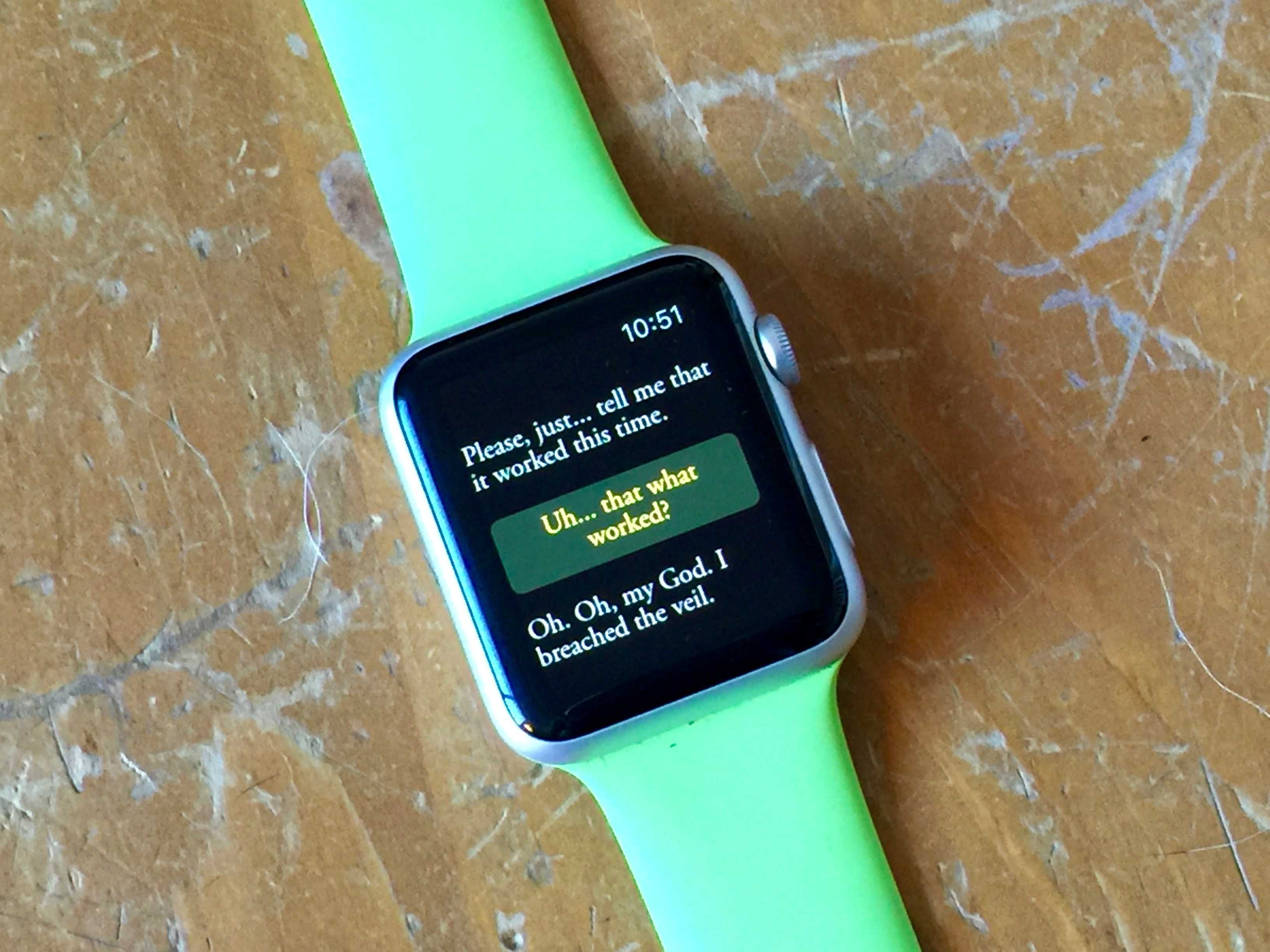
With the help of 3 Minute Games’ lead game designer Mars Jokela, Justus has created another massive adventure that still fits inside your Apple Watch. This time, however, you’ll have a conversation with Arika, a young woman with magical powers who needs your help to escape mortal danger.
Lifeline 2: Bloodline is a funny, moving, and above all human story that really plays to the strengths of the Apple Watch; it’s like having a text conversation (with a cheeky magician) from your wrist.
“We’ve built Lifeline 2 to be a bigger and richer experience,” says Jokela via email, “[but] the story is still focused on a likable, relatable character who desperately needs your help.”
Time travel without a flux capacitor - right on your wrist. Photo: Jim Merithew/Cult of Mac
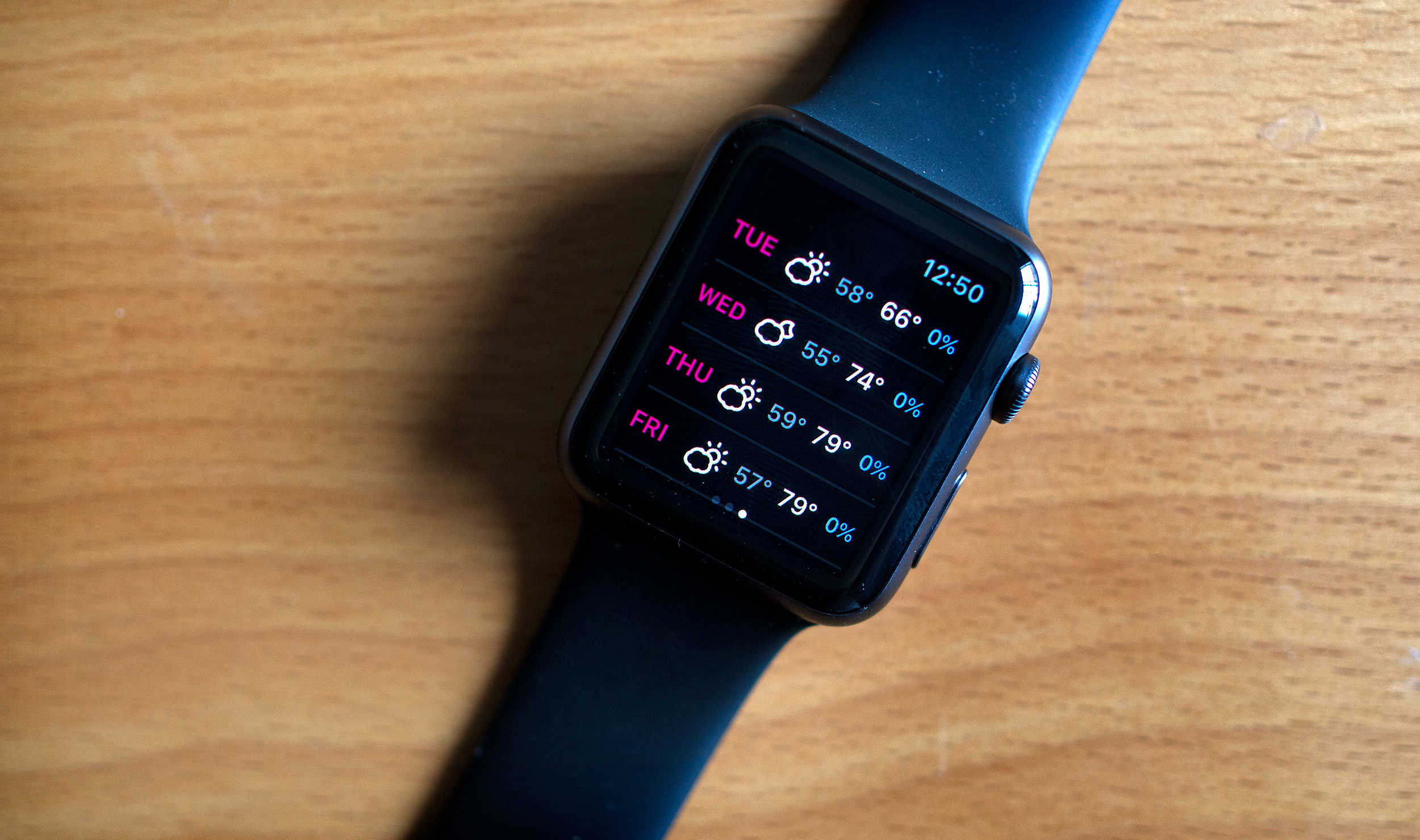
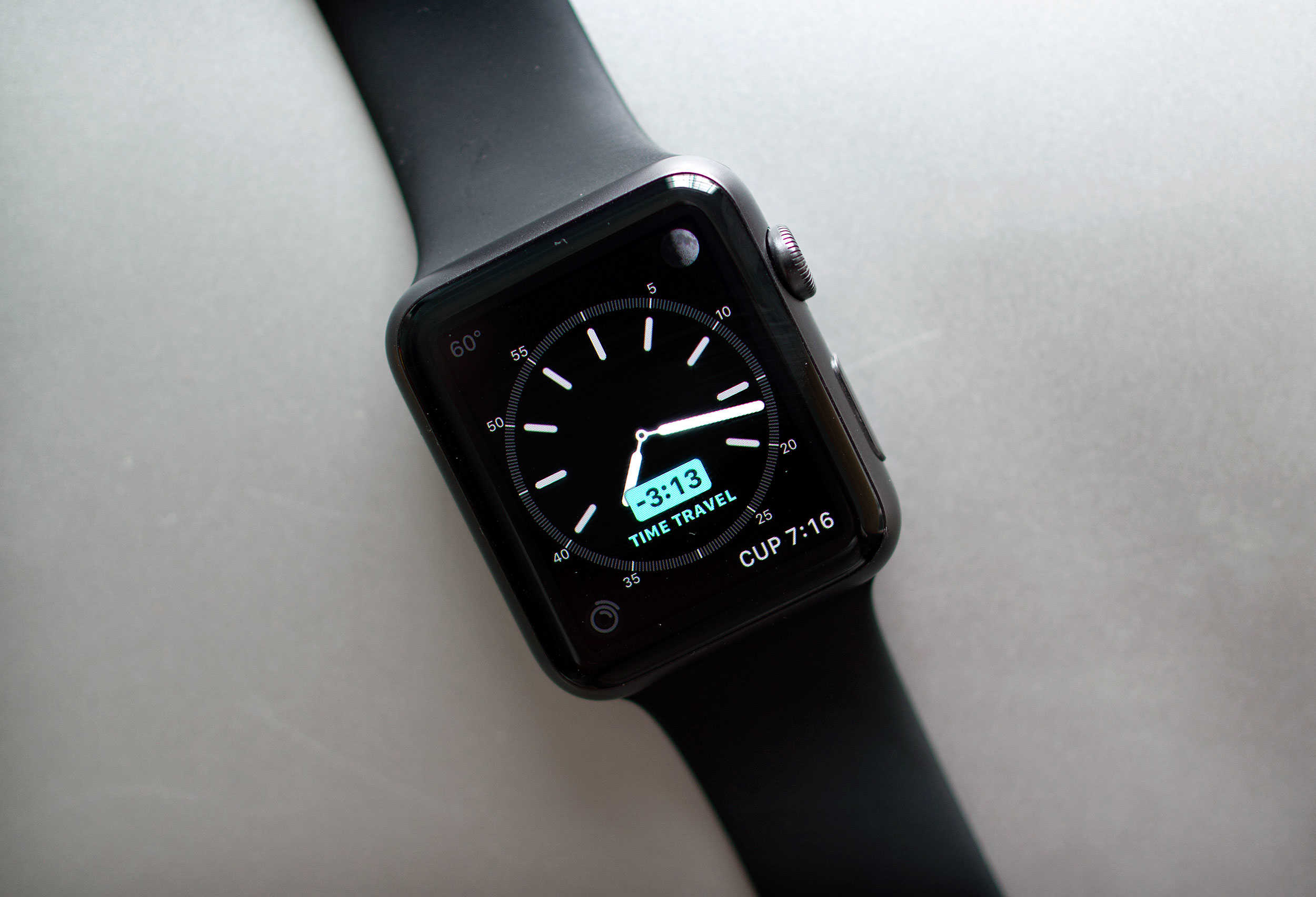
If there’s one thing we could all benefit from, it’s more time in the day. Unfortunately, Time Travel on the new Apple Watch operating system, watchOS 2, won’t actually let you travel back in time to get a few extra hours of Netflix in, no matter which edition you purchased.
However, watchOS 2 does now include a new feature called Time Travel, which lets you see the past and future right on your wrist. You can check what the weather will be a few hours from now for your drive home, see if you’ve got any appointments later in the day, or just figure out what time the sun set yesterday to prove you were home before it got dark.
Either way, here’s how to Time Travel on your Apple Watch running watchOS 2.
You wouldn't get this from any other company. Photo: Cult of Mac
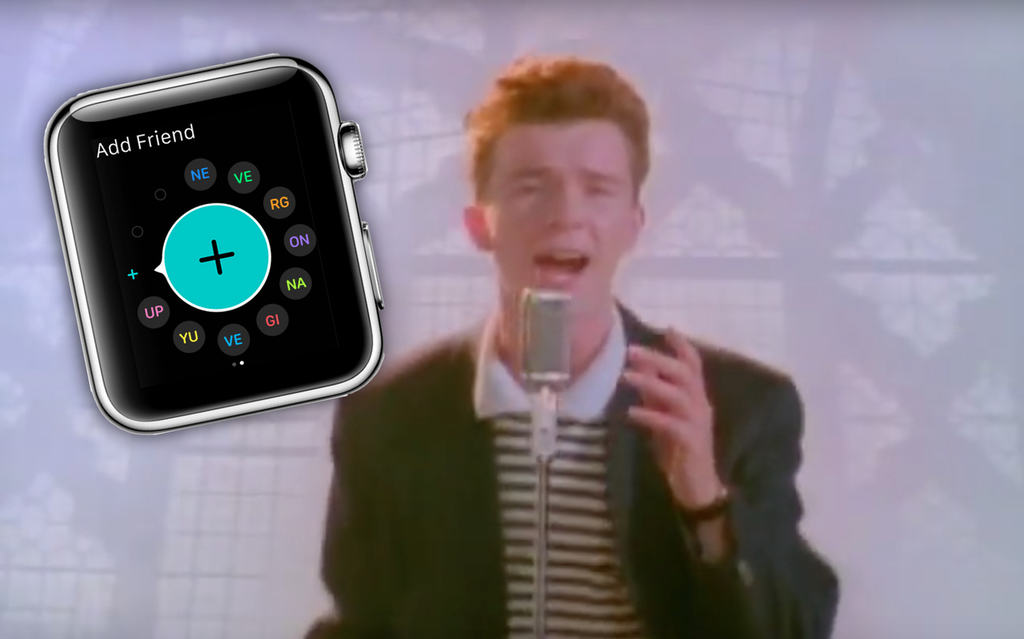
Apple has hidden a Rickroll in plain sight in its latest Apple Watch help page, with a FAQ on how to add friends on your Apple Watch spelling out a very familiar reference.
Sure, it’s all a bit 2008 by now, but there’s still something hilarious about Apple spelling out “NE VE RG ON NA GI VE YU UP” as the initials of your apparent Apple Watch friends.
The new custom faces aren't the only great part of watchOS 2. Photo: Jim Merithew/Cult of Mac
Apple’s second major iteration of its wearable firmware, watchOS 2, is finally out today, and it has some extra fun features hiding along with all of the ones the company has been talking about since it first announced the update back in June.
Sure, native apps and custom watch faces are cool, but watchOS 2 also contains some smaller updates that you have to look for. Here are some of the hidden gems.
Apple Watch is a killer device, even without a "killer app." Photo: Jim Merithew/Cult of Mac
I was so excited to have a color screen on my Apple Watch when I picked the Sport up this past April.
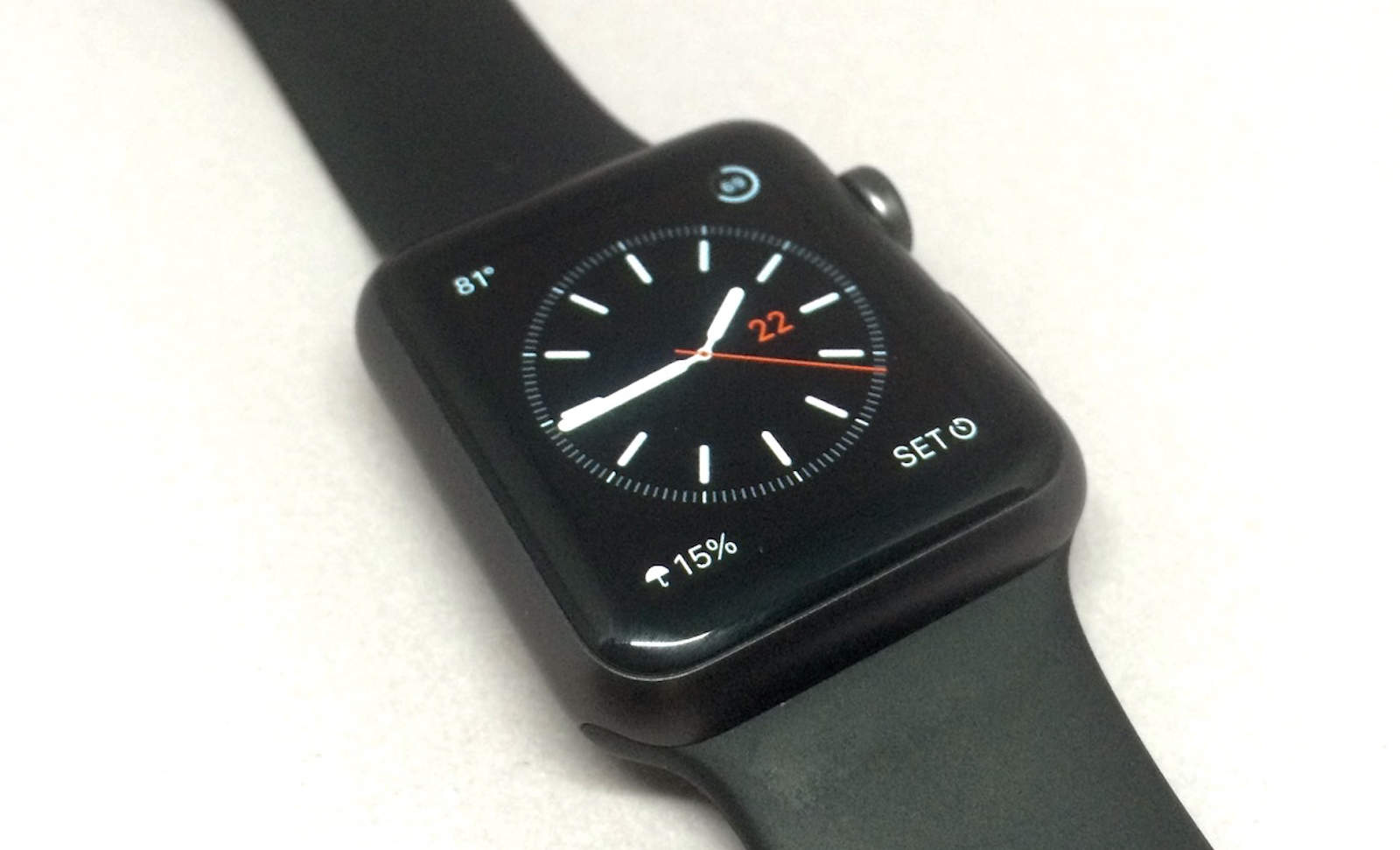
When I went through all the watch faces, though, I was rather underwhelmed; really, you have a bright, high-resolution monitor on your wrist and all you can do is put a moving moth or Mickey Mouse on it? Ugh.
Luckily, with watchOS 2, Apple’s made things just a little brighter and a little more animated. Here’s how to get these snappy new watch faces on your own Apple Watch.
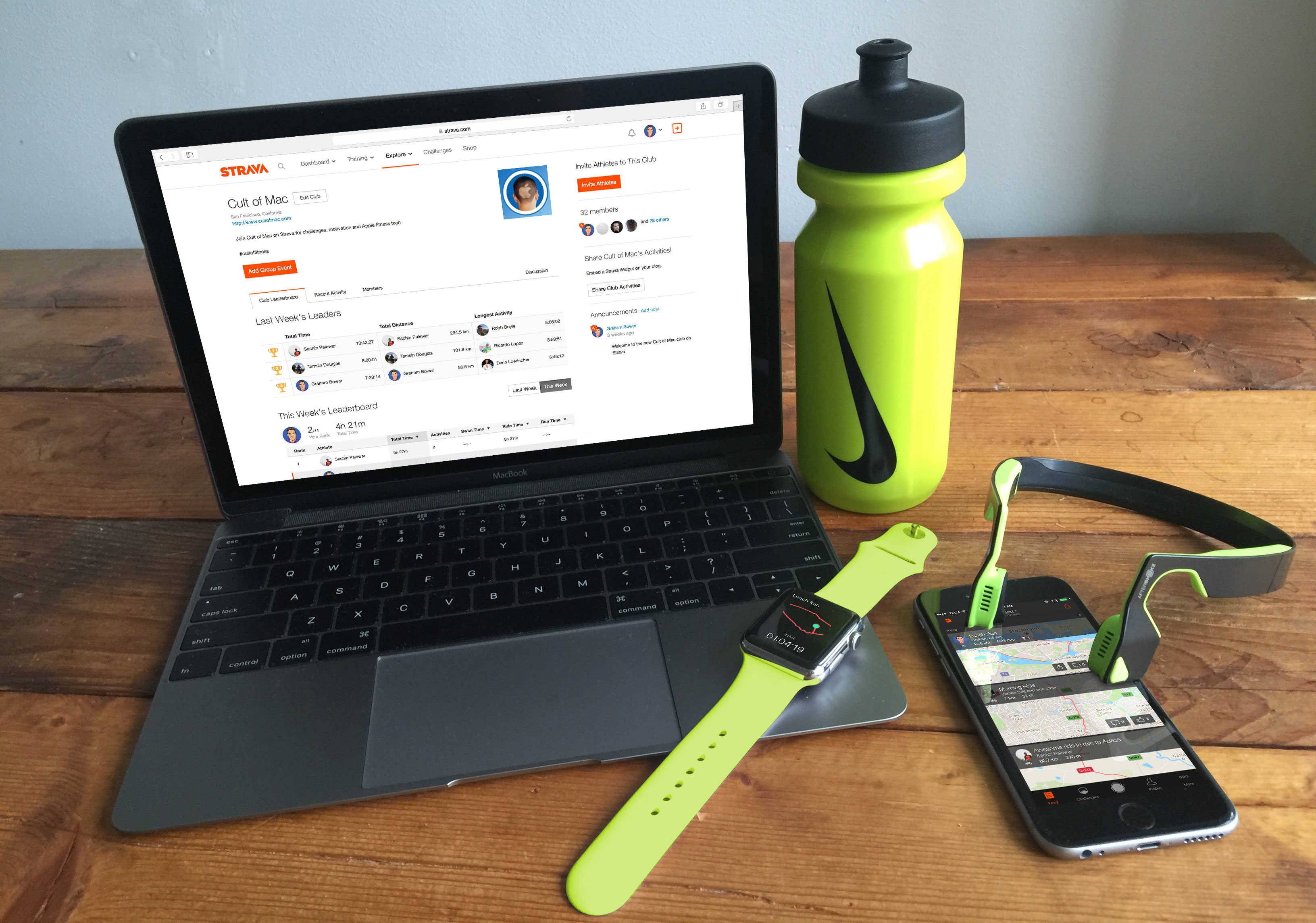
Join the Cult of Mac club on Strava and share your fitness story Photo: Graham Bower/Cult of Mac
Apple Watch has been on our wrists for just five months and yet it is already having an amazing impact on many people’s lives.
We want to find out how Cult of Mac readers are using Cupertino’s fitness tech to get in shape, so we’re inviting everyone to share their inspiring stories. Plus, we’ve set up a new Cult of Mac club on Strava so you can connect with other readers who are into fitness.
Keep an eye on this. It might keep you out of the grave. Photo: Evan Killham/Cult of Mac
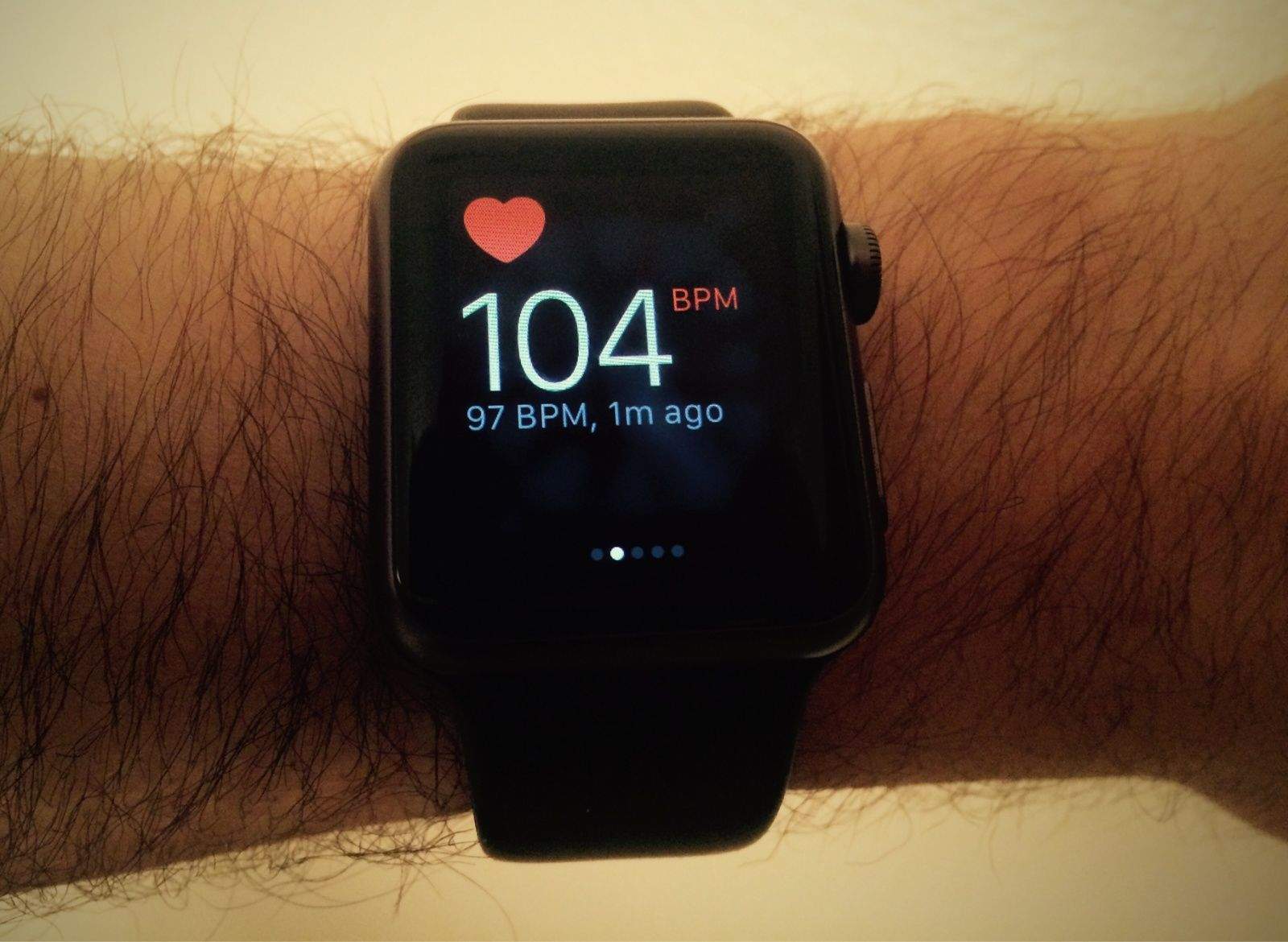
A teen sought medical attention after his Apple Watch heart monitor gave him persistently high readings, and that decision saved him from an untimely death.
Paul Houle, a 17-year-old football player, bought Apple’s wearable a few days before he started pre-season training at Tabor Academy in Marion, Mass. After two practices in one day, he noticed that his heart rate was sitting around 145 beats per minute, even hours after he’d stopped exercising.
He wouldn’t know until later, but he was experiencing a potentially life-threatening condition.
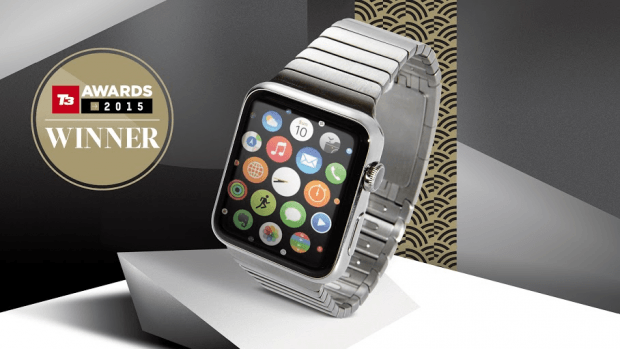
Apple Watch just racked up another well-deserved award win — being named the year’s best gadget at top U.K. consumer technology event, the T3 Awards.
“Once again Apple have produced a product that has galvanized a market,” said T3 editor Rob Carney. “In a year of outstanding new products, this stood out to all of the judges and voting public as THE outstanding tech of 2015. The tech and fashion media have nothing in common, yet both enthused about Apple Watch. That says it all about this high-style, high-tech, highly personal device. It’s a worthy winner of the 2015 Gadget of the Year.”
Is the Apple Watch still searching for that magical "must have" app? Photo: Apple
The Apple Watch is still searching for its “killer app,” claims a new report — arguing that the lack of a “must have” use-case is stopping Apple’s wearable device from achieving its sales potential.
The analysts in question suggest that the Apple Watch will sell between 9-12 million units this year.
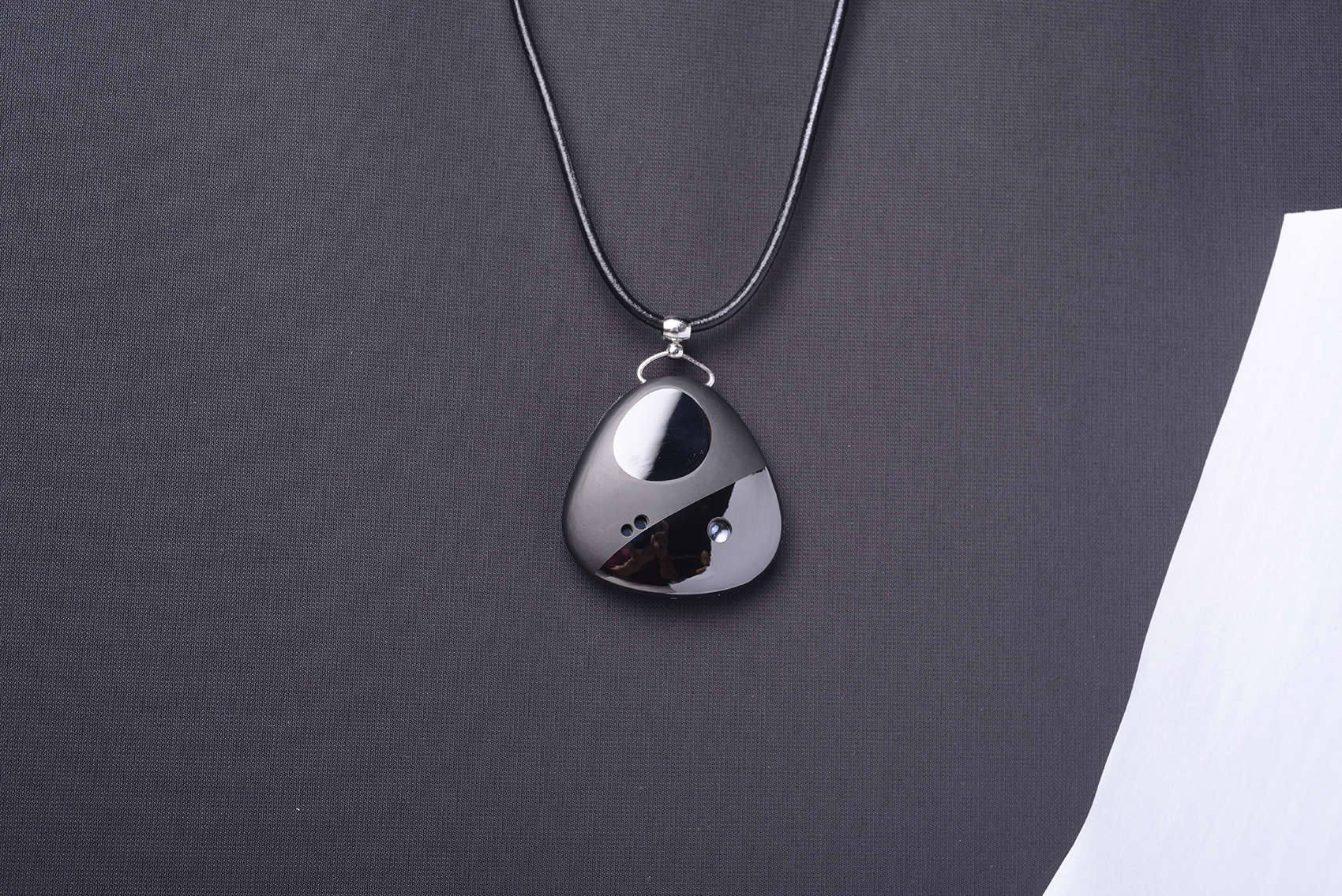
The Miragii pendant can project messages onto your hand and stores an earpiece for calls or music. Photo: Miraggi
Some fashion and tech pundits have written that the Apple Watch is a little industrial looking or too geeky to appeal to women. Why can’t a woman be connected in feminine style?
A startup company says she absolutely can with a smart necklace that looks like a stunning piece of jewelry while equipped with a tiny projector that displays texts and calls onto the hand.
Or the next day. Or the day after that. Photo: Apple
If you’ve been anxiously waiting to upgrade your Apple Watch to watchOS 2 today — well, sadly, you’re out of luck.
Despite announcing last week that watchOS 2 and iOS 9 would be released today, Apple has just dropped the bombshell that Apple Watch users won’t be upgrading their operating systems quite yet, thanks to the discovery of a critical bug.