Mobile menu toggle

Search results for: wwdc

iOS 17’s NameDrop makes sharing contact info a breeze

By

The new iOS 17 AirPlay feature called NameDrop will help you easily share your contact info and more.
Photo: Apple
WWDC23

Sharing your contact information and more with people will get easier with new AirDrop functionality in iOS 17. A new feature called NameDrop makes it about as simple as knocking iPhones together.

“Today, you either hand your phone to them, or one of you dictates your information while the other types it. Now there’s a better way,” said Apple SVP of Software Engineering Craig Federighi during Monday’s WWDC23 keynote. “Now you can just bring your phones close together.”

How to install the watchOS 10 Developer Beta

By

watchOS 10 will work with Apple Watch Series 4 and newer.
watchOS 10 features big changes to the Apple Watch.
Photo: Apple

How can you install the watchOS 10 Developer Beta? While the release is months away, you might want to take it for a test drive or see how your apps work in the new release. Right now, you need to make sure you’re signed into your developer Apple ID and that you have developer betas turned on in the Settings app.

These days, the process is far easier. You no longer need to install a beta profile and reboot your watch a bunch of times to get it working.

iOS 17 Messages app can make Live Photos and all emoji into stickers

By

With Messages in iOS 17, you can turn subjects you've taken from your photos into stickers.
Photo: Apple
WWDC23

WWDC23’s keynote wasn’t just about big OS and hardware releases. It also brought some fun stuff — like new sticker functionality coming to the Messages app and beyond.

Using Messages on your iPhone (and perhaps elsewhere), you should be able to liven up your texting by turning any emoji, photo subject or even Live Photo (short video) into a sticker you can drag into any text bubble — or anywhere you use emoji.

How to install the macOS 14 Sonoma Developer Beta

By

macOS Sonoma running on a MacBook Air, iMac and MacBook Pro
macOS Sonoma brings many long-requested features to the Mac.
Photo: Apple

How can you install the macOS 14 Sonoma Developer Beta? While the release is months away, you might want to take it for a test drive or see how your apps work in the new release. Right now, you need to make sure you’re signed into your developer Apple ID and that you have developer betas turned on in the Settings app.

These days, the process is far easier. You no longer need to install a beta profile and reboot your Mac a bunch of times to get it working.

How to install the iPadOS 17 Developer Beta

By

iPadOS 17 showing a custom Lock Screen and widgets on the left.
iPadOS 17 brings many favorite features over from iOS.
Photo: Apple

How can you install the iPadOS 17 Developer Beta? While the release is months away, you might want to take it for a test drive or see how your apps work in the new release. Right now, you need to make sure you’re signed into your developer Apple ID and that you have developer betas turned on in the Settings app.

These days, the process is far easier. You no longer need to install a beta profile and reboot your tablet a bunch of times to get it working.

How to install the iOS 17 Developer Beta

By

New contact posters, iMessage stickers and voicemail transcription
iOS 17 comes in with some hot new features.
Photo: Apple

How can you install the iOS 17 Developer Beta? While the release is months away, you might want to take it for a test drive or see how your apps work in the new release. Right now, you need to make sure you’re signed into your developer Apple ID and that you have developer betas turned on in the Settings app.

These days, the process is far easier. You no longer need to install a beta profile and reboot your phone a bunch of times to get it working.

Safari 17 in macOS Sonoma beefs up user privacy

By

Enhanced Private Browsing helps protect against online trackers as well as folks who gain access to your computer.
Photo: Apple
WWDC23

Along with macOS Sonoma and its new features will come Safari 17, the new iteration of Apple’s web browser. It brings an enhanced browsing experience with an even greater emphasis than before on privacy, and most changes will probably apply to iOS and iPadOS, as well.

The changes aren’t terribly glamorous, but beefed-up Private Browsing protects against prying eyes online and off, in addition to some other security enhancements.

And in terms of organization, the new Profiles feature helps you keep separate parts of your life separate and website apps keep your favorite sites at your fingertips.

Apple’s Journal app may help you ‘practice gratitude’

By

Apple Journal App press images creating new entry and list of past entries
Journal can help you create personalized entries, with content from multiple apps, to help you preserve life’s memories.
Screenshots: Apple
WWDC23

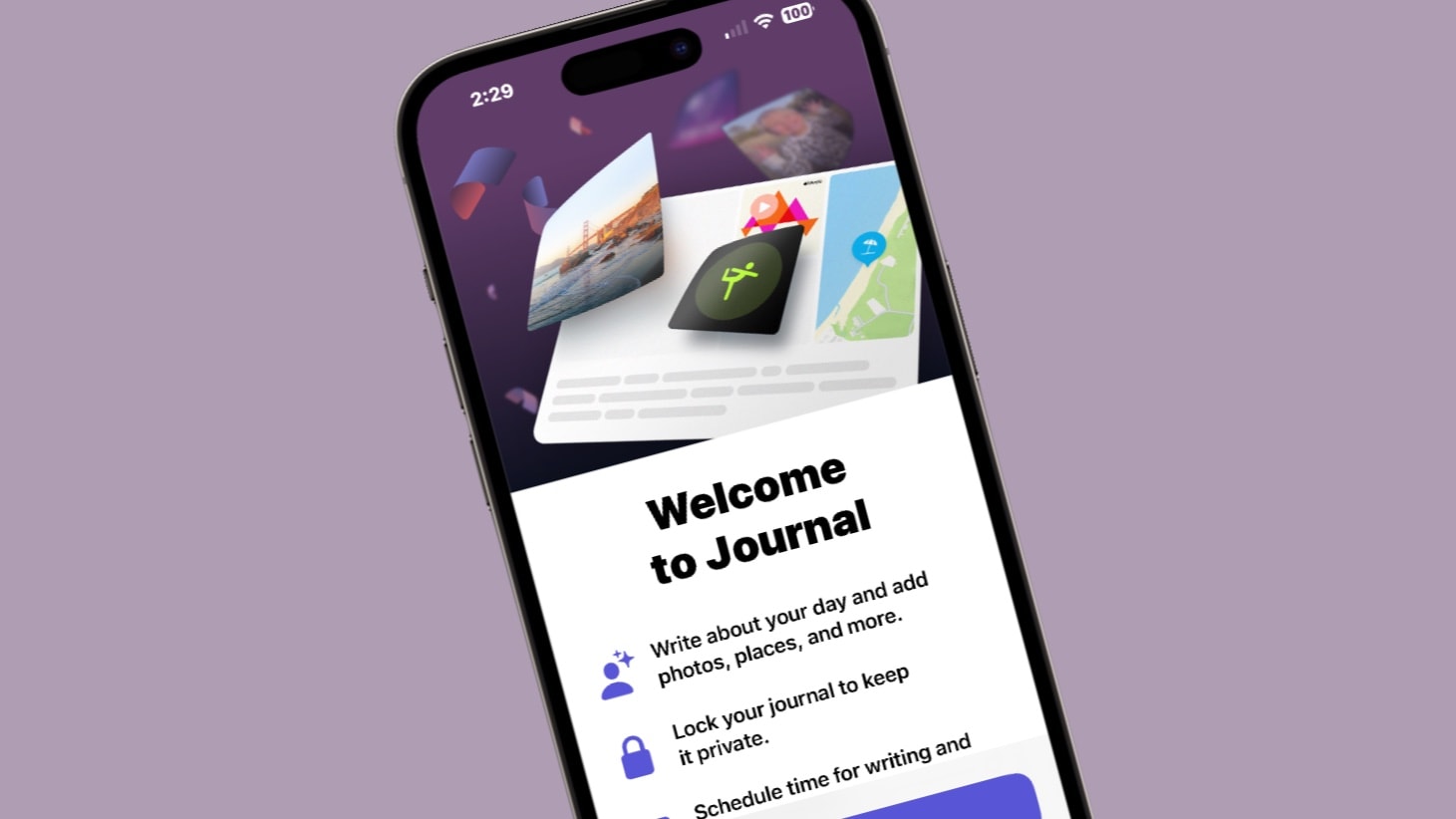
During their WWDC23 keynote, along side the introduction of iOS 17, Apple also previewed their new Journaling app. In line with previous rumors and expectations, the app is designed to make it simple to quickly capture a wide range of aspects about your day.

First looks at Vision Pro: Apple nails the hardware (and the experience)

By

Apple Vision Pro
The Vision Pro sizzle reel looks great, of course, but what is the device actually like?
Photo: Apple
WWDC23

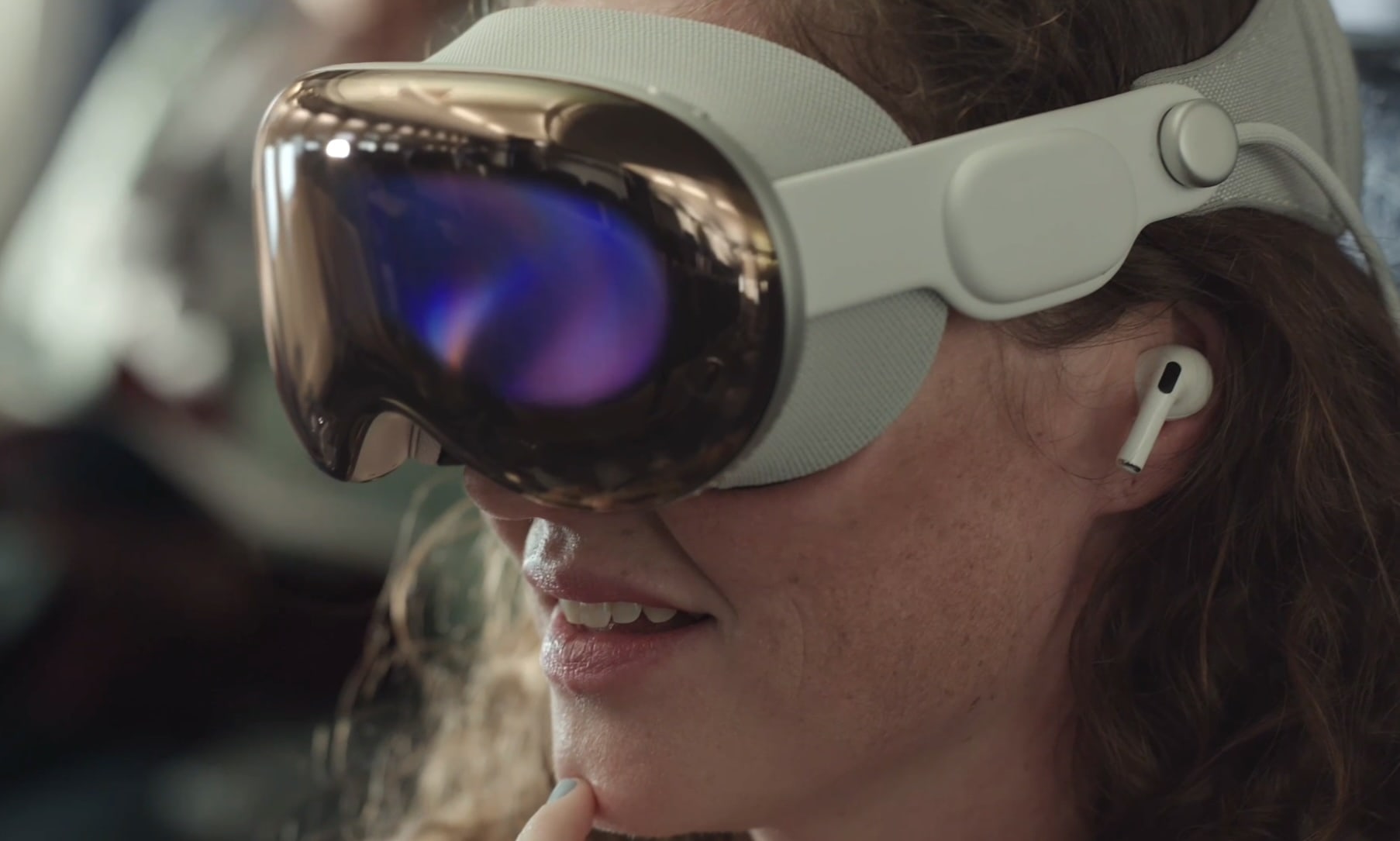
First impressions of the Vision Pro headset make it sound like Apple absolutely nailed both the industrial design and the overall “experience” of wearing a mixed-reality headset.

Apple didn’t let most reporters go hands-on (or rather “heads-on”) with the new device following the Vision Pro’s unveiling at Monday’s WWDC23 keynote. However, the company’s handlers let some members of the media into a private area to gawk at the Vision Pro — and a handful of people actually got to strap one on.

The very first glimpses reveal hardware that looks far better than the competition, paired with a compelling visual experience, and triggers only a few negative reactions.

First iOS 17, macOS Sonoma, watchOS 10 developer betas now ready for testing

By

iOS 17, iPadOS 17, watchOS 10 and macOS Sonoma are coming to these devices.
Nearly every Apple device has a new beta out.
Photo: Apple

With macOS Sonoma, iOS 17, iPadOS 17, watchOS 10 and tvOS 17 unveiled at WWDC23 on Monday, Apple made the initial betas available to developers. These are major updates for the various operating systems that run all Apple computers.

Beta testing will stretch through summer, with the full release of these OSs not coming until autumn.