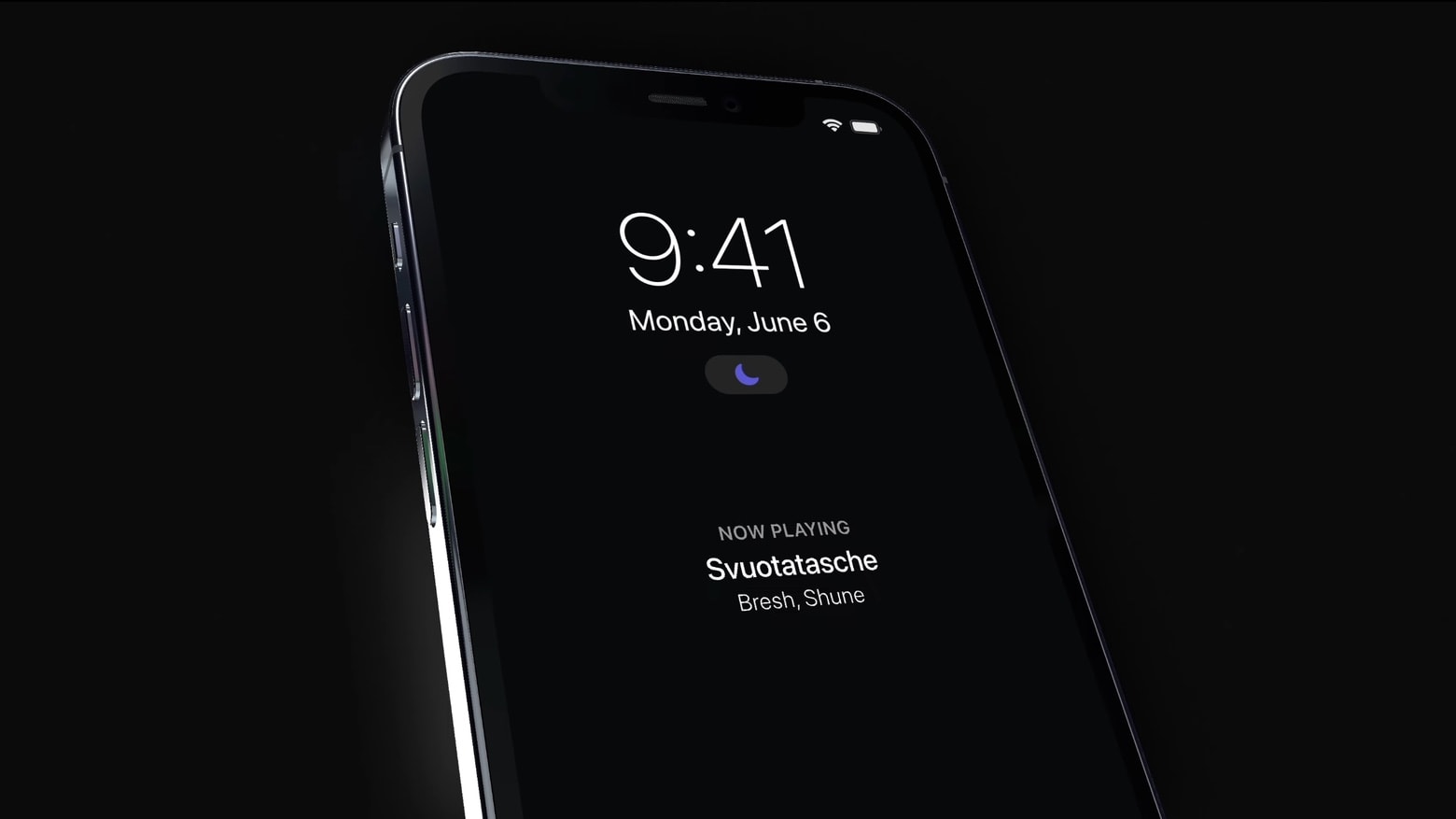
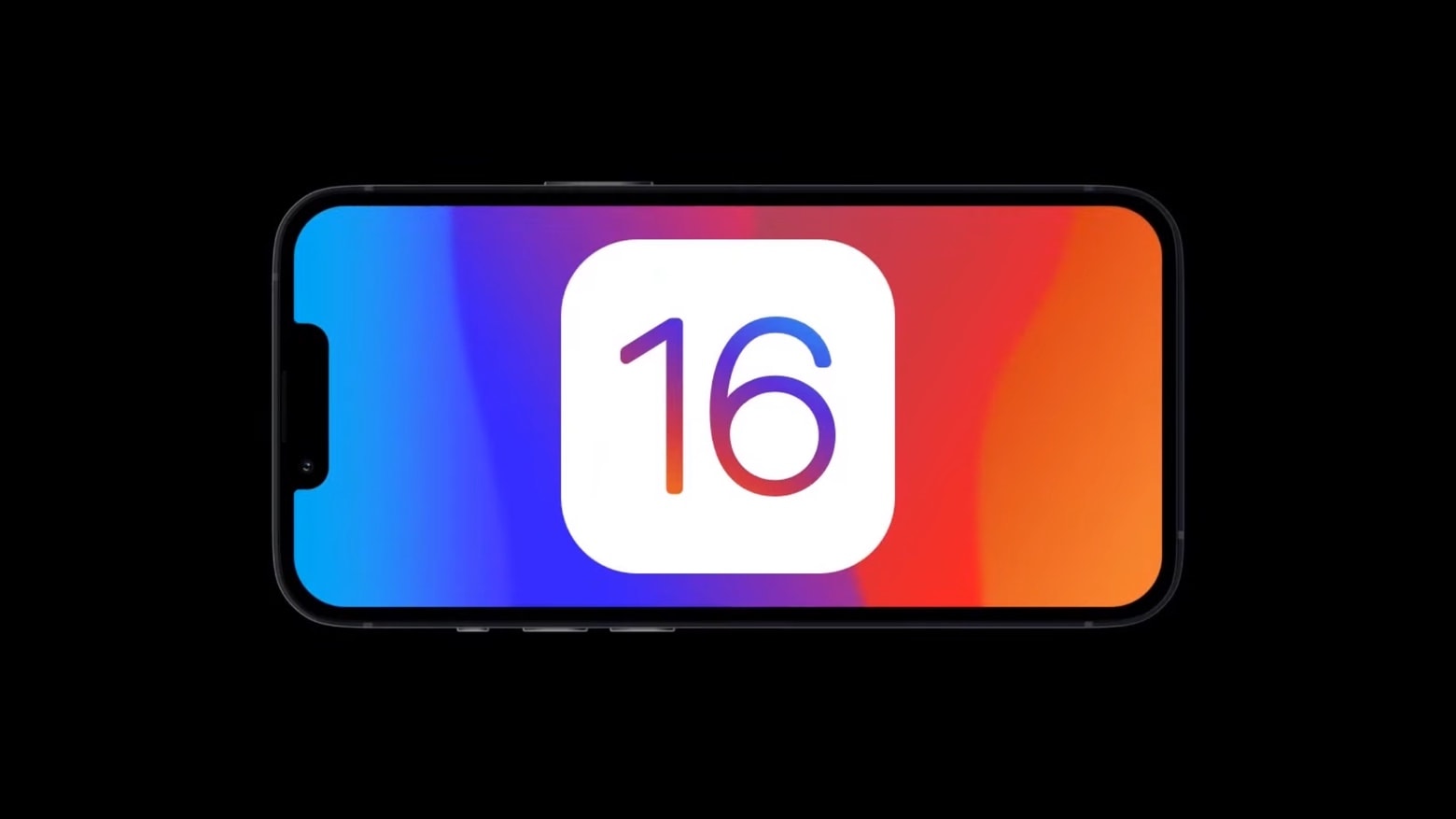
An always-on display is a highlight of a new iOS 16 concept,. Concept: Nicholas Ghigo
When Tim Cook and other Apple executive first show off iOS 16 in early June, there’s a good chance it’ll have much in common with a recently released artists’ concept. The new video shows some of the most-anticipated features, including an always-on screen and interactive widgets.
Watch the iOS 16 concept video now for a sneak peek at what might be coming soon to iPhone.
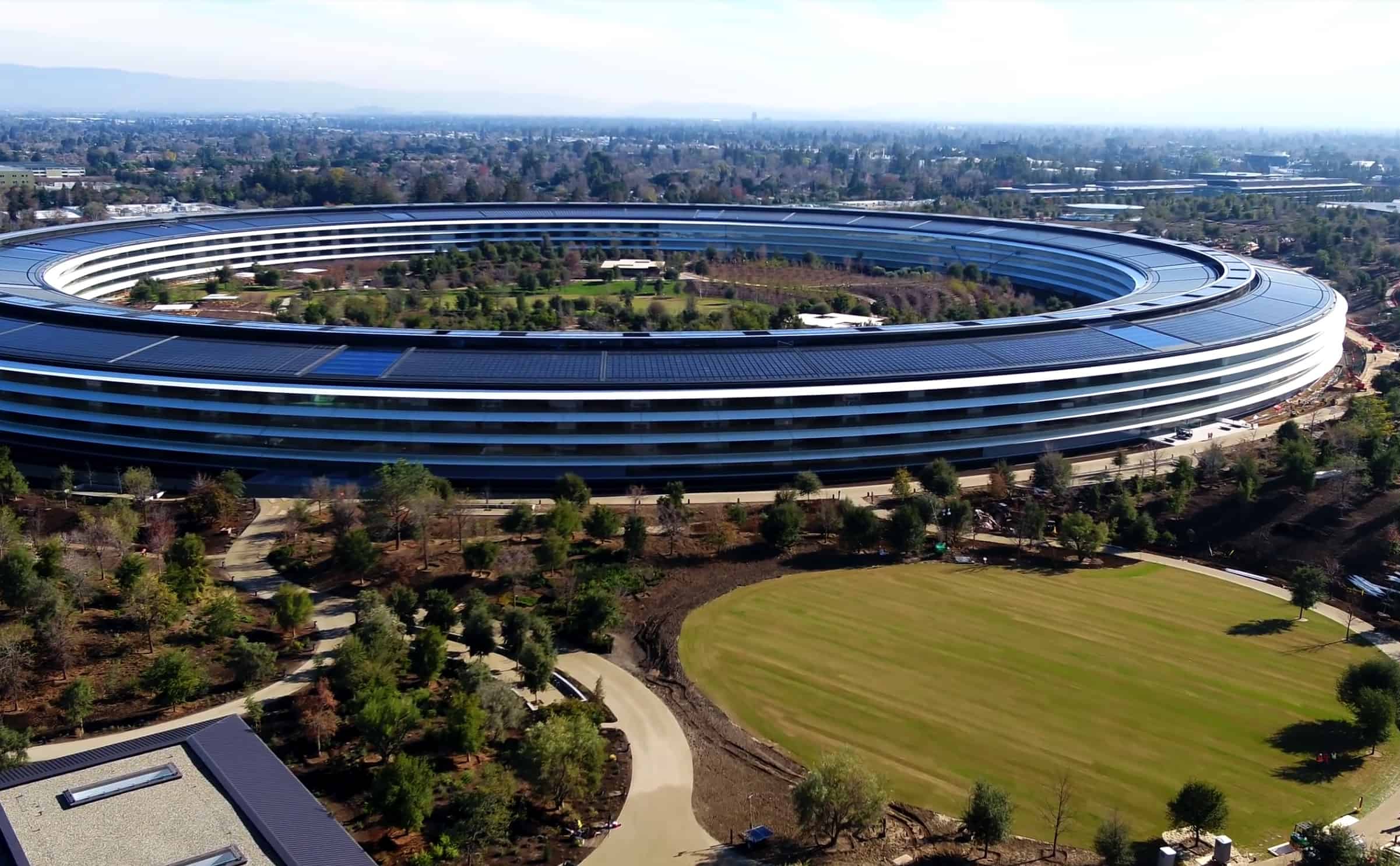
Getting employees back in Apple Park isn't going smoothly. Photo: Duncan Sinfield
Apple reportedly slowed the pace at which it will require its corporate employees to return to the office. They were scheduled to be back at their desks three days a week starting later this month, but rising numbers of COVID-19 cases supposedly pushed that back.
Apple employees are still required to be in the offices two days a week.
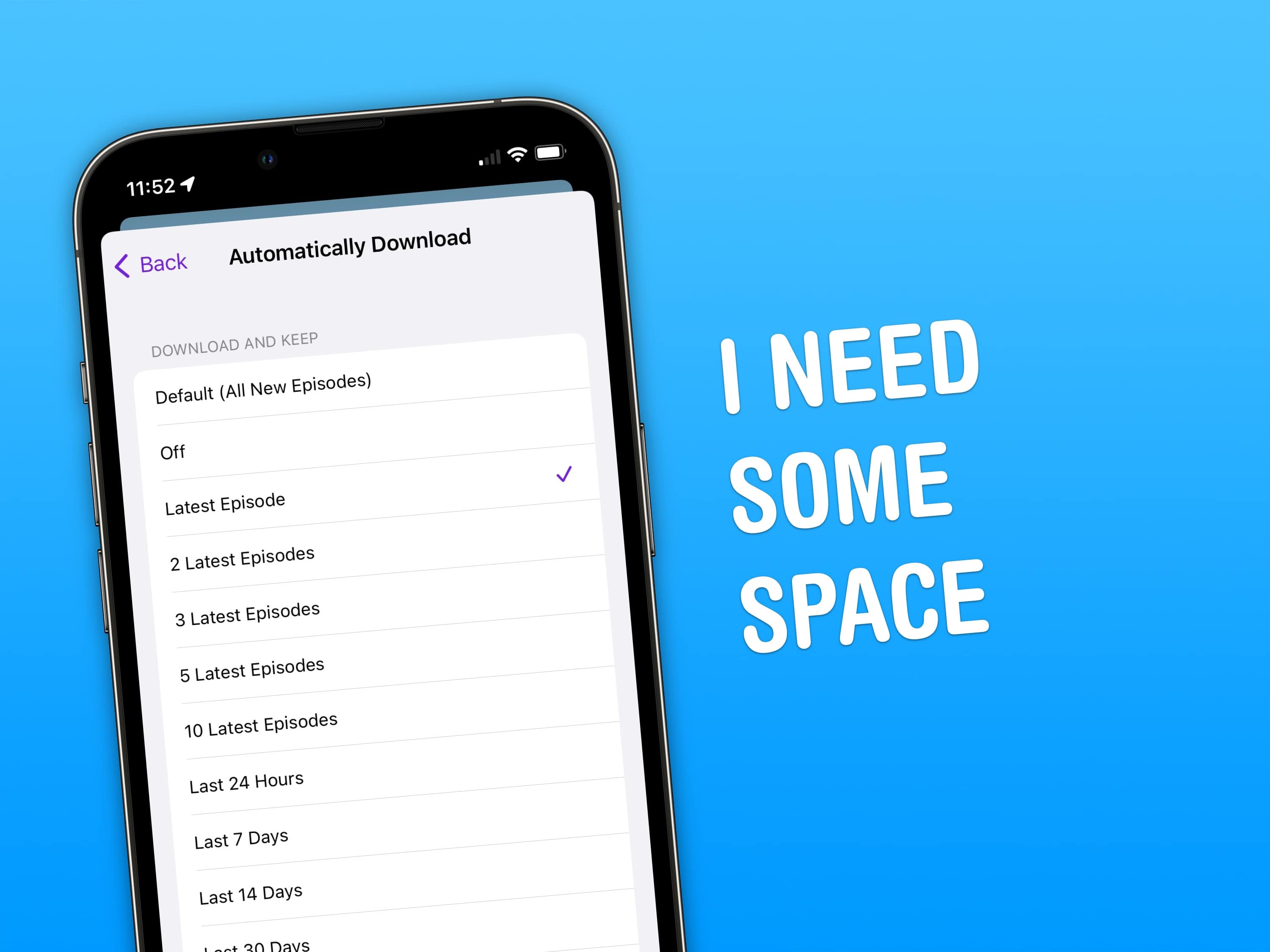
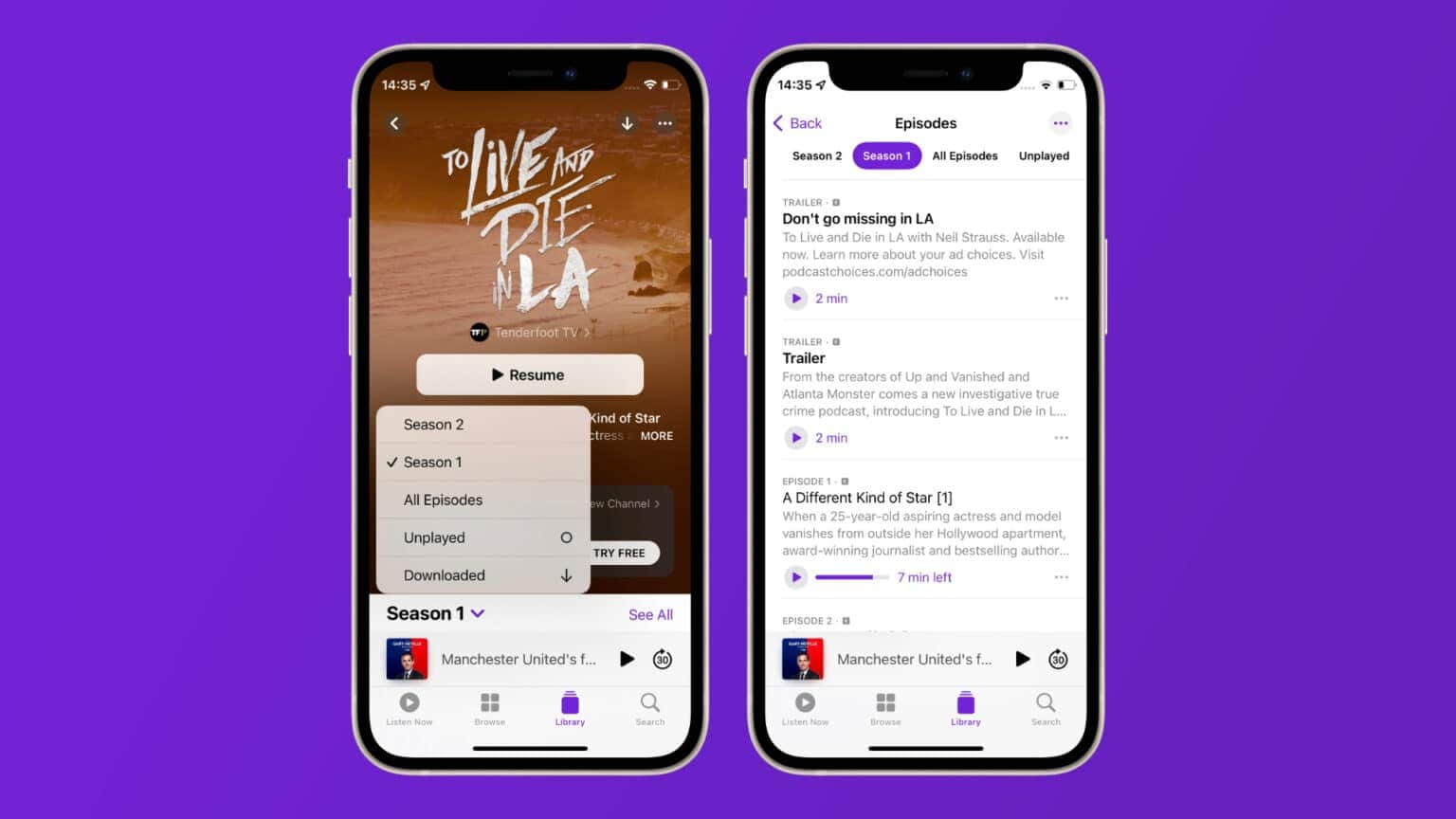
Clear up space with new Podcasts settings in iOS 15.5. Image: D. Griffin Jones/Cult of Mac
You can clear up a big chunk of your iPhone’s storage space by limiting how many podcasts you keep downloaded.
iOS 15.5, which Apple released Monday, introduces a feature to automatically limit the number of episodes you have downloaded in your podcast library. If you struggle with storage on your iPhone, enabling this setting will give you more space. It’ll automatically clear out downloads if you don’t listen right away, along with any backlog of old episodes.
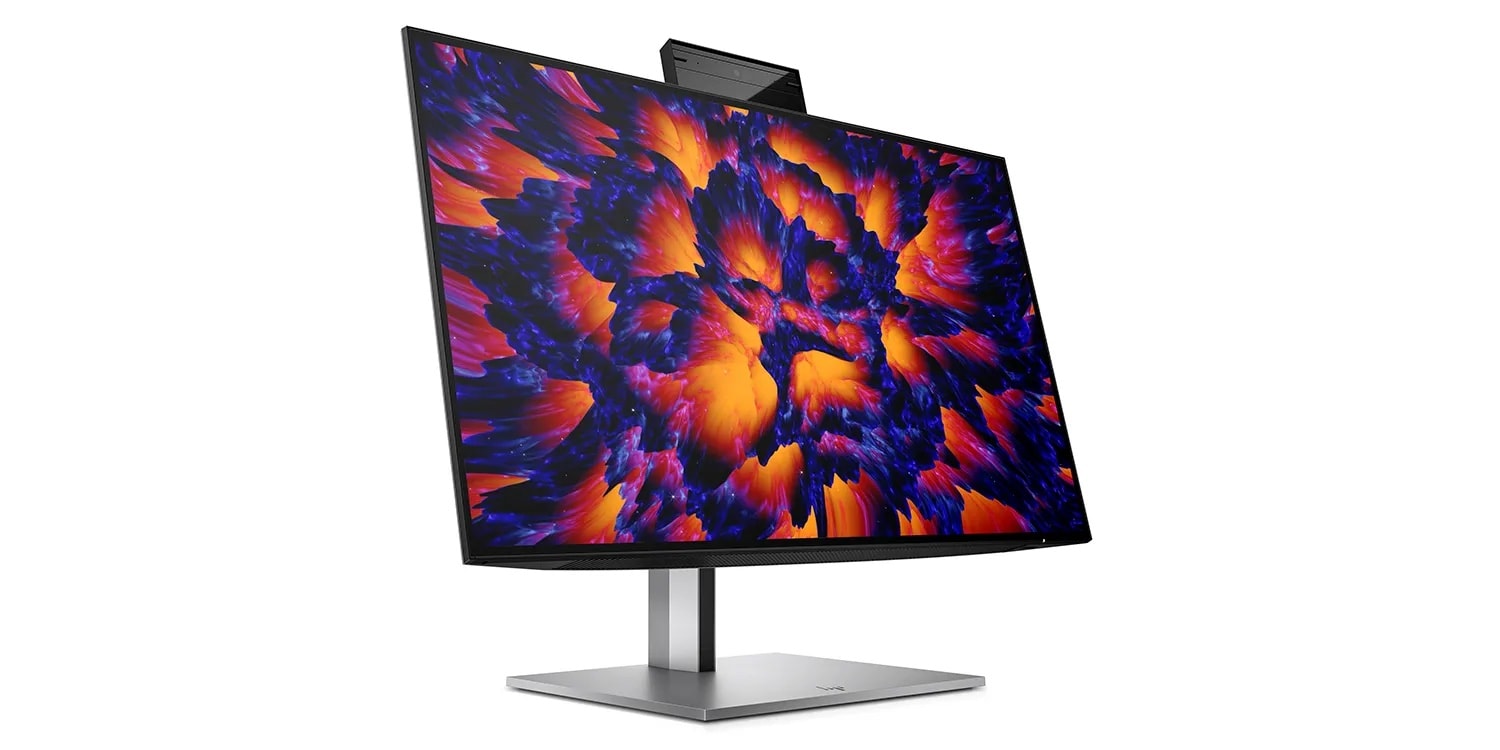
The webcam pops up and keeps you centered in the frame, a la Center Stage. Photo: HP
A new report said HP plans to release a 1440p USB-C monitor with a built-in webcam that pops up and features tracking much like Apple’s Center Stage used in iPad models.
The display should serve professionals who want decent pixel density but don’t need the top-shelf visuals a graphics professional might.
Creators and listeners both can benefit from Apple Podcasts' new features. Photo: Killian Bell/Cult of Mac
Apple offered several new features for its Podcasts app Monday. They include downloaded episode controls, annual subscription plans, partnerships with third-party hosting platforms and more.
There’s something for both podcast creators as well as listeners in the updates, with some changes available in imminent OS updates and others slated to become available in the fall, Cupertino said.
Find out how to use Focus modes on iPhone, iPad and Mac. Your frazzled nerves will thank you. Screenshot: D. Griffin Jones/Cult of Mac
Apple’s new Focus feature is like Do Not Disturb on steroids. It is much smarter than the Do Not Disturb of old. Since not all work or relaxation is created equal, you can set up Focus modes for specific situations to keep unwanted distractions at bay.
When you’re working, you might want email and Slack to come through, unless you’re in a meeting.
When you’re at home, you may want most notifications to come through, but not if you’re having have friends over, playing games or watching a show.
This article will cover setting up Focus modes on iOS 15. If you have the latest iPhone, a brand-new Mac or you’ve kept up with software updates, you’ll want to check out our guide for iOS 16.
If you have an old device and you want to see how Focus modes work, keep reading.
Have you been too hard on Apple Watch Series 7? Photo: Graham Bower/Cult of Mac
Six months after its launch, people are still griping about Apple Watch Series 7. Even our own Lewis and Erfon recently agreed on The CultCast that Series 7 wasn’t worth the upgrade.
Many have moaned that it lacks new features, with some even suggesting it was a last-minute rush-job on Cupertino’s part. Personally, I don’t believe a word of it. I love my Series 7 and I think the haters have got it all wrong. Here’s why.
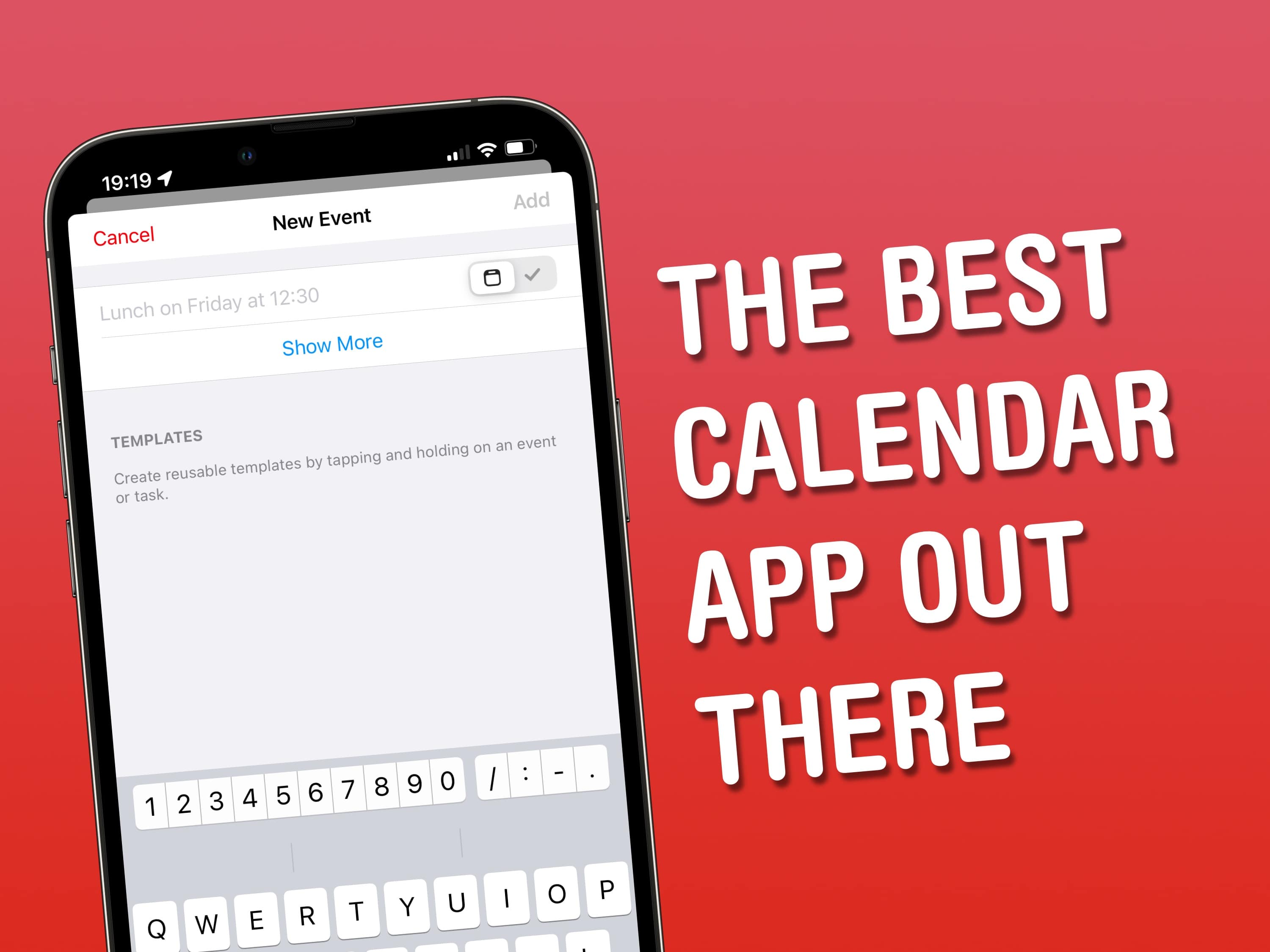
You don’t have to settle for Apple’s stock calendar app. Image: Cult of Mac
Awesome Apps is a new series highlighting the best apps around. We’ll be featuring our favorite apps as well as new and notable apps. Apps are transformative, and these are the best.
Years ago, I decided to ditch my paper Filofax diary for my iPhone, before quickly realizing that Apple’s built-in Calendar app didn’t fully meet my needs. Fortunately, it didn’t take long to find the perfect third-party calendar app for iOS, iPadOS and macOS.
It’s called Fantastical – let me tell you about it.
Apple’s own Calendar app might be relatively well-formed and functional – most of the time – but for anyone looking to take their personal organization to the next level, long-time favorite Fantastical from developer Flexibits is a great option. The app’s wide-ranging feature set makes it easy to add tasks, manage calendars and streamline your productivity. Let’s start with the basics, before looking at some of Fantastical’s power features.
Apple Watch won't get blood pressure and blood sugar monitoring soon, but other new health updates are coming. Photo: Lewis Wallace/Cult of Mac
Cupertino is likely to add body temperature readings and other new health features to Apple Watch and the Health app in 2022, but it looks like blood pressure and blood glucose monitoring will have to wait, according to a new report.
For a look at those delays to blood pressure and blood sugar monitoring, as well as the expected new features for women’s health and sleep-, fitness- and medication management, read on.
Could Apple finally improve notification management in iOS 16? Photo: the Hacker 34
Apple could fix a major iPhone pain point by introducing some “fairly significant enhancements” to notifications in iOS 16, according to a reliable source. Further, the company could make major improvements to health and activity tracking in watchOS 9.
The Cupertino company also supposedly will debut a new multitasking interface in iPadOS 16.