Mobile menu toggle

Search results for: watchos 2

Readability concerns take shine out of Apple’s new Liquid Glass aesthetic

By

Liquid Glass harder to read
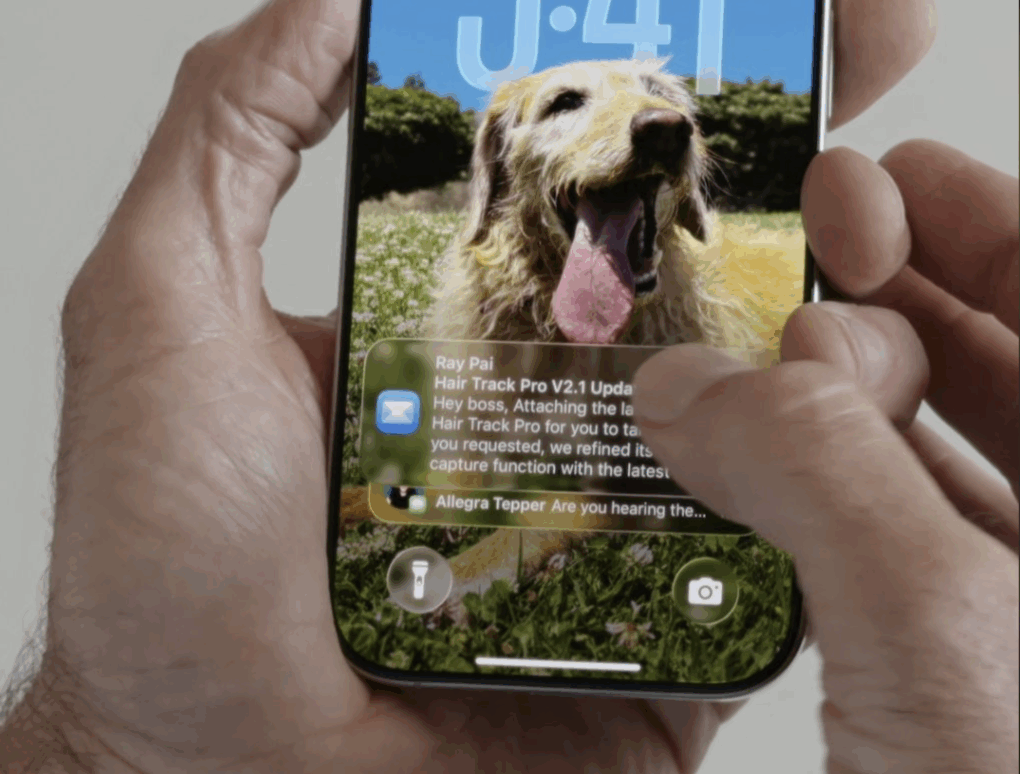
This user said Liquid Glass just seems harder to read.
Photo: @Stammy on X.com

Liquid Glass looked great in WWDC25 demos Monday, but reactions soon afterward put a few cracks in it. The new transparent and reactive design language coming to all Apple devices this fall strikes many folks as making it too hard to read information on their screens.

Many initial reactions to Liquid Glass make it look like a misstep.

“Can’t wait to not be able to read anything on my iPhone,” grumbled one user. Several others implied Apple co-founder Steve Jobs would hate the new design language.

Liquid Glass: Apple’s biggest design refresh ever

By

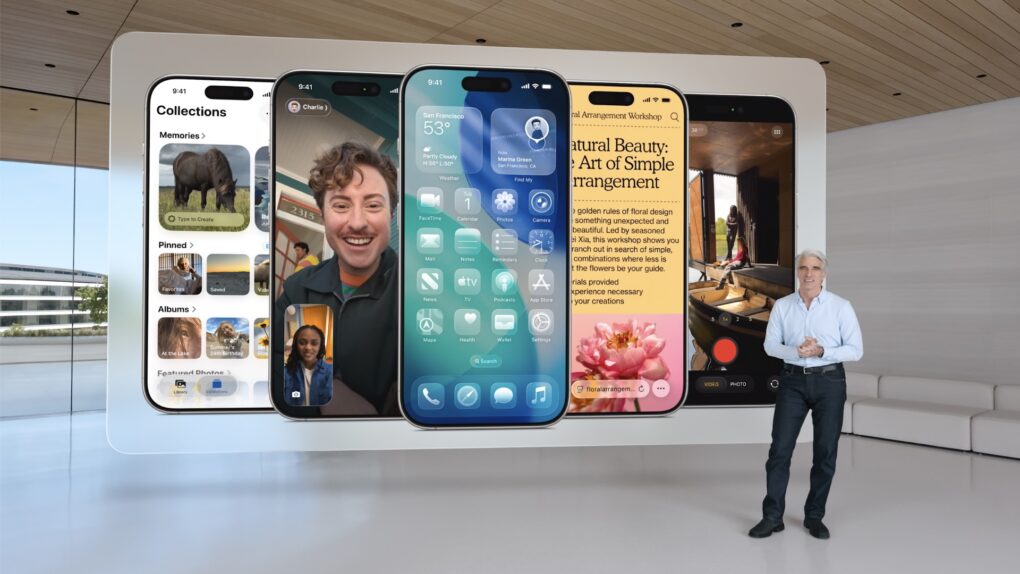
Apple's Senior VP of Software Craig Federighi introduces Liquid Glass.
Photo: Apple

For the first time, Apple will unify software design across it various platforms with a new interface design called Liquid Glass. Inspired by visionOS, Liquid Glass is, as its name implies, a translucent and fluid new interface for iPhone, iPad, Mac and other devices in Apple’s ecosystem.

“It’s the kind of project that only comes along about once per decade,” said Craig Federighi, Apple’s senior vice president of software engineering, as he introduced Liquid Glass during Monday’s WWDC25 keynote.

In demos, conference attendees and online viewers got to see “glassy,” translucent menus, panels and icons throughout the system. The new look and feel creates a more immersive and modern visual experience.

Apple Watch Control Center might open up to third-party apps

By

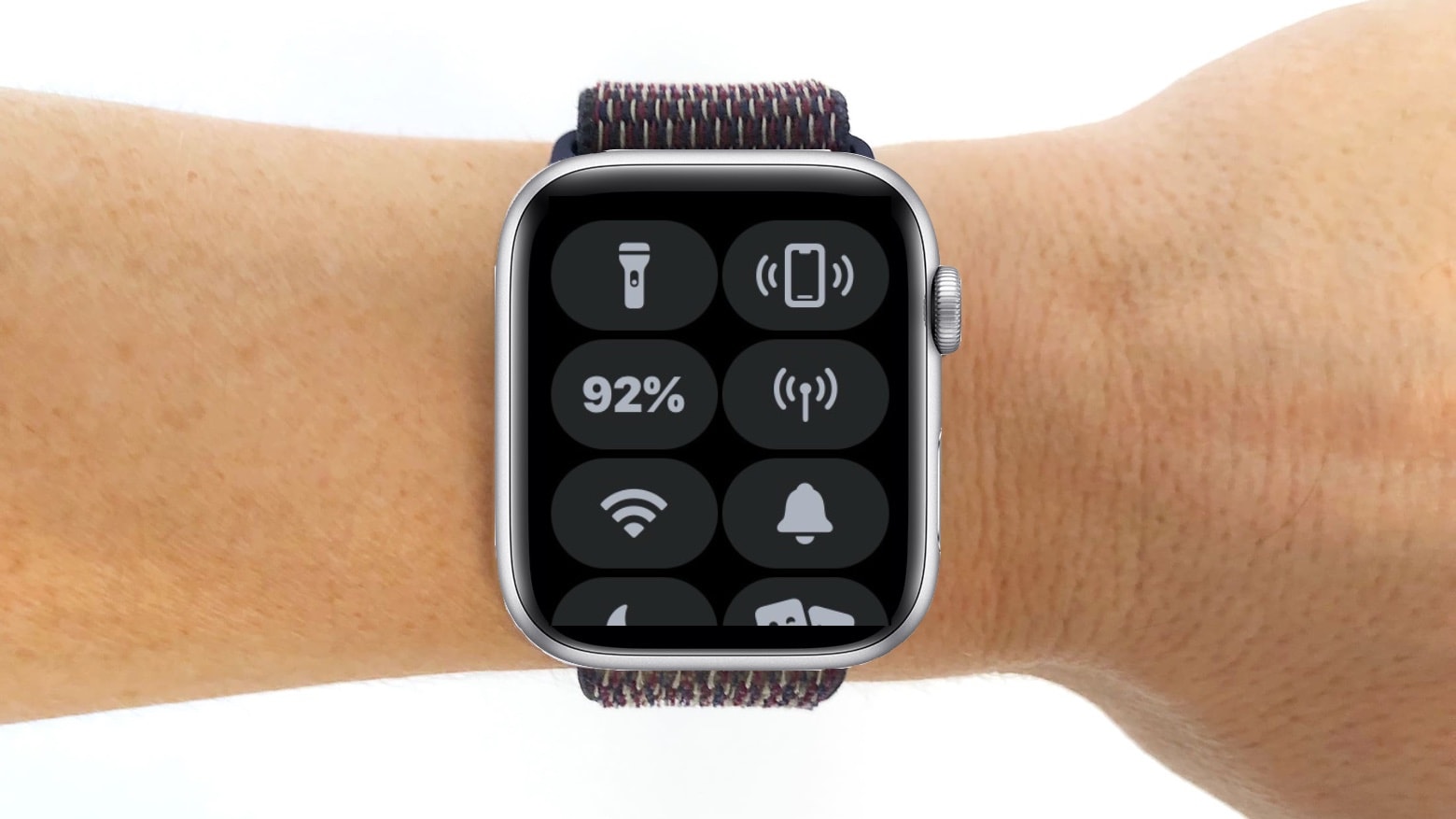
Apple Watch Control Center
watchOS 12 could give the Apple Watch's Control Center a big upgrade.
Photo: Cult of Mac

The upcoming version of watchOS reportedly will shake up the Apple Watch’s Control Center by adding support for third-party widgets. Right now, it only surfaces toggles for Wi-Fi, Battery, Focus mode, and other system settings.

However, like the iPhone, Apple supposedly will open the watchOS Control Center and allow for greater customization.

Apple picks ‘macOS Tahoe’ for this year’s major interface redesign

By

Apple names macOS 26 after Lake Tahoe.
Photo: [email protected]

Apple reportedly chose “Tahoe” as the name for the upcoming macOS version, according to a new report. This marks the third significant redesign of the Mac operating system since the company began using California-themed naming conventions in 2013.

The name macOS Tahoe, inspired by the iconic Lake Tahoe resort area, signals Apple’s commitment to delivering another major visual overhaul to its desktop platform.

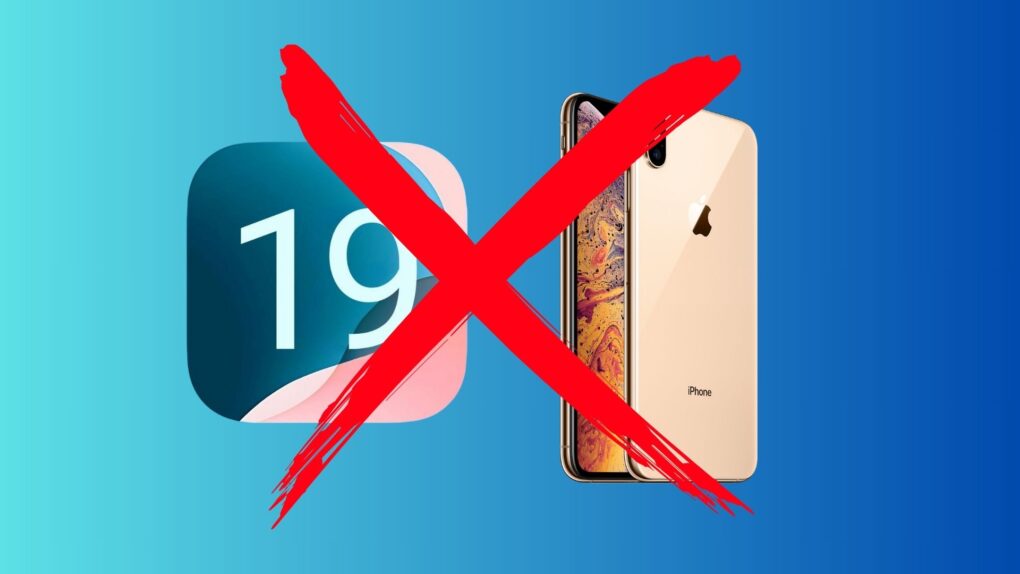
Apple might switch all OS version numbers to years

By

Apple may switch all OS version numbers to years
So your OS names are going to seem to leap forward to 26 soon.
Photo: Rajesh Pandey/Cult of Mac

Apple might make a major change to the naming convention for all its operating systems this year, switching all OS version numbers to years, according to a new report. The switch, which Apple reportedly will roll out at WWDC25 on June 9, would bring consistency across all its operating systems for the first time.

10 years of Apple Watch history: A timeline

By

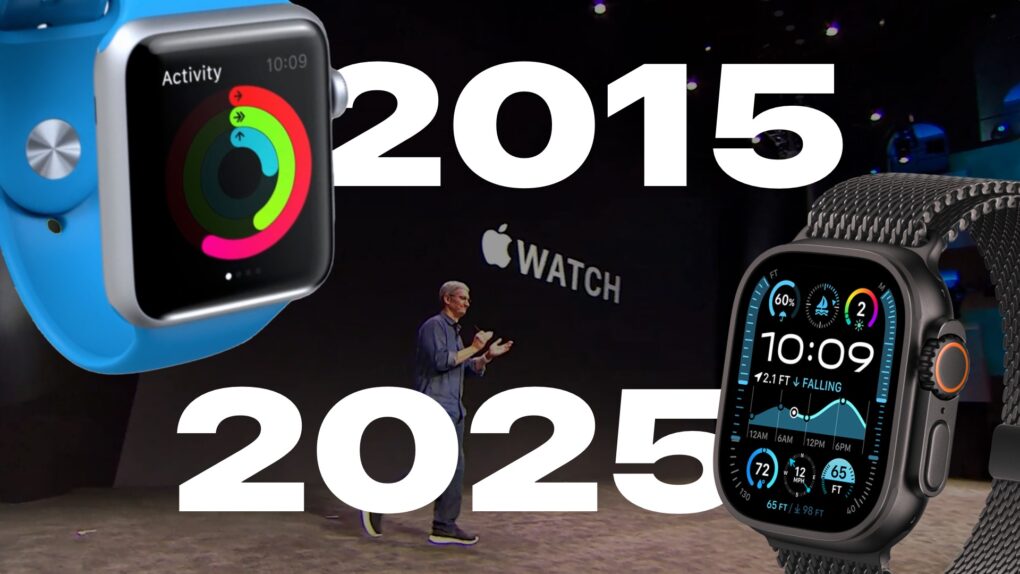
Apple Watch: 2015 to 2025.
Technically it was announced in 2014, so it’s a little over ten years.
Image: Apple/D. Griffin Jones/Cult of Mac

For the 10th anniversary of its launch, we compiled over a decade of Apple Watch history into a quick timeline. Starting with the original three collections — including models in solid 18 karat gold — all the way to today’s far more advanced (and sensible) Apple Watch Series 10 and Ultra 2.

The Apple Watch was the first major product introduction of Tim Cook’s reign as Apple CEO. There was immense pressure on Apple to prove that it could still innovate without Steve Jobs. While the Apple Watch wasn’t as flashy as the iPhone and iPad, it’s grown into an incredible business rife with breakthrough technology, in one of the most physically constrained form factors yet.

How Apple Watch apps’ death spiral nearly killed my iPhone app

By

Developing watch apps ain't easy
Photo: Graham Bower/Cult of Mac

Two years ago, my partner and I launched an Apple Watch app to complement our iPhone fitness app. Little did we know that our embrace of Apple’s smartwatch would threaten the very existence of the gym app we’d been developing since 2012.

Each year since we launched Reps & Sets, we updated it to keep up-to-speed with all the cool new features Apple rolled out at its Worldwide Developers Conference. That all changed last year, though. That’s when we discovered that, by adding support for Apple Watch, we had inadvertently taken a poison pill that could effectively kill our iPhone app.

It doesn’t have to be this way. With a few key changes, Apple could turns things around and reinvigorate the Apple Watch app ecosystem.

Day of reckoning looms for old, slow Apple Watch apps

By

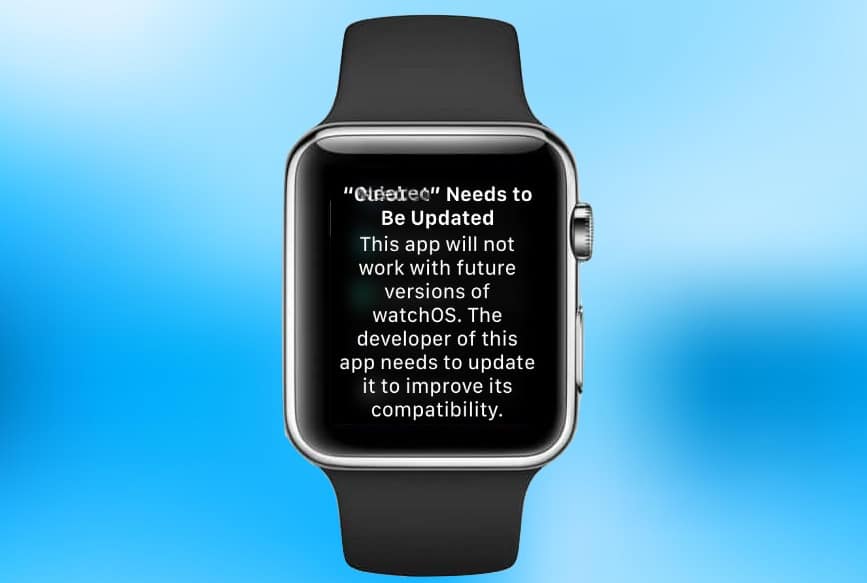
watchOS 1 app warning
Opening a watchOS 1 app on a device running that latest beta of watchOS 4.3.1 gets this warning.
Graphic: Ed Hardy/Cult of Mac

The latest watchOS beta warns that support will end soon for applications that haven’t been updated for years. This is part of an ongoing push by Apple to get all third-party apps that were written for the first-generation Software Development Kit updated to something more recent.

Unfortunately, this drive is instead causing some developers to drop their out-of-date Apple Watch apps.

Why Apple Watch apps are dying off in droves

By

timestand
People would rather look at Instagram on a Mac than an Apple Watch.
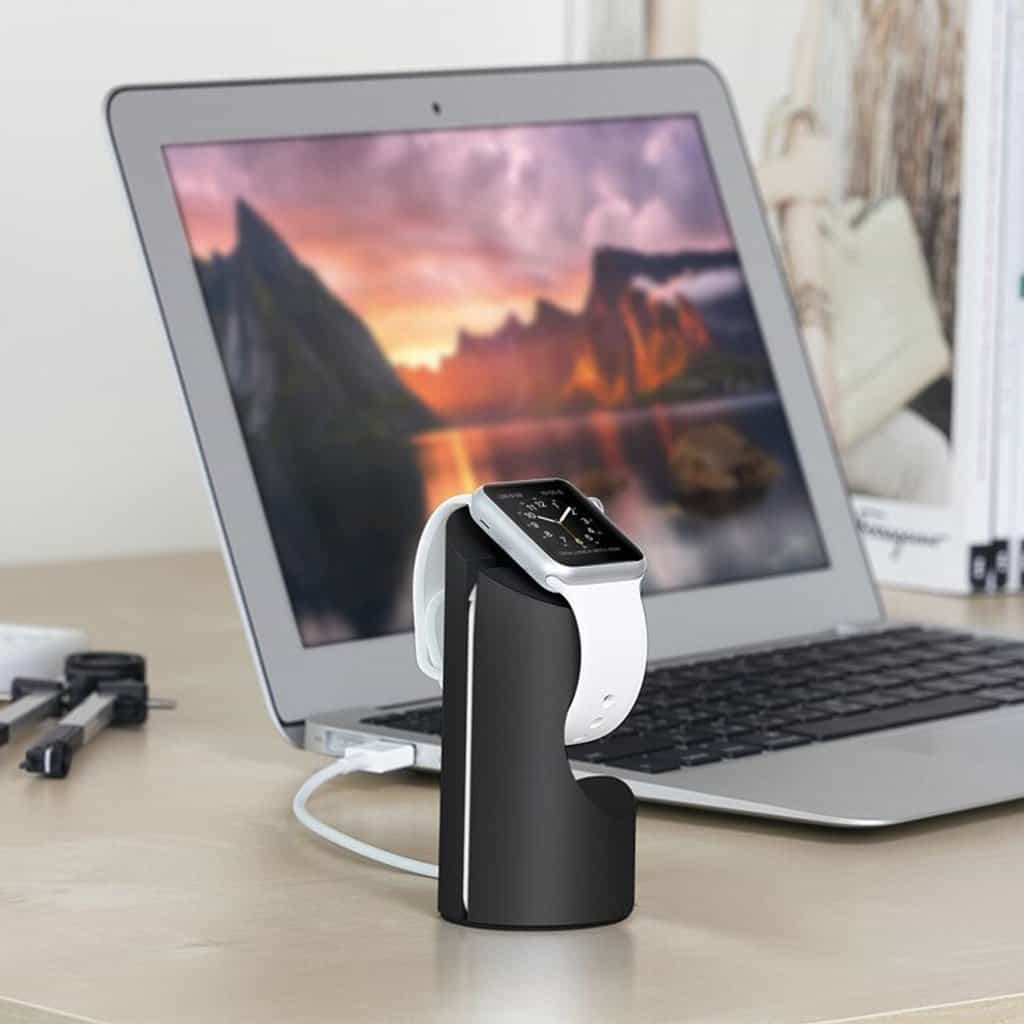
Photo: Just Mobile

Apple Watch sells very well, but apparently not strongly enough for some companies. A deadline requiring developers to base their apps on newer versions of watchOS just passed, and some businesses choose to pull their software rather than update it.

Instagram garnered the most attention, but there are surely other examples. 

How to enable Wi-Fi calling on your iPhone, Mac and Apple Watch

By

Wi-Fi Calling iPhone
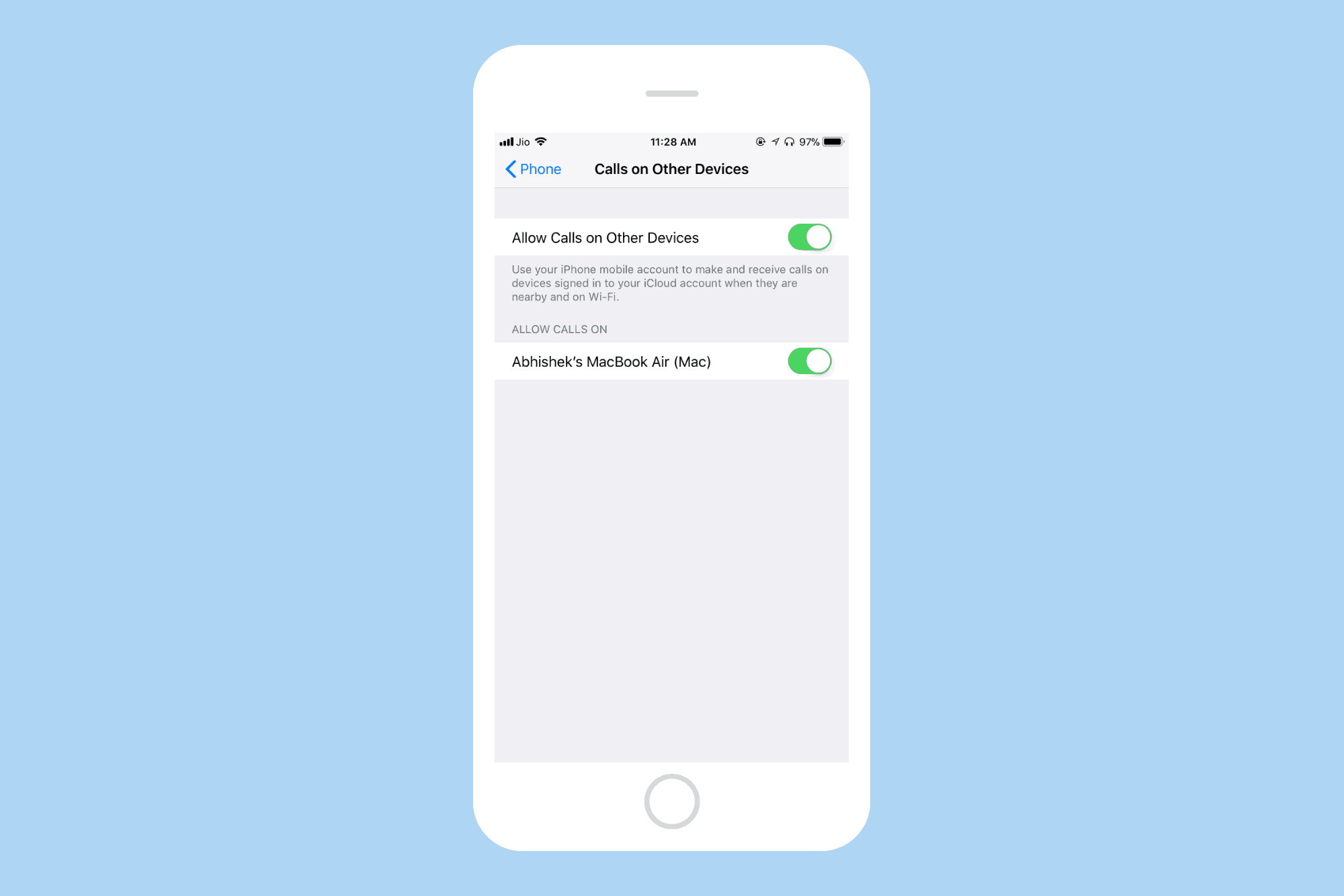
Allow calls on other Apple devices.
Photo: Cult of Mac

Wi-Fi Calling is a technology that lets you make and receive calls over a WiFi connection instead of the regular cellular connection. Wi-Fi Calling on your iPhone can be helpful in areas with little or no cellular coverage.

Let’s see how you can enable Wi-Fi calling on your iPhone.

1 48 49 50 51 52 136