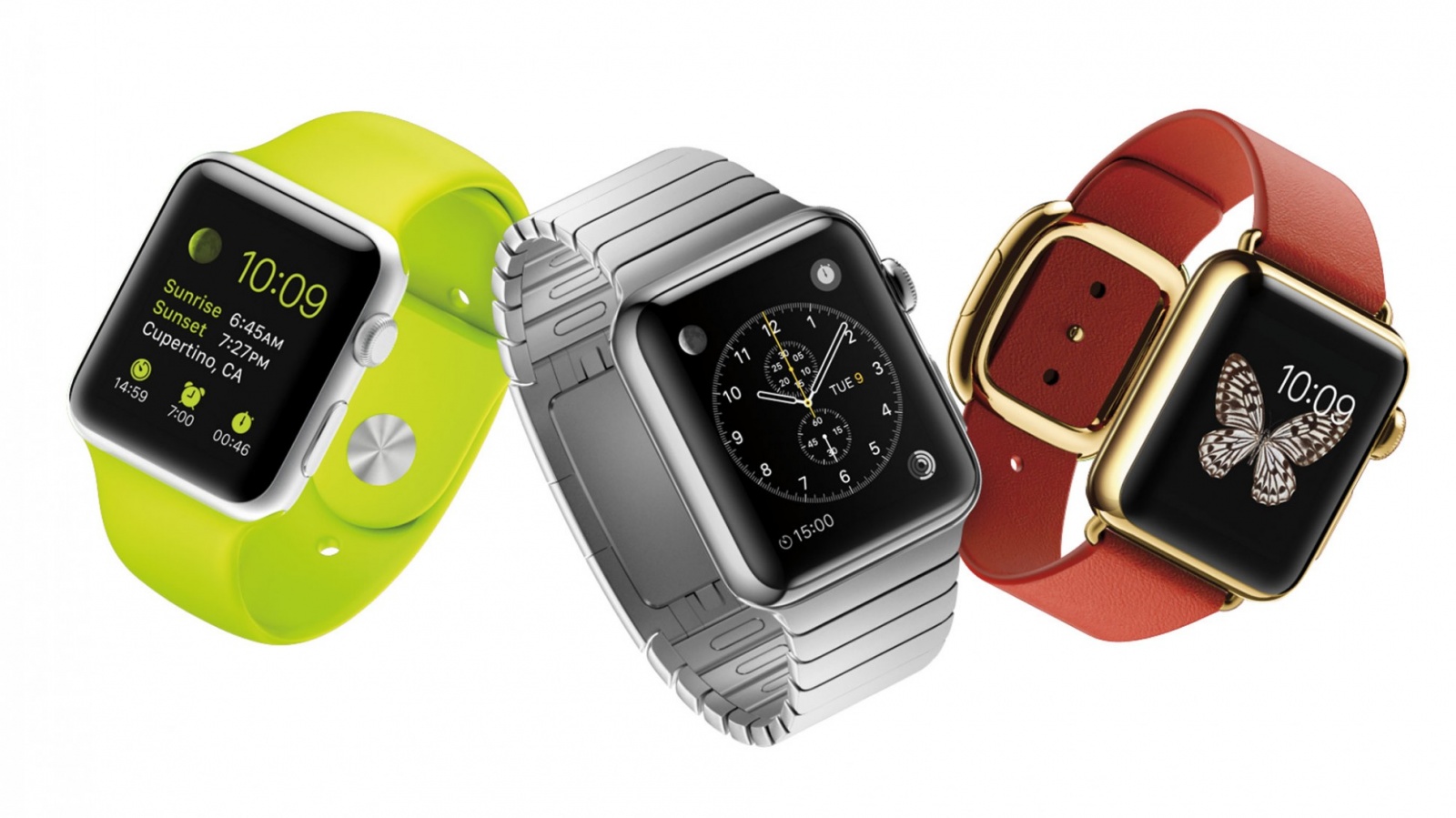
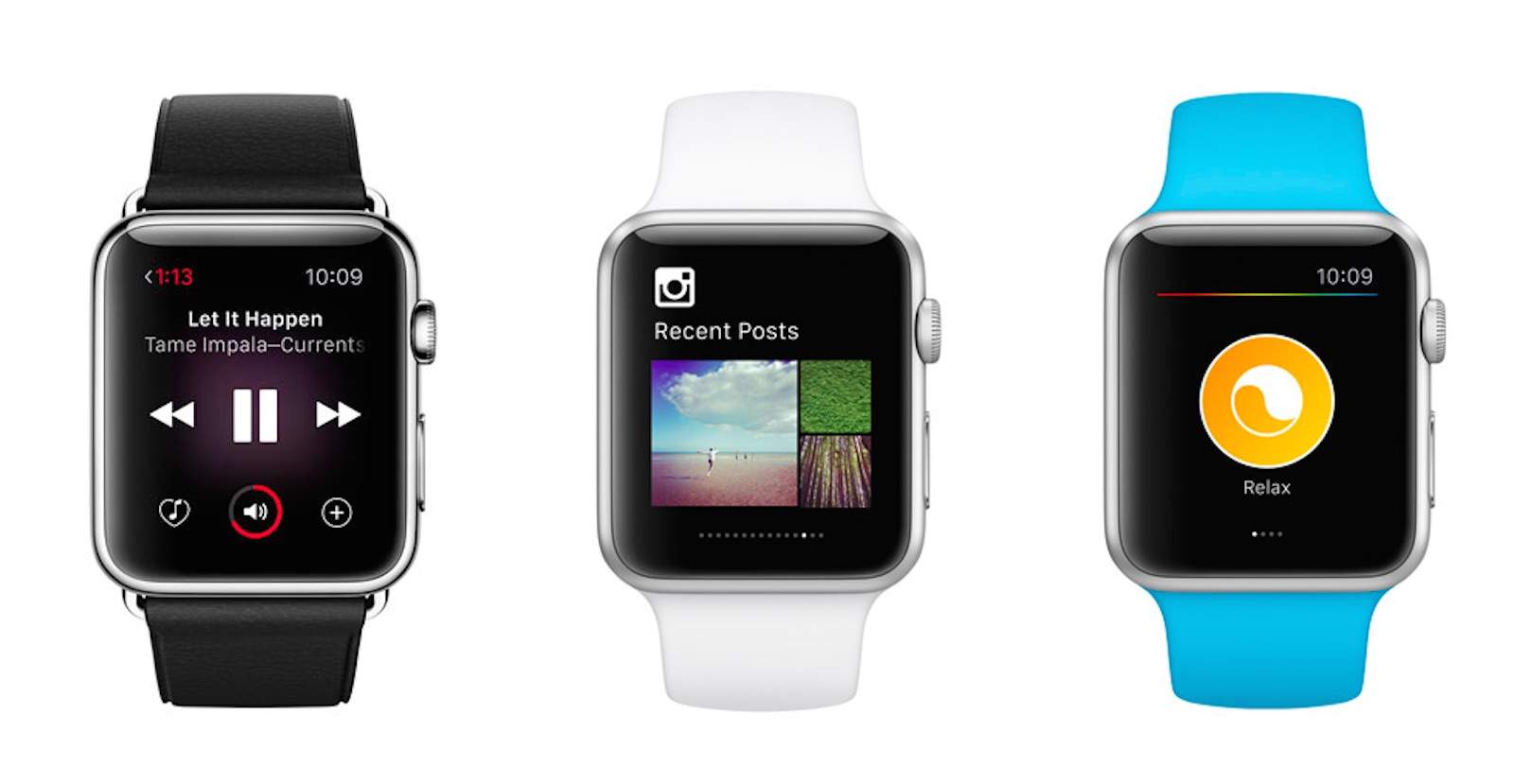
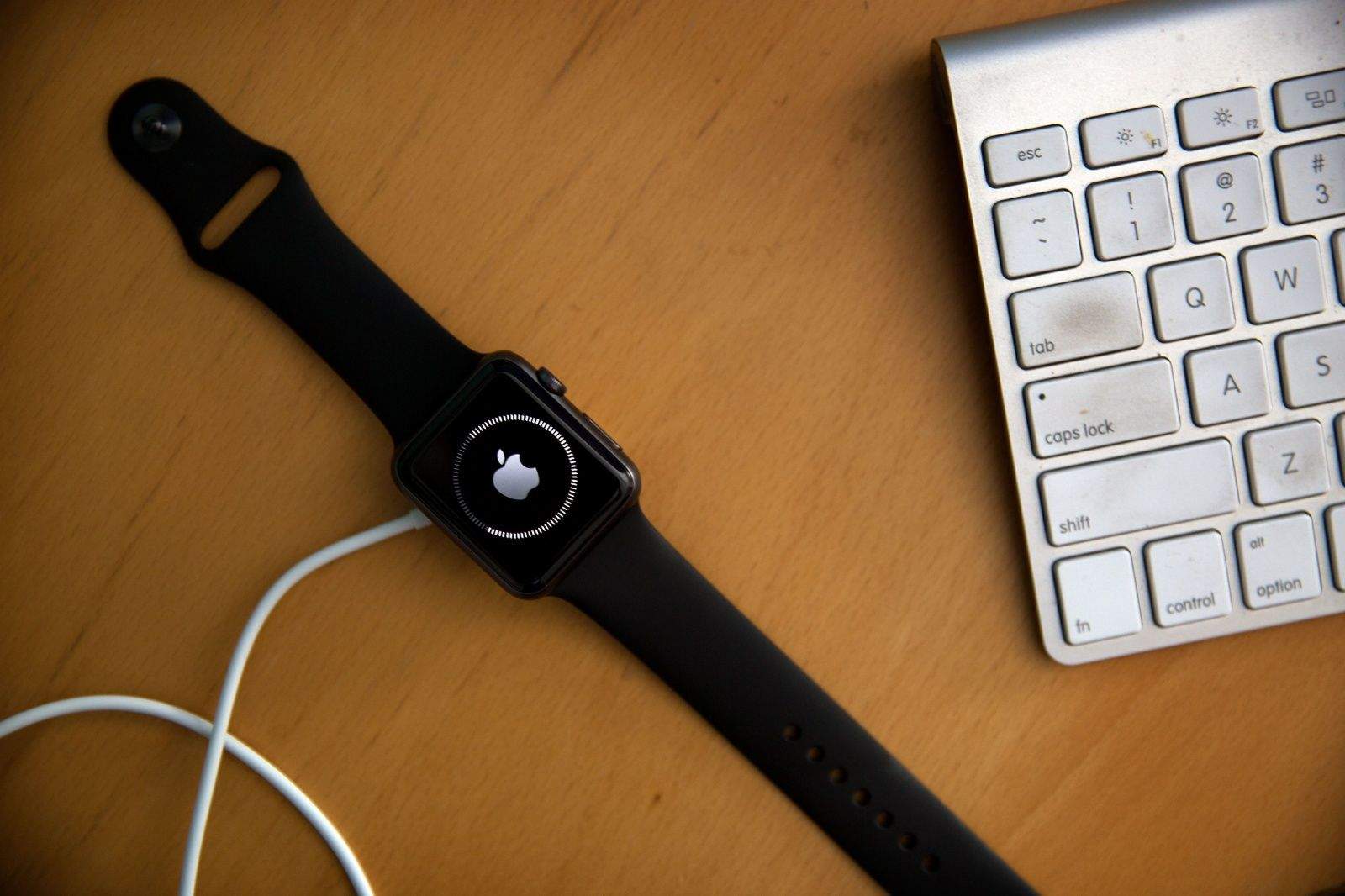
As smartwatches grow in popularity, the Apple Watch will continue to be the hands-on - or wrist-on - favorite. Photo: Apple
Apple Watch owners received a new software update this morning in the form of watchOS 2.1.
The new update comes over a month after watchOS 2.0.1 was made available to the public and contains a number of bug fixes and performance improvements to go with expanded system language support.
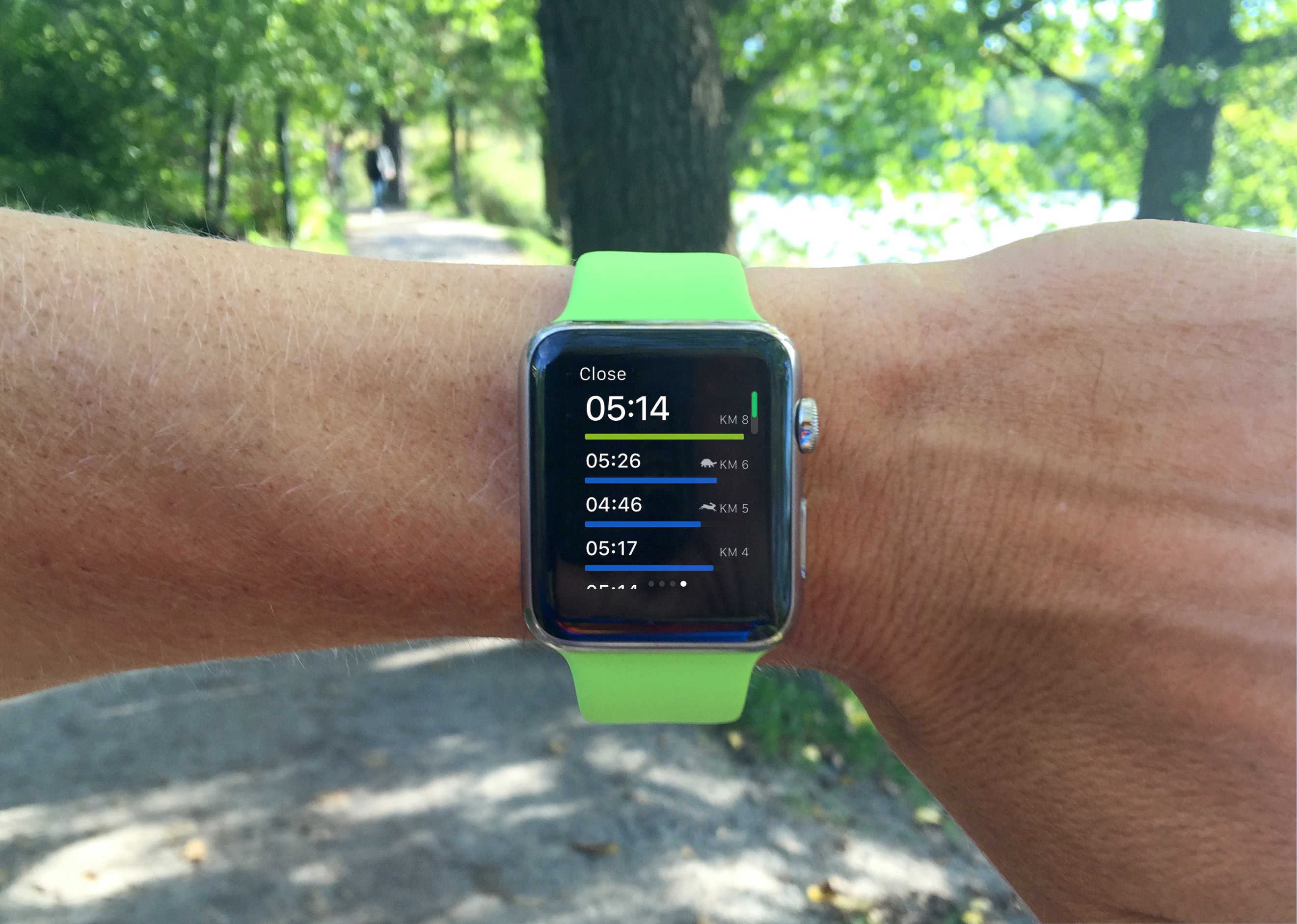
Runtastic's text is sometimes too small to read while running Photo: Graham Bower/Cult of Mac
WatchOS 2 offers cool new features for third-party fitness apps. But a week after its launch, most leading fitness apps have yet to go native and take advantage of the Apple Watch update.
So what’s up? The answer may lie in Apple’s new workout API, which does not provide the GPS coordinates required for apps to map your run or cycle ride.
Don't go anywhere, Apple Watch -- we're not finished yet. Photo: Jim Merithew/Cult of Mac
Here’s another tip that’s snuck into watchOS 2: Did you know that you can keep your Apple Watch awake longer now while you’re using it?
Apple hasn’t mentioned this feature much, if at all; we couldn’t even find it on the details screen when we upgraded. But it’s a great addition to the firmware that will save you a little frustration and a lot of wrist-flipping.
Third-party complications are here in watchOS 2. Photo: Evan Killham/Cult of Mac
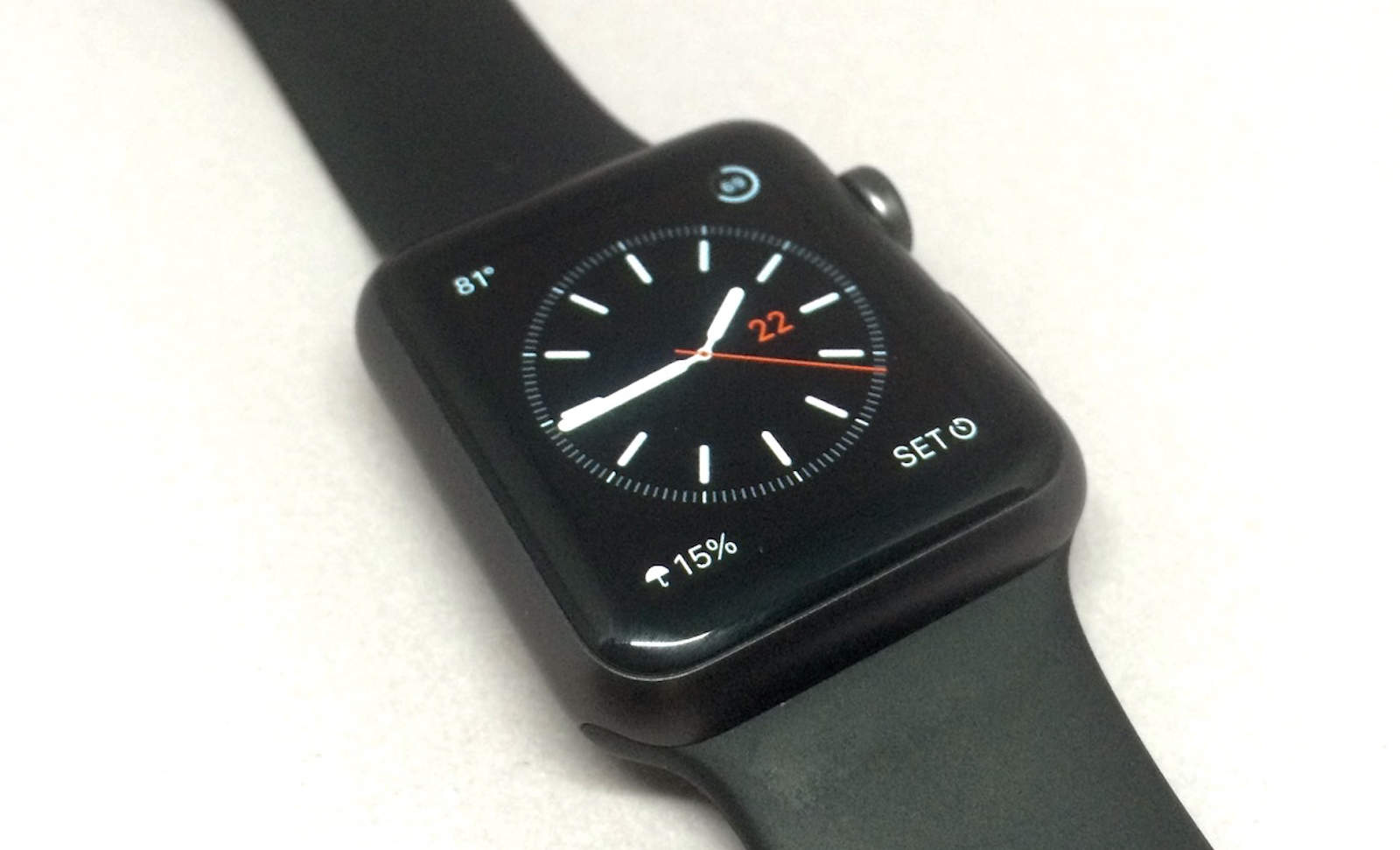
Third-party complications have arrived to the Apple Watch in watchOS 2, and setting them up is far from complicated.
The new operating system for Apple’s wearable dropped this week, and this is one of the features the company has talked up the most. And rightly so, because it adds a ton of new functionality to the device.
Here’s how to put a wealth of new information on your watch face.
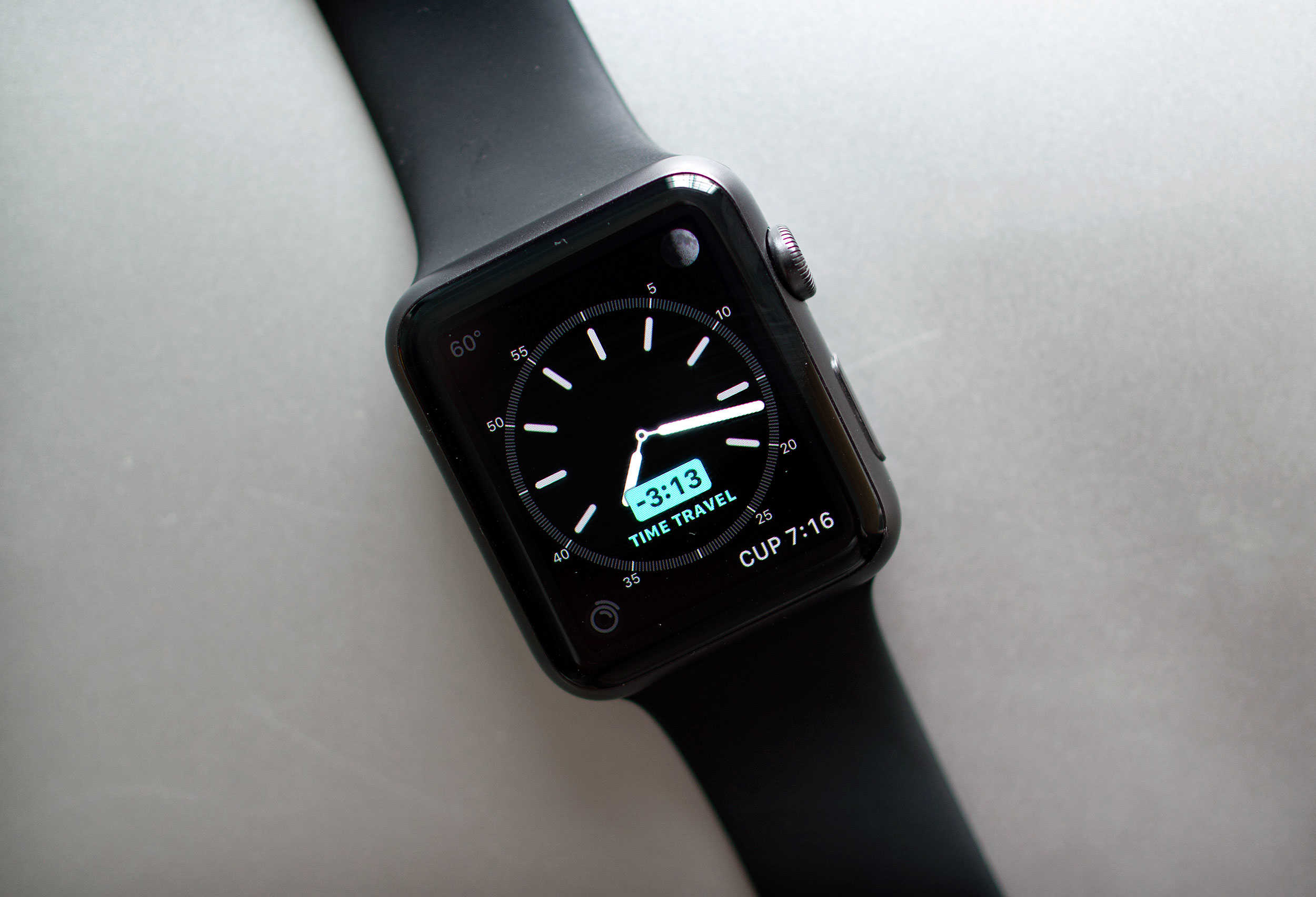
Time travel without a flux capacitor - right on your wrist. Photo: Jim Merithew/Cult of Mac
If there’s one thing we could all benefit from, it’s more time in the day. Unfortunately, Time Travel on the new Apple Watch operating system, watchOS 2, won’t actually let you travel back in time to get a few extra hours of Netflix in, no matter which edition you purchased.
However, watchOS 2 does now include a new feature called Time Travel, which lets you see the past and future right on your wrist. You can check what the weather will be a few hours from now for your drive home, see if you’ve got any appointments later in the day, or just figure out what time the sun set yesterday to prove you were home before it got dark.
Either way, here’s how to Time Travel on your Apple Watch running watchOS 2.
The new custom faces aren't the only great part of watchOS 2. Photo: Jim Merithew/Cult of Mac
Apple’s second major iteration of its wearable firmware, watchOS 2, is finally out today, and it has some extra fun features hiding along with all of the ones the company has been talking about since it first announced the update back in June.
Sure, native apps and custom watch faces are cool, but watchOS 2 also contains some smaller updates that you have to look for. Here are some of the hidden gems.
Apple Watch is a killer device, even without a "killer app." Photo: Jim Merithew/Cult of Mac
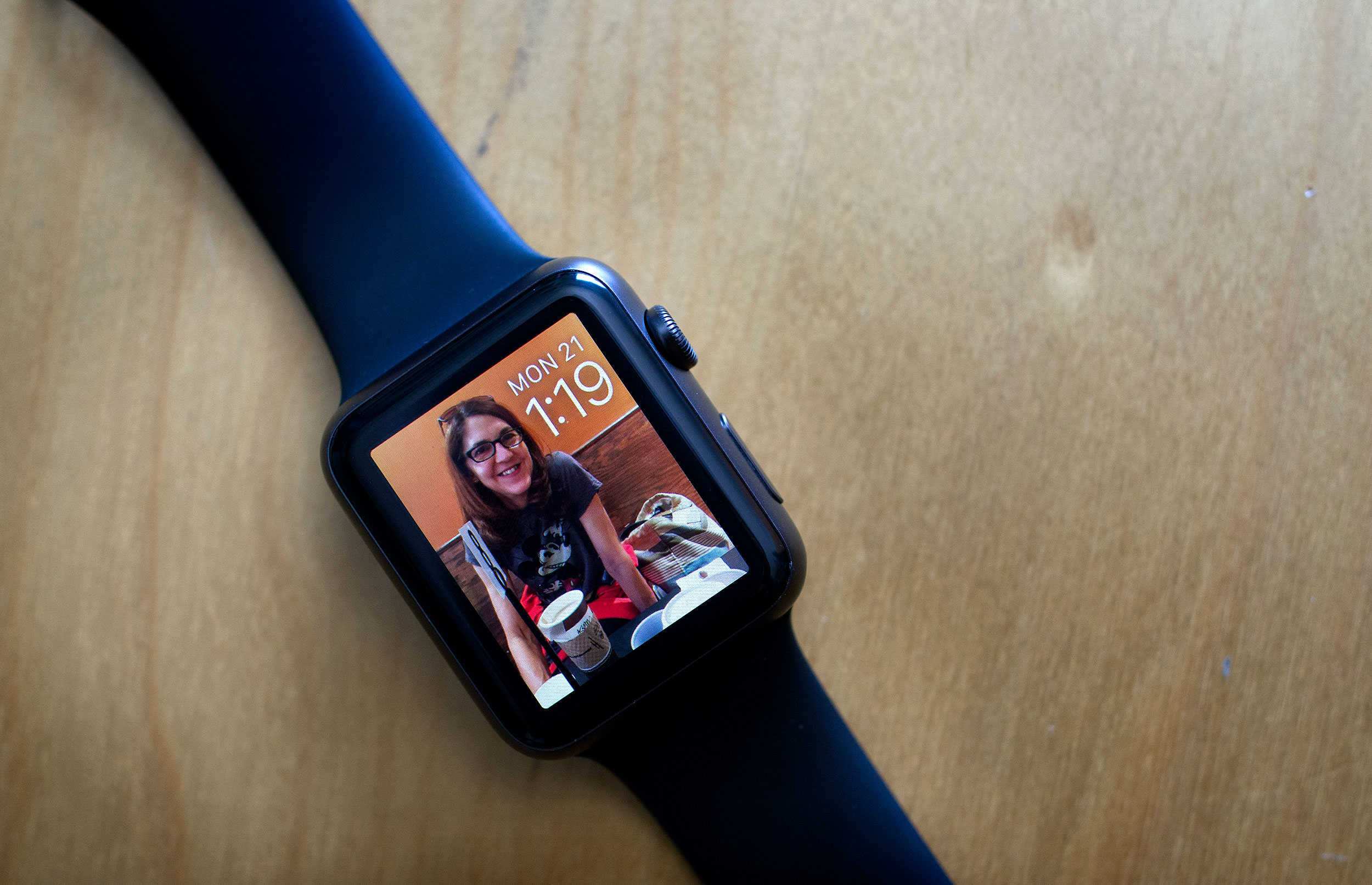
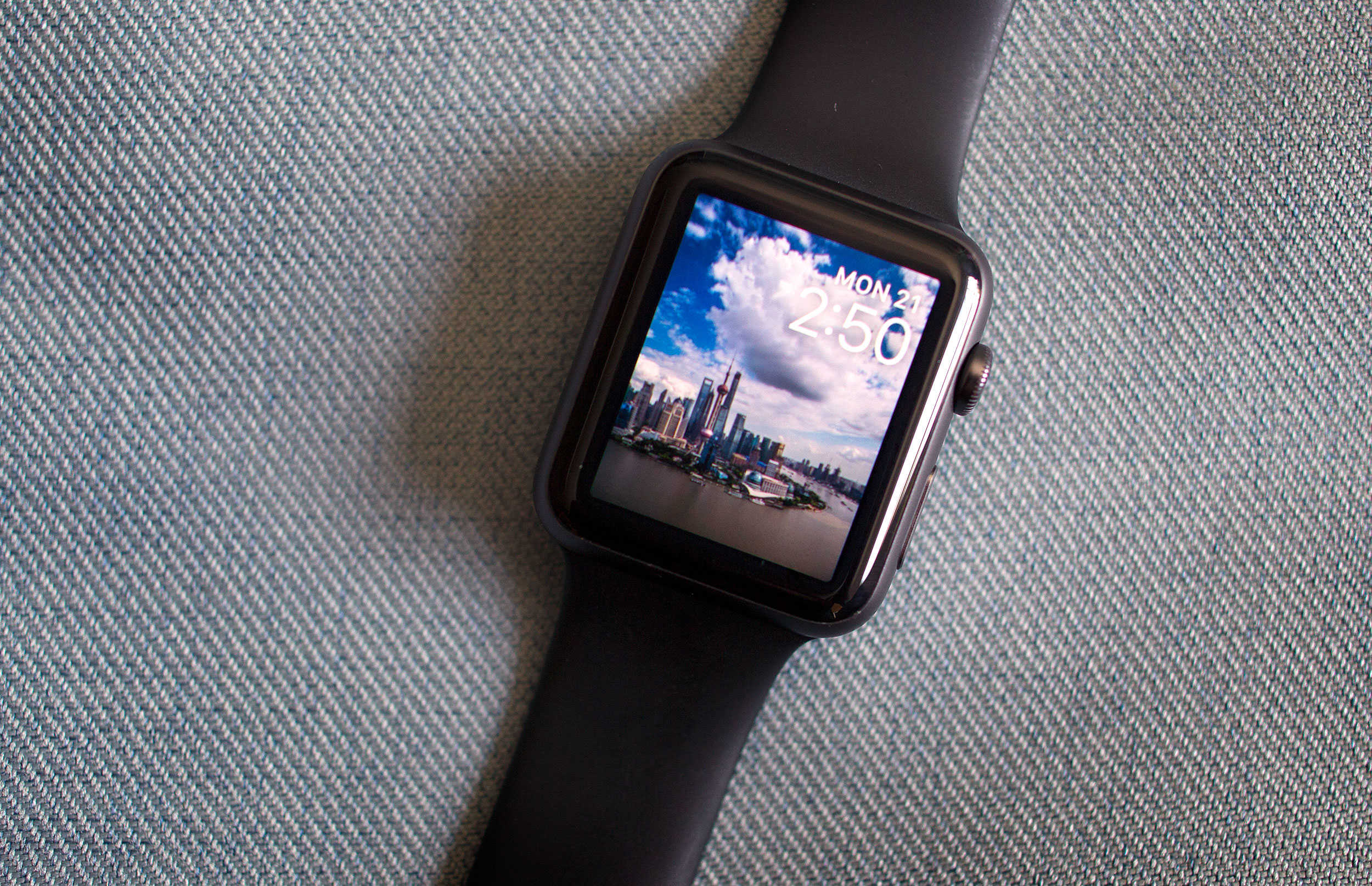
I was so excited to have a color screen on my Apple Watch when I picked the Sport up this past April.
When I went through all the watch faces, though, I was rather underwhelmed; really, you have a bright, high-resolution monitor on your wrist and all you can do is put a moving moth or Mickey Mouse on it? Ugh.
Luckily, with watchOS 2, Apple’s made things just a little brighter and a little more animated. Here’s how to get these snappy new watch faces on your own Apple Watch.
Or the next day. Or the day after that. Photo: Apple
If you’ve been anxiously waiting to upgrade your Apple Watch to watchOS 2 today — well, sadly, you’re out of luck.
Despite announcing last week that watchOS 2 and iOS 9 would be released today, Apple has just dropped the bombshell that Apple Watch users won’t be upgrading their operating systems quite yet, thanks to the discovery of a critical bug.
Can't wait for all the new Watch stuff? Here's how to install watchOS 2. Photo: Jim Merithew/Cult of Mac
Update: Apple has delayed deployment of watchOS 2, possibly for a day or more, after discovering a bug that’s taking longer to fix than expected.
Are you ready? It’s finally time to update your Apple Watch to watchOS 2. The software upgrade will let you run third-party apps right on the Watch without your iPhone, add nightstand mode and new watch faces (including your own photos), and much more.
If you’re ready to make it so, read on and get all these new features on your wrist today.