Mobile menu toggle

Search results for: watchos 2

10 awesome new features Apple didn’t talk about at WWDC23

By

Apple Didn’t Show You These
Apple didn’t have time to show you all the awesome features in iOS 17.
Image: D. Griffin Jones/Cult of Mac
WWDC23

Despite dumping massive engineering resources into its brand-new visionOS platform for the Vision Pro headset, Apple is bringing loads of new features to iOS, iPadOS, macOS, watchOS and even tvOS this year. Headlining features include NameDrop, StandBy, Journal, Live Stickers, pet tagging in Photos and blurring unsolicited nude pictures.

However, Apple didn’t have time during its jam-packed WWDC23 keynote this week to cover all the new features. Now that iOS 17 is out, here are some of the hidden gems people have discovered in Apple’s latest operating systems.

watchOS 10 brings Optimized Charge Limit to older Apple Watch models

By

Now's your chance to grab an affordable Apple Watch 7.
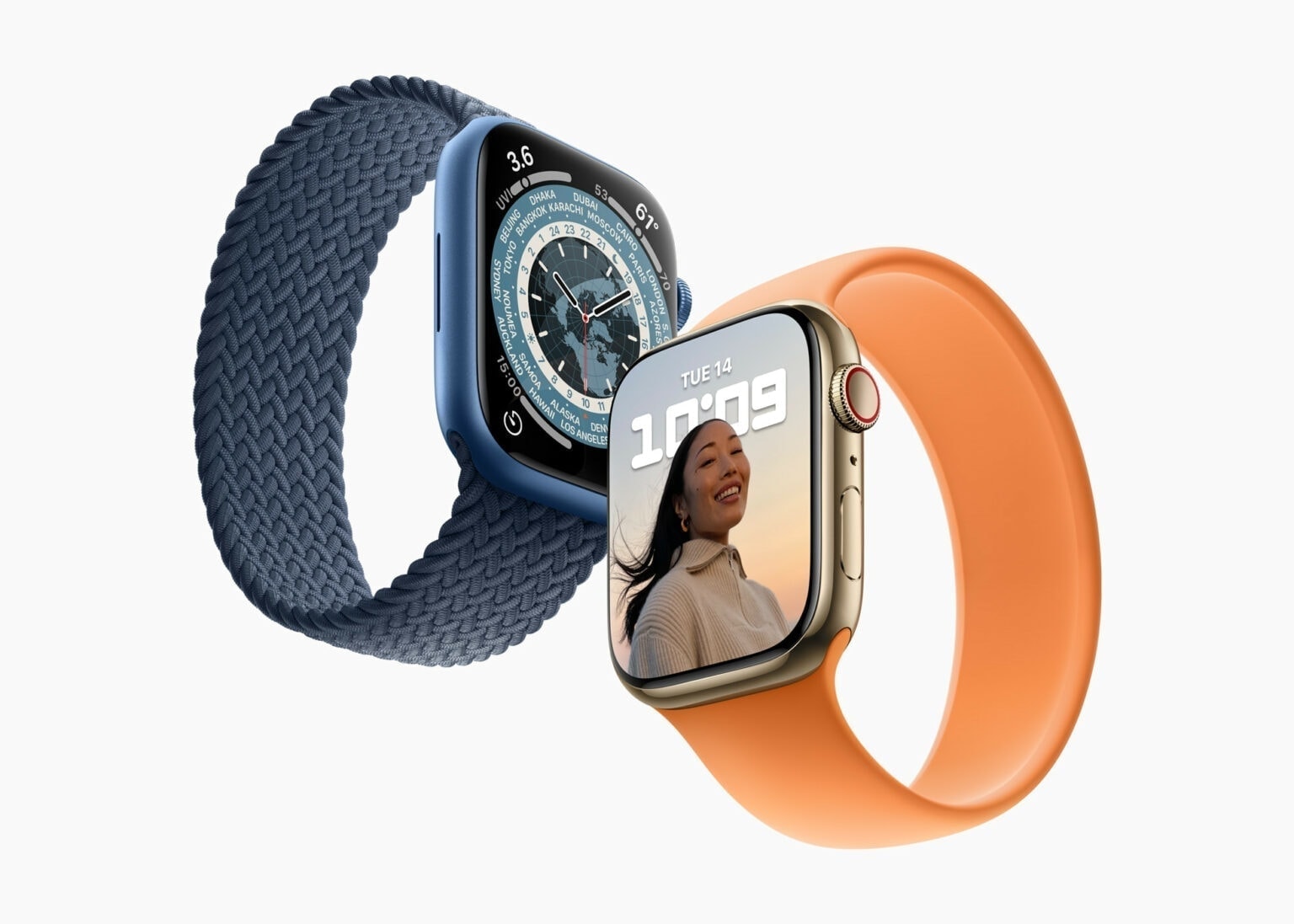
An Apple Watch Ultra feature is coming to regular Apple Watch models with watchOS 10.
Photo: Apple

watchOS 10 will bring Optimized Charge Limit, as seen on the Apple Watch Ultra, to older Apple smartwatches. The feature debuted with watchOS 9 but was only available for the Ultra wearable.

Optimized Charge Limit is different from Optimized Battery Charging. However, both features aim to extend the lifespan of your Apple Watch’s battery.

How to install the watchOS 10 Developer Beta

By

watchOS 10 will work with Apple Watch Series 4 and newer.
watchOS 10 features big changes to the Apple Watch.
Photo: Apple

How can you install the watchOS 10 Developer Beta? While the release is months away, you might want to take it for a test drive or see how your apps work in the new release. Right now, you need to make sure you’re signed into your developer Apple ID and that you have developer betas turned on in the Settings app.

These days, the process is far easier. You no longer need to install a beta profile and reboot your watch a bunch of times to get it working.

First iOS 17, macOS Sonoma, watchOS 10 developer betas now ready for testing

By

iOS 17, iPadOS 17, watchOS 10 and macOS Sonoma are coming to these devices.
Nearly every Apple device has a new beta out.
Photo: Apple

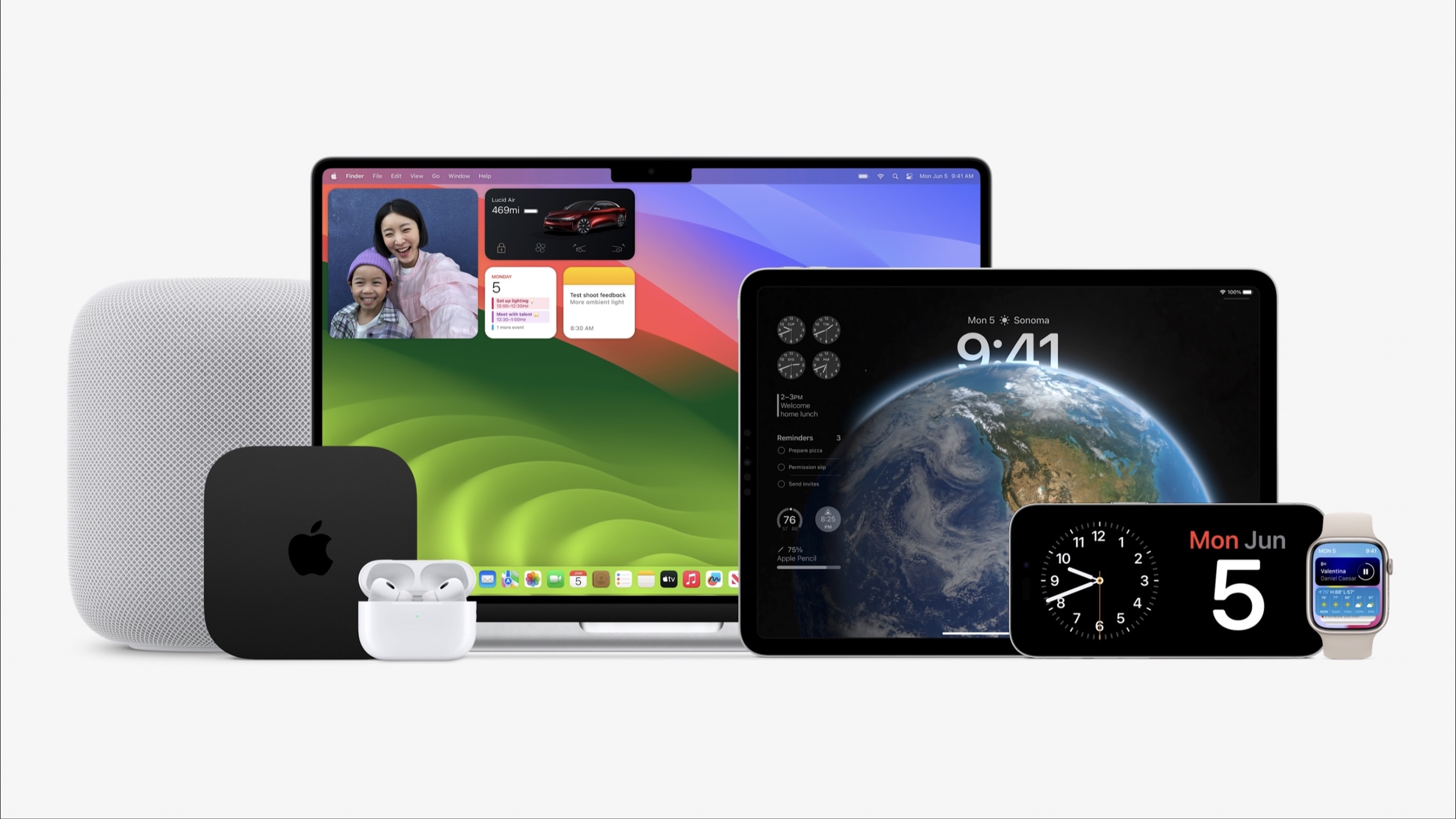
With macOS Sonoma, iOS 17, iPadOS 17, watchOS 10 and tvOS 17 unveiled at WWDC23 on Monday, Apple made the initial betas available to developers. These are major updates for the various operating systems that run all Apple computers.

Beta testing will stretch through summer, with the full release of these OSs not coming until autumn.

Apple’s biggest reveals at WWDC23

By

Here's everything you need to know about WWDC23, Apple's
Here's everything you need to know from the WWDC23 keynote, the beginning of Apple's "best ever" developer event!
Image: Cult of Mac
WWDC23

The Keynote from WWDC23 was unusually jam-packed with huge announcements. Naturally, the first official details of new iOS, macOS, iPadOS and watchOS versions came to light, as is traditional. But Apple also used its annual developer conference to take the wraps off quite a bit of hardware.

And CEO Tim Cook used Apple’s classic “One more thing” line to unveil Vision Pro, the augmented-reality headset that was the absolute star of Monday’s Keynote.

Widget fans and cyclists and will love watchOS 10

By

watchOS 10 will work with Apple Watch Series 4 and newer.
Photo: Apple
WWDC23

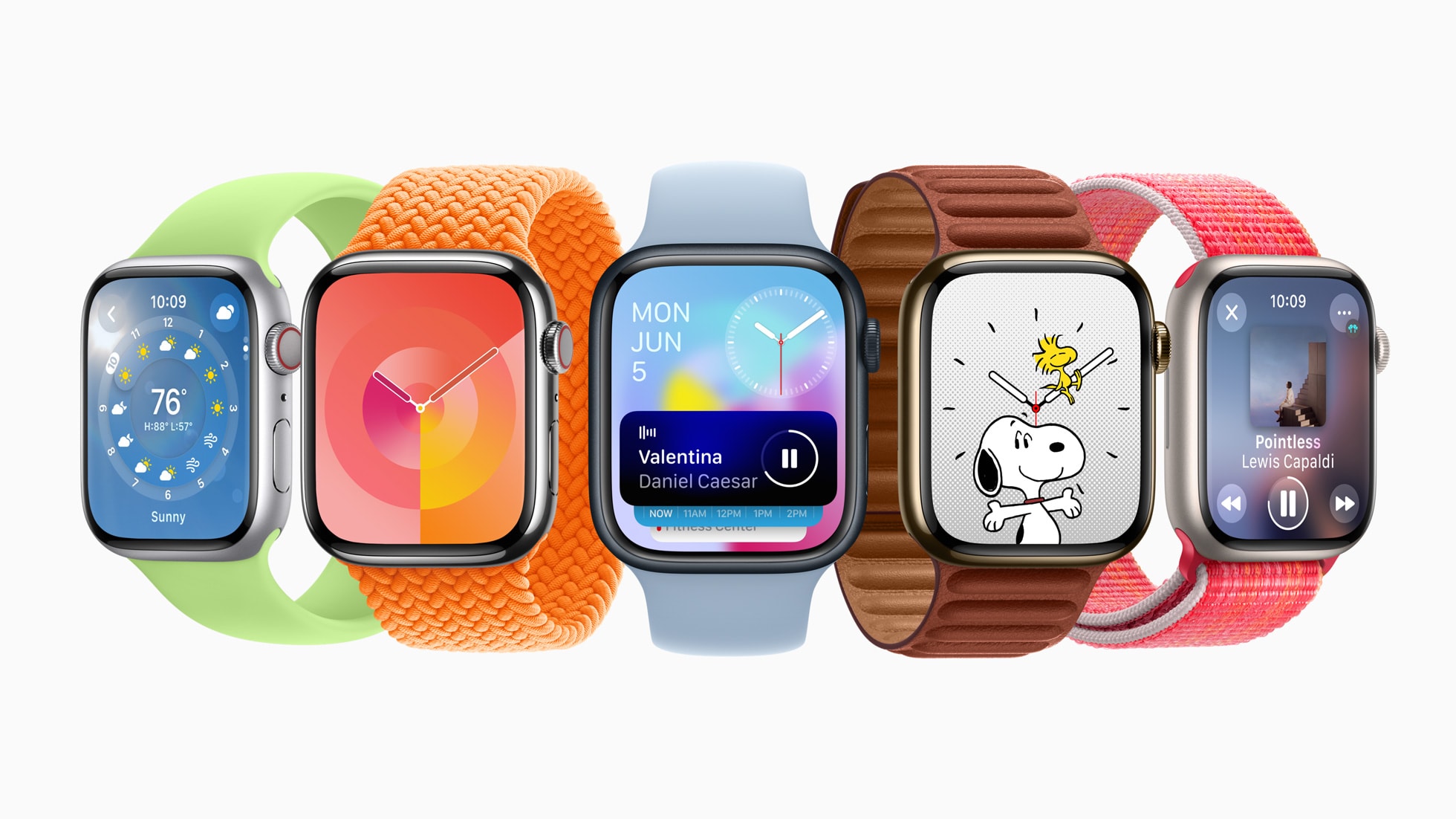
watchOS 10 will introduce widgets and bring a new look for many built-in Apple Watch apps. But the biggest changes come to the Workout app, which adds features that serious cyclists have been demanding for years, including support for third-party Bluetooth power and cadence meters.

WWDC23: What to expect from Apple’s blockbuster keynote [Updated]

By

WWDC23: What to expect
Apple has plenty of announcements lined up for WWDC23
Photo/Graphics: Apple/Rajesh
WWDC23

With Apple’s Worldwide Developers Conference just a week hours away, anticipation is building for what looks like one of the company’s most momentous events in years. In addition to the next versions of iOS, iPadOS, watchOS and macOS, Apple reportedly plans to use its WWDC23 keynote on June 5 to showcase some very interesting hardware.

Here’s a roundup of what to expect from the WWDC23 keynote, which streams live at 10 a.m. Pacific today.

Apple Store goes down ahead of WWDC23 opening keynote

By

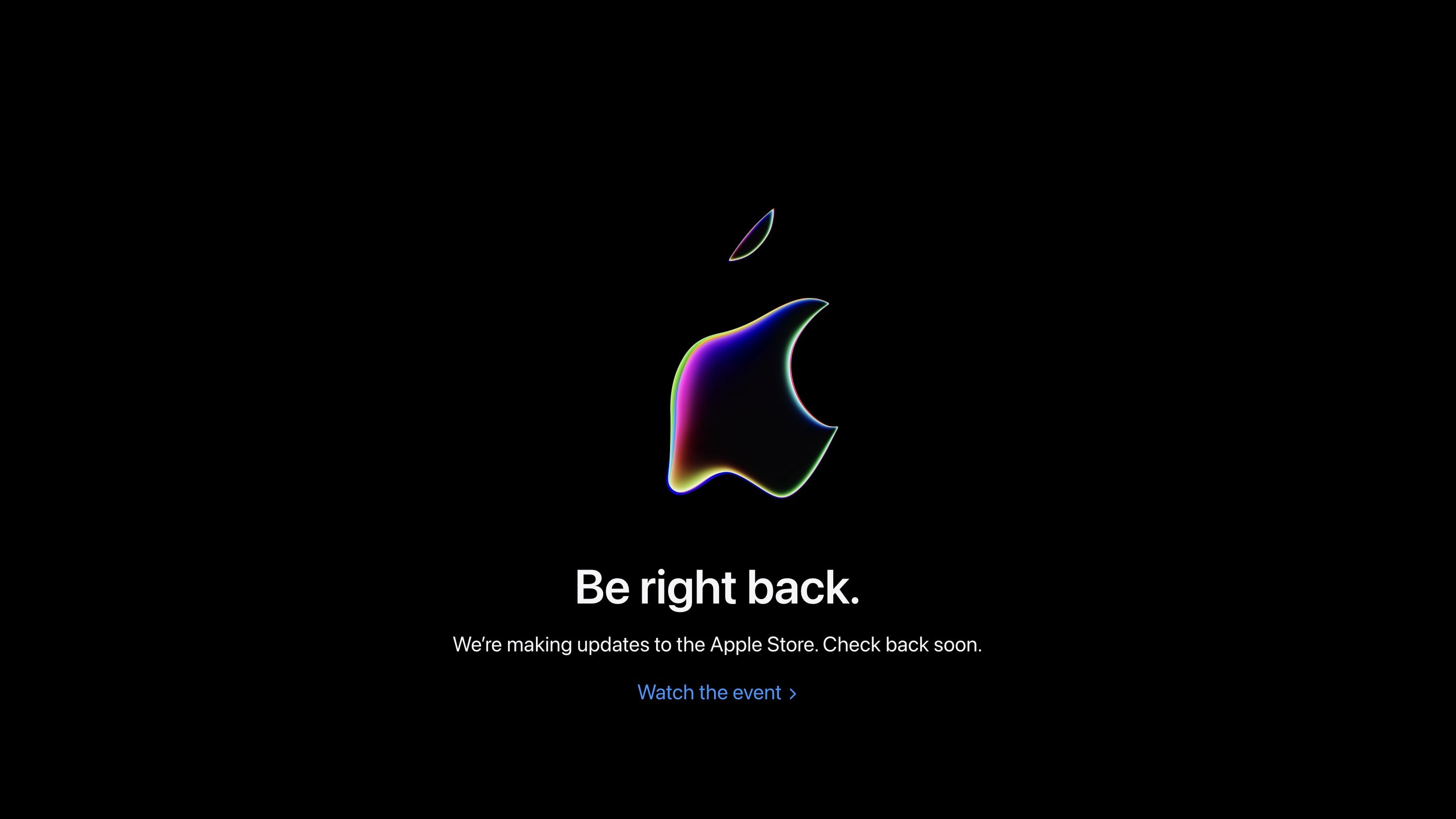
Apple's online store has gone down ahead of WWDC23.
You gotta wait until WWDC23's opening keynote is over to order stuff from Apple's online store.
Screenshot: Apple/Rajesh
WWDC23

Apple’s online store down a few hours ahead of the WWDC23 opening keynote. The Cupertino company could announce several new hardware products at the event.

Alongside the 15-inch MacBook Air and new Mac Studio, Apple will also unveil iOS 17, iPadOS 17 and watchOS 10.

5 ways to watch Apple’s WWDC23 keynote [Updated]

By

WWDC23 logo over aerial photo of Apple Park
Apple’s Worldwide Developer Conference once again takes place at Apple Park in Cupertino.
Photo: Arne Müseler/Wikimedia Commons/Apple
WWDC23

Apple’s WWDC keynote is the biggest event of the year, kicking off the annual cycle of software updates and changes to every single platform — iPhone, iPad, Mac, Apple Watch and Apple TV. Only a few people buy a new Apple product every year, but everyone has something to look forward to after WWDC. How can you watch it all unfold this Monday?

You can watch the live stream on the web on Apple’s website or on YouTube, inside the free Apple Developer app, on your smart TV, and for a select lucky few, in person — my tips on how to make the most of that and more are all below.

Apple Watch to gain iPhone-like widgets with watchOS 10

By

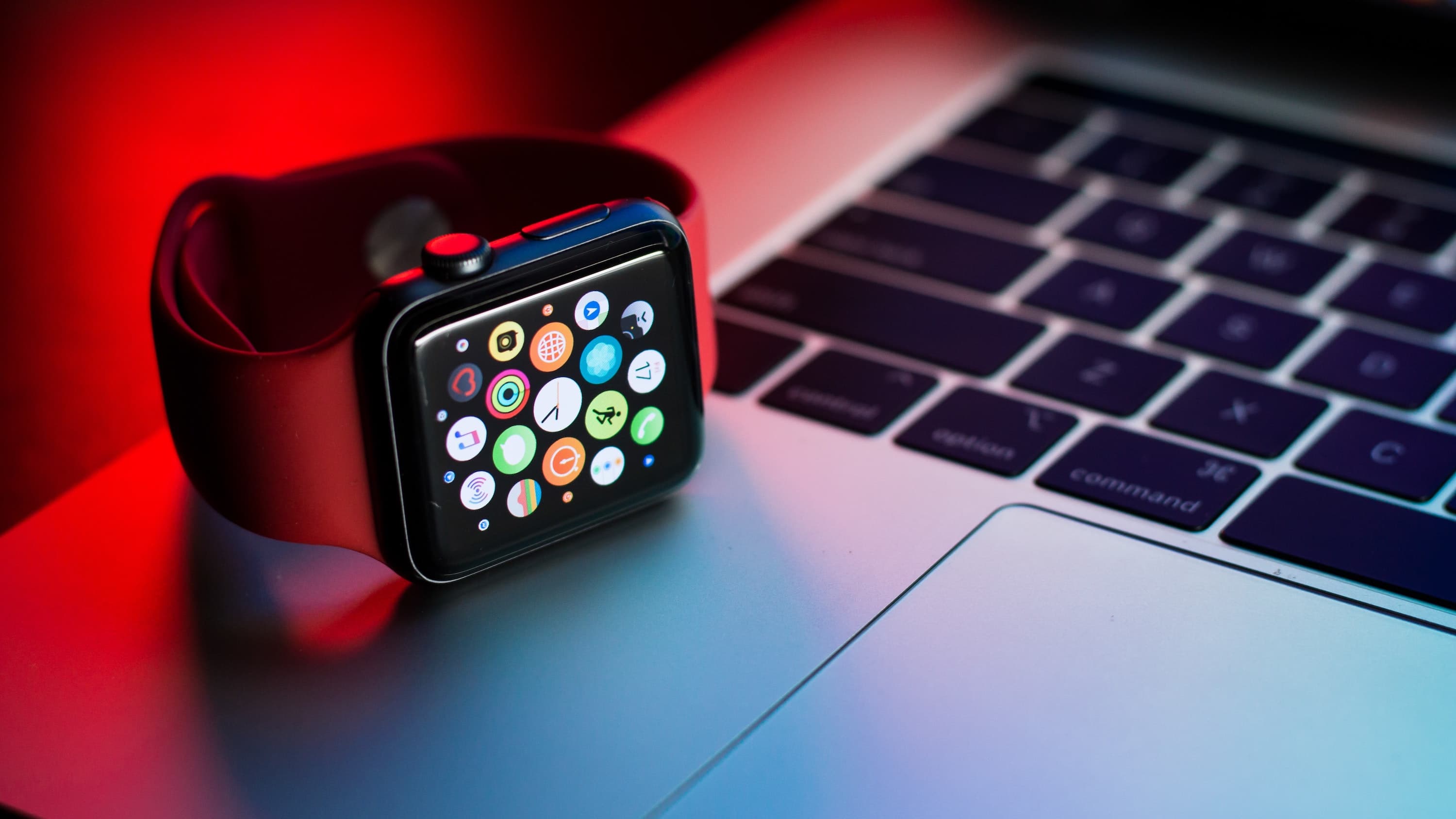
Apple Watch and MacBook
watchOS 10 could bring some radical changes to Apple Watch.
Photo: Naipo.de/Unsplash

Apple Watch reportedly will get iOS-like widgets when watchOS 10 arrives later this year. Plus, Apple might change the way some Apple Watch buttons work.

The company plans to make these changes to give Apple Watch users faster access to important information. Widgets will mean users won’t need to open a dedicated app to quickly see an overview of vital information at a glance

1 13 14 15 16 17 136