'Appy weekend everyone! Photo: Ste Smith/Cult of Mac
Don’t want to spend your weekend catching up on paperwork or mowing the lawn? No problem: Cult of Mac is here to help you.
We’ve combed through the various apps which landed in the App Store over the past seven days, and picked out what we think is the cream of the crop. From Hulu’s new Live TV subscription service to a hypnotically fun puzzle game, here’s everything you (may have) missed this week.
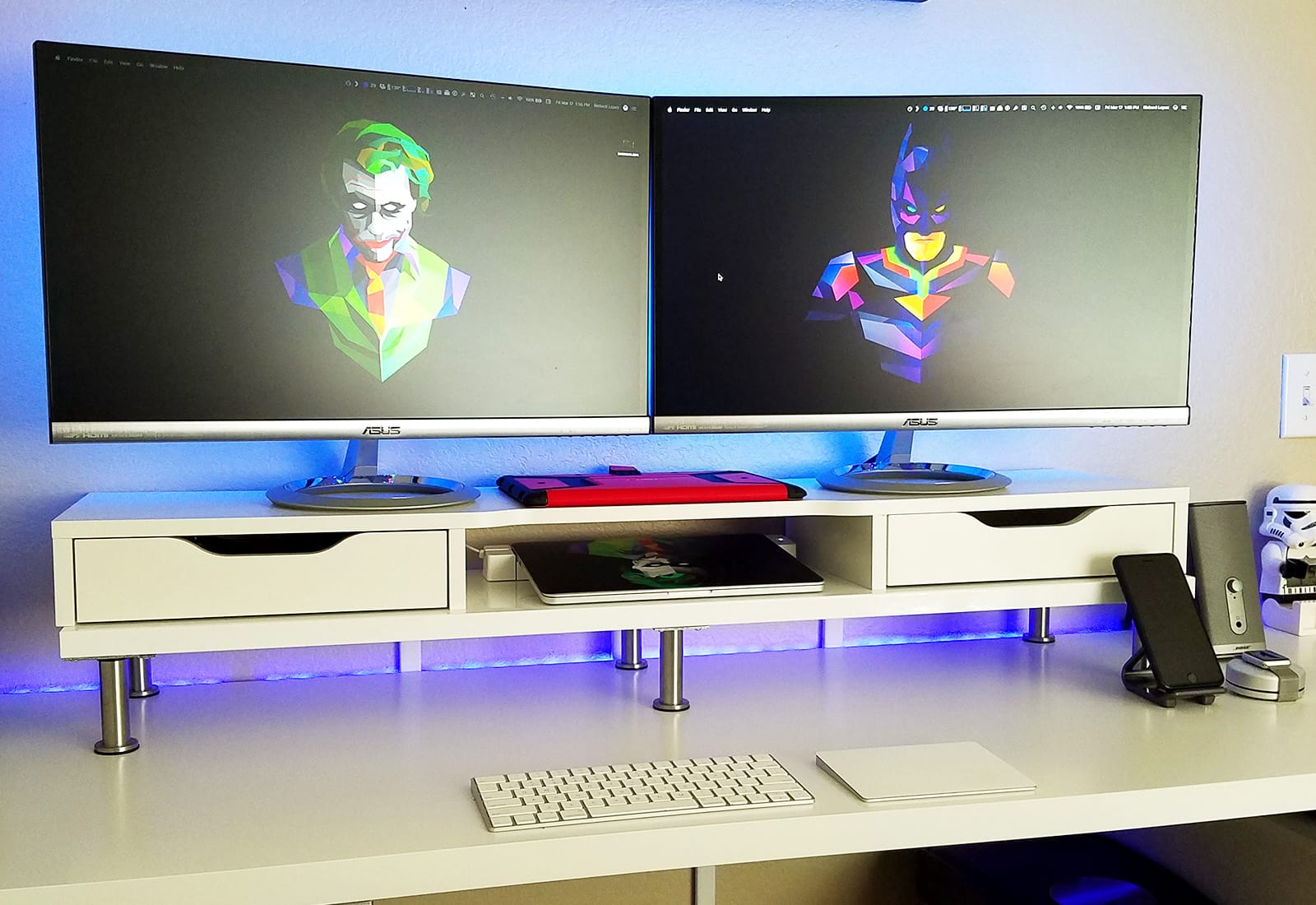
This week's Mac setups all prove monochrome can easily stand out. Photo: Powi Hart
For a Mac setup to stand out, it doesn’t need a ton of color. Take the picture above from Cult of Mac reader Powi Hart, for example. Everything in there is either white, black or silver — and it looks fantastic.
In fact, these white-and-black-themed Apple setups have got to be some of my favorites so far. Check out this week’s three iSetups submissions in the video below. iSetups is our new show that highlights the best Apple-centric setups submitted by our viewers. (You’ll also get plenty of tips and tricks for how you can improve your own setup.)
Each of this week's Mac setups will put your wire game to shame. Photo: Richard Lopez
Good cable management is harder than it looks. I should know: Both my home office and my work office are a mess of wires, despite trying to sort things out numerous times.
Unlike my failed attempts, this week’s three iSetups submissions get it down to a fine art. iSetups is our new show that highlights the best Apple-centric setups submitted by our viewers. (You’ll also get plenty of tips and tricks for how you can improve your own setup.)
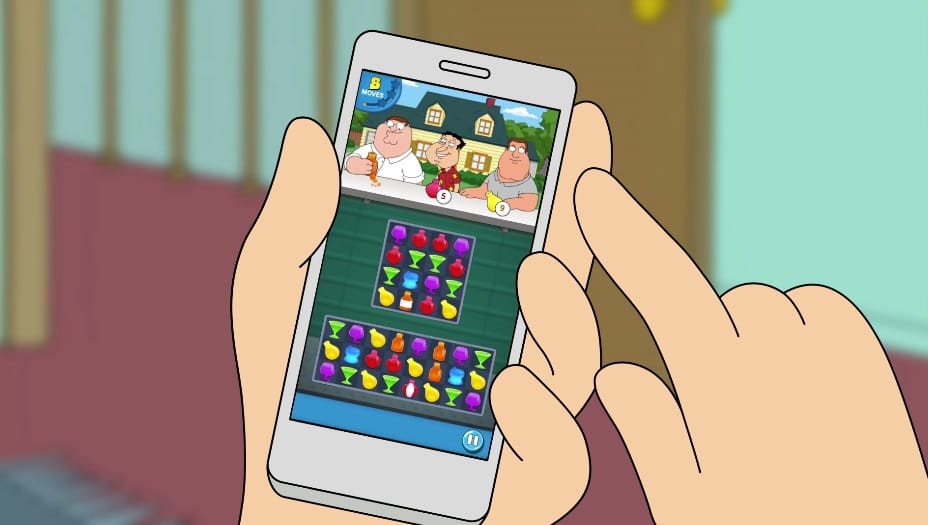
Get your hands on the new Family Guy game now! Photo: Jam City
What the deuce! Jam City just dropped a new Family Guy game for iOS, and if you’re a fan of puzzle games (or Family Guy), you should go download it now.
Another Freakin’ Mobile Game is an addictive matching game featuring 160 challenging levels and all your favorite characters from the show.
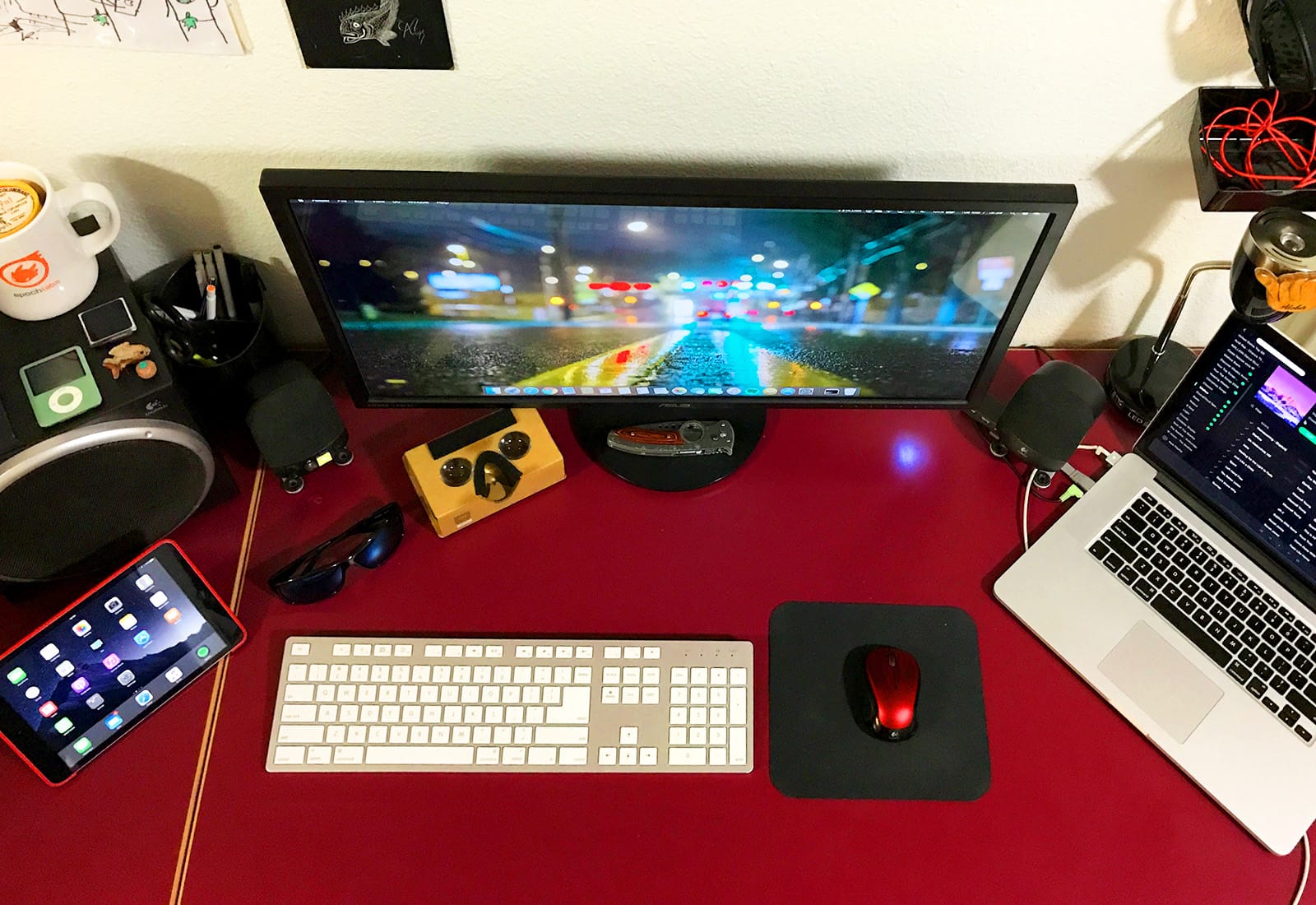
Red is definitely the color of the day in Episode 2 of iSetups, our weekly showcase of readers' Apple setups. Photo: David Meier
Some sports fans show their allegiance by decorating their cars or wearing team jerseys. For Cult of Mac reader David Meier, his favorite sports team, the Texas Aggies, is a major influence on his choice of a red color scheme for his desk setup.
His Aggies-themed Mac arrangement is one of several showcased in this week’s episode of iSetups, our new show that highlights the best Apple gear submitted by our viewers. (You’ll also get plenty of tips and tricks for how you can improve your own setup.)
Available from the Apple store soon. Photo: Logitech
Logitech’s neat little Pop buttons, which bring simple controls to your smart home devices, now work with Apple HomeKit.
The latest Pop kit, available exclusively from the Apple store and Apple.com, comes with the bridge device you’ll need to integrate Pop buttons into your network.
Learn all you need to know to get the most out of your iPhone's camera. Photo: Ste Smith/Cult of Mac
While iPhones have pretty much replaced standalone video cameras, they don’t offer the same level of polish that a dedicated video camera or DSLR produces. It’s true that “the best camera is the camera you have with you,” but you can almost always spot a video shot on a phone.
The quality gap isn’t purely due to the lenses and tech within our phones, though. Bad habits make plenty of iPhone videos look lackluster. To show just how good an iPhone video can be, I put all my filmmaking knowledge to use for the montage below.
Instead of using my $3,000 video camera, I picked up my iPhone. With a minimum of accessories, I managed to produce what I think is a pretty cinematic video. You can see the results below — and then I’ll give you some useful tips and tricks for shooting iPhone videos like a pro.
'Appy weekend everyone! Photo: Ste Smith/Cult of Mac
If you’re looking to unwind this fine Sunday by sampling the latest App Store delectables for your iPhone or iPad, look no further: Cult of Mac has your hookup!
Whether you’re seeking a fun party game, a great minimalist puzzler, or Apple’s new video and photo-sharing Clips app, we’ve got what you’re searching for.
Check out our picks below. You won’t be disappointed.
Mossberg shares a lighthearted moment on stage with Steve Jobs. Photo: Joi Ito/Flickr CC
Walt Mossberg, the award-winning tech writer who was one of Steve Jobs’ favorite journalists, is retiring.
Currently serving as executive editor at The Verge and editor-at-large of Recode, Mossberg has been one of the best-known names in tech writing since 1991, when he started writing his “Personal Technology” column for the Wall Street Journal.