Mobile menu toggle

Search results for: apple tv

These iOS 17, iPadOS 17 and macOS Sonoma features are not coming to older devices

By

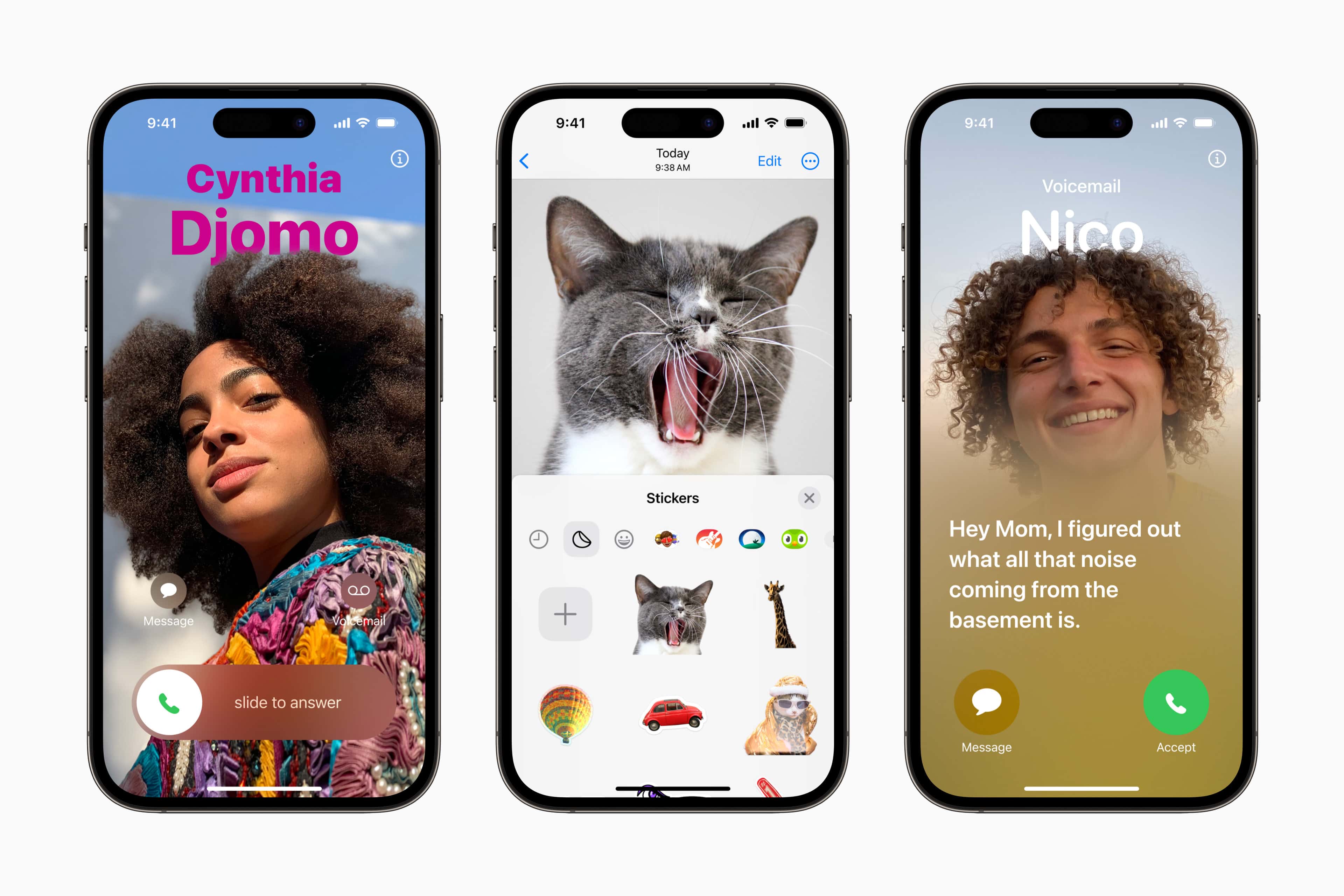
New contact posters, iMessage stickers and voicemail transcription
Certain new iOS 17 features will not come to all iPhones capable of running the new OS.
Photo: Apple

iOS 17, iPadOS 17 and macOS Sonoma are not big upgrades. However, they will bring plenty of little improvements that add up to a better experience on iPhone, iPad and Mac. Despite that, Apple dropped support for some older iPhones, iPads and Macs with its upcoming OS releases.

That’s only part of the disappointment equation, though. Several new features won’t work on older Apple gear, even though the devices can run the new operating systems.

Many of the new features in iOS 17 and iPadOS 17 that won’t make it to older iPhones and iPads will go missing primarily because they are very resource-hungry. As for Macs, several macOS Sonoma features won’t come to Intel-based machines. This is sort of a given, since Apple switched to in-house chips that deliver better performance while maintaining ruthless power efficiency. The list of features not available on Intel Macs will only expand over time until Apple eventually drops support for them altogether.

Now that you the reasons for the omissions, here’s a rundown of new features in iOS 17, iPadOS 17 and macOS Sonoma that won’t work on older devices.

Will there be a Ted Lasso season 4? Yes, if Tim Cook gets his way.

By

Brendan Hunt and Jason Sudeikis in
Brendan Hunt, aka Coach Beard, left, says we might not have seen the last of Ted Lasso (played by Jason Sudeikis).
Photo: Apple TV+

Ted Lasso, the comedy that became the first surprise Apple TV+ hit, earned rave reviews with its recent series finale — and now Apple CEO Tim cook wants more!

That’s according to Brendan Hunt, one of the creators and stars of Ted Lasso. Whether Cook will get it or not remains an open question, however.

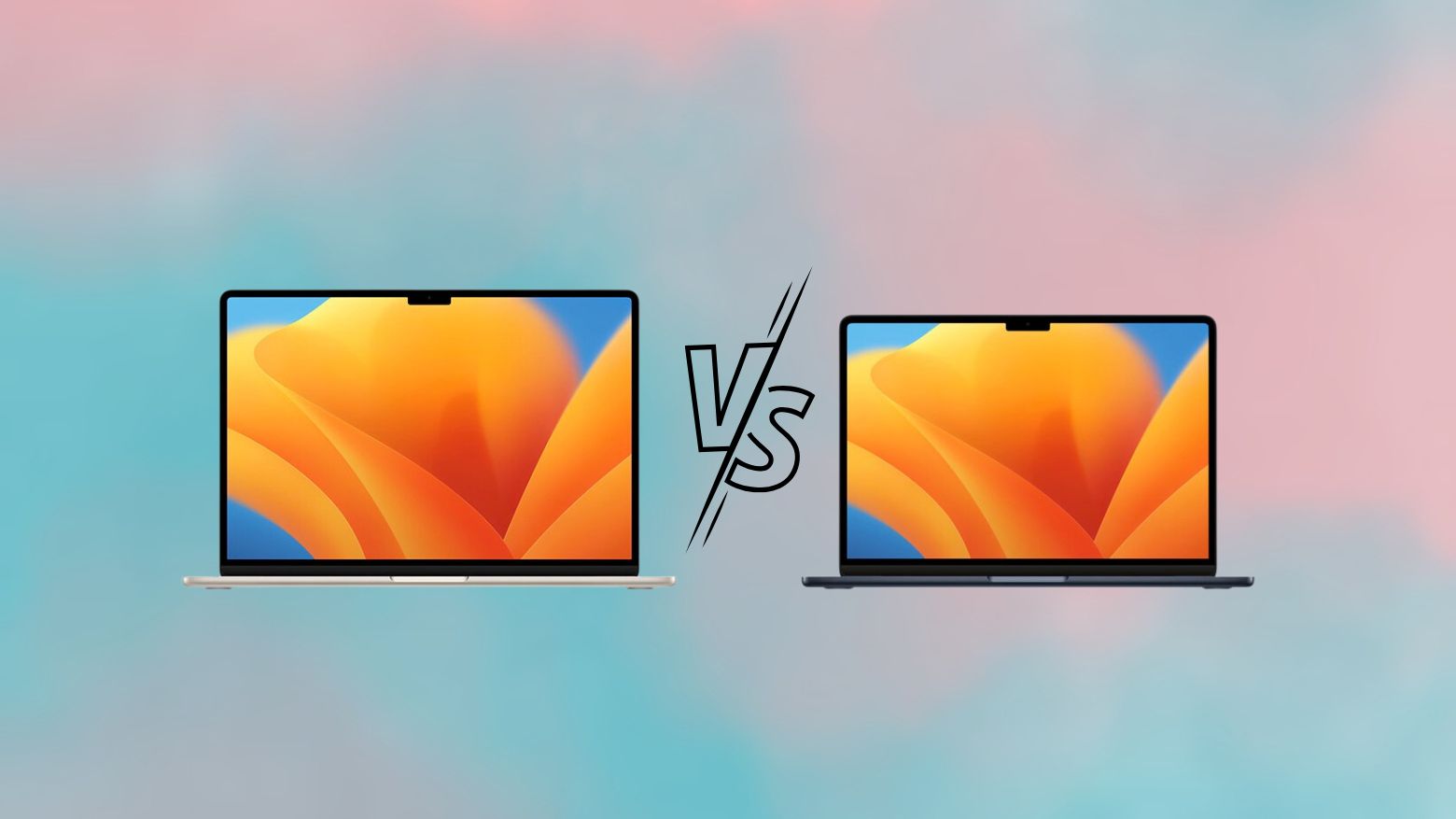
13-inch vs. 15-inch MacBook Air: Which one should you buy?

By

13-inch vs. 15-inch MacBook Air comparison
Which M2 MacBook Air model is right for you?
Image: Rajesh Pandey/Cult of Mac

Apple’s redesigned 13-inch MacBook Air from 2022 remains among the best portable laptops you can buy. The 15-inch MacBook Air packs the same benefits in a slightly bigger form factor.

So, which MacBook Air model is right for you — 13-inch or 15-inch? Read our comparison to find out.

Here’s how spatial user interfaces work in visionOS

By

UI elements of visionOS
visionOS has a rich library of user interface elements. That will set it above other headsets.
Photo: Apple
WWDC23

How does Apple’s new “spatial computing” platform visionOS work exactly?

At WWDC23 this week, Apple detailed a bunch of interesting tidbits about how the new Vision Pro headset works. Apple detailed how buttons look and behave in the spatial computer, how they are pressed without any physical controls, and how apps work in 3D.

Here’s how Apple’s spatial interface works.

iOS 17 brings big changes to Phone, Messages and AirDrop

By

IMG_3998
WWDC23

iOS 17 will bring major improvements to the Phone app, FaceTime and Messages on your iPhone with new customization options. In the Phone app, you can now set personalized contact posters or memoji to make the call screen a lot more vibrant.

“Our next release iOS 17, delivers more expressive communication, simplified sharing, more intelligent input and all new experiences for your iPhone,” said Craig Federighi on stage during the WWDC23 keynote.

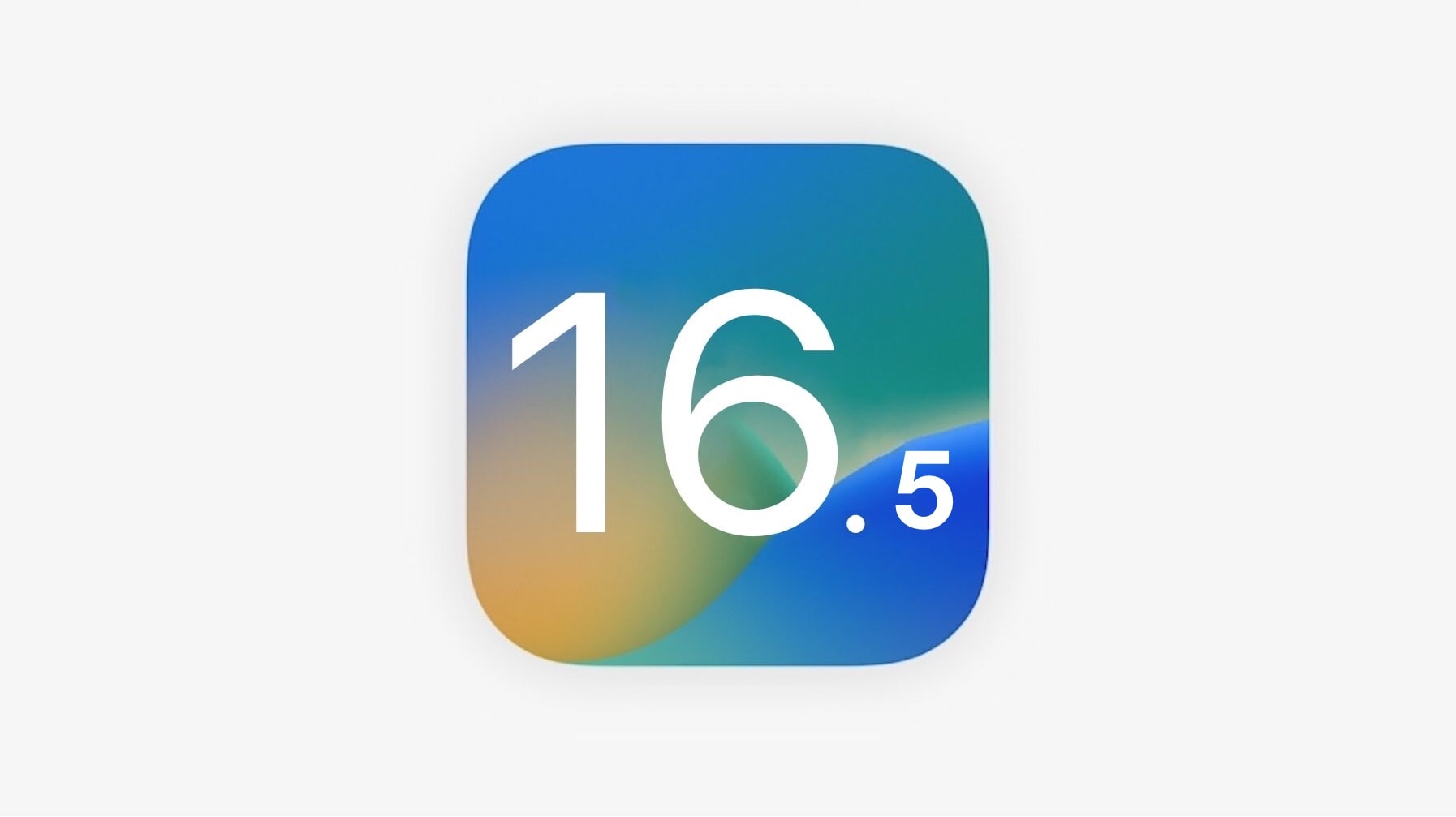
iOS 16.5, iPadOS 16.5 and macOS Ventura 13.4 arrive

By

iOS 16.5
Time to check for updates on your iPhone, iPad, Apple Watch and Mac.
Photo: Apple/Cult of Mac

Following a beta period spanning over a month, Apple has released the stable build of iOS 16.5, iPadOS 16.5, and macOS Ventura 13.4 to the public. Your Apple Watch and Apple TV are also getting a new update.

Unlike iOS 16.4, the latest iOS release is not packing a ton of new features. There are a few improvements and enhancements, but otherwise, this is mostly a bug-fixing release.

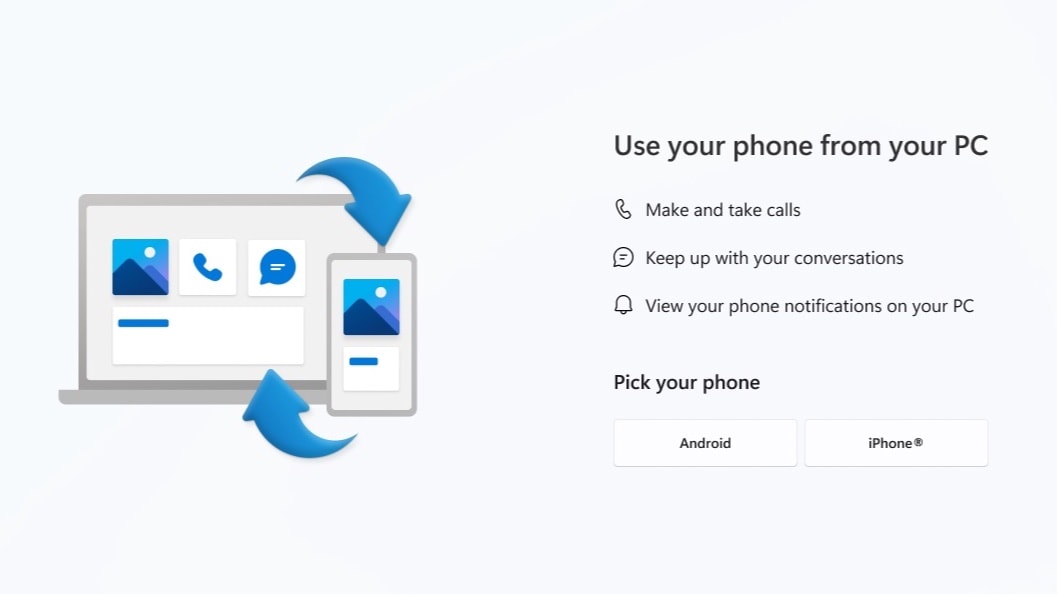
iMessage comes to Windows via Microsoft Phone Link for iOS [Updated]

By

iMessage comes to Windows via Microsoft Phone Link for iOS
Quick, someone check to see if hell has frozen over.
Photo: Microsoft

Windows users can now send and receive messages and calls via an iPhone. The new capability — which many thought would never happen — comes courtesy of Microsoft’s Phone Link for iOS, which is rolling out now.

This is the latest software release from Microsoft to make it easier for Windows users to own an iPhone.

Microsoft started rolling the feature out in April, and announced on Monday it’s available to all Windows 11 users.

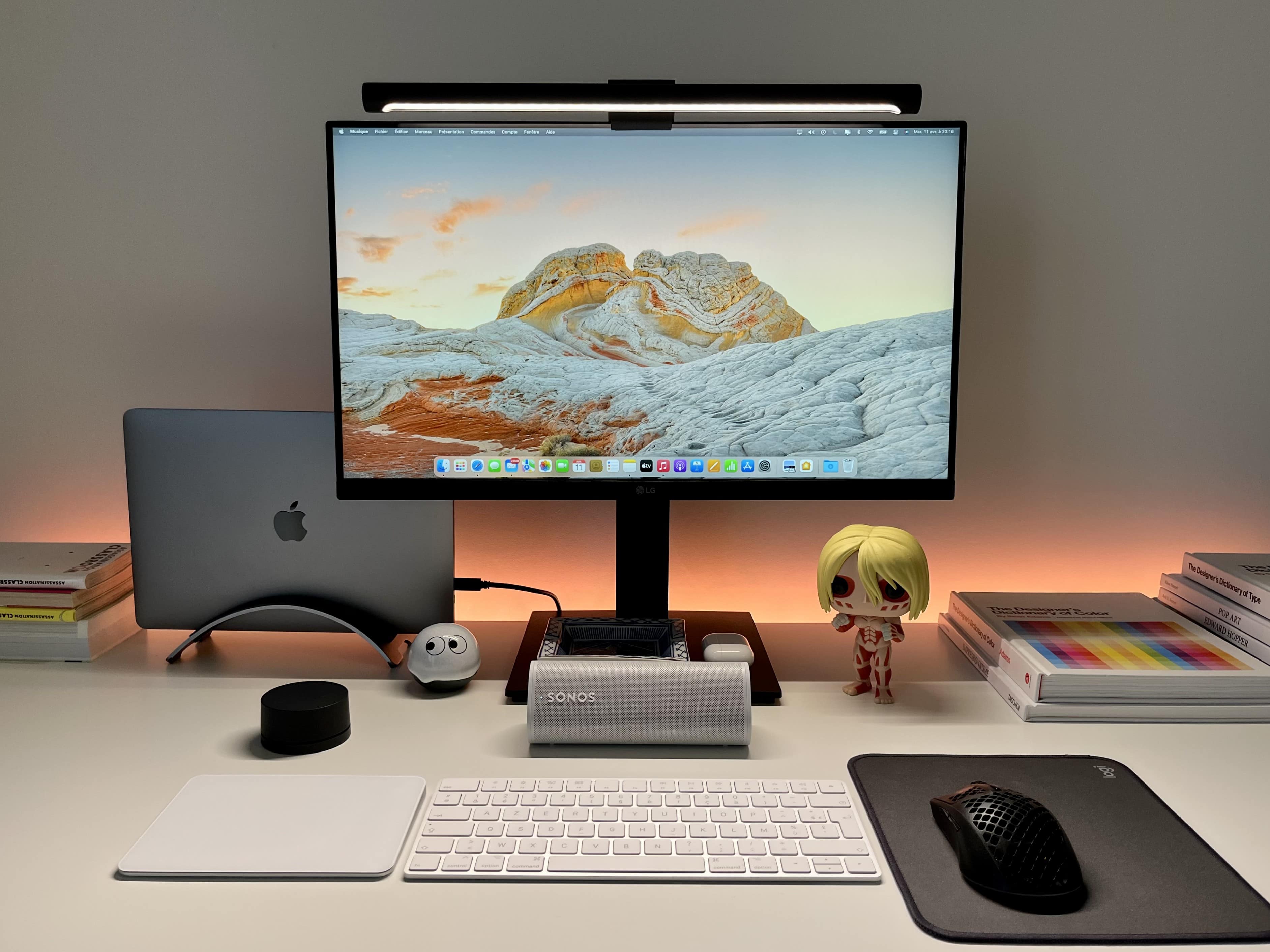
Behind-desk lighting takes MacBook Pro rig to ‘next level’ [Setups]

By

A light strip -- in this case one from Nanoleaf -- can make a big difference.
Photo: [email protected]

A humble light strip can have a huge impact on a computer setup and even the room it’s in, providing functional lighting as well as setting a mood with white or colored lights at different temperatures (cool, warm, etc.). Today’s featured MacBook Pro setup uses nothing but a Nanoleaf Essentials light strip behind the desk and a Xiaomi monitor lamp to light its way. And they do so to great effect.

Read more about the lighting below, plus the setup’s use of a Sonos Bluetooth speaker for audio and an iPhone with Continuity Camera for effective videoconferencing.

Aqara brings HomeKit Secure Video to battery-powered doorbell

By

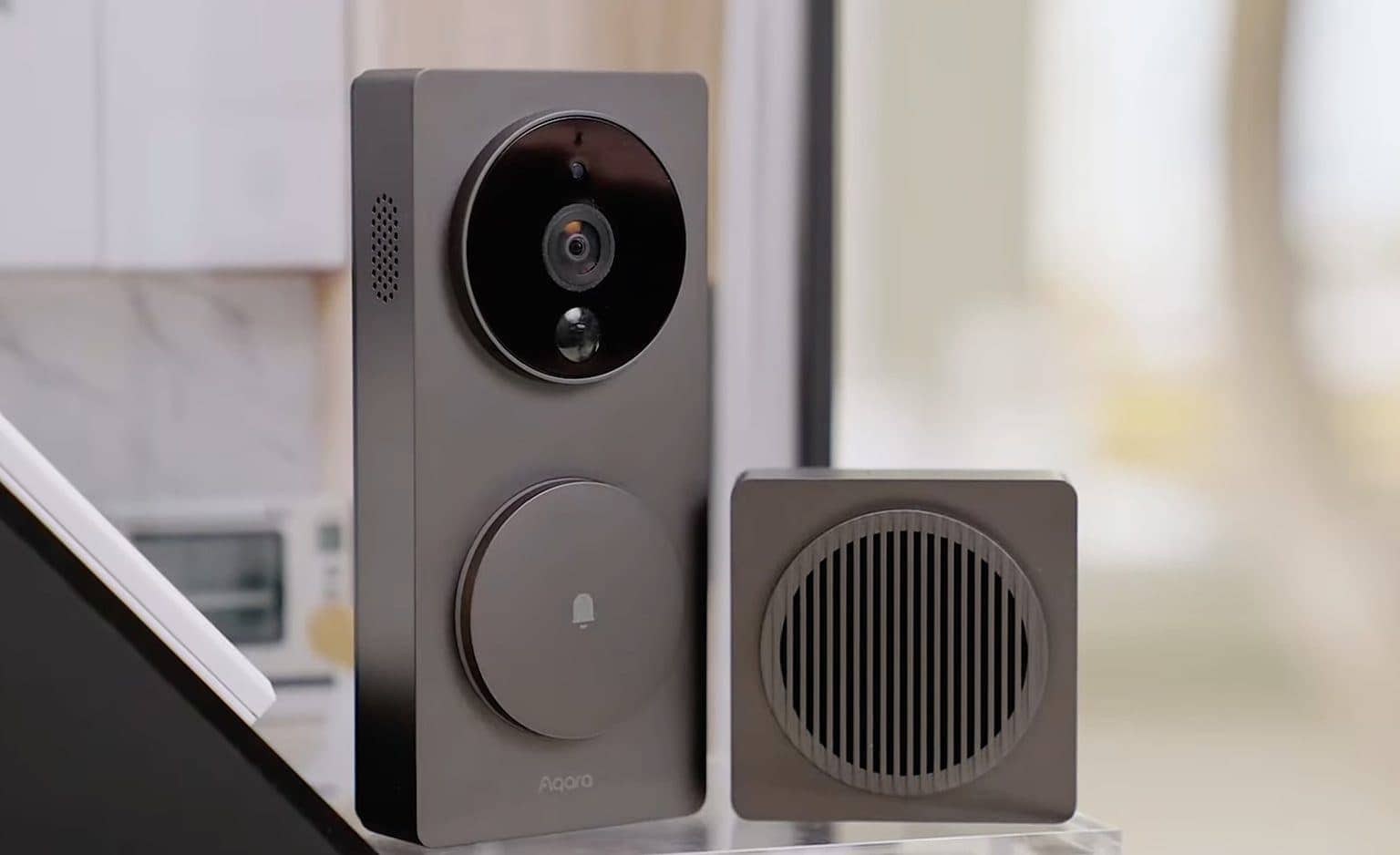
You can set it to recognize someone at your door and play them a special message.
Photo: Aqara

Aqara unveiled its new Video Doorbell G4 in January. It’s the first battery-powered, easy-install doorbell to integrate HomeKit Secure Video. And now it’s available to buy.

This is good news for HomeKit users who don’t like to mess with wiring but would love to have a artificially intelligent video doorbell that triggers automations.

How fast can you spot the MacBook Pro in this super-clean rig? [Setups]

By

It's an exceptionally clean setup. Even
It's an exceptionally clean setup. Even "absurdly" so, as one admirer said.
Photo: [email protected]

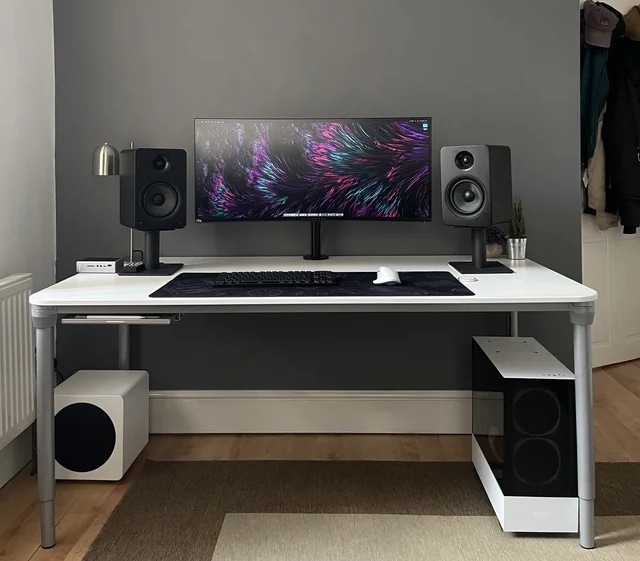
If there’s one thing computer-setup fans on social media value above all else, it’s a “clean” workstation. The best ones — neither messy nor cluttered with cables — place everything just so. Today’s featured MacBook Pro setup does a nice job with that.

And it even hides the laptop as well as an iPad. See how fast you can spot them. One commenter noted it took longer than it should have.