
Mobile menu toggle

Search results for: apple tv

tvOS 17 takes FaceTime to the big (TV) screen

By

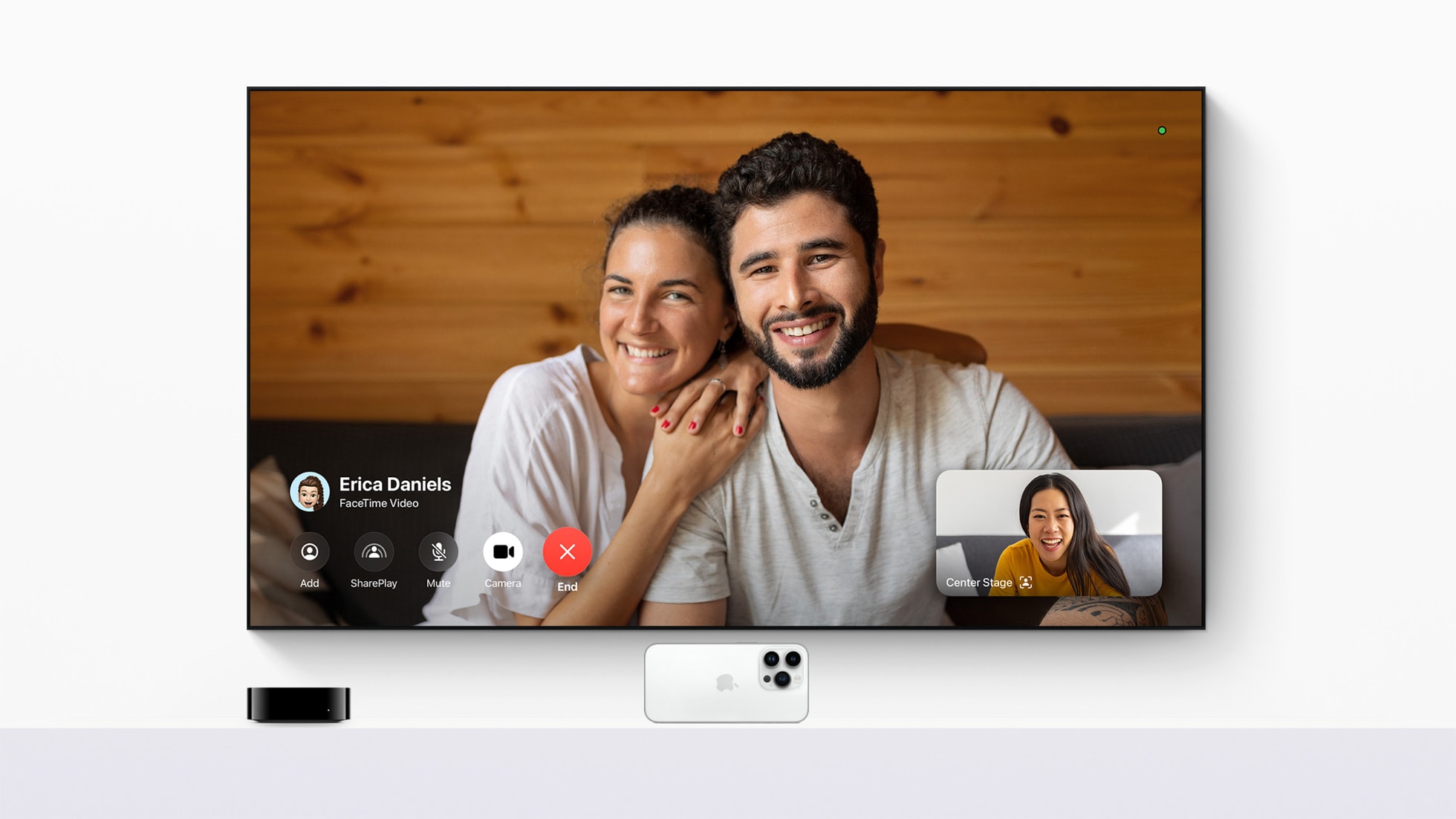
With the tvOS 17 update, FaceTime comes to Apple TV 4K for the first time.
Photo: Apple
WWDC23

Apple said Monday in the WWDC23 Keynote that tvOS 17 brings FaceTime to Apple TV 4K for the first time. So you can put your calls with family, friends and colleagues on the biggest screen you have.

“tvOS 17 transforms the biggest screen in the home with FaceTime and new video conferencing capabilities, giving Apple TV 4K users the ability to easily connect with anyone right from their living room,” said Bob Borchers, Apple’s vice president of Worldwide Product Marketing.

“New features and enhancements make Apple TV simpler to use and even more enjoyable, reinforcing it as the absolute best option in the living room for Apple customers,” he added.

Apple gives the nitty-gritty details on new software features and Vision Pro

By

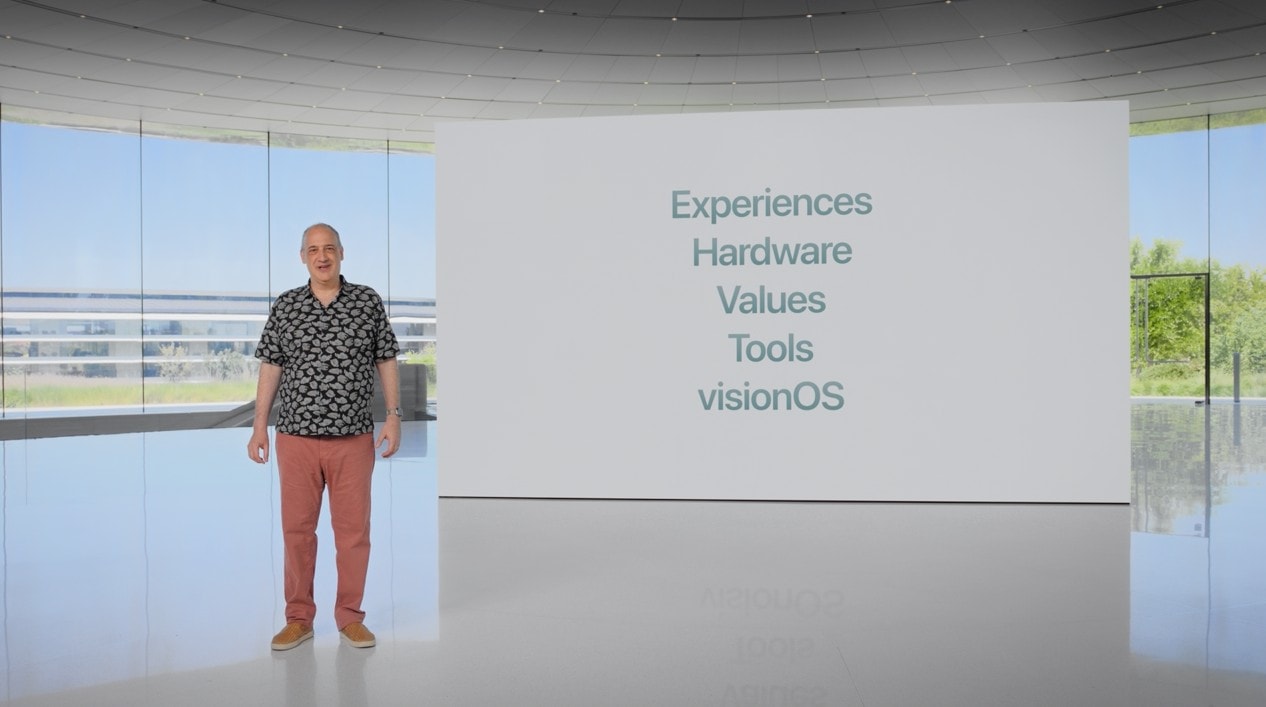
A focus on Experiences, Hardware, Values, Tools and visionOS.
The Platforms State of the Union focused on experiences, hardware, values, tools and the new visionOS that powers the Vision Pro headset.
Photo: Apple
WWDC23

At today’s Platforms State of the Union, Apple went into more depth on the updates coming to their software: interactive widgets for iOS, iPadOS and now on the macOS desktop; big updates to watchOS; and the introduction of visionOS, the operating system that runs on Apple’s new Vision Pro.

There are loads of new features that developers will be able to take advantage of that Apple didn’t highlight in the main Keynote. Thus far, they’ve covered improvements to the in-app camera, a standard tips balloon, and an easier way to make animations in SwiftUI.

Apple’s pricey Vision Pro headset ushers in era of ‘spatial computing’

By

Apple Vision Pro
Apple Vision Pro
Photo: Apple
WWDC23

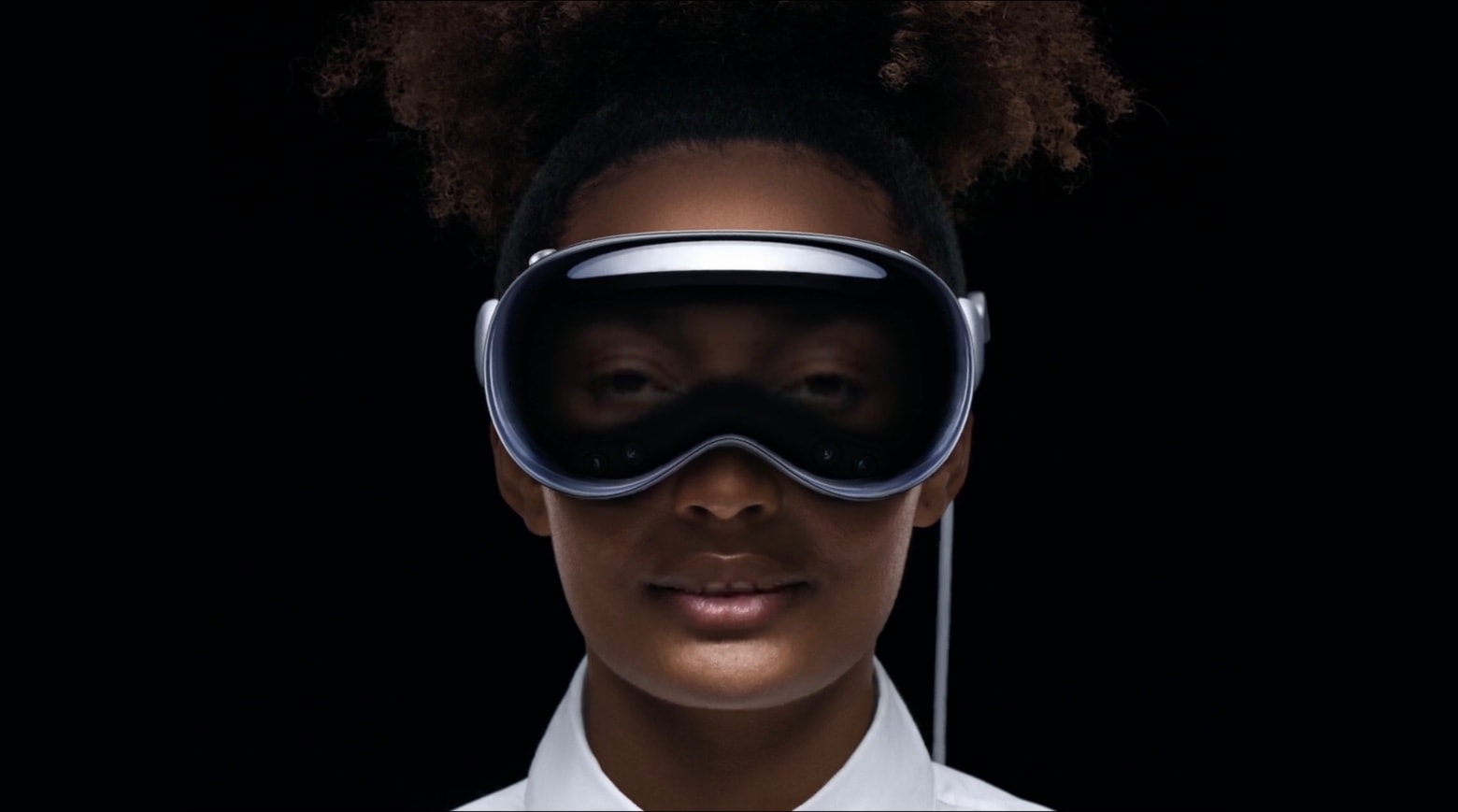
Apple’s long-awaited Vision Pro headset features all of Apple’s apps in a floating, immersive 3D space that’s designed to let wearers interact seamlessly with the real world, rather than walling them off in a virtual one.

“Vision Pro will introduce us to spatial computing,” said Apple CEO Tim Cook during the recorded WWDC23 keynote Monday as he unveiled the pricey device. “This marks the beginning of a journey that will bring a powerful new dimension to personal technology.”

The company described it as “the first Apple product you look through, not at.” Vision Pro starts at $3,499 and will be available early next year.

5 ways to watch Apple’s WWDC23 keynote [Updated]

By

WWDC23 logo over aerial photo of Apple Park
Apple’s Worldwide Developer Conference once again takes place at Apple Park in Cupertino.
Photo: Arne Müseler/Wikimedia Commons/Apple
WWDC23

Apple’s WWDC keynote is the biggest event of the year, kicking off the annual cycle of software updates and changes to every single platform — iPhone, iPad, Mac, Apple Watch and Apple TV. Only a few people buy a new Apple product every year, but everyone has something to look forward to after WWDC. How can you watch it all unfold this Monday?

You can watch the live stream on the web on Apple’s website or on YouTube, inside the free Apple Developer app, on your smart TV, and for a select lucky few, in person — my tips on how to make the most of that and more are all below.

Apple plans ‘controlled’ demos of new AR/VR headset

By

WWDC23 attendees and press can try the new AR/VR headset in a new facility, and demos should continue through the summer.
AI image: Midjourney/Cult of Mac
WWDC23

Calling WWDC23 Apple’s “most significant product launch event in nearly a decade,” a report Friday relayed new information about the event’s headlining hardware — Apple’s first AR/VR headset.

While the headset won’t go on sale for months, WWDC attendees and media can try demonstrations of it in a large new structure at Apple Park, and in future demos throughout the summer.

iOS 17 might make sending video to TVs via AirPlay easier

By

AirPlay Logo
Using AirPlay to wirelessly send video from an Apple device to someone else's TV will allegedly get easier.
Photo: Apple/Cult of Mac

Sending video from iPhones to TVs over AirPlay will get easier in iOS 17, according to a tipster. The goal is supposedly to simplify sending video to other people’s TVs. The improvement will almost certainly be extended to iPad, too.

This is one of numerous small changes expected when iOS 17 is unveiled at WWDC23 in early June.

Who needs HDMI? This gadget connects Mac or iPad to TV wirelessly [Review] ★★★★☆

By

Who needs HDMI? This gadget connects Mac or iPad to TV wirelessly★★★★☆
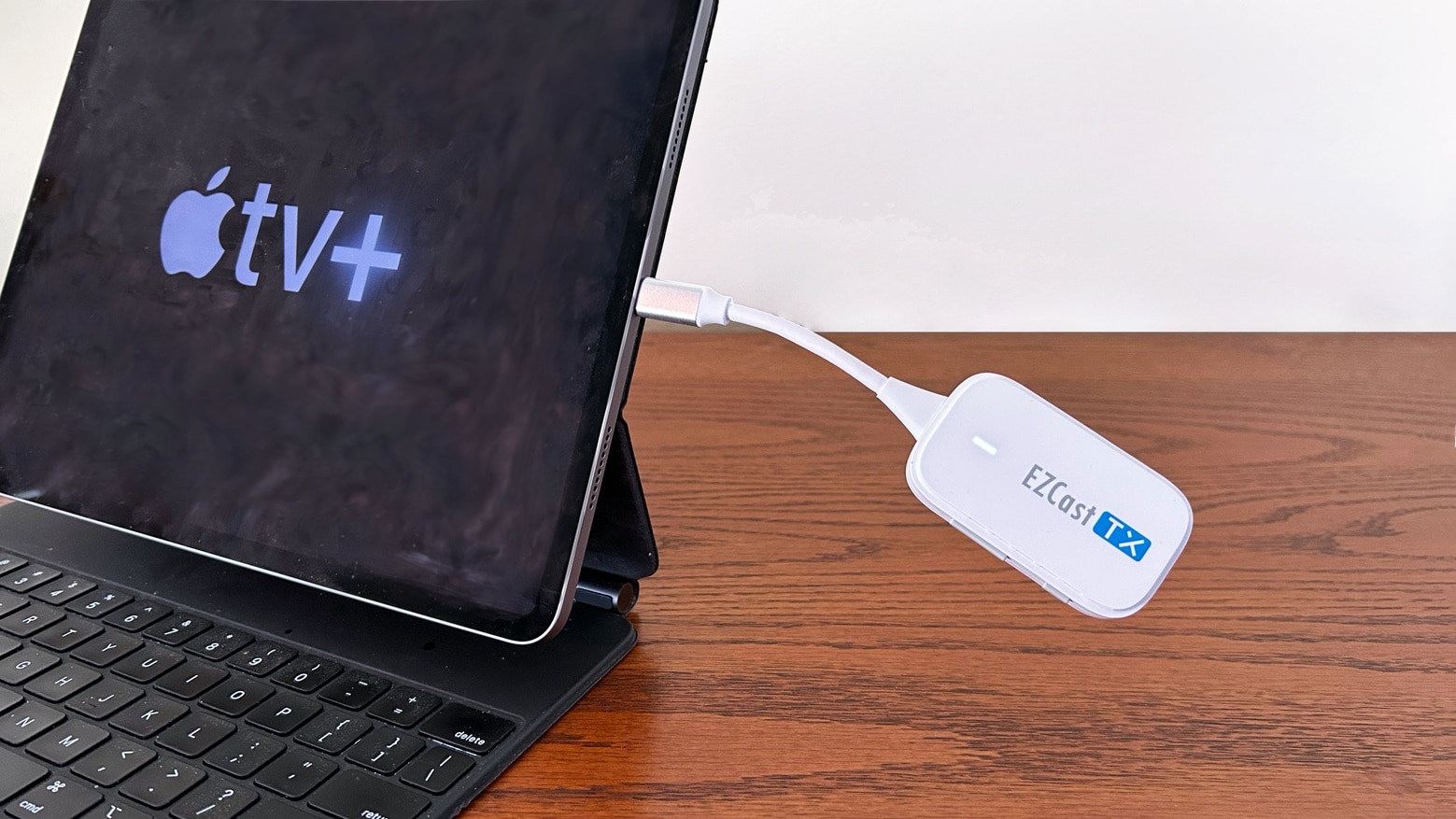
Don't use a cable when the plug-and-play EZCast Pocket is so much more convenient.
Photo: Ed Hardy/Cult of Mac

EZCast Pocket lets a range of computers connect wirelessly to an external display. No additional software is needed — it’s very nearly as easy to use as a cable, but without the cable clutter.

I tested the affordable and very portable wireless video adapter in my home and on a business trip. Here are its strengths and occasional weaknesses.

Note: When this review was first published in March, there was so much interest that EZCast Pocket sold out almost immediately. Amazon once again has the product in stock so we’re re-publishing the review.

Apple hasn’t given up on iOS 16 and macOS 13

By

Apple hasn't given up on iOS 16 and macOS 13
iOS 16 and macOS 13 will still be around for months, even though we'll soon learn all about their replacements.
Photo: Ed Hardy/Cult of Mac

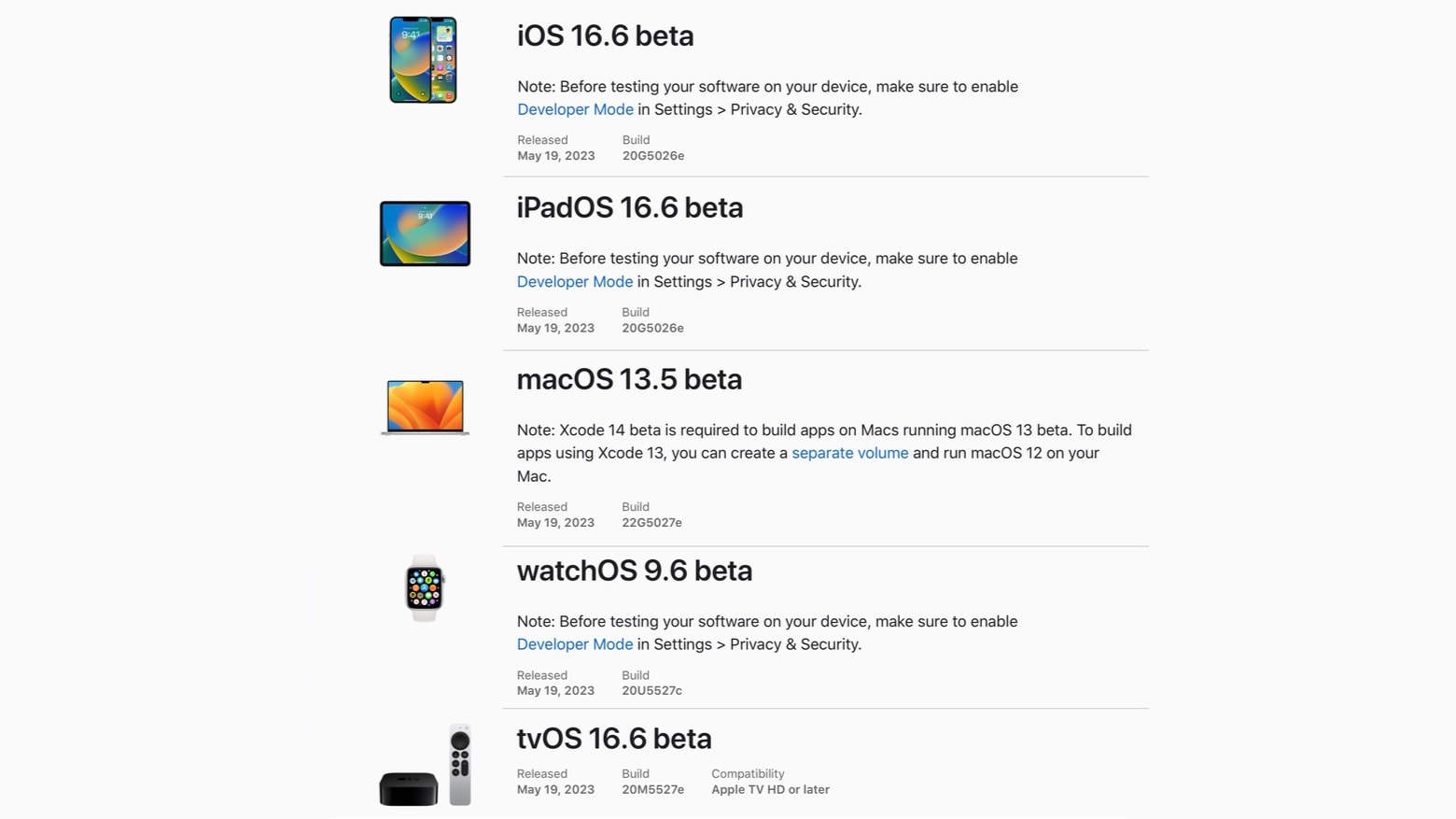
The first betas of iOS 16.6 and macOS Ventura 13.5 went to developers on Friday. The same is true for iPadOS 16.6 beta 1, watchOS 9.6 beta 1 and tvOS 16.6 beta 1.

The timing might seem odd because Apple is expected to unveil iOS 17, macOS 14 and the replacements for its other operating systems in a couple of weeks, but this is normal.

Photographer’s sluggish Intel MacBook Air needs Apple silicon relief [Setups]

By

Gabriel's computer setup packs a large array of gear.
Gabriel's computer setup looks relatively tidy, but it packs a large array of gear.
Photo: Gabriel B.

Gabriel B., a 13-year-old student and photographer in Baton Rouge, La., sent pics and commentary showcasing and describing his well-equipped MacBook Air-and-dual-display setup to Cult of Mac this week.

He noted his Intel MacBook powers an “army of peripherals,” but it’s not quite up to the work he asks of it. And how has he already filled 3TB of digital storage space, anyway? Well, that’s what heavy photo and video editing will do.

Get 1-month free trial of MLS Season Pass from Apple

By

Are you ready for some football? And by that we mean soccer, natch.
Photo: Apple TV+

Apple is now offering a free, month-long trial of MLS Season Pass, its subscription service that shows all the matches from the top professional soccer league in the United States.

The deal is available for both new and returning customers.