Mobile menu toggle

Search results for: apple tv

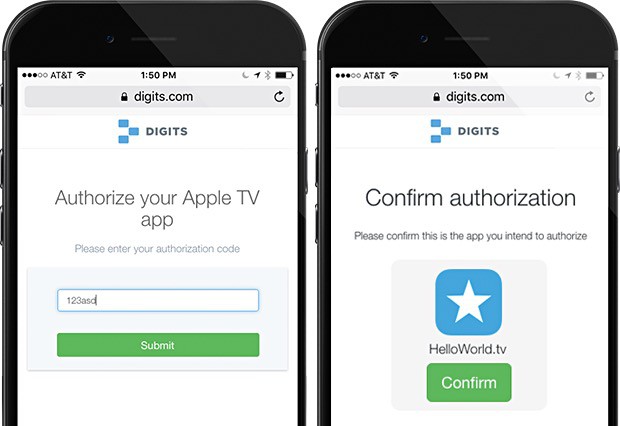
Twitter promises an easier way to login to your Apple TV

By

Apple TV needs a better way to login to stuff.
Photo: Twitter/Digits

Logging into any service on Apple TV is a pain. The text-entry field is one long line, and if you’ve got a particularly lengthy username or password for apps on the Apple TV, entering them can take much longer than it should.

Twitter-owned Digits is offering its own take on a solution with an SDK that tvOS developers can implement in their apps and let users type in a short string of numbers and letters that they get from their iPhone, rather than the full-on username and password combination.

This could solve the problem altogether, and it’s not much more tricky than using an app for Two-Step Authentication, which we all do now, anyway (or should).

Amazon is bringing Instant Video app to Apple TV

By

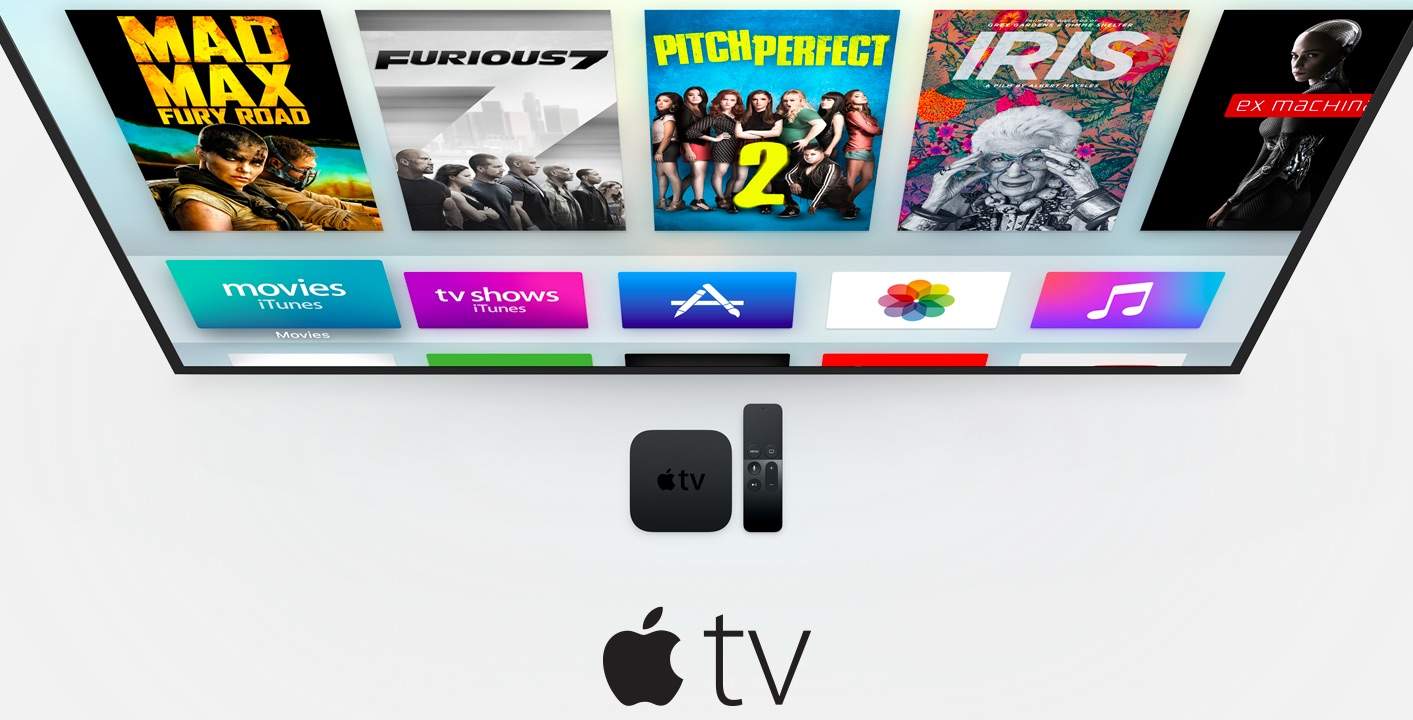
Apple TV 4 brings iOS apps to the big screen.
Photo: Apple

Amazon’s Instant Video service has one of the best libraries in the world, but if you’re an Apple user, it has a crucial weakness: the only way to get it on Apple TV is to AirPlay it from an iOS or OS X device.

AirPlaying can be unreliable at times and you can’t use certain apps without cutting off your Amazon stream. That could change in just a few weeks though, according to an Amazon employee who let it slip that the company is working on an app for the new Apple TV.

How to reduce loud sounds on your new Apple TV

By

Here's the best way to keep the sound down watching Apple TV at night.
Photo: iLounge

If a movie or TV show is too loud, you can always turn down the volume, but depending upon the way the sound was balanced, that can have the effect of making the dialogue impossible to hear. But the new Apple TV has a neat way around that problem. Here’s how to reduce loud sounds on the new Apple TV.

How to fix the new Apple TV’s annoying onscreen keyboard

By

Want this back on your new Apple TV? Here's how.
Photo: Rob Griffiths

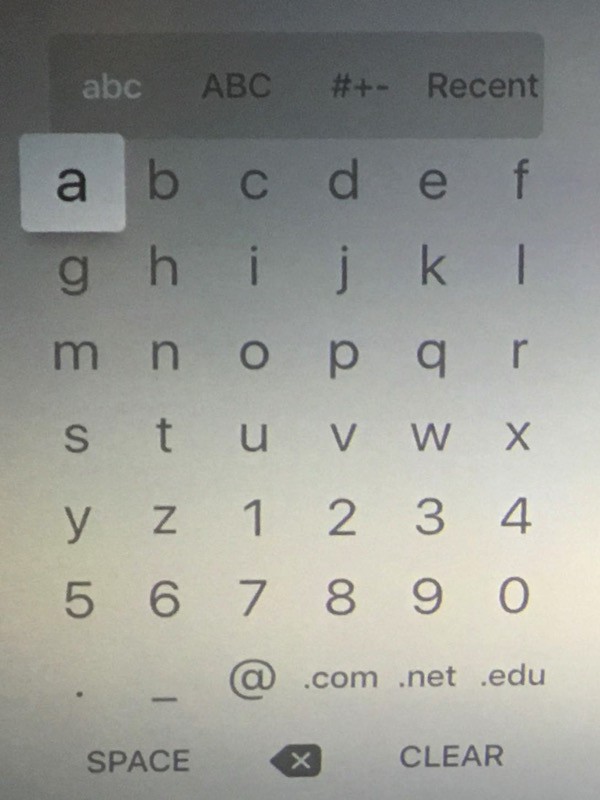
The old Apple TV used a 6 x 7 grid of letters to let you enter text. It wasn’t QWERTY, but it was efficient, requiring a minimum of presses to enter your text.

Consequently, many people upgrading to the new Apple TV have found the new onscreen keyboard annoying. It’s a horizontal two-line strip that takes a lot more time to hunt and peck your way through.

If you love the old Apple TV onscreen keyboard, though, good news! It’s easy to bring back. Here’s how.

How to keep kids from checking out bad stuff on Apple TV

By

Keep your kids from watching, buying, or playing anything you don't want them to on Apple TV.
Photo: Jim Merithew/Cult of Mac

Not every Apple TV is in a household full of self-realized adults. Apple knows this and has set up some restrictions, similar to the parental controls on iOS.

That way, you can make sure that your kids aren’t purchasing anything (or playing/watching anything) without your consent.

Here’s how to set it all up on your Apple TV.

5 must-play games for the new Apple TV

By

Our picks for the 5 best games out on Apple TV right now.
Photo: Rob LeFebvre/Cult of Mac

Apple TV’s killer feature is the App Store. And with an App Store comes games.

I don’t care what near-sighted gaming sites are saying. Sure, Apple’s new box doesn’t have a whole lot of gaming content yet, but it has some great offerings if you poke around a bit. I’m finding games for the new Apple TV that never grabbed my attention when they were on my iPhone or iPad, but seeing them up on the big screen pulled me right in.

Which are the best games for the Apple TV to check out right now, though? Here are our five favorites, in no particular order. Note that the links below will take you to the iTunes App Store. If you purchase them with the same iTunes ID you have set up on your Apple TV, they’ll appear in the “Purchased” tab of the little black puck’s App Store. Alternately, you can search for the game name directly from your TV.

5 secret remote tricks to supercharge your Apple TV

By

tvOS changes the default scrubbing behavior of your Siri Remote, and we couldn't be more glad.
Photo: Rob LeFebvre/Cult of Mac

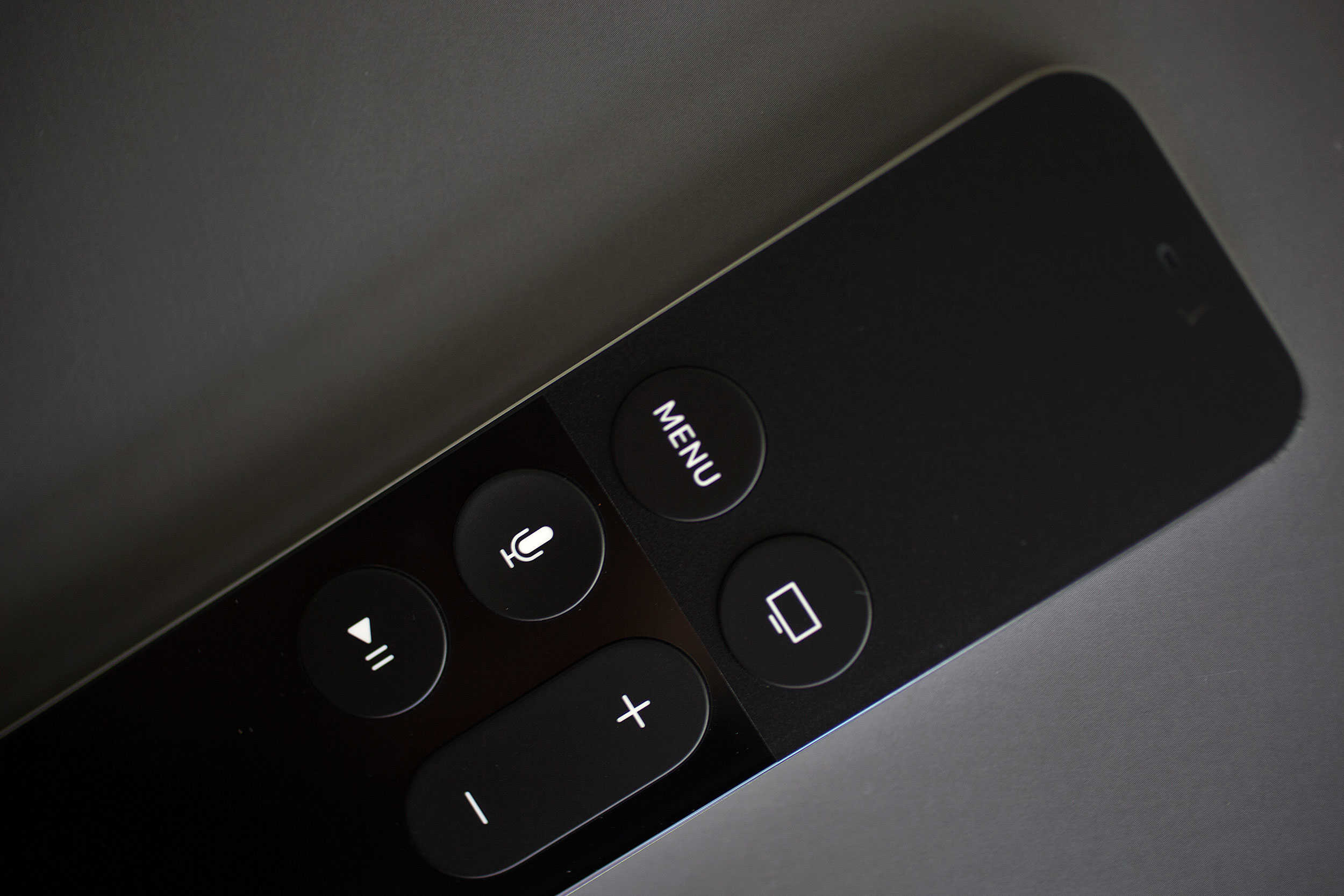
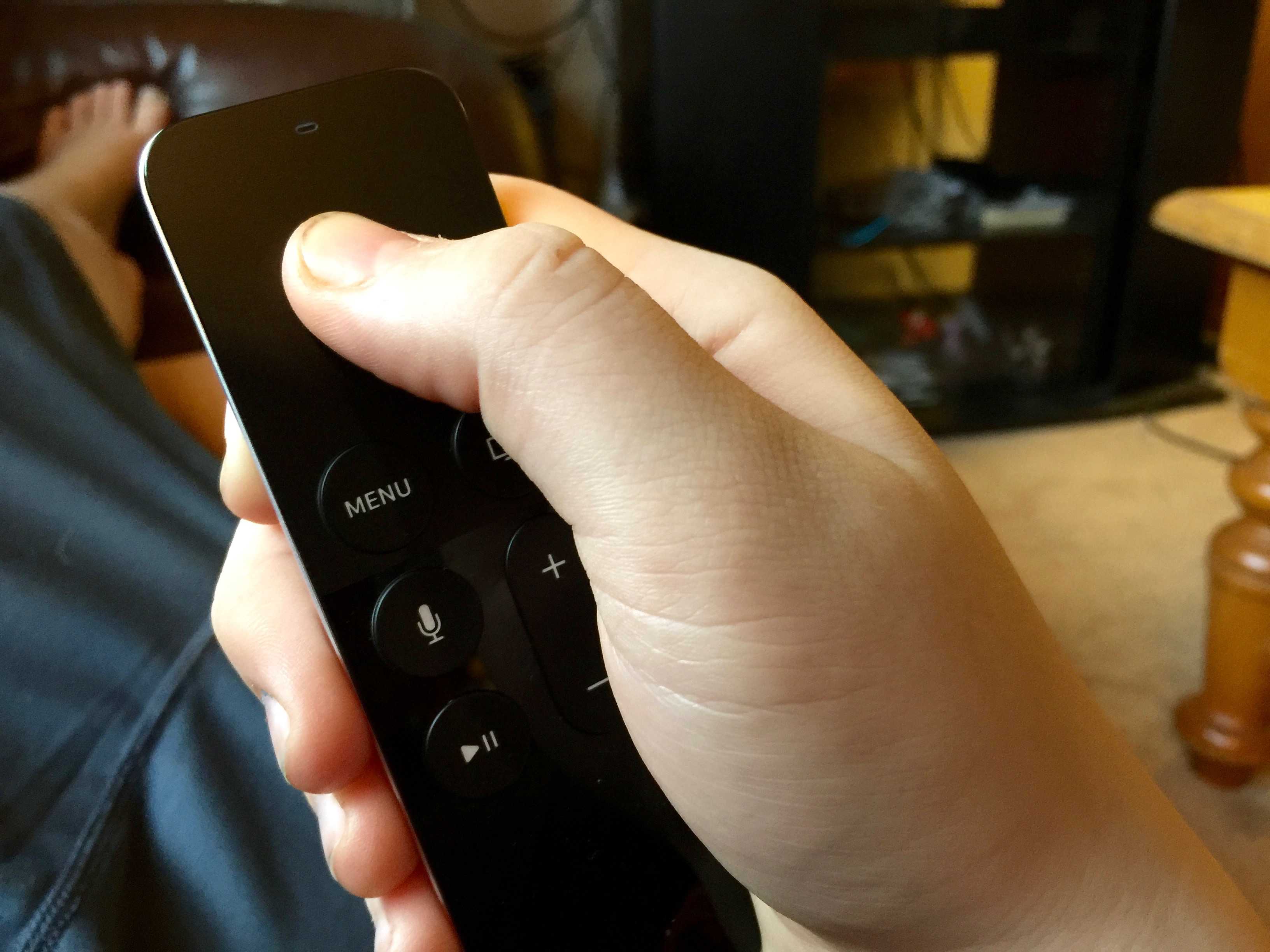
Your Apple TV remote is an amazing little device that lets you manage your big TV exerience. There are quite a few little settings you may have missed, though, when you started up your new Apple TV.

You can adjust and tweak your way through the Apple TV settings to make the most of your time with the remote, including monitoring its battery, adjusting accessibility options, and — yes — even figuring out what Siri commands you can use.

Here are five of them, just for you.

How to use your old TV remote with your new Apple TV

By

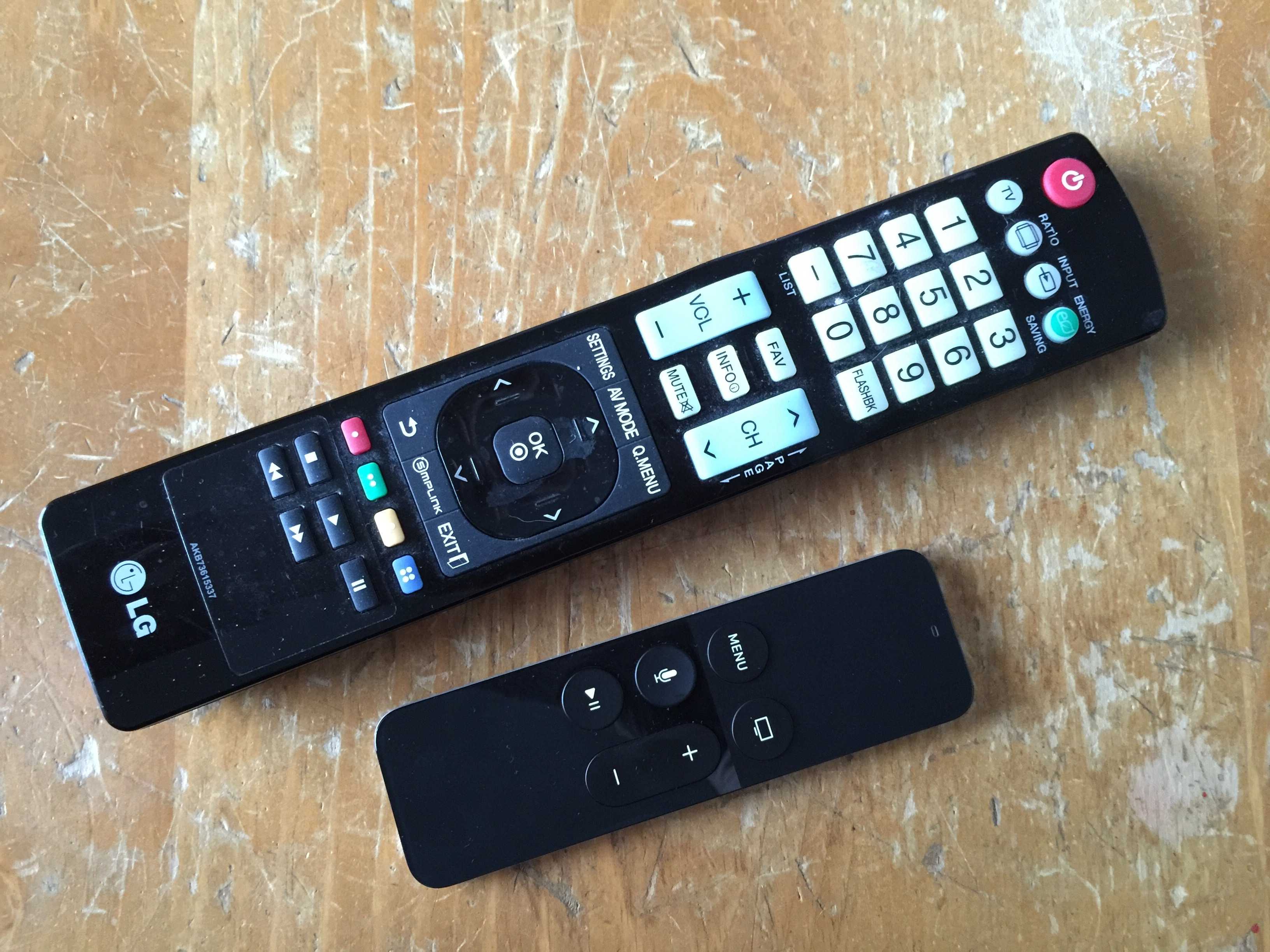
The smaller one is way better.
Photo: Rob LeFebvre/Cult of Mac

The new Apple TV remote is a wondrous touch- and motion-enabled trackpad with a few simple buttons that lets you do everything on your new black hockey puck of joy, including playing games, swiping through apps, and, well, playing and pausing your movies and TV shows.

What happens when you lose it somewhere in the depths of your couch, though? The iPhone Remote app no longer works with the new Apple TV, and unless you have an Apple Store nearby, you’re gonna want to have a backup plan in place.

Might as well take a couple of minutes and set up your regular old TV remote to work with Apple TV, right?

Here’s how.

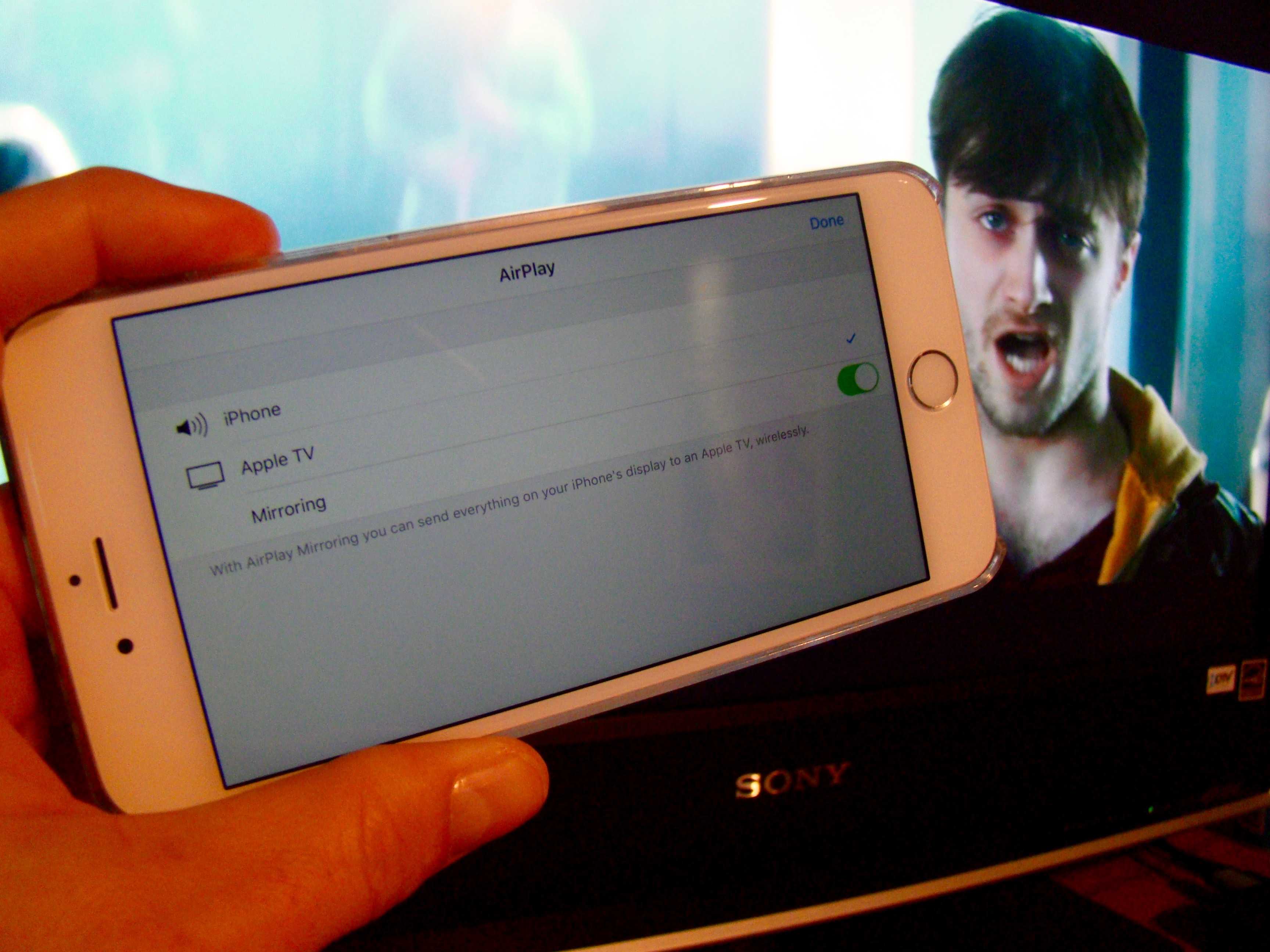
Pro Tip: How to AirPlay videos from your iPhone to your Apple TV

By

Daniel Radcliffe in Horns from iPhone to TV.
Photo: Rob LeFebvre/Cult of Mac

Pro Tip Cult of Mac bugIf you’ve got an Apple TV, you’ve got a ready way to get any videos from your iPhone or iPad onto your big screen.

While we all wait for the latest version of Apple’s famous “hobby,” why not watch a video or two on our current Apple TV, right from our iOS device of choice.

Here’s how to AirPlay videos from your iPhone to your giant TV.