Mobile menu toggle

Search results for: apple tv

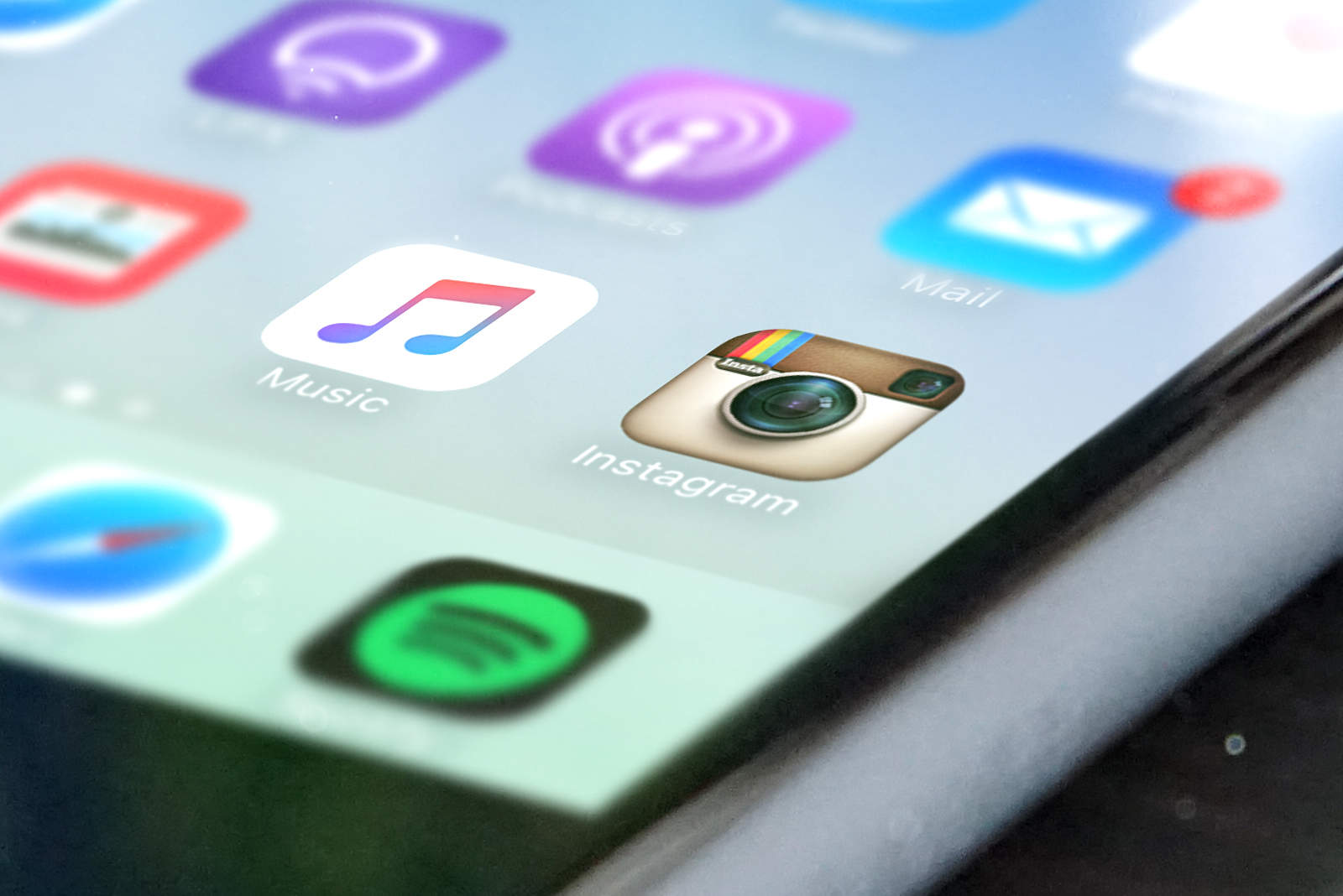
What’s on my iPhone SE? Take a look

By

What's on Ste's iPhone
Feeling nosey? Take a tour around my iPhone.
Photo: Ste Smith / Cult of Mac

The iPhone is one of the most personal devices around, with so many apps out there that there’s near limitless scope for customizing the device with whatever tools we need to make it fit our requirements.

With that in mind, here are the apps that I’m currently running on my iPhone SE. Looking for some tips on what to download for Apple’s latest smartphone? Interested in a tour to see what your favorite Liverpudlian Cult of Mac team member has on his handset?

Whatever your reasons, check out my latest video below.

Wrap your iPad and iPhone in luxurious leather [Reviews]

By

These lovely, leather folios are delightfully classy.
Photo: Rob LeFebvre/Cult of Mac

SurfacePad for iPhone and iPad solves a problem I have with most folio-style cases.

These tend to cover up too much of the gorgeous Apple design without giving much in return. There’s always a trade-off between form and function. If you’re going to hide the gleaming Apple devices behind a case, at least make it look as classy and useful as Apple does.

The SurfacePad for folio cases from Twelve South are delightfully minimal, covering the front and rear of your iPad or iPhone in luxurious leather without sacrificing a refined look.

How to secure your Notes in OS X

By

Password Protect Notes Mac
Keep your notes secure in OS X.
Photo: Ste Smith/Cult of Mac

Lots of us were excited to keep our Notes private when iOS 9.3 added the feature to Apple’s mobile devices. We all store private details in our notes such as bank details, pin numbers and more within the notes app for convince. Knowing this information is now more secure than ever is one less thing to worry about.

But did you know that you can do the same on your Mac?

In this week’s Quick Tips video, I’m going to help you with your peace of mind and show you how to secure your notes in OS X.

Check out the video below.

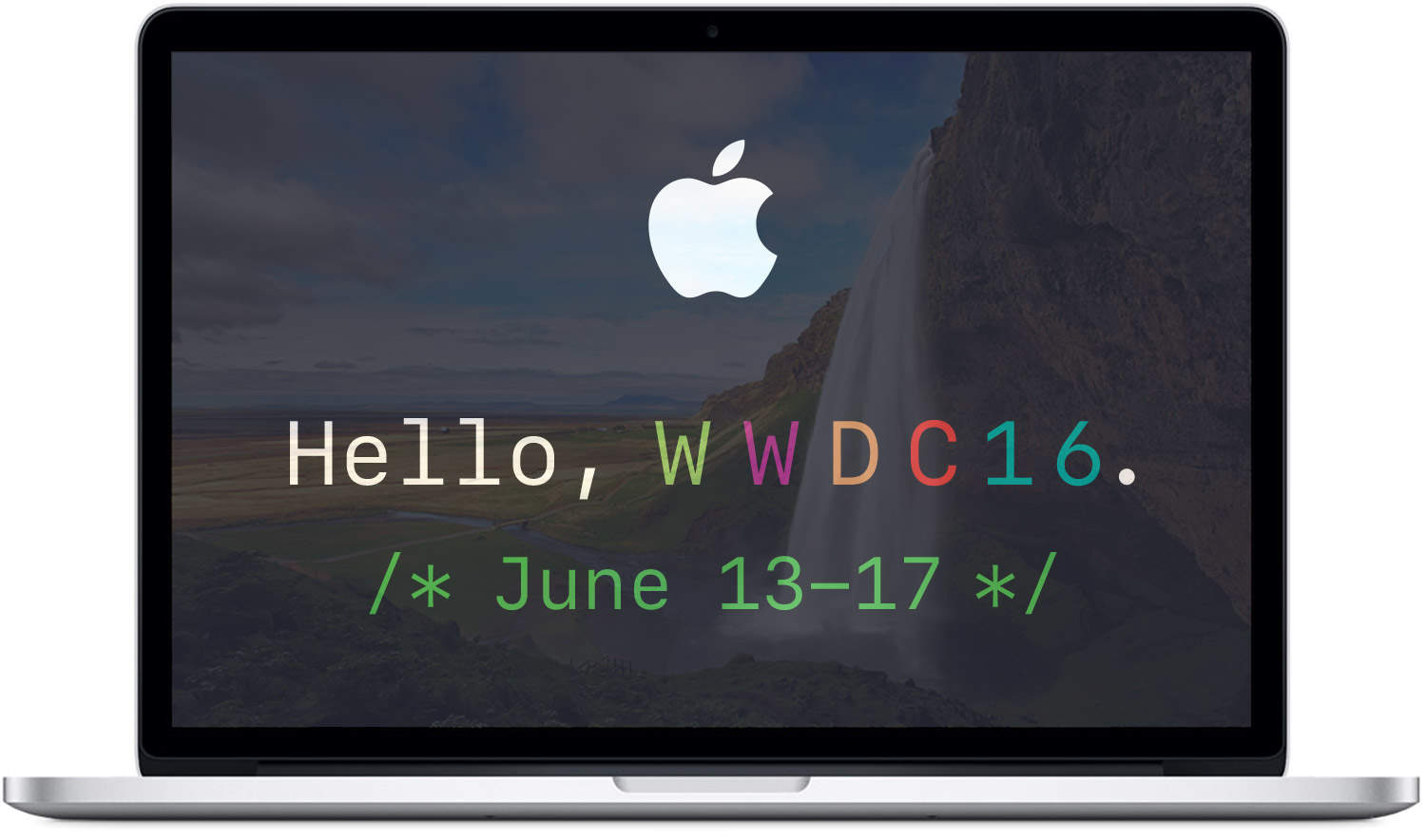
Our WWDC 2016 hardware hopes and iPad Pro’s ‘practically perfect’ display on The CultCast

By

macbook-pro-wwdc-2016
What do you want to see unveiled at this year's Worldwide Developers Conference?
Photo: Apple

This week on The CultCast: Why the new iPad Pro screen is “practically perfect”; stories from The Cult of Mac; our most anticipated WWDC 2016 announcements; a look at Apple’s newly updated MacBooks; Apple’s secret plan to create hit TV shows; and, have you ever wondered how rich you’d be if you invested in Apple’s IPO instead of buying its computers? We break down the numbers.

Our thanks to Freshbooks for supporting this episode. FreshBooks is the easy-to-use invoicing software designed to help small-business owners get organized, save time invoicing and get paid faster. Get started now with a 30-day free trial.

9.7-inch iPad Pro’s display is practically perfect

By

x
The new iPad Pro may feature smaller bezels.
Photo: Ste Smith/Cult of Mac

The TrueTone display on the new iPad Pro may actually be worth all the hype.

Experts at the display evaluating site DisplayMate have finally put the 9.7-inch iPad Pro display through a gauntlet of extensive testing and discovered that Apple’s new display is “by far the best performing mobile LCD display that has ever been tested.”

Psst. We’re giving away $1,000 iTunes gift cards [Deals]

By

iTunes
What would you do with $1,000 dollars for iTunes?
Photo: Cult of Mac Deals Apple

You can think of iTunes like the biggest content candy store in the world, a mother lode of albums, apps, games, movies and TV shows, and on and on. If you’ve ever wondered what it’d be like to go into iTunes with a huge bag to fill as you please, today could be your lucky day. Right now you can enter to win a $1,000 iTunes gift card, no strings attached.

These goggles could change your mind about cheap VR [Reviews]

By

Mac users are missing out on VR.
Take your first step into VR with these inexpensive goggles.
Photo: Ste Smith/Cult of Mac

Apple hasn’t shown much enthusiasm for diving into virtual reality in the past, but all signs are pointing to a renewed interest. With Tim Cook mentioning VR in the latest Apple earnings call, I got to thinking more about it — as I’ve never personally given it a go.

Being immersed in a 3-D world that tracks your head movements is becoming a mainstream reality. At the moment, VR is heading full-steam toward gamers in particular — the user is immersed in a virtual world where they can look around without the 16:9 constrictions of a standard TV or monitor.

So in this video I’m looking at a $30 VR headset and seeing how well it works. Or, if it just sucks. Check out the video after the break.

How to stitch together a Frankenvideo in Instagram

By

InstagramCloseiPhone
Become an Insta-master with these killer Instagram tips and tricks.
Photo: Stephen Smith/Cult of Mac

An update this week has given Instagram a new superpower: You can now stitch together several clips into a single video in the app. Some of the process and details are a little unclear, however, so we’re here to help walk you through it.

Here’s how to make your classic montages in Instagram.

Circle with Disney is a near-flawless parental control system [Reviews]

By

circle-disney-header
Someone didn't quite think through that Circle is mostly square.
Photo: Circle

I recall at WWDC 2011 when Steve Jobs introduced iCloud he talked about how up until that point, managing and syncing content across devices was driving everybody nuts. You’d take one photo on one device and would have to plug it in and sync it to another device, which would then offer up some of its own photos and meanwhile none of them are even on the third device yet. It truly was an insane world. But in 2016, the new Circle with Disney aims to solve a surprisingly similar problem.

Managing content across devices has gotten much easier, yet managing the people who use those devices has not. Circle is a brand-new product from Disney that wants to unify your family’s entire online experience. It allows you to set time limits for individual family members, block websites based on your child’s age, and even pause Internet access entirely when it’s time to log off.