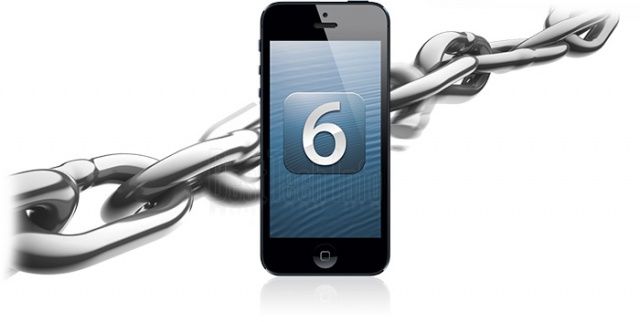
We’ve been waiting a long time for an iOS 6 jailbreak to be released, and hopefully we won’t have to wait much longer. The iOS 6.1 jailbreak sounds like it’s going to be awesome because almost everyone will be able to use it, and it will be an untethered jailbreak which is always nice.
Making things even better, Evad3rs, the team behind the upcoming jailbreak, let it be known today that the upcoming iOS 6.1 untethered jailbreak will work on every device that can run iOS 6.1. That’s a whopping 22 devices in total, and maybe even 23 if the Apple TV 2 update is out in time.
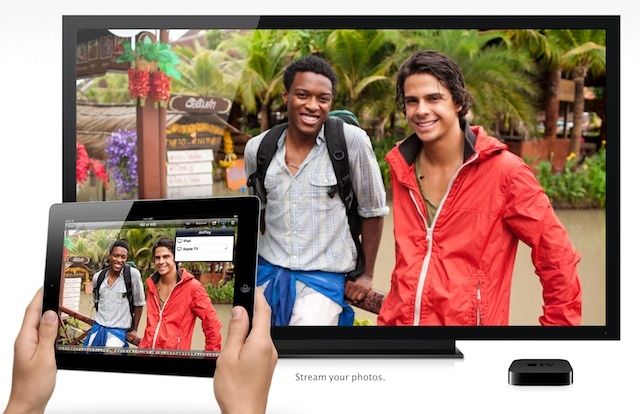
One of the best things about owning an Apple TV is the ability to share everything on your Mac’s screen with the flatscreen in your living room. It works perfectly. If there’s video on the Internet that you can’t find on one of the Apple TV apps, you don’t have to worry about it; you just screen share and enjoy.
Google and Netflix are tired of Apple having all the fun with wireless video streaming between devices, so they’ve brewed up their own solution to compete with AirPlay. The new protocol is called DIAL, and like Android, it’s free and already has some big companies backing it.
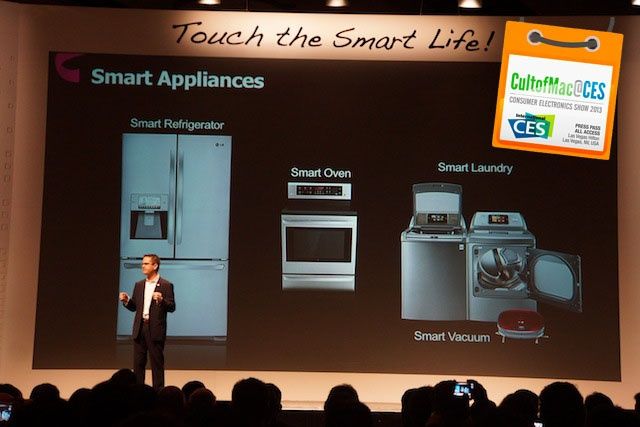
LAS VEGAS, CES 2013 – LG’s mission for 2013 is to help you “touch the smart life.” At least, that’s what CEO Wayne Park claimed when he jumped on stage at CES this morning. They make a lot of products that are smart, and LG just wants your life at home to be simple and stress-free.
LG makes everything for your home. I mean literally everything. Yeah, they make smartphones and TVs, but they also make ovens, refrigerators, robot vacuums, microwaves, washing machines – EVERYTHING.
Nearly every major appliance that you have in your house could probably be replaced by an LG version. If any company could make a Siri-controlled iHome before Apple, then it’s LG. But because they’re trying to do so much, their version of the smart home still sucks, and it gives Apple an advantage to become the company that controls your home.
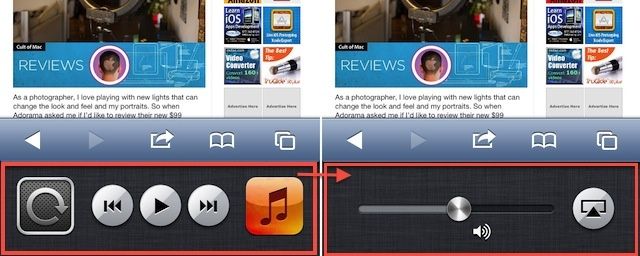
When you’re using your iPad and want to send the signal up to the big TV in your living room via Apple TV and AirPlay, you can double click on the Home button, swipe to the right, and you’ll see the Media bar, with the brightness, volume, orientation lock, and AirPlay destination settings.
But on the iPhone, when you swipe once to the right, all you’ll see is the orientation lock (or Mute, if you’ve set your hardware switch to lock orientation), and the play, forward, and reverse buttons for media playback via the Music app. Where is the AirPlay setting button? And what about a volume slider?
Ever wanted to view your videos, pictures, or documents from your Mac without having to put them on Dropbox or Google Drive? If you know you need specific files from your Mac desktop at home, you’d probably just use one of those cloud services. But what happens when you get to work and need a file you forgot about, or a family member’s house and want to show off some photos or video from home?
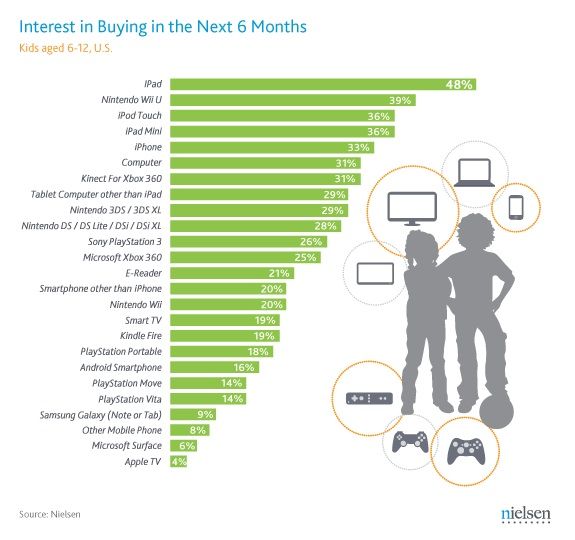
Your kid probably wants something from Apple for Christmas this year. It’s a fact. No I’m not being an ultimate fanboy who’s saying that just to make Apple look cool or spread Apple’s evangelical message of peace, love and minimalism.
Kids this year want an iPad more than anything. More than an Xbox, Wii U, computer, or even a smartphone.
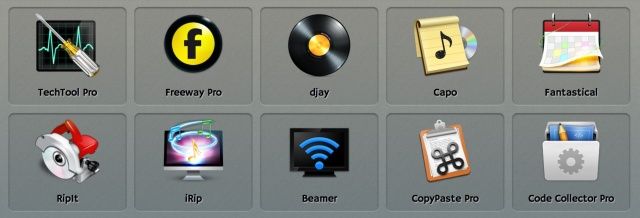
MacLegion puts together some of the best Mac app bundles around, and this year’s holiday collection is certainly no exception. This may be one of the best bundles we’ve ever seen, in fact. The folks at MacLegion have assembled $540 worth of top-notch Mac software and bundled it together for only $50—that’s more than a 90% discount!
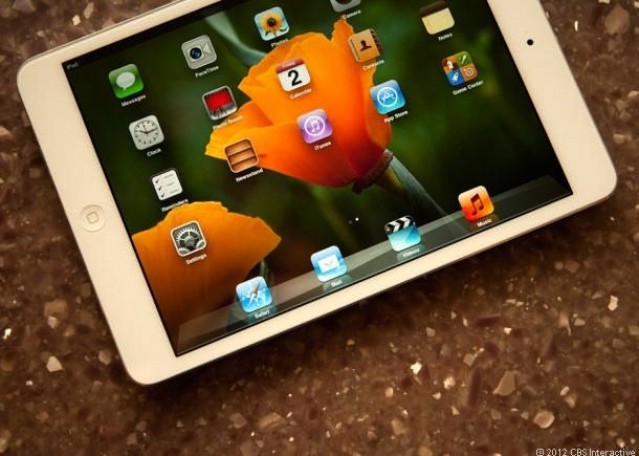
Although the iPad mini is well-reviewed, a constant complaint that has been leveled against Apple’s smallest tablet is that the display isn’t Retina. In fact, in my review of the iPad mini, I could barely see past the terrible fuziness of the on-screen text, and considered it an otherwise perfect device’s Achilles’ Heel.
Summarized, the argument is this: A Retina iPad mini would be too expensive for Apple to make right now, and it would come with other tradeoffs, like a significantly reduced battery life and a much thicker and heavier form factor.
I was curious if this was actually true, so I decided to try an experiment: I’d build an imaginary Retina iPad mini out of technology that Apple already has access to, add up how much it would cost, and then see what the design tradeoffs would be.
What I found out was that Apple could indeed have shipped an iPad mini with Retina this generation without significantly changing the form or battery life of the device, but it would have cost $379. Here’s why.
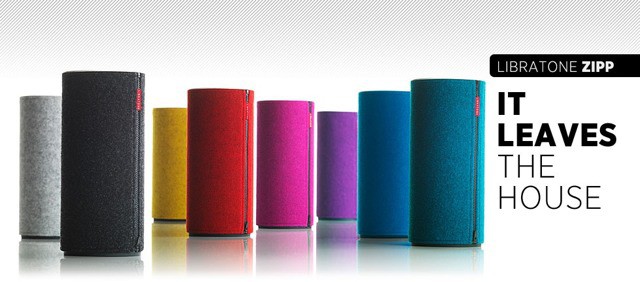
Libratone’s Zipp is a another AirPlay speaker, only this one has a couple of twists. The most obvious difference between this and the Big Jambox (its closest competitor) is the colorful wool felt cover. The other difference is in how it connects: The Zipp creates its own Wi-Fi access point.
After we reported on Steam’s new Big Picture beta coming to the Mac, we got a reader question that I figured it’d be good to write a tip on.
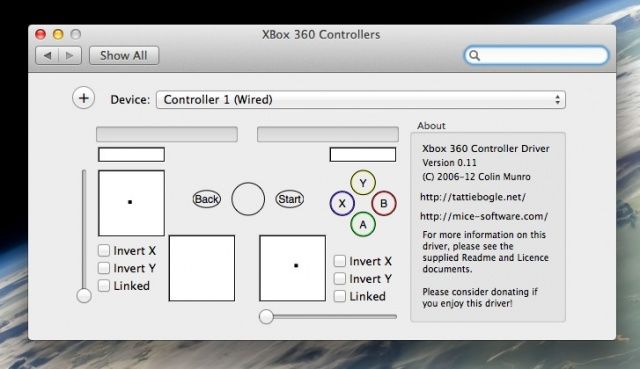
Playing games on your Mac is great fun of course, and all of them use the keyboard and/or mouse to control the games being played. However, with AirPlay mirroring, HDMI cable support, and a bunch of new games showing up for the Mac platform along their Windows brethren, there are times when a console style controller is a better alternative. Being able to sit on the couch and play our favorite Mac games has a lot to recommend it, and using an Xbox controller is fairly easy to set up.