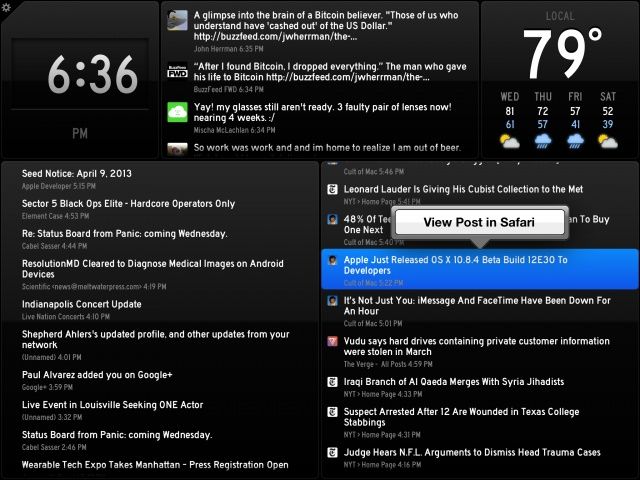
"You've got data. Status Board makes it beautiful."
Status Board Made by:Panic Category: Productivity Works With: iPad, iPad mini Price: $9.99
So many apps are designed first for the iPhone, and the iPad is more or less an afterthought. Not so with Status Board, a brand new app from Panic that is designed meticulously with the iPad’s larger display in mind.
If you know Panic’s pedigree (Coda, Transmit, etc.), then you know what kind of app to expect: something incredibly powerful, focused, and impeccably designed. Status Board is no exception. And although the app won’t appeal to most iPad users, it is perhaps Panic’s most consumer-friendly app to date.
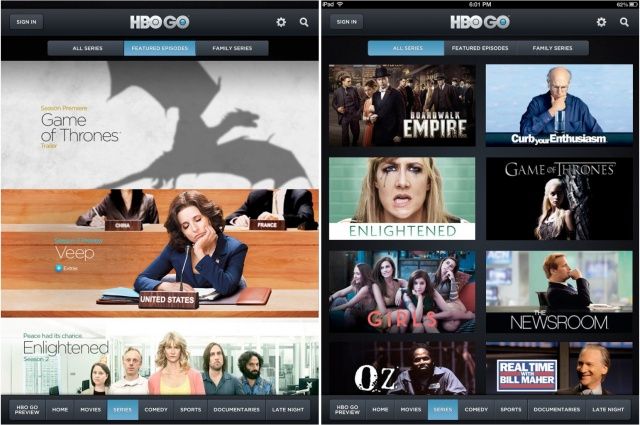
The HBO Go app for iOS has today been updated to add some great new features, including support for AirPlay multitasking. Game of Thrones fans will also be able to enjoy enhancements to the interactive experience on iPad.
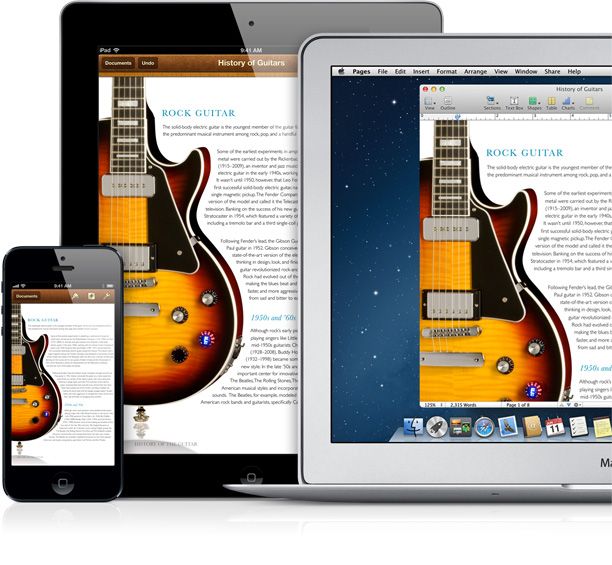
iCloud is a pretty neat system, working in the background across a ton of different apps without much input needed from us users, except our login name and password. It lets you sync Notes, Reminders, save documents, keep game saved-states, and even manage your music collection
Without a doubt, my favorite Mountain Lion feature is AirPlay Mirroring, which allows me to easily mirror whatever is happening on my Mac to my Apple TV. My girlfriend and I use it pretty much all the time to watch movies at night — I digitized our vast DVD collection long ago to save space. It’s truly indispensible to me.
Although I love AirPlay Mirroring, the feature still has two main issues. First of all, AirPlay Mirroring doesn’t work at all on Macs released before 2011, meaning that my 2009-era 27-inch iMac can’t easily stream anything off of its 3.25 TB (rolled-at-home) Fusion Drive. There are apps like AirParrot that get around that limitation, but I’ve always found them to be a little bit strange and laggy, doing weird things like letterboxing my iMac’s display on all sides.
Even if you have a Mac that is newer than 2011, though, there’s one major limitation of AirPlay Mirroring: if you’re streaming a movie to your Apple TV using AirPlay Mirroring, you can’t actually do anything else with your Mac while the movie is playing. If you switch away from the video player to check your email or your Twitter account, it’s all mirrored on the screen.
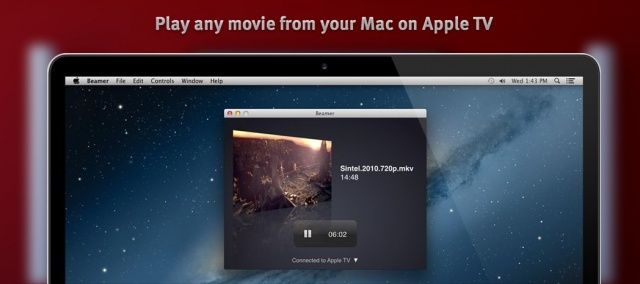
What I have always wanted is this: the ability to easily stream a movie to my Apple TV from any Mac in my house, while allowing me to still use my Mac without disrupting the viewing experience.
Today, I discovered a gem of an app that lets me do all of this. It’s called Beamer and it frickin’ rocks.
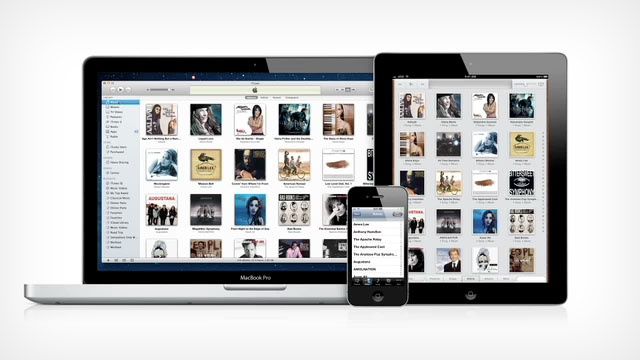
iTunes Match lets you access your music library from any Mac and any iOS device, as long as you are authenticated to each one. It uses the power of iCloud to see what music tracks you own, so you don’t have to sync each individual track to each device like the olden days. With iTunes Match enabled, you can play and download tracks to up to ten different iOS, Mac or Apple TV devices you log in to. Here’s how to manage your subscription.
Do you present a lot? Maybe PowerPoint or Keynote presentations in front of lots of busy professionals? Have you ever had that nightmare where you get to your hotel and realize that you forgot to make the presentation you give the next morning? Yeah, me neither.
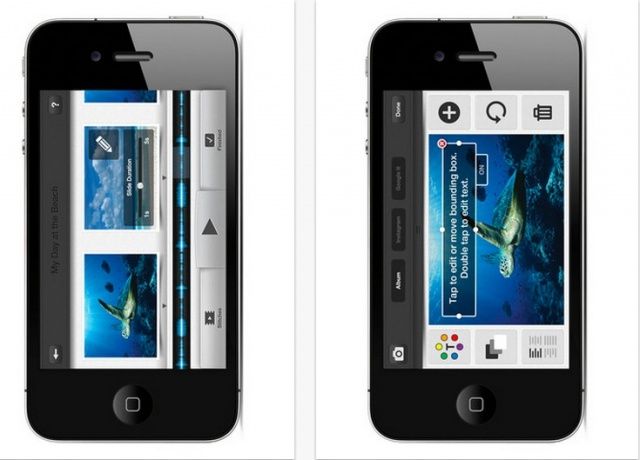
However, if I did wake up to that horrifying reality, I’d grab Stitch, an iPhone app that lets you make video presentations using your own pictures and text in minutes, right from your iPhone. Here’s how.
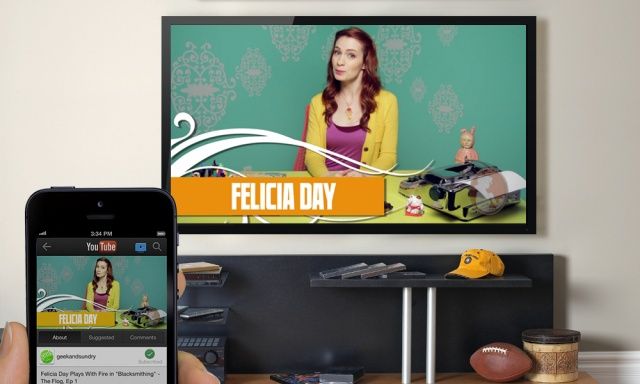
Google has a released a pretty big update for its YouTube iOS app that adds a “send to TV” option. The feature was added to Android last year.
This is basically Google’s version of AirPlay. It’s an open protocol that’s in Google TV, Xbox, PS3, and some new HDTV sets. Once you’ve paired with the device, the YouTube iOS app becomes a remote for discovering and playing back videos on the big screen.
It’s not often that Tim Cook speaks at a non-Apple event, but for the second year in a row, Tim is heading to New York City to speak at the Goldman Sachs Technology and Internet conference.
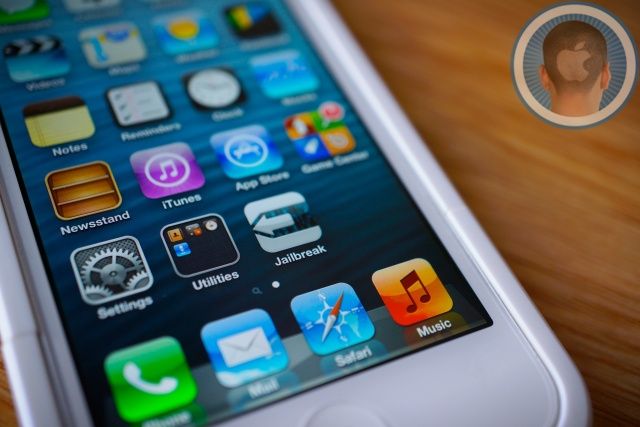
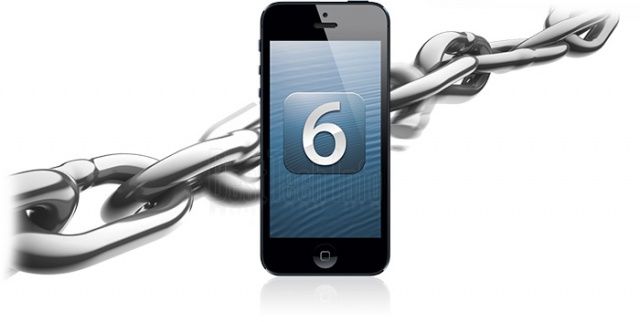
The next big jailbreak is about to drop, and it will unchain nearly every iOS device Apple sells running the newly released iOS 6.1. We’re only a few days away from the 6.1 jailbreak now, and most bets are for a Sunday release.
There are a couple things you need to do before you jailbreak your device. Good thing Cult of Mac has you covered. Here is everything you need to know to get ready for the upcoming iOS 6.1 jailbreak: