Replace that bulky HDMI cable with this wireless video transmitter and receiver. Photo: Nyrius
With the Nyrius Orion Prime Wireless USB-C to HDMI Video Transmitter & Receiver, you don’t need a cable to connect your MacBook, iPad or iPhone to your TV. It can send video up to 150 feet, offers HD resolution, and doesn’t require a Wi-Fi network.
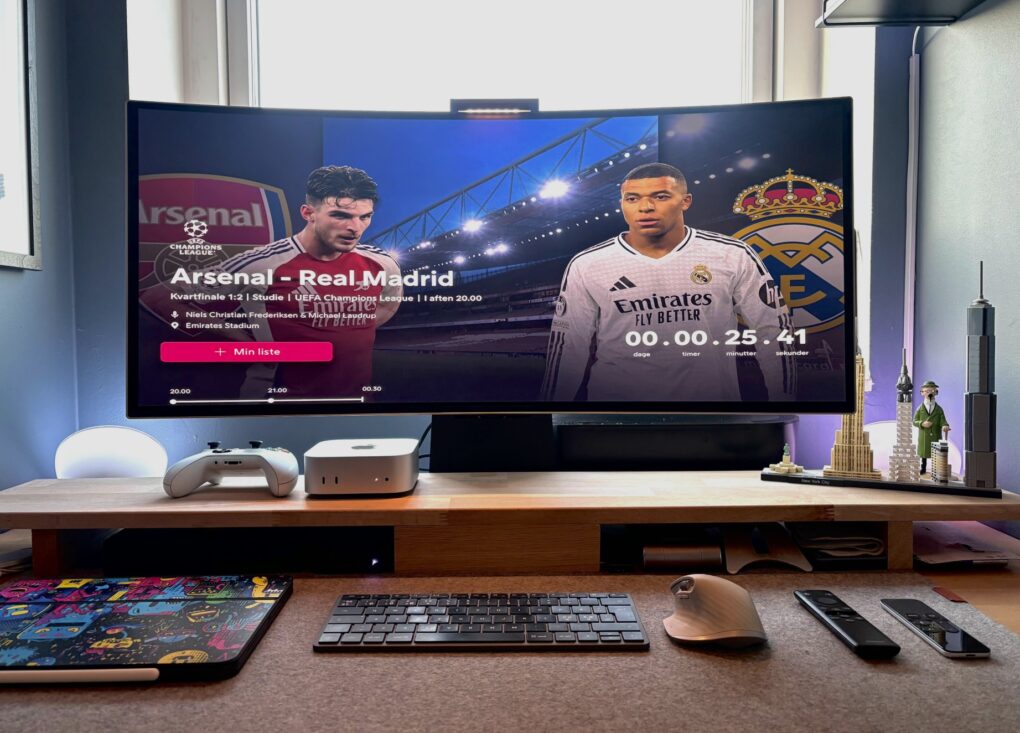
In a back-and-forth battle, Studio Display ultimately lost out to a Samsung G8 OLED ultra-wide monitor. Photo: [email protected]
The turf war between standard displays and ultra-wide monitors continues — sometimes within one computer setup. Today’s M4 Mac mini user went back and forth multiple times before their Samsung ultra-wide OLED display retook the crown from their Studio Display, which is now “gone.” And that’s the case despite their acknowledgement that “Studio Display is the best monitor for Mac, no discussion.”
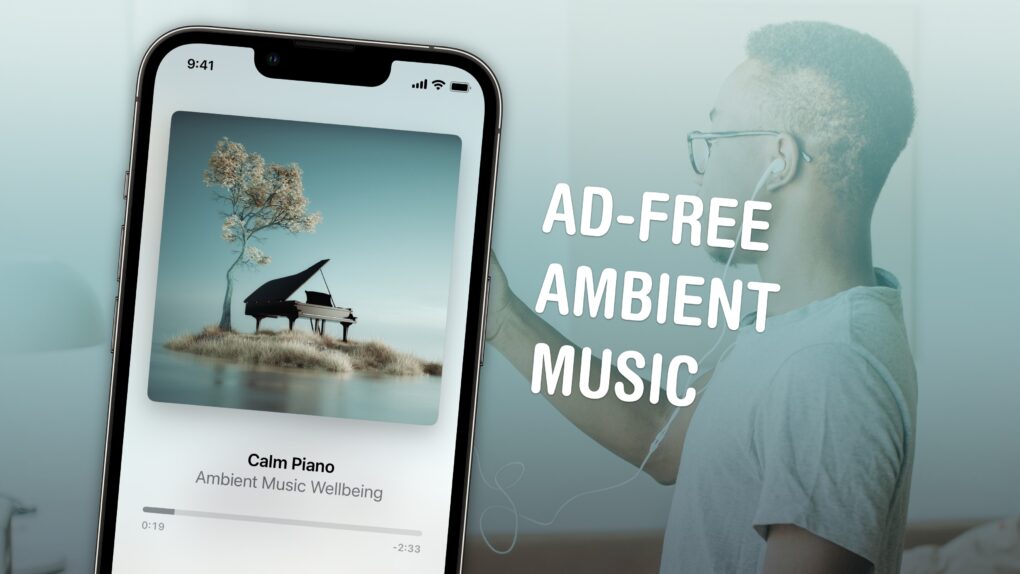
Throw on some background sounds without any fuss. Image: D. Griffin Jones/Cult of Mac
If you like working, sleeping, relaxing or meditating to ambient music — and you own an iPhone — you’re in luck. You can now play background tunes from Control Center on your iPhone. The feature is ad-free and doesn’t require a subscription to Apple Music.
If you usually put on a lo-fi music stream on YouTube, you should give this new feature a shot instead. You don’t need to keep the YouTube app open, and annoying ads won’t interrupt you.
Here’s how the iPhone’s ambient music feature works.
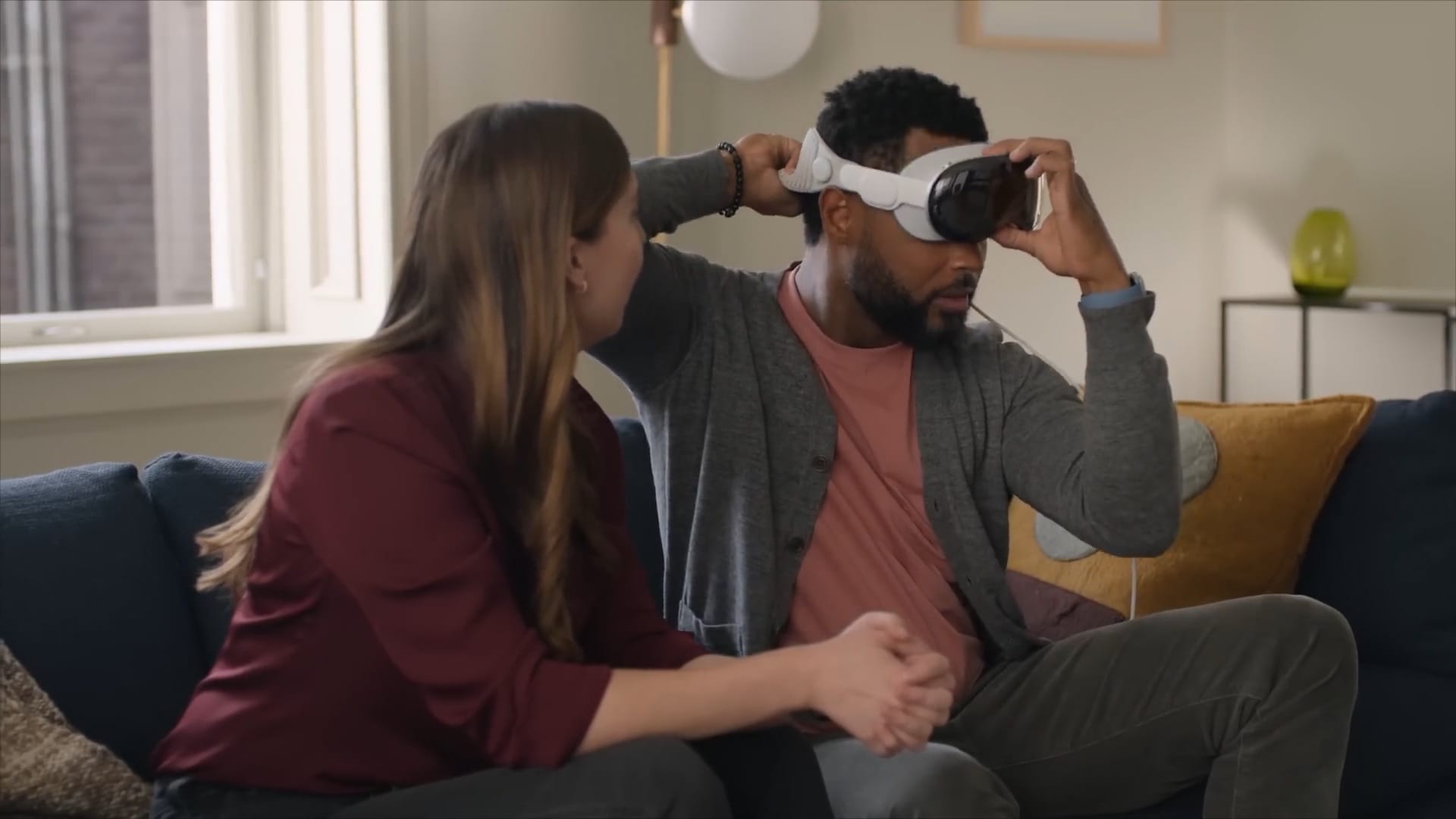
Vision Pro Guest mode is how you can share your Vision Pro with someone else. Because if you own one of Apple’s new AR/VR headsets, everyone you know is inevitably going to want to try it on. That’s where Vision Pro Guest Mode comes in.
With the release of visionOS 2.4 and iOS 18.4, setting up Guest Mode is much easier than before. The old way still works — but to make sharing your headset more seamless, you should follow the instructions below. There’s a little bit of setup, but then it should be smooth sailing.
This is how to set up a guest user on Vision Pro. Keep reading or watch our video.
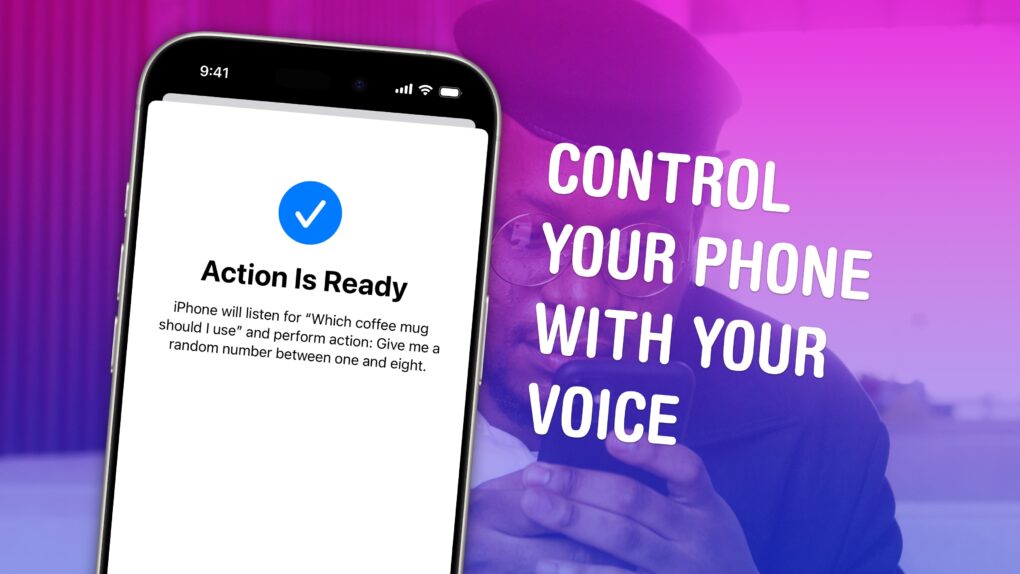
Vocal Shortcuts can feel like a superpower. Image: D. Griffin Jones/Cult of Mac
Vocal Shortcuts let you control your phone by speaking a command out loud. Think “Hey Siri,” but for running your own custom actions from Apple’s Shortcuts app. (Here’s a quick rundown on Shortcuts, if you’re not familiar with this powerful tool.)
Using Vocal Shortcuts is a versatile way to automate tasks on your iPhone with the power of your voice alone. You don’t need to make space on your Home Screen for a Shortcuts widget, type anything into Spotlight or, god forbid, open the Shortcuts app.
You can create a Vocal Shortcut that opens an app you use often, like the Apple TV remote, for instant access with your voice.
You can even use this feature as a roundabout way to use “OK Google” — or whatever your favorite alternative voice assistant may be — instead of Siri.
We don't recommend banging your head while wearing a Vision Pro. Image: Apple
Apple’s new immersive concert video Metallica will give Vision Pro owners a unique experience of one of the band’s pulse-pounding shows. Filmed during the band’s M72 World Tour, it captures three Metallica songs in ultra-high-resolution, 180-degree video and Spatial Audio.
In a press release Tuesday, Metallica drummer Lars Ulrich described the immersive video as a revolutionary twist on the standard concert film.
“Game-changing is putting it lightly,” Ulrich said. “Seeing our concert like that, along with the energy of the Mexico City fans — it’s very immersive, and it’s super-fun. We’ve always been interested in pushing the boundaries, and Metallica on Apple Vision Pro is exactly that.”
iOS 18.4 beta is packed with new features. Photo: Rajesh Pandey/Cult of Mac
A week after the first iOS 18.4 beta dropped, Apple released the second beta build. It packs even more changes and brings an iPhone 16 feature to the iPhone 15 Pro lineup.
Below are all the changes we have discovered in iOS 18.4 beta 2 and previous builds so far.
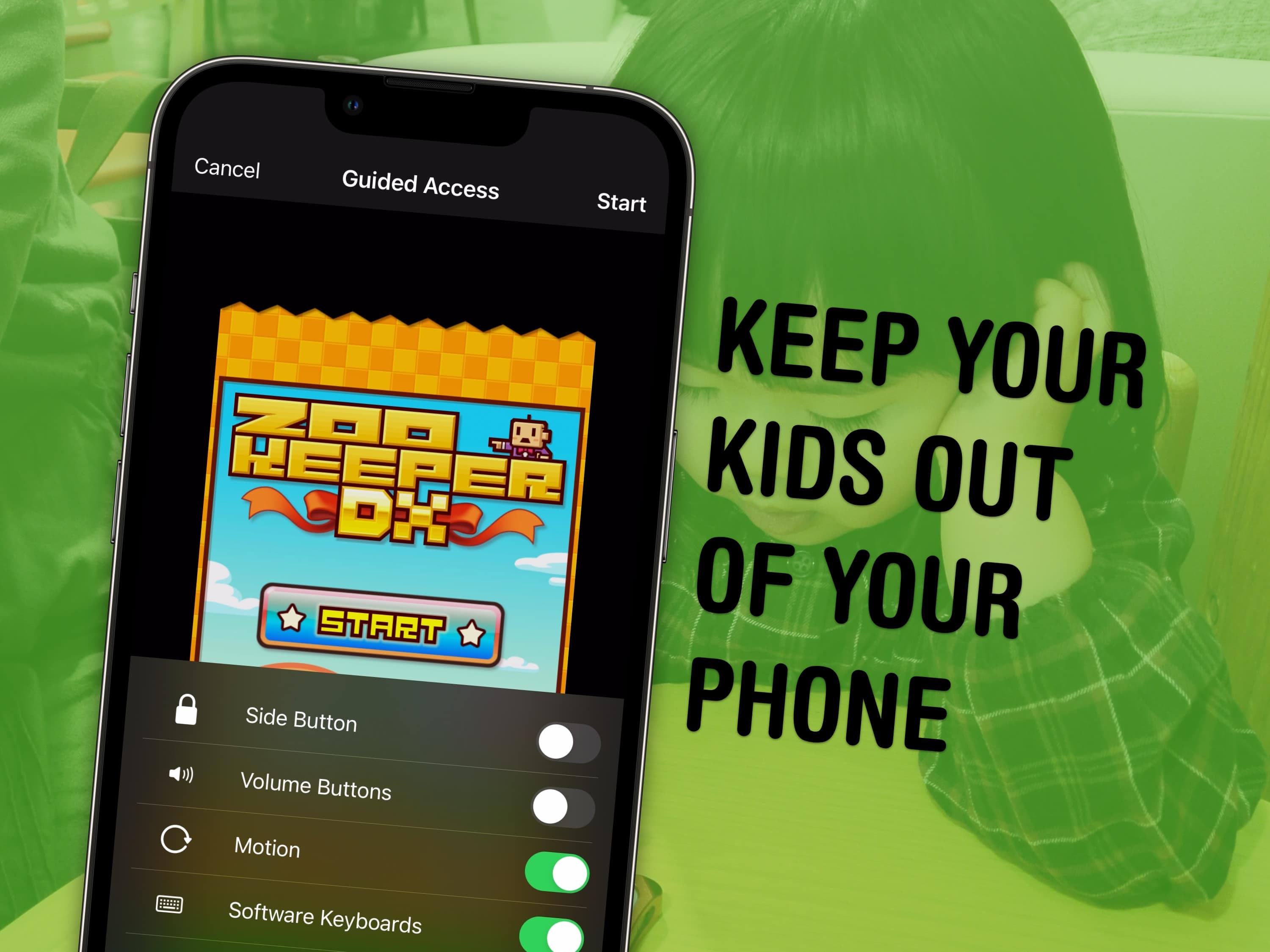
Lock your kids into a game (like Zookeeper) when they have your phone. Image: MIKI Yoshihito/Wikimedia Commons/D. Griffin Jones/Cult of Mac
You can use a feature called Guided Access to lock down your iPhone to a single app before you hand it to a kid or someone else. You might want to let your offspring play a game, or pass your phone around for controlling music, or hand it off to show someone a video … but you probably don’t want them going rogue and reading your texts or calling your mom.
In Accessibility settings, you can enable Guided Access to limit your iPhone to a single app before you hand it off. It’s a kind of quick and dirty “guest mode.”
This will help you keep your phone — and your privacy — safe. You can even disable features like the volume buttons and set up time limits.
Xfinity customers get better FaceTime calls. Image: Apple
Comcast just launched ultra-low-lag connectivity for Xfinity customers, improving video calls using FaceTime on a variety of Apple devices. The faster service is also available in other interactive applications.
“Xfinity Internet latency will be dramatically reduced to faster than the blink of an eye,” the company promised Wednesday.
The Mac mini setup's bookshelf speakers are just the top of the Polk Audio iceberg. The man shed's home theater audio gear is incredible, too. Photo:
In today’s featured setup from the Pacific Northwest, Polk Audio boosts Mac mini sound with bookshelf speakers on the desk as well as a subwoofer under it. But that’s not the extent of the user’s devotion to Polk, an admired longtime brand we rarely, if ever, see in setups coverage. The Mac mini setup is just one part of a magnificent man shed. The other part is a home theater festooned with more than enough Polk Audio hardware for stellar surround sound.