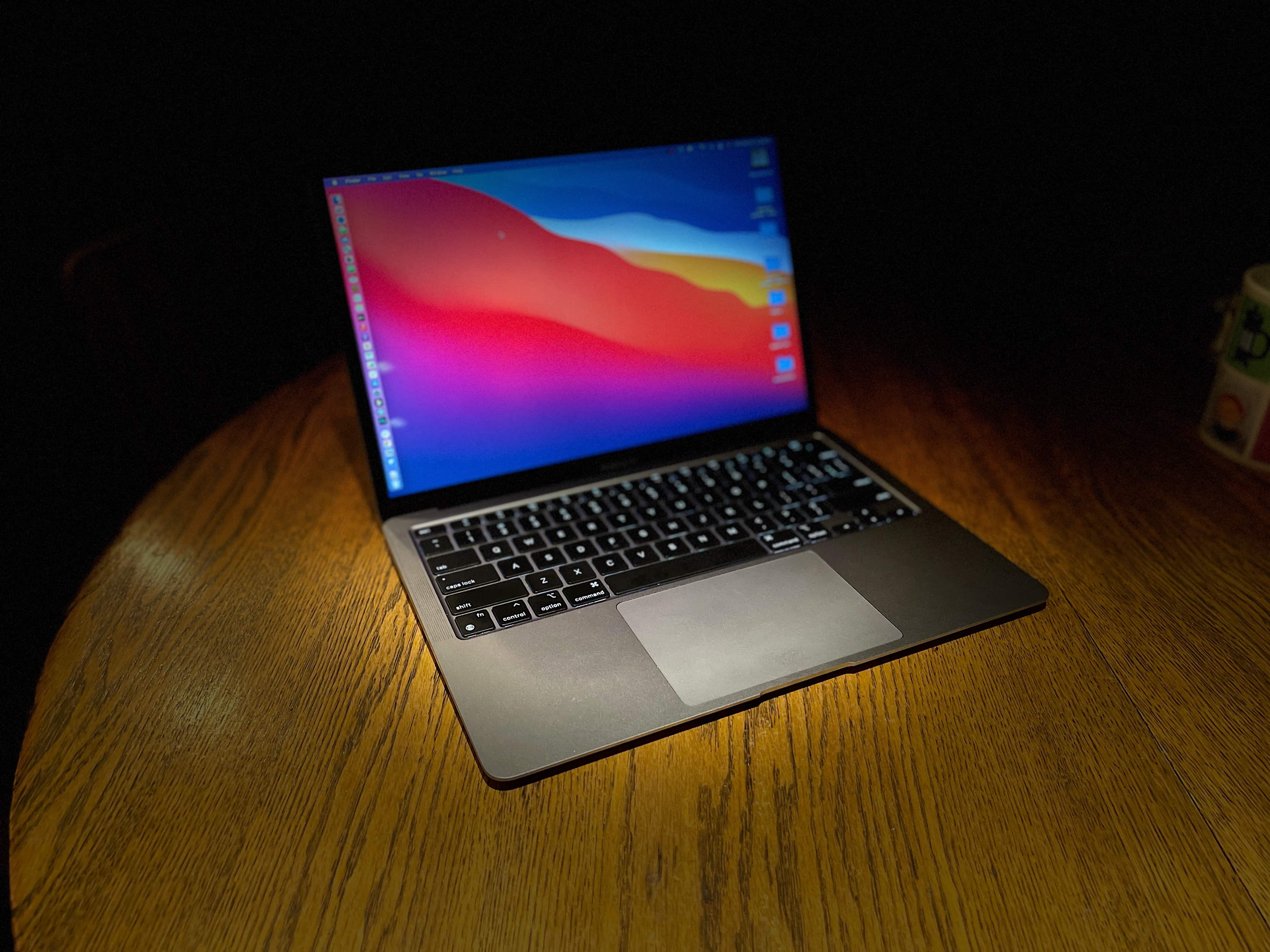
A refurbished MacBook Air could be your key to a fresh computer without breaking your budget. Photo: Leander Kahney/Cult of Mac
Apple began selling refurbished M1 MacBooks at well below their original prices. As they’re as much as $500 below the regular price, these are outstanding options for anyone who wants a laptop with Apple’s speedy M-series processor but don’t have the cash for a new one.
There’s a wide range of used MacBook Air and MacBook Pro units currently in stock at the online Apple Store.
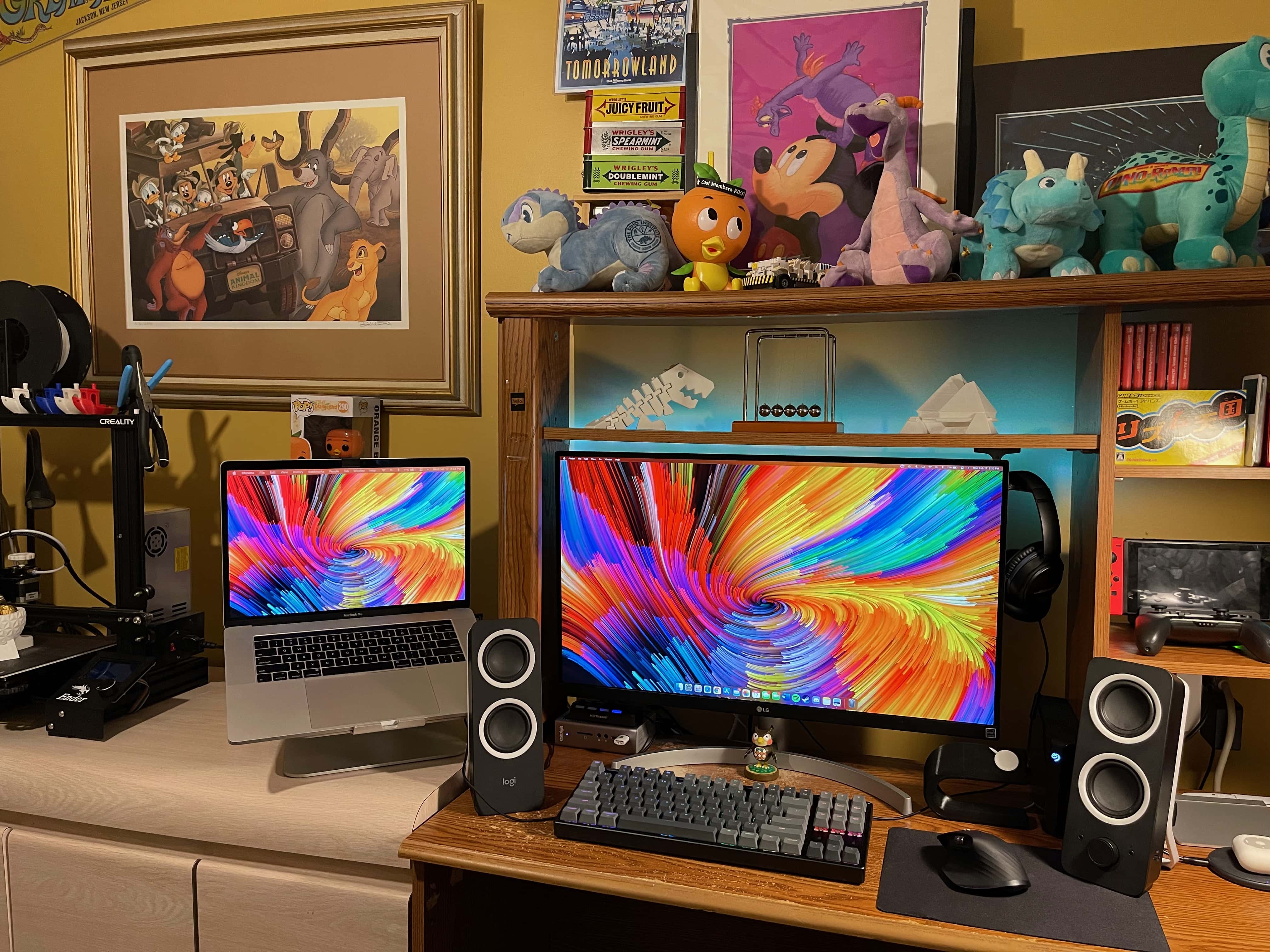
This setup includes 3D-printed elements and Nintendo-inspired decorations. Photo: Vincent Belotti
Vincent Belotti, a mechanical engineering student at Farmingdale State College on Long Island, New York, has a colorful setup — and we’re not just talking about his screensaver. He 3D-prints some of the components in it himself, and he can’t get enough decor related to his favorite games.
3D printing as a hobby
As an engineering student, Belotti has made 3D printing into a hobby. He uses his MacBook Pro to model and slice prints that become components to enhance his setup. They include an Apple Watch dock, shown on the right side of his desk in these photos, and 3D figurines on the shelf above his monitor.
Tony Walker's setup centers on a 2020 iMac. Note the 2nd-gen iPod at upper left. Photo: Tony Walker
Tony Walker has been an Apple user since 2003. As a college student in his early 20s, he did his classwork on a 12-inch PowerBook G4 and a 3rd generation iPod during downtime at his graveyard-shift job.
Things have changed a little almost two decades later.
Shad Ahmad's straightforward setup centers on a MacBook Pro and 32-inch monitor. Photo: Shahid Ahmad
Shad Ahmad was a hard-studying freshman majoring in biology and minoring in history at Harvard University in Cambridge, Massachusetts, when the COVID-19 pandemic struck.
Going home to continue classes for a semester remotely from his parents’ house in Wisconsin may not have been ideal, but Ahmad found a comforting upside. Integrated smart technology makes his life easier, he told Cult of Mac.
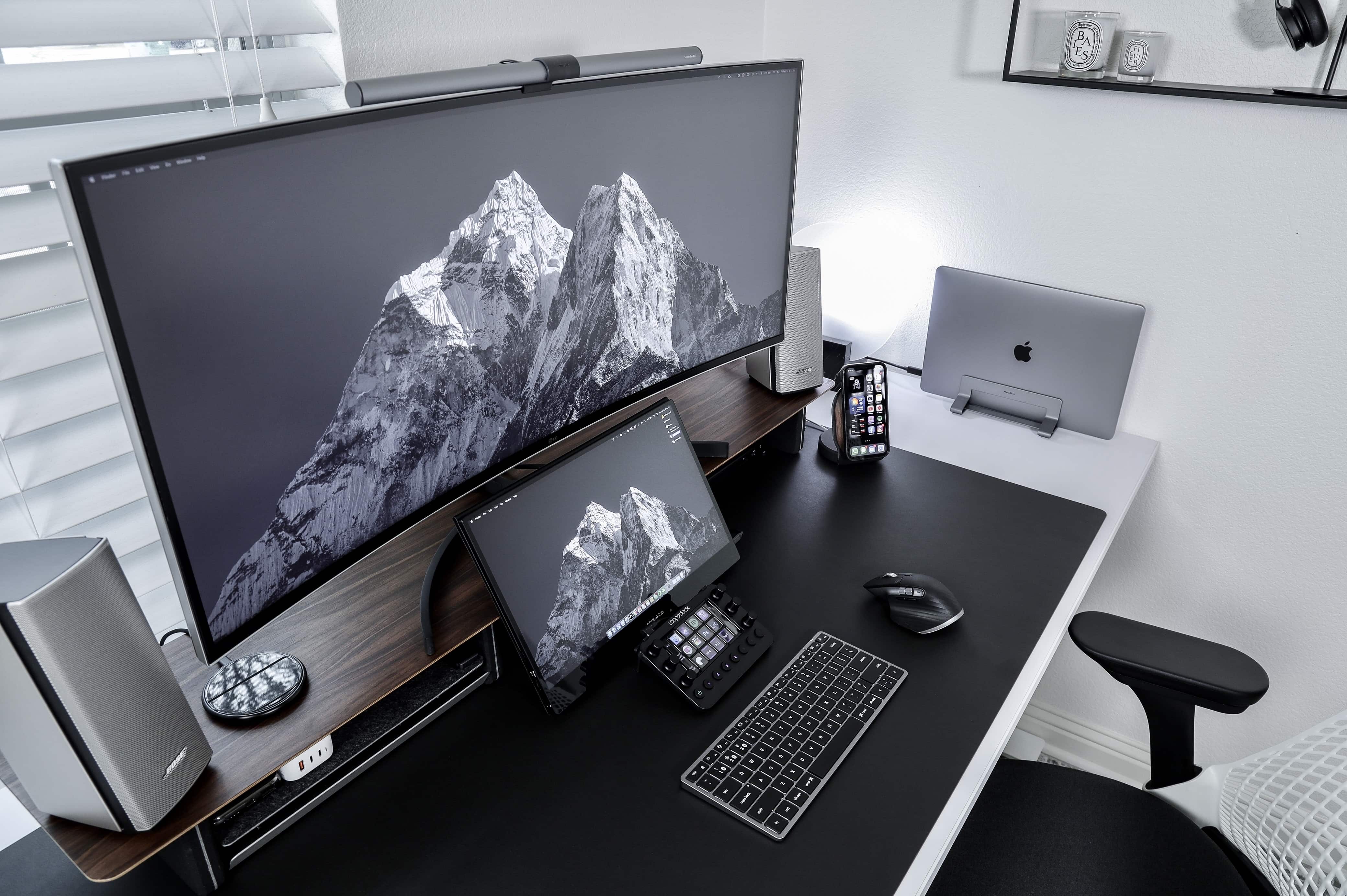
Instagram content creator Matt Tran runs his MacBook Pro with an ultrawide screen and a portable one for different reasons. Photo: Matt - Instagram @nvzion
Austin, Texas-based photographer Matt Tran initially built his impressive setup to share his pics on Instagram, and you can certainly see a lot of them there. But now he uses his workstation, centered on a MacBook Pro and two monitors of vastly different sizes, to film and edit videos.
“I like having the 38-inch [LG] ultrawide to view the timeline on Final Cut Pro and the smaller, 15.6-inch Desklab portable monitor to review the footage,” he told Cult of Mac.
Apple has repeatedly increased the size of the iPad over the years. A 15-inch version is the logical next step. Graphic Cult of Mac
While the iPad Pro serves as a primary computer for many people, the 12.9-inch version is simply too small. Apple needs to make a 15-inch iPad Pro Max to make the tablet truly useful for power users.
And a bigger screen is only the start. This version should include other top-tier features not found in Apple’s smaller tablets.
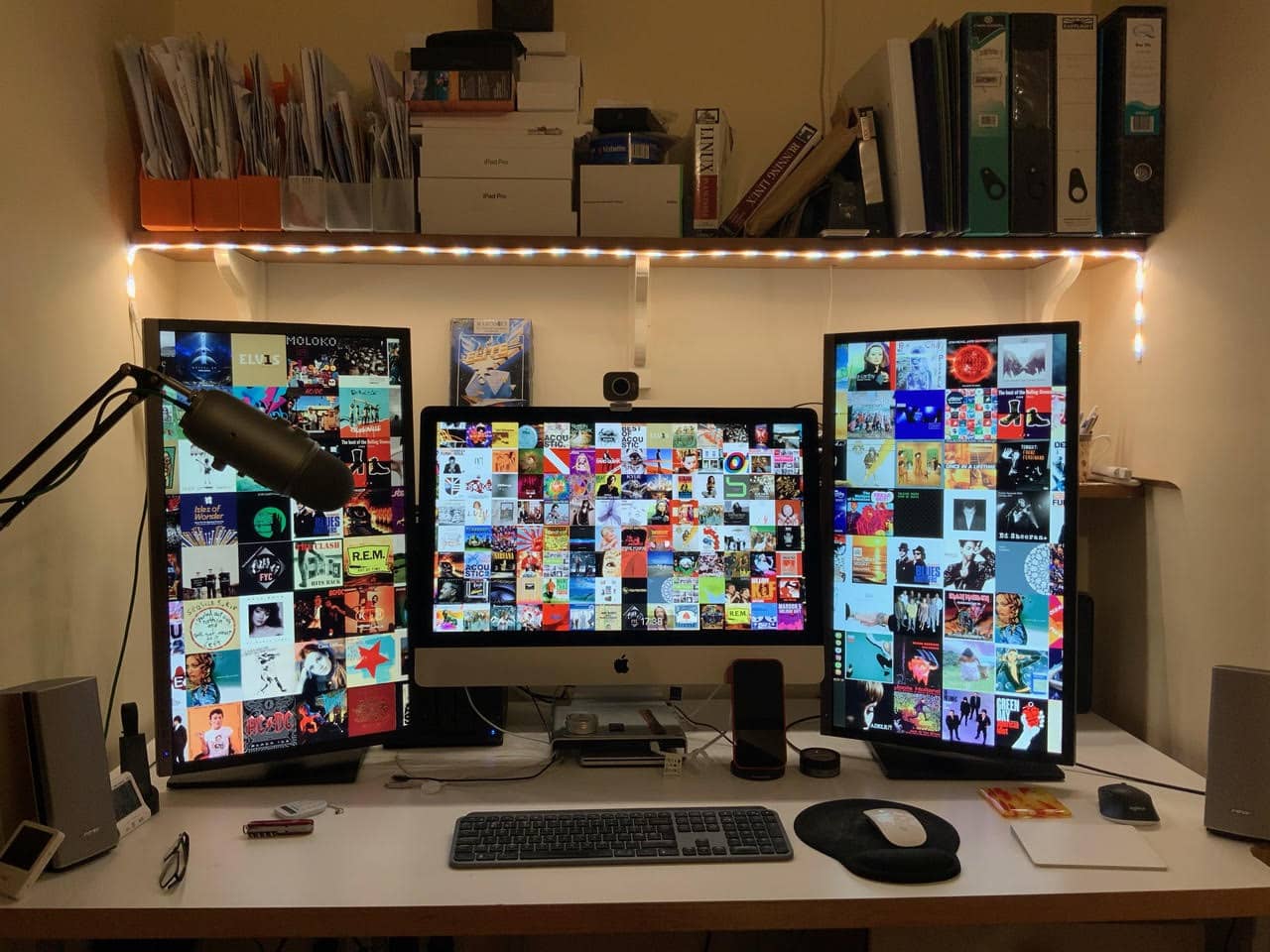
David Wilcox's setup centers on a 27-inch 5K iMac with 28-inch Samsung monitors on either side of it. Photo: David Wilcox
David Wilcox is an IT consultant working from home in Bristol, England. His remote work situation means he gets to tweak his setup just as he likes, he told Cult of Mac.
Wilcox’s central command is a 27-inch 5K iMac from 2019. Humming along with it are two 28-inch U2HE850 monitors paired and run together via a Startech Thunderbolt 3 to Dual DisplayPort Adapter.
With that much screen real estate and a plethora of networking gear, he gets a lot done.
“My first computer was a Sinclair [Research] ZX81,” he said, referring to a machine made by Timex Corp. in the United Kingdom starting in 1981. “So this setup is just about a home-computing Nirvana!”
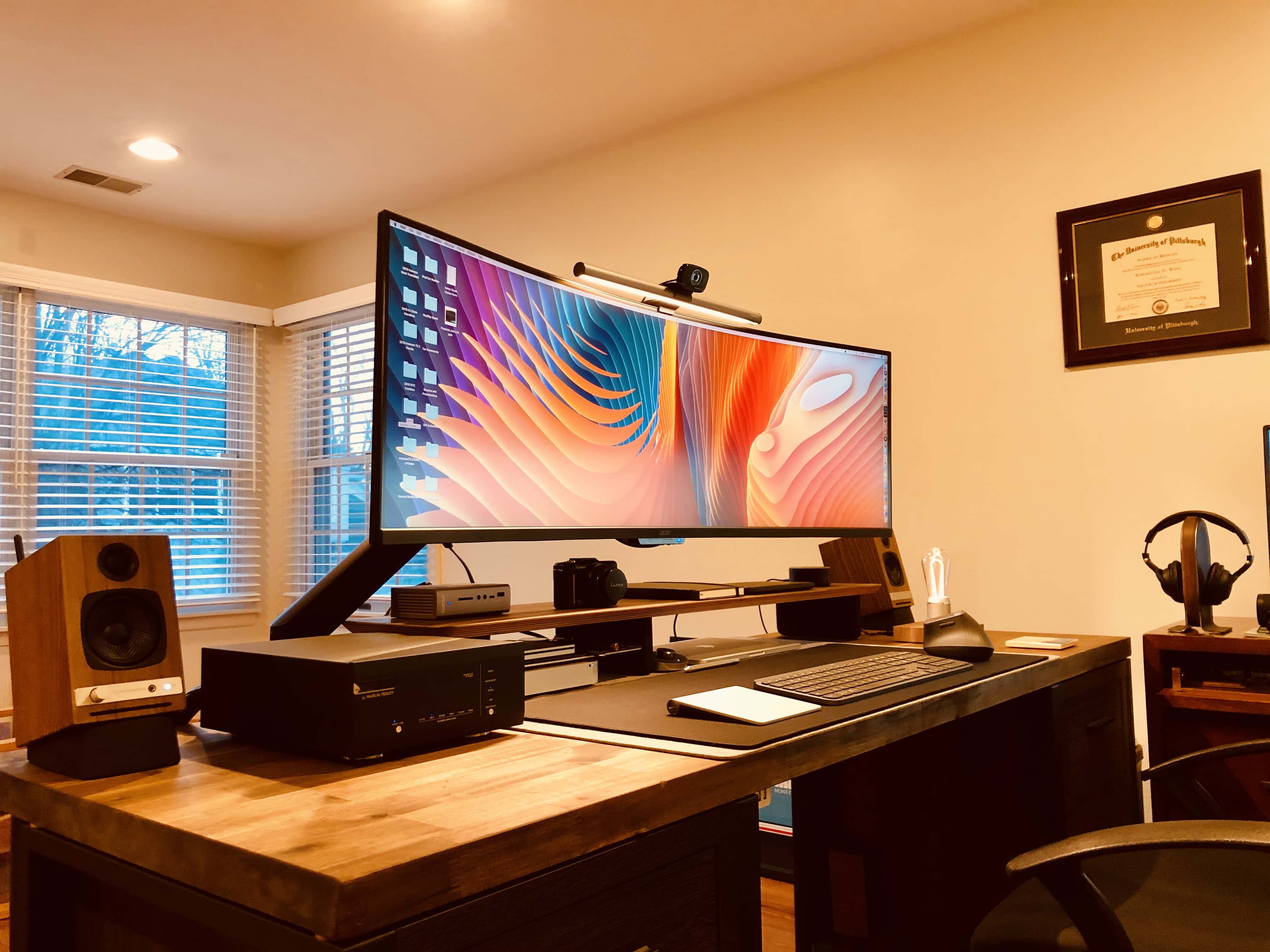
Edward Wang's setup features an ultra-wide monitor. (Note the eye-strain-reducing BenQ Screen Bar lighting atop the monitor.) Photo: Edward Wang
Basking Ridge, New Jersey-based Edward Wang, Ph.D., is an executive director with Quest Diagnostics. He took some serious time and effort making his setup a clean and powerful tool for health care work and audiovisual play. Once he diagnosed and treated a cable-management malady stemming from several separate pieces of computer and audio equipment, his setup delighted him.
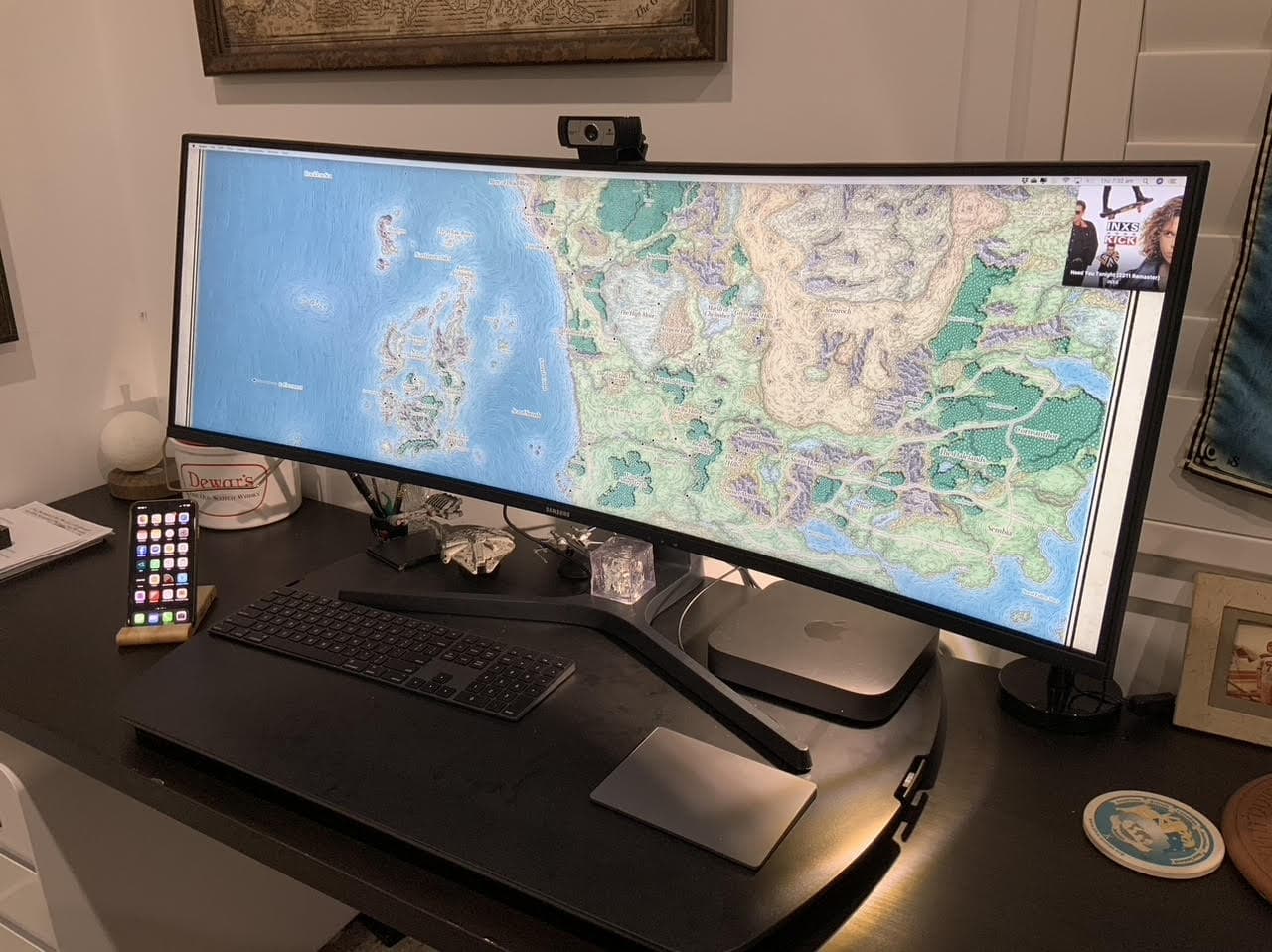
A 43-inch wide curved monitor is the highlight of Duncan Shultz's gaming setup. Photo: Duncan Shultz
Brisbane, Australia-based defense contractor Duncan Shultz loves Dungeons & Dragons. And that’s the main action his Mac-mini-and-wide-screen setup sees, although he also admits to using it to work for a living. An Aasimar Sorcerer’s got to eat, after all.
“The wide screen is simply awesome for my uses,” Shultz told Cult of Mac. “Specifically in running online D&D games. I can have video conferencing, multiple browsers, streaming software and other tools all open and accessible.”
In addition to the aforementioned sorcerer character — goes by the name of Selinth, BTW — Schultz is a dungeon master for Curse of Strahd campaigns, one online and one in person. Online he uses the Roll20 website and in person he uses EncounterPlus for iOS and macOS.
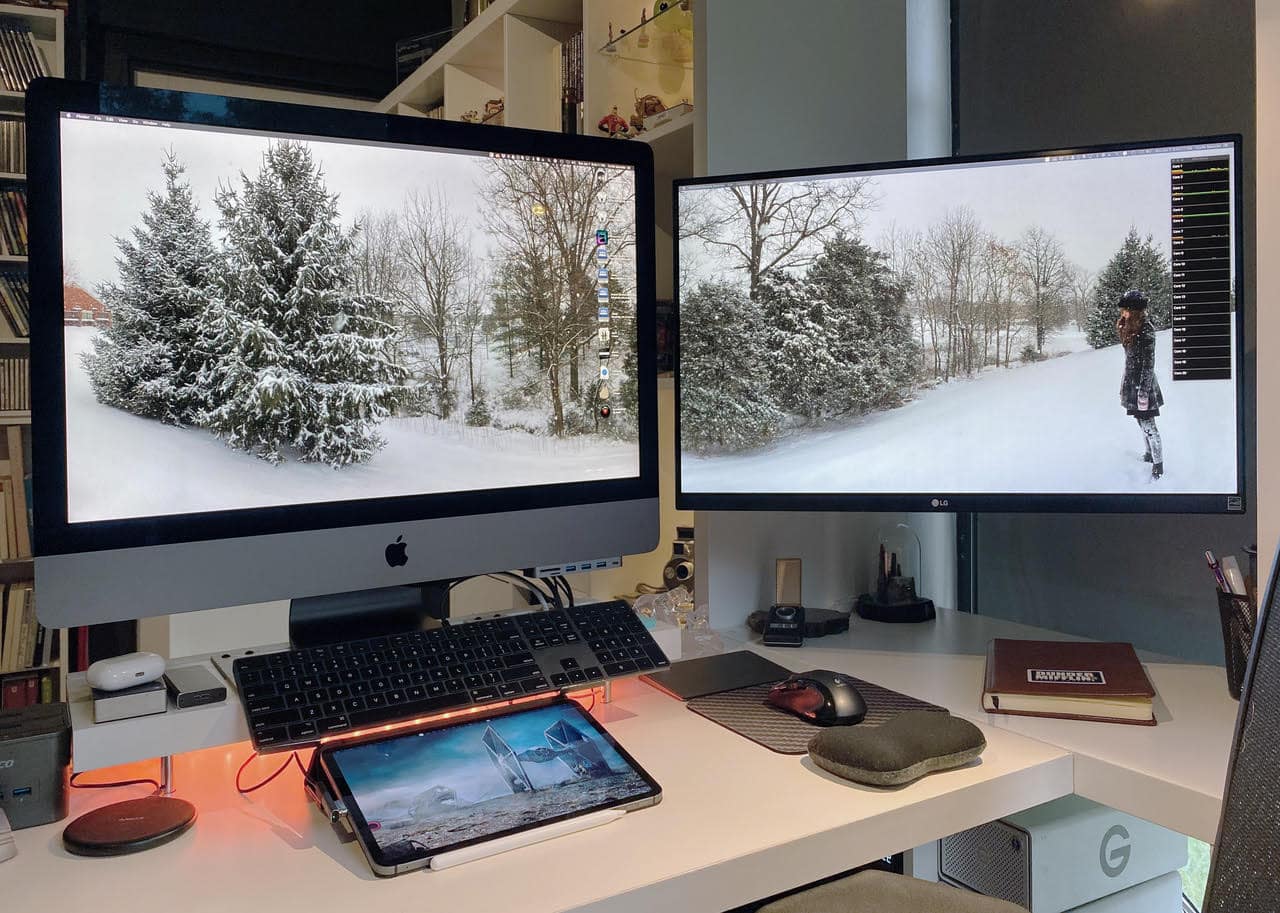
Curtis Sponsler's iMac Pro-based setup requires both processing power and huge storage capacity for animation.. Photo: Curtis Sponsler
Miami-based Curtis Sponsler has been a 3D animator and motion graphics designer for more than 30 years. These days, that work takes copious amounts of computing power and massive storage capacity.
Fortunately, his current iMac Pro-based setup handles his needs well.
The man even built his own render farm in a closet with dedicated air conditioning to store and cool his video-rendering machines.