Mobile menu toggle

Search results for: SSD

Master Control Center on iOS, Apple Watch and Mac with these handy pro tips

By

Control Center Pro Tips Week
With a little bit of tweaking, Control Center can be a lot more useful.
Image: Killian Bell/Cult of Mac

Control Center Pro Tips WeekWe want to help you master Control Center, one of the most powerful and underutilized features on Apple devices. Cult of Mac’s Control Center Pro Tips series will show you how to make the most of this useful toolbox on iPhone, iPad, Apple Watch and Mac.

On iPhone, iPad, Apple Watch and Mac, the Control Center puts vital tools at your fingertips. And while most people probably are familiar with some preset options, like Airplane Mode and Do Not Disturb, a world of customization awaits anyone willing to spend a few minutes digging deeper into this underutilized tool set.

All week long, we’ll show you how to get the most out of Control Center — and thus squeeze even more sweet utility out of your Apple devices. With this series of quick and simple Control Center tips, we’ll show you how to add useful buttons that make common tasks easier than ever.


Computer science student’s M1 rig is a pile of Schiit [Setups]

By

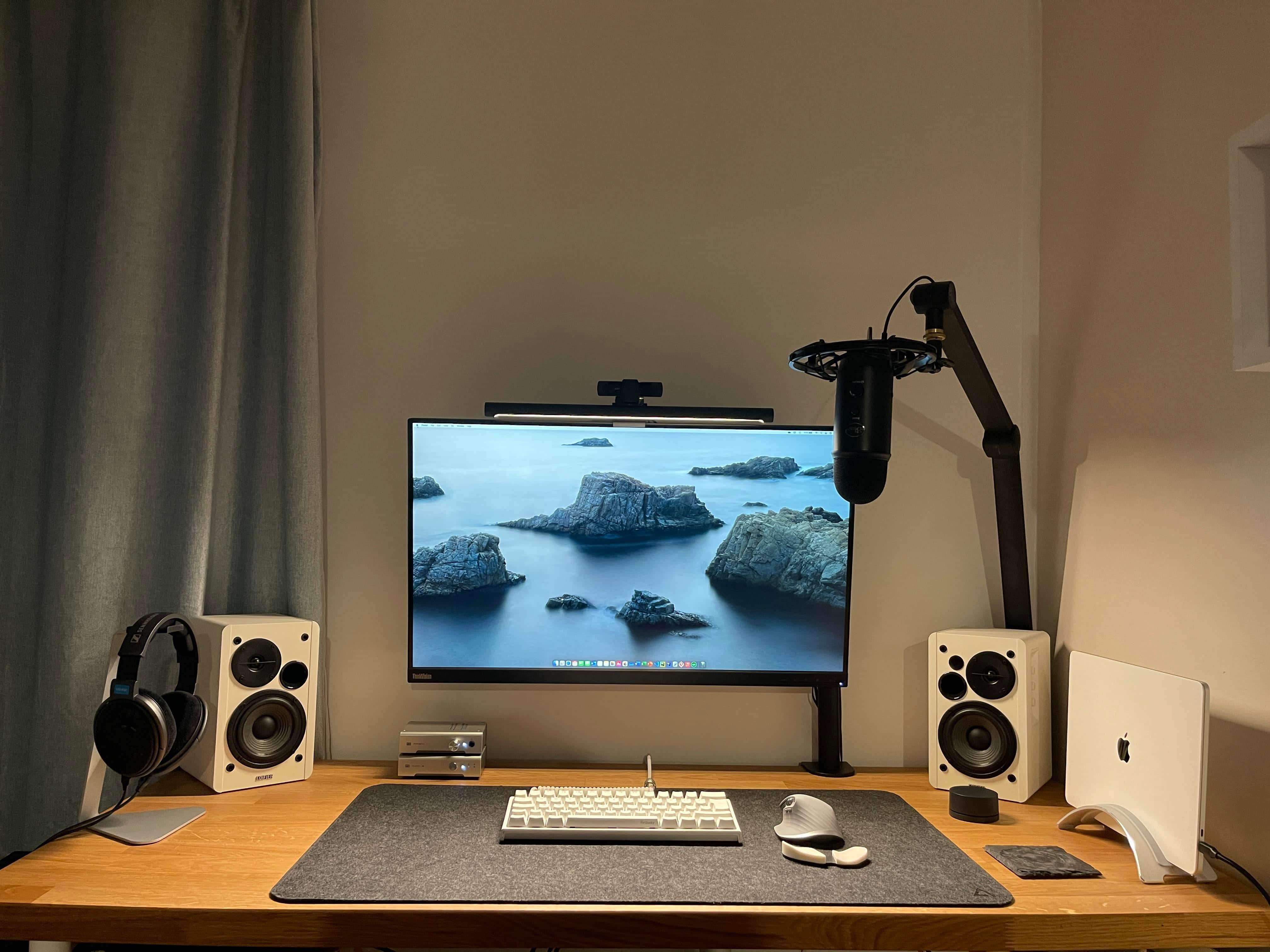
This MacBook Pro M1 setup is all about quality audio.
Photo: The-deluxe@Reddit

Call it a “nice pile of Schiit.” Or a “Schiit stack.” That’s what admiring commenters said about computer science student and Redditor the-deluxe’s M1 MacBook Pro-centered setup.

“You fulla Schiit,” one audiophile enthused.

Why? Well, people who are into Schiit audio components are really into them. Game recognize game, after all.

Work/podcasting/gaming setup sees major upgrades [Setups]

By

Nothing like a big new display and new furniture to put the
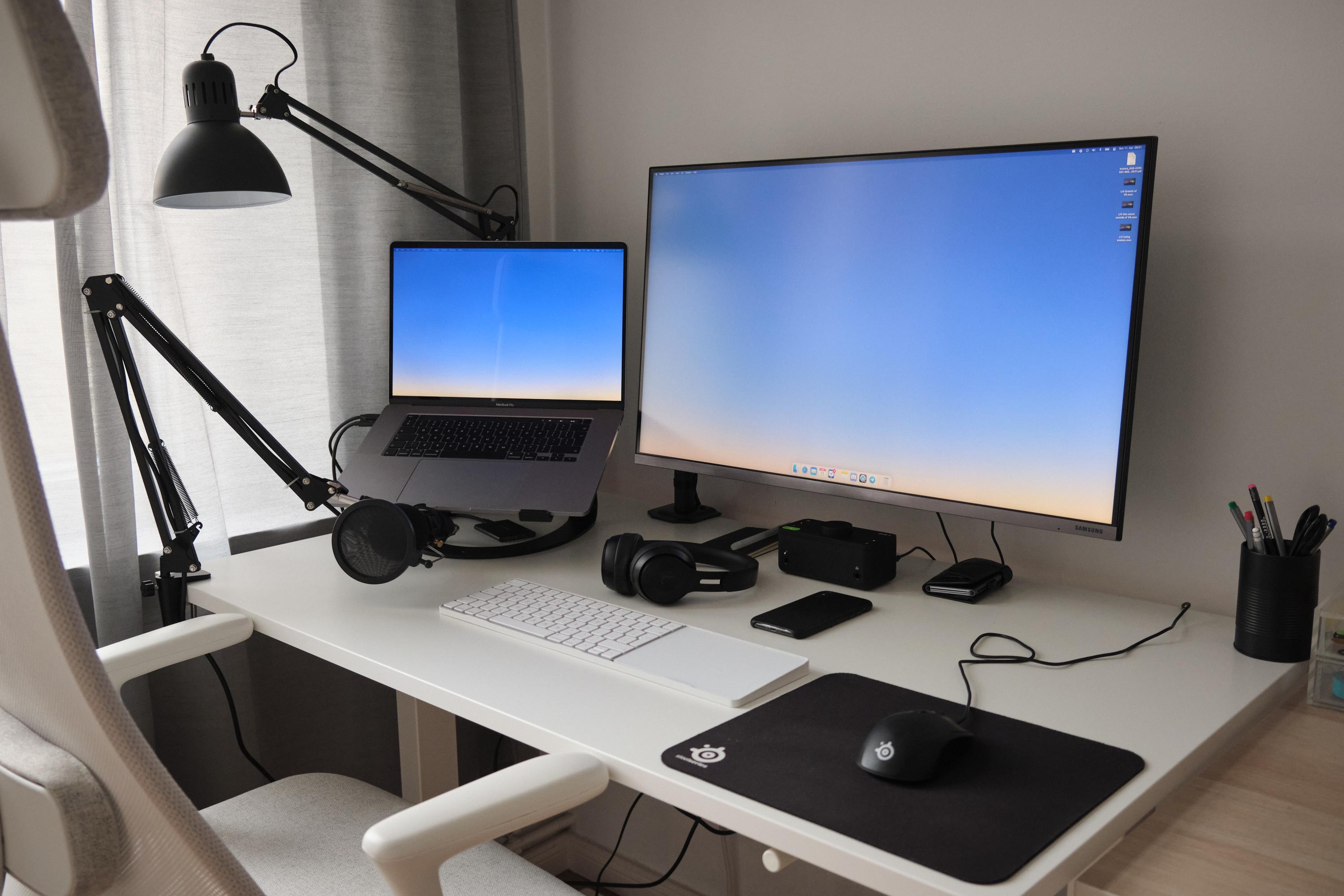
Nothing like a big new display and new furniture to put the "set" in "setup."
Photo: WRM2@Reddit

After working remotely as a digital marketer for a startup for more than a year, EU-based Redditor WMR2 decided it was time to upgrade the ol’ MacBook Pro-based work/podcasting/gaming setup. Enter new desk, chair and external display.

What, you were expecting a new computer? That’s not always necessary.

Two ‘trash can’ Macs form core of nerdy workstation built to last [Setups]

By

Those two
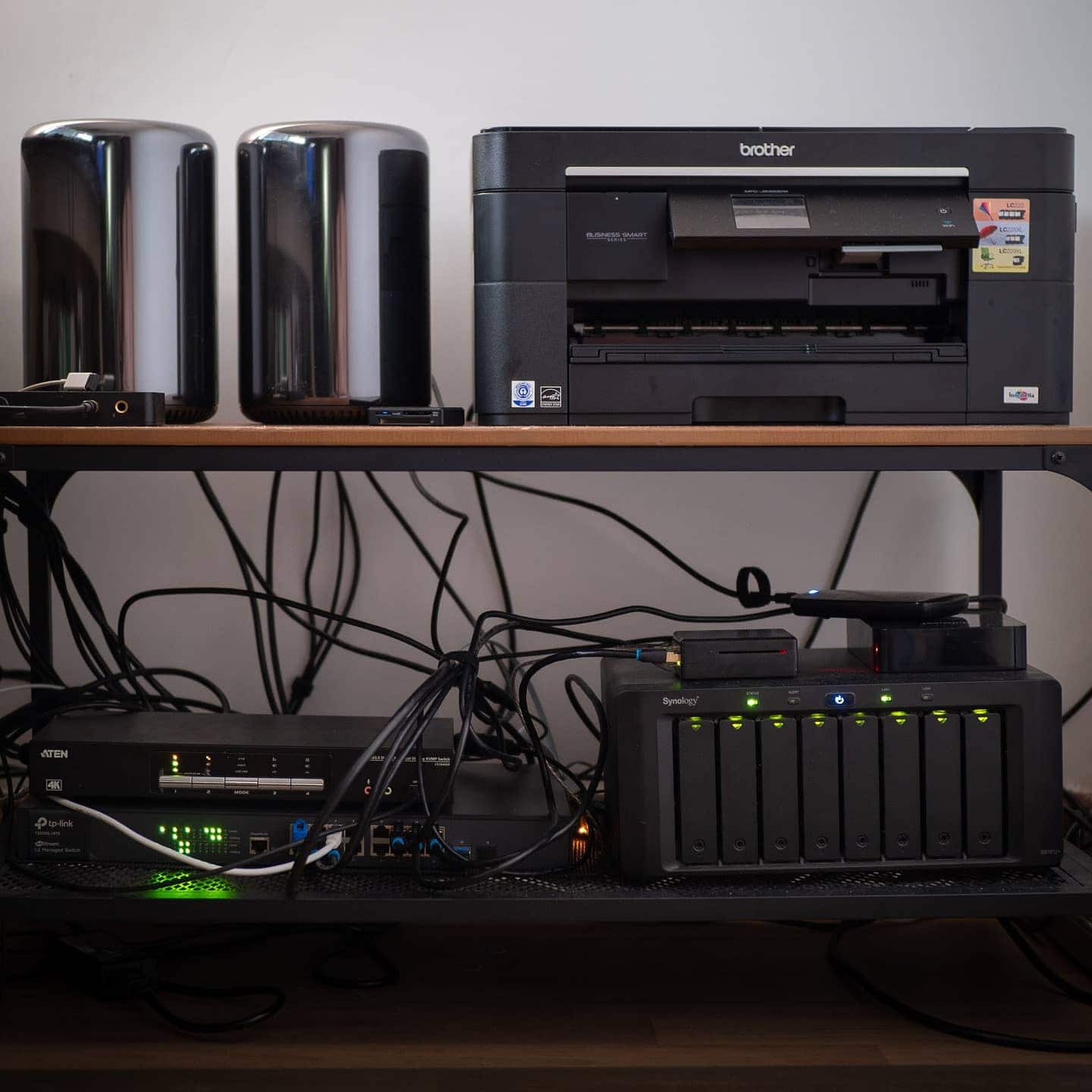
Those two "trash cans" at upper left prove core to this setup.
Photo: XTJ7@Reddit

Redditor XTJ7, a programmer and photographer based in Germany, knows how to make a setup last and do just what he needs it to do. As his recent post declared, his setup’s core is two “trash can” Mac Pro towers from 2013 plus a racy gaming PC.

Yeah, you heard right: That’s two computers running from 2013 to now. Eight years might as well be a few decades as far as computer performance goes. But he has his reasons to wait on the upgrade.

Mac mini M1 forces 2020 MacBook Pro into early retirement [Setups]

By

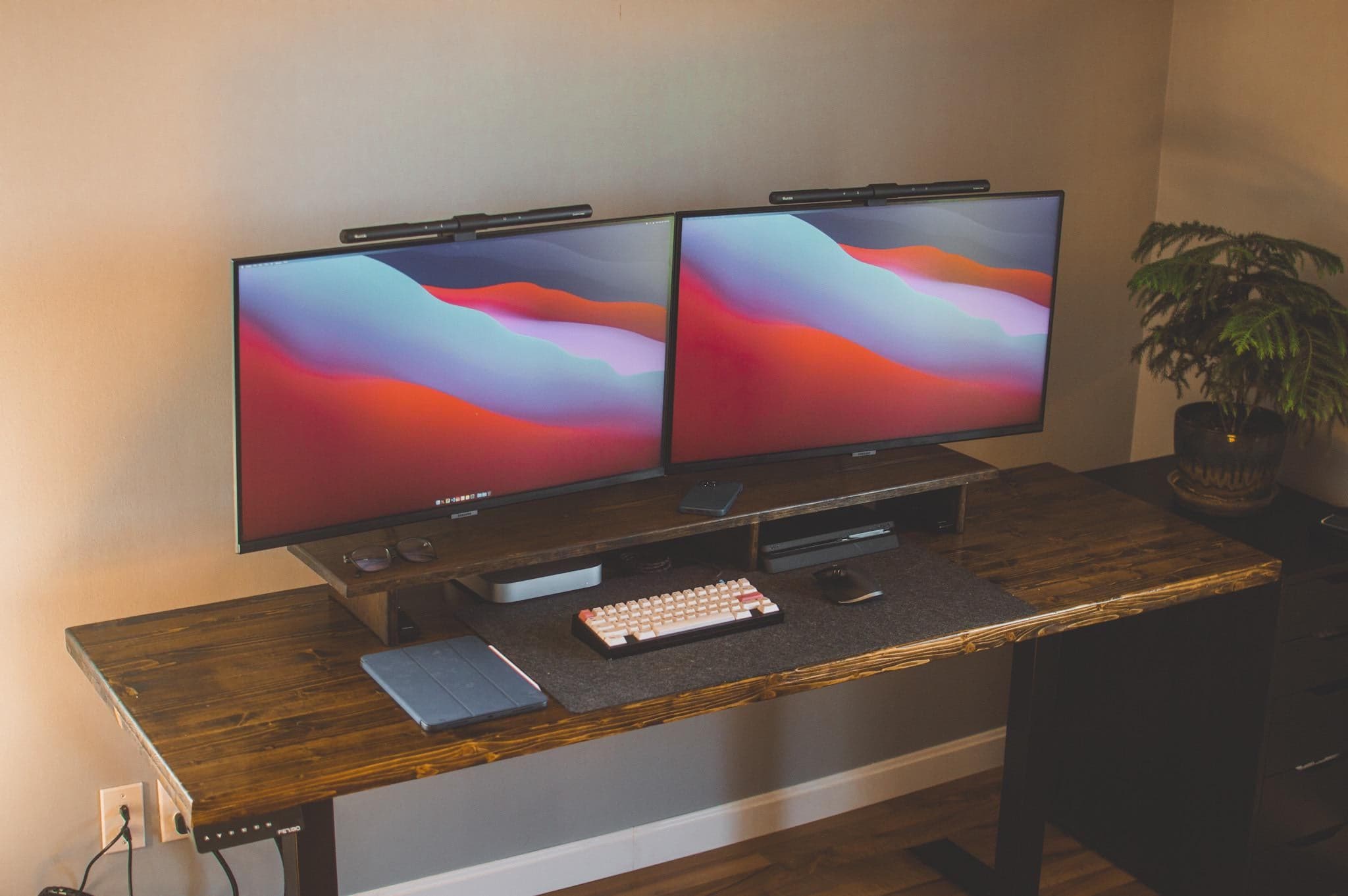
Two smart monitors with matching light bars easily run off a Mac mini M1.
Photo: TimTheEnchanterz@Reddit

You see it every year. Accomplished, vibrant computers that still have a lot to offer are cast aside in favor of hard-charging young upstarts more than willing to take somebody’s job.

In the case of React developer TimTheEnchanterz (on Reddit), a MacBook Pro from just last year lost its job to a bright new Mac mini M1 boasting 16GB of unified memory and effortless connection to two external displays.

Such a shame. It’s not clear from the post, but the poor 2020 MBP probably had to shuffle off in search of a new taskmaster on r/hardwareswap, eBay or — say it ain’t so — Craigslist.

Mac mini and PC setup: Best of both worlds? [Setups]

By

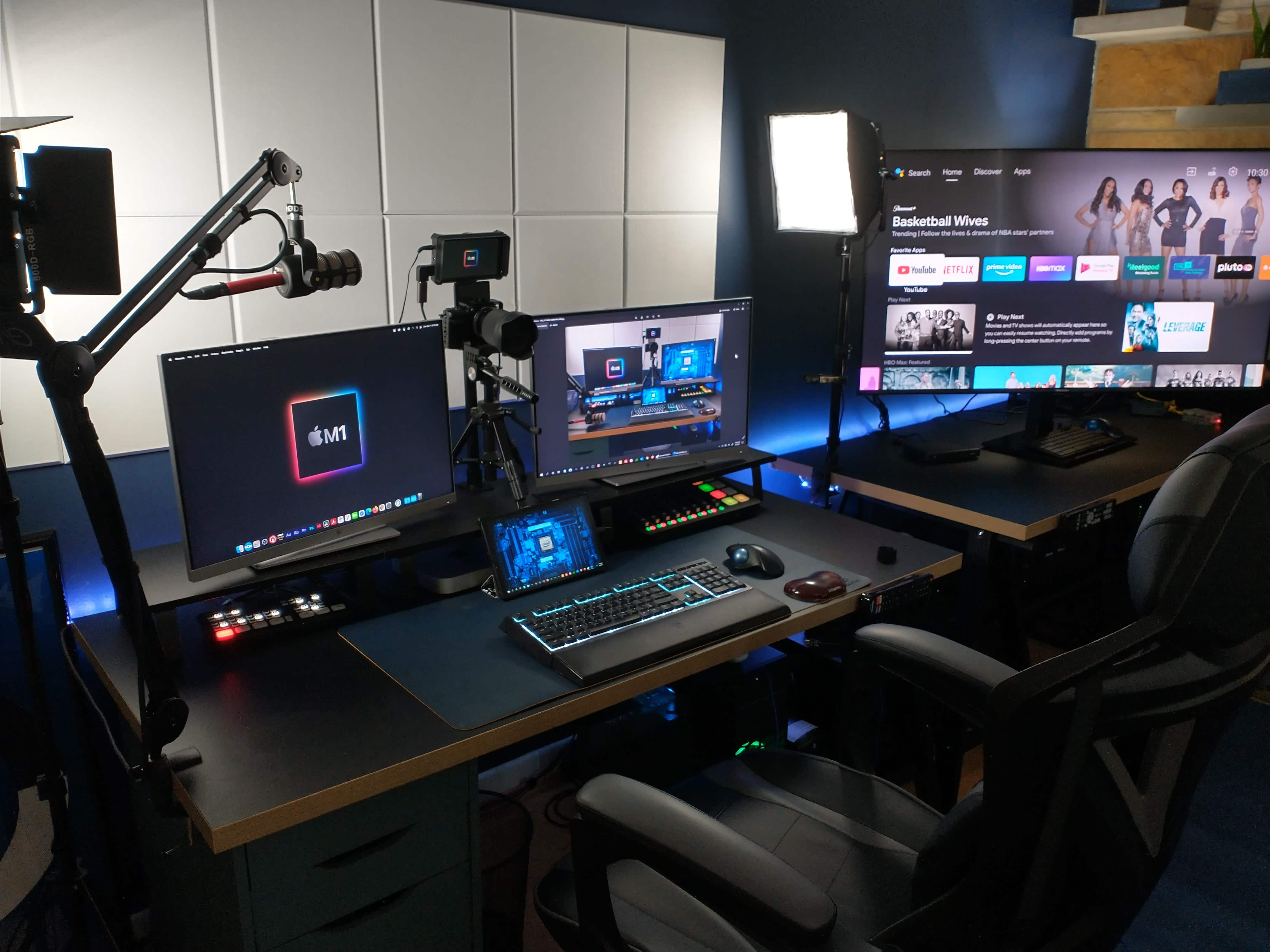
Browsing, remote tech support work, gaming, videoconferencing, podcasting -- this setup does it all.
Photo: LincHayes@Reddit

Web developer LincHayes recently showed off the M1 Mac mini-and-PC-based setup he put together to restart a live tech support business and do some podcasting. It did not fail to impress lots of folks on Reddit.

After all, this is LincHayes’ first time as a Mac owner. And a lot of people relate to running both Macs and PCs in a complex, multifunctional setup with a lot of moving parts.

Lockdown savings buys coder’s minimal workstation [Setups]

By

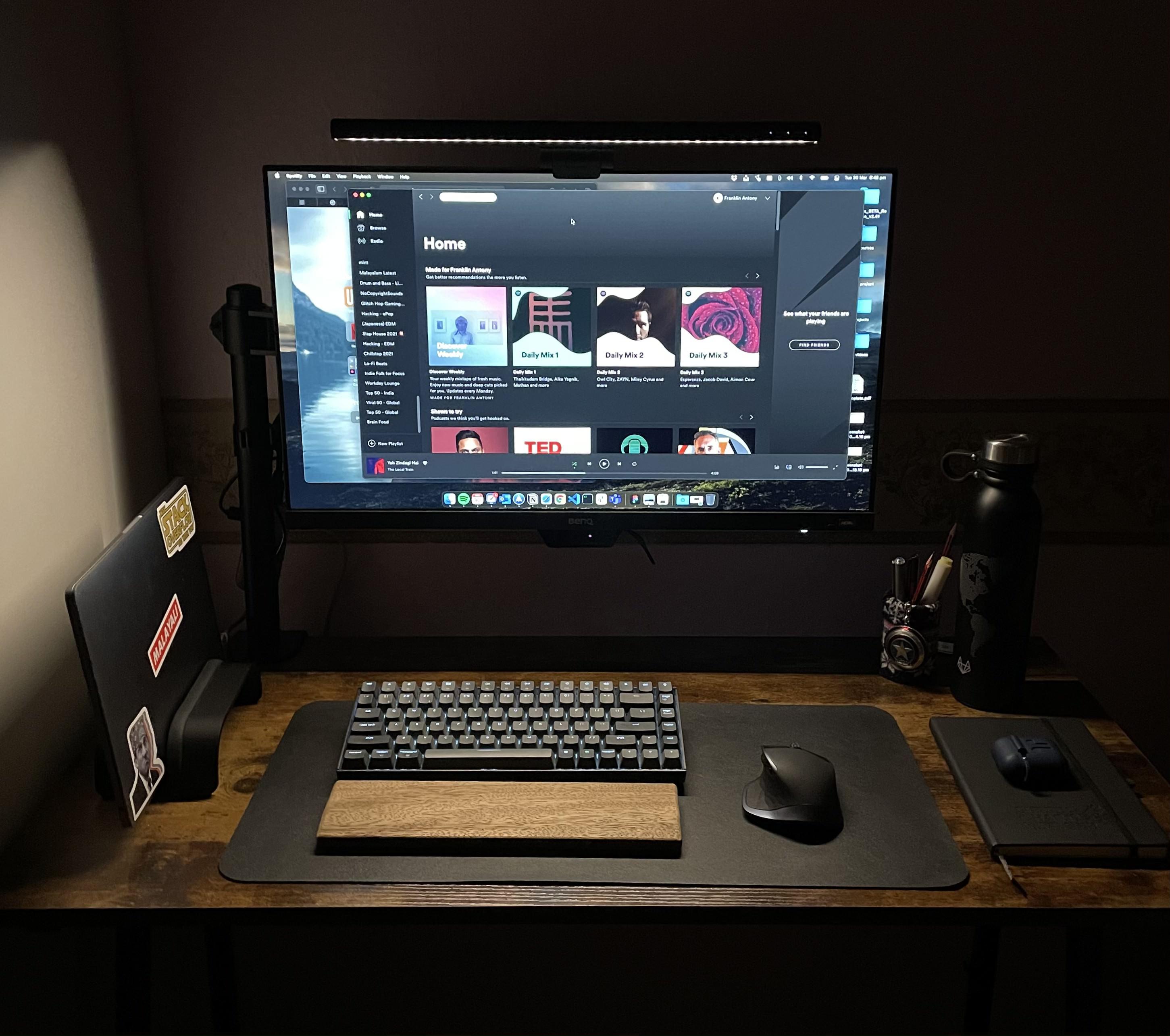
With lockdown savings and a little thrift you can put together a solid setup.
Photo: franklinrockz@Reddit

Redditor franklinrockz makes no bones about the minimalist setup he bought with lockdown savings for online classes, calling it “pretty basic” and “nothing fancy.” But it gets the job done and looks good doing it.

A testament to that are the three dozen comments his post had by day two online. Lots of folks liked what franklinrockz did with the workstation and wanted to know about its components.

Cloud architect builds man shed to beat all man sheds [Setups]

By

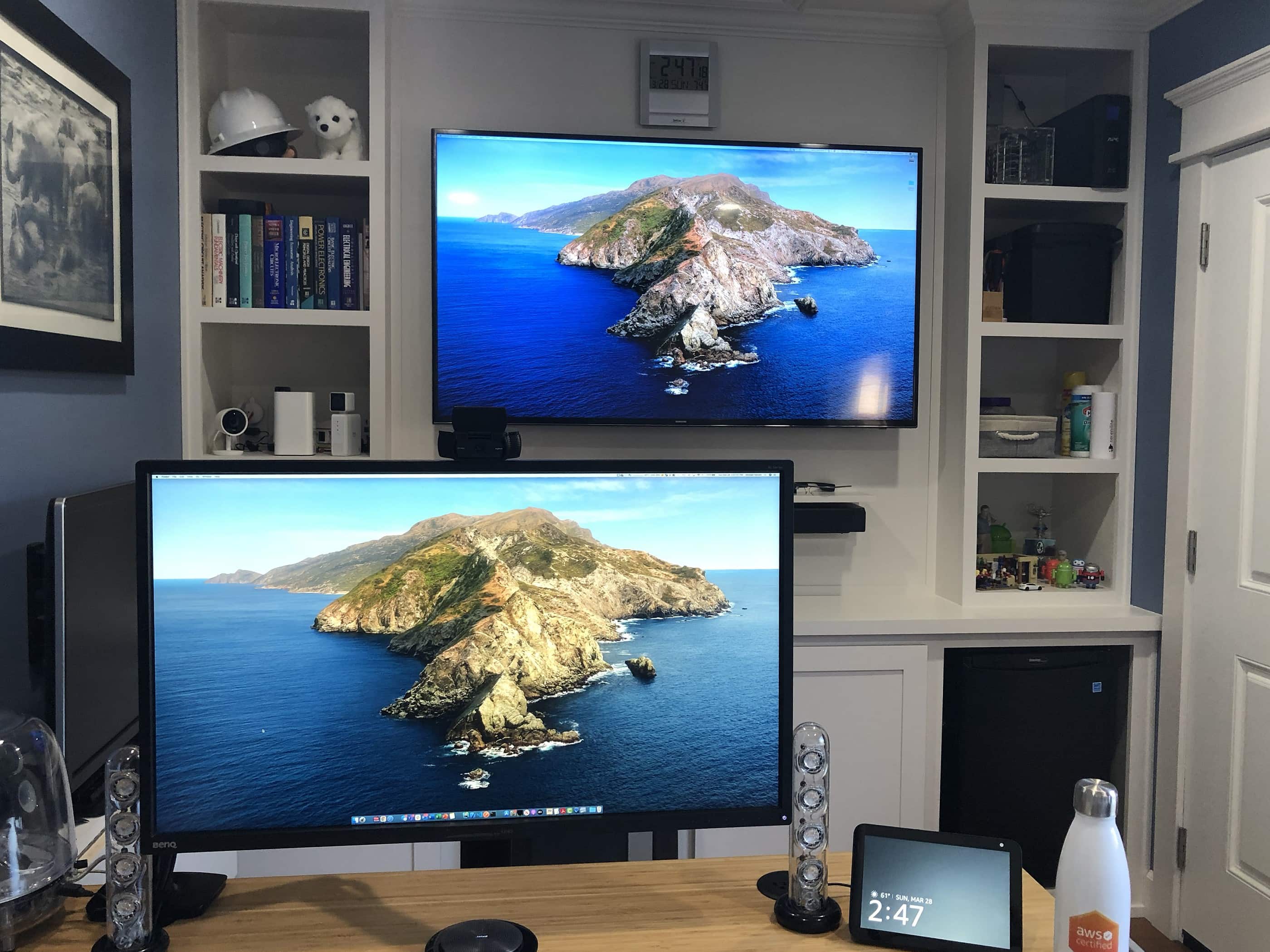
This man shed sports multiple screens.
Photo: CourseEcstatic6202@Reddit

Sometimes a setup promoted on social media stops you dead in your tracks, and it’s not because you’re excited about the hardware. Sometimes it’s the amazing, hand-built “man shed” where the setup lives that stuns you.

Such is the case with CourseEcstatic6202’s offering on Reddit. The cloud architect — let’s just call him “CE” — works in Amazon Web Services on California’s central coast. He designed and built a beautiful little house for his MacBook Pro-based setup in his back yard.

Sometimes breaking a new product results in a huge upgrade [Setups]

By

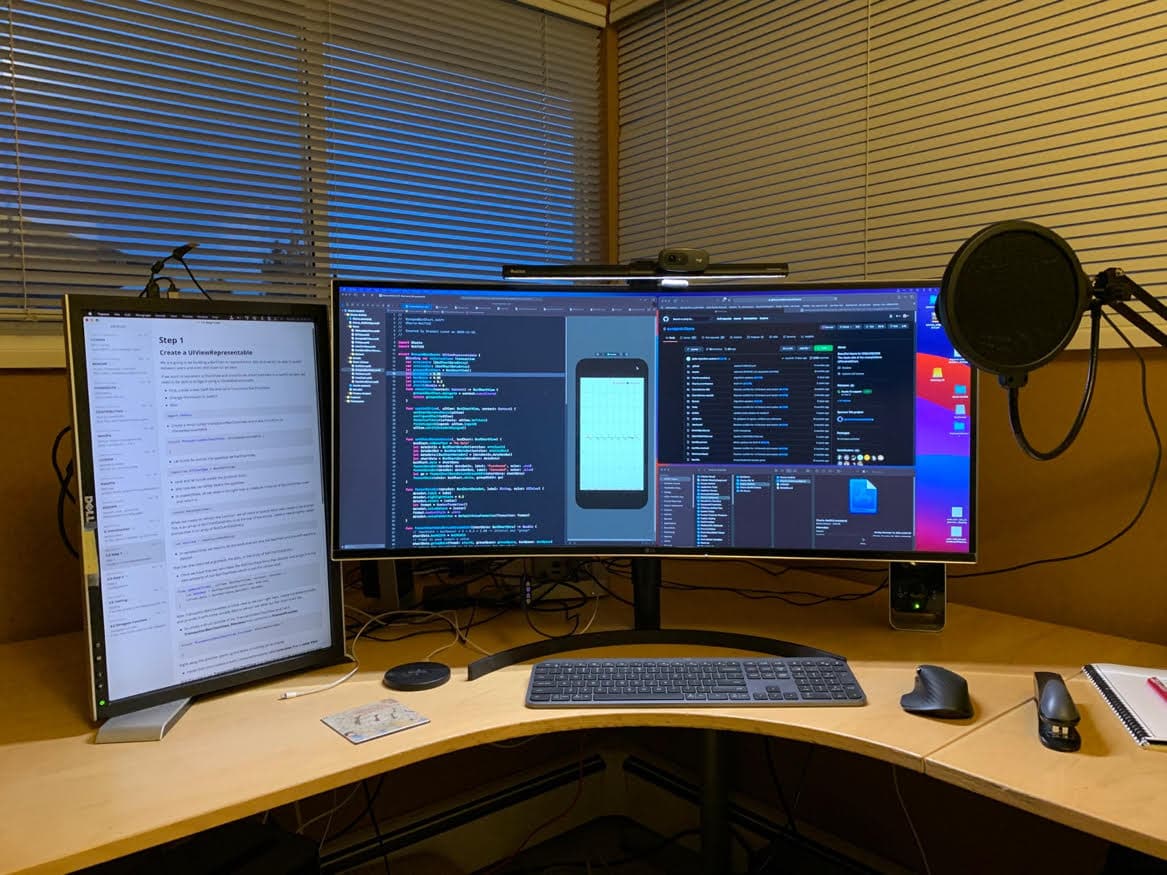
Lynch's nice, neat setup helps with iOS development and YouTube content creation.
Photo: Stewart Lynch

Canadian iOS developer and YouTuber Stewart Lynch got lucky when he broke the USB-C port connector on his brand new 27-inch LG monitor the first day he had it. Huge-upgrade lucky.

Lynch, who hails from North Vancouver, British Columbia, took the stricken display, under warranty, to a repair shop.

“About a week later LG called me and said they did not have any 27-inch monitors in stock so they offered me a 38-inch upgrade at no cost,” Lynch told Cult of Mac. “I took it and sold my dual monitor arm that was holding the 27- and 24-inch monitors and went with the setup I have now.”

1 84 85 86 87 88 144