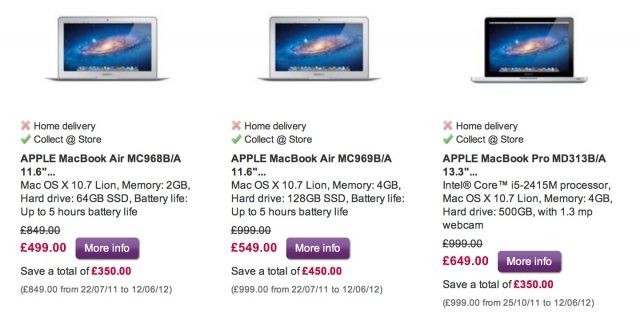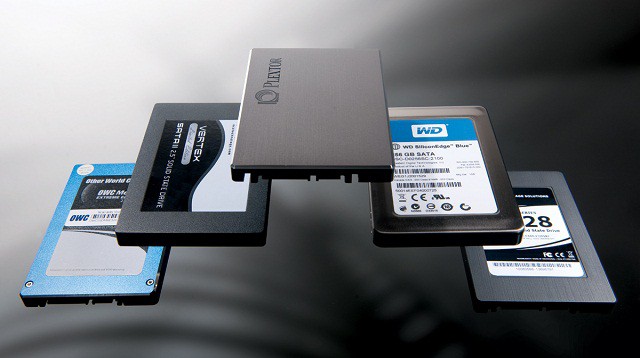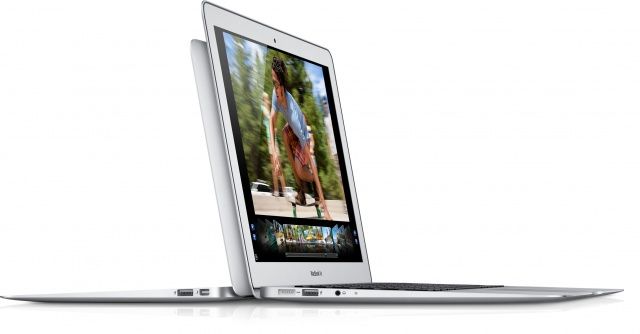
Saving space on your Mac’s hard drive is more important than ever, especially if you use one with a faster but smaller solid-state drive in it, like my MacBook Air. Being able to manage your space wisely is the key here, and once you’ve done the obvious things, like pare down your Applications folder and delete all those iMovie source files, it’s time to get tricky and a bit advanced. If you’re using a MacBook Pro M1, optimizing storage is even more crucial to ensure you get the best performance from your device.
Here’s five things that you can do to get rid of hard drive bloat, if you dare.