Mobile menu toggle

Search results for: M1 MacBook Air

This Mac Pro setup is pro to the max

By

Mac Pro Setup
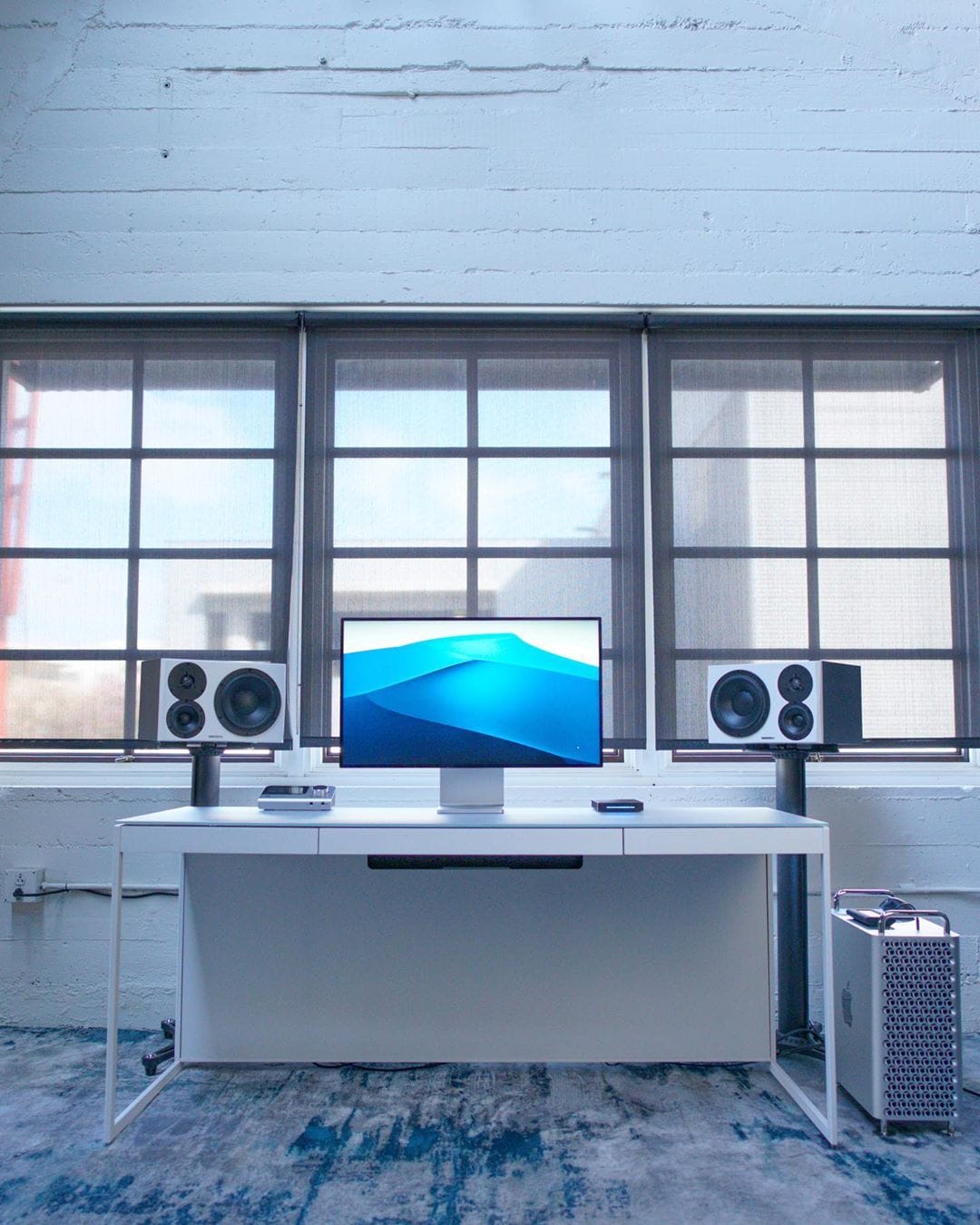
A Mac Pro with the Pro Display XDR always makes for an incredible setup.
Photo: @tldtoday

When the new Mac Pro was released, Jonathan Morrison knew that meant one thing, it was time to change his setup. So he abandoned his MacBook Pro and started from scratch. He now runs a scintillating Mac Pro through a scintillating 32-inch Pro XDR Display. And because he is a Tech Youtuber, he also has the Pro Stand. He says that the Mac Pro is overkill for the stuff that he is doing but he loves how quiet it is.

Best Apple Pencil alternatives for your iPad

By

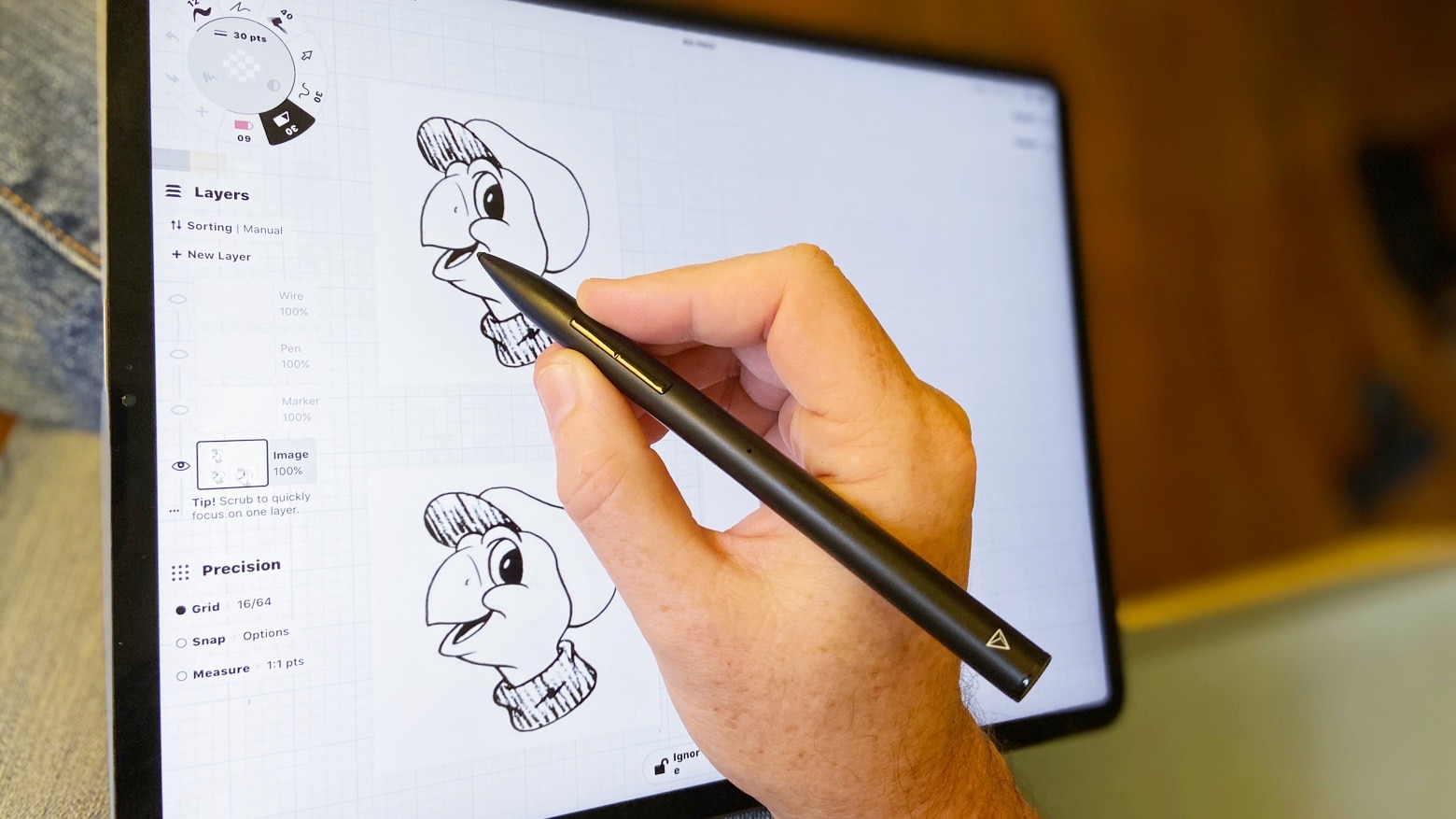
Adonit Note+ review
Apple Pencil isn’t the only iPad stylus. With Adonit Note+, you can draw Tippy. Or take notes, sign PDFs, and more.
Photo: Ed Hardy/Cult of Mac

iPadOS 14 includes Scribble, finally allowing you to hand write text on an iPad with a stylus. If you don’t already have a stylus, there are some great options out there besides the very expensive Apple Pencil.

Here are some of the best available, so you can take full advantage of your iPad’s capabilities without paying too much.

This tiny 4-port charger pumps 100 watts to all your gear

By

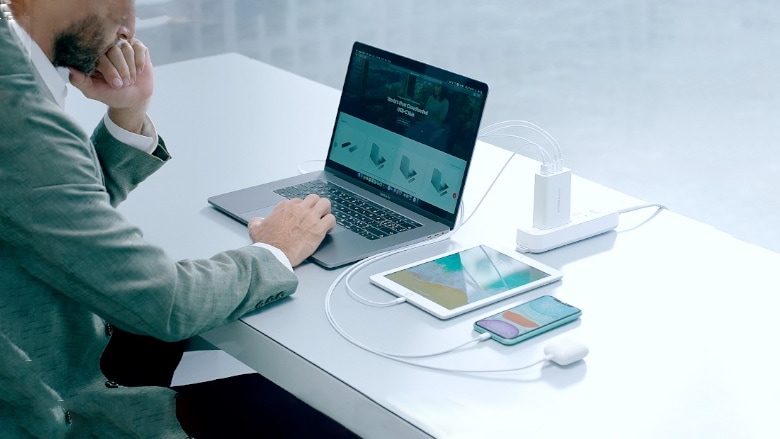
Sanho HyperJuice with MacBook, iPad, and more.
Sanho HyperJuice can charge all your Apple gear at once.
Photo: Sanho

Sanho’s HyperJuice wall charger that debuted Monday isn’t much bigger than a credit card but still has room for a pair of USB-C ports that can put out 100W, dual USB-A ports that max out at 18W, and swappable power prongs.

It uses Gallium Nitride (GaN), a new semiconductor material that’s more efficient than traditional silicon used in current chargers. It lets Sanho create this ultra-portable wall charger.

This modular iPad setup is overloaded with options [Setups]

By

iPad Pro Setup
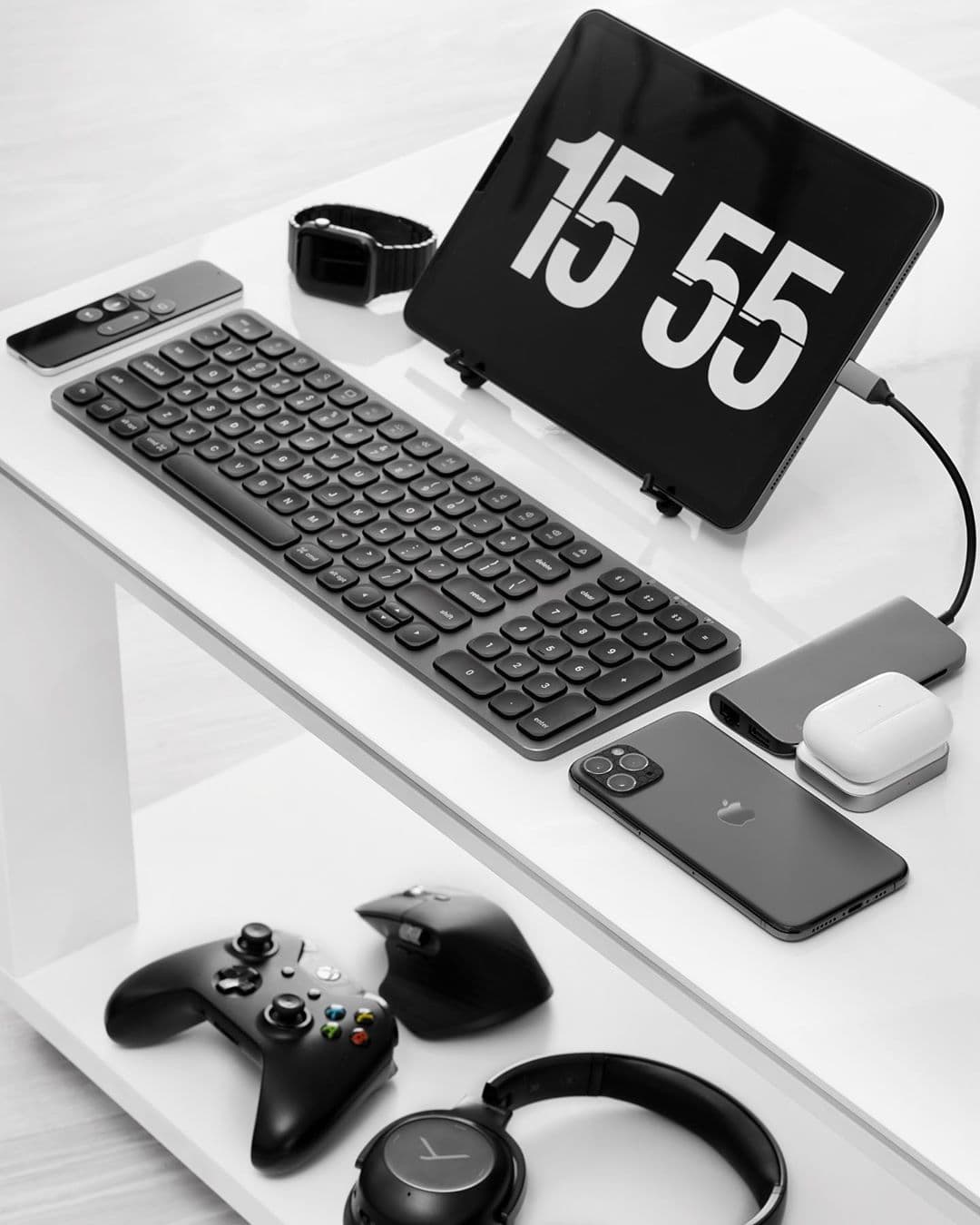
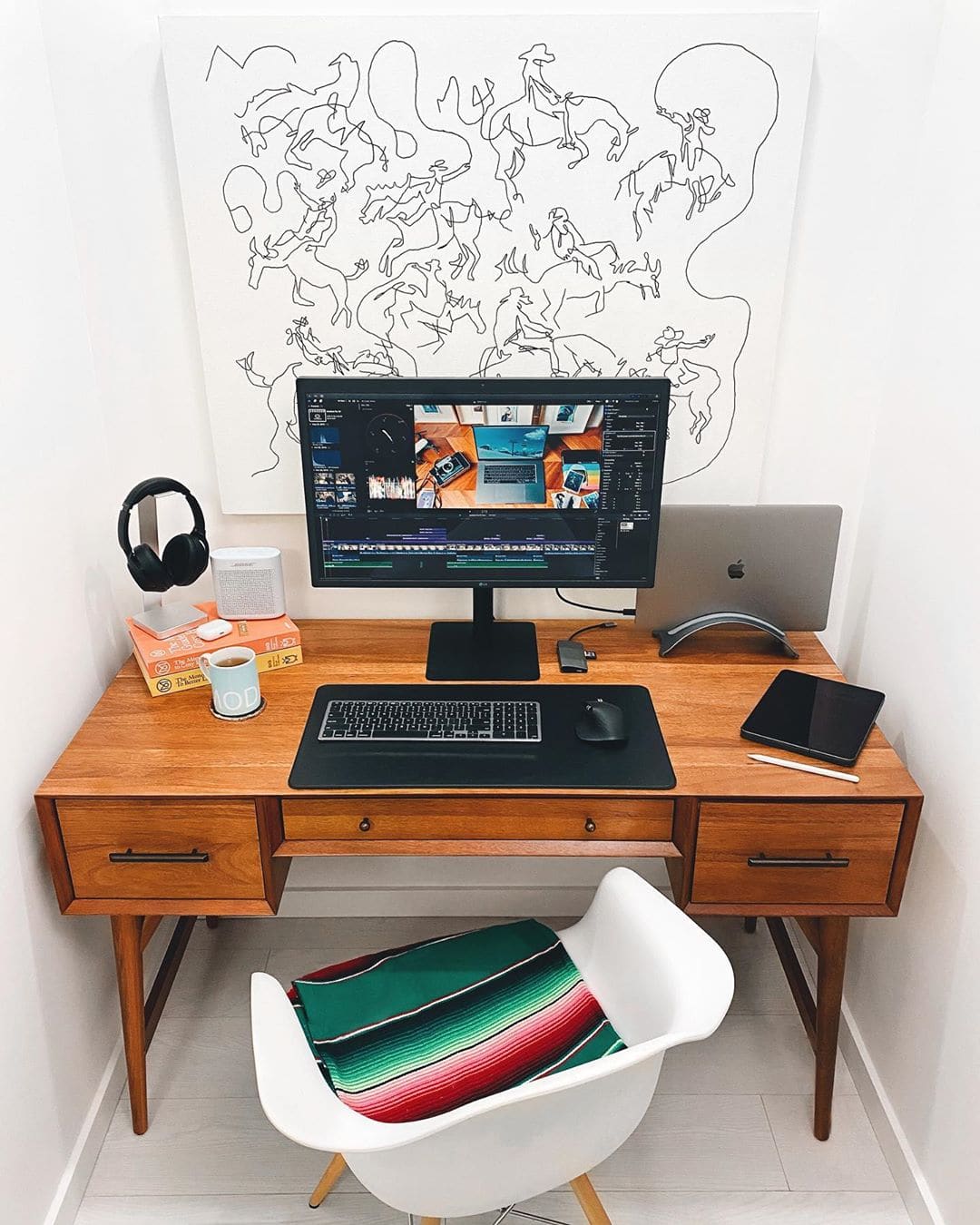
iPad setups are possible, and preferable, with the right stuff.
Photo: @appletechgadgets

iPad setups are often seen as limiting and hard to work with. They require a lot of accessories and peripherals. They do have some advantages though, besides a lower price point. They are more versatile and travel-friendly. And as iPads are getting bigger and more powerful, iPad-based setups are becoming less bohemian.

Photographer Ryszard Sikorski has one of the cleanest setups I have seen. He actually finds an iPad setup quite liberating. “What I like is that I can use [the iPad] how I need it,” he said. “It’s not static.”

Small WFH setups don’t have to suck [Setups]

By

MacBook Pro Setup: In a small desk setup, every inch counts.
In a small desk setup, every inch counts.
Photo: @stalman/Twitter

Tyler Stalman is a professional photographer whose workspace is pretty small, but he manages to make a lot of it.

Stalman’s MacBook Pro-powered setup centers on a 27-inch LG UltraFine 5K Monitor, which finally allows him to process his work in full 4K resolution. He was shooting in 4K but was unable to see his shots in full res until he took the plunge and got himself the UltraFine monitor.

20 brilliant work-from-home essentials for buyers on a budget

By

home-office
Do you have all you need?
Photo: Unsplash/Grovemade

Working from home for the first time can be daunting — especially when you quickly find out you don’t have all the equipment you really need. But don’t panic. Cult of Mac can help you ensure you don’t miss out on the essentials.

We’ve compiled a long list of home-working gear that you can get delivered to your door in days. They’re all affordable options that are ideal for tight budgets, and they’ve been highly rated by consumers.

So, whether you need a mouse, a keyboard, a monitor or a comfy chair, these work-from-home essentials will get you through the coronavirus lockdown.

Wonderful gifts for any Mac fan [Gift Guide 2019]

By

Mac-Gift-Guide-2019
Shopping for a Mac fan? Start here!
Image: Killian Bell/Cult of Mac

If you’re buying for an Apple fan who loves their Mac, there are loads of awesome gifts you should consider. We’ve rounded up the best to make your holiday shopping a little easier.

Gift-Guide-2019-bugWe’ve picked out the best headphones, mice, keyboards, and more so that you don’t have to spend hours hunting down the perfect purchase. And many of them are on sale today for Cyber Monday.

Now all you have to do is break out your wallet.

Run Windows on Mac faster than ever with Parallels Desktop 15

By

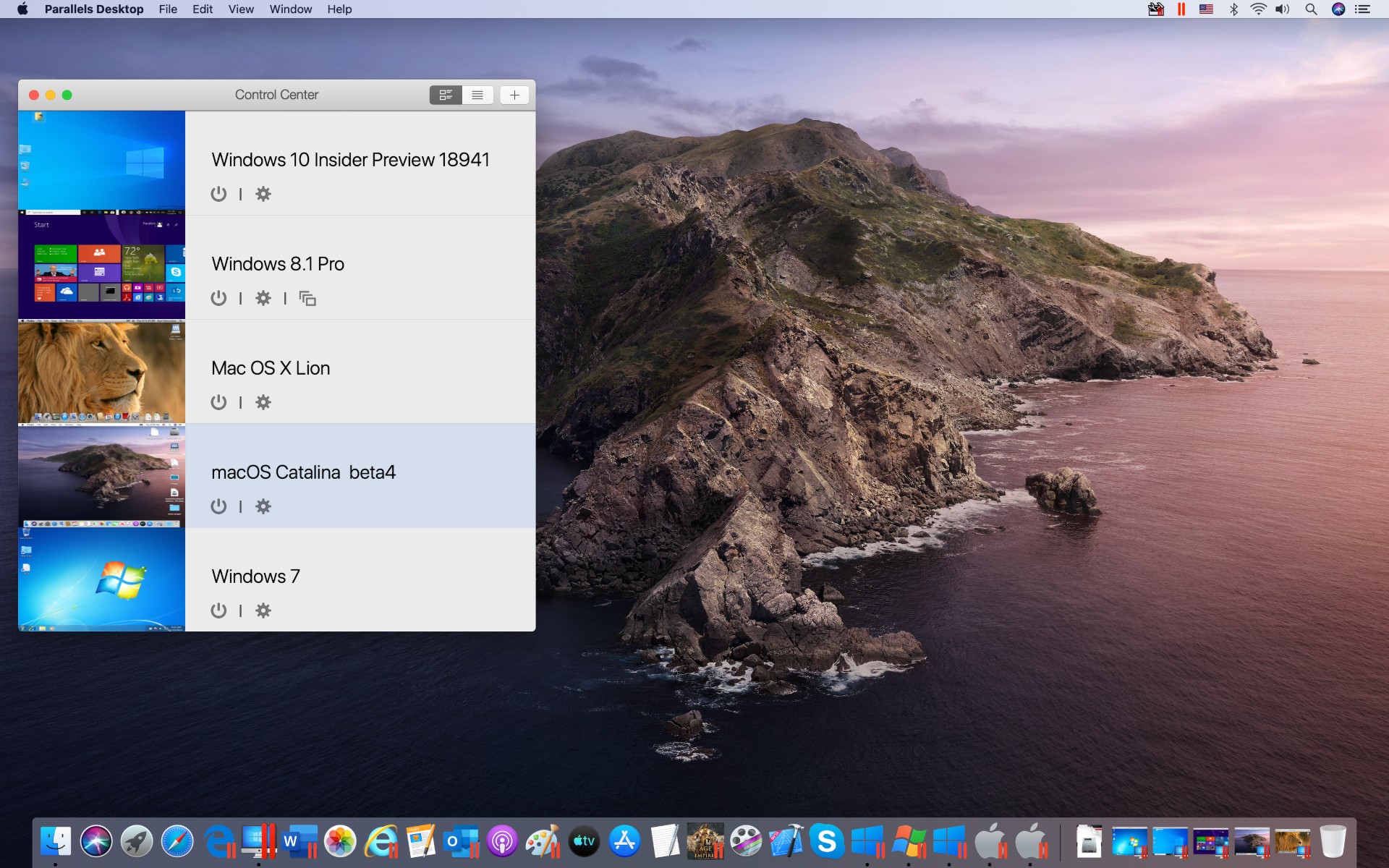
When one operating system just isn't enough, you can run Windows on Mac with Parallels for Mac.
When one operating system just isn't enough.
Screenshot: Parallels

Parallels Desktop 15 lets you run Windows on a Mac faster than ever, thanks to a performance-enhancing switch to Apple’s Metal framework. Today’s update to the popular virtualization app brings loads of other feature enhancements, including support for DirectX 11.

The increased efficiency means some Windows apps that would not even launch in Parallels Desktop 14 work properly in the new version.

“We want you to do whatever you want,” said John Uppendahl, Parallels’ VP of communications, during a demo of the new software at the Cult of Mac office in San Francisco.

Kanex USB-C hub becomes part of your iPad Pro [Review]

By

Kanex iAdapt 6-in-1 Multiport USB Type-C Docking Station review
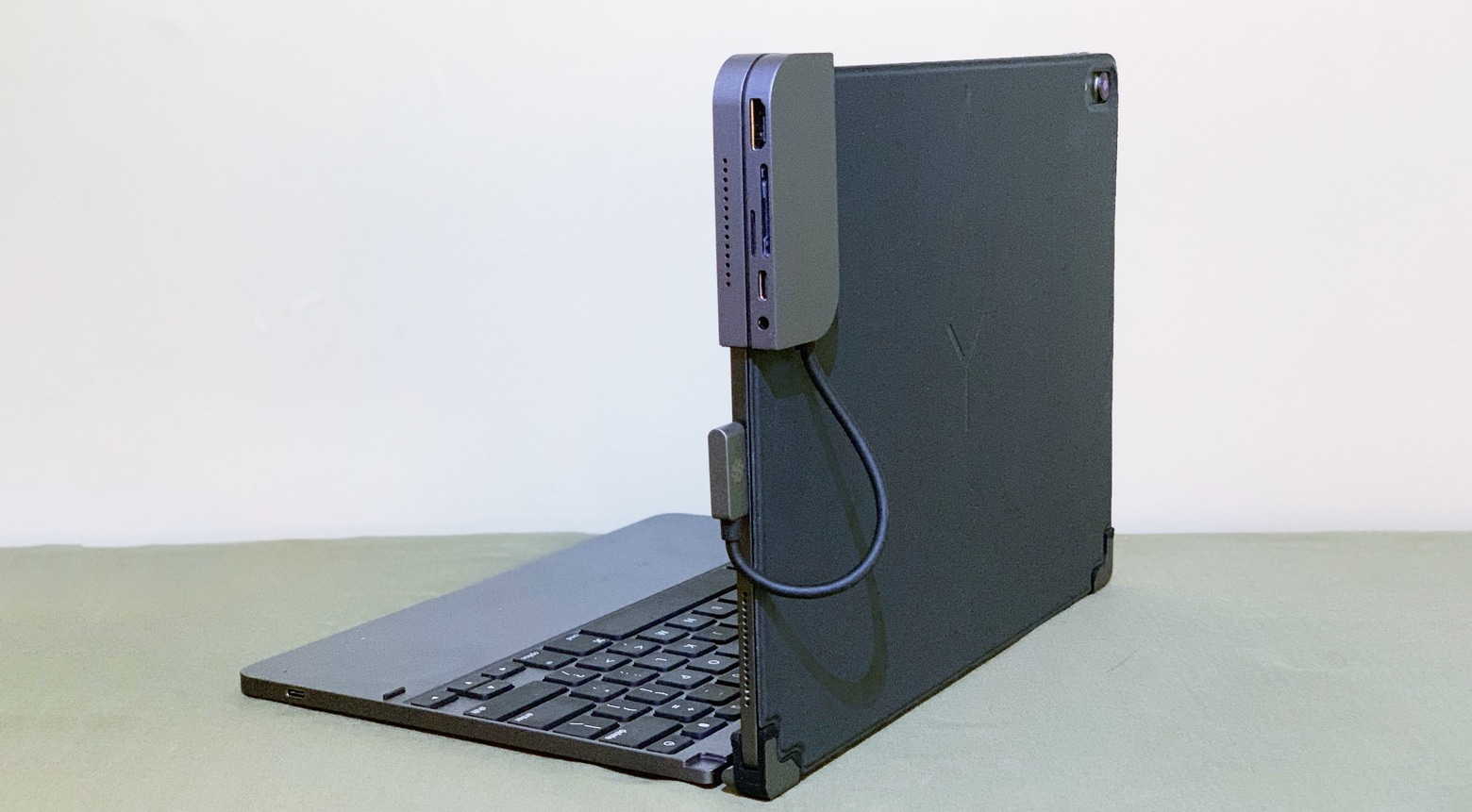
The Kanex iAdapt Docking Station clips securely to your iPad Pro, adding significantly to its capabilities.
Photo: Ed Hardy/Cult of Mac

Kanex’s USB-C hub clips solidly to the side of your 2018 iPad Pro, adding HDMI and USB-A ports, dual memory card readers, and even a 3.5mm audio jack. It can be used alongside Apple’s popular keyboard folio or without.

This latest entry in the iAdapt line offers a very unusual design that wraps around a corner of the tablet, so we tested to see how well it stands up to real-world use.

Brilliant 6-in-1 USB-C Hub makes iPad Pro even more useful [Review]

By

Hyper HyperDrive iPad Pro review
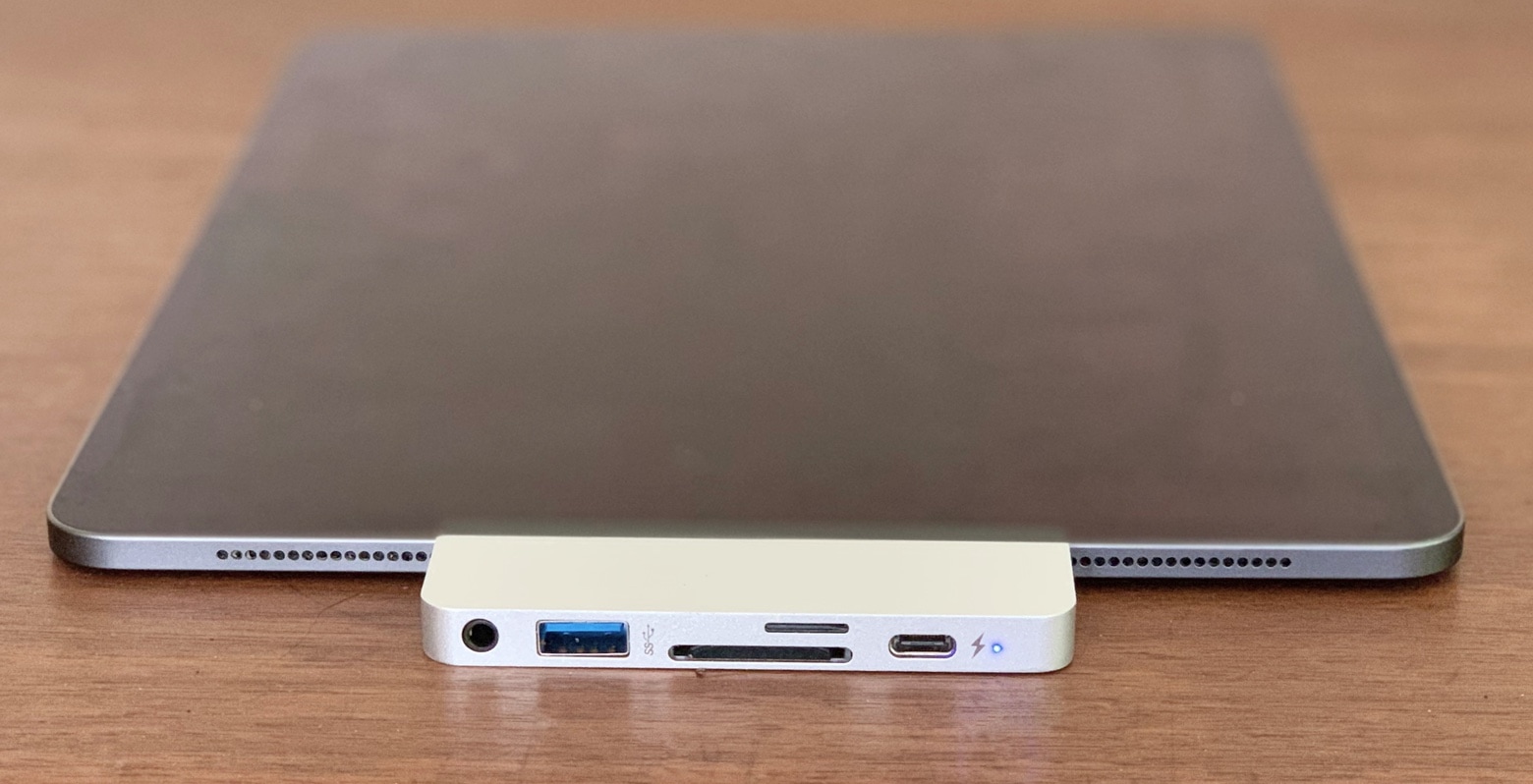
Hyper’s USB-C hub clips securely to the side of an iPad Pro.
Photo: Ed Hardy/Cult of Mac

The USB-C port in Apple’s latest professional-grade tablet is a giant improvement, but a new accessory still manages to make it even more useful. The HyperDrive iPad Pro allows every type of wired accessory supported by this computer to be accessed. Even better, it’s designed to clip to the side of the slate for maximum ease of use.

Don’t miss our in-depth review of this USB-C hub developed especially for the latest iPad.