Mobile menu toggle

Search results for: M1 MacBook Air

Experience ‘peek performance’ at Apple spring 2022 event set for March 8

By

It's official: Apple 2022 spring event, dubbed
It's official: Apple's spring event, dubbed "Peek Performance," will happen on March 8.
Image: Apple

An Apple VP used Twitter to reveal the date for the company’s much-anticipated product-release event. Apple soon after began issuing invitations. As had been rumored, the streamed event will take place Tuesday, March 8.

While Greg “Joz” Joswiak, global head of marketing, announced the date, he didn’t post an itinerary. Still, leaks and rumors point to an improved 5G iPhone SE and iPad Air. And a new Mac is possible, too.

A place for everything and everything in its place [Setups]

By

Behold a computer setup where everything appears in its proper place. And even the printer works reliably.
Photo: [email protected]

Not all “before and after” posts showcasing computer setups on social media are created equal. Sometimes the description and commentary leave out too much information. Sometimes the photographs are inconclusive. And sometimes the improvements just don’t have much “wow” factor.

Today’s featured setup splits the difference. The “before” photo, below, doesn’t offer much to go on. But the “after” photo, above, shows a well-planned setup with a place for everything and everything in its place. And the gear list, below, supports that.

It might not get a “wow” out of you, but it could be instructional.

Belkin’s Thunderbolt hub packs a whopping 12 ports

By

Belkin’s Thunderbolt hub packs a whopping 12 ports
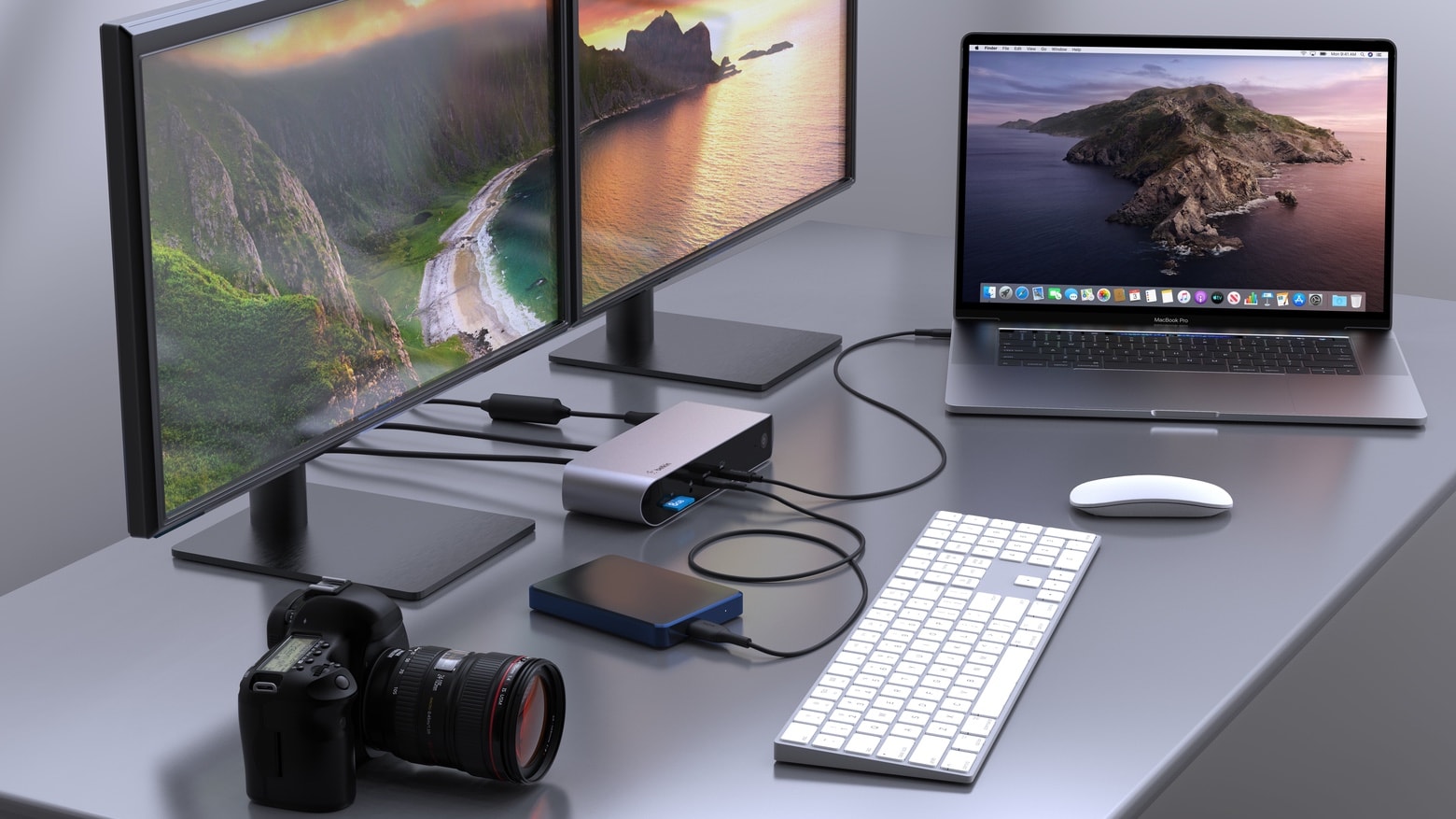
The Belkin Connect Pro Thunderbolt 4 Dock can be the center of your home office.
Photo: Belkin

With a dozen ports, the Belkin Connect Pro Thunderbolt 4 Dock lets users connect a Mac to multiple accessories for data, video, Ethernet and power. All through a single high-speed cable connection.

Belkin also introduced a Thunderbolt 4 cable capable of handling data transfers at 40 Gbps.

Should every workstation have a 3D printer? [Setups]

By

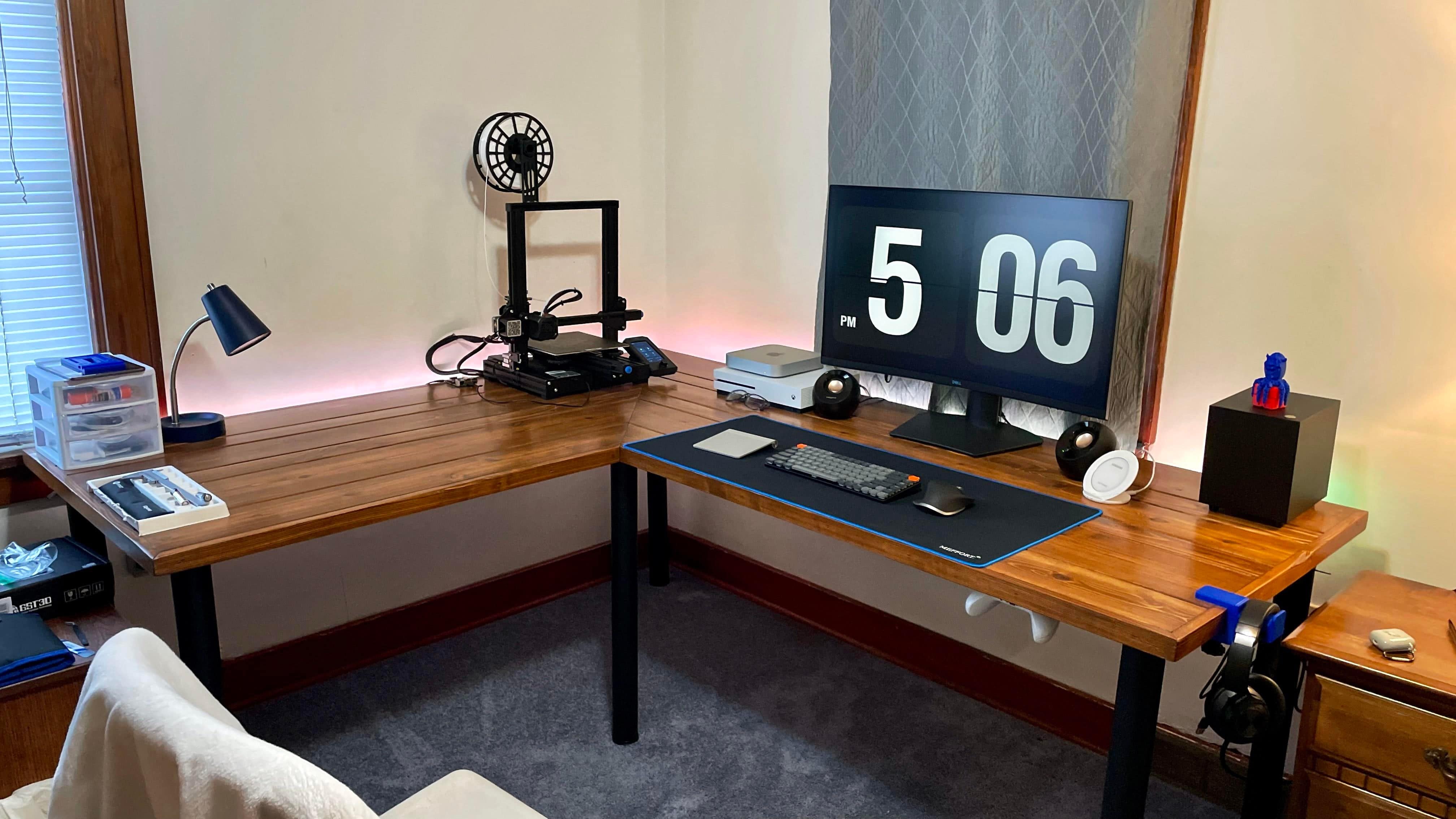
The 3D printer at left helped make other parts of this computer setup.
Photo: [email protected]

You still rarely see a computer setup with a 3D printer in it. Today’s featured setup is an exception. You can see the printer against the wall on the left in the photo above.

Probably more workstations in the near future will have them. Why? Not only are they becoming more affordable, you can use them to make parts of the setup!

Drool-worthy gear: Former PC gamer goes all-in on Mac conversion [Setups]

By

You don't see two Pro Display XDRs in one setup very often.
Photo: [email protected]

When a software engineering manager who works from home decided to leave PC gaming behind, he went all-in on his Mac conversion. In part he did it for work. He slings a lot of native code for macOS in building HR recruitment software. But, working and playing from home full time, in part he did it for himself.

So why wouldn’t he buy a super-tricked out 16-inch M1 Max MacBook Pro, not one but two Apple Pro Display XDRs and pretty much top-shelf everything else?

Displays: To stack or not to stack? [Setups]

By

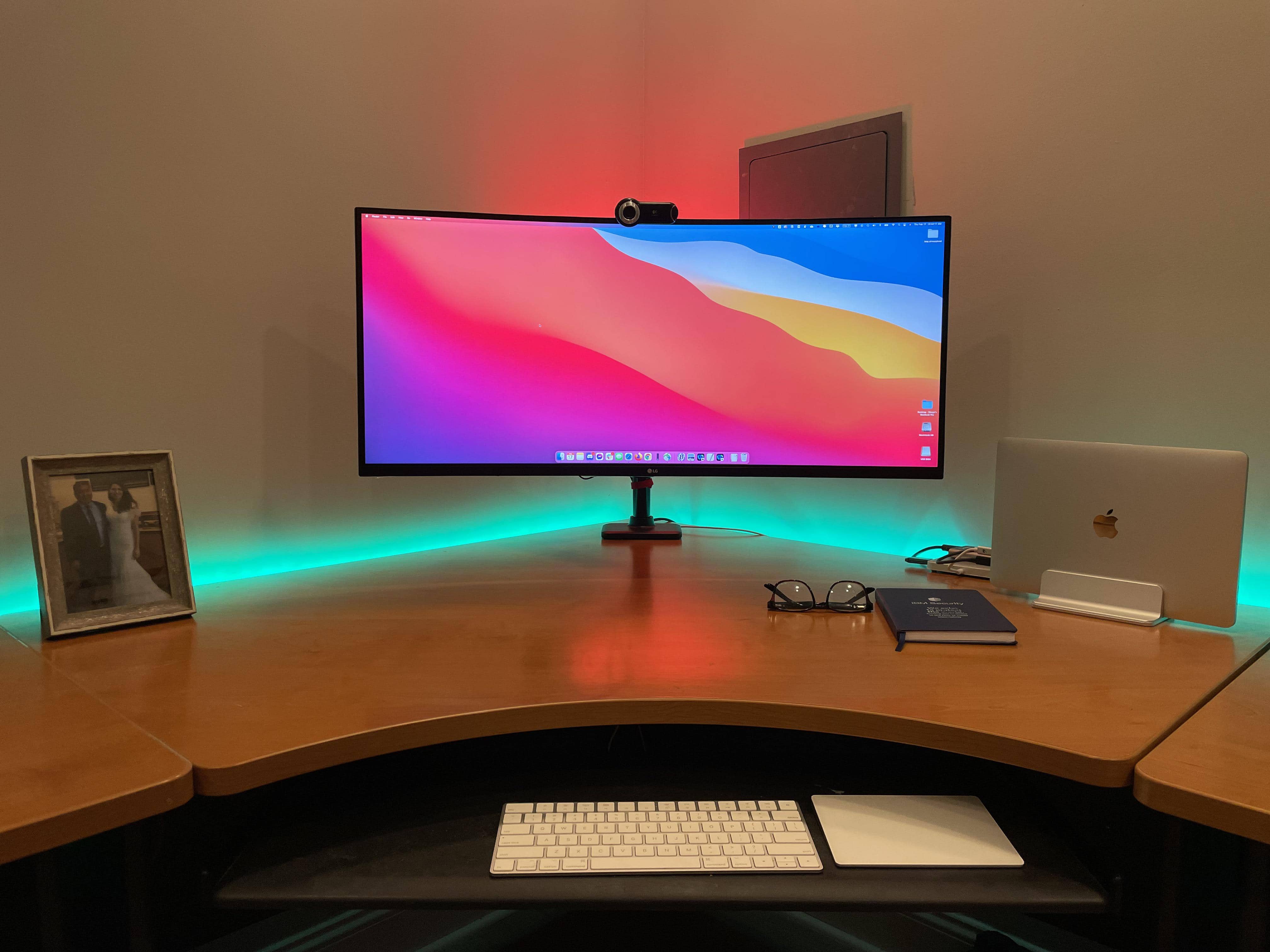
Would you put a 28-inch 4K monitor on top of this 35-inch display, or next to it?
Photo: [email protected]

When you see a computer setup with two monitors stacked on top of each other, what do you think? Maybe something like … doesn’t the person have to crane their neck to look at the top one? Isn’t it uncomfortable? Where does the webcam go? What’s wrong with side-by-side, maybe with one in portrait (vertical) mode instead of landscape?

The person behind today’s featured setup is confronting those very questions on the way to deciding a common multi-display conundrum: to stack or not to stack? That is the question.

Tidy up with Twelve South’s updated BackPack shelf for 24-inch iMac

By

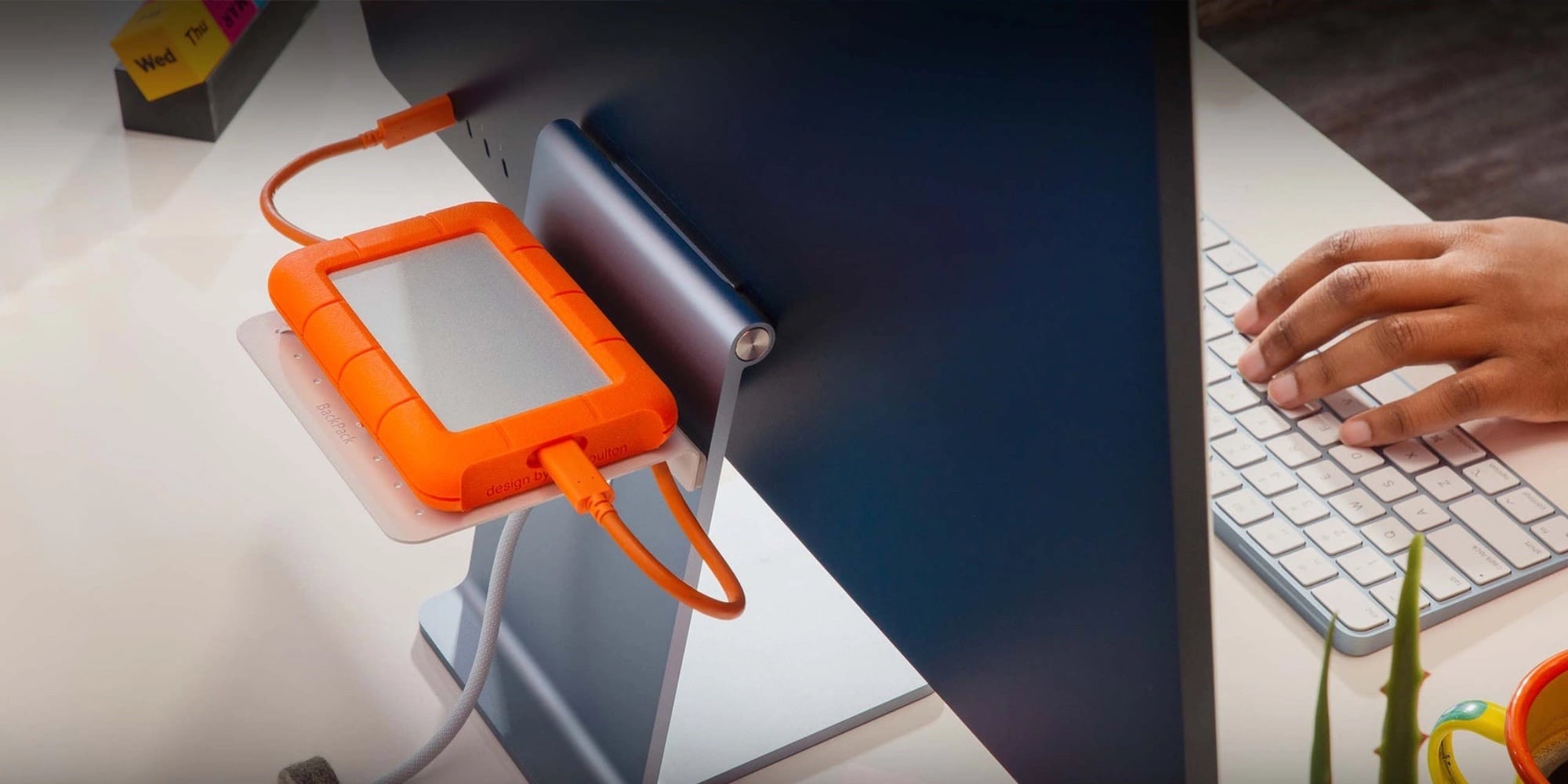
The Twelve South BackPack for 24-inch iMac is a handy storage rack for your Mac's back.
Photo: Twelve South

If your computer setup tends to get cluttered — and whose doesn’t? — you have a new tool. That is, if you own a 24-inch iMac or plan to get one, anyway. On Tuesday Twelve South rolled out an updated version of its popular BackPack shelf just for the latest M1 desktop Macs.

Using the BackPack shelf, you can stash all sorts of stuff, like USB-C hubs, hard drives and other devices, out of sight behind your computer.

Add 3 super-fast ports to your Mac with Plugable’s Thunderbolt hub [Review]

By

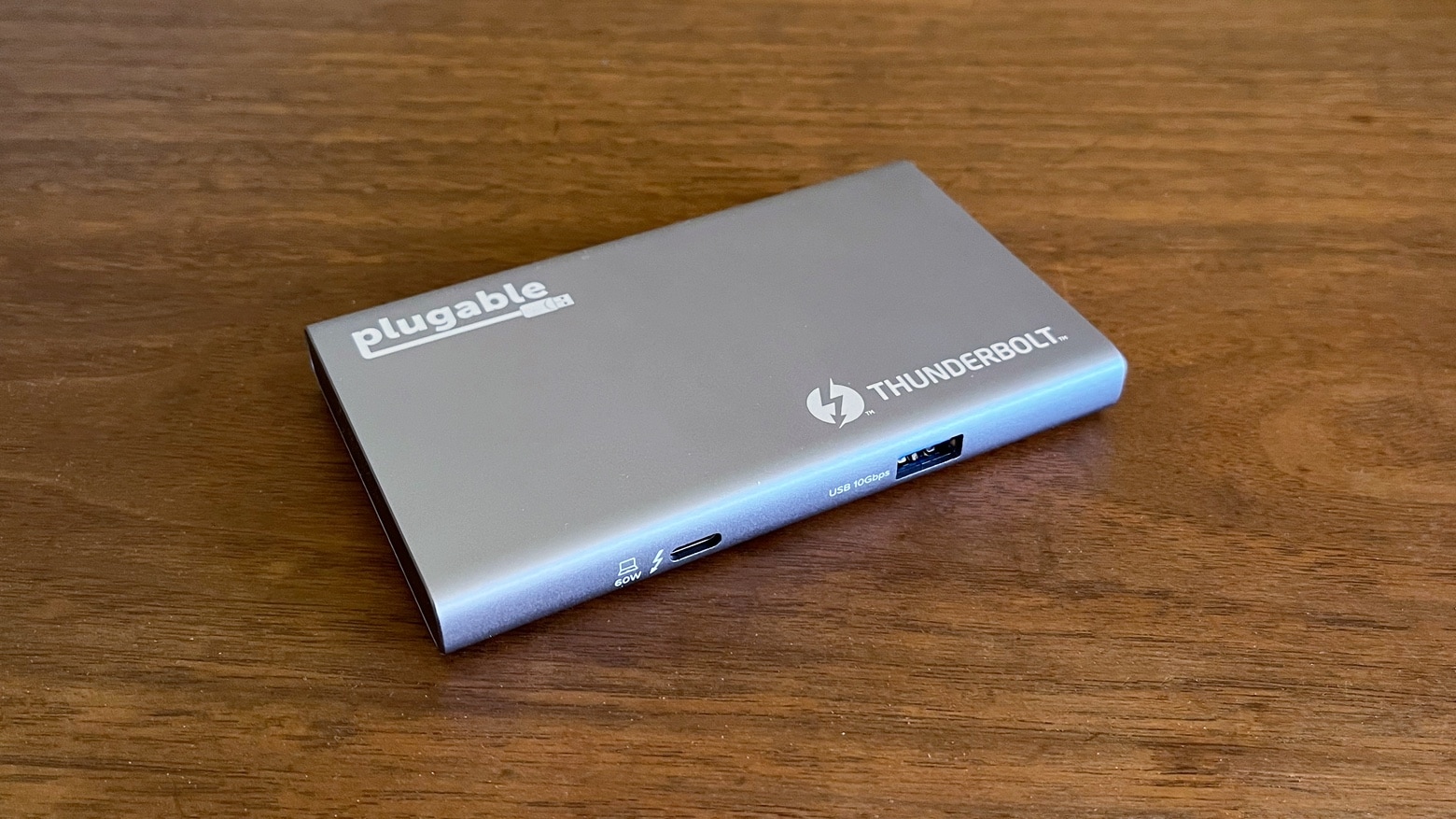
Plugable USB4-HUB3A Thunderbolt hub review
The Plugable USB4-HUB3A doesn’t take up much room on your desk, and adds three Thunderbolt 4 ports to your Mac.
Photo: Ed Hardy/Cult of Mac

If you want more Thunderbolt ports for your Mac, the Plugable USB4-HUB3A hub offers a trio of them. And they are fully functional, offering up to 40 Gbps transfer speeds and support for 4K monitors. Plus, there’s a USB-A port for good measure.

I put Plugable’s new Thunderbolt hub through a round of testing to be sure it lives up to specs.

Running classic Cinema Displays with newer Macs [Setups]

By

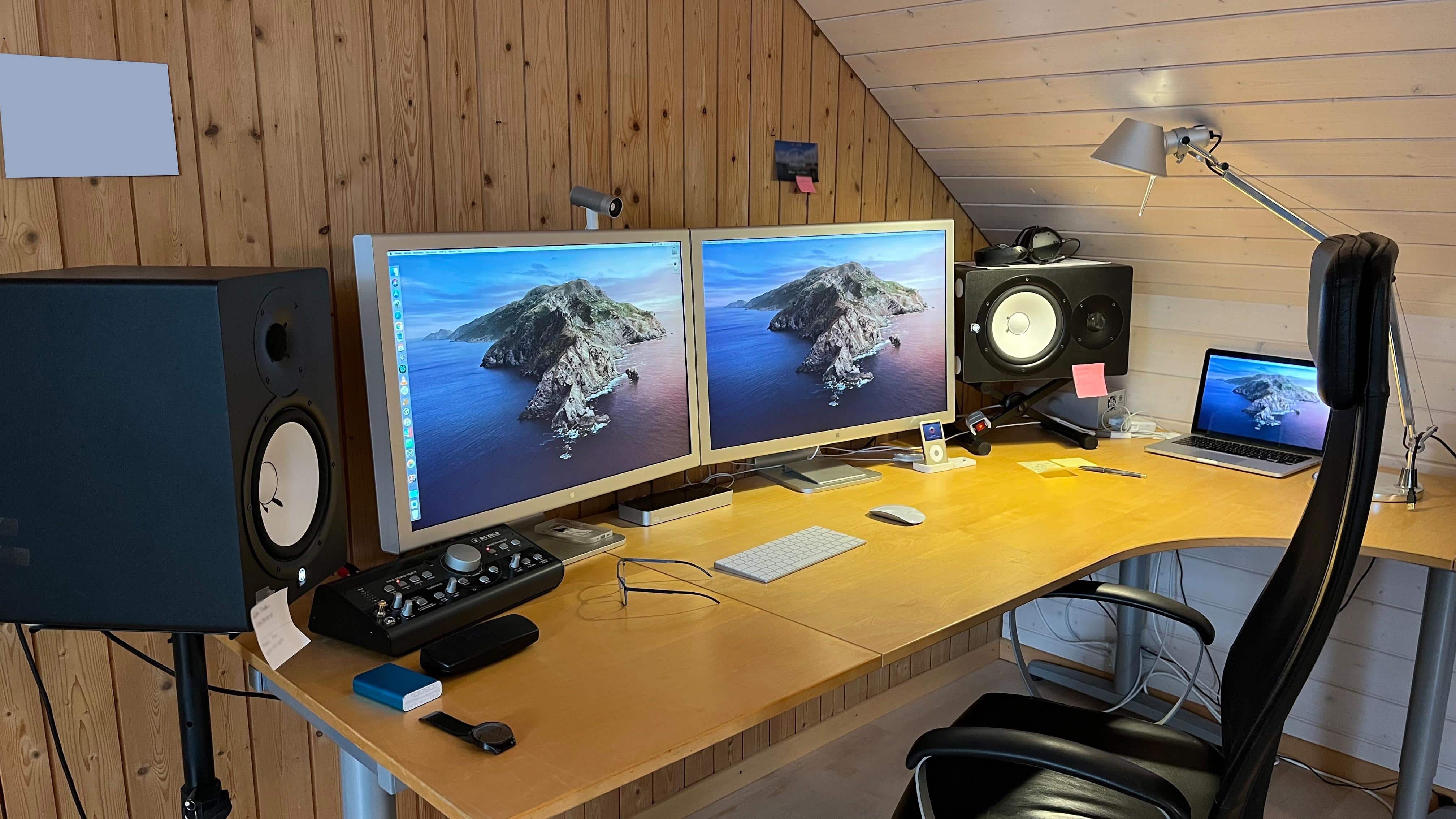
Which makes you swoon more, the 30-inch Cinema Displays or the Yamaha powered speakers?
Which makes you swoon more, the 30-inch Cinema Displays or the mounted Yamaha powered speakers with the Mackie Big Knob controller?
Photo: [email protected]

There’s something special about old Apple gear. Maybe that’s why it comes up fairly frequently in Cult of Mac‘s Setups coverage. One of the most-beloved classics in Apple’s storied history of beloved products is the Cinema Display. Today’s featured setup sports not one but two 30-inch Cinema Displays, the big stunners Steve Jobs introduced to an absolutely dazzled Worldwide Developers Conference audience in 2004.

So, naturally, questions came up about how to best use them with a newer Mac.

Learn to automate your home office like an IT pro [Setups]

By

After seven years working at home, Derek Seaman built this computer setup.
Photo: Derek Seaman

Blogger Derek Seaman may be an IT systems architect in his day job, but he also designs and builds advanced computer setups. That is, if his home office is any indication. Which it is.

He shared his MacBook Pro-driven workstation — actually, the whole room — with Cult of Mac recently.

1 81 82 83 84 85 99