Mobile menu toggle

Search results for: M1 MacBook Air

Can you get work done while using an under-desk treadmill? [Setups]

By

Two items that set this setup apart are the iPad stand and the elevated Edifier speakers.
Photo: [email protected]

When you spend loads of time at a desk, it’s natural to wonder how you might remain chained to it but still somehow get exercise. That’s why under-desk treadmills exist, of course. But can you really get things done while walking in place?

Today’s featured M1 MacBook Pro setup answers the question and offers up a couple of other tantalizing tidbits, like a killer iPad stand and affordable bookshelf speakers with isolation pads.

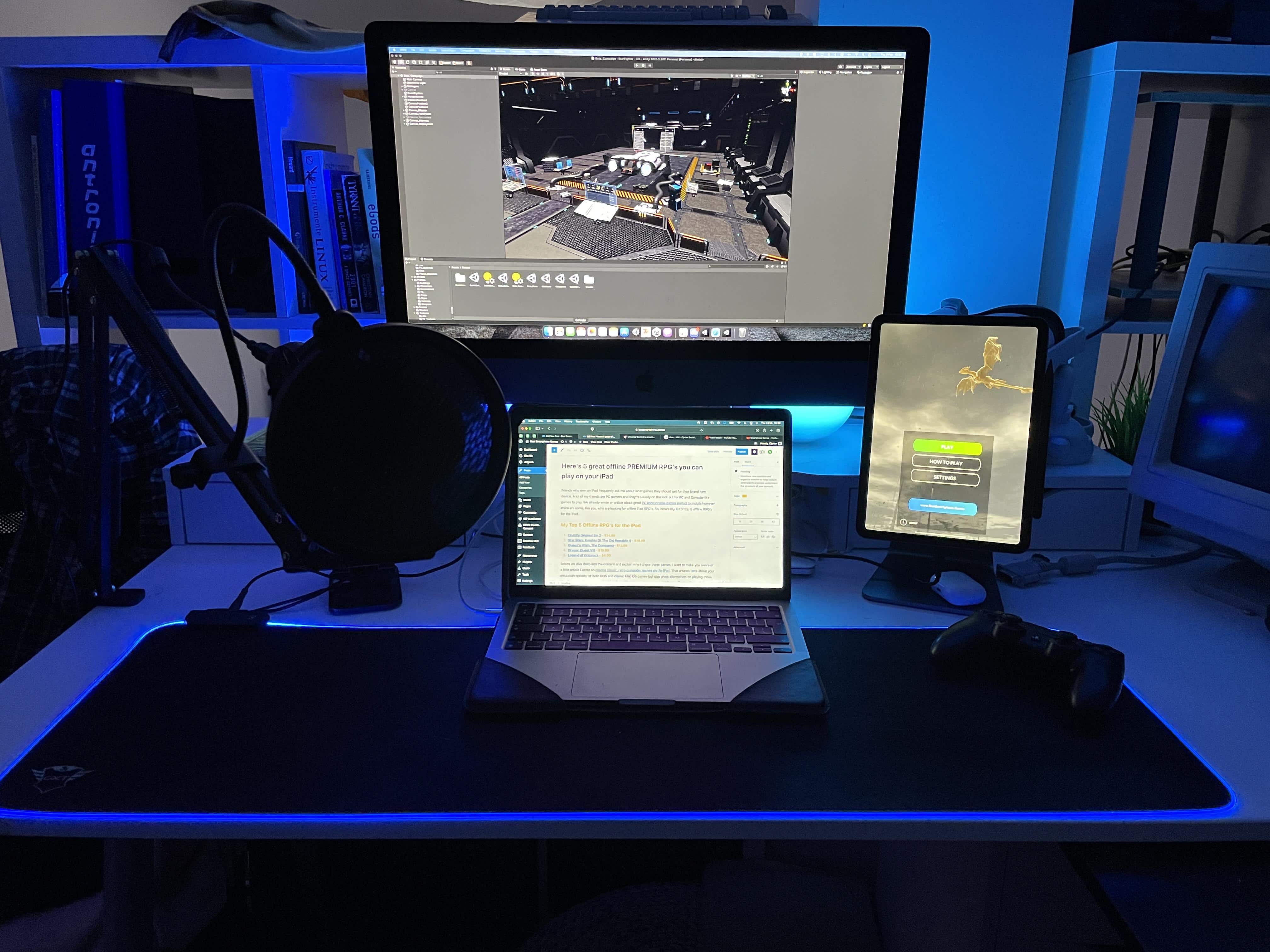
Universal Control sends game dev with Mac arsenal over the moon [Setups]

By

Apple's Universal Control is this game developer's dream of seamlessly carrying tasks from one screen to the next.
Photo: [email protected]

When Apple demonstrated its new Universal Control feature during its Worldwide Developers Conference keynote back in June 2021, it made Apple fans drool. Too bad Cupertino made everyone wait longer than expected to get their hands on it.

But now, Universal Control is finally in beta testing ahead of its public release, and the anticipatory drool is once again flowing — especially among those who get to test it out.

The owner of today’s iMac Pro-based featured setup, a game developer and blogger, is no exception.

How to fix macOS 12.2’s Bluetooth battery drain bug with one simple app

By

FluTooth app for macOS Bluetooth bug
FluTooth is effective and affordable.
Image: Jordi Bruin

Is your MacBook slowly dying in its sleep? It could be because of a frustrating Bluetooth bug in macOS 12.2 that’s causing severe battery drain for some users. But there’s no need to wait for Apple to fix it.

With the help of a simple (and incredibly affordable) app, you can automatically disable your MacBook’s Bluetooth connection when you close its lid — then enable it again when it’s reopened. We’ll show you how.

Got pets? Try protecting your peripherals this way. [Setups]

By

This is the desktop in unprotected mode. Down, Fluffy!
Photo: [email protected]

Anyone with a curious cat knows the desktop can be one of their favorite spots. Sometimes it’s like they’re trying to ensure you can’t work, as they sit or stretch out right on top of the keyboard or in front of the screen. And that’s just when you’re sitting there. Who knows what they do when you’re away. Other than dreaming up other ways to hasten your unemployment.

Lucky for you, today’s featured computer setup shows a simple method for protecting peripherals like input devices — keyboard, mouse, perhaps a trackpad — from pushy pets. And if you’ve got canines, take heart. It also works for dog slobber.

Want to make your monitor float in space? Try this. [Setups]

By

That display is not wall mounted. And it's not levitating, either. It just looks like it is.
Photo: [email protected]

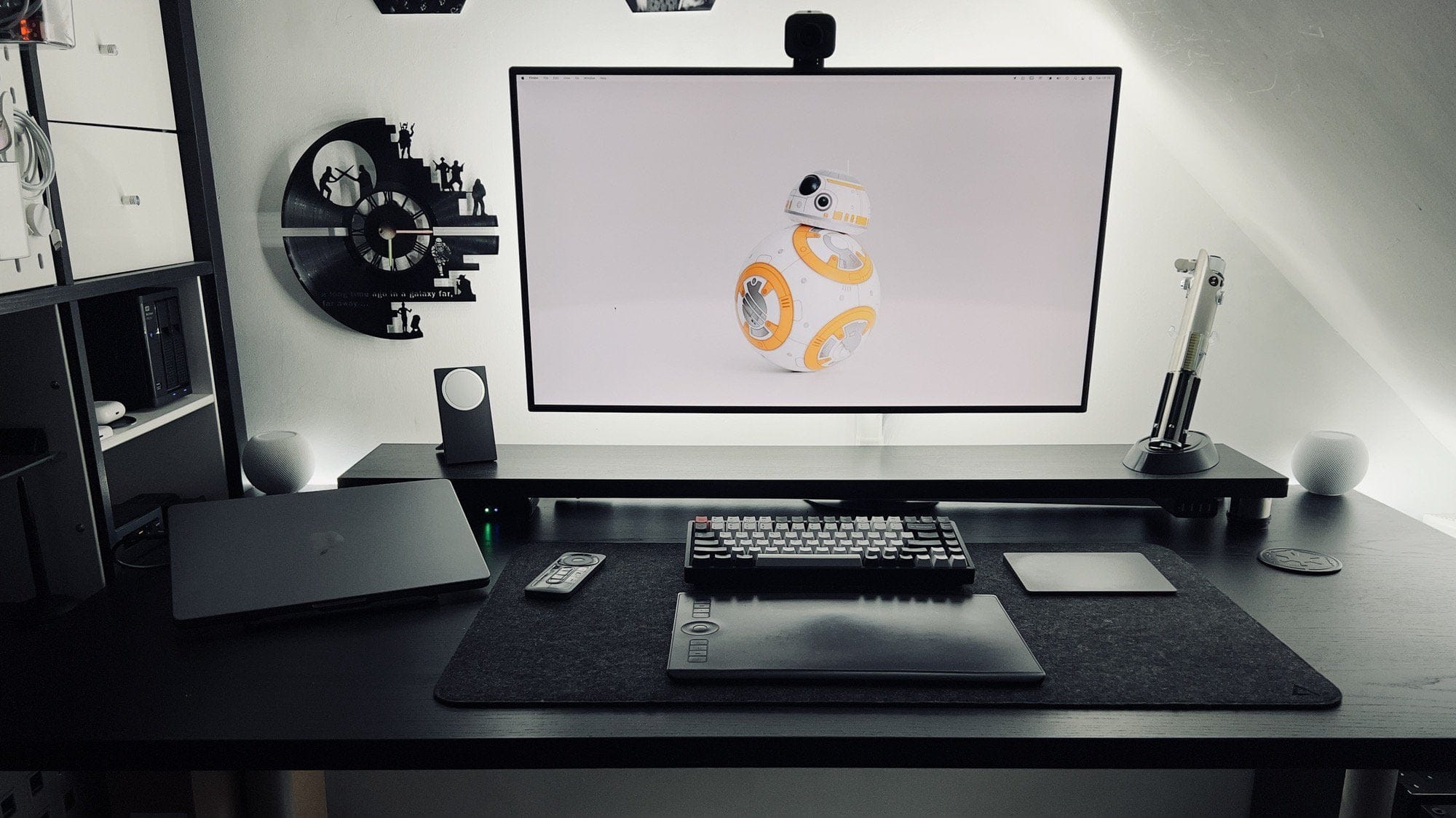
Who doesn’t love good optical illusions? And they’re especially cool when they result from an unexpected action that works as well as the expected action. Today’s featured computer setup surprised us with a floating display.

Thing is, though, the screen is not mounted on the wall. And it’s not levitating, either.

Universal Control on Mac and iPad is one of Apple’s most magical features yet

By

Universal Control
It "just works," and it does so magnificently.
Photo: Apple

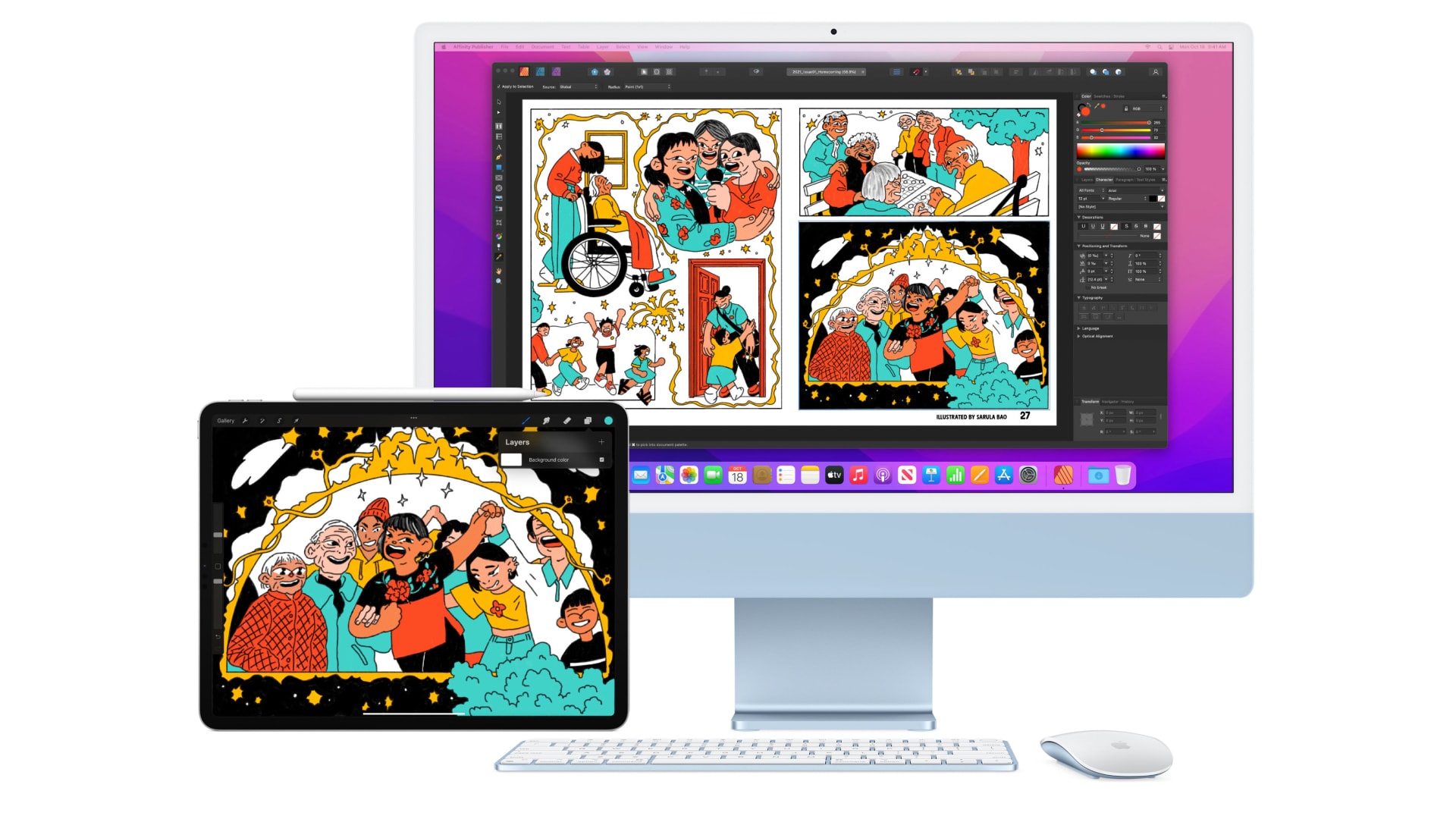
Universal Control, which is finally in testing ahead of its public debut, lets you control a Mac and an iPad with the same keyboard and mouse, bringing the two computers closer together than ever before. It’s particularly handy if you rely on both macOS and iPadOS apps and find yourself regularly switching between them.

The feature looked pretty ambitious and exciting when Apple previewed it during its Worldwide Developers Conference keynote back in June. And now that it’s here (mostly) and we’ve had the chance to try it out, we firmly believe it is one of Cupertino’s most magical features to date.

Here’s why Universal Control will knock your socks off.

Mini-LED iMac Pro launch might slip to summer

By

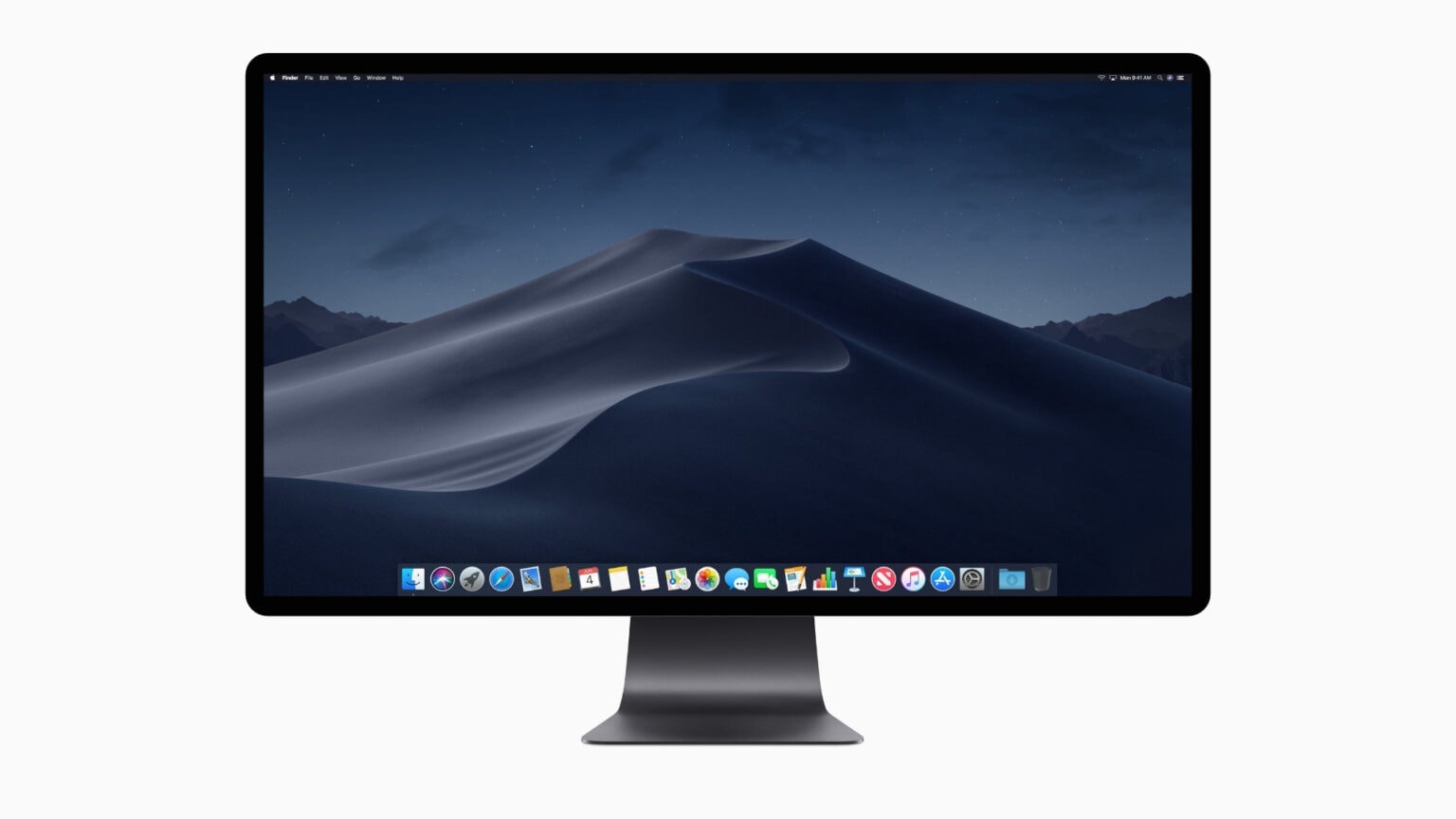
A new 27-inch iMac Pro could look something like this.
Concept: Killian Bell/Cult of Mac

The new iMac Pro with a mini-LED display rumored to launch this-coming spring might not come along so soon. It now looks more likely to show up sometime during the summer, display analyst Ross Young said Monday.

Before and after: Out with (some of) the old, in with (the best of) the new [Setups]

By

In the after photo, a new LG 4K monitor replaces the Cinema Display.
In the after photo, a new LG 4K monitor replaces the Cinema Display, among other key changes.
Photo: [email protected]

When you spend a third or more of your waking hours all but chained to a computer setup, you might as well make it a pleasant place to spend time. That’s what most of Cult of Mac‘s Setups coverage is all about, really — glorifying both the high-tech performance and the stylish comfort that ease your enslavement to whatever it is you do with tech.

Today’s 14-inch M1 Pro MacBook Pro-based featured setup shows a “before and after” transition. Musician and Salesforce consultant Jon Young said a revamp of his wife’s “nicer and more spacious” work area inspired his changes. “Mine just has more gadgets lol,” he said.

Dazzled: A tale of two lighting schemes [Setups]

By

Thanks to Edison bulbs and Govee light strips for all these colors.
Photo: [email protected]

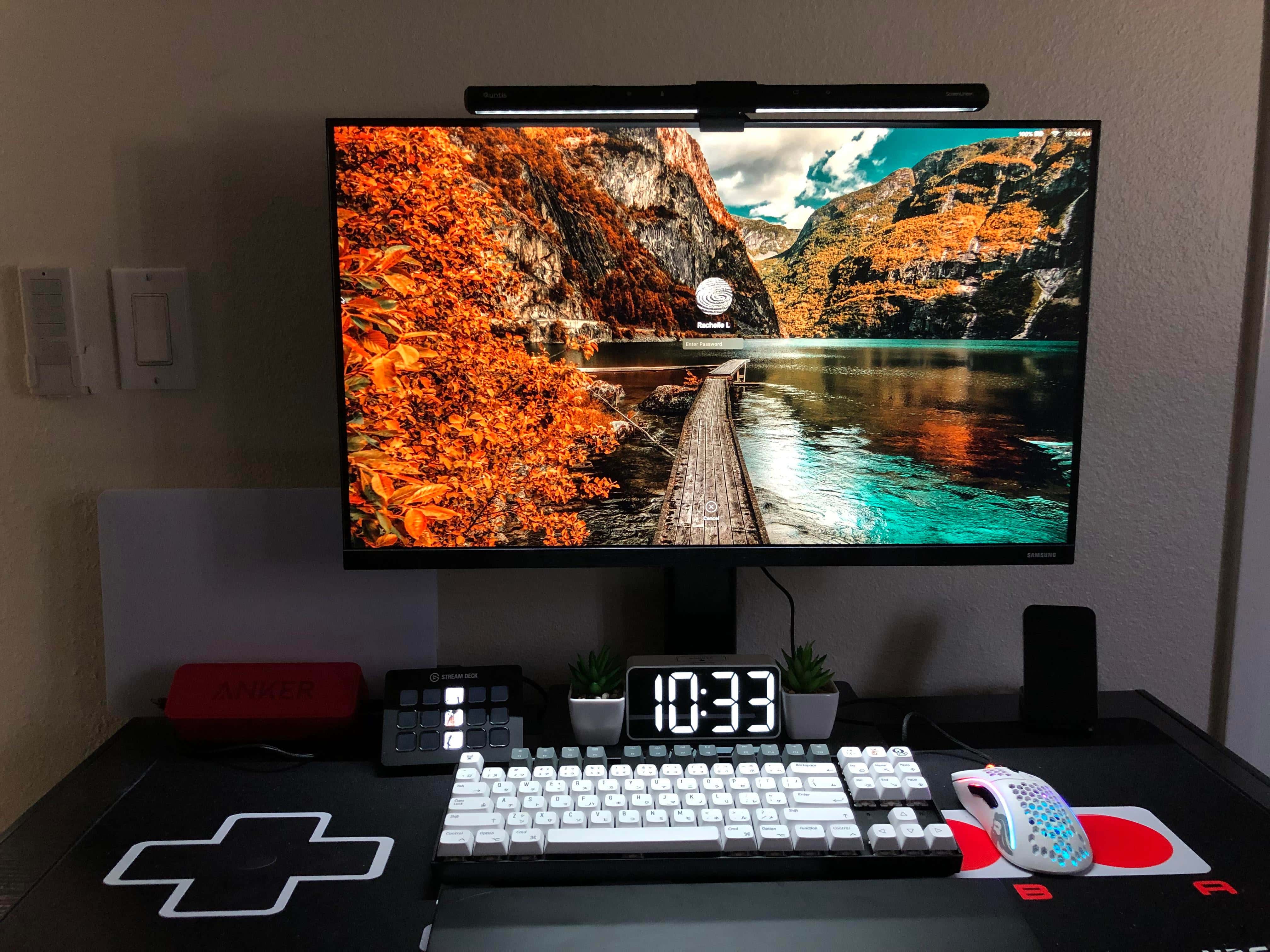
Some computer setups knock your socks off with lighting. It can be tasteful, warm, welcoming and conducive to work without eye strain. It can be bright, inventive and dazzling, like fantastic decorations. Or, as in today’s MacBook Pro-based featured setup, it can be either one of those, depending on both choice of settings and time of day.

The light show in today’s workstation derives from two sources, or schemes. One involves two very different table lamps. The other involves LED light strips.

iPad Pro with speedy Apple M2 processor on course for fall 2022

By

iPad Pro with speedy Apple M2 processor on course for fall 2022
The Apple M2 processor won‘t be just for Mac.
Photo: Apple/Cult of Mac

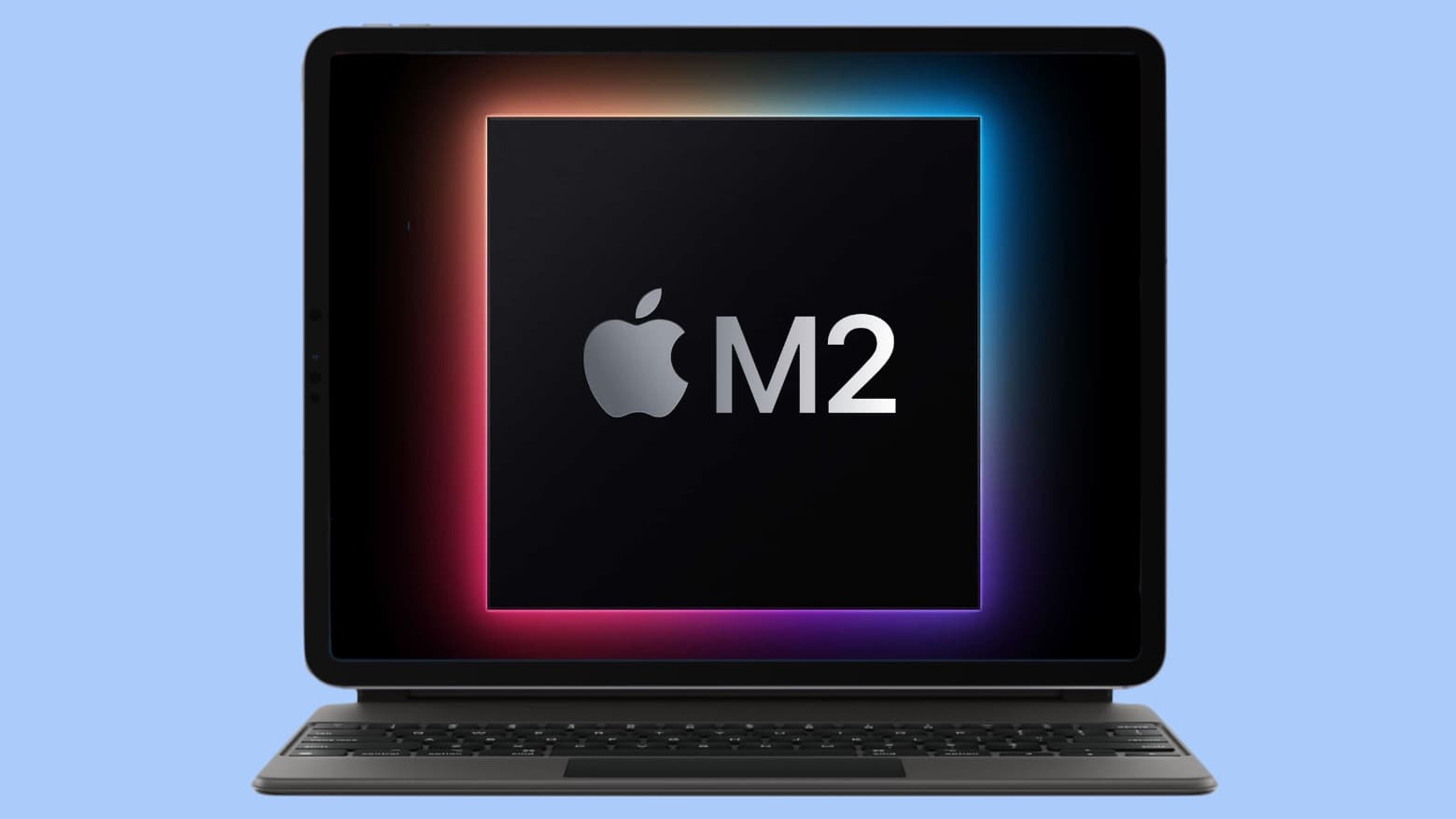
The next generation of iPad Pro will fittingly have Apple’s next-generation processor, the M2. At least according to a generally reliable tipster.

And other improvements are also expected in the high-end tablet when it debuts in fall 2022.

1 82 83 84 85 86 99