Mobile menu toggle

Search results for: M1 MacBook Air

12 reasons to love the iPad on its 12th birthday

By

12 reasons to love the iPad on its 12th birthday
There are so many reason to love the iPad — here are 12 of them.
Photo: Ed Hardy/Cult of Mac/Dan Prado/Pexels license

Apple launched the iPad in stores exactly 12 years ago today, and the device has evolved enormously since then, in both capabilities and hardware. Today’s devices can do so much more than their forbearers. Tablets have lived up to Steve Jobs’ vision … and exceeded it.

Here are a dozen reasons to love what Apple’s tablet has become.

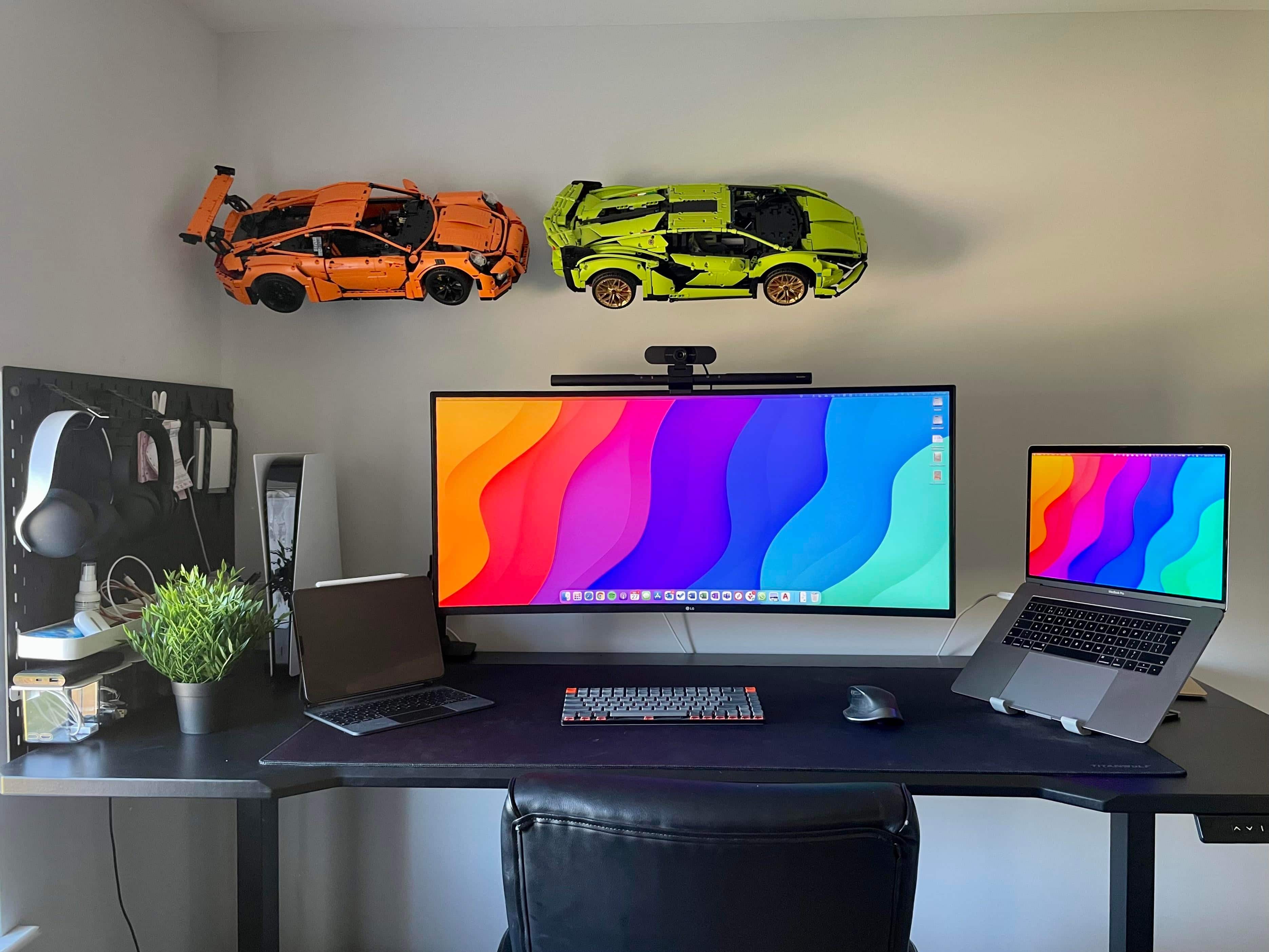
‘Mac setups are cool but Lego Technic is cooler’ [Setups]

By

Those Lego Technic race cars flying across the wall in the back are almost as complicated as real cars.
Photo: [email protected]

Who doesn’t like to have a little fun on a Friday, especially when it’s also April Fools’ Day? Not that today’s featured setup is a joke or fake in any way. It’s real. It’s serious. Not as serious as a heart attack, maybe. But it’s a working setup that likes to have a good time, let’s say.

The seriousness stems mainly from a late-model MacBook Pro and a killer ultra-wide LG display. The good time comes from the super-cool Lego Technic racing cars on the wall — two for now, with a third to come. Each one of these things has thousands of pieces.

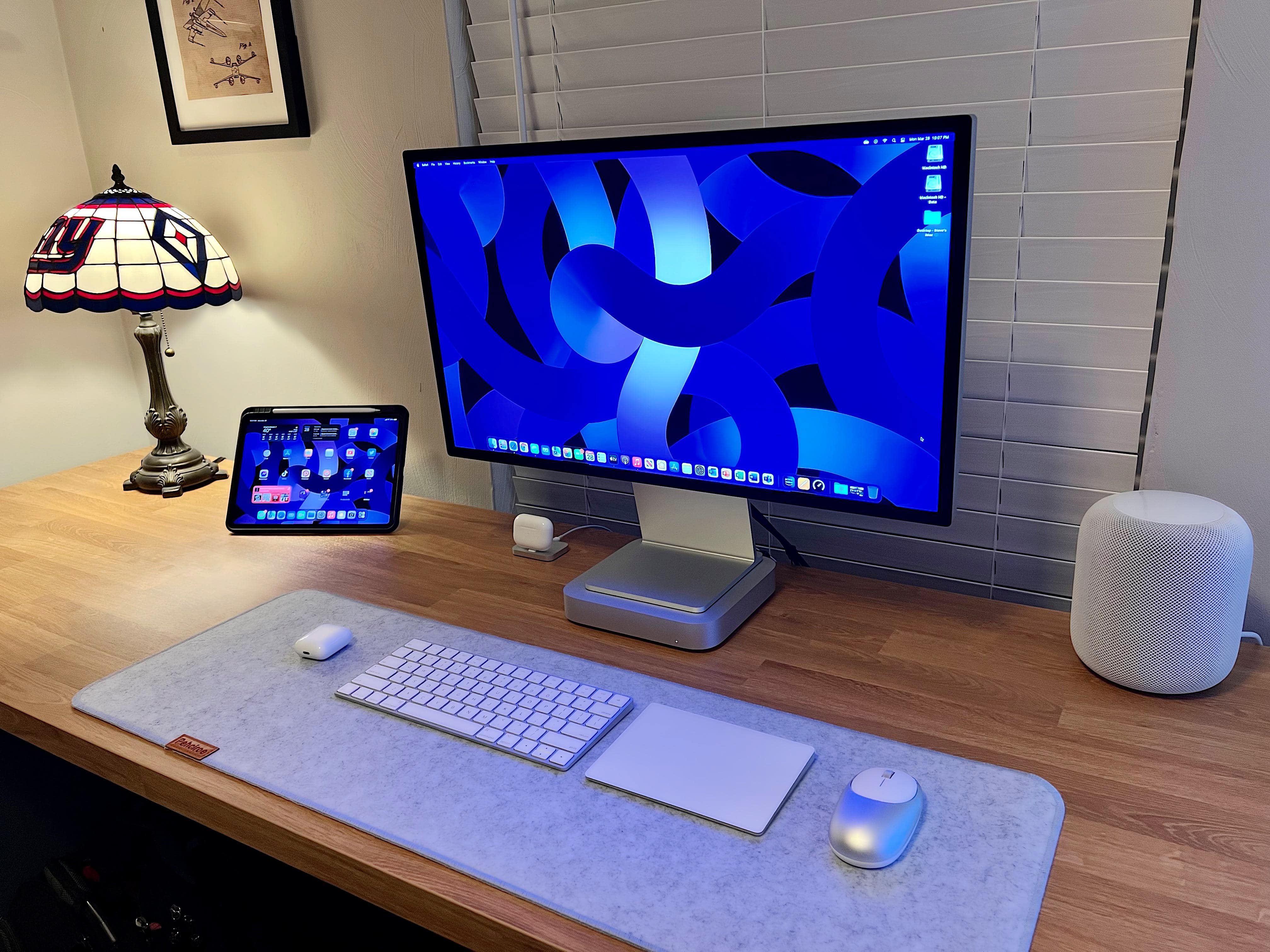
Is it OK to use a Mac mini as a stand for your display? [Setups]

By

Is it OK to rest your display on top of your Mac mini?
Photo: [email protected]

We’ve written about storing a Mac mini in an upright rather than a flat position to save space. It’s OK to do if the machine’s intake and exhaust vents are not blocked. But what about using your Mac mini as a stand for a display, as in today’s featured computer setup?

It’s not necessarily quite as cut-and-dried as the upright mini question. Whether it’s totally fine or a little risky depends a little more on the specific Mac mini and the kind of monitor you use.

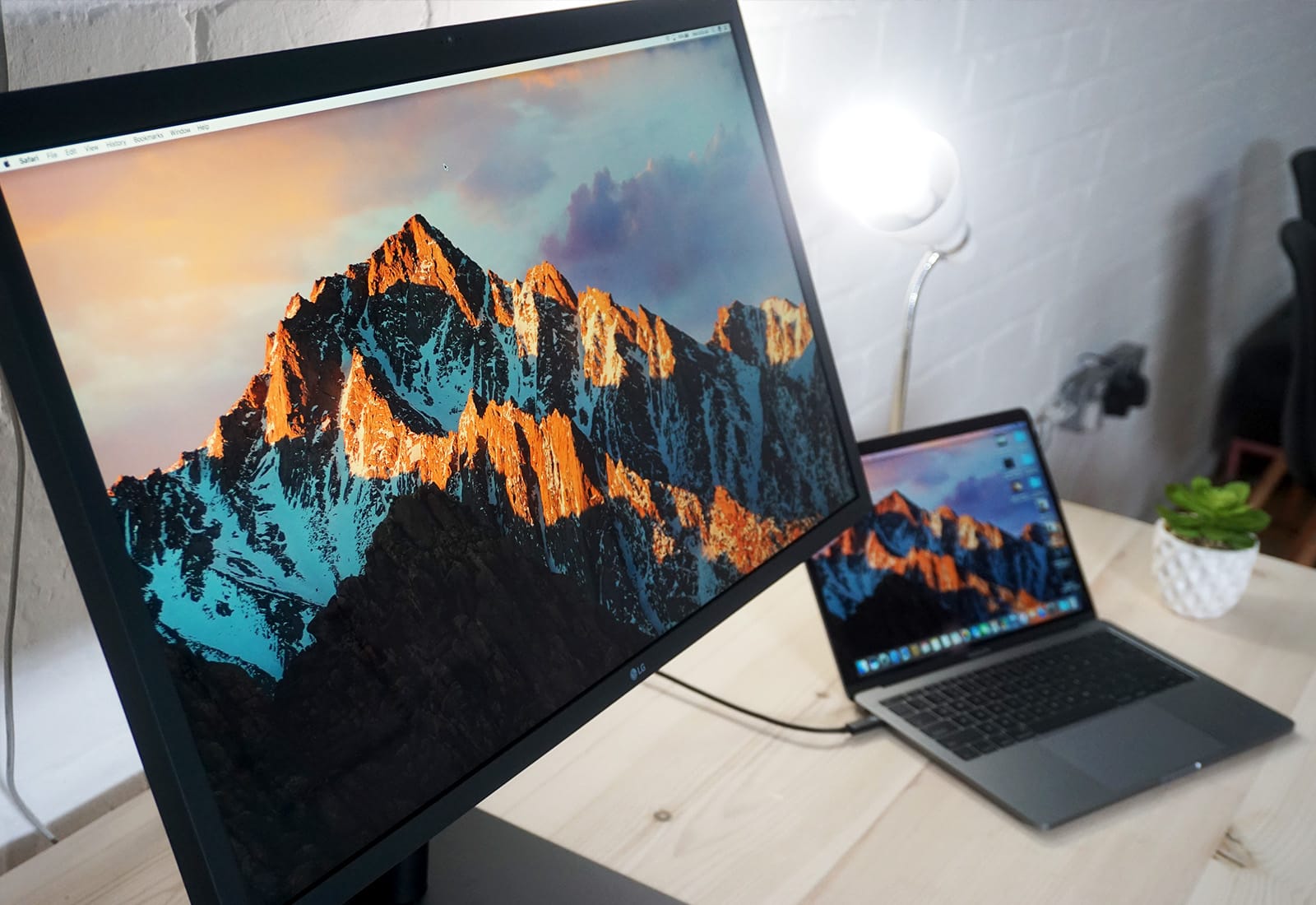
macOS 12.3 Monterey users fight external monitor, game controller issues

By

Monitor cinema display
How is macOS Monterey 12.3 holding up for you?
Photo: Ste Smith/Cult of Mac

A growing number of Mac users are reporting issues with external monitors and game controllers after updating to macOS Monterey 12.3.

Some say their Mac no longer detects connected displays at all, while others are frustrated that their Xbox, PlayStation, and other third-party gamepads are not functioning over Bluetooth — even when the controller is connected.

Studio Display kicks LG 5K monitor to the curb [Setups]

By

The Mac Studio replaced an LG 5K monitor. So far, no complaints.
Photo: [email protected]

The official release date for sales of Apple’s new Studio Display was Friday, March 18 — same as the Mac Studio desktop computer. Both are winning accolades — the desktop more than the display, actually — but in the days since launch we’ve seen quite a few more of the displays cropping up on social media site posts by new owners than the desktops.

There could be various reasons for that. It could mean more people are buying the displays. Or maybe display shipping has been more efficient. Or it could be that displays are simply a little faster and easier to add to a computer setup, so they’re showing up quicker.

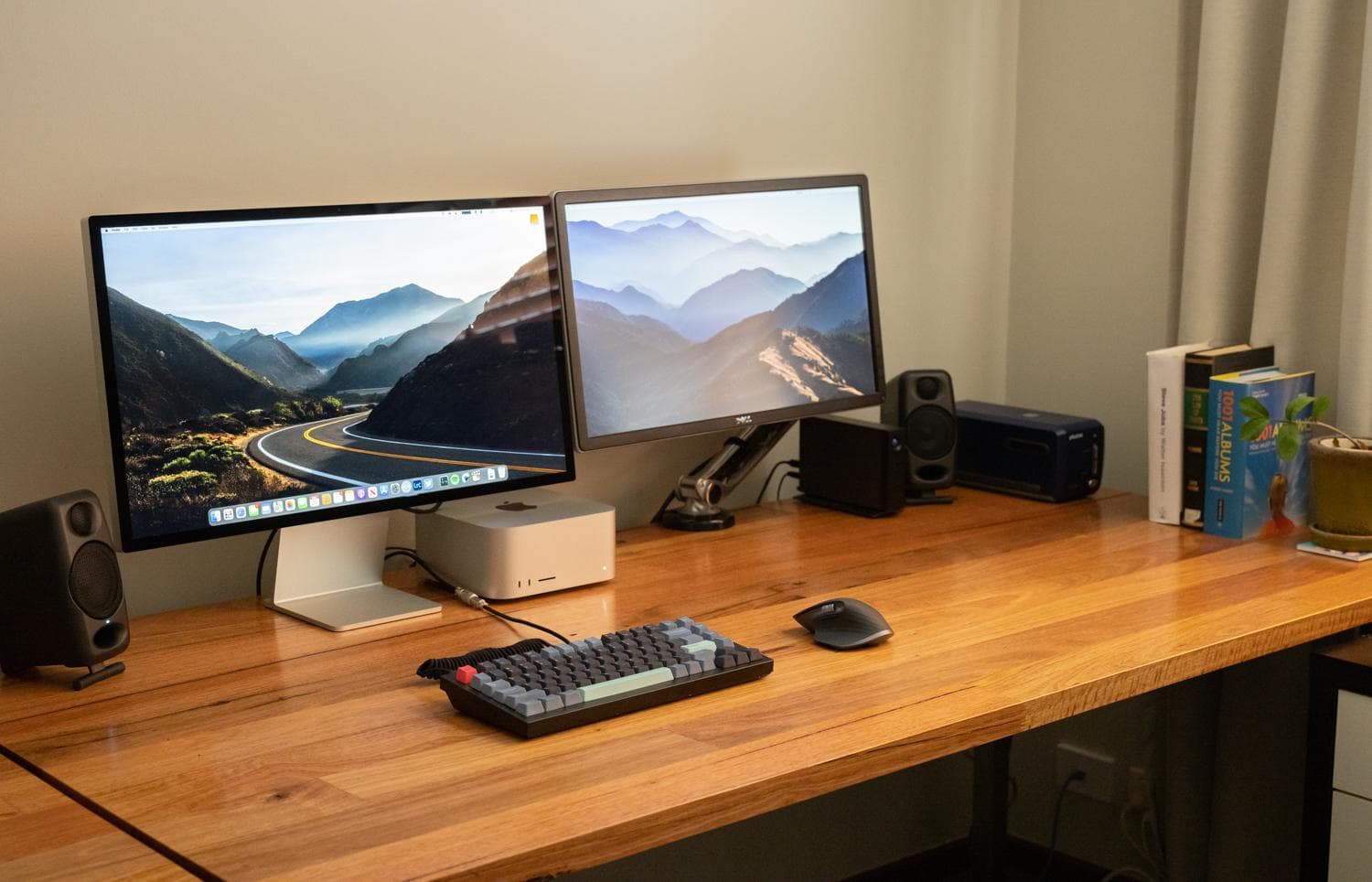
Today’s featured setup pairs the new Studio Display — which ousted an LG 5K monitor — with a 14-inch M1 MacBook Pro.

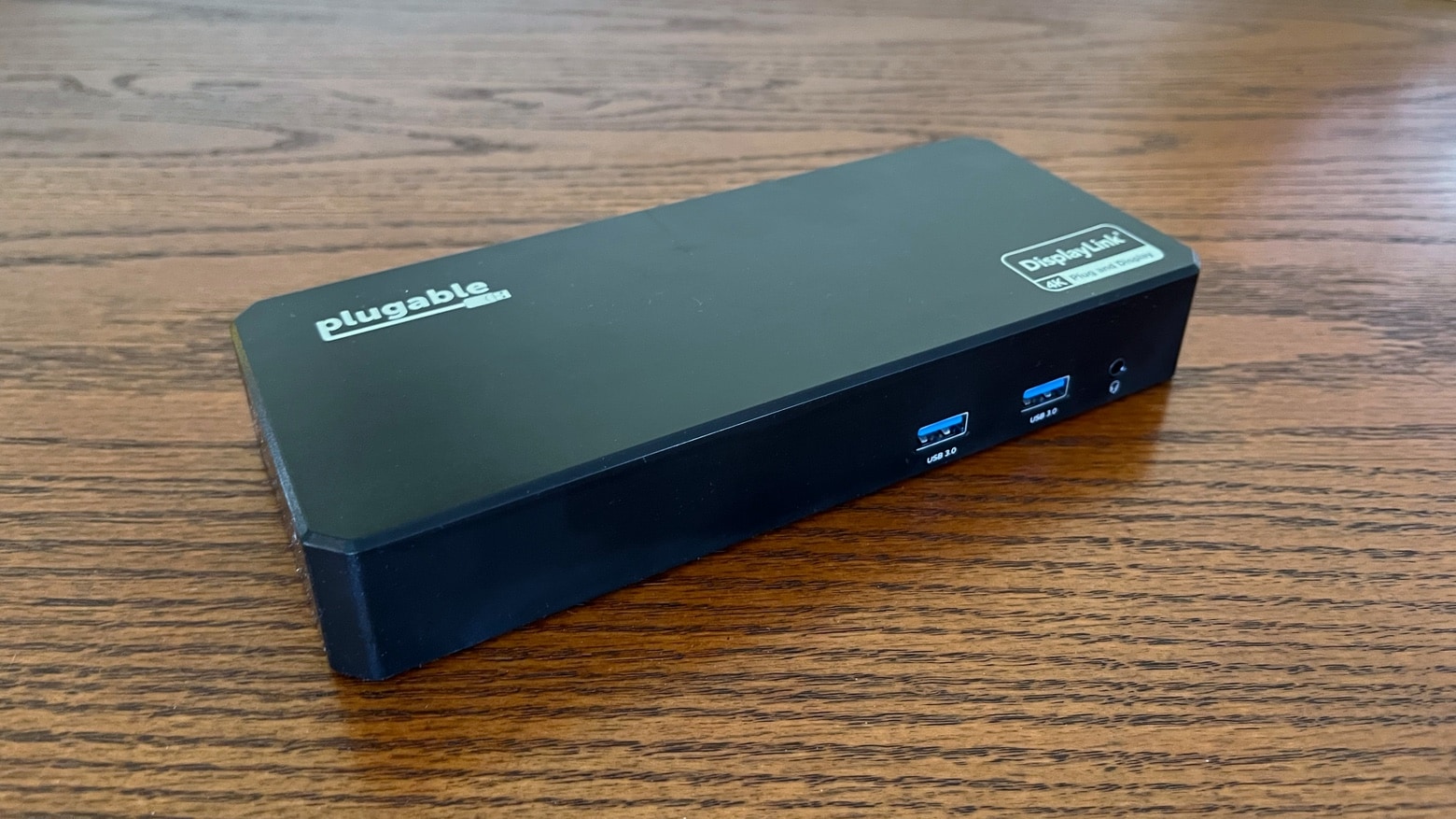
Add 3 HDMI or DisplayPort monitors to your Mac with this USB-C docking station [Review]

By

Plugable UD-6950PDZ Docking Station review
Plugable’s latest USB-C hub lets you add a trio of monitors, and it sports six USB-A ports.
Photo: Ed Hardy/Cult of Mac

The Plugable UD-6950PDZ Docking Station includes a trio 4K HDMI Ports and the same number of 4K DisplayPort ports. These allow users to mix and match up to three monitors. That includes M1 MacBooks that natively support only one.

The USB-C dock also includes half a dozen USB-A ports, Ethernet and more.

I put this powerful accessory through a battery of hands-on tests to see how it performed. And it lived up to my expectations.

Here come the Mac Studio-powered workstations [Setups]

By

A new Mac Studio desktop and Studio Display anchor this setup.
Photo: [email protected]

With Apple’s big “Peek Performance” event only just past and deliveries of newly release products in progress, we see computer setups with new Mac Studio desktops and Studio Display monitors cropping up on social media sites.

Checking in with real people and their first impressions about the gear — and their answers to others’ questions about it — can be a pretty good early look at how things are going with Apple’s latest products.

Mac Studio review roundup: Insane power in a small desktop

By

Mac Studio review roundup: Insane power in a small desktop
Mac Studio offers better performance than Mac Pro. But there’s at least one major drawback.
Photo: Apple

The powerful Mac Studio desktop first reaches customers on Friday, but the initial reviews are out to answer any lingering questions about Apple’s latest macOS desktop.

This is supposed to be Apple’s new mid-range desktop, but hands-on tests show it beats the 2019 Mac Pro hands down.

3D-render wunderkind Ian Zelbo jacks up performance [Setups]

By

Ian Zelbo works on renders on a tricked-out PC in New York City.
Photo: Ian Zelbo

We last wrote about the computer setup of 17-year-old concept creator and render artist Ian Zelbo back in May 2021. As then, the young New Yorker’s 3D renderings of Macs and other leaked tech products continue to amaze viewers online.

But he recently switched things up a bit with the gear he needs to get the job done. Along with a big step up from a 13-inch M1 MacBook Pro to a 14-inch M1 Pro version, he custom-built a PC to do a lot of the heavy lifting in his resource-intensive work.

27-inch iMac could be stuck in limbo

By

The 2020 iMac could like a bit like this.
The 27-inch iMac Pro is/is not about to launch.
Concept: Ed Hardy/Cult of Mac

The 27-inch iMac is gone from Apple’s lineup. And it’s not clear when it’s coming back. Or if it will return at all.

One new leak claims that Apple has dropped plans to make a larger iMac. Another says development goes on, but the all-in-one desktop won‘t be out for a long time.

1 79 80 81 82 83 99