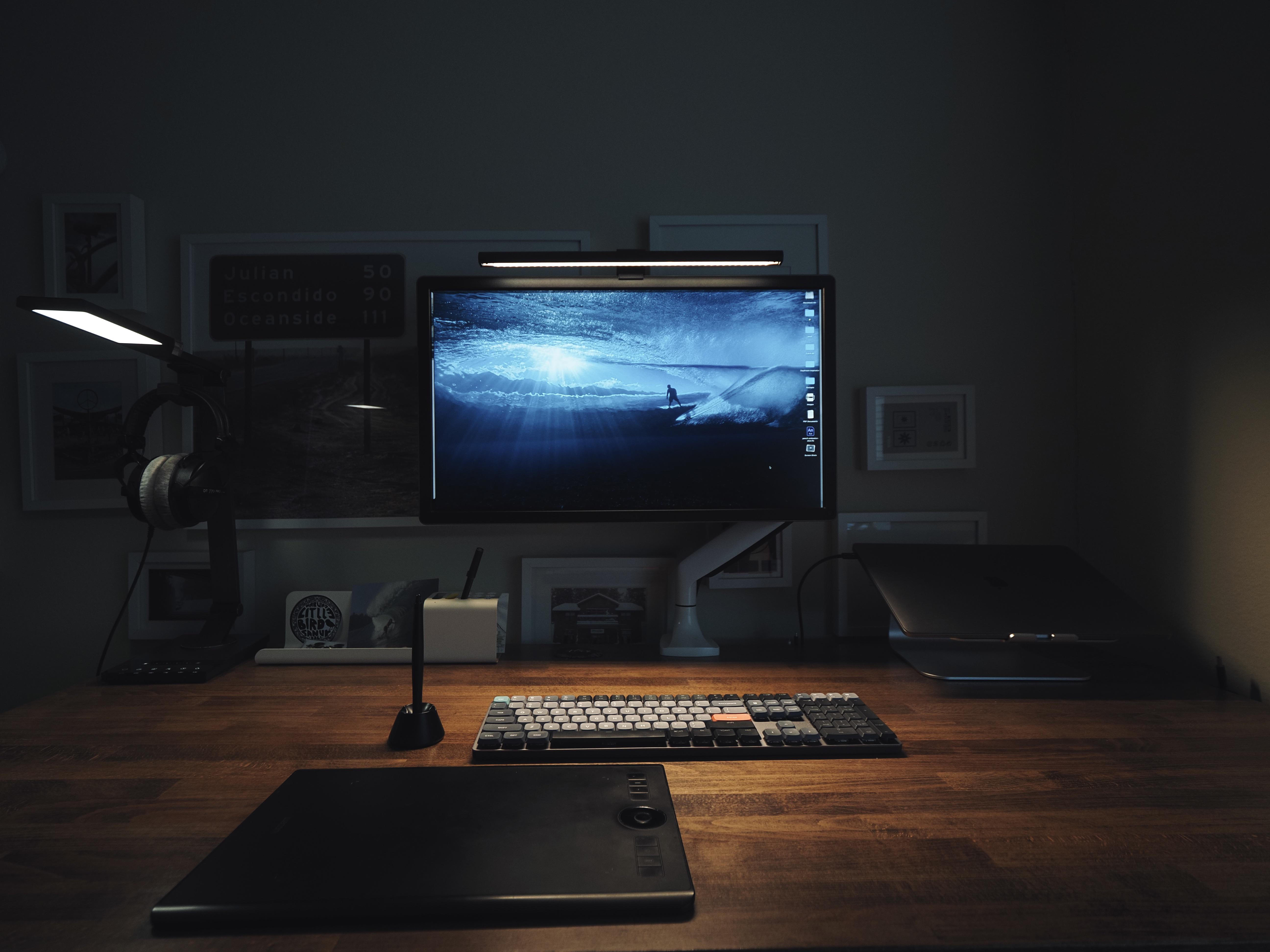
That thing in the foreground is a Wacom Intuos Pro M tablet. Photo: happy_haircut
Some people dislike using a mouse. Others can’t fathom a trackpad. And believe it or not, some folks hate both. So what do they do to get their brilliant thoughts onto the computer screen?
Knowing it’s hard to get by in life on just a keyboard, what input device can they use in addition to it? As today’s featured computer setup illustrates, they might try using a certain tablet like it’s a cross between a trackpad and a mouse.
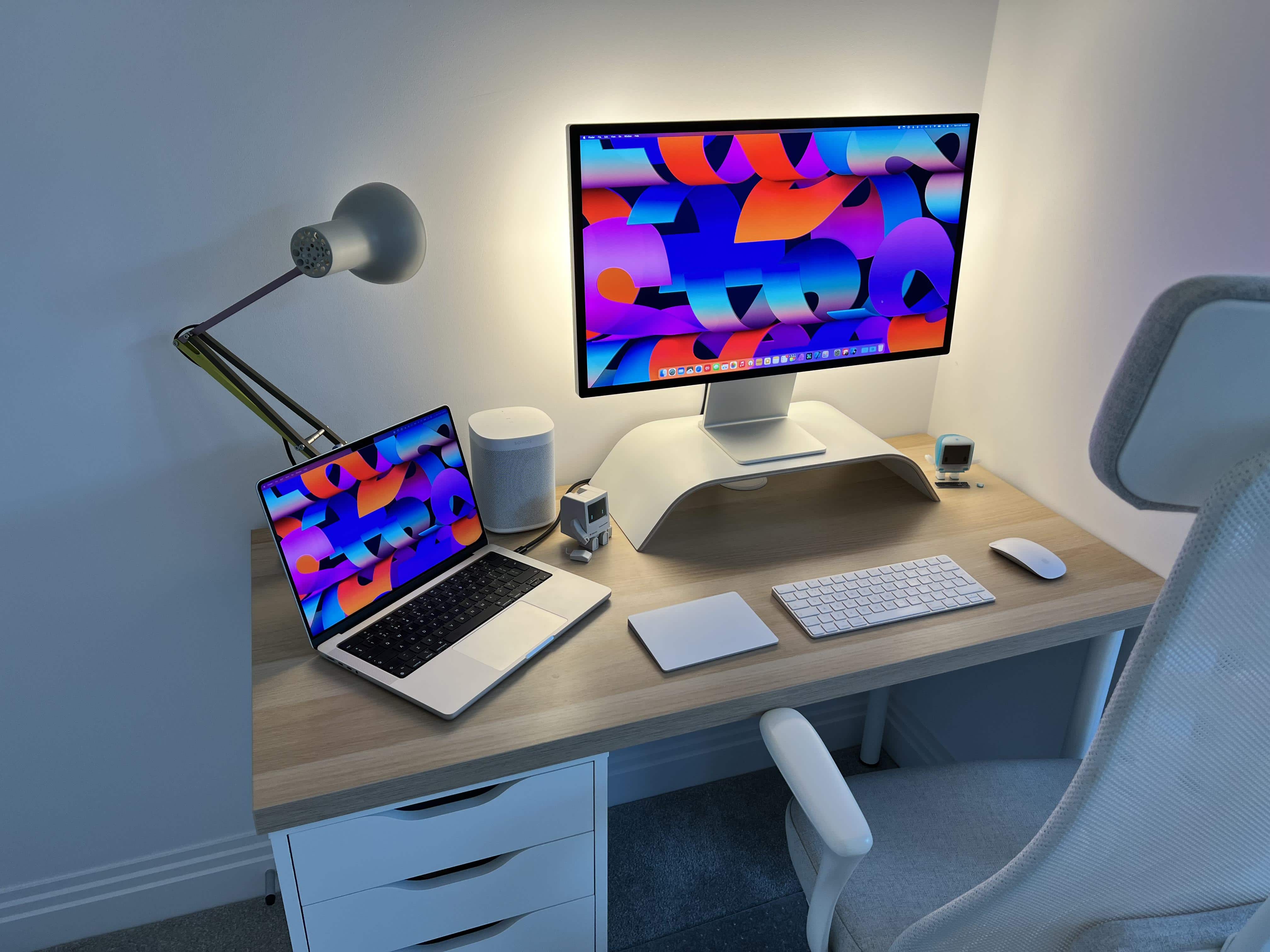
This cozy corner benefits from Philips Hue Play light bars behind the Studio Display. Photo: [email protected]
Today’s featured M1 Pro MacBook workstation has a new Studio Display with bias lighting, illuminating the wall behind the display. It comes from three strategically placed Philips Hue Play bars that really make that corner of the small apartment “pop.”
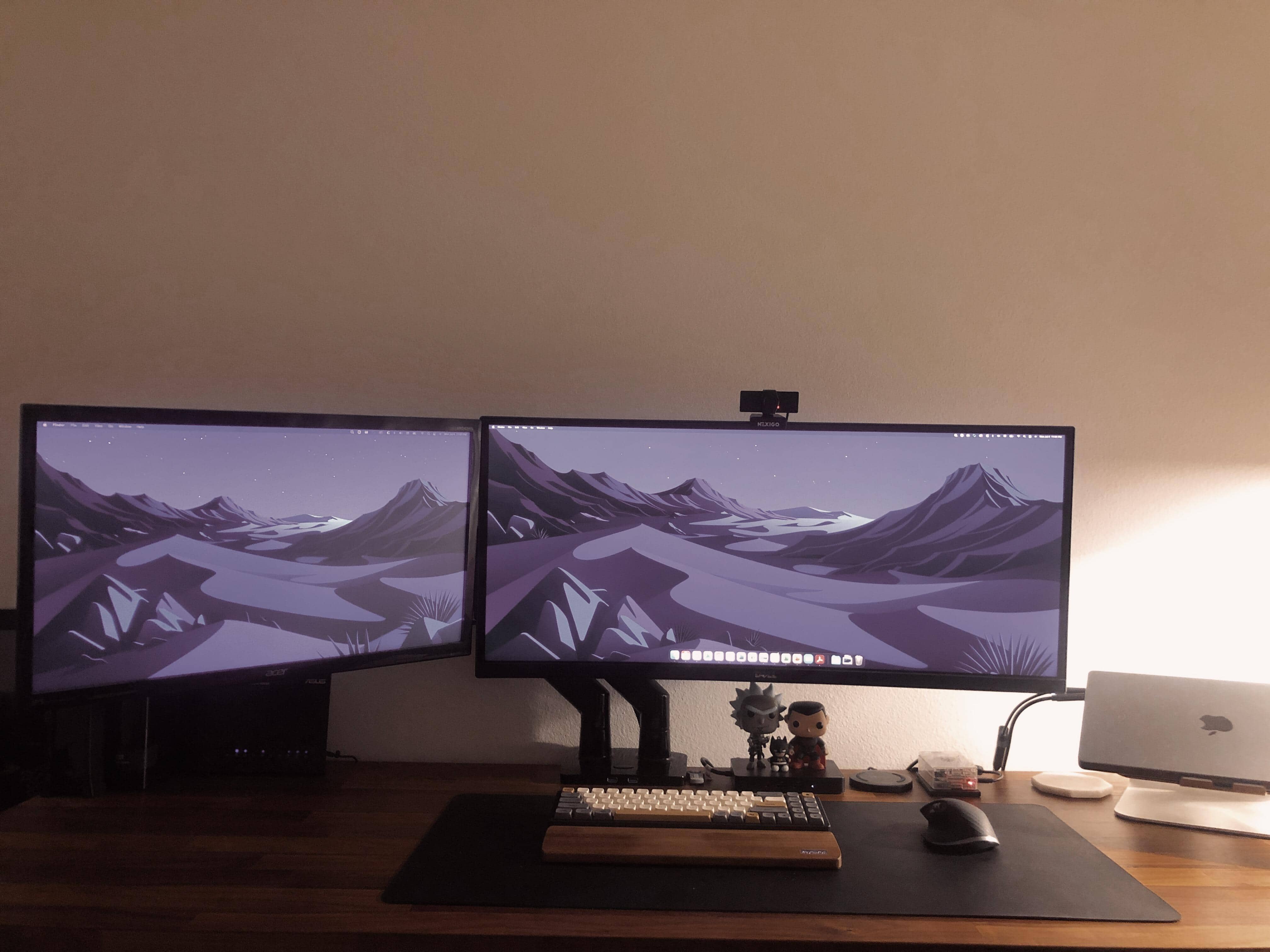
An M1 Max MacBook Pro and Raspberry Pi help make this a home-automation station. Photo: [email protected]
Most of the time, when we talk about home automation, we’re talking about Apple’s HomeKit system. But today’s featured computer setup, which relies on a formidable M1 Max MacBook Pro and dual displays, goes another route.
The homeowner runs a Raspberry Pi with open-source software to achieve about 50 automations, including Siri integration.
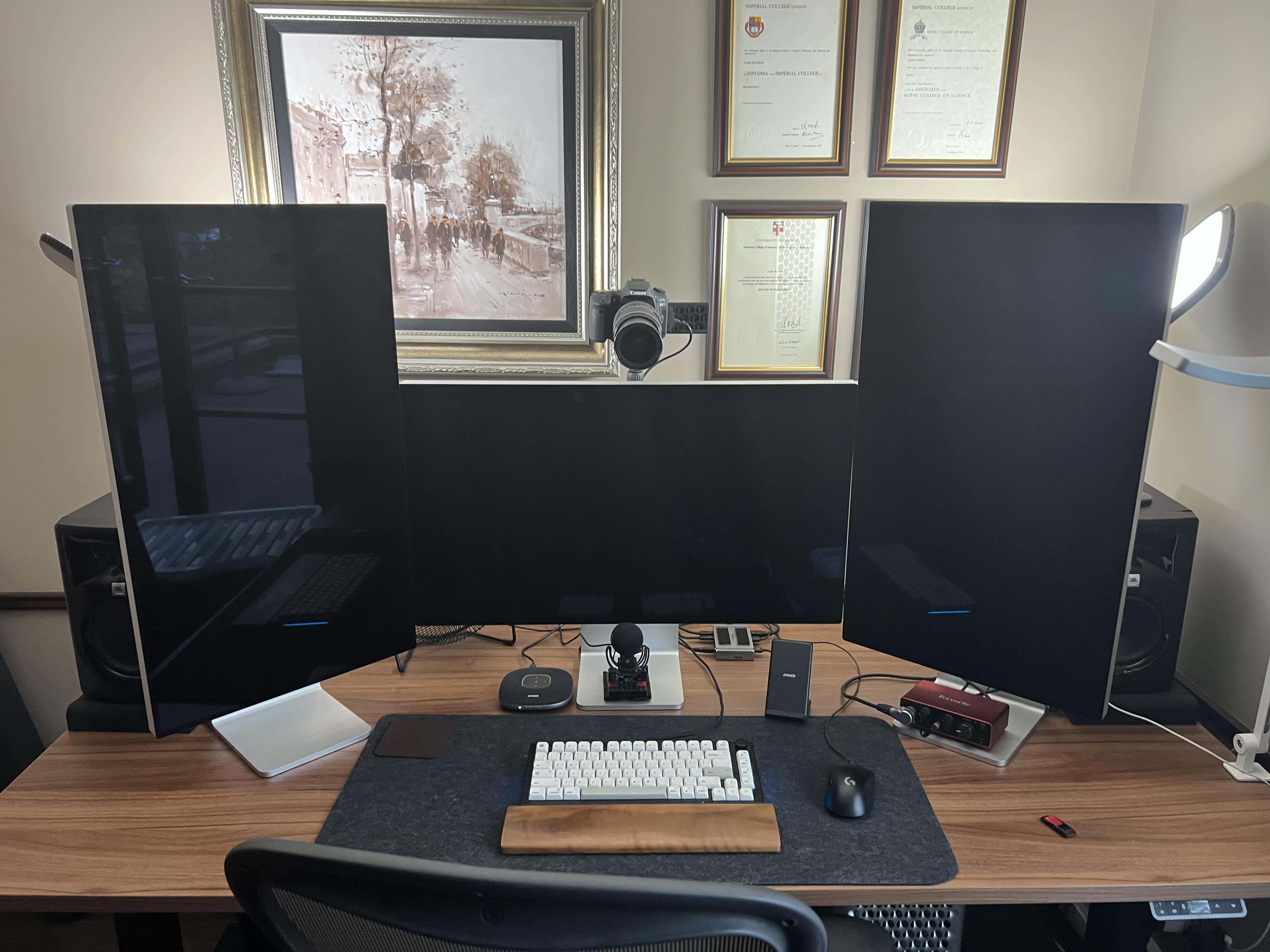
A 2019 Mac Pro is the core of this computer setup, along with a 16-inch M1 Pro MacBook (not pictured). Photo: Liam Hudson
We can count the number of times we’ve come across a three-Pro Display XDR workstation in our Setups travels on less than one hand — maybe two or three times. And if you throw in a late-model Mac Pro and a pile of great audio-visual gear for professional-level videoconferencing, well, that’s even more rare.
Liam Hudson, CEO of a qualitative electronic trading company, sent his “ultimate computer setup” for at-home work to Cult of Mac. And it’s really something.
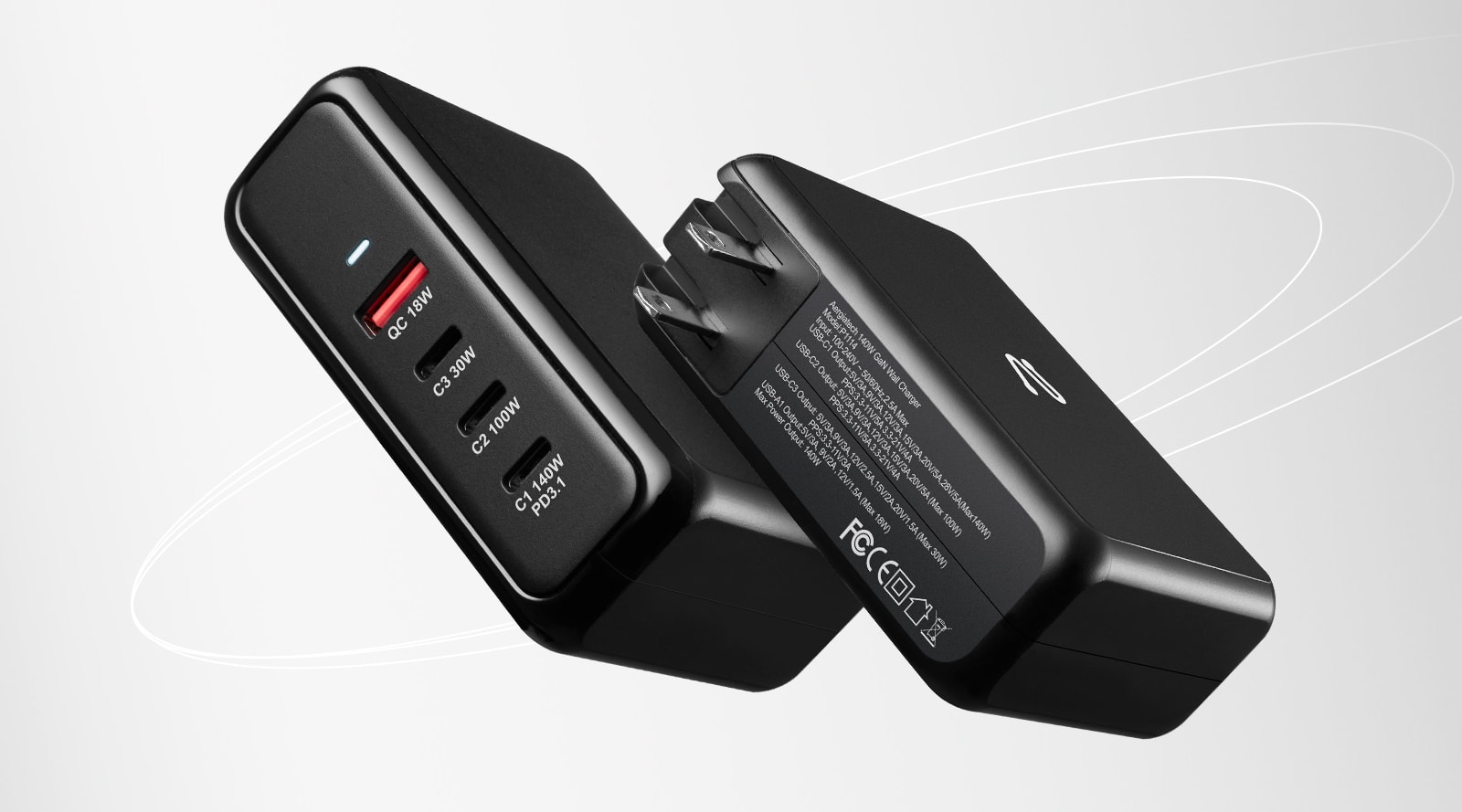
Aergiatech calls it the "world's first four-port 140W wall charger with PD3.1 and GaN." Image: Aergiatech
This GaN charger post is brought to you by Aergiatech.
Are you tired of carrying two or more chargers for work or when you travel? Does it take too long to charge your 16-inch M1 MacBook Pro? Consider the Aergiatech P1114 140W Wall Charger. If you have this gallium nitride charger, you may not need another one.
As Aergiatech put it, it’s the “world’s first four-port 140W wall charger with PD3.1 and GaN.” That means it’s compact, fast and can charge four devices simultaneously. It’s not only smaller and more capable than Apple’s 140W USB-C Power Adapter, it’s much less expensive.
And during the Kickstarter crowdfunding campaign going on now, you can get a super-early-bird price on it. See below.
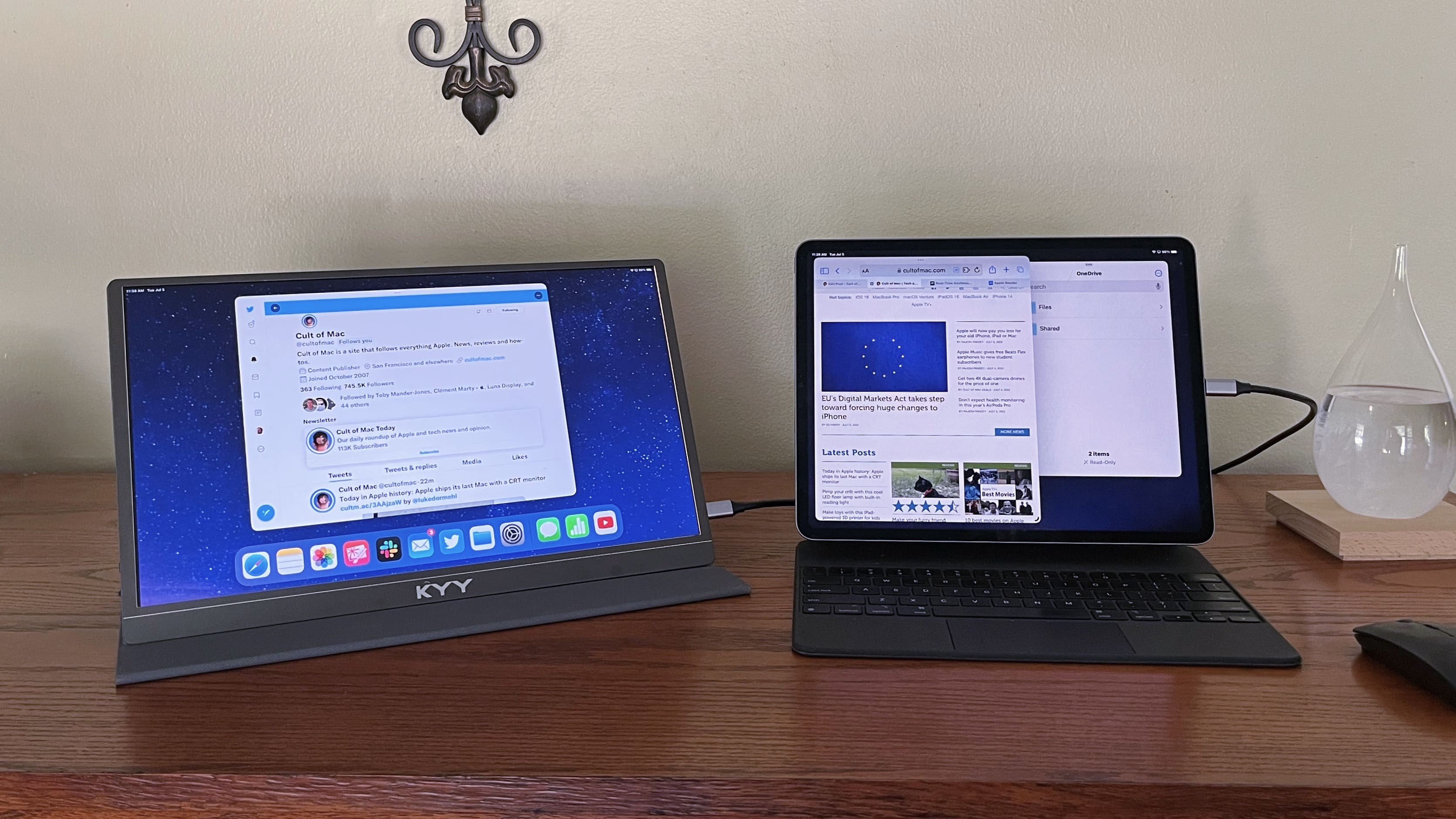
Believe it or not, the main setup has three Pro XDR Displays in it. Photo: [email protected]
Sometimes looking at computer setups is all about practicality, as in finding the right tools for the job at the right price. But other times it’s like ogling other cool stuff you wish you had, like pimped-out cars or beachfront real estate.
Today’s featured setup is a funny one, in that regard. It’s a “temporary” setup, just getting by in lieu of a bigger, better setup. But its gear could make many people drool with desire.
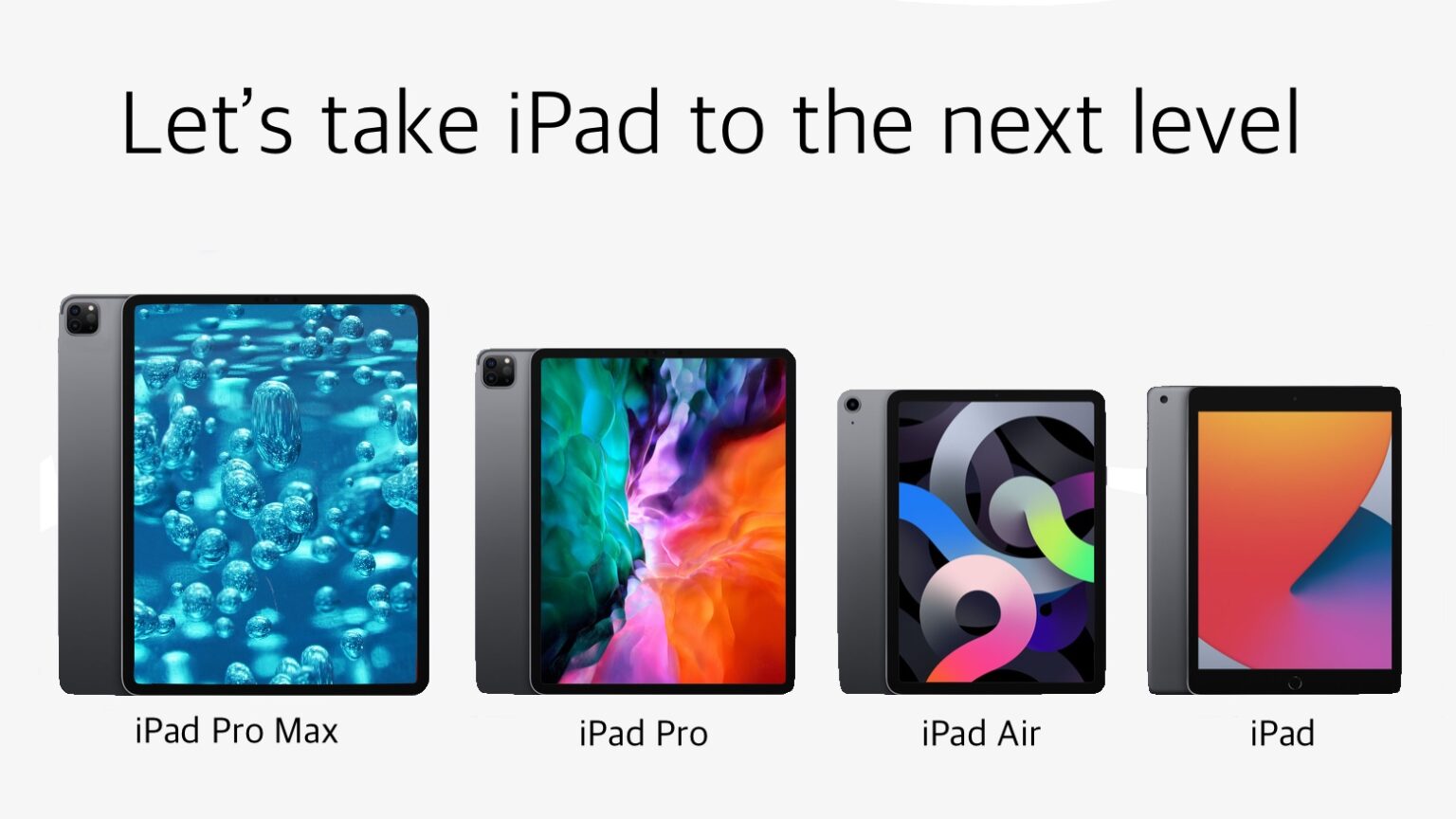
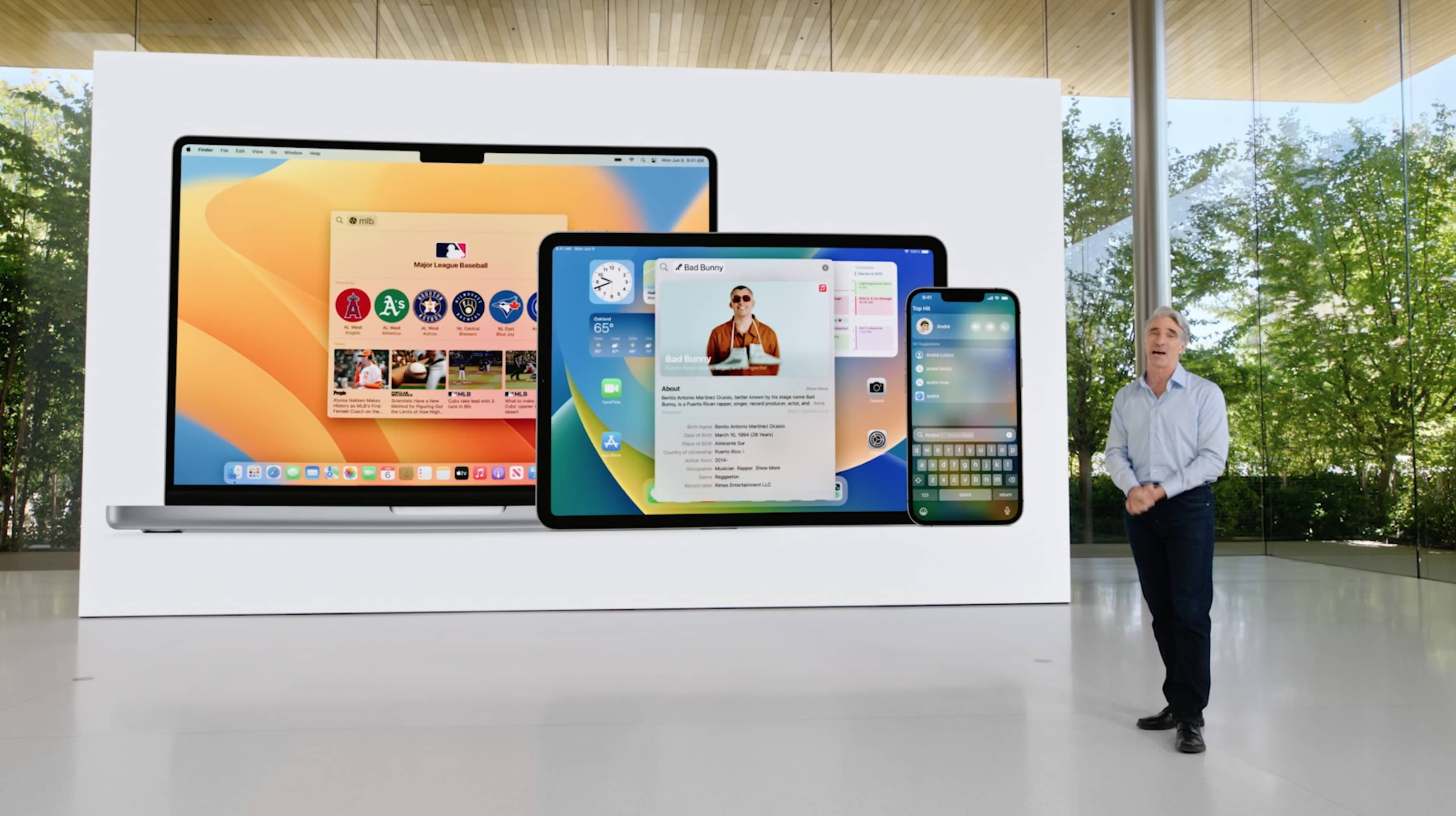
New features coming in macOS Ventura, watchOS 9 and iOS and iPadOS 16 sound great. But lots of existing Apple devices won't run the updates. Photo: Apple
In a jam-packed opening keynote of WWDC22, Apple announced iOS 16, iPadOS 16, watchOS 9 and macOS Ventura. However, Apple’s next-gen operating systems are not coming to all of its devices. The company is dropping support for many older iPhones, iPads and Macs this time around.
Read below to find out whether your Apple device is getting the next big software update later this year or not.
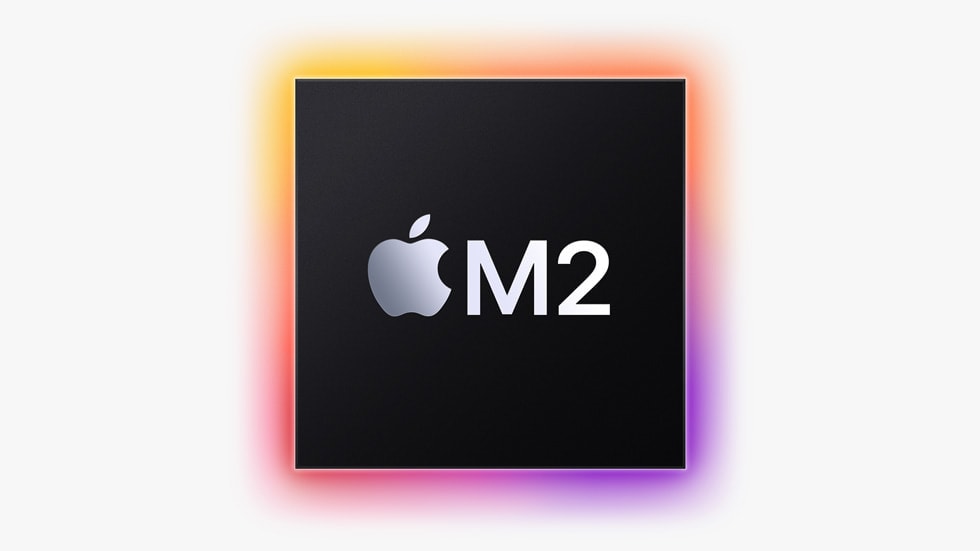
Meet the chip powering Apple's new MacBook Air. Photo: Apple
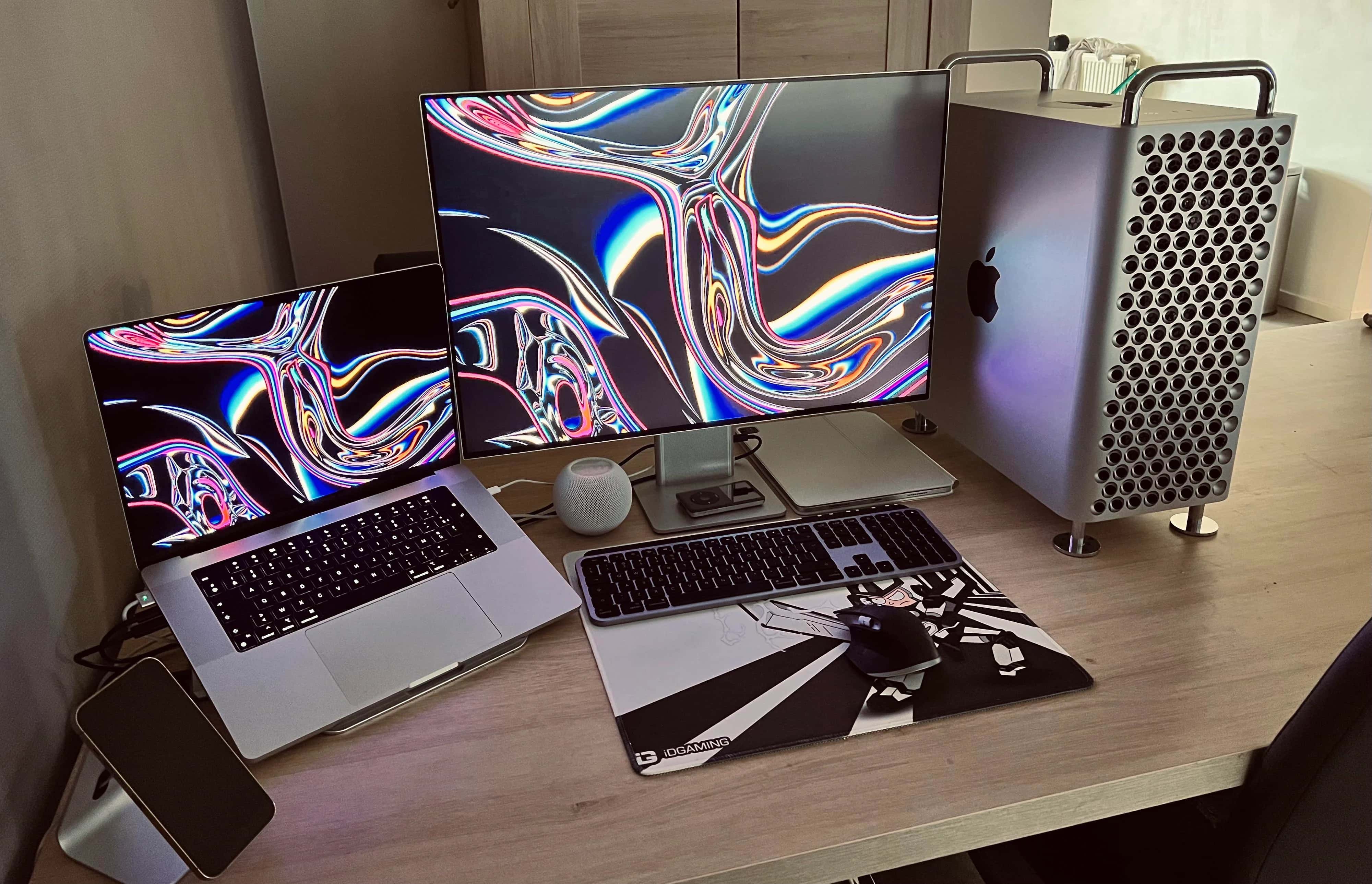
Apple unveiled the next-generation of Apple silicon during the WWDC22 keynote Monday. This new M2 chip, which is launching in a redesigned MacBook Air and as an under-the-hood addition to the 13-inch MacBook Pro, offers even more power and efficiency than the previous-generation M1 processor.
“Today we begin our second generation of Apple silicon designed specifically for the Mac,” said Johny Srouji, Apple’s SVP of hardware technologies, during the live-streamed keynote.
The new M2 chip “goes beyond the remarkable features of M1,” he said. “Unlike others in the industry who significantly increase power to gain performance, our approach is different. We continue to have a relentless focus on power-efficient performance. In other words, maximizing performance while minimizing power consumption.”