Mobile menu toggle

Search results for: M1 MacBook Air

iOS 16 beta 6: All the new features and changes

By

iOS 16 beta 4: All the new features and changes
iOS 16 beta 6 is a little light on changes.
Photo: Ed Hardy/Cult of Mac

With iOS 16 likely just a month away from release, Apple is picking up the tempo of beta releases of the operating system. Apple seeded iOS 16 beta 6 Monday, a mere seven days after the fifth beta. Along with that increase in release speed, the latest beta packs only minor changes.

As iOS 16 nears its stable launch, we are going to see Apple focus more on squashing bugs and improving the overall stability instead of adding new features or tweaking things around.

Plugable’s expansive new 13-port USB-C desktop dock adds dual 4K displays

By

Plugable's expansive new 13-port USB-C desktop dock adds dual 4K displays
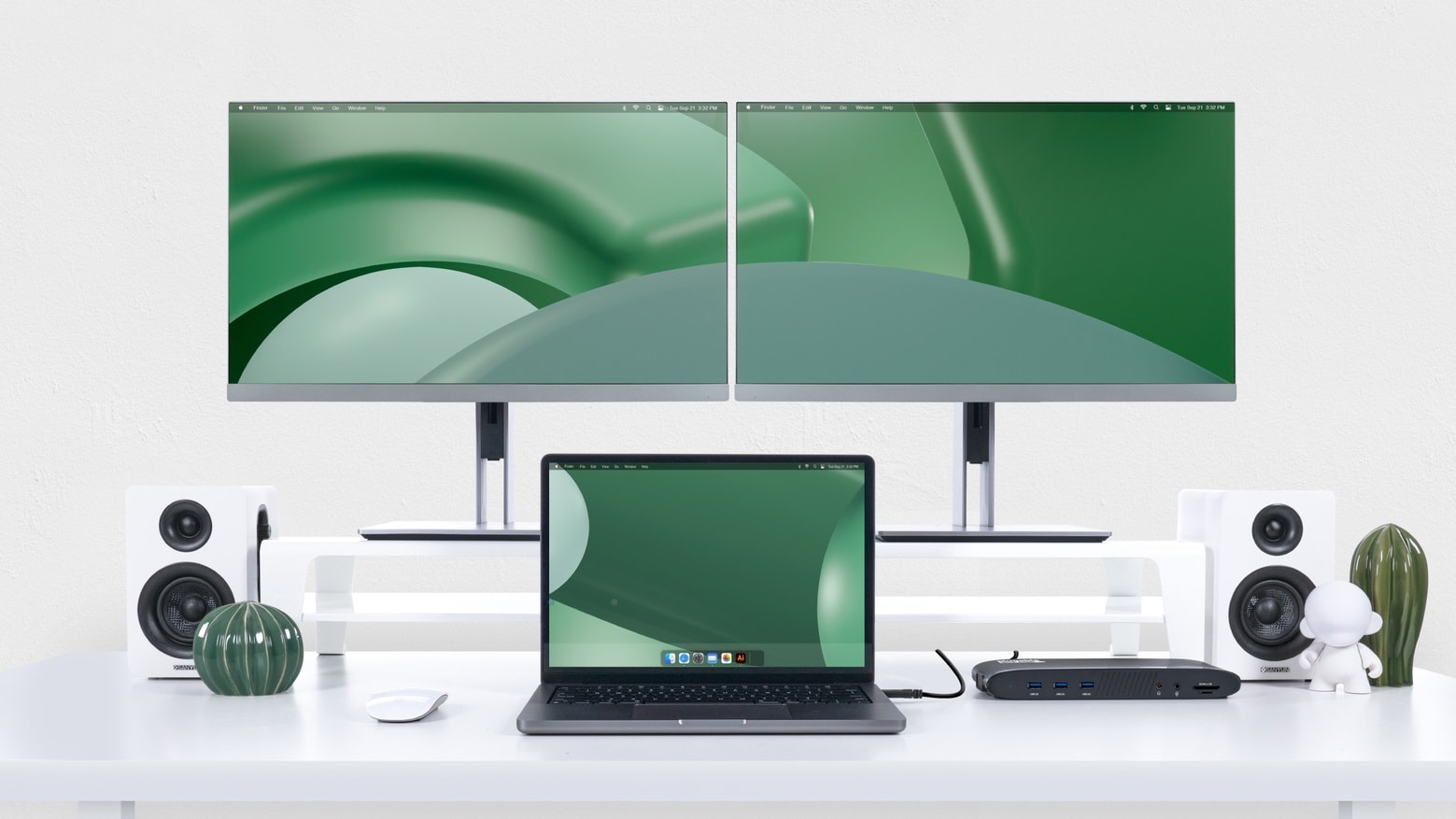
With the Plugable UD-6950PDH on your desktop, your Mac can have 13 more ports and two more 4K monitors.
Photo: Plugable

The Plugable UD-6950PDH is a just-launched USB-C dock that lets Mac users add a wide variety of accessories via a whopping 13 ports. And that includes a pair of 4K monitors even on Macs that not designed to handle that many.

On top of that, the dock offers 100W of power for charging high-end MacBooks.

Pump 245 watts into your gear with new GaN desktop charger and power bank

By

Pump 245 watts into your gear with new GaN desktop charger and power bank
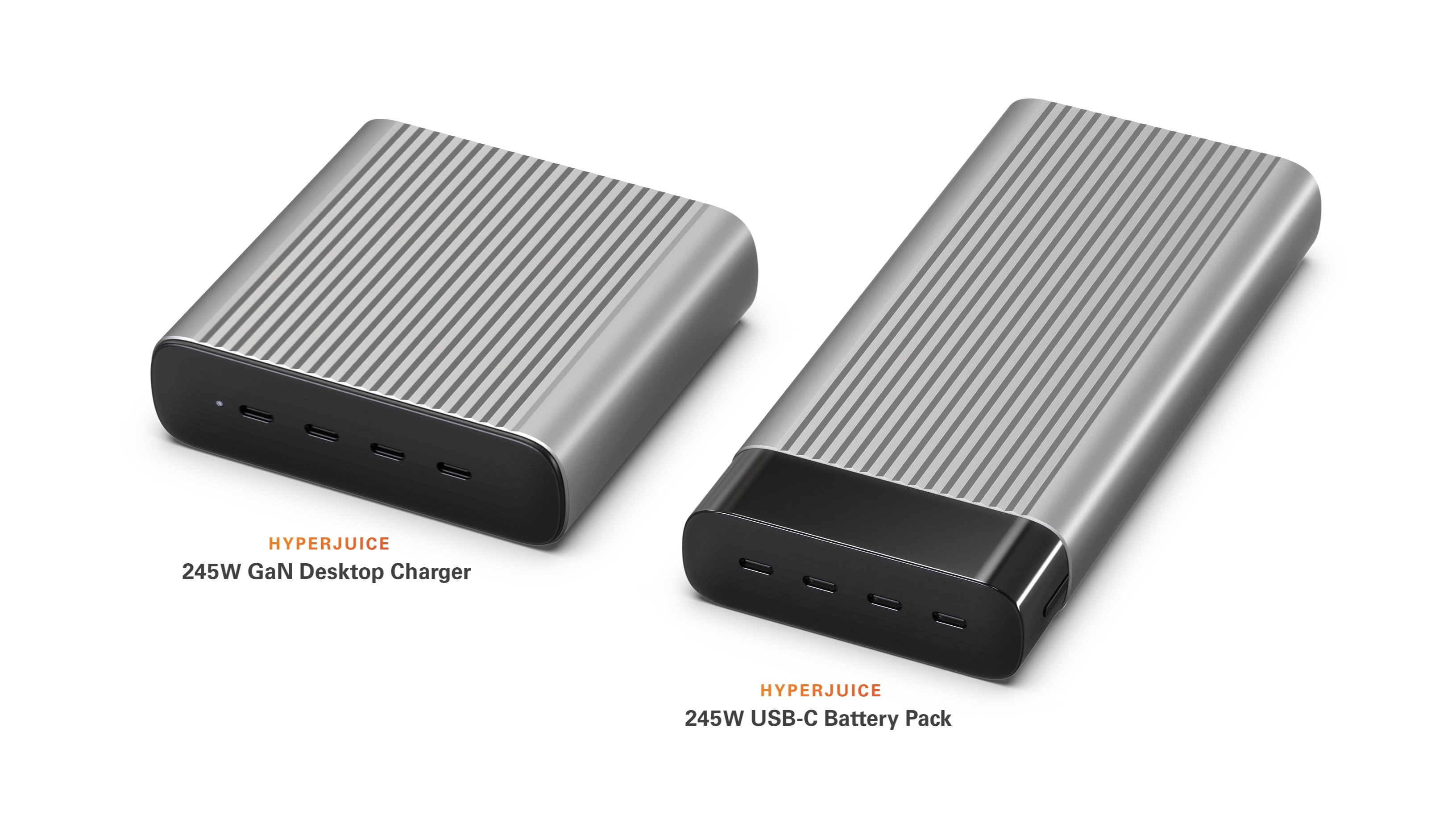
Hype has a pair of GaN accessories that can handle 245W either in the office or on the go.
Photo: Sanyo/Hyper

The switch to gallium nitride continues to lead to less bulky but more powerful charging accessories. As their names indicate, the HyperJuice 245W GaN Desktop Charger and 245W USB-C Battery Pack can each supply 245 watts of power, but GaN means they aren’t oversized.

Both launched Monday.

Anker GaNPrime power bank and charging station are capable specialists [Review] ★★★★☆

By

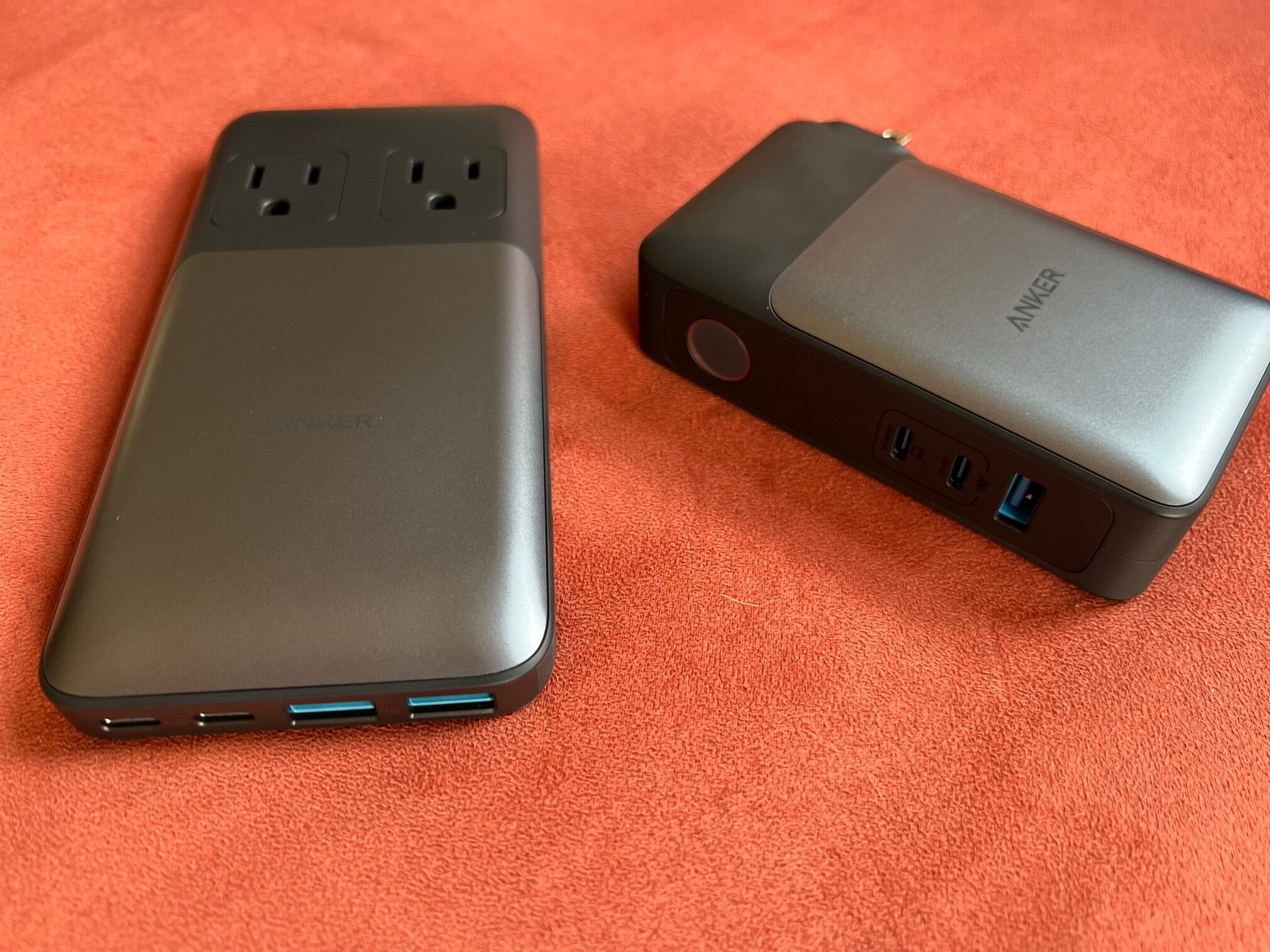
The Anker 727 Power Station, left, and Anker 733 Power Bank have your special needs covered.★★★★☆
The Anker 727 Power Station, left, and Anker 733 Power Bank have your special needs covered.
Photo: David Snow/Cult of Mac

Anker deployed a whole squad of six new, compact and capable high-speed GaNPrime chargers to the charging accessory battlefield a few weeks back. They seem equipped to cover pretty much any need, taking different forms and offering different charging capacities and numbers of ports.

The company sent me a few to try out. I already reviewed the impressively potent and portable Anker 747 150W GaNPrime Charger, an adapter. Now I’ll take a look at two other forms — the Anker 733 Power Bank and the Anker 727 Power Station, which is a compact power strip.

They each address specific capabilities a lot of people might look for in a charger. You might want one of each.

When downsizing your display is not downgrading [Setups]

By

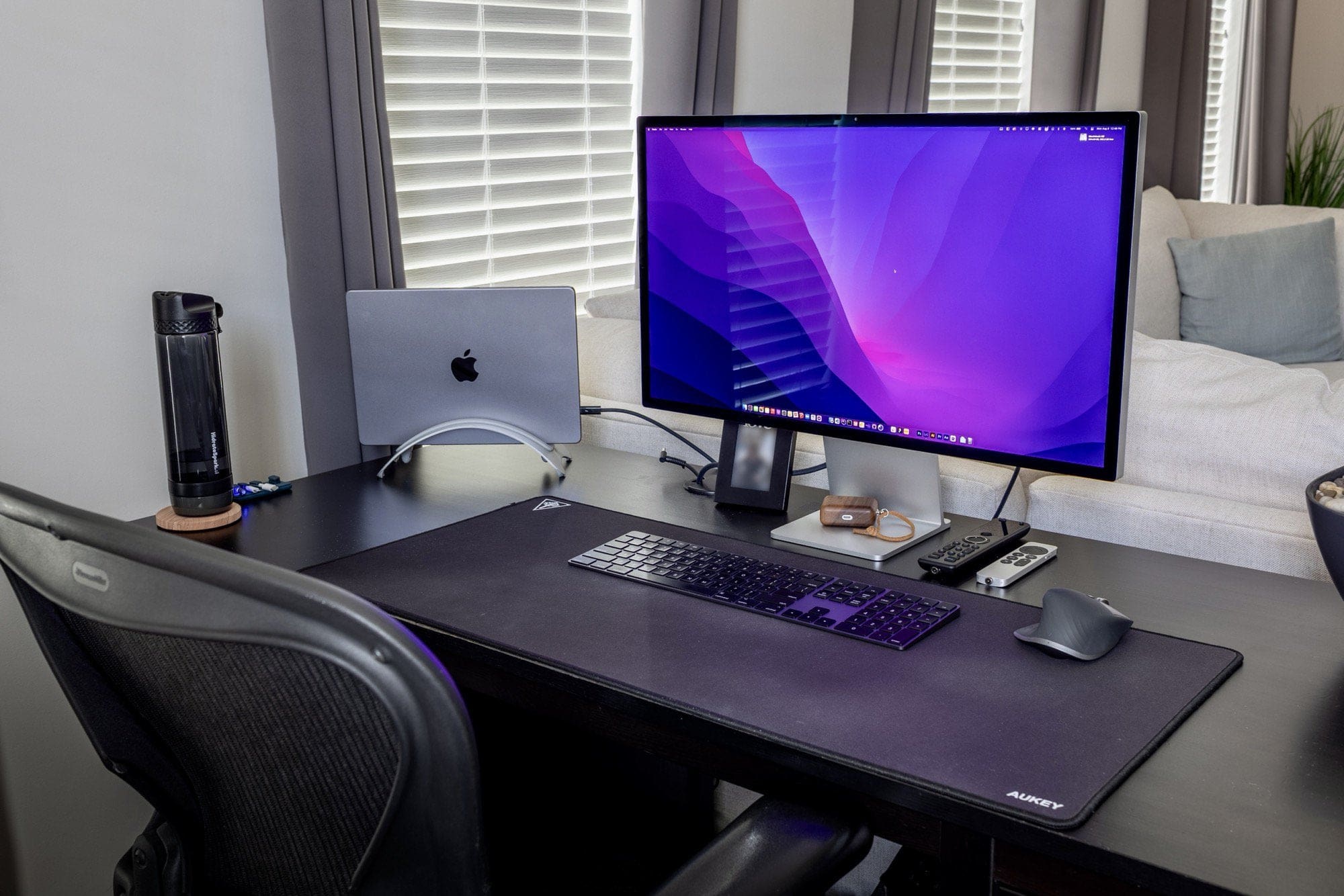
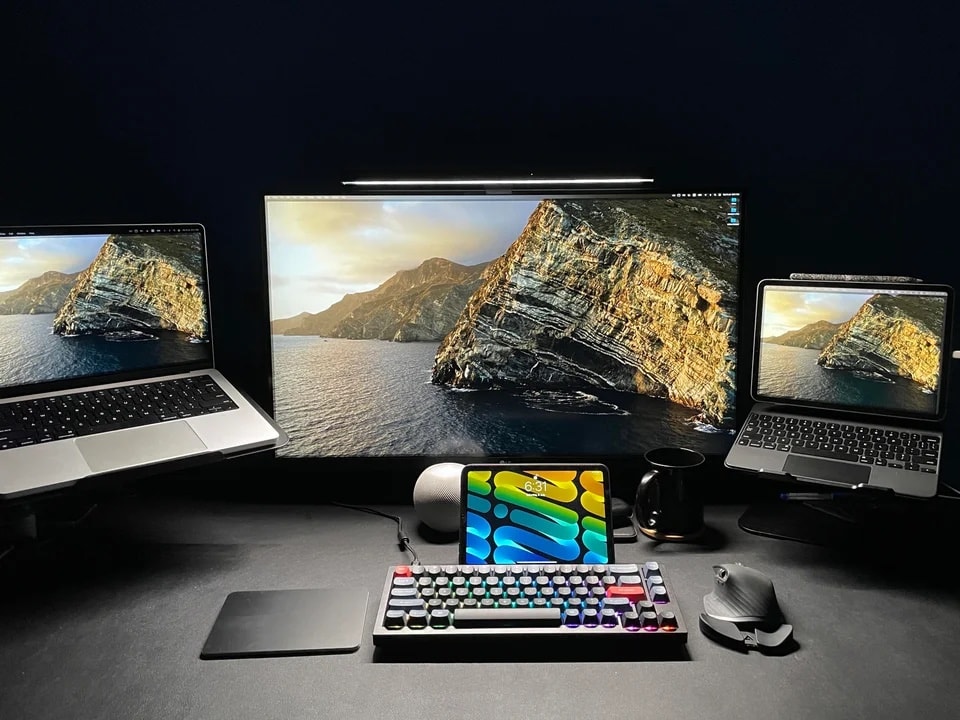
The Studio Display replaced a 34-inch ultra-wide monitor.
Photo: [email protected]

We’ve seen a few computer setups lately where the owner switches from one or more large monitors to something smaller. But they don’t necessarily see losing the screen real estate as a “downgrade.”

That’s the case with today’s featured M1 Pro MacBook-centered setup. It went from a 34-inch ultra-wide 4K monitor to a new 27-inch Studio Display.

Essentially it boils down to “size isn’t everything.” When it comes to displays, there’s actually a lot more to the picture.

This is how you maximize space and fill it with sound and light [Setups]

By

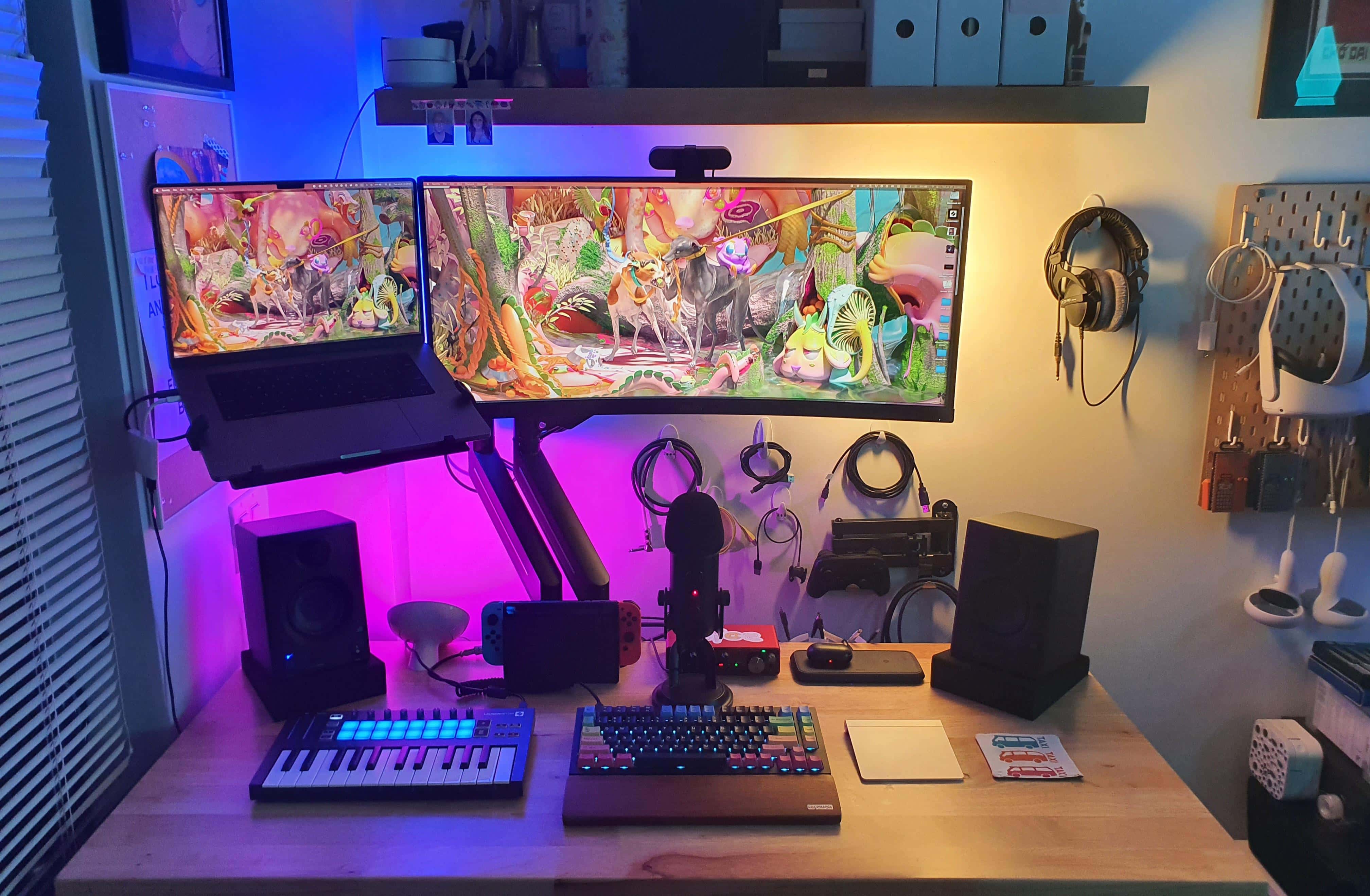
This excellent use of space is brought to you by a standing desk, a mounted ultra-wide display and MacBook Pro, and inventive wall storage.
Photo: [email protected]

Not everyone has a huge desk with ample room for their computer setup and loads of associated gear. But with a few smart moves, anyone can make the most of a small desk in a cramped space.

Today’s featured setup is a good example. It takes advantage of a standing desk, displays mounted on arms and ample wall-mounted storage to maximize limited space.

And the audio gear and lighting don’t disappoint, either.

What to expect from Apple’s quarterly earnings report

By

Some analysts think Apple will beat earnings expectations, but others are doubtful.
Photo: Ed Hardy/Cult of Mac

Apple’s next quarterly earnings report and call with analysts take place on Thursday. (It’s Q3 for Apple’s fiscal year despite being Q2 on your calendar.) And the company has already warned it may take an up to $8 billion revenue hit for several reasons.

As usual, after the fiscal results come out and the stock market closes for the day, Apple CEO Tim Cook and CFO Luca Maestri will talk with financial analysts on a public call about the results and future expectations.

Why downgrade from a massive, curved ultra-wide monitor? [Setups]

By

Sometimes it makes sense to walk back your choice of a massive monitor.
Photo: [email protected]

You might think you’d give your right arm for one of those stunning, 49-inch curved ultra-wide monitors to use with your Mac. But then again, you might end up begging for your appendage back, as well as your old display. Or at least something a little less colossal.

Minus the stray arm — as far as we know — that’s more-or-less what happened with today’s featured MacBook Pro-based setup.

OWC’s Mac mini-size Thunderbolt hub also adds terabytes of storage [Review] ★★★★★

By

OWC MiniStack STX★★★★★
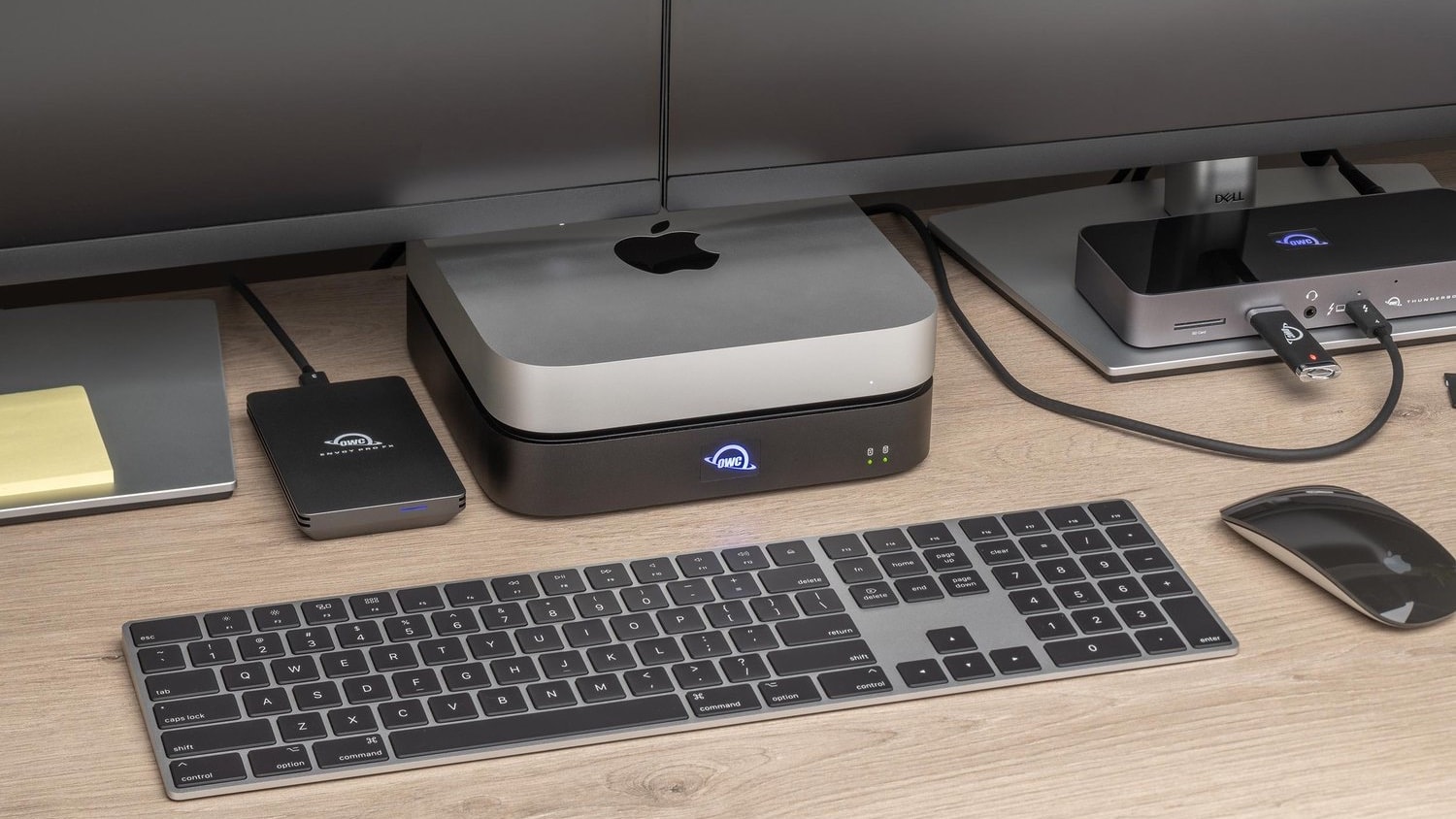
The OWC MiniStack STX is designed to stack with a Mac mini and add ports and storage capacity.
Photo: OWC

The OWC MiniStack STX is just the right size to stack with a Mac mini. The hub adds three Thunderbolt 4/USB-C ports that can be hooked to high-resolution displays and external drives.

It also includes bays for SATA and/or NVMe M.2 drives. That’s space for up to 18TB of storage. Install your own drives or buy them from OWC.

I put the powerful accessory for Mac or iPad to the test over several weeks of daily use.

With Jony Ive gone, Apple’s design team deserves more glory

By

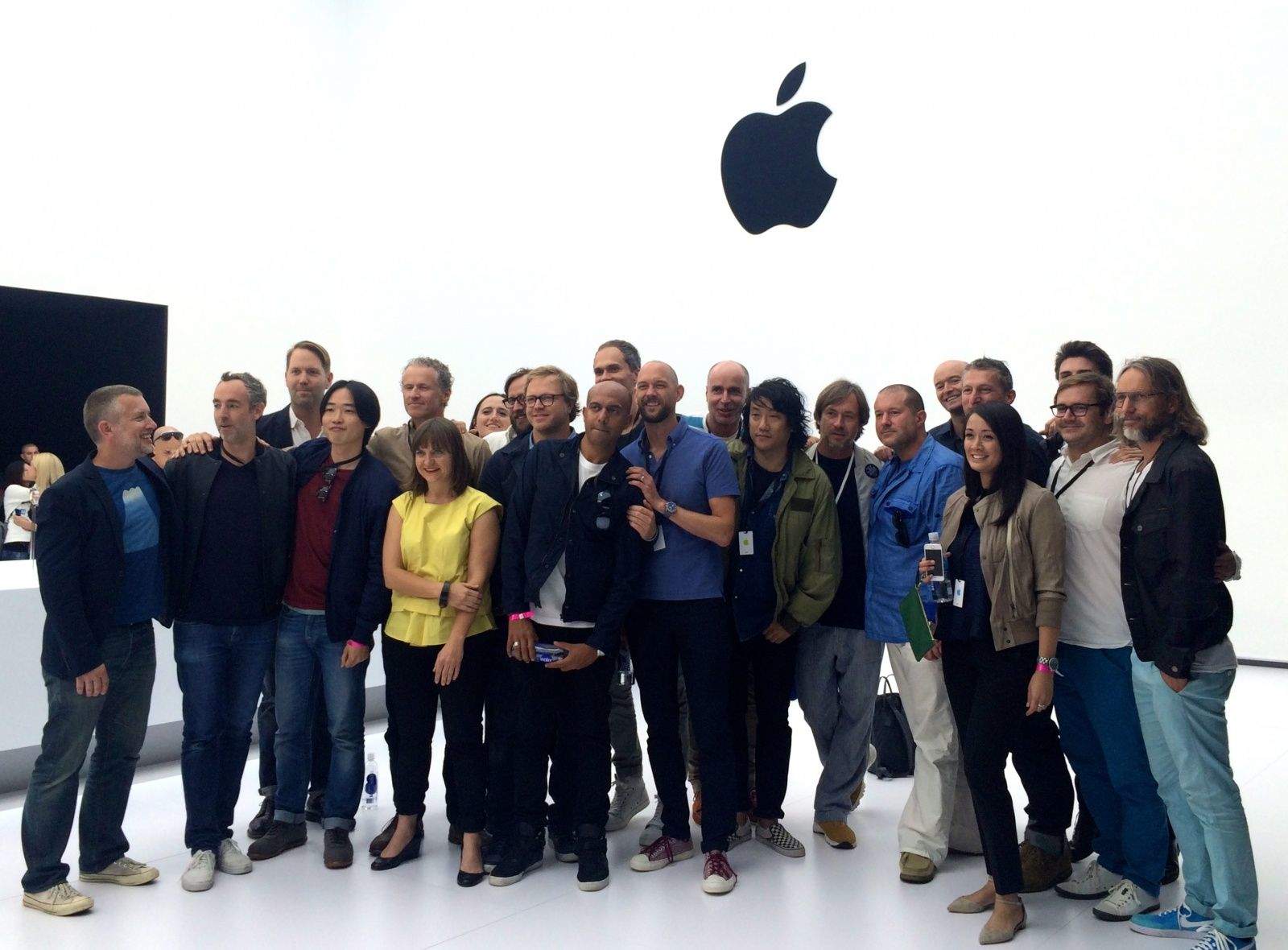
Apple's Industrial Design team at the Apple Watch unveiling.
Photo: Leander Kahney/Cult of Mac

Now that Jony Ive and Apple have finally severed ties completely, it’s time for Cupertino’s current Industrial Design team to get the recognition it deserves.

Ive’s old Industrial Design team at Apple has been doing stellar work in his absence, but without getting the full credit. As long as Ive was still an Apple consultant, the credit was muddied: Was this Ive’s work or someone else’s?

1 75 76 77 78 79 99