The Satechi USB-4 Multiport Adapter with 2.5G Ethernet brings a significant speed boost over typical 1Gbps networking connections.
And that’s just the start. The USB-C hub has a range of other ports, including HDMI, USB-A and more.
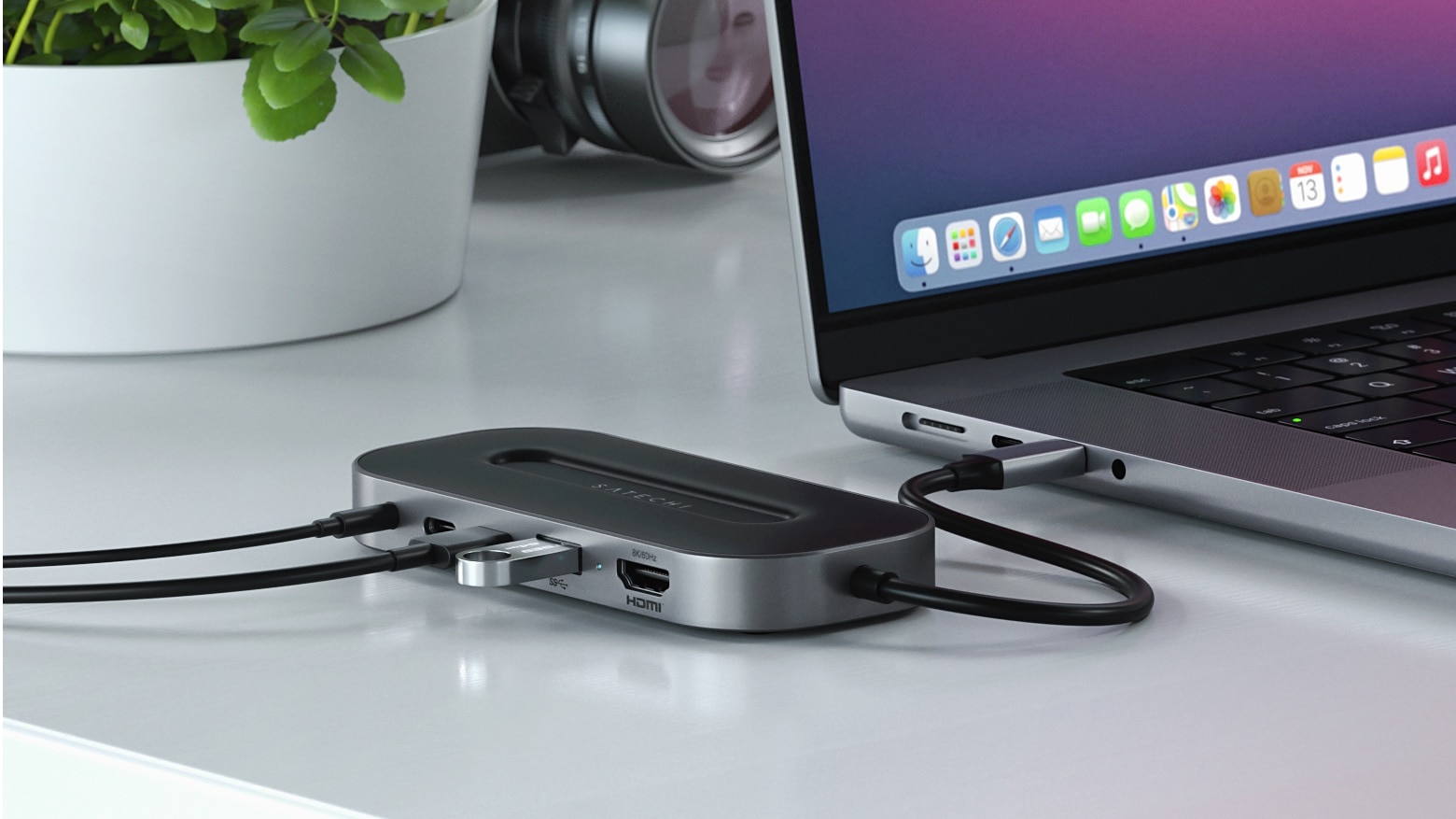
The Satechi USB-4 Multiport Adapter with 2.5G Ethernet brings a significant speed boost over typical 1Gbps networking connections.
And that’s just the start. The USB-C hub has a range of other ports, including HDMI, USB-A and more.

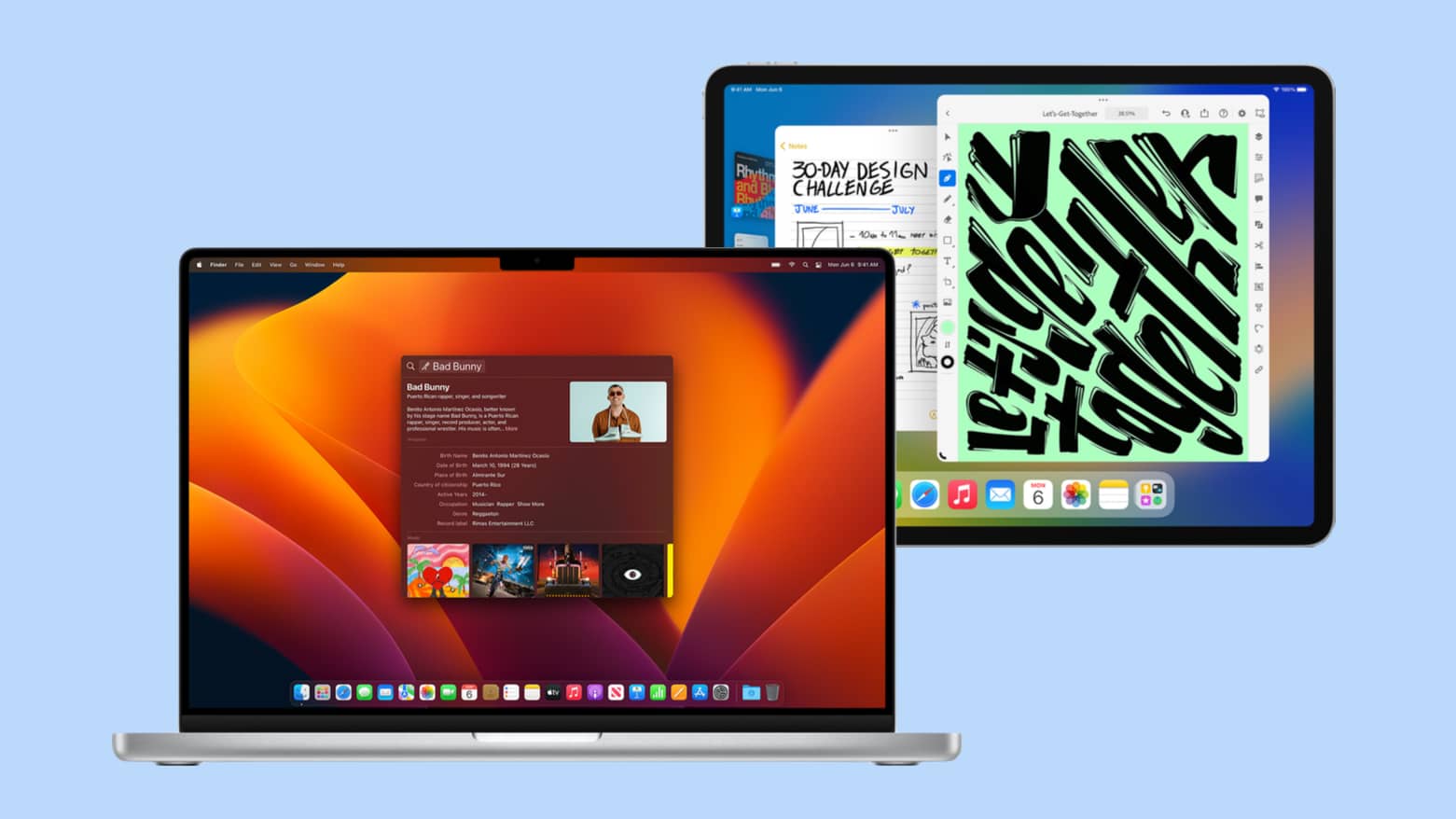
Apple isn’t ready to relax just because the September iPhone event is done. An Apple October event is almost certainly planned with new MacBooks and iPads. And maybe more.
Here’s everything we’re expecting to be on the agenda.
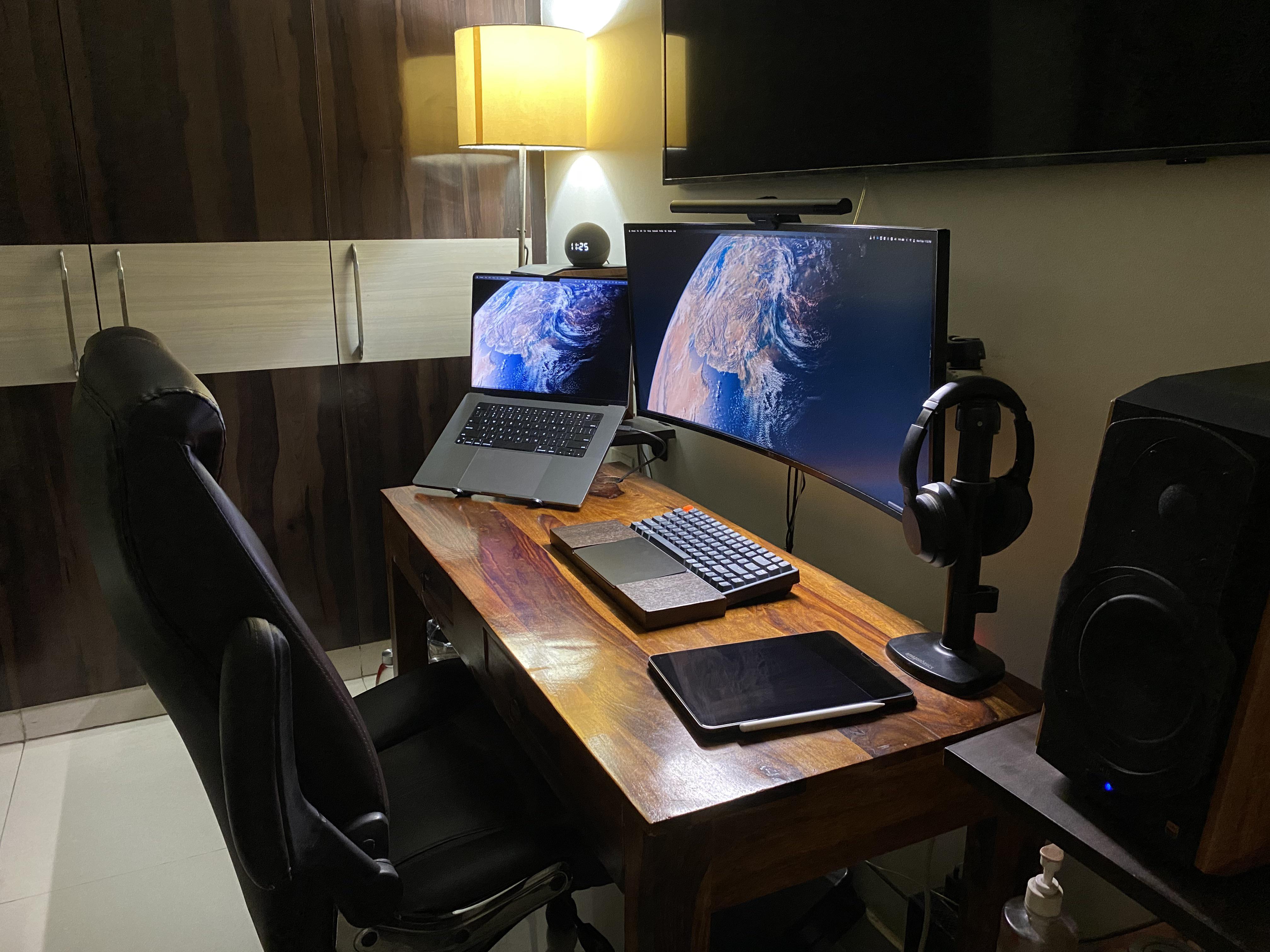
Today’s featured computer setup displays an innovation we’ve seen from time to time, but not as often as we’d expect. It’s a custom keyboard wrist rest built to fit a Magic Trackpad or other trackpad in its middle section.
This one’s on the tall side, suitable for a mechanical keyboard. The developer who had it made to his specifications finds it — and the Magic Trackpad 2 — more than adequate for his needs.

This Mac Studio accessories post is presented by Compulocks.
If you recently bought a fabulous new Mac Studio — which runs on the M1 Ultra, Apple’s fastest chip yet — then you want to treat your fancy desktop computer right, don’t you? Compulocks sells three Mac Studio accessories that can secure and mount your pristine machine to help you make the best use of its computing power.
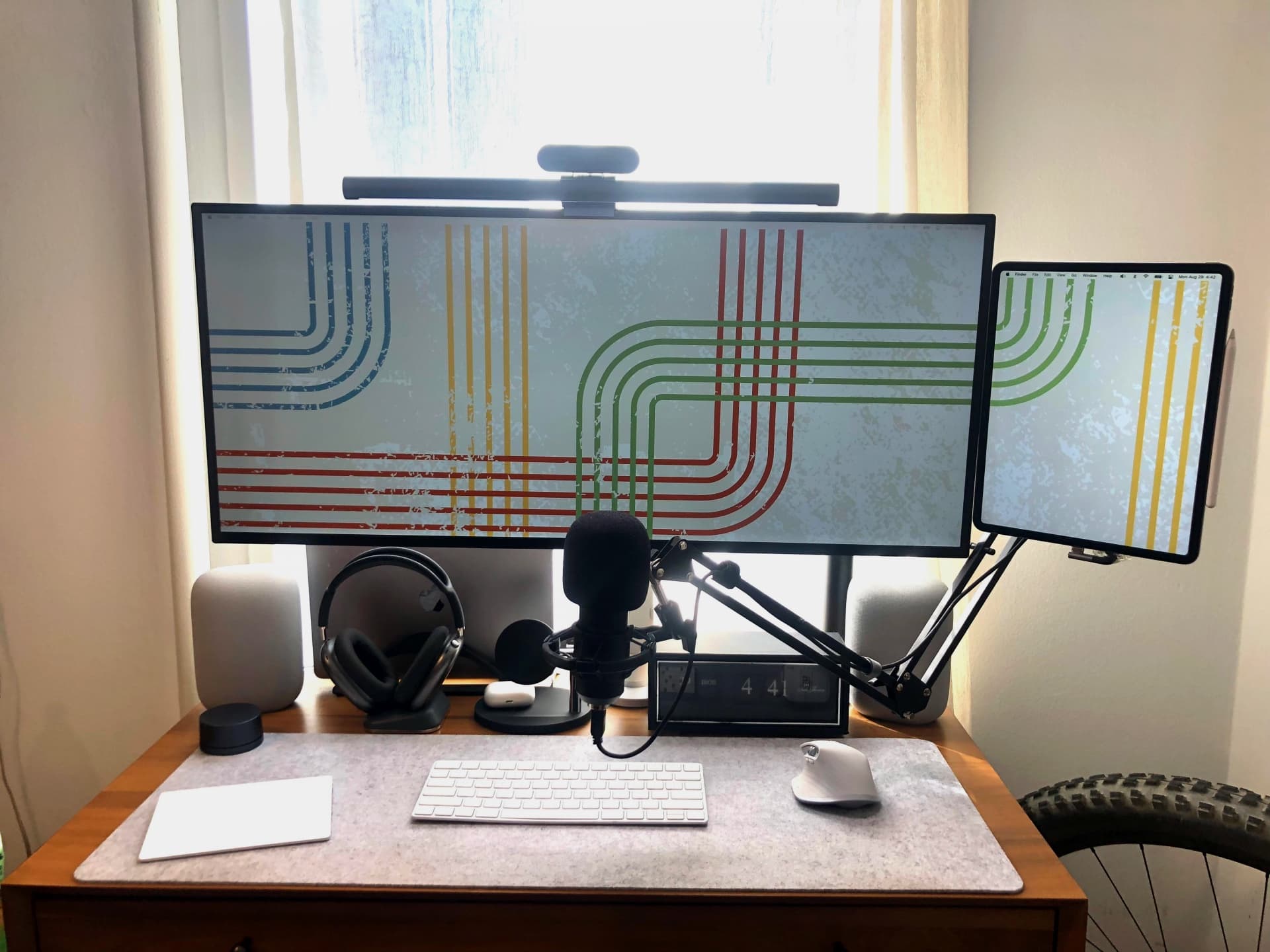
Apple has said many times it won’t produce a touch-screen Mac because that’s what iPads are for. But Sidecar functionality can make an iPad a touch-screen extension of a Mac, where you can drag and drop elements and work with them using Apple Pencil or your fingertips.
Today’s featured MacBook Pro setup mounts a big 5K display and an iPad Pro right next to each other. In the photograph, you can see the desktop wallpaper running right onto the tablet’s display through Sidecar (more on that below).
And who doesn’t love an all-Apple audio arsenal? This setup rocks paired OG HomePods, AirPods Max on a cool charging stand and AirPods, too.
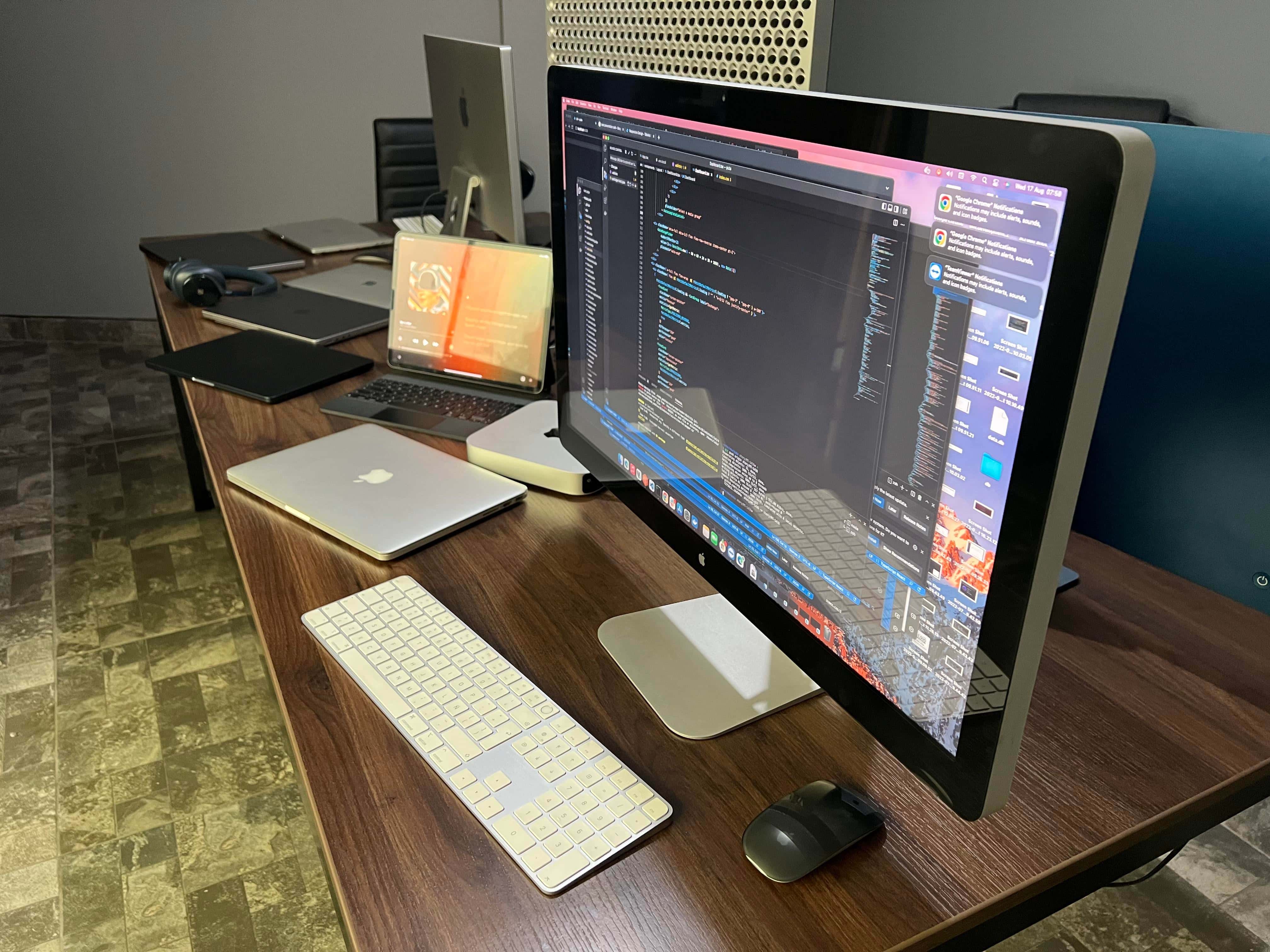
Occasionally a computer setup displayed on social media makes you swoon. Usually it’s a combination of amazing gear, artful arrangement and exceptional photography, like something staged by a pro. But sometimes it’s just a sick amount of awesome Apple computers and displays.
Today’s featured setup, run by a consultant who “works for several companies,” relies on four high-spec Macs, five very-nice-but-not-exceptional Macs and three Apple Displays, including a Pro Display XDR — which goes for $5,000 or more by itself.
Does your wallet hurt yet? We just took ours to the ER.
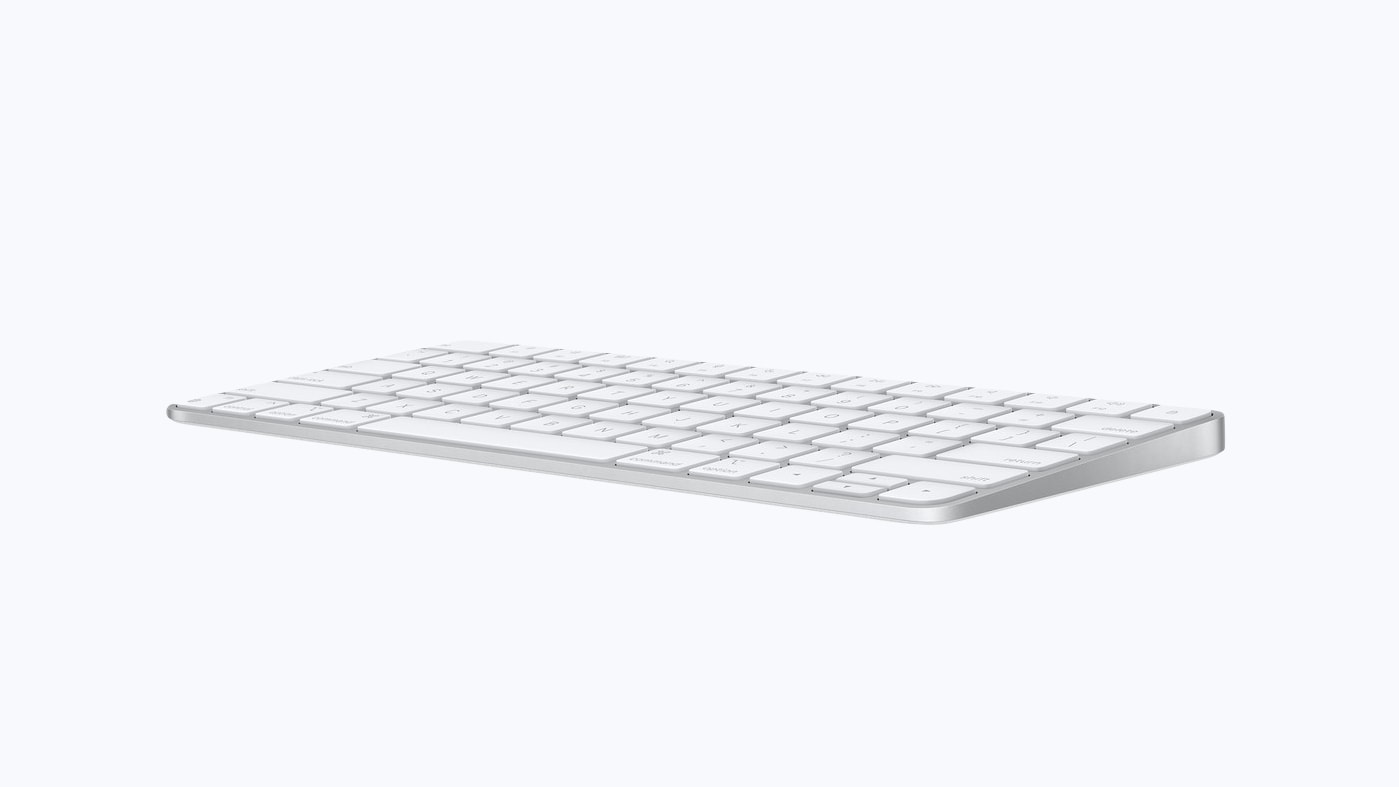
There’s no reason the Mac mini has to take up unnecessary desk space. Apple can and should build the entire computer into the keyboard. The result would minimize clutter, making it an ideal computer for anyone living in tight quarters. And it would be quite portable.
It’s completely possible with tech Apple has now. Here’s how.
 ★★★★☆
★★★★☆
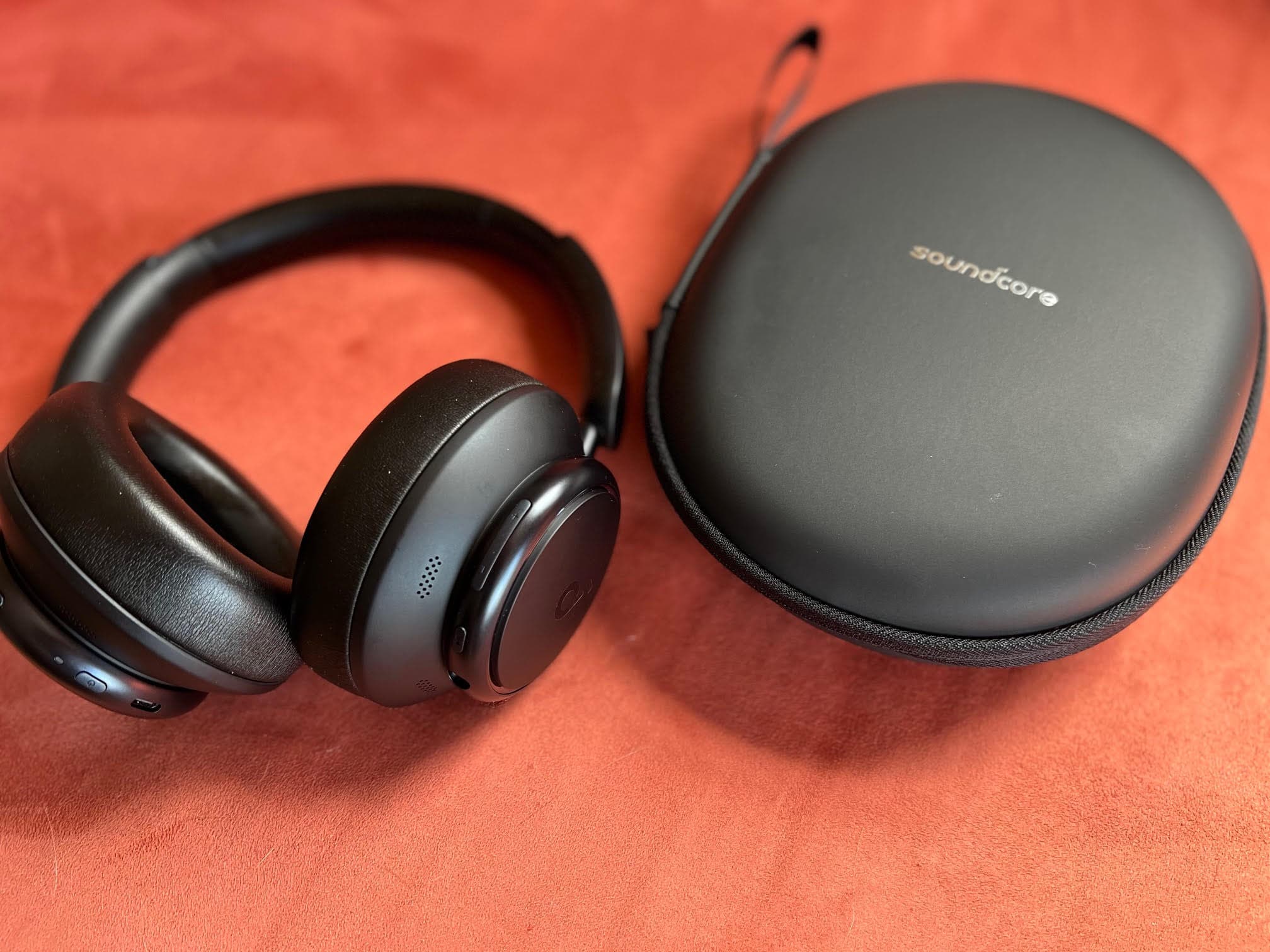
With Thursday’s release of the new Soundcore Space Q45 Wireless Noise Cancelling Headphones and sibling Space A40 earbuds, Soundcore began replacing its Life series of sound products. The company sent me both products to test. This review covers the Q45 cans (my A40 review will appear tomorrow).
I’ve spent a couple weeks with the Q45 over-ear, closed-back headphones. Soundcore pushes two main selling points: strong noise cancellation and long battery life. And with the Q45 headphones, the company has hit it out of the park on both counts.
And they sound good for the price, too.
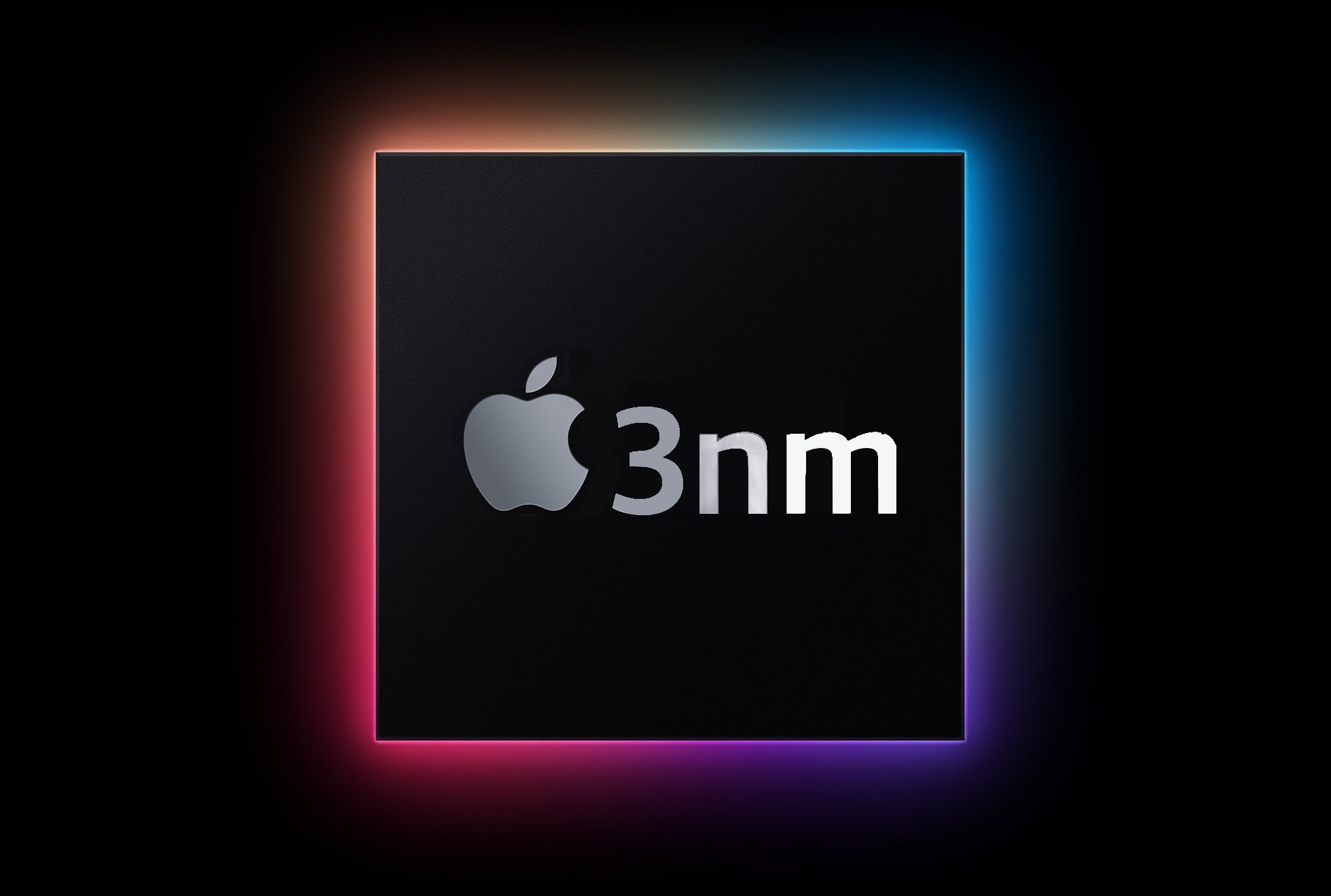
Multiple sources say the Apple’s upcoming M2 Pro chip will be made with an enhanced manufacturing process that wasn’t yet available for the recently released M2. That will make Apple’s next processor more efficient than the one in the new MacBook Air.
Even better, the M2 Pro could launch in updated MacBook Pro models before the end of 2022.
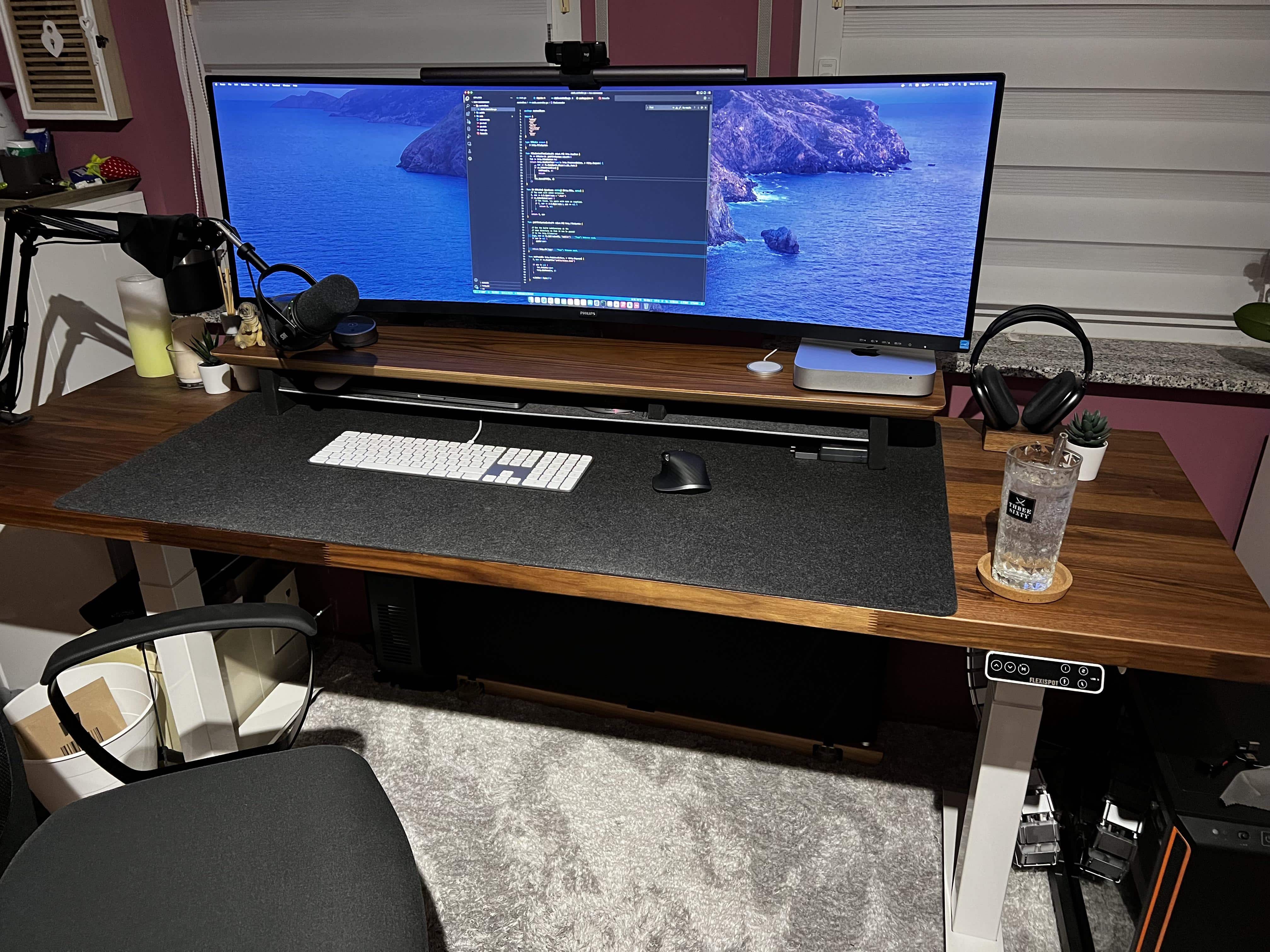
Imagine buying a massive new ultra-wide, curved monitor to display what you do on your Macs in style. But once you get it all set up, the monstrous thing won’t stop wobbling.
Today’s featured M1 MacBook Pro and Mac mini setup suffers just that problem, despite the use of a recommended monitor arm attached to a solid standing desk.
Check out the advice the user got and all the gear in play below.