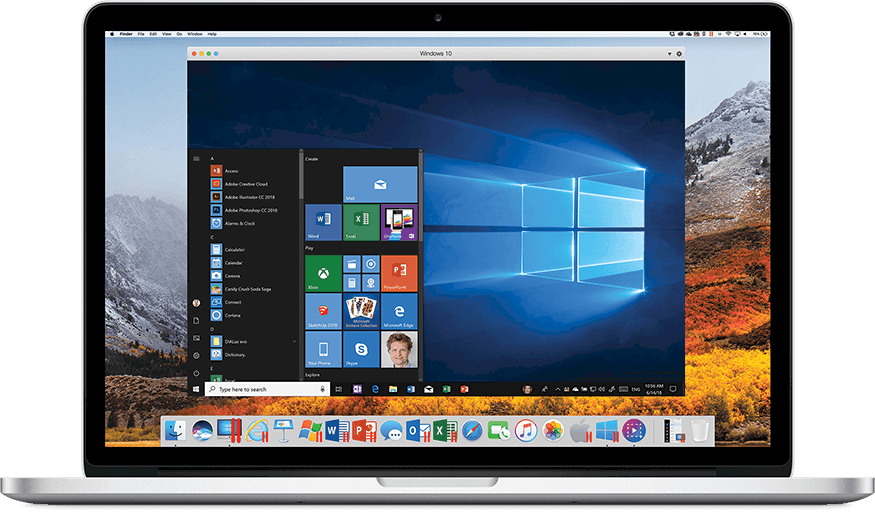
Parallels Desktop is now owned by Corel, which hopefully be for the good of users. Photo: Parallels
Corel Corp. has acquired Parallels Desktop, software that enables Macs to run Windows, as well as the company that produces it. This shouldn’t make fans of this app nervous, as Corel promises to make “significant investment” in the business.
Corel is best known for its graphics applications for Windows, like CorelDRAW and PaintShop Pro. It also offers multimedia apps. And now it makes desktop virtualization software.
Using Shortcuts is easy, once you know how it works. Photo: Charlie Sorrel/Cult of Mac
Shortcuts is the hot new feature of iOS 12. The Shortcuts app lets you automate some crazy stuff, for instance this shortcut that activates the iPhone’s camera and sends an SMS if the cops pull you over. Thanks to Apple’s terminology, Shortcuts is a little confusing. Is it an automation tool? Does it have something to do with Siri? Why would you use it?
We’ll answer these questions, and then build an awesome shortcut so you can see how the app works.
Steven Soderbergh is an iPhone convert when it comes to shooting movies. Photo: Nicolas Genin/Wikipedia CC
Netflix has bought the global distribution rights to Steven Soderbergh’s latest movie High Flying Bird — which, true to the iconic director’s previous word, was shot on iPhone.
This is the second movie by the Academy Award-winning director to be shot using one of Apple’s handsets. After the release of his last movie Unsane, Soderbergh said he was leaning toward shooting all his future projects on iPhone. It seems that he wasn’t kidding!
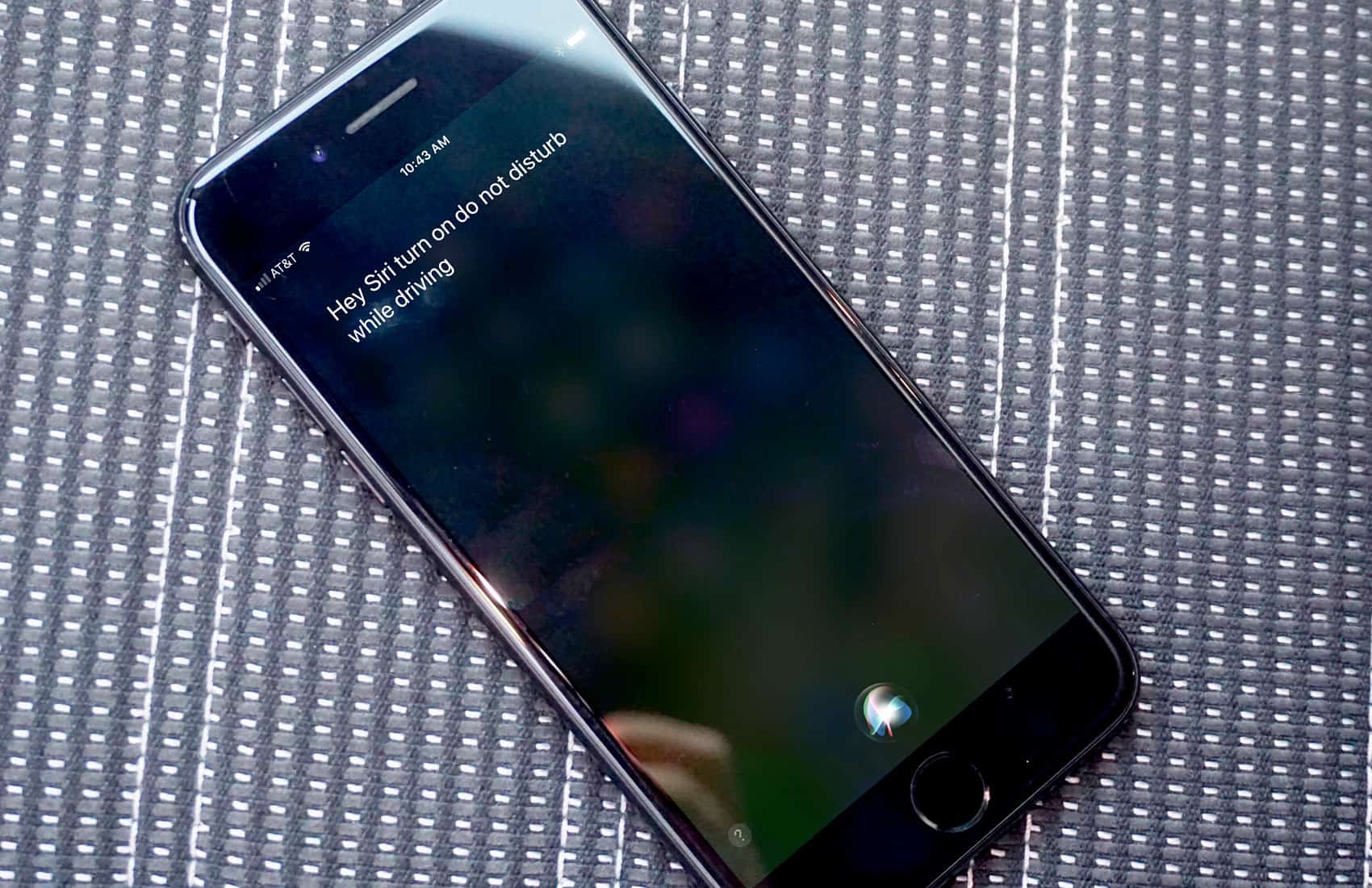
Siri should be a lot smarter. Photo: Ste Smith/Cult of Mac
In the battle of digital voice assistants, people often mock Siri for lagging behind competing products from Amazon and Google. During Monday’s WWDC 2018 keynote, Craig Federighi, Apple’s senior vice president of software engineering, glossed over those failings, calling Siri the “world’s most-used digital assistant.”
What he neglected to mention was the increasing frustration of Siri users expecting more from a voice assistant. From simple requests returning inaccurate results to the inability to performthat he compound actions, Siri was in desperate need of attention going into WWDC. But will the Siri upgrades in iOS 12 do the trick?
With a couple of taps, you can convert any audio or video file to MP3 Photo: Cult of Mac
Converting an audio track to MP3 on the Mac is dead easy. Just open it with iTunes, and choose the File > Convert option from the menu bar. On iOS, though, there’s no native way to do this. There are lots of shonky-looking apps in the App Store that offer to create MP3s for you, but it’s likely that you already have the answer installed on your iPhone or iPad.
That’s right. Apple’s own WorkFlow app can quickly and easily convert any audio (or video) file to MP3.
New HealthKit gadgets make health and fitness easier than ever. Photos: Graham Bower/Cult of Mac
BARCELONA, Spain — Smart sperm testers, body cavity inspectors, Bluetooth pillows, holographic jump ropes and contactless thermometers. It’s all just another day at Mobile World Congress, where more and more companies show off their new HealthKit-compatible gadgets.
If you want your iPhone to know absolutely everything about what’s going on with your body, these handy medical devices are for you. Here’s what they do — and why they’re cool.
Apple removed the App Store wish list in iOS 11. Maybe it'll be back, but if not, there are options. Photo: Cult of Mac
In iOS 11, the App Store Wish List disappeared. Maybe it’ll come back in future updates, and maybe it won’t, but for now there’s no built-in way to save an interesting app to go back to later. You may bookmark an app for several reasons. You might be researching several similar apps. You might want to do some more research on an app later, before buying it. You may want to save an app that someone you know would be interested in. Or maybe you’re just holding off until the price drops, or until you’re on Wi-Fi to download a big app.
Whatever your reasons, there are third-party options. Today we’ll look at a dedicated app for making an app wish list, as well as a Workflow to do the same, and a third option you may not have considered. Best off all, they all have gone big advantage over the old wish list — they can save free apps as well as paid.
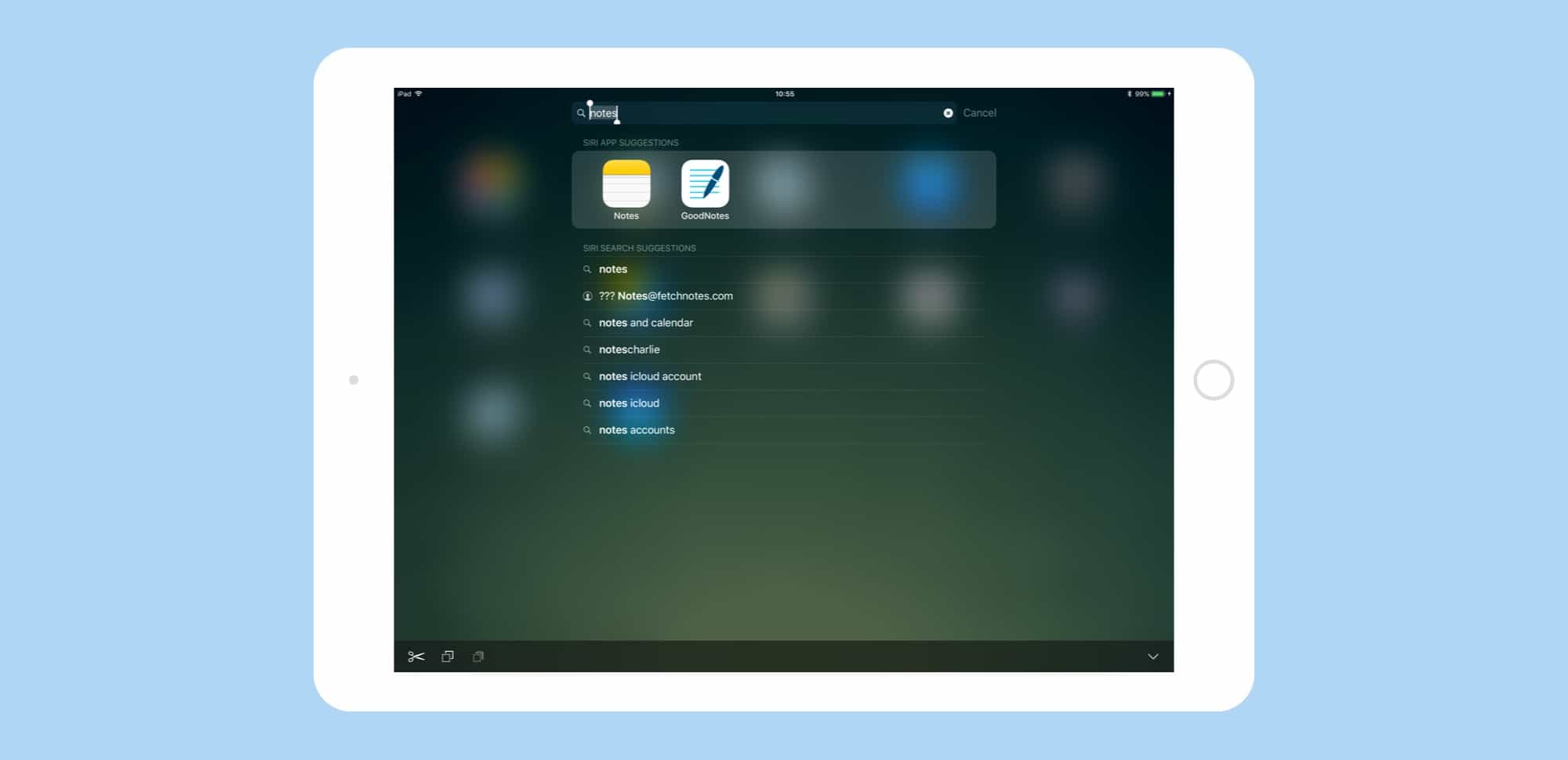
Spotlight in iOS 11 is a power-users dream, letting you find anything -- whether on the web on on your device -- fast. Photo: Cult of Mac
Spotlight search gets a big overhaul in iOS 11. The Spotlight updates in iOS 11 don’t seem quite as spectacular as the iPad’s new Dock, or drag-and-drop, but the small tweaks make the search tool a lot more useful.
Now you can search both your iPad and the web, similar to how you conduct a search in Safari. If you ever used Launchbar, Alfred or Quicksilver on the Mac, the new iOS 11 Spotlight will feel familiar.
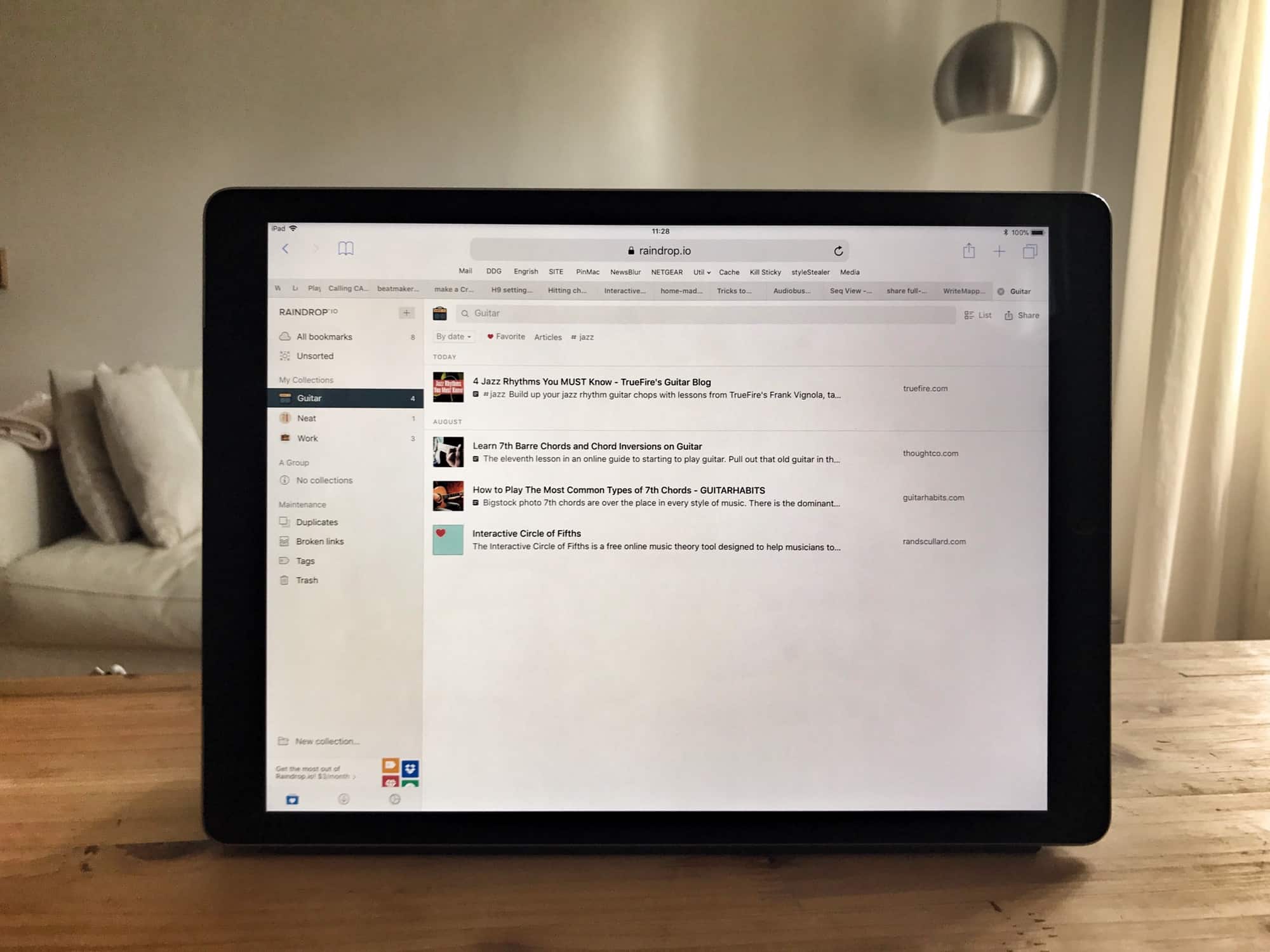
Raindrop's web page looks way better than its iOS app. Photo: Charlie Sorrel/Cult of Mac
Raindrop.io is a new bookmarking service for Mac and iOS, and the web, and Android. It lets you save your bookmarks into folders, known as Groups, and those bookmarks are then available from anywhere. The main selling point of Raindrop.io seems to be the slick interface, and the myriad beautiful ways you can arrange the bookmarks therein.
Netflix is spending an enormous amount on programming. Photo: Netflix
Apple may be planning to spend a massive $1 billion on acquiring and producing original video content in 2018, but according to Netflix Chief Content Officer Ted Sarandos, Netflix’s 2018 spend will dwarf Apple’s — with plans to shell out enormous $7 billion on content in the next year.