Mobile menu toggle

Search results for: Apple One

Take high-resolution 48MP photos with your iPhone 14 Pro

By

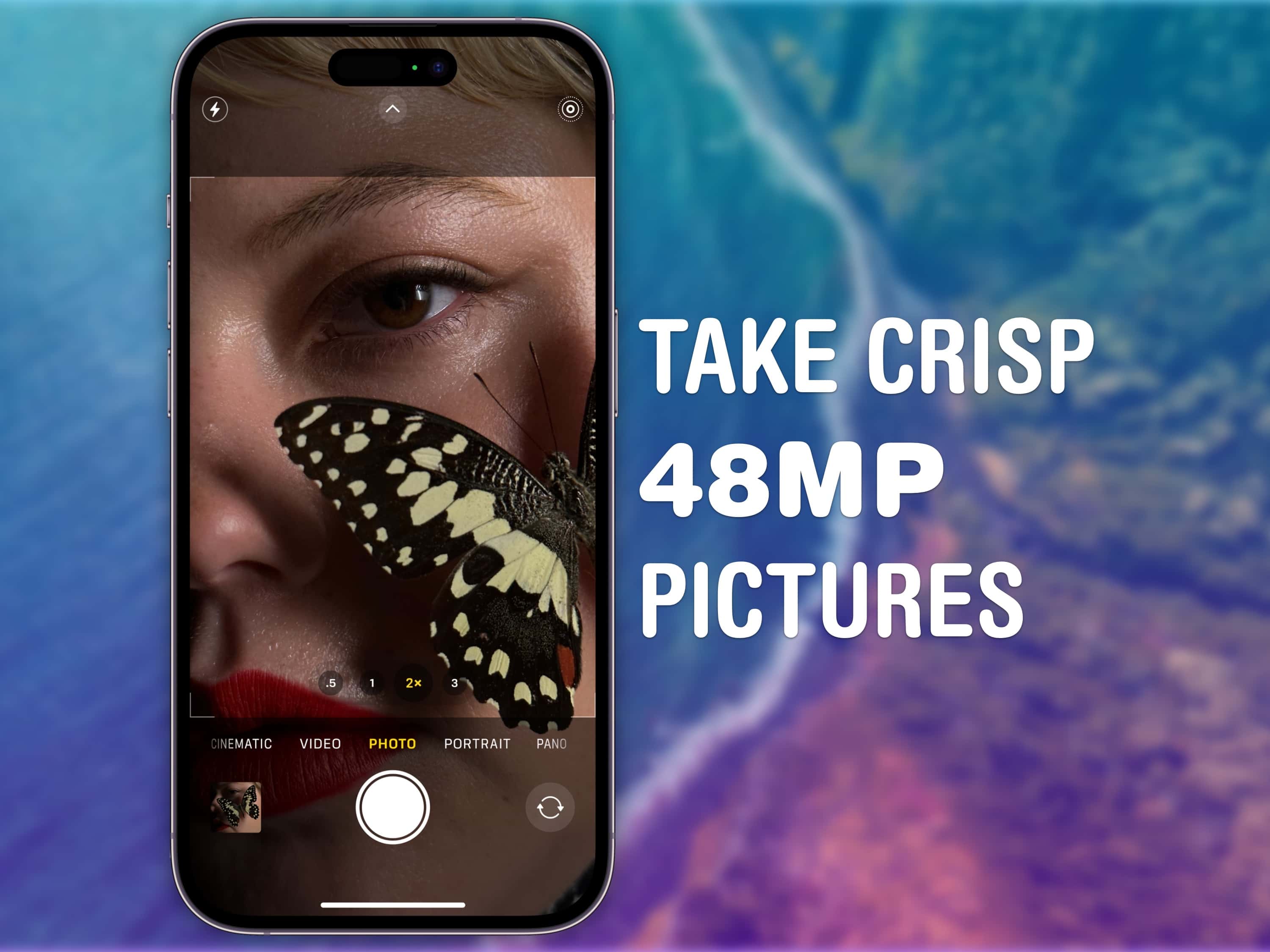
How to take 48MP ProRAW pictures: Learn how to make the most of the 48MP sensor in your iPhone 14 Pro.
Learn how to make the most of the 48MP sensor in your iPhone 14 Pro.
Image: D. Griffin Jones/Cult of Mac

The iPhone 14 Pro can take incredible 48-megapixel photos that capture eagle-eye details at incredibly high resolution. To take 48MP pictures, you need to shoot in Apple’s ProRAW format, which pairs the lossless RAW format preferred by professional photographers with the iPhone’s computational photography data.

This means that your iPhone 14 Pro is capturing all of the sensor data, and the results can be stunning — better than anything possible with any previous iPhone. (The iPhone 13 Pro captured ProRAW images, but only sported a 12MP camera.)

ProRAW captures images at 8064 × 6048 resolution. That means you can crop in really far on your pictures and keep everything pixel-perfect. You can print your images on a huge 26-inch by 20-inch poster, even at a professional-quality 300 DPI. The high-resolution images also give you more control during the editing process, so you can tweak your most important images to your heart’s content.

There are some caveats, though. Images with ProRAW enabled take up three times the storage space, for one. And shooting pictures like this takes a little longer. (The image capture isn’t as instantaneous as we’re used to.) And for everyday snapshots, ProRAW results might even be less satisfying than simply letting the iPhone perform its computational photography magic.

Read on to see how it all works so you can start taking 48MP photos with your iPhone 14 Pro, then edit them effectively.

Bad Sisters keeps killing it with icy murder plots and revenge [Apple TV+ recap] ★★★★☆

By

Bad Sisters recap: What will the Garvey sisters get up to this week?★★★★☆
What will the Garvey sisters get up to this week? A chilling plan!
Photo: Apple TV+

Bad Sisters, the Apple TV+ black comedy about Irish women who might have killed their terrible brother-in-law to save their whole family from him, takes a cold turn this week.

Becka has a new plan for offing John Paul. Ursula’s lover finds out about the blackmail. Gabriel thinks Eva betrayed him, Roger’s in hell. And John Paul is finally getting some of the revenge he deserves after a life of doling out misery to everyone else.

It’s highs and lows all the way to the grave with this one.

See ups the ante with cannibals and an evil power couple [Apple TV+ recap] ★★★☆☆

By

See recap: You can't keep a crazy ex-queen down!★★★☆☆
You can't keep a crazy ex-queen down!
Photo: Apple TV+

It’s wedding bells for lovely new couple Sibeth Kane and Tormada on this week’s episode of See, the Apple TV+ show set in the not-too-distant future in a world full of blind people. The deposed queen has consolidated her power and is ready for her next move.

Elsewhere in this dystopian world, Lord Harlan recommends a fateful shortcut, Maghra’s done playing Mr. Nice Guy, Lucien’s luck runs out, and Baba Voss kills lots and lots and lots of people.

It’s an above-average outing for the Nietzschean, not-quite-samurai epic.

What if Apple made Jon Stewart work at the Genius Bar?

By

What if Apple made Jon Stewart work at the Genius Bar?
Jon Stewart is no Apple Genius, but he plays one on TV.
Screenshot: Jimmy Kimmel Live!

Ever wondered what the + in Apple TV+ stands for? According to Jon Stewart, it means you can go into an Apple Store and find him and other Apple TV+ stars working at the Genius Bar.

Watch this clip to see the former host of The Daily Show utterly failing to provide tech support.

iPhone 14 series is a bigger hit than iPhone 13

By

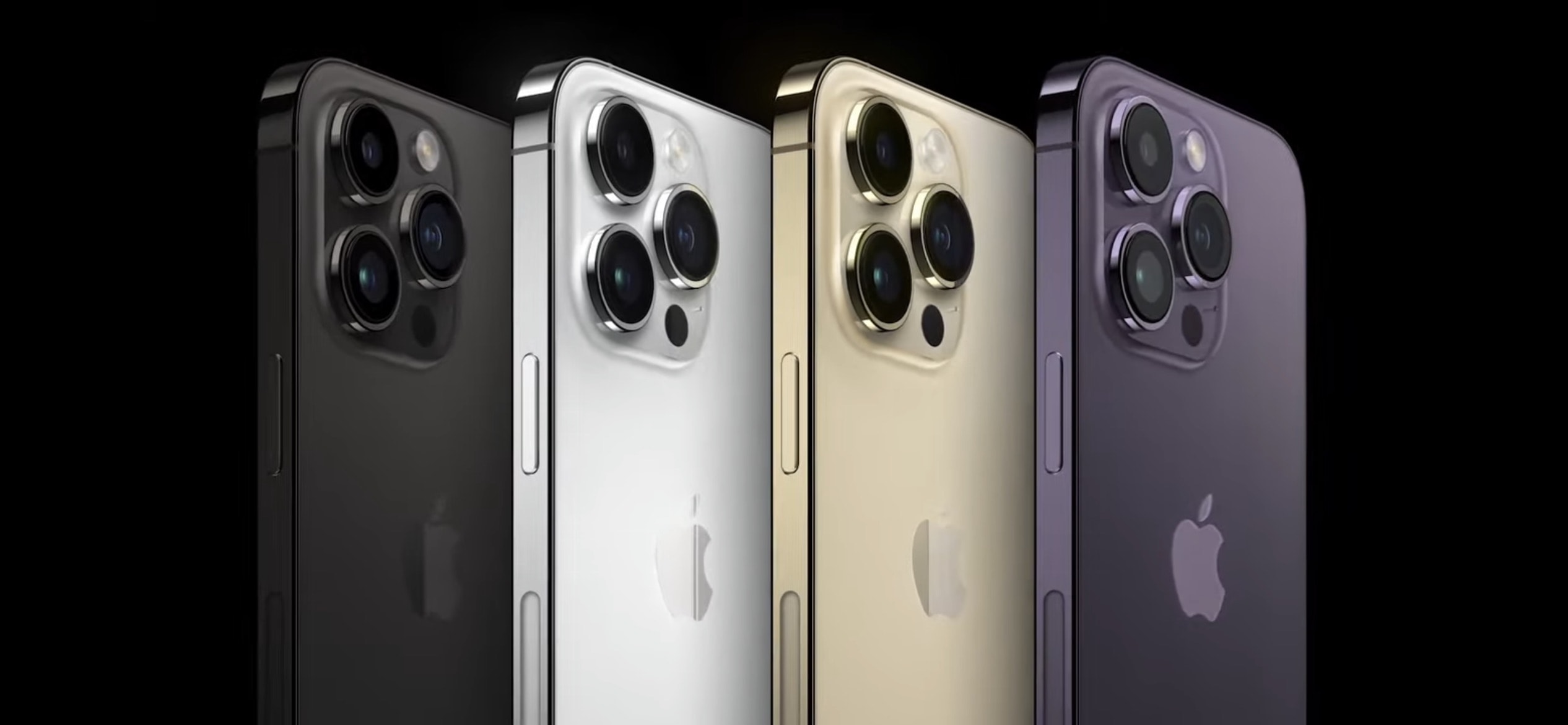
The new iPhone 14 Pro and Pro Max come in four colors -- two of them new (space black and dark purple).
While Apple is producing fewer iPhone 14 units, it's making a lot more iPhone 14 Pro Max ones.
Photo: Apple

Reports that Apple is making fewer iPhone 14 units than its predecessor are true… but that’s not the whole story. Apple is producing many more units in the entire iPhone 14 series than it did the earlier models, according to an analyst.

And the change will be a benefit for Apple’s bottom line.

The Greatest Beer Run Ever is about as palatable as a warm PBR [Apple TV+ review] ☆☆☆

By

The Greatest Beer Run Ever review Apple TV+:Zac Efron plays John “Chickie” Donohue, a good old boy on a mission in The Greatest Beer Run Ever, a film based on a true story.☆☆☆
Zac Efron plays John “Chickie” Donohue, a good old boy on a mission in The Greatest Beer Run Ever, a flat film based on a true story.
Photo: Apple TV+

TV+ Review With new movie The Greatest Beer Run Ever, Apple TV+ seems anxious to pick up some easy awards from industry insiders who prefer heartwarming tales of friendship and broad gestures over strong ideas and nuance.

Zac Efron leads an ensemble cast as John “Chickie” Donohue, a guy going nowhere in life during the Vietnam War who decides he’s going to finally do something with himself. Chickie’s crazy bid for respectability — via a wild trip to the war zone, toting beer for the demoralized troops — provides hope for his whole neighborhood back home.

Director Peter Farrelly, who won the Best Picture Oscar in 2019 for the risible Green Book, returns to the well of  hopelessly condescending middlebrow emptiness with The Greatest Beer Run Ever.

Google Stadia shutdown means less console action for Apple gamers

By

Google Stadia for iOS is going into public beta testing soon.
RIP Google Stadia: Apple users lose an option to play console games.
Photo: Google/Cult of Mac

Google Stadia cloud gaming service is being shut down. It allowed Mac, iPad and iPhone users to play console-quality games, but its developer admits it never found an audience.

Other cloud-gaming services remain, including Microsoft’s online version of Xbox and Amazon Luna.

This iPhone game controller is designed for Xbox Cloud Gaming [Review] ★★★★

By

This iPhone game controller is designed for Xbox Cloud Gaming [Review]★★★★
You're ready to play Xbox Cloud Gaming on your iPhone with the RiotPWR Controller for iOS (Xbox Edition).
Photo: Ed Hardy/Cult of Mac

RiotPWR teamed up with Microsoft on an Xbox-licensed game controller for iPhone. It’s nearly identical to one of Microsoft’s own but the RiotPWR Controller for iOS (Xbox Edition) connects through a Lightning cable and includes a mount to hold your handset. And it comes with a month of Xbox Game Pass Ultimate to get you started playing console games online.

I’ve enjoyed a couple of weeks of gaming on RiotPWR’s iPhone controller. Here’s why.

5 easy ways to transfer files between iPhone and Mac

By

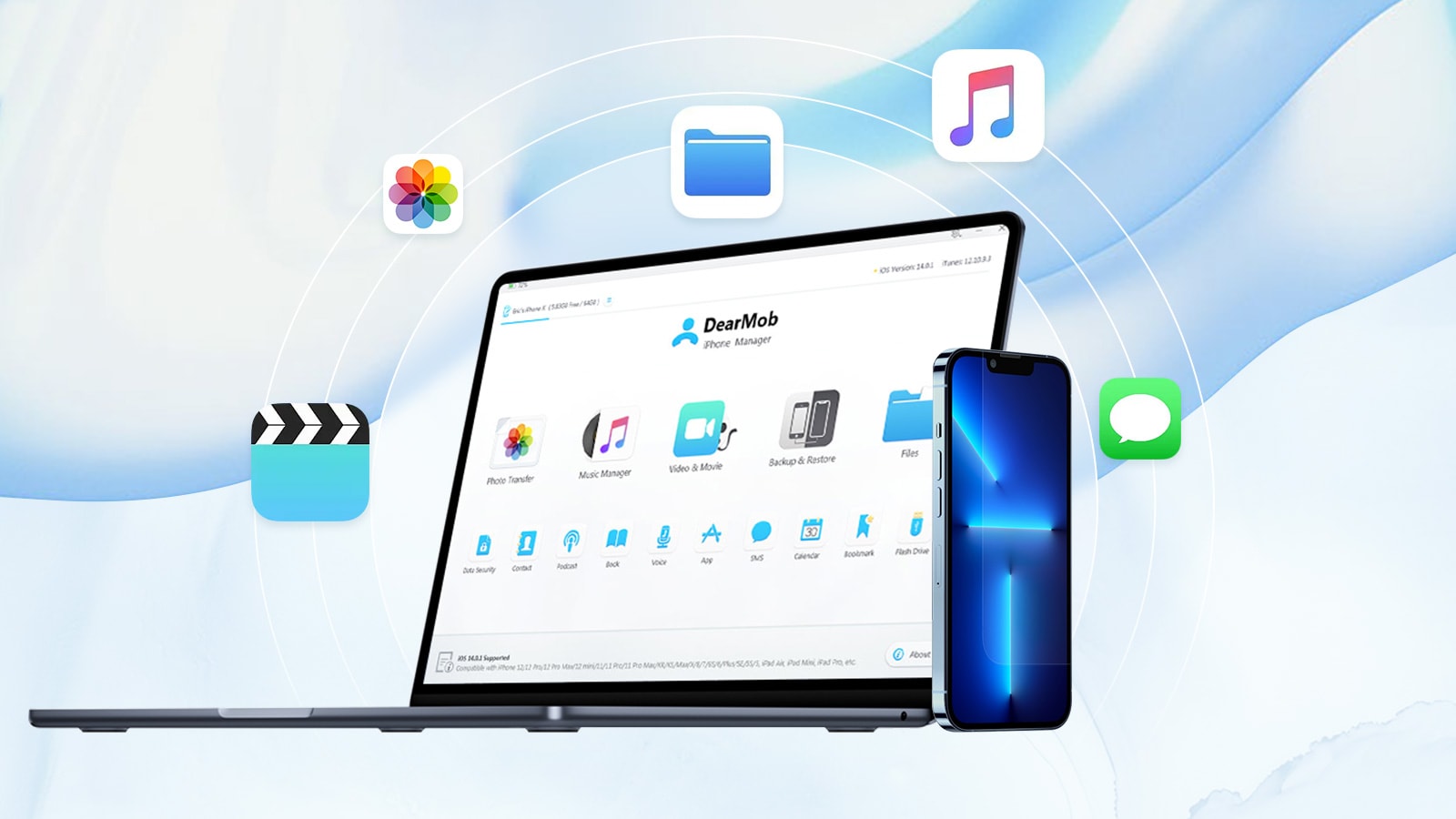
A Mac and an iPhone with icons floating about
The DearMob iPhone management app is a good way to moves files between your Mac and iPhone, and vice versa.
Photo: Digiarty Software

This post on transferring files between iPhone and Mac is brought to you by Digiarty Software.

Transferring things like documents and photos between your Mac and iPhone can be tricky, especially when file sizes get large. Here are the top five ways to transfer files from Mac to iPhone and back again.

It’s time to say goodbye to SwiftKey for iPhone

By

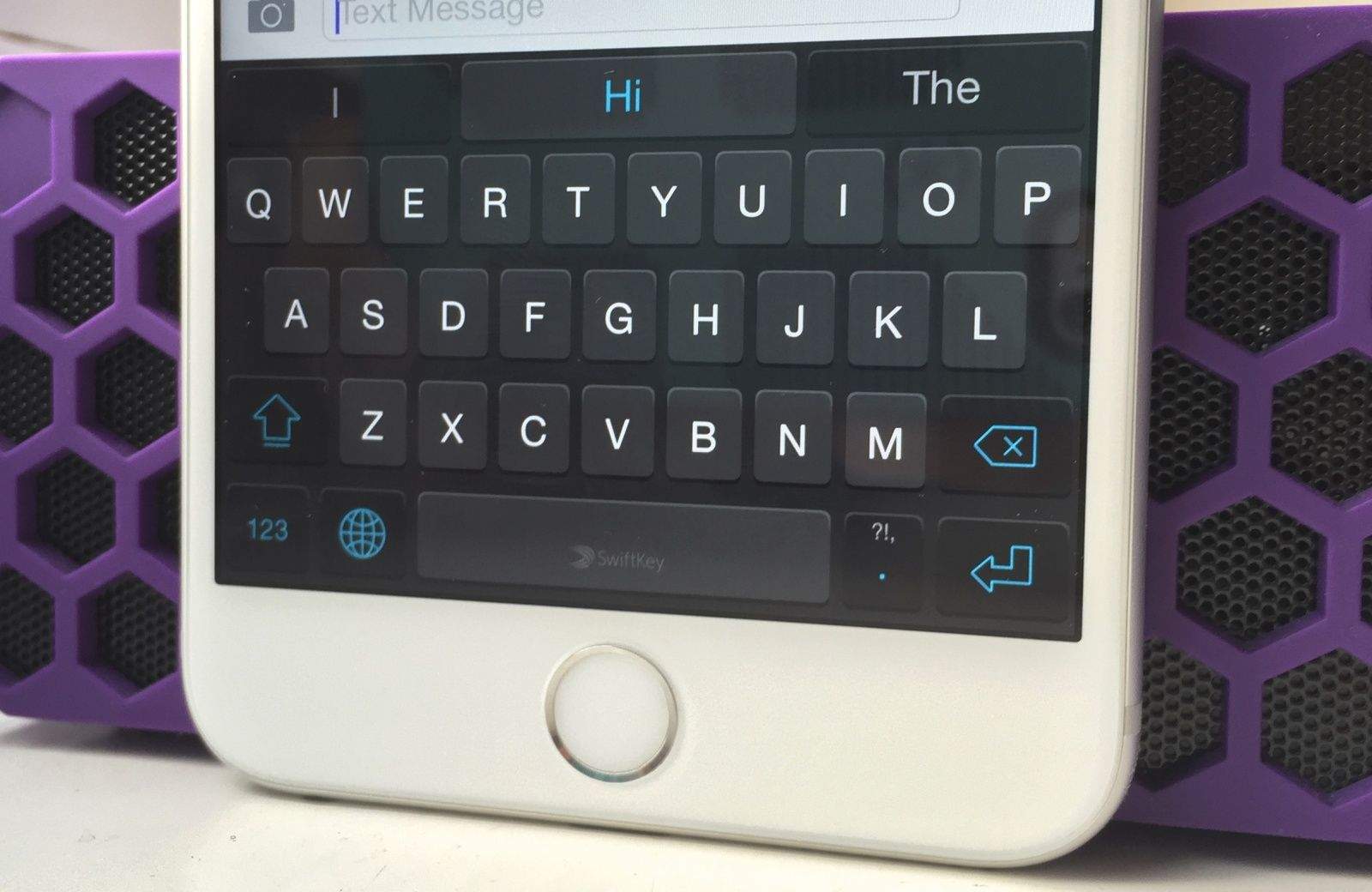
SwiftKey works great on the giant iPhone 6 Plus.
SwiftKey for iOS is riding off into the sunset.
Photo: Killian Bell

Microsoft is killing SwiftKey for iOS, one of the most popular third-party keyboard apps for iPhone. The company will remove the app from the App Store and end its support on October 5.

SwiftKey first became available for iPhones in 2014. Microsoft acquired the keyboard app in 2016 and eventually discontinued its own Word Flow keyboard for iPhone.