★★★★★
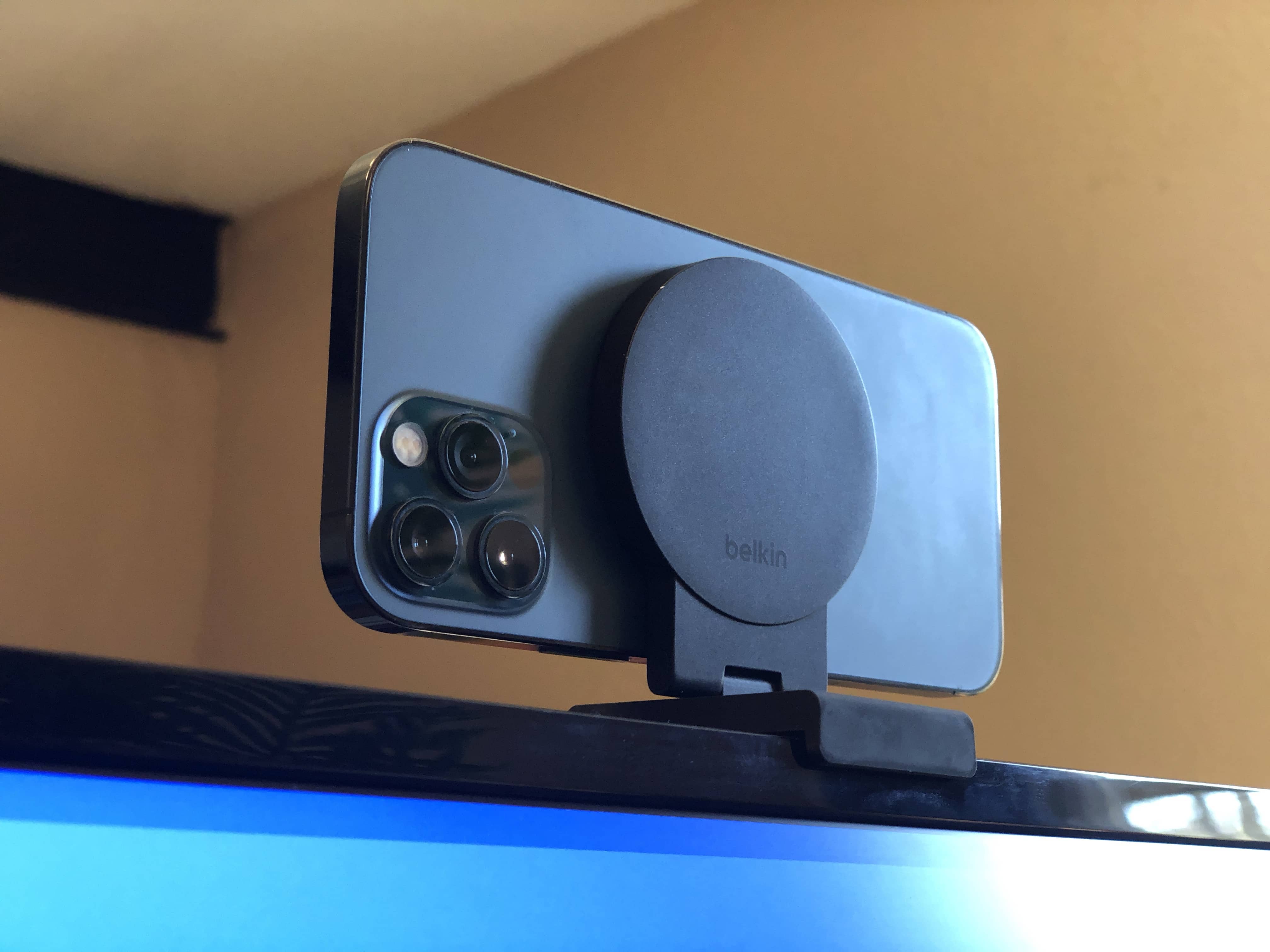
The pictures in this article aren’t very good because I couldn’t use the iPhone 12 Pro (pictured) to take the picture. Photo: D. Griffin Jones/Cult of Mac
The Belkin iPhone Mount with MagSafe for Mac Desktops and Displays, despite what its lengthy product name may imply, is a simple and straightforward product that does one thing remarkably well. It mounts your iPhone to a desktop display with MagSafe.
It’s straightforward to set up; it’s easy to plop your phone on and pull it off; it’s well made and feels nice in the hand. It’s great for Continuity Camera. The Belkin iPhone Mount with… no, I’m not writing all that out again. The Belkin iPhone display thing is an easy recommendation.
Is this what the prolific Mr. Hammer was singing about? No. Image: Jonathan Cutrer/Flickr/D. Griffin Jones/Cult of Mac
Taking a moment to add an extra passcode to your iCloud account might save your skin if your iPhone is ever stolen by a shady character who’s eyeing you like a hawk. By default, your iPhone passcode is all someone needs to lock you out of your devices and wreak financial havoc on your life. And it’s not that difficult to capture your passcode if you tap into your phone in a public place.
In fact, a recent spate of coordinated scams have played out like this: A spy watches for anyone entering their iPhone passcode in a bar or other public place. Then, the device is yoinked out of the victim’s hands. And before they can do anything, they find themselves locked out of their own iCloud account. Soon, the criminals who stole the iPhone proceed to make unauthorized purchases, empty bank accounts and generally wreak havoc on the victim’s finances and personal life.
Luckily, setting up a second passcode just for iCloud can protect you from this type of criminal operation. I’ll show you how to keep these thieves at bay — and offer some additional advice for keeping your account secure.
A trio of hikers in Utah got trapped at the bottom of a deep canyon, and their situation could have been dire except they were able to call for help via the Emergency SOS via satellite service built into the iPhone 14 series.
It’s a new feature anyone going where they’ll out of range of cellular network coverage should know how to use.
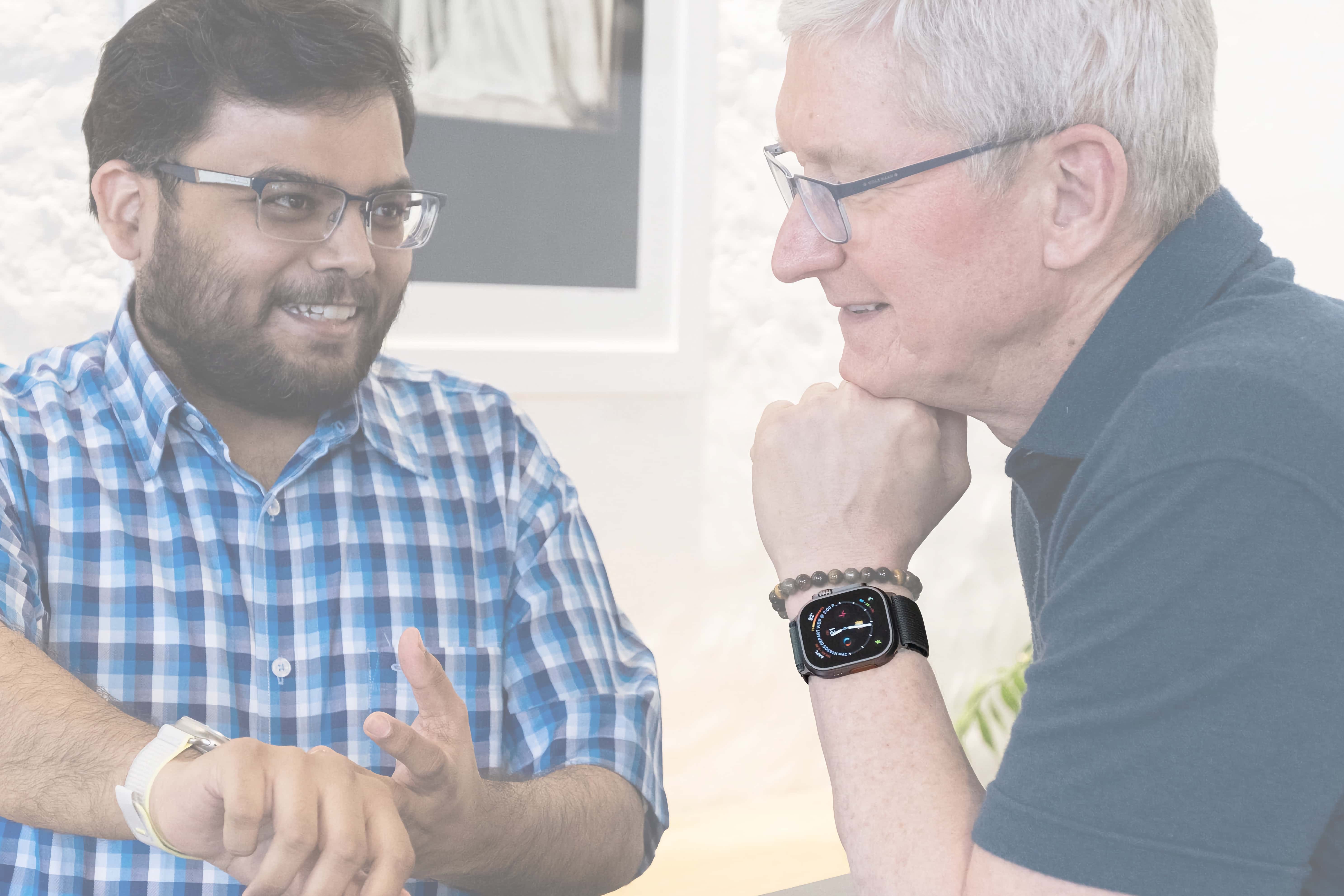
There’s just enough detail in this photo to go from. Photo: Apple
How does Tim Cook customize his Apple Watch face? During his recent tour of India, people zoomed in on this picture of him meeting with developers to dissect his choice of watch face and complications.
I’ll break down Cook’s watch and show you how to download it yourself.
The external battery seemingly looks like the iPhone's MagSafe battery pack. Concept: Amin Jony/Freelancer.com
Apple’s upcoming AR/VR headset reportedly will use an external battery pack with a new type of proprietary magnetic connector. The wearer will keep the external battery in their pocket while using the headset.
It’s just one more way Apple’s as-yet-unannounced headset will differ from the competition.
Many have tried to make AR/VR a sparkling reality. So far, nobody's nailed it. Can Apple? Photo: Sara Kurig/Unsplash License/Modified by Cult of Mac
This week on Cult of Mac’s podcast: The latest leaks about Apple’s AR/VR headset — possibly called the “Reality” — get us thinking about real-world applications. Will this thing kick-start a mixed-reality revolution, or flop harder than the Pippin?
Also on The CultCast:
The new Apple Card Savings account pays high interest — and we’re definitely interested!
WWDC23 might bring additional new hardware beyond the headset.
It’s your last chance to snag a limited-edition Sunset Moment iPhone case from Pitaka.
Listen to this week’s episode of The CultCast in the Podcasts app or your favorite podcast app. (Be sure to subscribe and leave us a review if you like it!) Or watch the video live stream, embedded below.
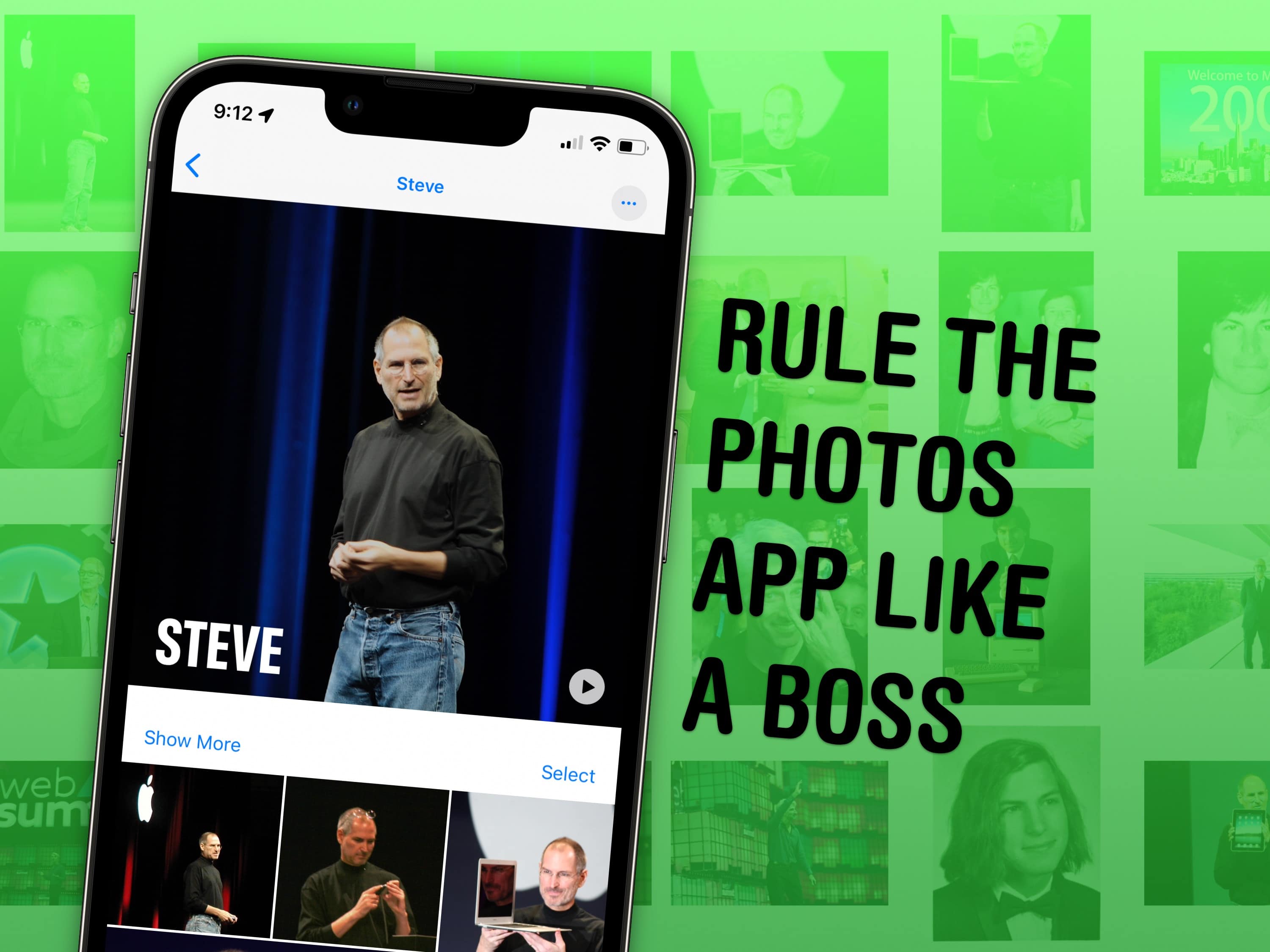
Face it: You could probably use some pointers if you have a lot of photos. Image: D. Griffin Jones/Cult of Mac
It might not be apparent at first, but Apple’s Photos app gives you plenty of ways to manage your photo library and tweak the images in it.
If you have tens of thousands of photos like I do, your photo library is probably a big mess. You could spend hundreds of hours meticulously sorting images into albums, and tweaking settings to get everything just right. Or you can use some of the features Apple offers to make things easy.
I’ve already covered my top tips for taking photos. Here are my top five tips for managing and manipulating the great photos you took, using tools in Apple’s Photos app.
iOS 17's sideloading feature may not be available everywhere. Photo: Cult of Mac
Rumors suggest Apple could enable sideloading of apps with iOS 17. However, the company might bring the feature only to iPhone users in Europe and the UK.
Apple is under regulatory pressure in the EU to enable sideloading on iPhone.
★★☆☆☆
Billionaire Nick Bilton (played by Kit Harington, left) faces judgment in the Extrapolations finale. Photo: Apple TV+
Extrapolations creator Scott Z. Burns brings his wildly misguided and ambitious Apple TV+ show about global warming, to a close this week the only way he possibly could: with a lengthy, boring courtroom drama
The cast comes out for a bow to sum up, loudly and with no subtext, all of Burns’ findings and thoughts about global climate change and how people need to do something about it. The Extrapolations finale, entitled “2070: Ecocide,” proves just as thrilling as it sounds.
★★★☆☆
The mystery deepens in The Last Thing He Told Me. Photo: Apple TV+
The Last Thing He Told Me, the new Apple TV+ thriller series about a woman and her moody teenage stepdaughter investigating a disappearance, finds the beleaguered pair in Austin, Texas, this week.
Revelations come fast and furious, and Bailey’s reluctant march toward the wrong conclusion keeps her on edge, while Hannah questions everything she thought she knew. The episode, entitled “Keep Austin Weird,” represents a major step up for this limited series. But there’s still a lot of ground to cover before it could hope to arrive at great.