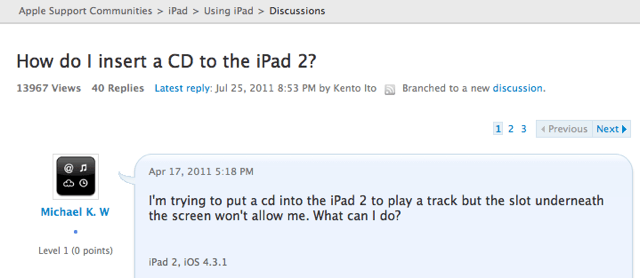
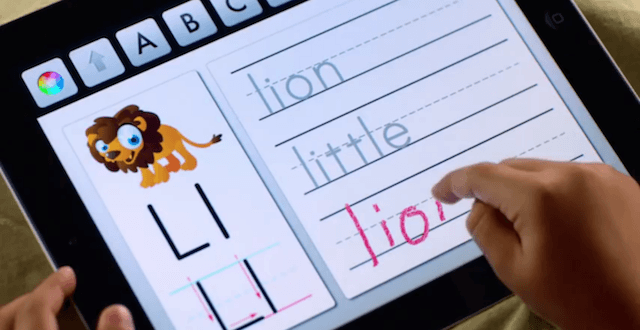
I’m not sure whether this guy over on the Apple Support forums is genuine, or whether he’s set up this thread purely for fun, but either way it’s hilarious. Having recently purchased an iPad 2, ‘Michael K. W’ is seriously considering returning his device to the Apple store because he cannot get his CDs inside.
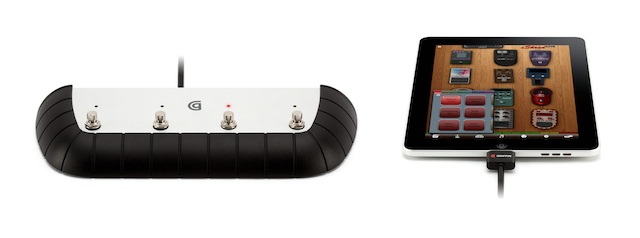
Ever since we drooled over Griffin’s StompBox at CES, the more musically intrigued members of our gang have been eagerly waiting for the jazzed-up, four-switch pedal box to actually arrive (I’m pretty sure our Lonnie Lazar has been sitting there, forlorn and imploring, like some lost, guitar-wielding puppy). Wait’s over, Lonnie — it’s here.
Editor’s note: This code in this post has been updated from the original to reflect a more targeted animation-disabling conmand line defaults write string. Thanks to reader Phillip Ridlin for the alert.
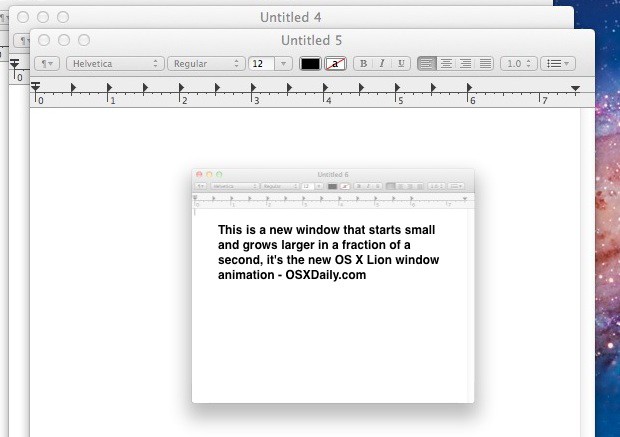
Are you running Lion on your desktop and finding the new window animation functionality in Mail.app annoying? You’re not alone, apparently.
For many of us early testers, one of the biggest barriers to using iOS 5 Beta as a full-time upgrade on our iPhones and iPad has been the lack of Netflix streaming. That wasn’t an iOS bug, just a lack of support on Netflix’s end… a lack of support which has now delightfully been fixed.
I’m sure you’re already aware by now that Spotify is finally available in the U.S., with over 13 million songs ready to stream on demand. But did you know that to accompany it there’s an awesome iOS app for listening to those millions of songs on the go? Spotify for iPhone is the first app in this week’s must-have roundup.
Coverjam Pro is another great app for music lovers that provides you with awesome slideshows of your favorite bands and artists while your listen to their music. It searches Instagram and Flickr for photos with the appropriate tags and aims to “enhance your listening pleasure.”
Google+ (yes, it finally hit the App Store!) is the official iPhone app to accompany Google’s latest social network, and “makes sharing the right things with the right people a lot simpler,” with access to your Circles, Stream and Huddle.
Two fingers are enough for many tasks – a Boy Scout’s salute or a Peace Sign – but it may not be enough for tablet users. Unless you are Amazon looking for ways to undercut the iPad price by offering cheap touchscreen displays. The Internet retailer’s foray into tablets starts with a device limited to just two fingers — enough to give a one-fingered sign of displeasure.
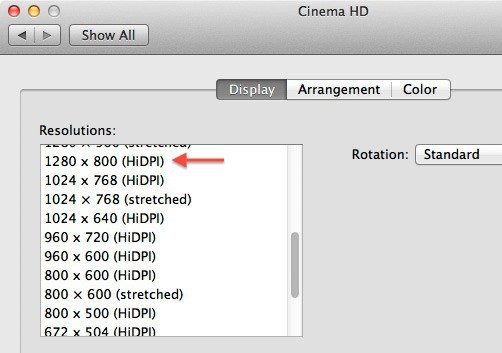
We haven’t even seen the first retina display iPad yet, but just as Apple’s been baking double-sized assets for an iPad HD into iOS since iOS 4, OS X Lion lays down some groundwork for the first Retina Display iMacs and MacBooks.
Migration assistant is one of Apple’s most valuable utilities. I’ve used it frequently over the years to migrate my user accounts, applications, etc. between two Macs and I’ve never had any problems with it until now.
I picked up a new 13-inch MacBook Air this week and tried to migrate my data from my 2010 13-inch MacBook Air to the new one. Both of my MacBook Airs were running Mac OS X Lion. I wasn’t able to get Migration Assistant to work over a Wi-Fi connection. It just flat-out refused to work, but here is the work around that finally got my data moved to the new MacBook Air.
Hopefully by now you’re running Apple’s shiny new cat, OS X Lion, on your Mac. You may be noticing all the improvements and changes that Apple made in Lion, and we recommend reading our comprehensive review of Lion for all the info you need to know about the latest edition of OS X.
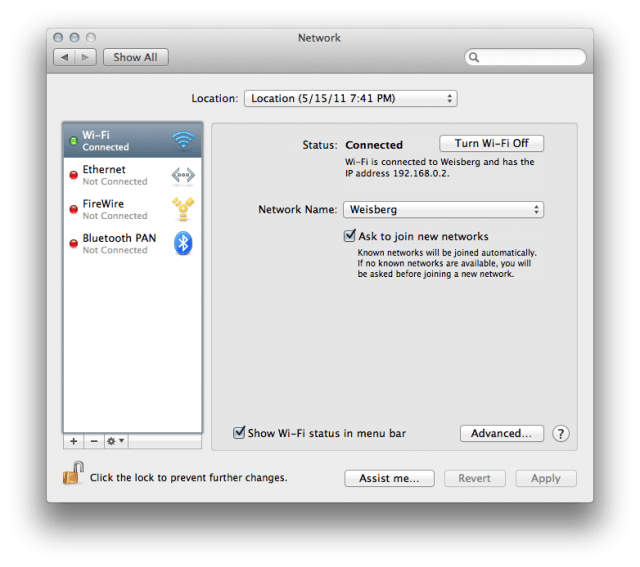
For most users, upgrading to Lion is a smooth and pain-free process. For others, there seems to be several problems, specifically with intermittent Wi-Fi dropouts.
Still worried about MacDefender? That’s nothing: a new security vulnerability in MacBook batteries means that it’s possible that future hackers won’t just try to steal your credit card numbers, but might actually cause your computer to meltdown instead.