Mobile menu toggle

Search results for: Apple One

The iPod Touch Will Go Albino This Year… But Don’t Expect Other Big Changes

By

whiteipodtouch

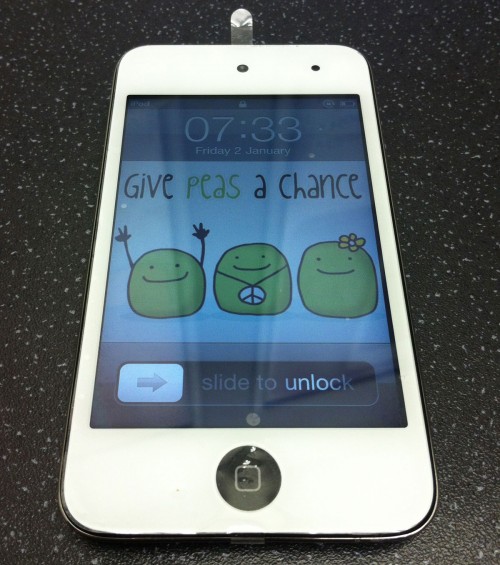
We’ve heard before that while Apple will steroid charge the iPhone 5 in October, the iPod Touch isn’t likely to see a serious update. After all, short of doubling its storage space (an idea obviated by iCloud) or 3G support (which would make the iPod Touch more expensive and — yep — about as thick as an iPhone), the iPod Touch is pretty much a perfect product for the money. What more can you do to it?

The answer: not much. You just make it white and pretty much call it a day.

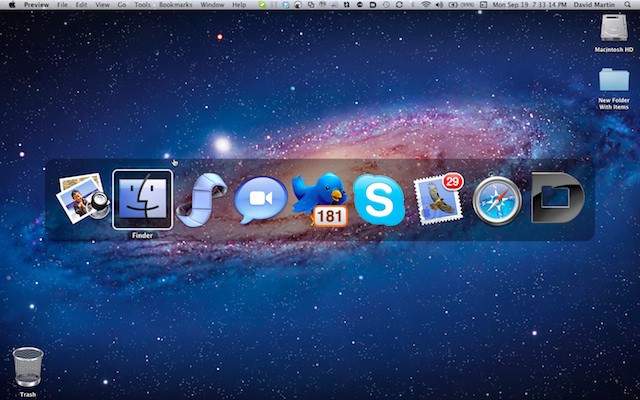
Readers Ask Cult of Mac Answers: How Do I Access The Task Switcher? [OS X Tips]

By

taskswitcher01jpg

I was checking for new mail in my Cult of Mac mailbox the other day and ran into a new message from Cult of Mac reader Justin Kurian.  He wrote:

…’Apple iMac Users Experience More Graphic Anomalies

Hi David,

I was reading your article and noticed the picture of the task switcher in Lion. How do I access that? I hate how they got rid of the swipe function for it.  Thanks!

– Justin

Accessing the Task Switcher in Mac OS X Lion is easy and I’ll show you how to do that today. Plus we’ll look at using swiping gestures while the Task Switcher is active.

App Brings the iOS Lock Screen to Your Mac

By

mzl.mdjppsvi

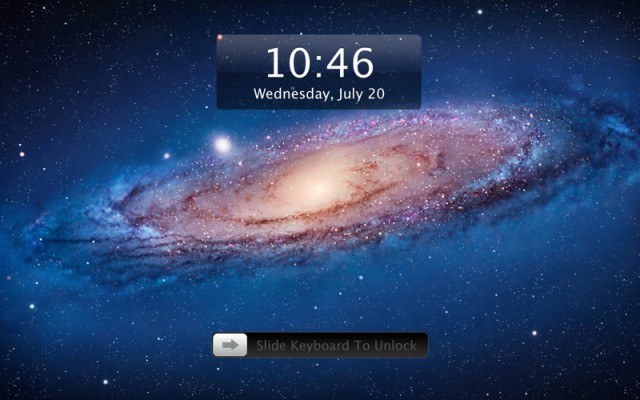
One of the main staples of iOS is its iconic “Slide to Unlock” lock screen. The interface makes sense on a touchscreen device — just swipe your finger from left to right to unlock.

An app called Lock Screen 2 brings the “Slide to Unlock” screen from iOS to the Mac. Practical, right?

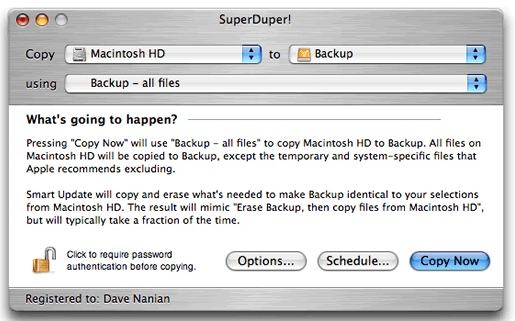
Bootable Backups Are Easier With Superduper [50 Mac Essentials #42]

By

20110919-superduper.jpg

Every Mac sold since the launch of OS X 10.5 (Leopard) has had a copy of Apple’s backup software, Time Machine, included.

And thank goodness for that, because backups were the elephant in the computer industry’s room. Everyone knew it was essential to keep backups, and everyone knew that most people just didn’t bother.

Latest Version Of Redsn0w Gets Rid Of Obnoxious IPSW Downloads (Unless You’re On iOS 5)

By

Pwnage-Tool-Save-Custom-IPSW

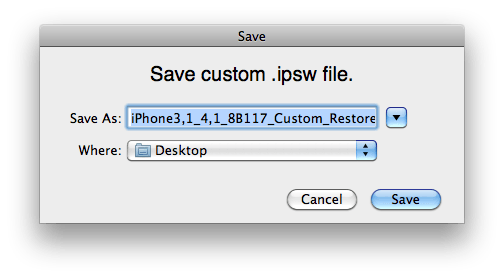
One of the big annoyances of the jailbreaking process is downloading the right IPSW file for your jailbreak program of choice to crack. Not only are IPSW files — being mirrors of a particular iOS image — pretty huge, but Apple doesn’t distribute anything but the most recent one, which means that if you’re trying to jailbreak an older version of iOS (one, say, that still has a particular vulnerability to exploit), you need to dig around torrent sites and the like.

Fooey. Luckily, the latest version of jailbreak utility Redsno0w 0.9.9b1 gets rid of that whole IPSW business, and handles downloading them for itself.

Steve Wozniak Q&A With LosGatosPatch

By

wozniak_gree_apple

Steve Wozniak took some time recently with Patch to talk about his friendship with Steve Jobs, the origins of Apple Inc., Apple’s future and whether he would go back to work at Apple. Woz, as he is affectionately called, co-founded Apple with Steve Jobs designing the Apple I and Apple II computers that got everything started back in the early days of the company.

Install Windows 8 in a Virtual Machine on Your Mac in Just 4 Simple Steps [How-To]

By

Windows-8-inside-OS-X-Lion

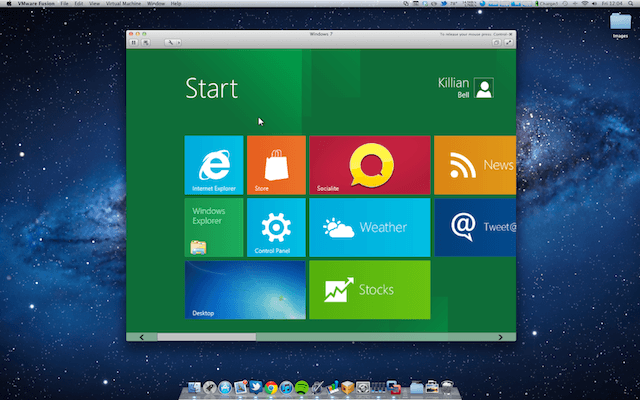
Microsoft has been showing if its upcoming Windows 8 operating system at its BUILD conference in California this week, and while I may be completely dedicated to my Mac, I can’t help but think Windows 8 looks pretty darn nice.

We’ve already showed you how to install the Developer Preview on a Boot Camp partition on your Mac, but there is an easier method for those of you who just want to play around. In this how-to, we’ll take you through the setup for installing Windows 8 in a virtual machine — in just four simple steps.