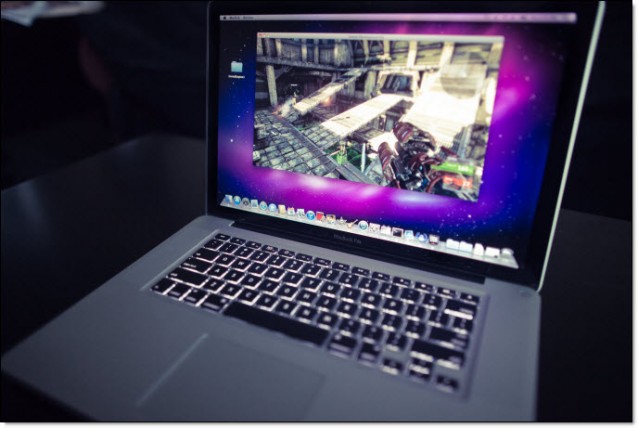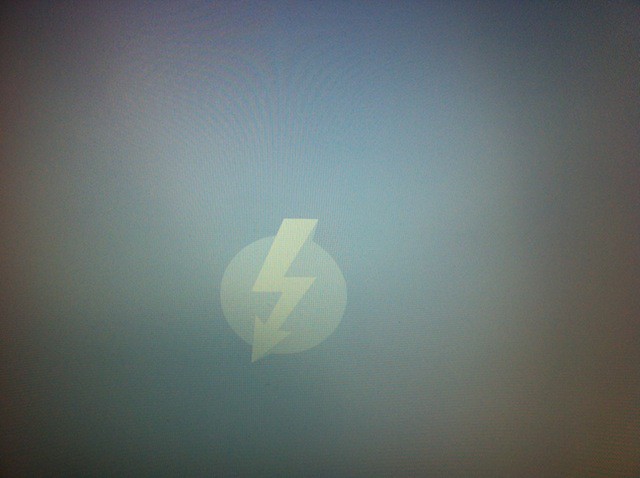

Apple computers have a unique boot option called Target Disk Mode which allows access to a system’s hard drives via Firewire cable in older Macs and a Thunderbolt cable in newer models. You access Target Disk Mode by pressing and holding the “T” key while the system starts and until you see either the Firewire or Thunderbolt symbol on the screen.
Once you see the symbol appear you can connect your computer to another Mac Or PC and the hard drives on the Mac in Target Disk Mode will mount on the other system with full access. Since you have full access to the startup disk your data’s security is compromised, but here are a few ways to fix that. I’ll show you how in today’s tip.