Mobile menu toggle

Search results for: Apple One

Two iPad Models At 2012 Macworld Rumor Now Debunked [Report]

By

ipad3

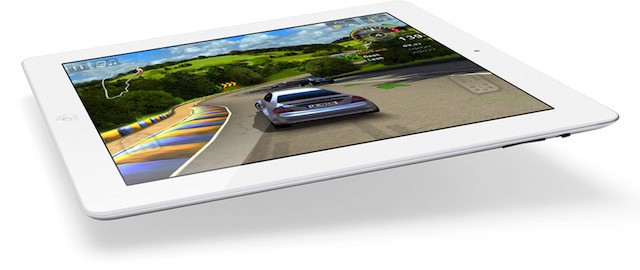
A questionable report was making the rounds this morning from Taiwan-based publication Digitimes saying that Apple was planning to introduce two new iPads at the Macworld|iWorld conference on January 26th, 2012. The models were said to be targeted for the low-end and high-end consumer markets.

We voiced skepticism about this rumor (which also claimed that the iPad 3 would feature double the battery life and a higher-quality display), and now the Digitimes report has been debunked.

Most Small Businesses to Adopt iPads in 2012 [Report]

By

Photo by christinelu.china - http://flic.kr/p/7XtUwg

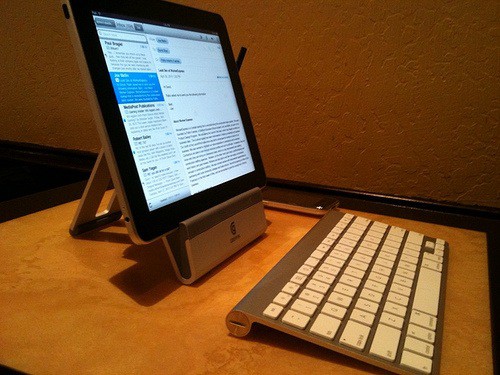
First came the consumer wave of tablet users, now it’s the turn of small business. Almost 75 percent of small businesses plan to mark 2012 with a tablet — odds on an iPad. “The iPad, just in the consumer market, is synonymous for ‘tablet’ in the business market,” new research finds.

Make Stuff Blow Up With Action Movie FX On Your iOS Device

By

post-137252-image-d07719351a74f308042b35b963c4fa11-jpg

Famous director and producer JJ Abrams owns a special effects company called Bad Robot Interactive. Abrams’ company has released an iOS app in the App Store called Action Movie FX that allows you to create realistic special effects on your iPhone, iPad, or iPod touch.

Once you shoot video on your iOS device, Action Movie FX will let you choose a type of special effect to add. The end result is some pretty impressive footage.

Jailbreak Developers Release Free And Legal Siri Port In Cydia

By

sirifaq_hero

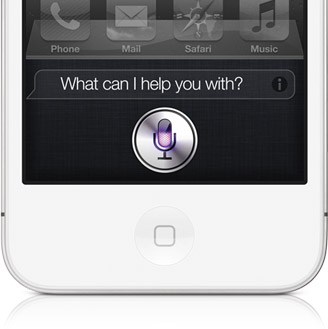
Known developers Grant Paul (a.k.a ‘chpwn’) and Ryan Petrich have released a working Siri port for older, jailbroken iOS devices in Cydia. “Spire” will install Siri on older-generation iOS devices, including the original iPad.

Spire downloads Siri directly from Apple’s servers. The only catch is that you will need access to an iPhone 4S and your own proxy to get the port up and running.

Get Started With Your New iPad — The Right Way [Setup Guide]

By

ipad

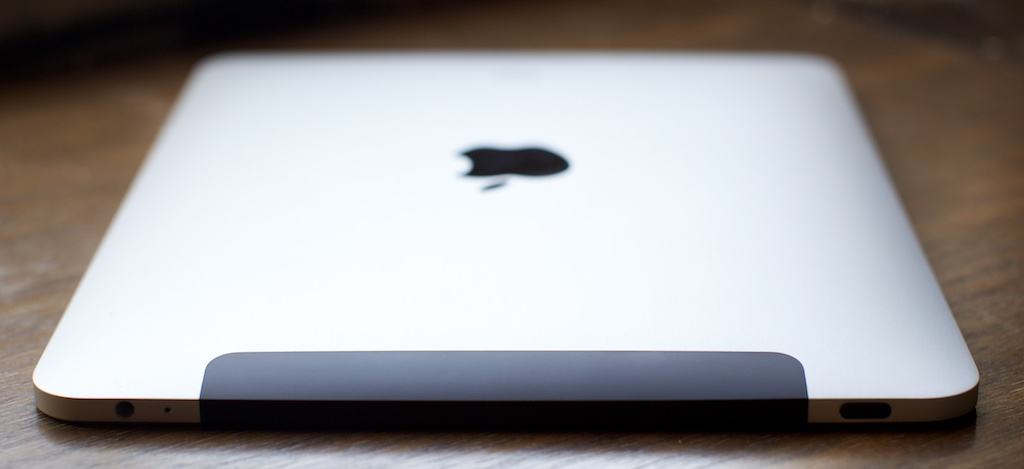
Just got an iPad for the holidays? You lucky sod! You scored the crown jewel, the Big Tamale — the most marvelous gadget Apple has ever made. Yes, go ahead, pick up its slim aluminum frame and dive right in — Steve knew that’s what you wanted to do, and he designed the iPad so you could do just that.

We want to make sure you get everything right though, and we know there are a few key setup tricks along the way that new (and even some not-so-new) iPad users miss. So take a look at the short list of steps we’ve lined up here. They won’t take long, and they’ll make sure you get the best out of your iPad 2. Ready? Here we go.

Get Started With Your New Mac – The Right Way [Setup Guide]

By

Screen Shot 2011-12-24 at 1.51.00 PM

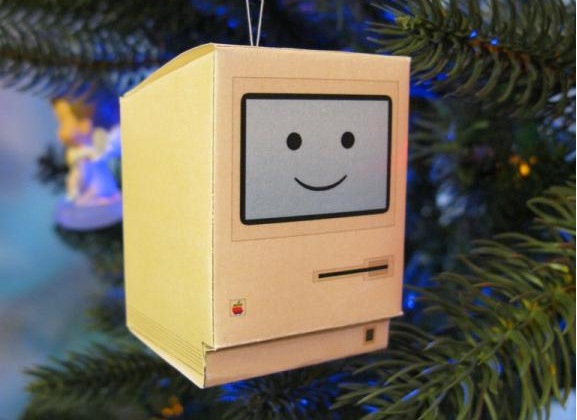
Were you very good this year? Did Santa spoil you, and did you find yourself opening up a brand new Mac under the Christmas tree this morning? Congratulations, we’re jealous… but not so jealous that we aren’t eager to teach you how to get started with your new Mac, so you can enjoy it from day one.

In this handy guide, we’ll take you through initial setup; teach you some awesome tweaks that’ll enhance your OS X experience; introduce you to some of the best apps the Mac has to offer; and tell you about some great accessories that you just shouldn’t be without.

Here’s our guide to setting up your new Mac the right way.

Get Started With Your New iPod Touch — The Right Way [Setup Guide]

By

post-136166-image-c17f917546613d78d553f6fa25386b00-jpg

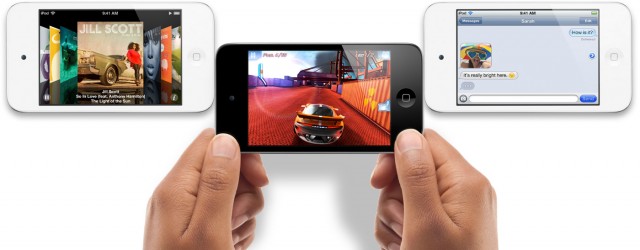
We know many of you lucky so and sos will be unwrapping iPod touches this Christmas, and we want to help you get started with your new device the right way, so that you can begin enjoying it from day one.

In this handy guide, we’ll take you through initial setup; teach you some awesome tweaks that’ll maximize your battery life and enhance your experience; introduce you to some of the best iOS apps the App Store has to offer; and tell you about some great accessories that you just shouldn’t be without.

Here’s our guide to setting up your new iPod touch the right way.