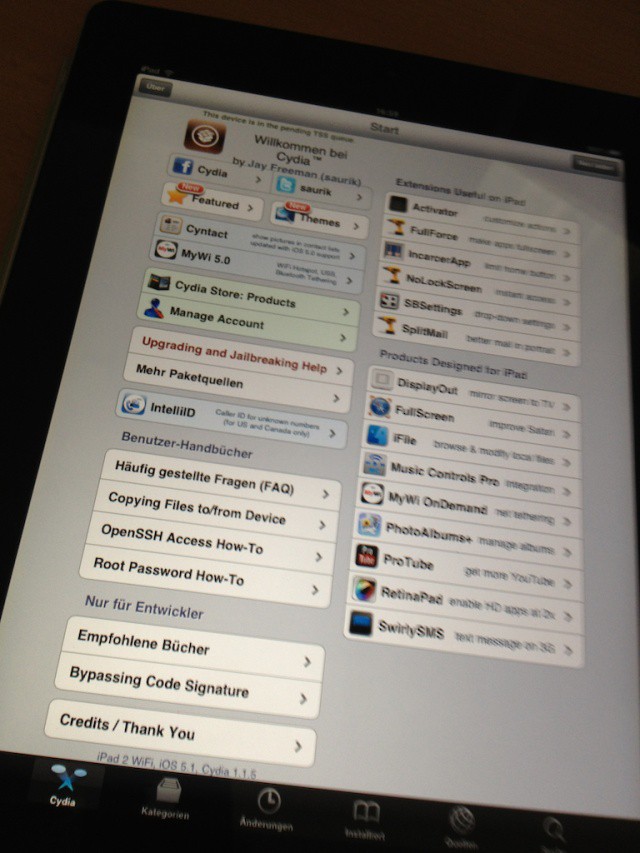
Cydia 1.1.5 installed on an iPad 2 running iOS 5.1
Apple released iOS 5.1 to the public on March 7th, and jailbreakers with A4-based iOS devices like the iPhone 4 were able to perform a tethered jailbreak shortly after the firmware hit. Those who wanted to keep their full, untethered jailbreak (including iPhone 4S and iPad 2 owners) have had to stay on iOS 5.0.1 until a new jailbreak is announced for 5.1.
There have been whispers on Twitter that certain hackers are finding exploits for a iOS 5.1 jailbreak, and the infamous hacker known as “i0n1c” has already jailbroken his way into 5.1 on the iPad 2.
HotSwap gives you your own account with your own bookmarks, tabs, and settings.
Have you ever leant your iPad to a friend or family member and when you get it back you find they’ve logged out of all of your social networks and closed all those tabs you were saving for later?
With Skyfire’s new HotSwap feature on the iPad, you can setup different accounts for each users so that everyone has their own profile while browsing the web — with their own bookmarks, tabs, and settings. It’s perfect for sharing.
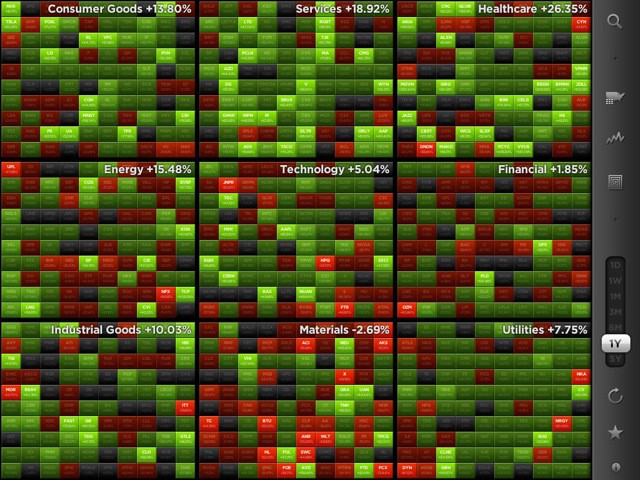
We’ve all seen news reports on the TV when stock markets take a nosedive. The footage is always the same: traders looking in despair at screens full of red rectangles, each one representing a falling stock.
Those magical digital rectangles are no longer for traders only. Now you can play with them yourself, in a $4.99 iOS app called StockTouch.
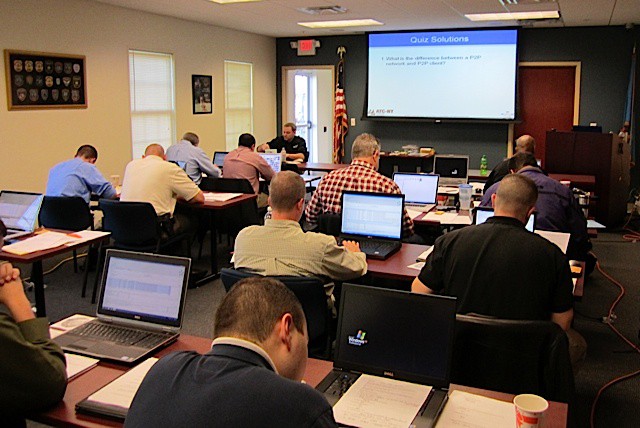
Police forensics training for Macs in Middletown, Delaware.
If you’ve ever taken apart an Apple device, you know what delicate work it can be.
Imagine trying to extract incriminating child pornography photos from a laptop and you’ll understand why tools that help you see what’s on the device before opening it up are increasingly important in law enforcement.
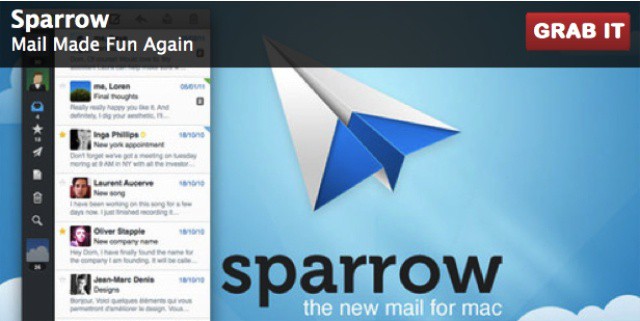
It’s not often that you’re able to get “maximal” savings on such a “minimal” piece of software, and in many cases these kinds of things can just pass on by. But we’re not about to let this soon-to-be-ending Cult of Mac Deals offer fade off into the sunset without giving it one last look. So if you’re tired of the Mac native Mail.app (as many are) then there’s no time like the present to pick up the premier “get email done” application for the Mac, Sparrow before the special pricing gets so minimal that it disappears!
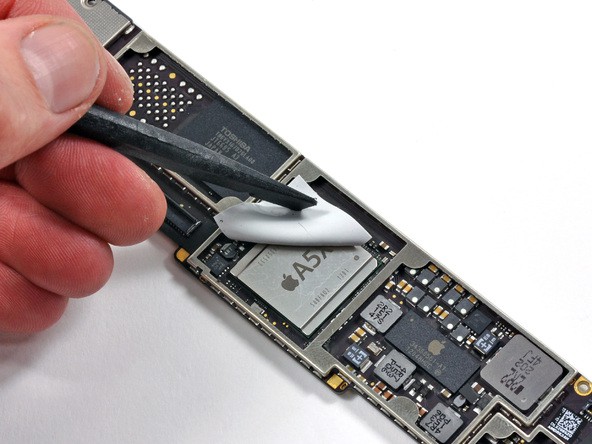
A lot of the new iPad's innards are made by Apple's perpetual frenemy, Samsung.
As we mentioned earlier, those Dr. Jests of the DIY repair movement, iFixIt, have gotten themselves one of the very first new iPads and are already busy hacking away at it. Their server is being crushed right now, but the teardown has already born some fruit, confirming that Samsung is indeed working with Apple to build the new iPad’s Retina Display.
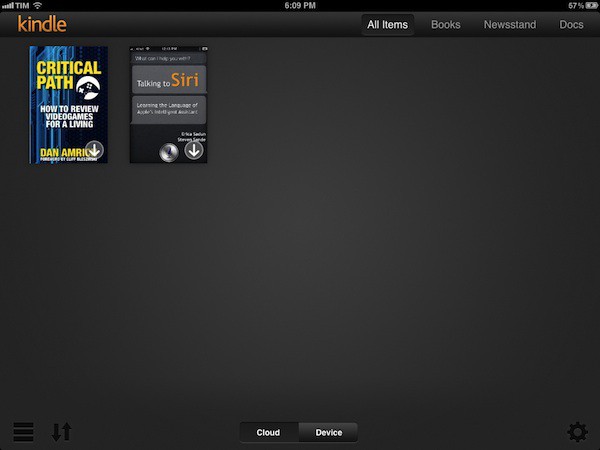
By all accounts, text-heavy apps really shine on the new iPad’s Retina Display, so I’m glad to see that Amazon have already updated my favorite iOS e-reading app to work at native 2048×1536 resolution.
And that’s not all. Amazon has also taken the opportunity to redesign the Kindle library view so that it’s organized in two separate tabs, “Cloud” and “Device,” which should make it easier to tell which e-books you have stored locally and which ones need to be slurped down from Amazon’s databanks.
You can download Kindle 3.0 on the App Store right now for free.
.@Redbulluk Please come to Regent street Apple store, we need energy in the queue. PLEASEEEEE. RT guys!!
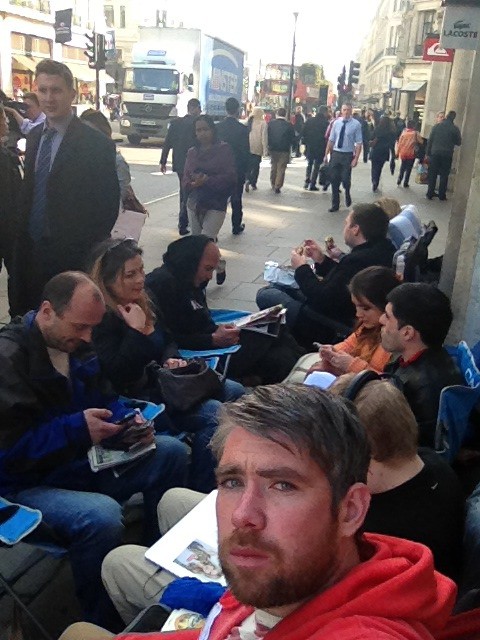
Camping out for a new Apple product is a time-honored tradition. Outsiders think it’s crazy, and even some insiders do — couldn’t you preorder it this year — but waiting for the product is just part of the reason you do it. It’s really about the camaraderie, the friendship, the adventure.
Craig Fox, organizer of the upcoming JailbreakCon, is roughing it on the streets of London outside Apple’s flagship Regent Street Store. Even if you’ve never considered waiting in line for a new Apple product, his account of the experience might just change your mind.
Rob Coughlin of the Cincinnati Reds believes the new iPad's Retina display will help the team improve their game.
With your new iPad pre-order ready to be loaded onto tomorrow’s truck for delivery, you’re probably pretty excited right about now. But maybe not as excited as some MLB players, coaches, and scouts. Apple’s device allows them to identify tactics and improve their game, and scout for new talent. It’s also great for keeping in touch with their families while they’re away from home, and they’re expecting the third-generation device to be the best iPad yet.
Virtually everyone who’s ever used an Apple product has an Apple ID. This user account for all things Apple is most commonly used with the iTunes Store and the iOS and Mac App Stores. It’s used to both authorize purchases and to allow you to access content or run apps after they’re downloaded. Apple’s philosophy is that every person should have their own Apple ID and that each of us should use our individual Apple ID (and only that Apple ID) on each of our devices – iPads, iPhones, iPods, Macs, even PC’s running iTunes or other Apple software.
That’s a great concept, but it creates a big challenge when iOS devices are used in business or school environments. When someone configures an iOS device for an employee or student with a selection of apps and other content (like iBooks 2 textbooks), they need to use an Apple ID. But once that device is deployed, the end user may need or want to purchase additional apps or other materials.
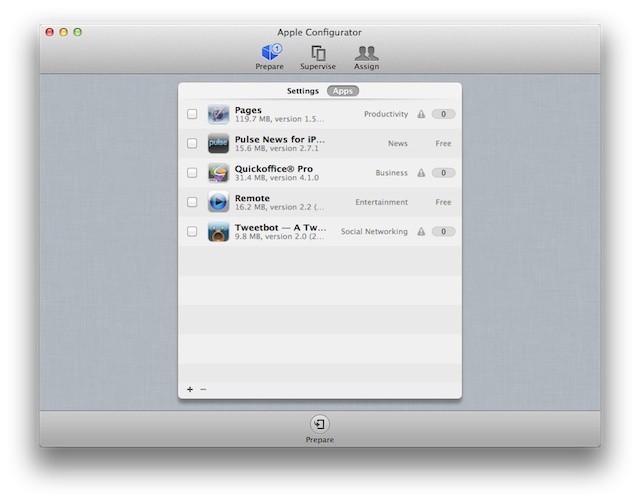
This is often a stumbling block for business-owned devices. And it’s something that Apple has finally begun to address with Apple Configurator.