Mike Daisey. Most of you are probably sick of hearing about his scandal with This American Life regarding the lies he told the media and his audiences about Apple’s manufacturing environment overseas. But there’s one more part to the story. Daisey has revealed what he plans to do with his show, The Agony and the Ecstasy of Steve Jobs, moving forward.
He’s vowed that he will continue performing in the face of his critics. There will also be some changes made to reflect the inaccurate information that were recently uncovered.
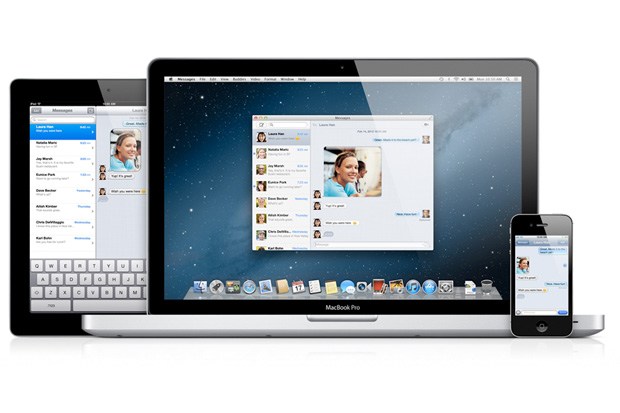
Jailbreaking opens up a world of possibilities for sending files with iMessage.
Some new jailbreak tweaks have surfaced in Cydia that allow you to open and send all kinds of files between iOS devices with iMessage. Apple’s messaging protocol can be used to send much more than simple SMS and MMS messages; you can send everything from a song to a PDF.
Attacher will let you send and receive all kinds of files with iMessage, and it includes a couple features that make it a compelling offering. A pair of jailbreak tweaks called SendAny and ReceiveAny also accomplish the same goal with a different approach. Which tweak option is best? Let’s take a closer look.
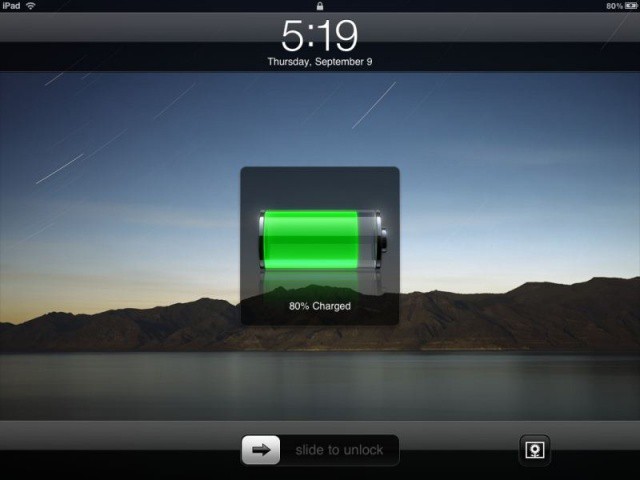
Technically, this is the most your new iPad's battery should ever be charged.
Last week, Dr. Raymond Soneira of DisplayMate Technologies discovered that when he charged his new iPad, it continued to draw current long after iOS reported its lithium-ion polymer battery as being 100% charged.
Doing some experiments, Dr. Soneira discovered that if allowed to charge until the point where the 10W charger stopped drawing full current from the mains, his iPad could last 11.6 hours on a single charge, compared to just 10.4 hours if he unplugged it the second it reached 100%.
Why does the new iPad do this? Dr. Soneira believes that it’s a bug in the way the new iPad reports its battery charge. Apple has since spoken out and called it a “great feature” in iOS. But what the heck is really going on?
The truth is more complicated. Apple’s being disingenuous calling this a “feature” of iOS. In fact, technically it harms your new iPad’s battery. That said, it’s certainly not a bug, as Dr. Soneira emphatically suggests. Rather, this is the way all gadget batteries charge. To understand why this is, and how you can maximize your device’s battery life and longevity, you first need to understand a little bit about how batteries charge.
The big challenge of an enterprise app store is deciding which apps to include
The enterprise app store is becoming a reality in many companies. Initially envisioned as a way to make internal apps available to employees, the concept has quickly grown to include public apps available in Apple’s iOS App Store. This allows businesses to offer employees a curated list of apps that relate to specific fields or job functions.
A curated list of public apps is a great idea and it can save employees both time and effort in selecting apps that can help them work more efficiently and effectively. The challenging part, however, is choosing which of the hundreds of thousands of iOS apps to include in your company’s app store.
There is a theory that apps are the new hit singles. You can’t make money from releasing a song any more, so you might as well try and make money from something people are still willing to pay for, like apps.
And you might not even need to charge them for the app, either. You can give the app away for free, and pad it out with extras that cost money. It’s bound to pull in a few paying customers, right? Right?
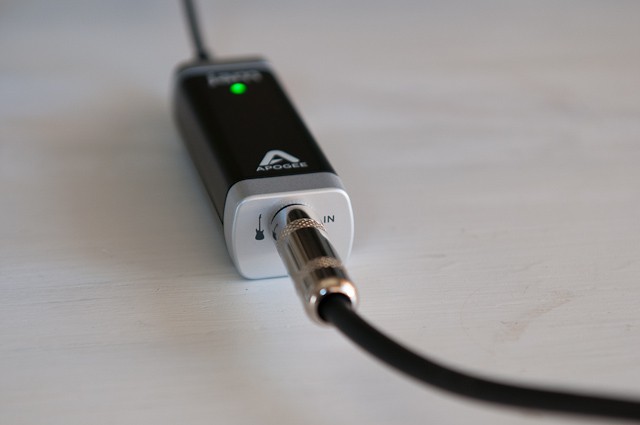
Described simply, the Apogee Jam ($99) is a just little gadget that lets you plug your guitar into your Mac, iPhone, or iPad. But in this pairing of instrument and iDevice, the Jam unlocks a wonderful world of musical possibility that is nothing short of magical.
David Artuso from cellpig and Michael Rondinelli from EyeSee360 offer us their best tips for ensuring your Kickstarter project is a success.
With millions of dollars pledged to all kinds of projects every week, it’s no wonder that Kickstarter has become one of the most popular funding sources for getting a new product off the ground. The process is simple: Start a project, spread the word, then — if your idea is a good one — watch the pledges roll in.
If you’re a budding entrepreneur with a great idea for a Mac or iOS accessory, or even an app or game, then Kickstarter could be the fastest and most effective route to success. Not only is it a great source of funding, but it also helps you establish just how popular your product will be.
Here at Cult of Mac we’ve stumbled across a handful of really outstanding devices that wouldn’t be around if it wasn’t for Kickstarter. But it’s not as easy as it sounds. While creating your project may be pretty straightforward, ensuring it succeeds is hard work.
To help you out, we’ve spoken to a couple of companies who recently used Kickstarter to launch their latest products, and they’ve given us some feedback and a few tips on how to ensure your Kickstarter project is a success.
Don't expect Harry Potter or Near-Dead Dumbledore to appear on the iBookstore.
J.K. Rowling’s enormously successful Harry Potter series is about an incompetent orphan who lucks his way through a series of magical adventures despite being essentially inept. Tens of millions of people — myself included! — have enjoyed them over the course of the last decade, but only in dead tree form. Bizarrely, Harry Potter has never officially come to e-books up until now.
Of course, no longer. As one last magical trick, Harry Potter has made the jump to a number of e-book stores, including Amazon, Barnes & Noble, Google and Sony. The only company left out? Apple’s iBookstore.
Foxconn, the company that assembles almost all of Apple’s devices —- plus plenty more for the likes of Amazon, Dell, Microsoft, and Sony —- has confirmed today that it has secured a 46.5% stake in Sharp’s giant LCD plant in Sakai, Japan. The deal is expected to help Sharp improve its performance, and could make low-energy IGZO displays a possibility for future iPads
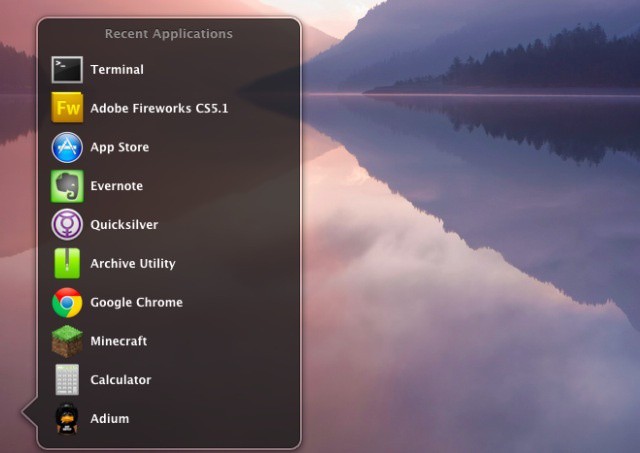
Last week, we showed you how to create a stack to show all your recent items. Today, we’re going to show you a way to change the default look of all your stacks, to a list view. This might be easier on your eyes, might appeal to your inner aesthetician, or it just might be a neat way to change the way your OS X Lion Mac behaves.