This post is brought to you by INTERDOM, creator of Mylifepaper.
We are constantly reading and watching news reports about other people in the newspapers and on TV. Well that may be interesting, but unless you happen to be a celebrity, politician, newscaster (or bankrobber), there is one person usually missing on the daily news: You. Mylifepaper is a new iPhone / iPad / iPod touch app devoted on every page to reporting news about you. Here is the news….
A video from 1994 that has purportedly never been seen by a mass audience before features a bushy-bearded Steve Jobs discussing his legacy during his so-called NeXT wilderness years. And surprisingly, the egocentric and charismatic founder of Apple believes that in two hundred years, he will be forgotten.
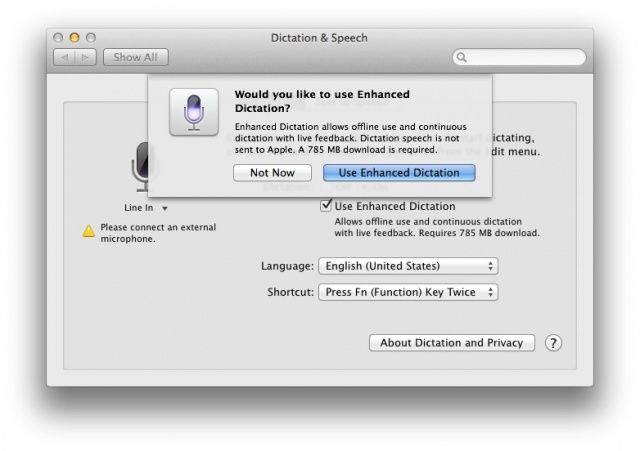
Speech to text is the next new thing, with all devices we use, including our Macs, having the ability to listen to our speech and type what we say for us. What usually makes this magic possible are network-connected processing data centers, that take your speech and convert it to text, all somewhere other than your iPhone device, say. But what if you want to keep what you say to your devices private?
In the new version of OS X, Mavericks beta, there’s a new option to do just that. It’s called Enhanced Dictation, and here’s how to enable it.
An exciting new update that brings new maps, weapons, and guns to Gameloft’s Modern Combat 4: Zero Hour is now available to download on iOS. Called Meltdown, the update is free to existing owners of the popular first-person shooter, and it’s one of the biggest the game has received since it hit the App Store back in December.
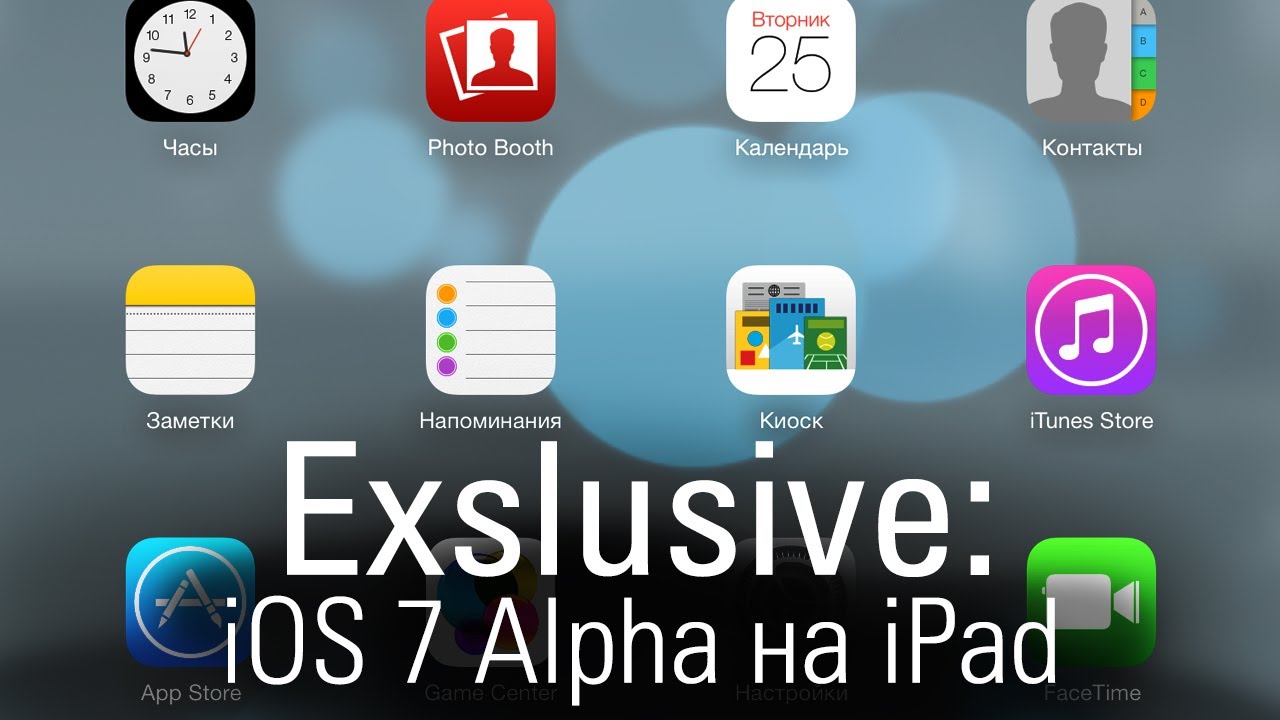
Just like we said yesterday, remember that any of the iOS 7 beta features and tips we share with you could change before the latest mobile operating system from Apple hits the streets this coming fall.
Also? Be sure that you’re not using a beta iOS 7 on an iPhone you need to get work done on–Apple has provided it without guarantee for developers to start working with, not for you to use on any mission critical tasks.
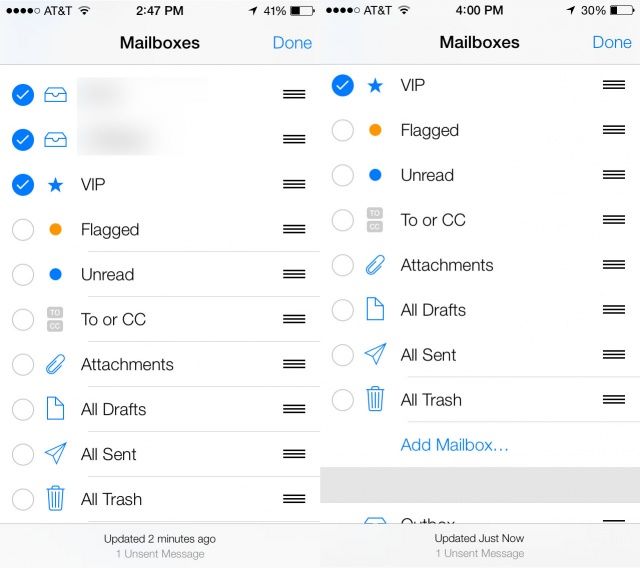
That said, let’s take a look at a new feature in iOS 7: Smart Mailboxes. In OS X, you can create a mailbox with a bunch of filtering rules to help you gather together just email you’re interested in into one place.
iOS 7 beta doesn’t let you create your own smart mailbox, though. Rather, it has four or five new “mailboxes” that filter your incoming email into new categories, like Flagged email, email with attachments, or others. Here’s where to find, and ultimately enable, these new mailboxes in iOS 7 beta.
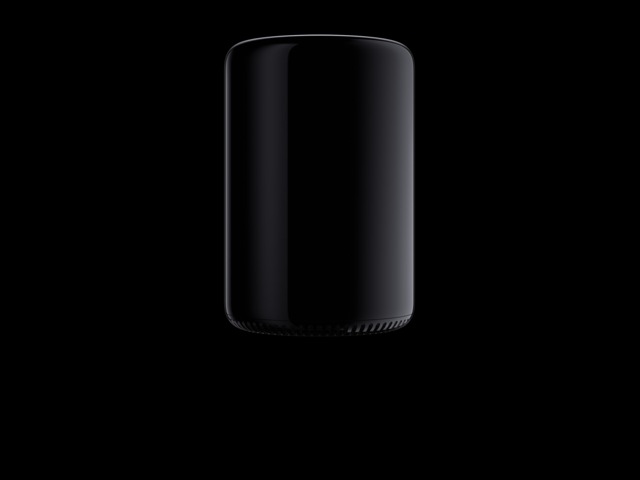
Apple hasn’t even announced a price tag or release date for the tiny new Mac Pro machines that were unveiled at WWDC, but that’s not stopping one company from creating a Mac Pro server rack that will turn Apple’s new pro machines into a supercomputer.
The new cylindrical design of the Mac Pro makes it perfect for linking to other Mac Pros to form a supercomputer, and MacStadium announced that it has created a rack that can hold 270 Mac Pros but only occupies 12 square-feet of floor space.
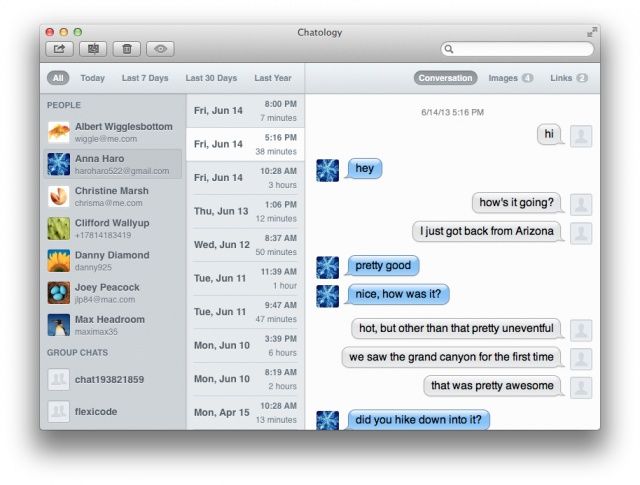
Chatology is a brand new tool for searching Messages on the Mac without the headaches. If you’ve been experiencing bugs, random crashes, and a lack of search functionality in Apple’s chat software, then this new app is for you.
Remember the Unibody MacBook, so called because it was milled from a single chunk of aluminum? Now that most of Apple’s products are made that way, you never hear the term “Unibody” any more – it’s like cars: you only write “16-valve”, “ABS” or “fuel injection”on the back when you’re showing off something new.
It’s time, then, for a new construction method, and the new “trashcan” Mac Pro has one. It’s called Impact Extrusion, and it is super cool.
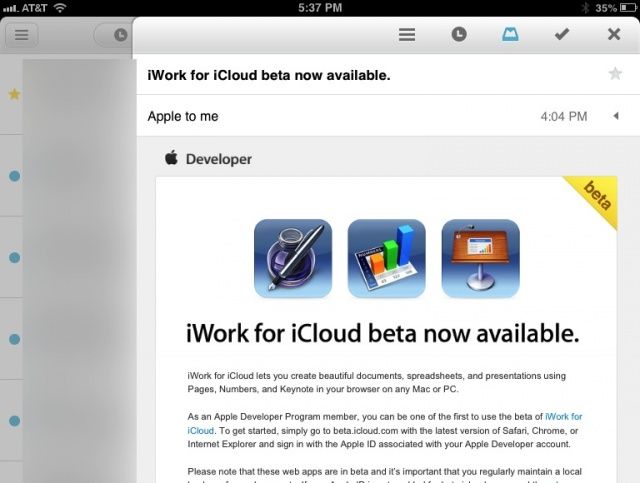
Mailbox, the wondrous new email client for iOS that lets you manage your emails as they come in, has just gotten another update. Now you can use Mailbox on your iPad in the portrait orientation, instead of the landscape-only mode that was previously the only option on the bigger iOS devices.