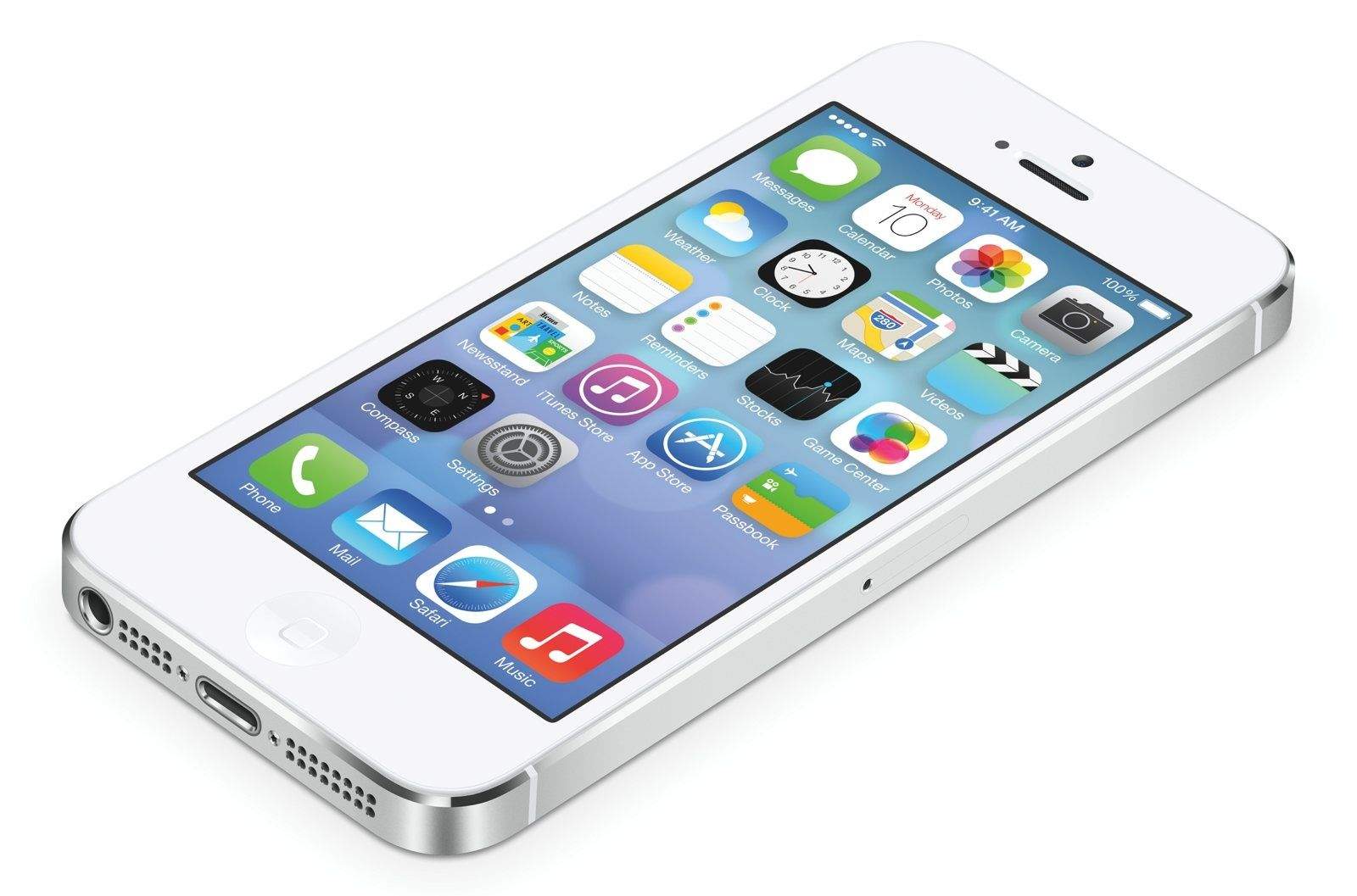
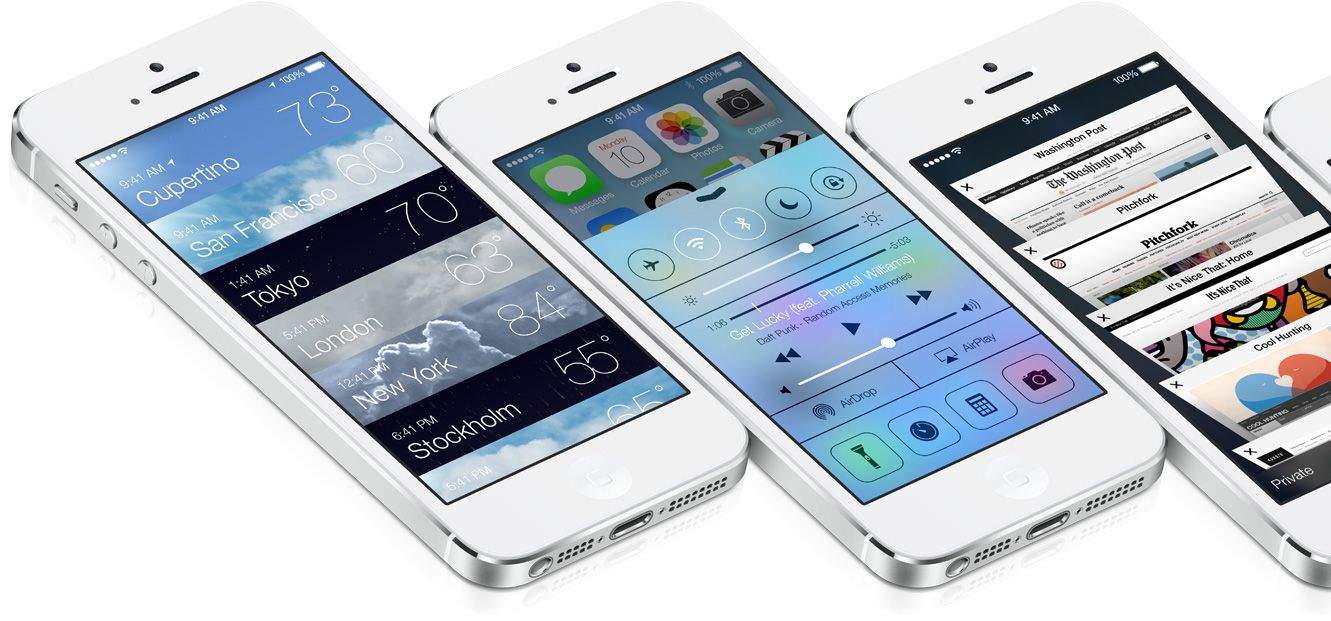
Everybody’s obsessing over iOS 7’s user interface — the bright colors, flat design and intuitive response physics.
But the “user interface” of any operating platform isn’t just the visuals. There’s a lot more to it than that.
Apple, in particular, tends to focus heavily on the overall user experience, which involves all the user interfaces and how they work together.
It’s clear, even in the early betas, that Apple is doing a lot of work on the invisible user interface, and some of these changes are at least as powerful and interesting as the ones you can see.
New Voice Features
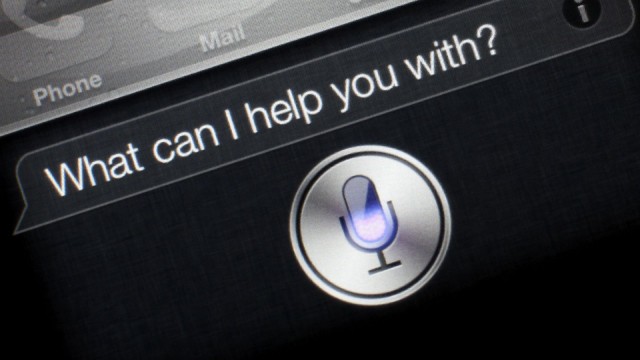
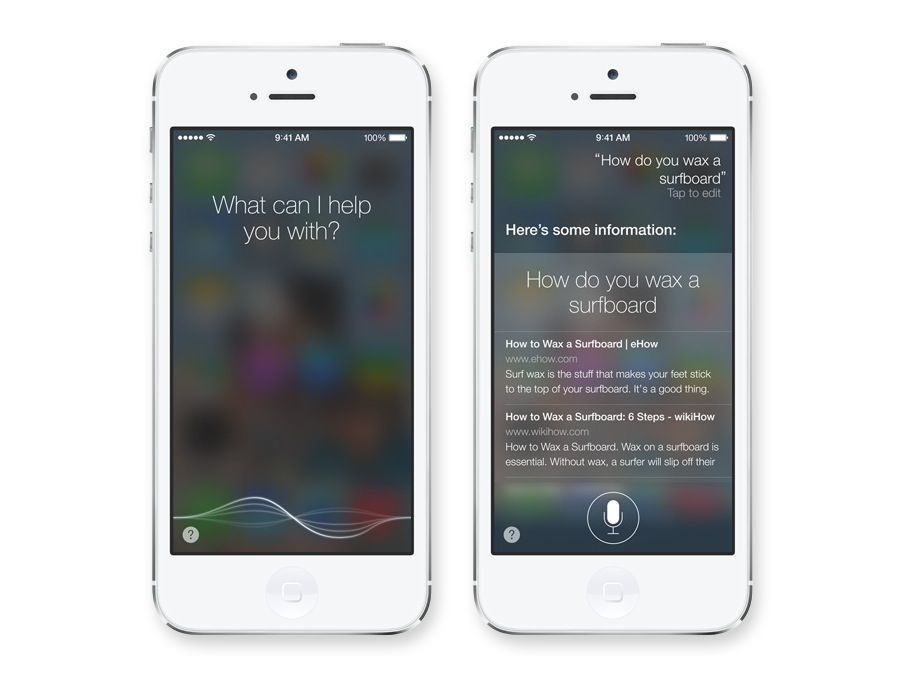
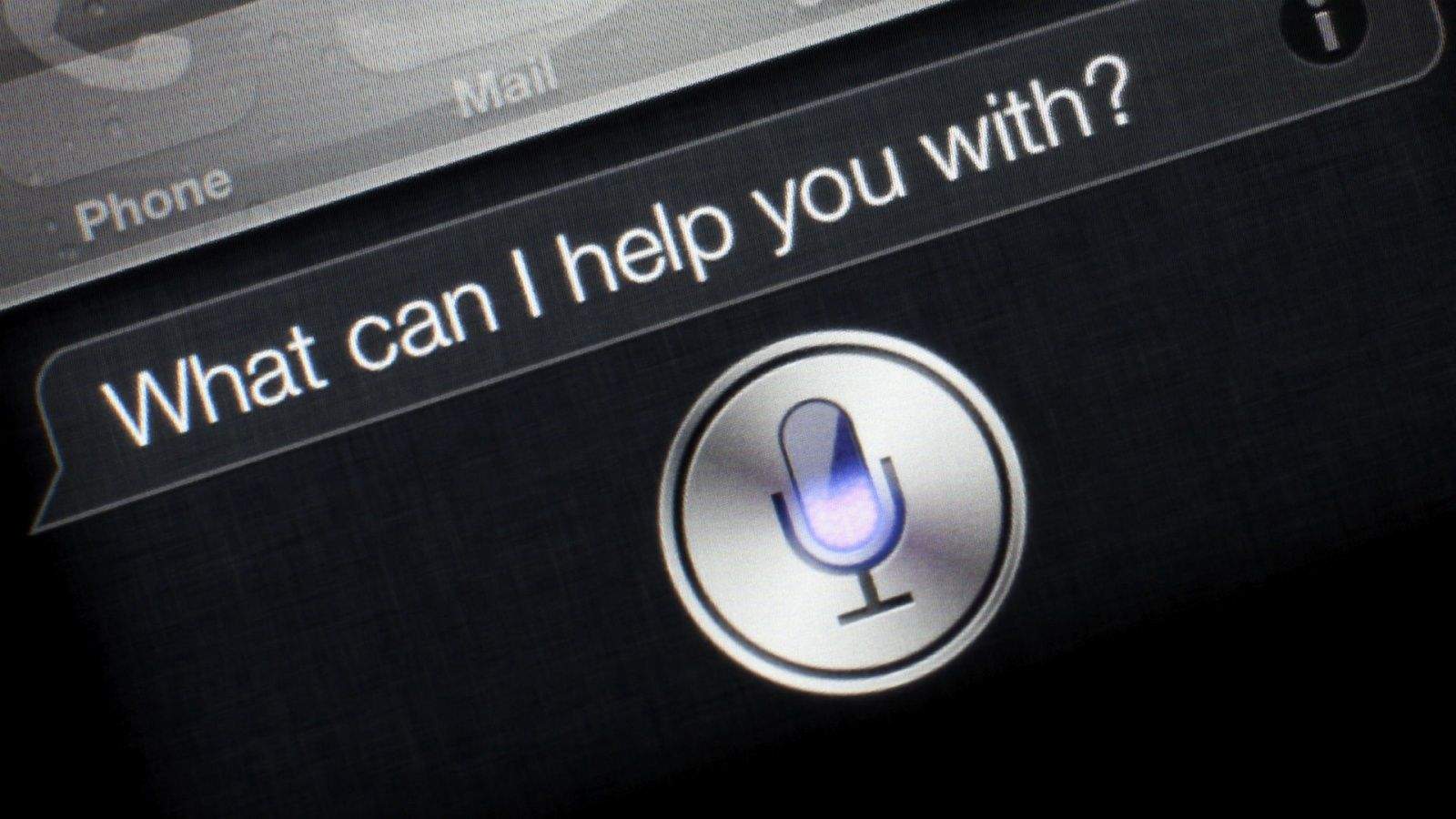
- With iOS 7, the “old” Siri is starting to look… well… old.
Apple is replacing the old Siri voice with two new ones. Specifically, Siri’s new iOS 7 voice crosses a line from “robotic” to “human.” Siri also speaks faster and with a more natural cadence, which Apple calls a high-definition voice.
The old iOS 6 Siri spoke in a halting, sometimes overlapping speech pattern that clearly sounded like robotic machine talk.
The new Siri could easily be mistaken for a real person who has recorded the entire response in one sitting. It’s a great feature, one of those subtle but very hard to do upgrades that change the psychology of using Siri to a more positive one.
The iOS 7 version of Siri will also let you choose between a male and female voice. Originally, Siri’s gender was determined by the language.
In addition, the new Siri will learn to pronounce names correctly with a new command. Just say: “That’s not how you pronounced Melvin” (or whatever the name in question is), and Siri will offer you alternative pronunciation options, from which you can select, and the change is permanent.
Another invisible interface improvement takes place with the new AutoCorrect. It now looks at an entire sentence to figure out which words to correct. As a result, AutoCorrect is much better, more accurate and more capable. (This is a user interface element, in my opinion, because it is intelligence that helps the user make decisions about which word to choose and intervenes between the user and the app in the goal of assisting the user.)
New Haptic Features?
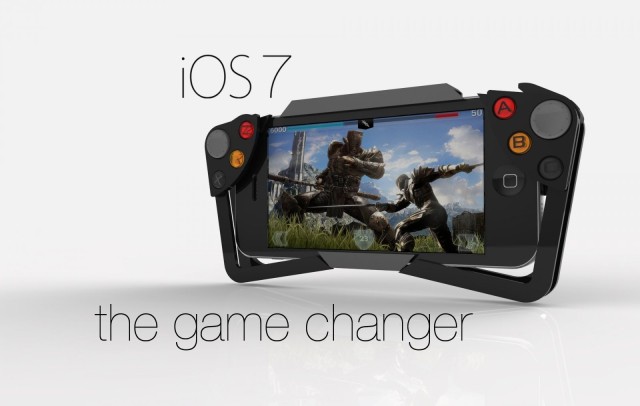
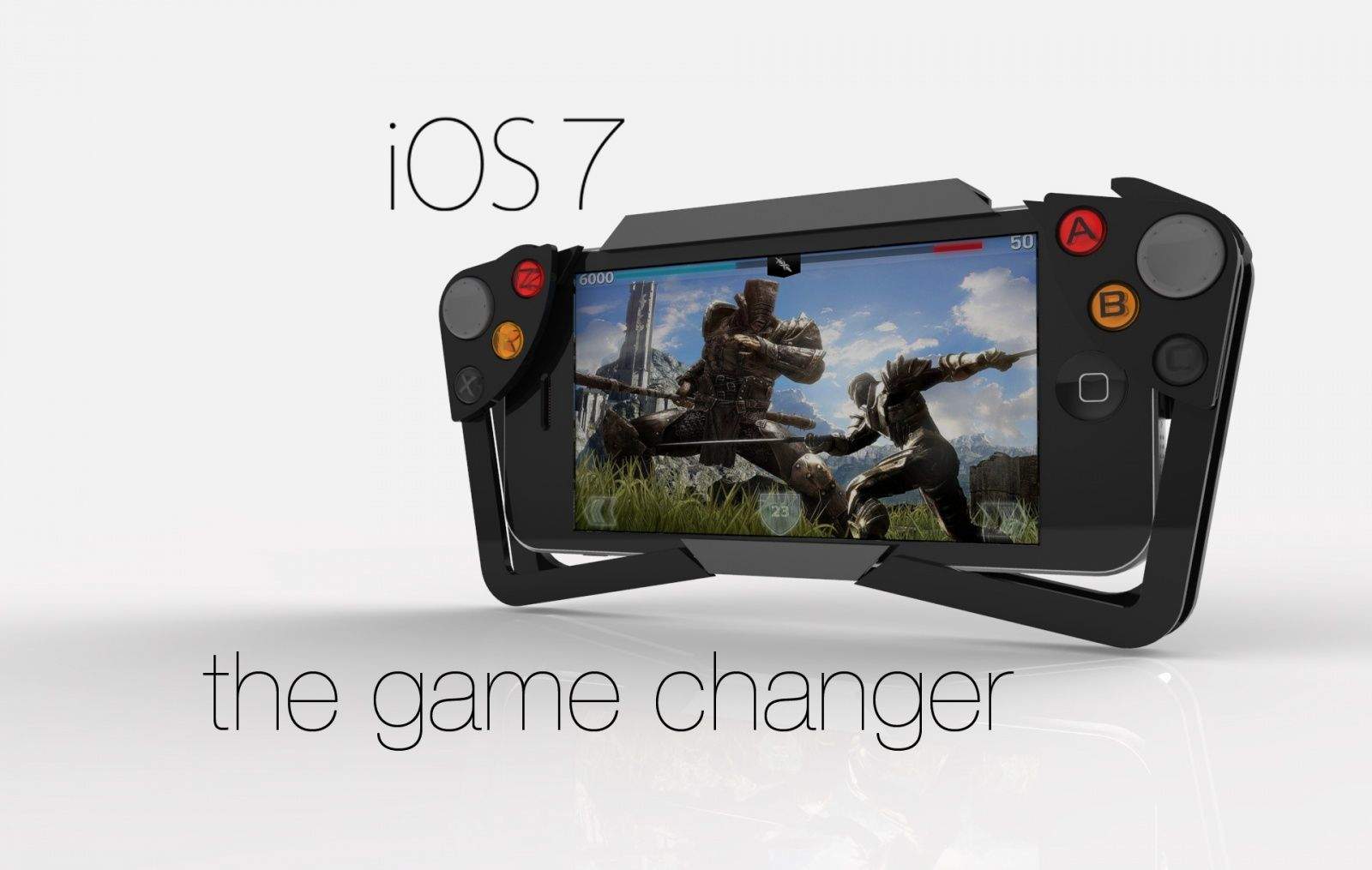
Apple announced at WWDC a new game controller API that will enable third-party companies to make gaming hardware for iPhones and iPads. That could enable peripheral makers to build sophisticated haptics into the controller (like an Xbox controller) that buzz and shake and rattle and explode.
The game controller API isn’t a user interface, but it is an open door for other companies to create interfaces. In fact, that’s its entire purpose. In addition to joysticks and game pads, I’m sure we’ll see creative and unexpected haptic feedback add-ons coming out after the release of iOS 7.
It also could enable a haptic case for everyday use. For example, you could imagine a special case for the iPad for visual artists where the “high definition” haptics hardware makes just running your stylus across the screen feel like chalk, pencil, acrylic paint brush, watercolor paint brush and so on.
New Motion Detection Features
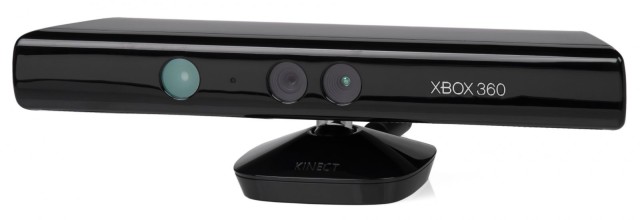
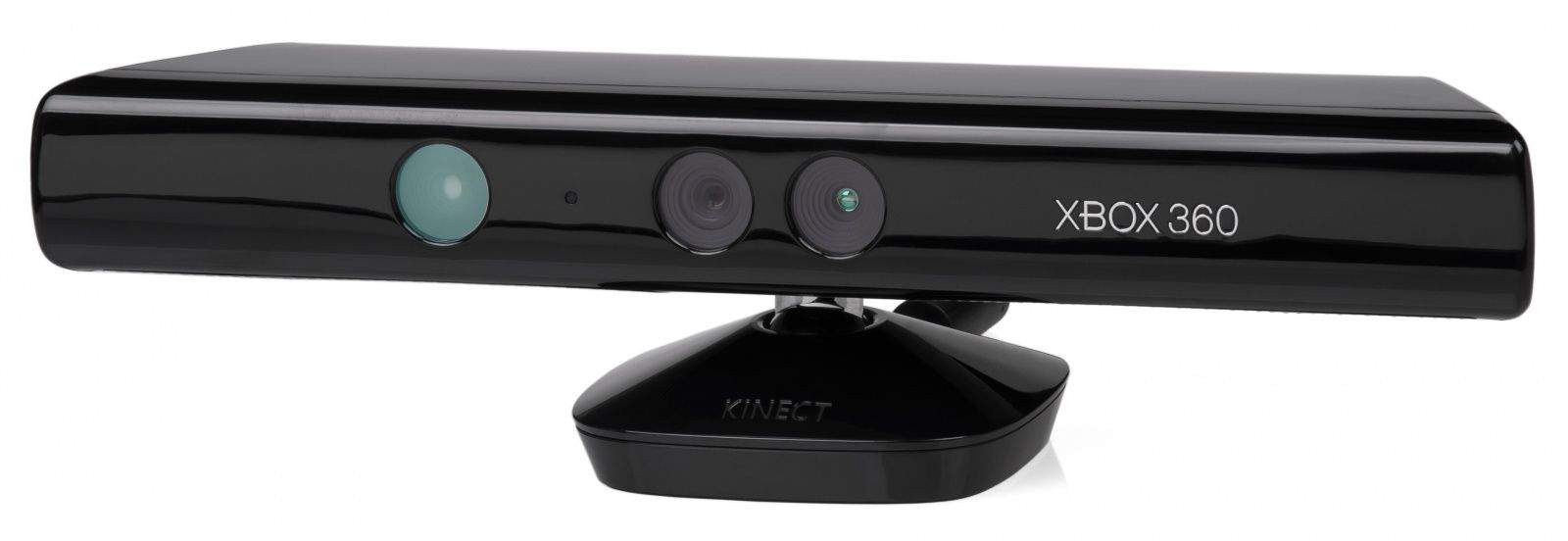
- iOS 7 could soon have many of the capabilities of the Xbox 360 Kinect.
A new option called Head Control allows you to select user-defined actions based on a turn of your head to the left or right. The front-facing camera detects the motion.
As with many of the coolest features of iOS 7, this one is in the Accessibility section under Switch Control.
The fact is that most people won’t use this option. However, it’s a totally new interface category for the iOS platform — an extremely rudimentary foray into the same categorical space as Xbox Kinect.
This is how Apple does things. They dip their toe in the water with a very rudimentary version of something that is nevertheless very solid. Then, over time, they add capabilities to the general approach.
I think it’s kind of a big deal that Apple is building in-the-air gestures into the iOS user interface. The next step after that may be hand-waving to go forward or back in a song or movie, a fist gesture to pause or stop and other in-the-air gestures.
Apple’s Invisible Interface Strategy is Clear
Invisible user interface elements are chronically undervalued and underappreciated by pundits, commentators, bloggers and journalists. But for that total user experience Apple is always trying to improve upon, they’re the central component.
Changes in the invisible iOS user interfaces not only tell us a lot about what iOS 7 will be like to use, but also about where Apple is going with invisible user interfaces.
I’m really looking forward to not seeing where all this ends up.