iOS 7 is out, and all of your favorite apps are being updated with new designs and features. We’ve been posting about big updates as they come out, but it’s impossible to keep up with everything.
We’ve collected big app updates for iOS 7 worth mentioning in a handy roundup. Take a look at how some of your favorite apps have changed:
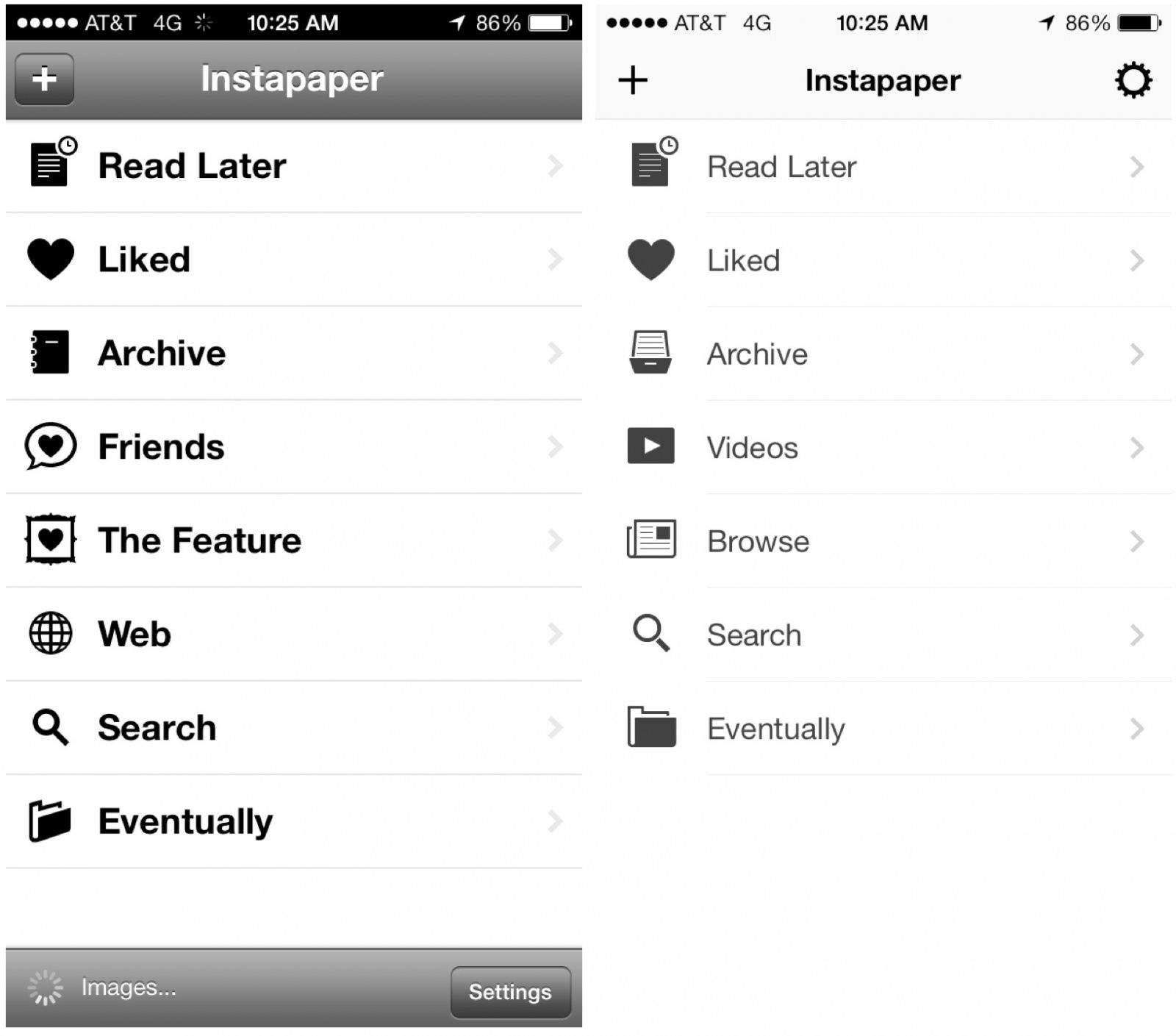
The new Instapaper is here for iOS 7, and it’s flatter. Betaworks has simplified the app’s layout to fit the design aesthetic of iOS 7, and it looks great.
The new interface of iOS 7 has become one of the most polarizing Apple software releases since the iPhone came out six years ago. Some users think some of the UI elements look childish and boring, but there are a ton of new details and feature that make using iOS feel new again (for better or worse).
iOS 7 was just released to the public, but there are so many new additions it can be hard to keep track of it all, so we’ve complied this walkthrough of all the new little iOS 7 features, in GIF form:
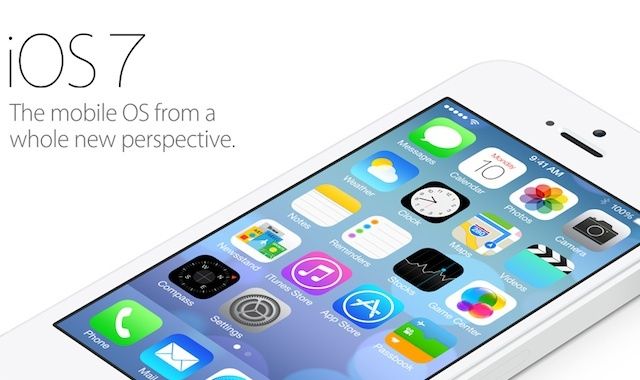
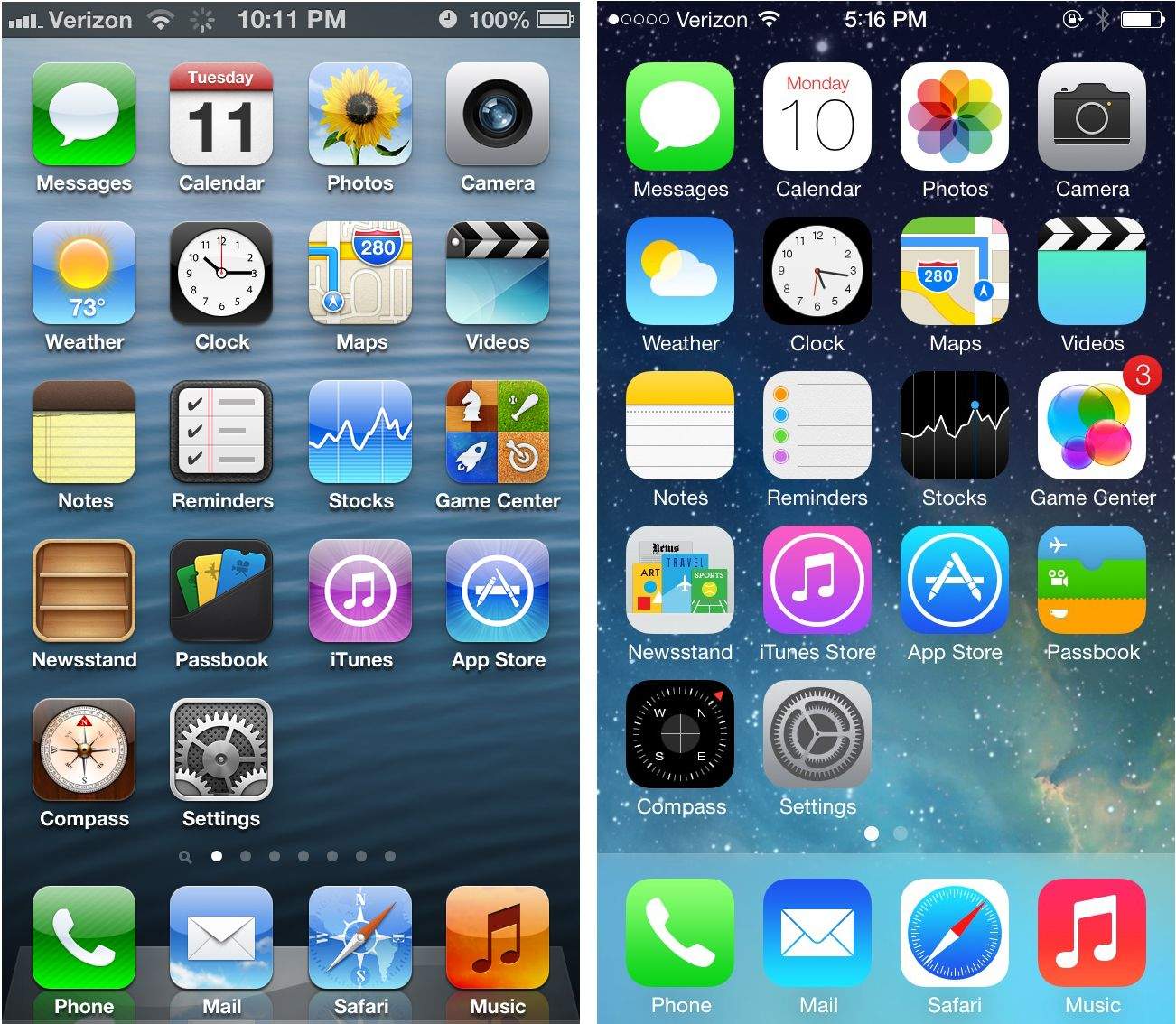
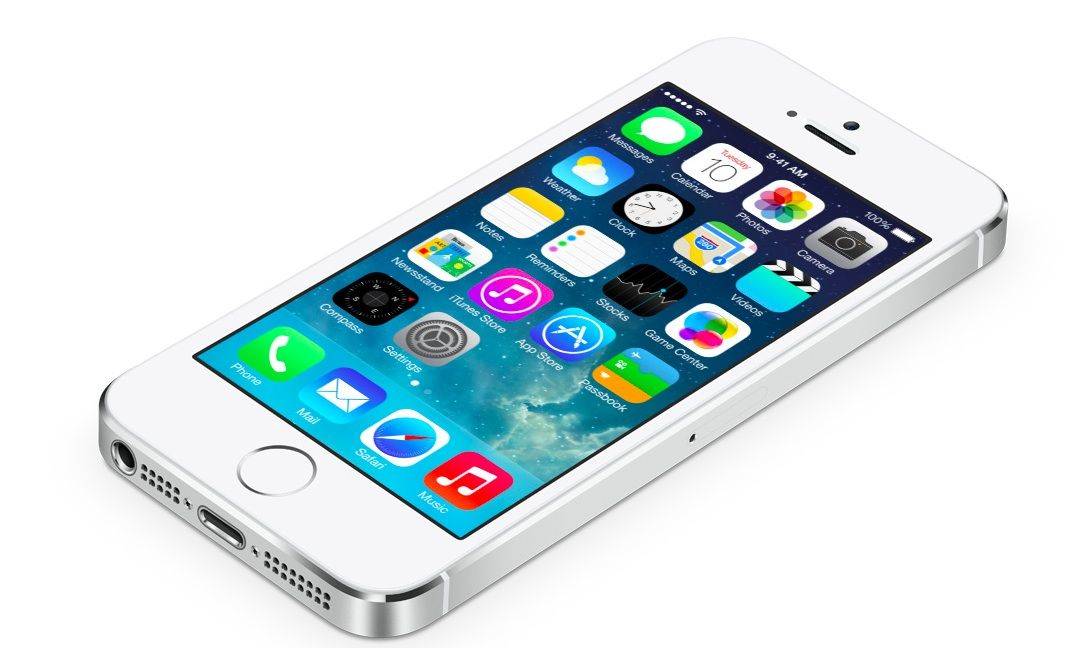
The first thing you’re going to notice about the iOS 7 redesign is how drastically different everything looks. Apple completely renovated the iPhone’s interface. The familiarity in terms of usability is still there at a fundamental level, but the OS has taken a 180 in terms of aesthetics.
White space is everywhere. Animations look funkier. Colors are trippier.
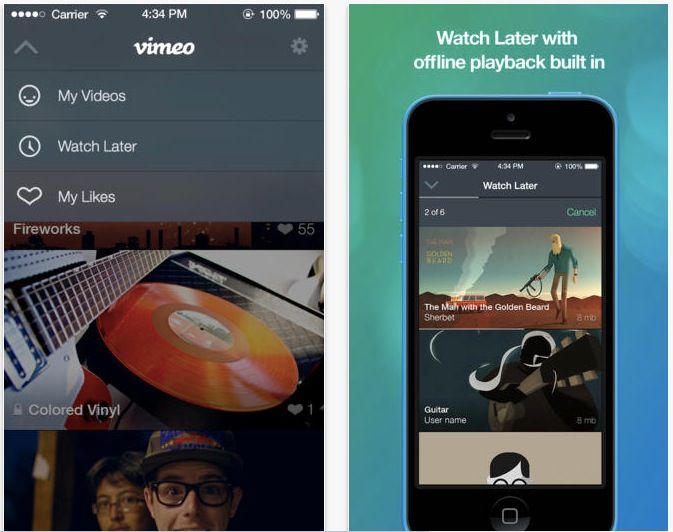
Vimeo announced Wednesday that its video sharing app for iPhone, iPod touch, and iPad has now been updated for iOS 7. The new update lets you upload video directly from your iOS device camera, as well as offline instant playback of saved videos.
The app has been re-vamped to better match and work with iOS 7, as well, including a new video thumbnail feature, which shows live previews of video content in the smaller navigation thumbnails.
Better yet, you can now share any Vimeo videos on your device with other iOS 7 devices using AirDrop.
We’ve already brought you an iOS 7 review roundup from everyone else, but you may have noticed that the Cult of Mac team published our own iOS 7 review today, too. It’s split up into separate parts to make it easier to digest, and this handy roundup will help you find each part and what it covers.
We’ve taken a look at all of the new features — including Control Center, AirDrop, and iTunes Radio — and all of the improvements Apple made to existing ones, like the Camera app and Notification Center. We’ve also got some tips and tricks that will help you get accustomed to iOS 7 in no time.
It’s been over three months since iOS 7 got its first unveiling at WWDC, and in just a couple of hours, it will be made available to the public. It’ll be completely free to download — no matter which iOS device you’re using — and Apple’s confident it will quickly become the world’s most popular mobile operating system.
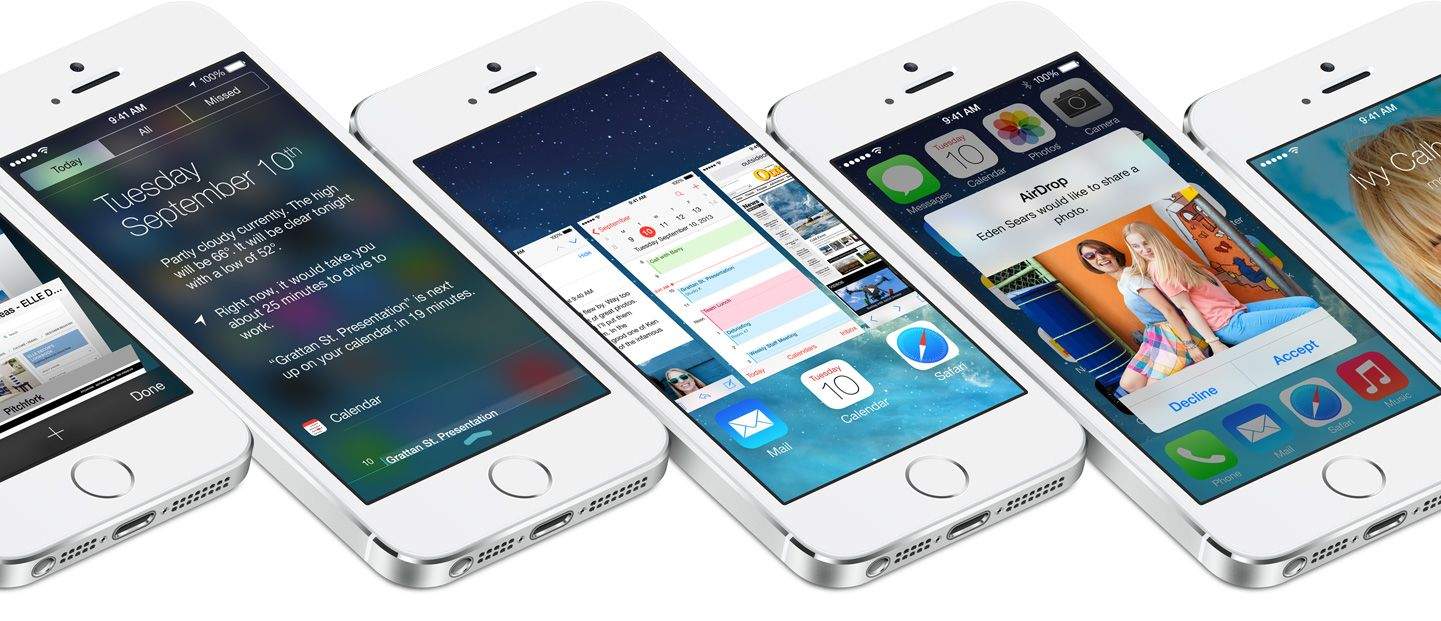
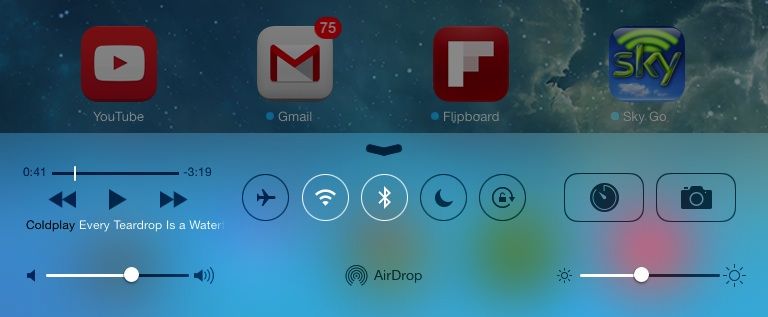
iOS 7 is the biggest change to iOS since the original iPhone, introducing a colorful new design for the first time, and bringing lots of new features — including Control Center, improved multitasking and Notification Center, iTunes Radio, and AirDrop.
So should you be rushing to download and install it on your iOS devices as soon as it becomes available, or can you wait until all the fuss has died down? Well, we’ll be bringing your our review in stages over the course of the coming days, but to help make your decision super simple, we’ve trawled through the biggest and best iOS 7 reviews out this week and put together a helpful roundup.
Some of the more flashy features of iOS 7 like iTunes Radio, Multitasking, and Control Center have received a lot of the attention with iOS 7, but Apple has packed a couple of really neat features into AirDrop, Safari, and the redesigned App Store, that promise to completely change the way you use your iPhone.
Oh, hey! You got the new iOS 7 for your iPhone, iPod touch, and iPad–congrats! Wondering what to do with it? Looking for the best tips and tricks to get the most out of Apple’s pastel-and-parallax-flavored operating system for that amazing mobile device?
Well look no further than Cult of Mac for your iOS 7 needs. We’ve been working through the iOS 7 features and options since the first beta came out, and we’re here to give you the best of them.
iOS 7 is much more than a pretty face. Early “news” reporting focussed on the new look provided at the last minute by Jony Ive and team, but the inner workings of the new OS have clearly been under development for a lot longer. So, try to look past the bright colors, blurred popovers and beautiful parallax for a moment, and join us as we take a tour of the best new features of iOS 7.