Today Tapbots released a big update for Tweetbot for Mac that brings smoother scrolling and the ability to quickly reply to mentions and DMs via Notification Center in OS X Mavericks. The update also brings a number of bug fixes and performance improvements for Apple’s latest desktop OS.
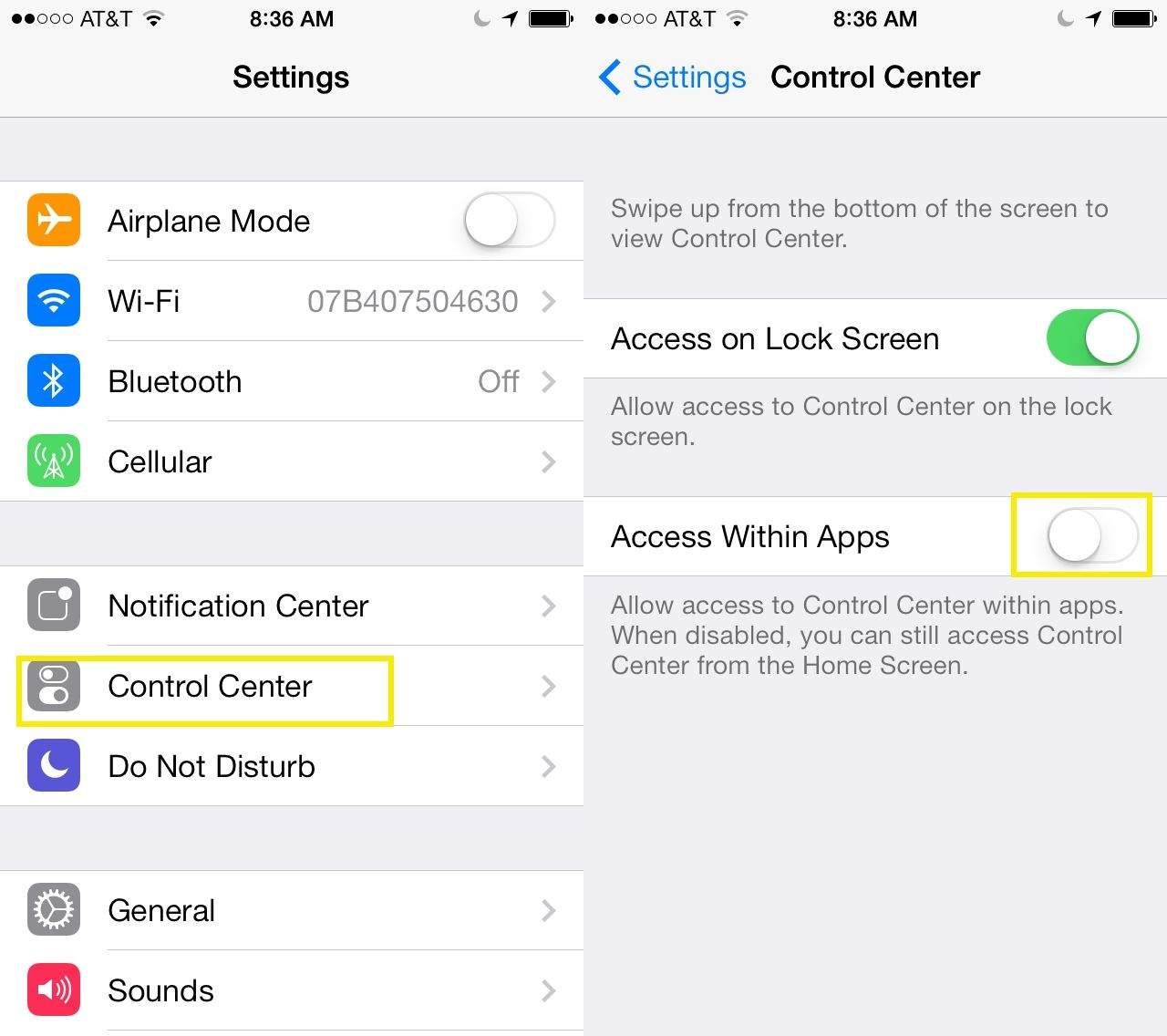
It’s fantastic to be able to swipe up from the bottom of the screen in any app or the home screen to turn Wi-Fi on or off, enable or disable Bluetooth, and the like. Control Center in iOS 7 has really solved some of my biggest issues with iOS in general.
However, there are times when I’m playing a game or using a certain app that I don’t really want the Control Center to pop up when i use the bottom of the screen.
iOS users that long for something other than Safari will be delighted to know that Google has released a free update for Chrome for iOS.
The new updated includes an Autofill feature that lets users complete forms with just a few clicks, similar to the autofill feature Apple introduced in iOS 7 with iCloud Keychain. Along with some stability enhancements and bug fixes, Google has also improved image searches by adding the ability to long press on an image to search for related images.
I mentioned high-concept games with evocative titles earlier this week when I reviewed Tilt to Live 2, and here’s another one.
Don’t Shoot Yourself! by Ayopa Games Category: iOS Games Works With: iPhone, iPad Price: $0.99
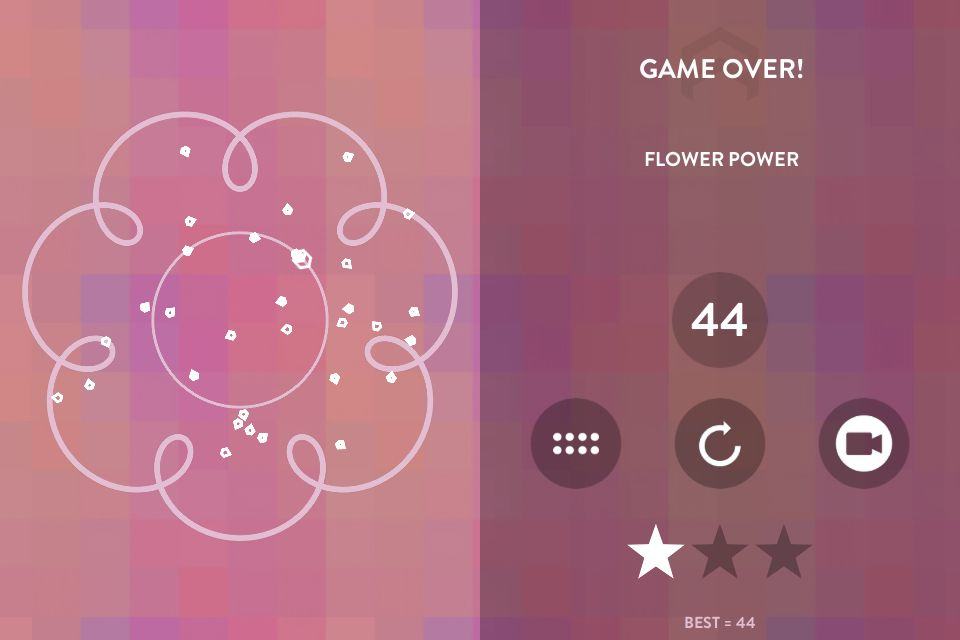
Don’t Shoot Yourself! is a quick, often frustrating little game in which the name says it all. You control a little ship (I guess) trapped inside of a series of shapes. Your main goal is to keep moving for until a number on the right side of the screen counts down to zero, and all the while your little guy is firing bullets all hither and thither. Your secondary goal is not to fly into any of those bullets.
If it sounds daunting, that’s because it is. But it’s still a game worth trying if only to see if you’re up to the challenge.
Just because you’re paranoid doesn’t mean they aren’t out to get you. But short of installing an air-gap, what can you really do to improve security on your iDevices?
The good news is that your iPhone is probably the safest phone you can use, but you would be correct not to trust any U.S-based company with your data, even Apple (which makes its money selling you shiny toys and may therefore be less interested in selling your data).
But if you want to move as much of your data as possible away from iCloud, here are some service and products to help you. You won’t find them as convenient as Apple’s built-in services, but they might keep your data a little safer.
Thanks to Apple’s tireless vetting of App Store apps, it’s tricky for an app to flat-out snoop on you. Then again, the behavior of some apps could be thought of as snooping if you squint and look at them the wrong way.
Foursquare is all about location, but that’s because it knows exactly where you are. And Facebook is… Well, Facebook likes to know things about you.
But you can keep earning Mayorships and tweeting your pictures without telling everyone where you live, or letting them post your location to Facebook. Just follow our handy guide to the privacy settings of various famous apps.
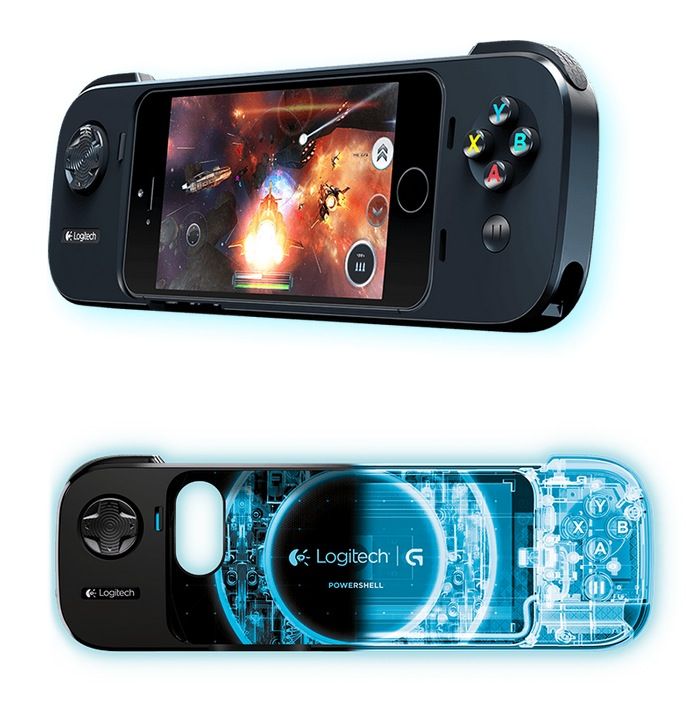
Following yesterday’s somewhat underwhelming release of the Ace Power, the first iOS 7 compatible controller, accessory guru Logitech has gotten into the action, unveiling the Powershell game controller for iPhone 5, 5s, 5c and fifth-gen iPod touch.
The safest way to use your iPhone is to switch it off, open it up and remove the battery. But this is clearly impractical if you want to do anything more than pretend you have an Android phone.
Some guides have shown us how to increase our security by switching off all manner of services, from iCloud to geotagging for our photos. But if you do that, why buy an iPhone in the first place? And even if you only want to make calls, no amount of on-phone hackery will help you if the folks from The Wire are on your tail.
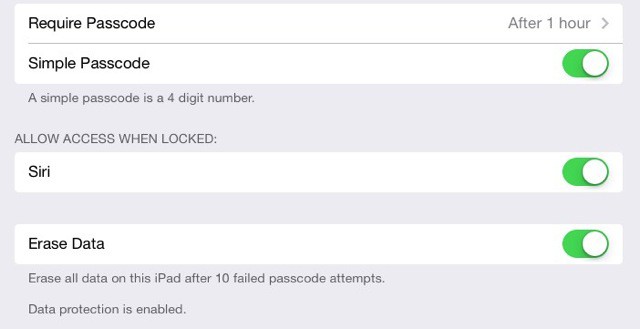
That’s not to say you shouldn’t be aware of what your iPhone is up to, and with this in mind we bring you a guide to the hidden and not-so-hidden settings you’ll need in iOS 7.
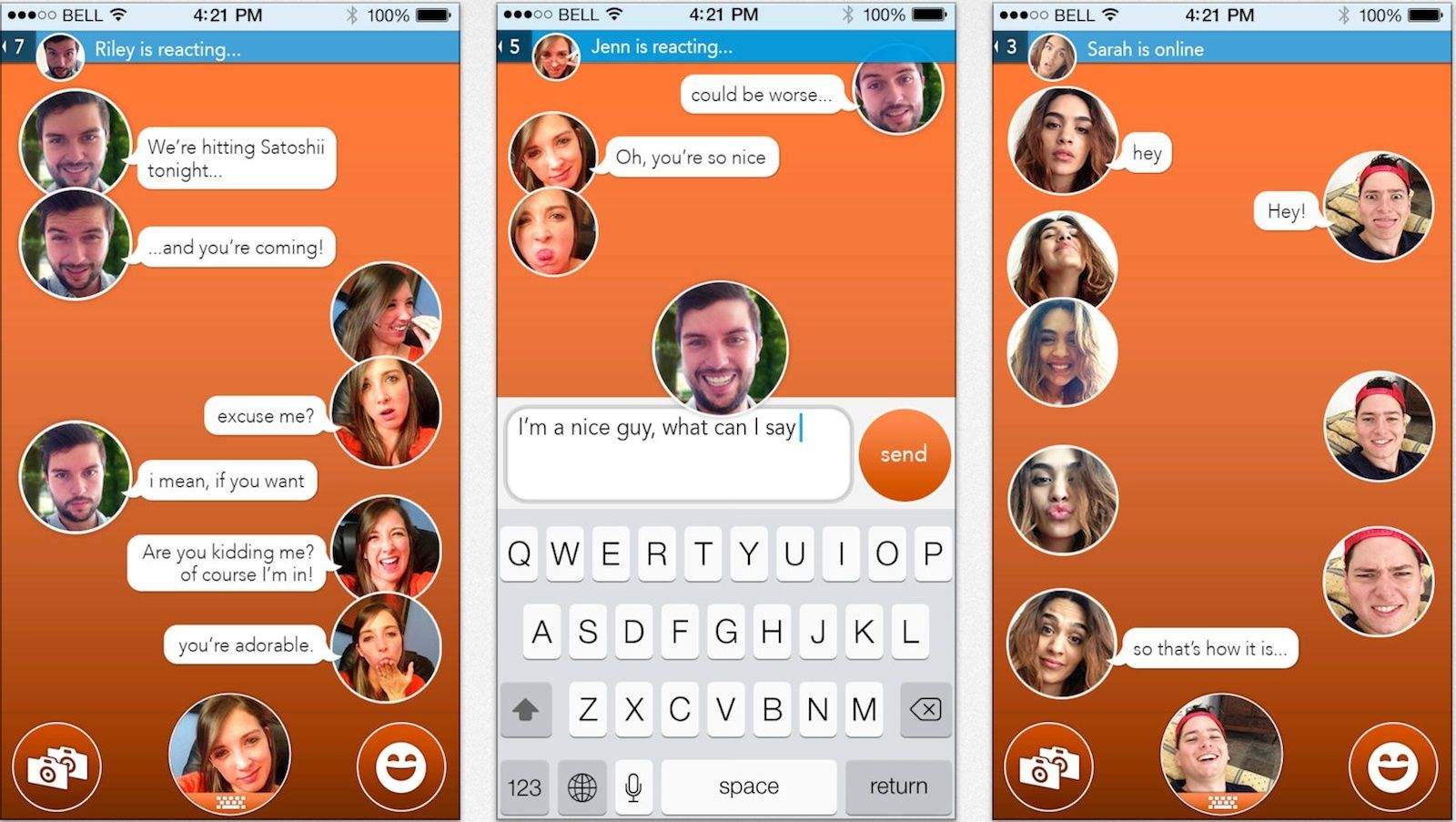
Sarcasm doesn’t travel well over text message — and I can say that through bitter experience. I’ve probably come close to being slapped, dumped, kicked in the crotch, fired, and/or run over by a riding mower because of some sarcastic text I’ve sent that was misconstrued as mean when it was supposed to be hilarious.
Or so I’ve imagined; I have no real gauge, because in each instance I couldn’t actually see the reaction on the face of the recipient. At least one of the developers behind React Messenger must have faced the same problem, because they’ve come up with a solution that snaps and sends a quick, expressive selfie along with each text.
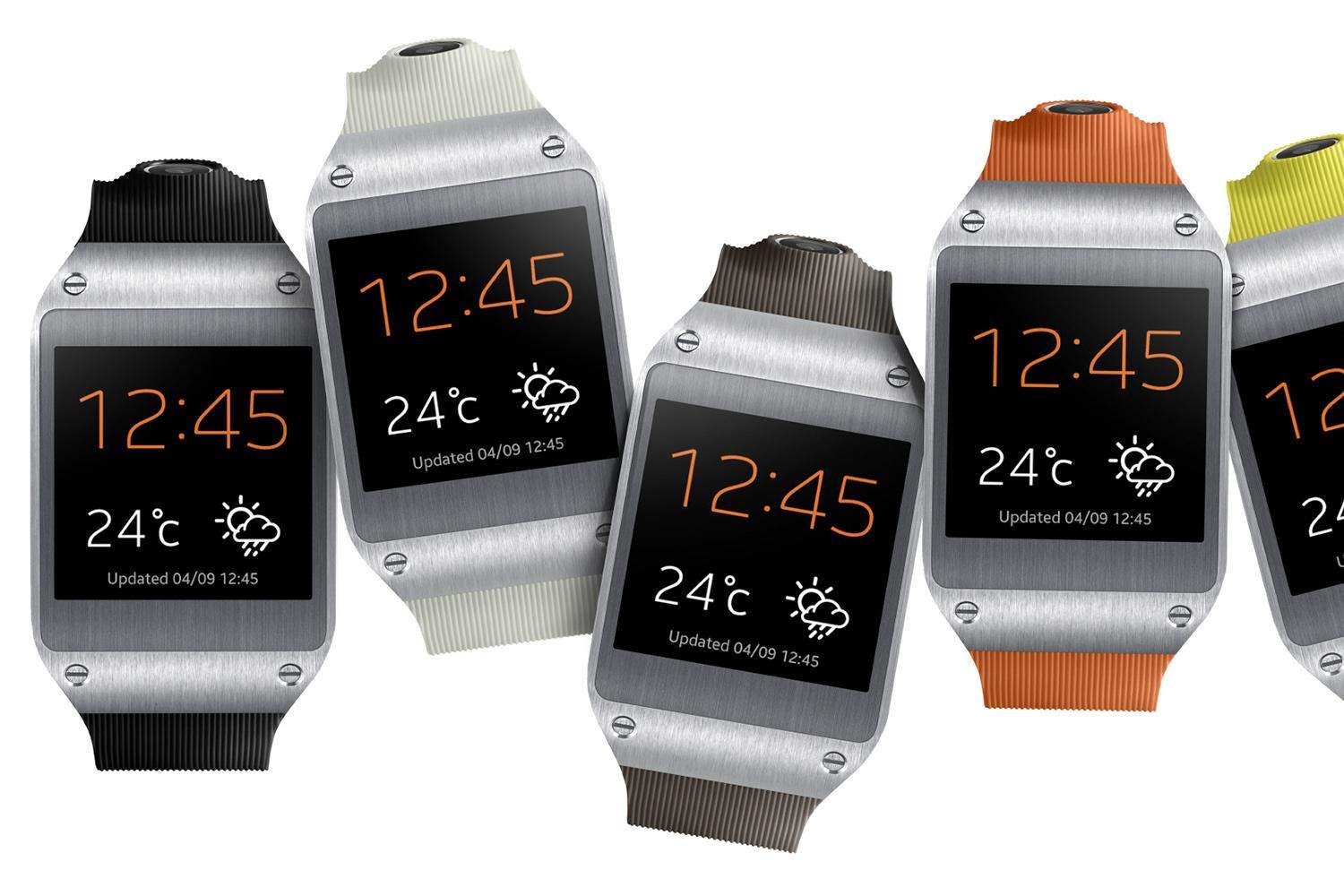
The Samsung Galaxy Gear, an Android-powered smartwatch that Samsung has been calling “the next big thing” in commercials, is officially a dud. Why? After BusinessKorea reported that Samsung has sold less than 50,000 units to date, Samsung quickly tried to spin the bad news by saying that it had in fact sold 800,000 units, making it the “most sold wearable watch available in the market place.”
Right. The only problem is that Samsung later confirmed that the 800,000 number was actually for units shipped, not sold, which is a big difference.